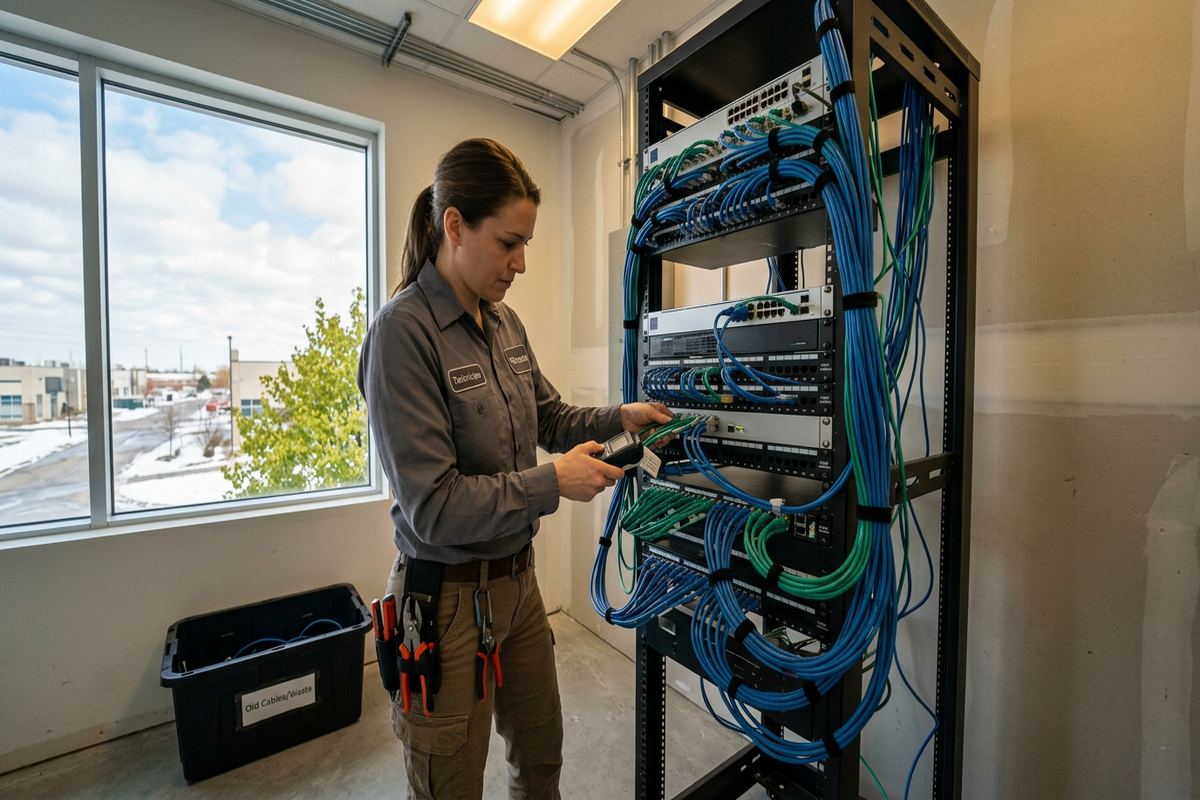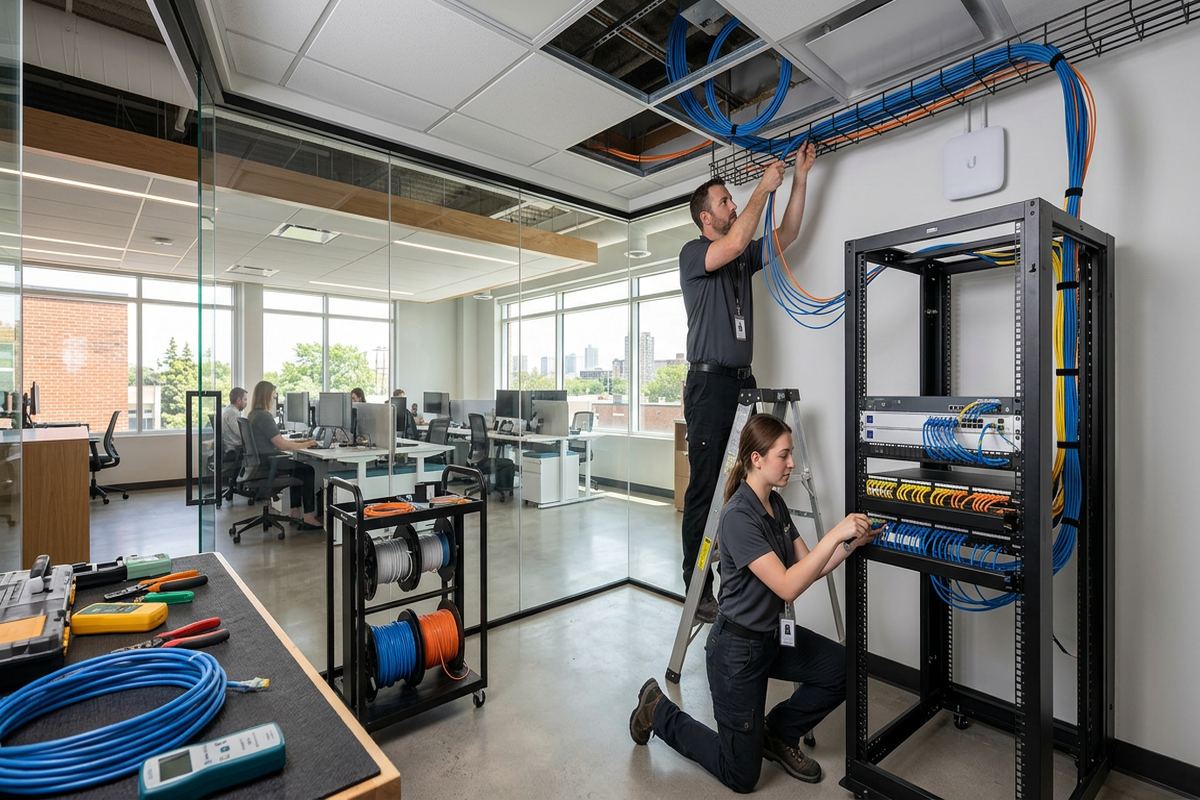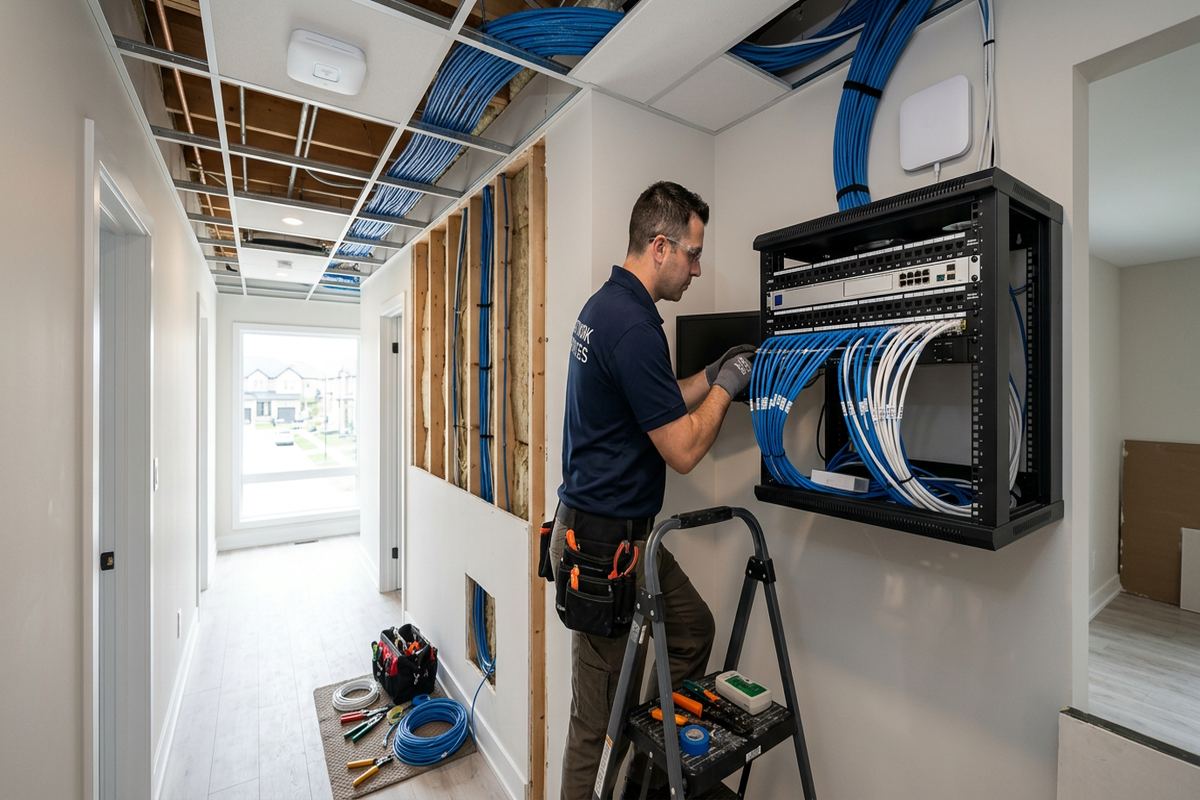
UnifiedLink installs home networks in Cornwall, Ontario, for reliable wired connections and consistent Wi-Fi coverage. We assess the property, plan cable routes and device locations, install and label cabling, configure network equipment on site, and provide clear handover records. Solutions are adapted to older homes, riverfront properties, condos, commercial spaces and mixed construction.
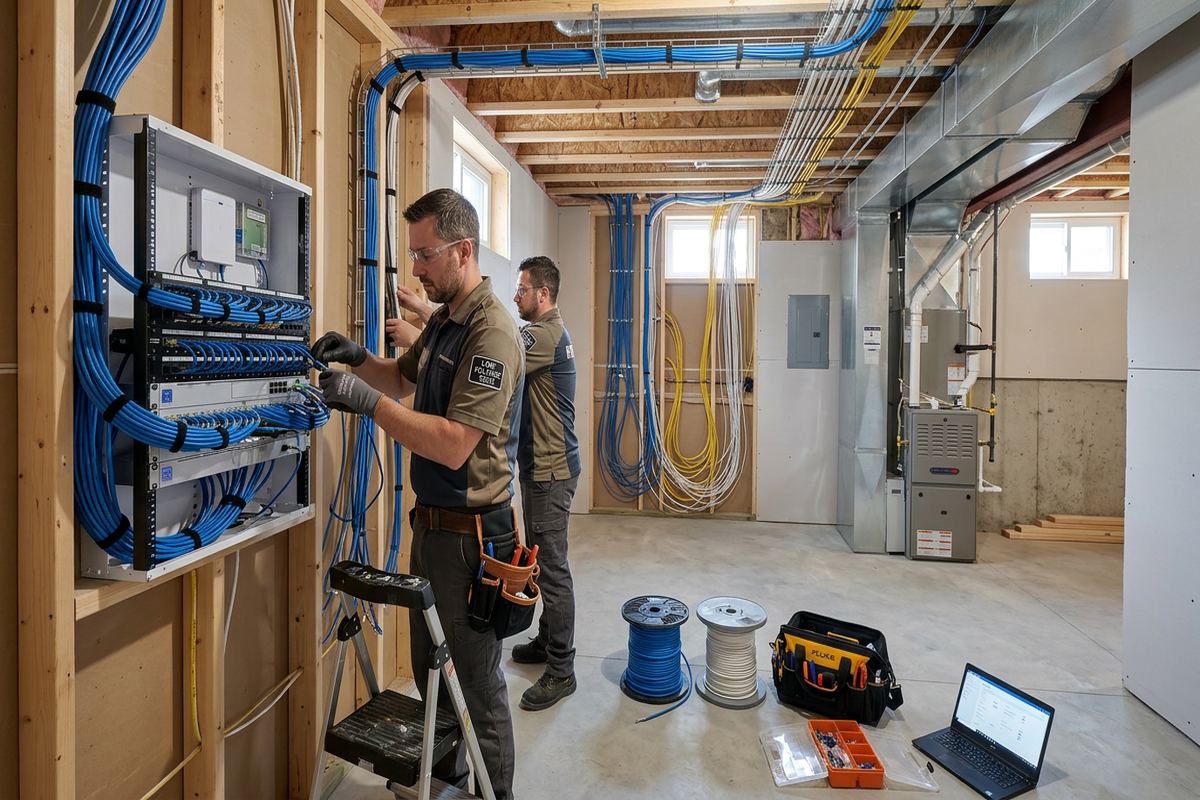
Home Network Installation for Cornwall Properties
A dependable home network begins with the building, not a box selected from a shelf. UnifiedLink assesses the Cornwall property, internet entry point, room layout, construction materials and connected equipment before recommending cable routes or access-point locations. This matters in older housing stock, where additions, finished basements, plaster, masonry and concealed renovations can interfere with Wi-Fi or limit practical pathways. Riverfront homes may also have detached garages, patios, workshops or long floor plans requiring more deliberate coverage. The assessment establishes what can be wired cleanly, where wireless service is needed and which installation constraints must appear in the written scope.
Wireless coverage and internet speed are related, but they are not the same issue. The provider delivers a connection to the premises; the internal network distributes that connection among phones, televisions, computers, cameras, smart devices and work equipment. A fast plan cannot correct weak signal through dense walls, overloaded wireless channels or an access point hidden beside mechanical equipment. Cornwall installations are therefore planned around actual device locations and expected use. Where practical, fixed equipment receives Ethernet, while properly placed access points handle mobile devices. This division reduces unnecessary wireless traffic and makes performance easier to test, document and troubleshoot later.
Every proposal follows a site assessment rather than assumptions about square footage alone. The written scope identifies equipment, cable routes, device placement, exclusions, equipment ownership and warranty details. It can cover new Ethernet outlets, rack or cabinet placement, router installation, managed switching, access points and connections for cameras, televisions or office equipment. Continuous labelled cable runs are used so each endpoint can be traced at the network location. UnifiedLink remains one accountable contractor for installation, configuration and handover, avoiding uncertainty between separate cable installers and equipment suppliers when a connection does not operate as intended.
- On-site review of layout and construction
- Planned Ethernet and access-point locations
- Continuous labelled cable runs
- Written equipment and installation scope
- One contractor for cabling and configuration
Planning Wi-Fi Coverage in Cornwall Homes
Coverage planning considers where people use the network, not simply where the modem was installed. In a Riverdale house, the internet entry may sit at one end of the basement while bedrooms and an addition are several walls away. In Le Village, closely spaced homes and nearby networks can create congested wireless conditions. A site assessment identifies these limitations and determines whether one centrally located access point, several wired access points or additional Ethernet outlets are appropriate. The design also accounts for televisions, gaming systems, workstations, printers and smart-home hubs that benefit from stable wired connections instead of competing for wireless airtime.
Access points work most predictably when they have wired connections back to the router or network switch. Wireless extenders can be useful in limited situations, but each relay depends on the quality of the signal it receives and may add another variable. For Cornwall homes with multiple floors, masonry sections or finished additions, a wired access-point layout usually offers clearer control over coverage. Placement avoids obvious obstructions such as metal ductwork, electrical panels and dense utility rooms. Device appearance is also considered, including ceiling, wall or shelf mounting, provided the chosen position supports suitable cable access and useful signal distribution.
Network planning should include exterior areas only when there is a defined need. A riverfront deck, detached garage, pool area or backyard workspace may require outdoor coverage, but an indoor access point beside a window is not automatically sufficient. Exterior-rated equipment, suitable cable and properly sealed penetrations are selected where exposure is expected. Cornwall winters, wind-driven moisture and repeated freeze-thaw cycles can stress poorly sealed openings and loose surface routes. Mounting locations should allow drainage, reduce direct exposure and remain accessible for service. The scope distinguishes weather-resistant installation from equipment intended only for protected indoor conditions.
- Coverage planned around occupied rooms
- Wired backhaul for access points
- Reduced reliance on wireless extenders
- Options for garages and outdoor areas
- Placement clear of major obstructions
Cabling Older and Renovated Buildings
Older Cornwall houses often require more route investigation than newer open-frame construction. Plaster walls, masonry partitions, blocked stud spaces and multiple renovation layers can make a direct cable path impractical. Rather than promising invisible routing everywhere, the assessment identifies usable basement, attic, closet and service-chase pathways. Small, controlled openings may be required, while surface raceway can provide a neat alternative where walls cannot be fished safely. The written scope records visible routing and restoration exclusions before work begins. This approach protects expectations and prevents a technically successful network from leaving an appearance the owner did not approve.
Frame construction usually provides more opportunities for concealed cable, although insulation, fire blocking and finished ceilings still affect the route. Masonry construction may call for surface-mounted raceway, carefully drilled penetrations or routing through adjacent framed sections. Cornwall Centre properties can combine older residential structures with converted offices or storefront areas, so pathways may cross materials from different construction periods. Cable support, bend radius and separation from electrical wiring remain important regardless of building age. Each run is installed continuously from the network point to its outlet or device location, then labelled at both ends for identification and future changes.
Renovation timing can reduce disruption when network requirements are discussed before walls and ceilings close. Homeowners adding an office, finishing a basement or replacing interior finishes can include Ethernet, access-point cabling and spare pathways in the construction plan. UnifiedLink coordinates the low-voltage scope with the available route but does not assume another trade will provide suitable cabling. For occupied homes, furniture, stored belongings and restricted work areas should be identified during assessment. Any landlord, condominium or property-management approval needed for drilling, common-area access or exterior mounting must be obtained before the affected work proceeds.
- Routes assessed before drilling begins
- Options for plaster and masonry walls
- Surface raceway where concealment is impractical
- Labels at both cable ends
- Coordination with active renovations
Cornwall, Ontario
Home network installation in Cornwall, scoped in writing first
Book a site assessment and get equipment, routes, exclusions, and warranty on paper before anything is installed.
Cornwall Ethernet and Network Equipment Installation
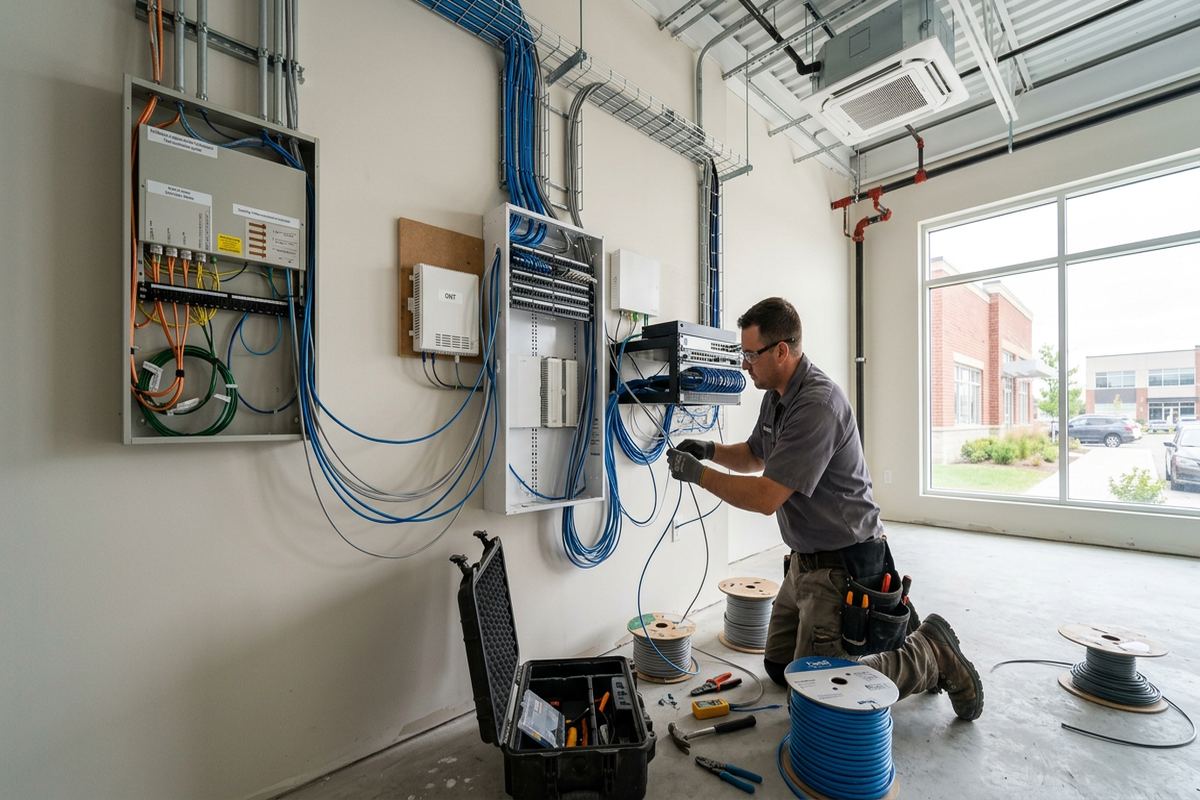
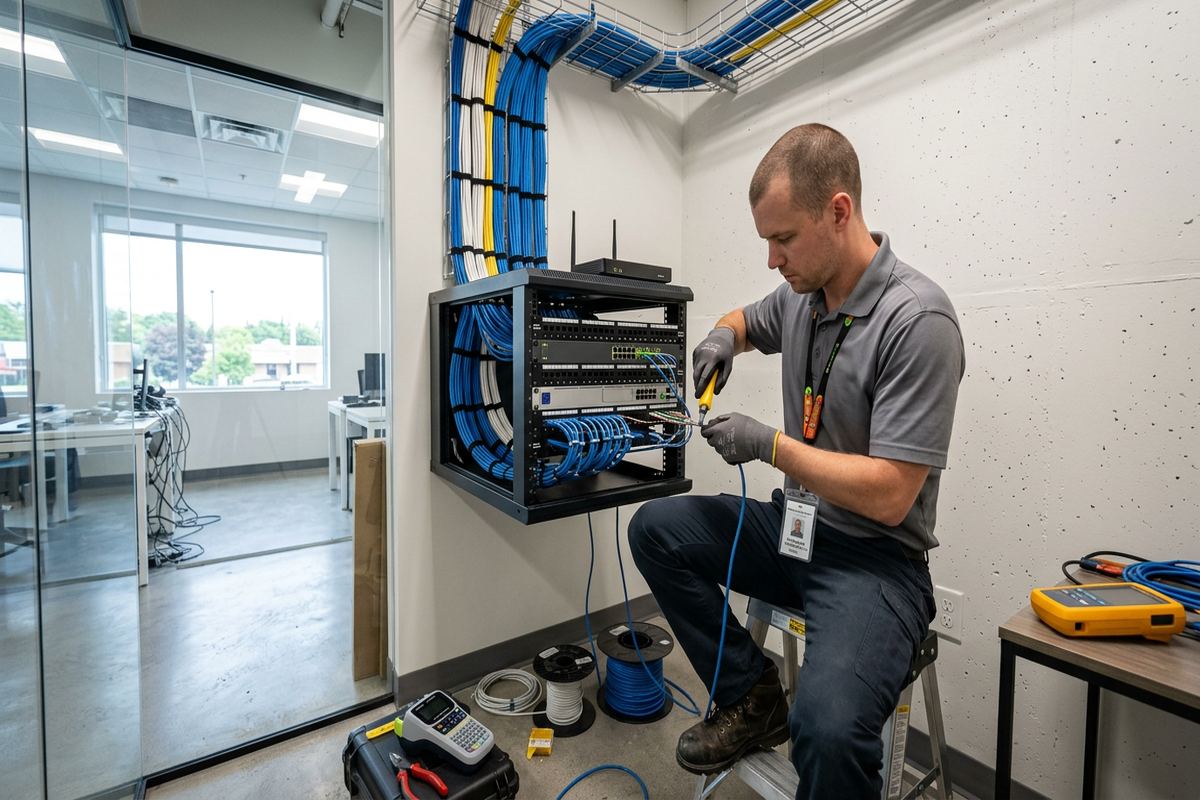
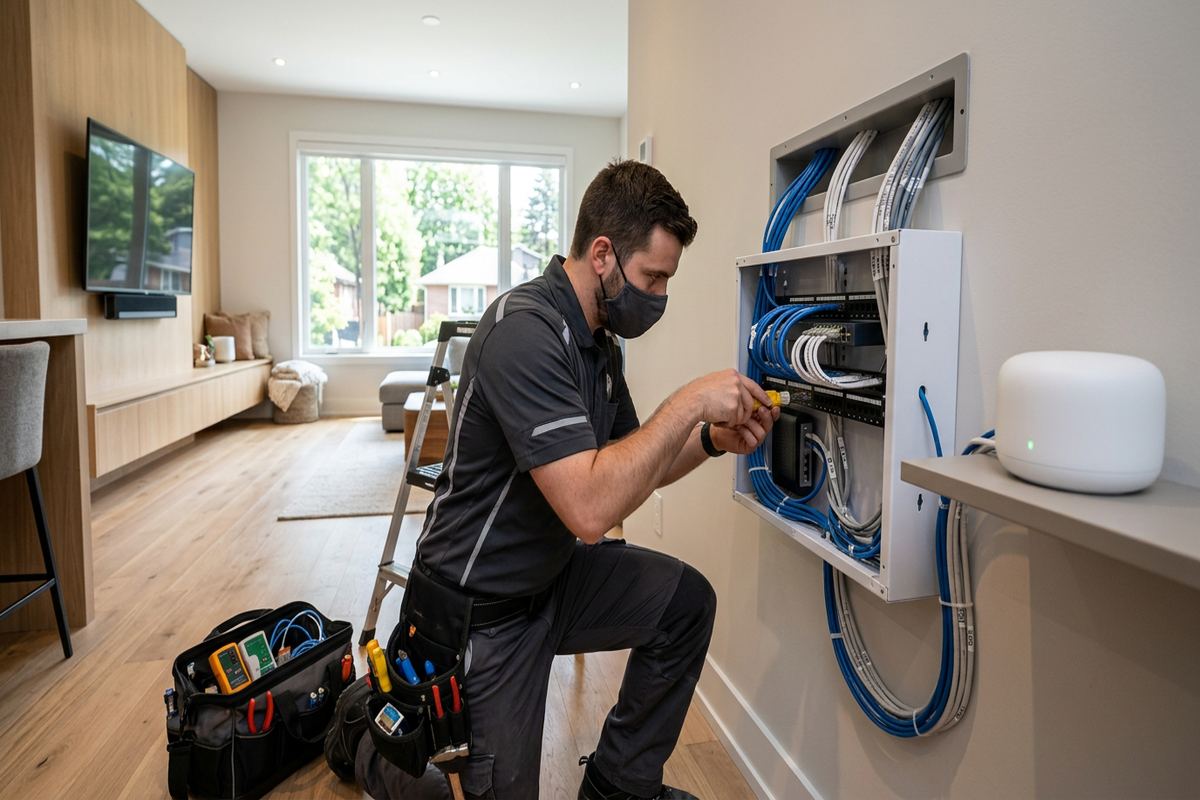
Structured Ethernet cabling gives fixed devices a dedicated physical connection and creates reliable wired links for access points. Typical endpoints include home offices, televisions, desktop computers, printers, camera recorders, gaming equipment and smart-home controllers. The appropriate cable category, termination method and pathway depend on run conditions and expected equipment, rather than a blanket recommendation for every room. At the central location, runs can terminate in a patch panel, compact cabinet or suitable wall-mounted arrangement. Patch leads then connect selected outlets to the switch, allowing changes without disturbing permanent cabling or relying on unidentified wires.
Router, switch and access-point selection should reflect the number of wired ports, internet service, coverage plan and management preferences. Some households prefer provider equipment, while others need separate routing and wireless components for greater placement flexibility. UnifiedLink can install owner-supplied equipment when it is compatible with the agreed design, or specify equipment within the written scope. Equipment ownership is recorded so responsibility remains clear. Power availability, ventilation, mounting space and access for future service are reviewed, especially when the proposed network point is inside a closet, basement utility area or compact communications cabinet.
Installation includes on-site configuration of the agreed network components. Work may include router connection, switch setup, access-point adoption, wireless network names, security settings, guest access and basic separation of device groups when supported by the selected equipment. Configuration is completed using the customer’s own administrator credentials at handover, rather than leaving the system tied to an installer-controlled account. Existing devices can be reconnected within the documented scope. Settings involving a third-party internet provider, subscription platform or unsupported device may require customer authorization or assistance from that provider, and such dependencies are identified where known.
- Ethernet outlets for fixed equipment
- Organized patch-panel terminations
- Router and switch installation
- Access-point adoption and configuration
- Customer-controlled administrator account
Network Installation for Home Offices and Mixed Use
Working from home places different demands on a network than general browsing. Video meetings, large file transfers, remote desktops and internet-based phone systems benefit from stable connections with low local interference. A Cornwall home office can receive a dedicated Ethernet outlet, while a nearby access point supports laptops and mobile devices. The design considers where the desk will remain, whether a docking station is used and whether business equipment must be kept separate from household devices. UnifiedLink installs the physical network and supported configuration, but application performance still depends on the internet service and external platforms.
Some Cornwall properties combine residential space with a studio, clinic, workshop or small office. These sites may need separate wireless names, controlled guest access or logical network separation supported by suitable equipment. The assessment documents who uses each area, which devices require local communication and whether shared printers, storage or cameras must remain reachable. This avoids applying separation that blocks necessary functions. In commercial strips and converted premises, cable routes may also pass through drop ceilings, service rooms or landlord-controlled areas. Approval requirements, access times and responsibility for base-building penetrations should be settled before installation.
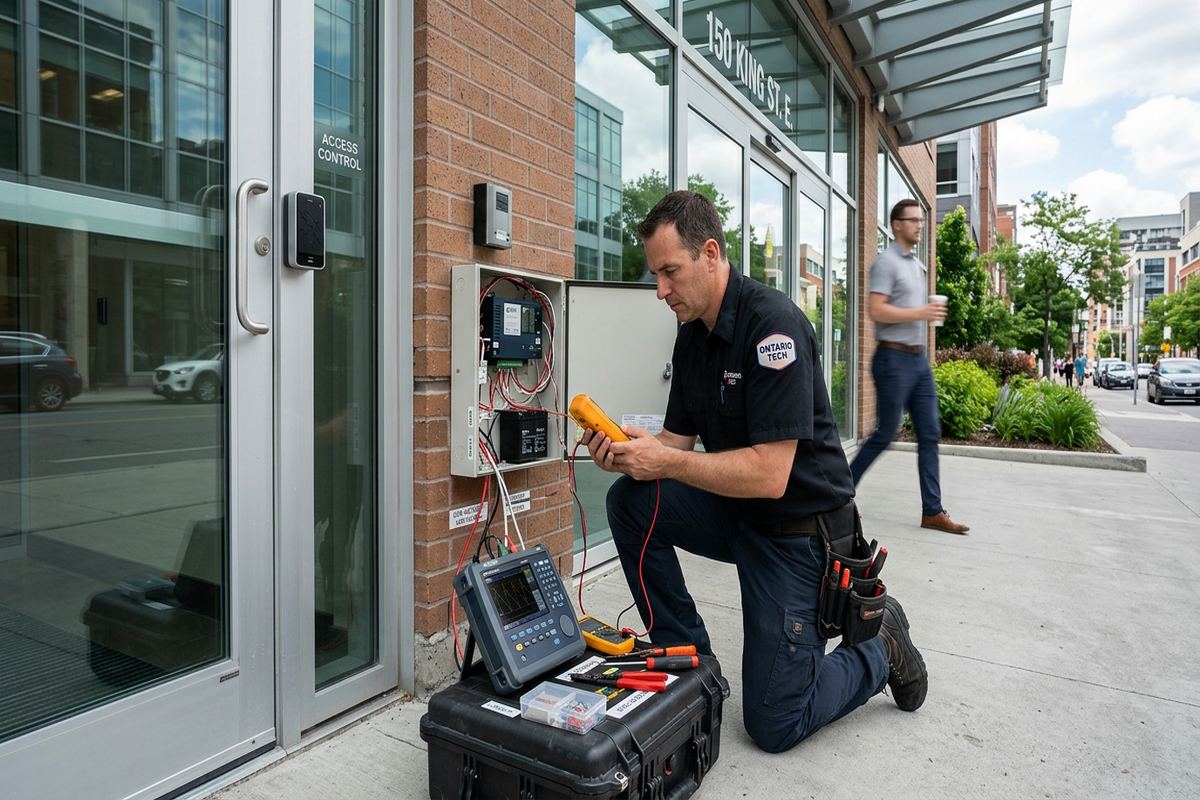
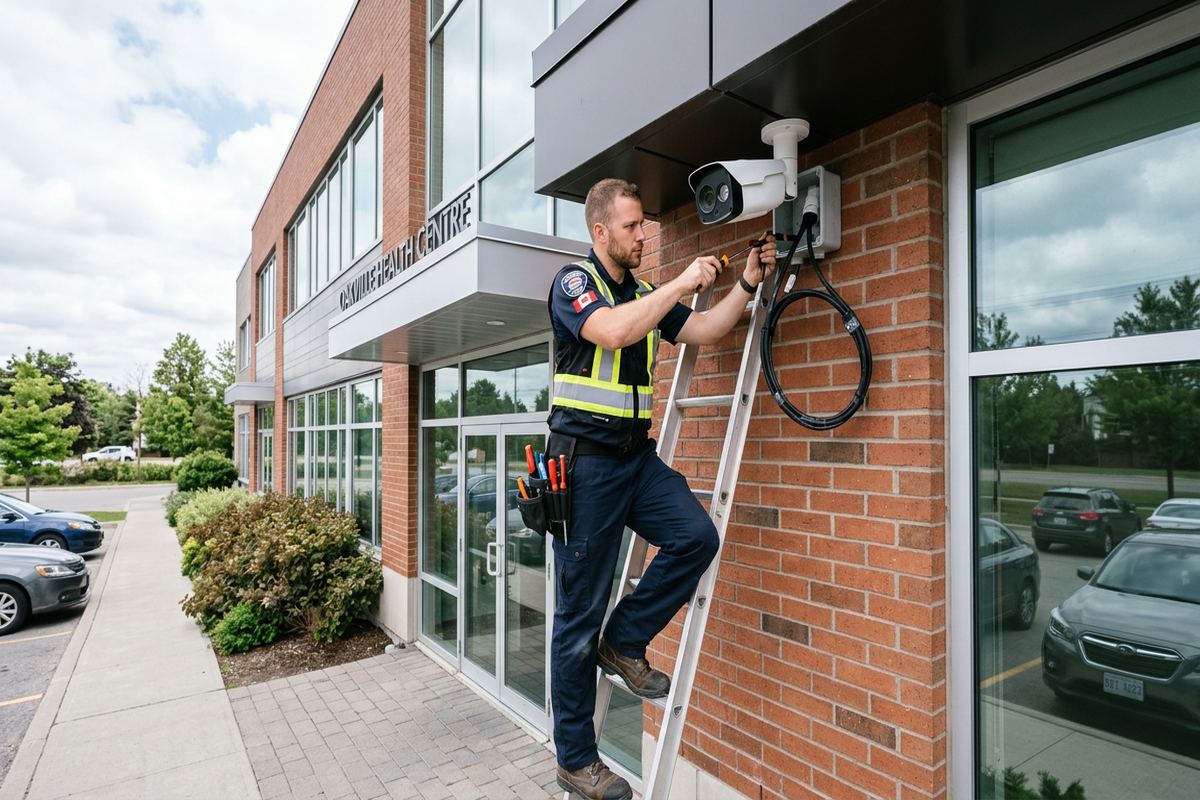
A home network can also support security cameras, access control interfaces, audio systems and connected displays, but those systems should not be added without considering port capacity, power and traffic. Power over Ethernet may simplify certain device connections when both the switch and endpoint support the required standard. The plan accounts for available switch capacity and practical expansion rather than filling every port immediately. For mixed-use properties near the Business Park or in industrial units, equipment may need a protected network location away from dust, heat, impact and unauthorized access. Environmental suitability remains separate from basic network connectivity.
- Dedicated connections for home offices
- Guest and private wireless options
- Network separation where equipment supports it
- Planning for Power over Ethernet
- Protected equipment locations in work areas
Exterior Links and Cornwall Winter Conditions
Connecting a detached garage, gate, workshop or outbuilding requires more than extending an indoor cable outdoors. Route length, grounding considerations, electrical separation, exposure and differences in building potential all affect the suitable method. Depending on the site, the design may use fibre, an outdoor-rated data route or a properly positioned wireless bridge. The choice follows an assessment of the buildings and available pathways. For properties around Guindon Park or along exposed riverfront areas, trees, seasonal foliage, wind and open distances can influence wireless links. Clear mounting positions and service access are considered before equipment is selected.
Any exterior penetration must be placed and sealed to resist water entry. Cornwall’s freeze-thaw conditions can enlarge weak gaps, loosen unsuitable sealants and allow moisture to follow a cable toward the interior. Cable routes should use exterior-rated materials where exposed, include appropriate drip arrangements and avoid locations vulnerable to snow clearing or routine impact. Fasteners and mounting surfaces must suit masonry, siding, wood or other finishes. Where a route crosses a roof, foundation or shared exterior, additional approval or a specialized trade may be required. These limits are identified in the written scope rather than discovered after drilling begins.
Outdoor Wi-Fi is planned as a defined coverage area, not an assumption that indoor signal will reach every corner of a property. The intended use may be a deck, driveway, dock approach or detached workspace, each with different obstructions and mounting choices. Seasonal use should still be designed for the equipment’s environmental rating because installed devices remain exposed throughout winter. Electrical supply, surge exposure and safe mounting height also require attention. Testing confirms connectivity at agreed locations under current conditions, but foliage, parked vehicles, neighbouring networks and later construction can alter wireless performance and may require adjustment.
- Assessment of detached-building connections
- Exterior-rated cable and equipment
- Sealed wall penetrations
- Mounting suited to surface materials
- Testing at agreed outdoor locations
Testing, Documentation and Network Handover
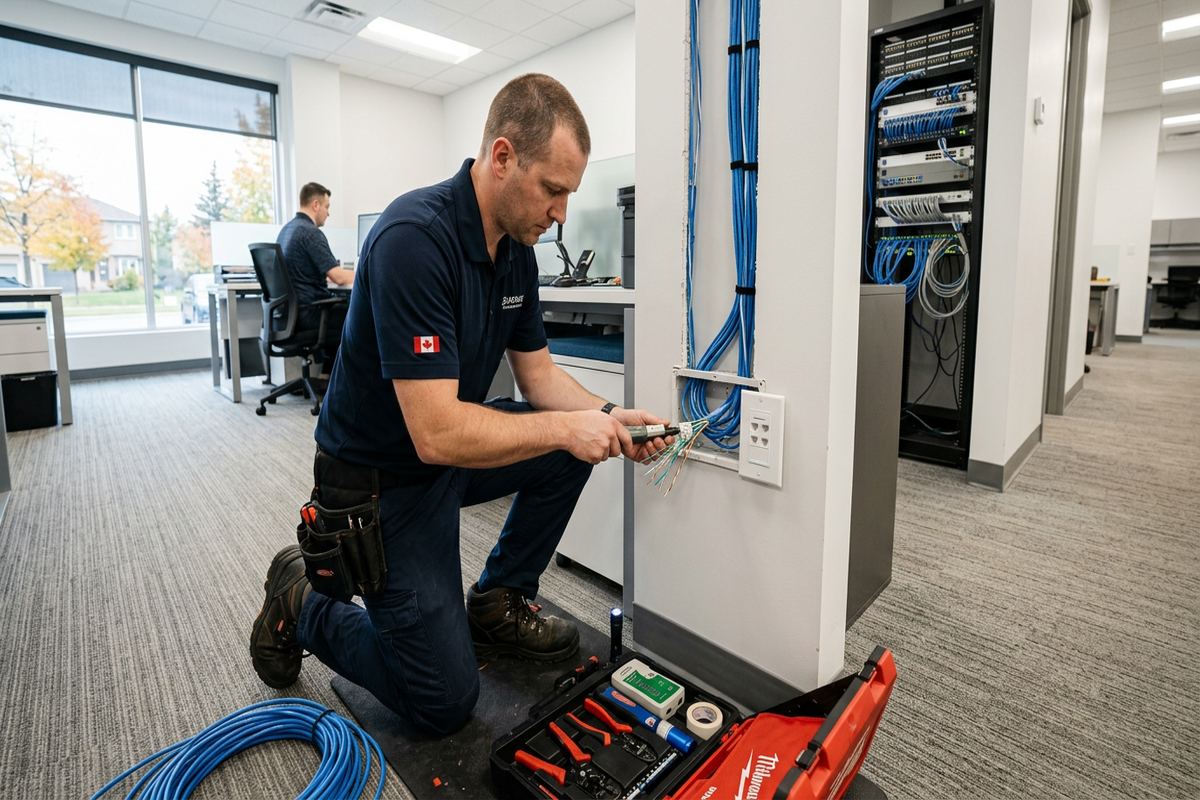
A completed installation is checked from the permanent cabling through to the configured network equipment. Cable runs are tested for correct termination and identification, while wired outlets are matched to their labels at the central location. Access points are confirmed online and broadcasting the agreed networks. Practical connectivity checks are performed at documented areas, recognizing that an internet speed test includes factors beyond the internal installation. If an outlet is reserved for later use, its label and termination status are recorded. This process gives the owner a usable reference instead of a collection of cables with uncertain destinations.
Handover includes the customer’s own credentials and an as-built record of the completed network. The record identifies installed device locations, cable labels and material changes from the original scope. Relevant network names and management access details can be documented securely with the owner rather than retained as permanent installer credentials. Equipment manuals, warranty information and ownership details are provided as applicable to the supplied components. Customers are shown the basic arrangement, including which device is the router, where cables terminate and how to identify an affected connection before requesting support or making future additions.
Changes during installation are documented rather than left as informal site decisions. An unexpected obstruction may require a revised route, a device may move after furniture placement, or an existing cable may prove unsuitable for reuse. When such conditions affect scope, appearance or equipment, they are discussed before the related work proceeds. The final record reflects the route and placement actually installed. For Cornwall landlords, condo owners and mixed-use property managers, this documentation can also support future maintenance by identifying work completed inside a unit, in a service area or near a shared building element.
- Cable termination and identification checks
- Connectivity testing at agreed areas
- Customer-owned administrator credentials
- As-built cable and device record
- Documented changes from original scope
Arranging Home Network Installation in Cornwall
The process starts with a description of the property, current internet equipment and the problem to be solved. Useful details include the number of floors, construction type, renovation status, desired wired outlets, weak coverage areas and any detached buildings. Photographs or plans can help with initial discussion, but pricing follows a site assessment because route access and building materials cannot be confirmed remotely. Requests sent during business hours are answered the same day, while after-hours requests are answered the next business day. Site assessment timing depends on the service requirements and travel distance.
During the Cornwall site assessment, the installer reviews the provider entry point, possible network equipment locations, power, ventilation and cable routes. Desired access-point and outlet positions are compared with practical pathways and expected device use. If the property is rented, part of a condominium or subject to commercial lease conditions, the customer should identify approval requirements for drilling, exterior work and common-area access. Older homes may also reveal concealed materials or inaccessible sections that limit certainty before work begins. These conditions are recorded as assumptions, exclusions or alternatives within the written scope.
Following assessment, the written scope sets out equipment, routes, placements, exclusions, ownership and warranty information. Once approved, installation can include continuous labelled cable runs, device mounting, termination, on-site configuration, testing and handover. Customers should arrange access to work areas and provide current internet-provider details when existing equipment must be integrated. UnifiedLink remains the accountable contractor for the agreed networking work, so questions about cabling and configured equipment have one point of contact. The result is a network installation matched to the Cornwall property, documented for current use and prepared for understandable future changes.
- Same-day reply during business hours
- Site assessment before pricing
- Written scope before installation
- Clear access and approval requirements
- Installation, setup and handover by one contractor
Cornwall neighbourhoods we cover
- Le Village
- Riverdale
- Cornwall Centre
- Guindon Park area
- Business Park
Home network installation in Cornwall — common questions
Can you improve Wi-Fi in an older Cornwall home?
Yes. Older Cornwall homes may contain plaster, masonry, additions and blocked wall spaces that weaken wireless signals or complicate cabling. We assess the layout, internet entry point and practical pathways before recommending access points or Ethernet outlets. Concealed cabling may be possible in some areas; elsewhere, a neat surface raceway may be the more appropriate option. Pricing follows the site assessment.
Do I need Ethernet if I have Wi-Fi?
Ethernet is useful for fixed devices such as office computers, televisions, gaming equipment, camera recorders and wireless access points. Wiring these devices can reduce wireless demand and provide predictable connections. Most Cornwall installations still include Wi-Fi for phones and mobile equipment, but use wired links where practical. The right balance depends on the property layout, construction and devices being connected.
Can you provide Wi-Fi to a detached garage?
A detached garage can be connected, but the suitable method depends on distance, pathways, exposure and the electrical relationship between buildings. Options may include fibre, an outdoor-rated route or a wireless bridge. Cornwall winters and freeze-thaw cycles also affect cable selection, mounting and sealing. We review the site before specifying equipment or providing pricing for the connection.
Will you use my existing router?
Existing routers, switches or access points can be reused when they are compatible with the proposed Cornwall network and remain suitable for the required coverage and connections. We identify owner-supplied equipment in the written scope and explain any limitations found during assessment. On-site configuration is completed within the agreed work, with final administration access handed over using the customer’s own credentials.
Do I need landlord or condo approval?
Approval may be required if the Cornwall installation involves exterior mounting, drilling through shared elements, entering common service areas or altering a rented property. The owner, tenant or condominium unit holder is responsible for obtaining the necessary permission before affected work begins. We can provide a written scope showing proposed routes and device locations to support discussions with the landlord, board or property manager.
What documentation do I receive after installation?
You receive an as-built record identifying installed cable runs, labels and device locations, along with relevant equipment and warranty information. Network administration is handed over with your own credentials rather than an installer-controlled account. For Cornwall homes and mixed-use properties, this record makes future troubleshooting, renovations and network additions easier because permanent cabling and central terminations can be identified clearly.
Coverage in Cornwall is confirmed against the address before we quote. See everything we install in Cornwall or the province-wide home network installation page.