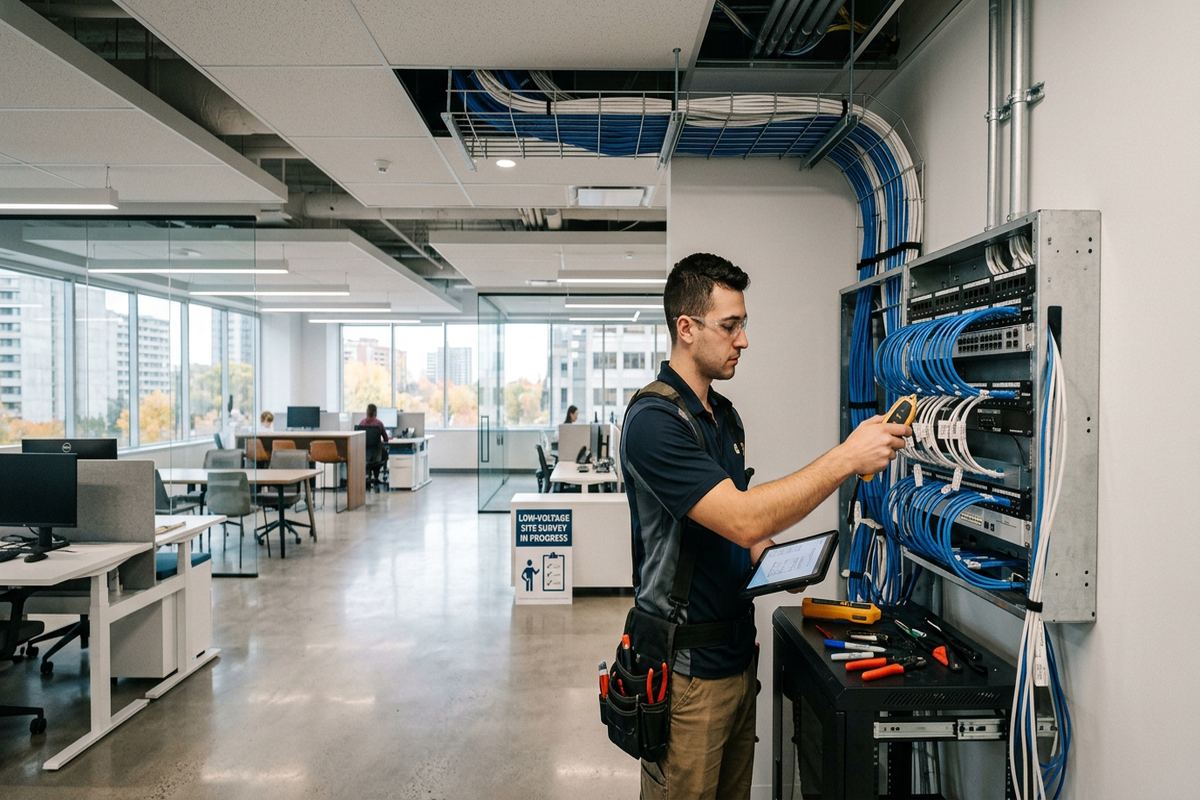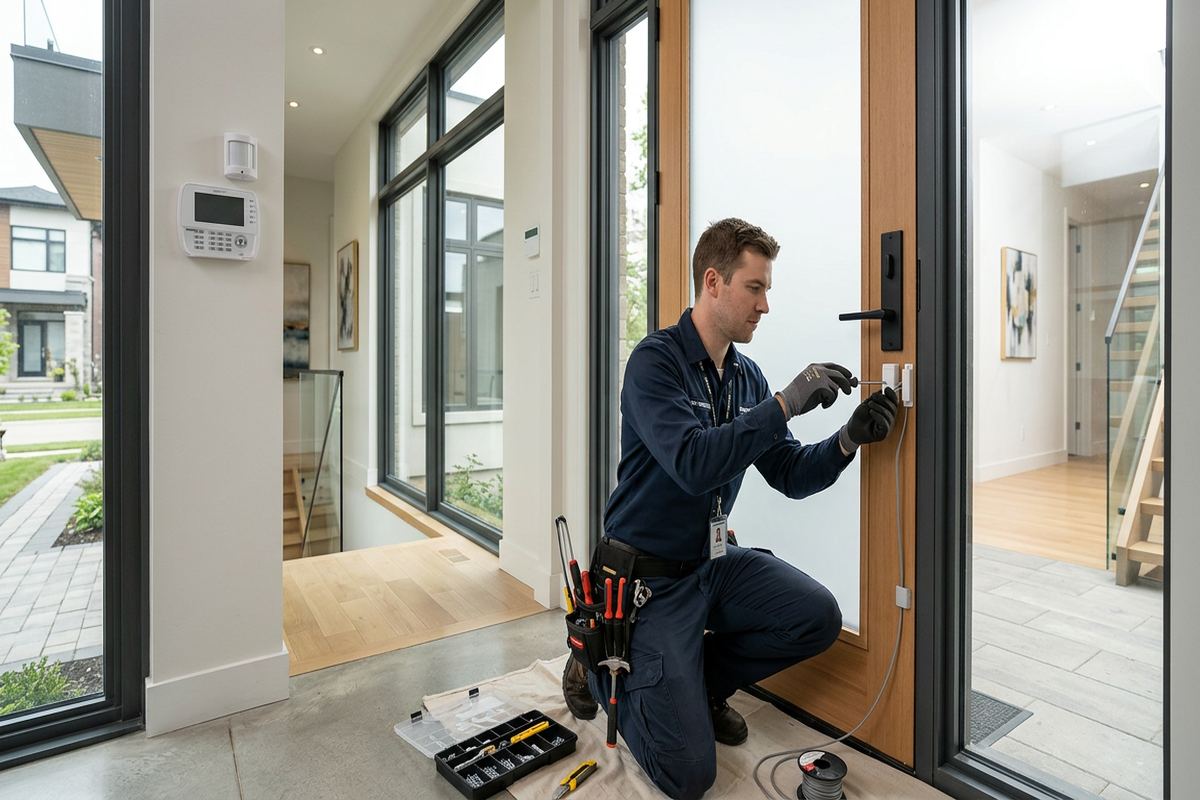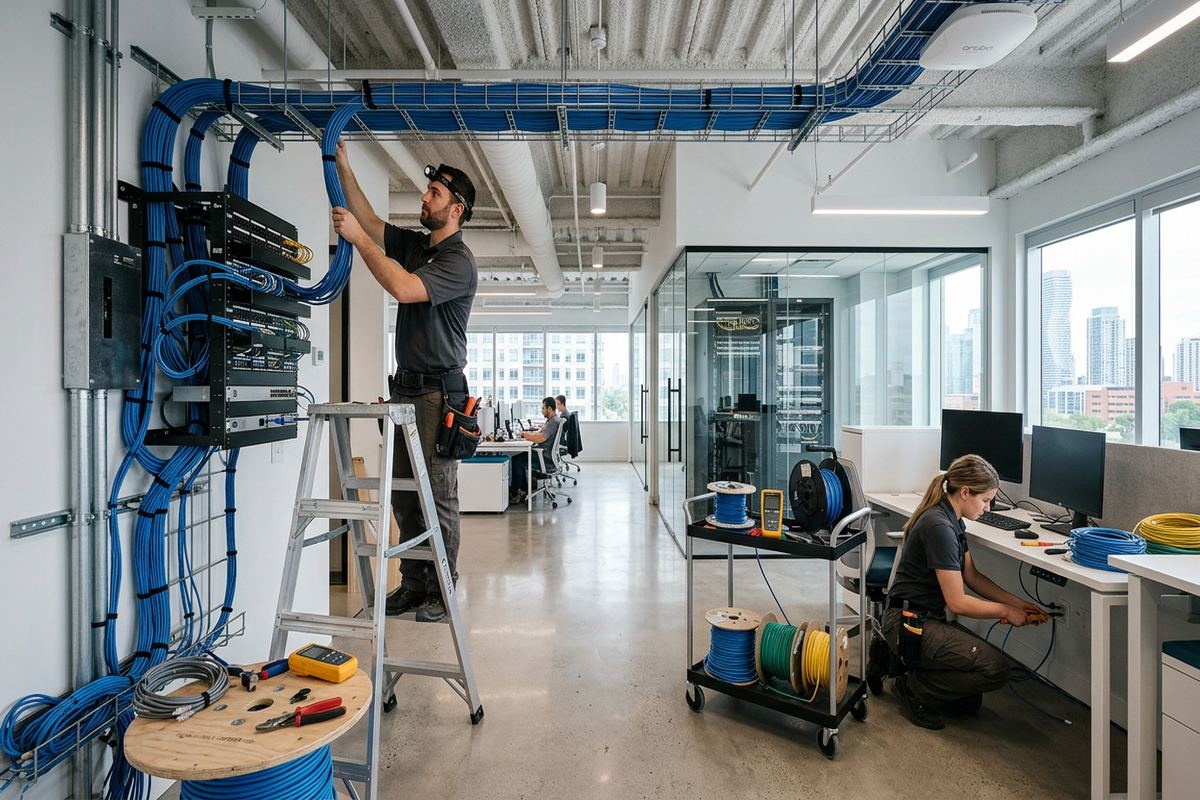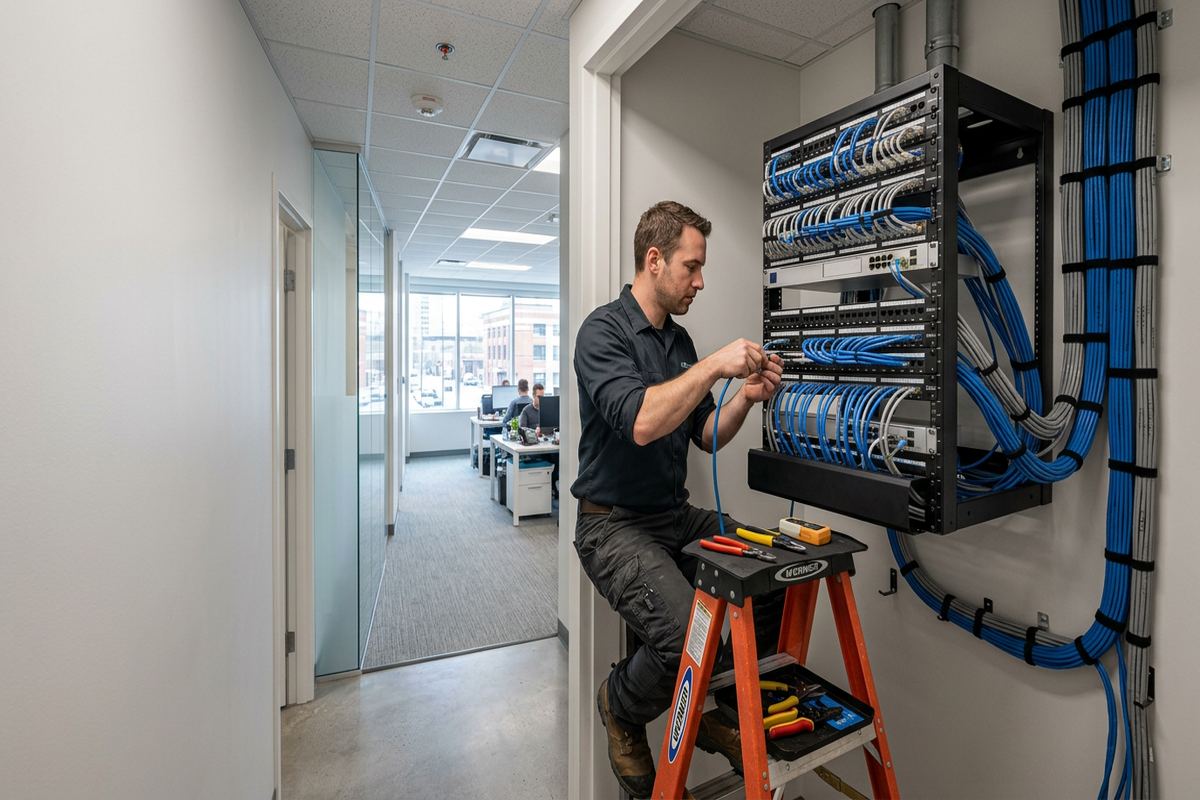
Almost every low-voltage complaint traces back to the network underneath it. UnifiedLink designs cabling, switching, and wifi coverage as one system so cameras, access control, audio, and displays all have something reliable to sit on.
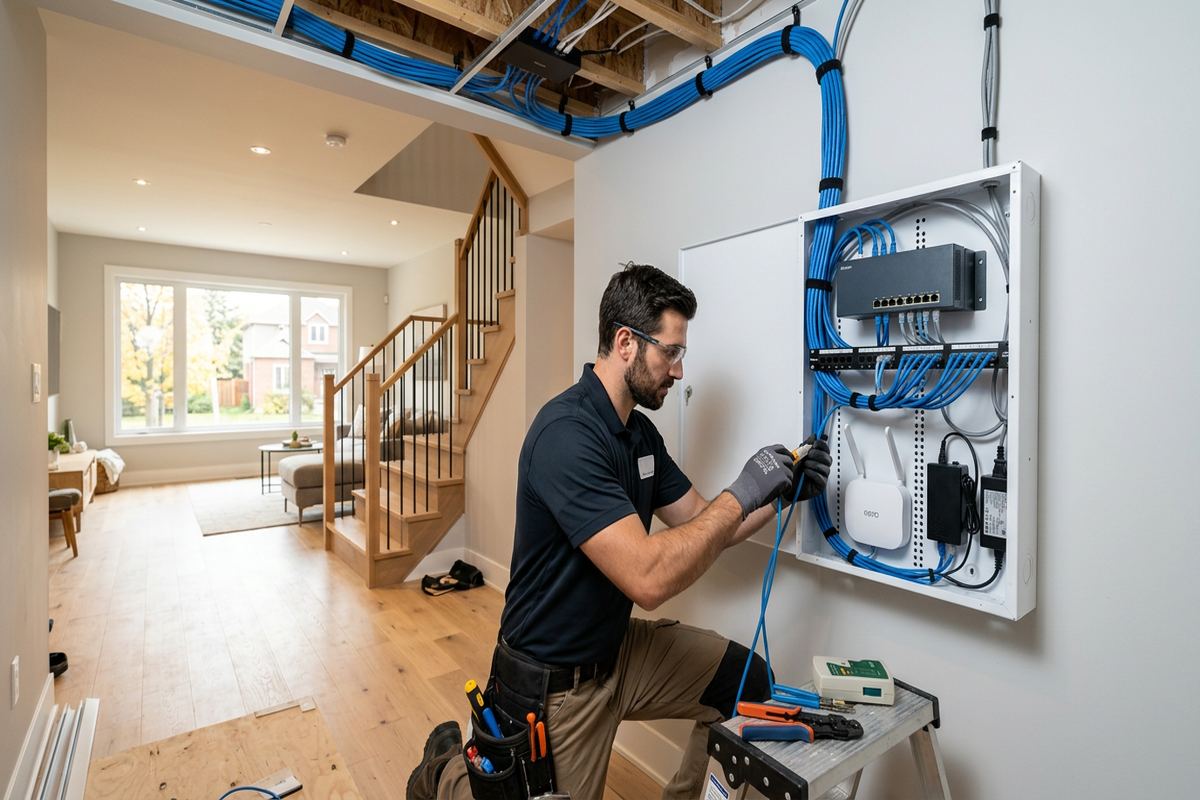
What this install involves
- A site assessment to confirm what the property can support and what it actually needs.
- A written scope covering equipment, cable routes, exclusions, and ownership.
- Installation with tidy, labelled cabling and proper terminations.
- Configuration, testing, and handover with documentation and your own credentials.
Suited to residential-and-commercial properties
Wifi coverage designed for the building, not the floor plan
A single access point in the middle of a property is the most common recommendation and the most common disappointment. Coverage depends on wall materials, floor construction, insulation, appliances, neighbouring networks, and how many devices connect at once. Plaster with wire lath, concrete, brick, and foil-backed insulation all attenuate signal in ways a floor plan does not show.
We survey rather than assume. That means checking real signal behaviour in the rooms that matter, counting the devices that will actually connect, and planning access point placement and cable drops around usage. Wired backhaul to each access point is non-negotiable — mesh over wireless links is a workaround for buildings where cable cannot be run, not a design goal.
Capacity is separate from coverage. A property can have full signal everywhere and still perform badly if dozens of devices share one radio, or if cameras, work traffic, and streaming compete without any separation. We segment where it helps, size the switch for present and future device counts, and leave spare ports because every property adds devices.
- Coverage planned around real wall and floor construction
- Wired backhaul to every access point wherever cable can be run
- Device count and capacity considered alongside signal strength
- Traffic separated so cameras and work do not compete with streaming
- Spare switch ports and pathway capacity left for future additions
What a Home network installation project looks like from start to finish
Every home network installation job we take on runs through the same sequence, because skipping a stage is how installs end up half-finished. It starts with a site assessment rather than a price over the phone. We look at the property, confirm construction type, check where cable can realistically be routed, look at where power is available, and confirm what the existing network and electrical service can support. A quote written without that visit is a guess, and guesses get corrected mid-install at the customer's expense.
After the assessment you receive a written scope. It lists the equipment by model, the mounting positions, the cable routes, the configuration work included, what is explicitly excluded, who owns the accounts at the end, and what the warranty covers. If something on that list is likely to change once walls are opened, we say so in the scope rather than discovering it on install day. Nothing gets ordered until you have read it and agreed to it.
Installation follows the scope. Cable is pulled in continuous runs, terminated to a single consistent standard across the property, and labelled at both ends. Devices are mounted level, sealed where they meet the building envelope, and positioned so a future technician can reach them without dismantling a ceiling. Configuration happens on site, not remotely from a template, so the settings match how the property is actually used.
Handover is the stage most installers rush and the one that determines whether the system still works in three years. We test each device, walk you through the day-to-day operation, hand over credentials registered in your name, and leave an as-built record of what was installed where. You should never need to call us to find out what is behind your own wall.
- Site assessment before pricing — no quotes written from a phone call
- Written scope covering equipment, routes, exclusions, ownership, and warranty
- Continuous cable runs, one termination standard, labelled at both ends
- On-site configuration matched to how the property is actually used
- Handover with your own credentials plus an as-built record you keep
Trusted and recommended for home network installation in your area
Get in touch for a straight answer, a written scope, and practical options.
Why internet and networking work belongs with a single integrator
Most properties do not have a technology problem, they have a coordination problem. The camera company never spoke to the network company. The audio was added two years after the wiring closet was closed up. The access control reader was installed by whoever was on site that week. Each decision was reasonable in isolation, and together they produce a building where nothing quite works with anything else and no one is accountable when it fails.
Running home network installation through one integrator means one cable plant, one network design, one labelling scheme, and one number to call. When a device stops responding, there is no argument about whether it is the wire, the switch, the power supply, or the equipment. We installed all of it, so we own the answer.
It also protects the parts that are expensive to change. Equipment is easy to swap later. Cable routes, mounting positions, panel space, and network structure are not. Planning those first, with every system on the property in view, is what keeps the next addition to the building a half-day job rather than a renovation.
- One accountable contractor for design, install, configuration, and support
- Shared cable plant and network instead of parallel, competing installs
- Spare capacity left in panels, switches, and pathways for future additions
- Documented labelling so any technician can trace a run years later
- No finger-pointing between trades when something needs attention
Structured cabling, racks, and the parts nobody sees
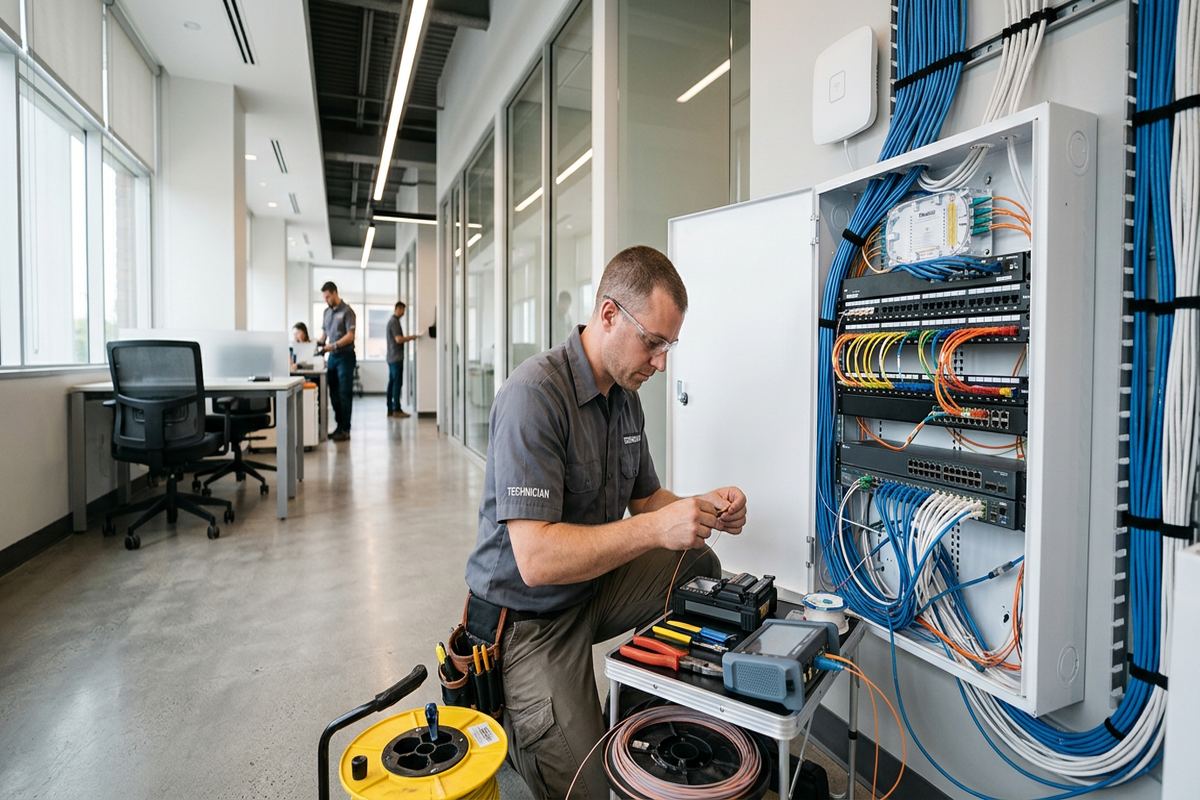
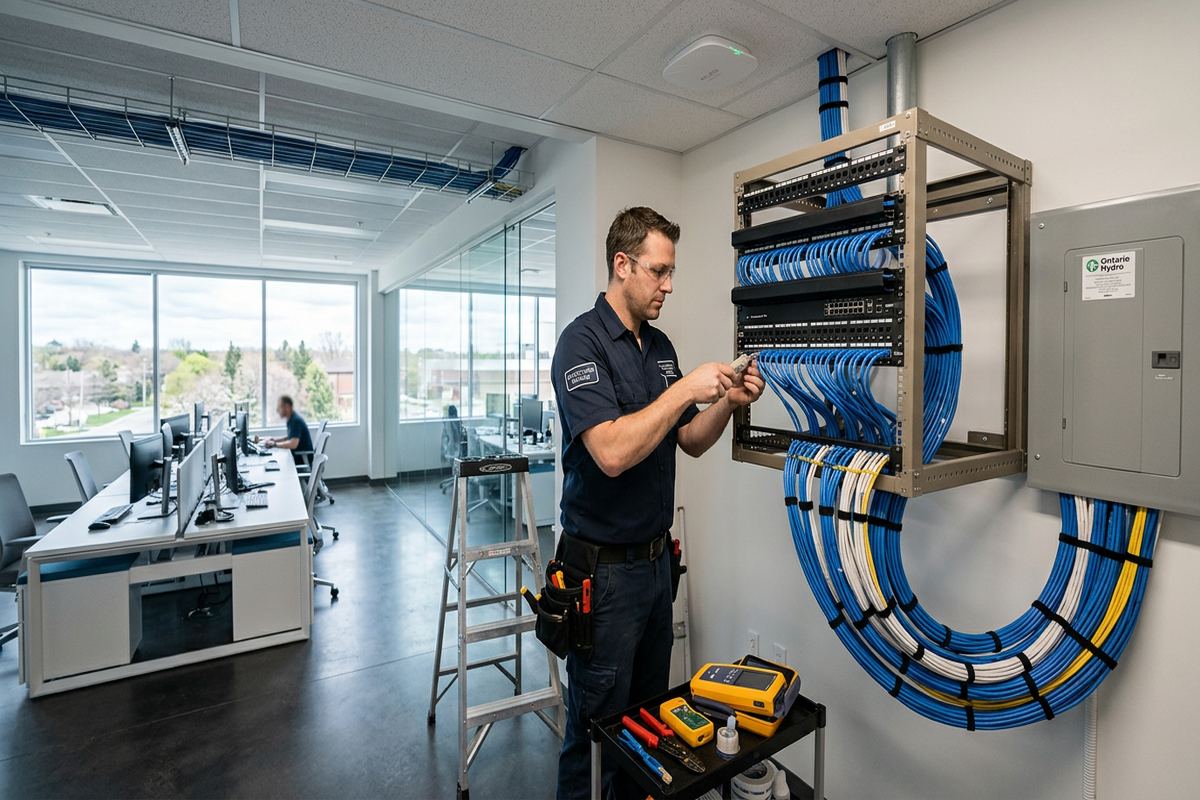
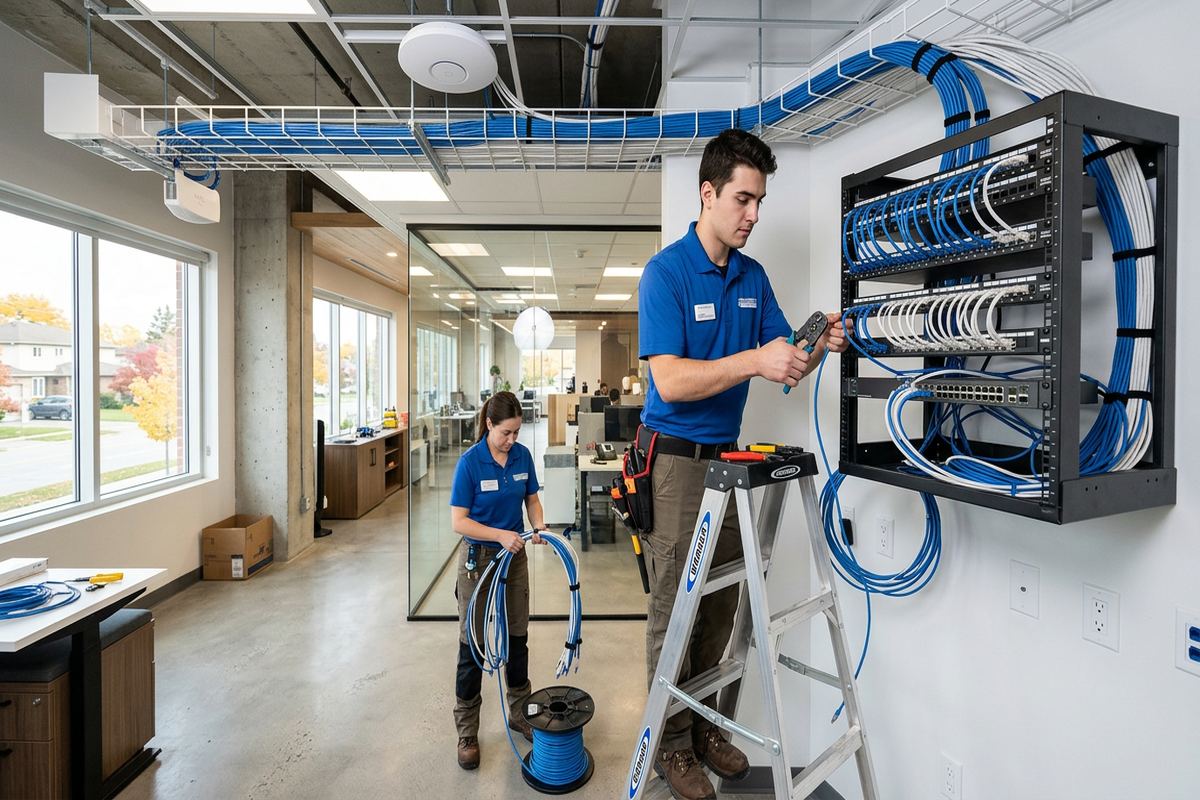
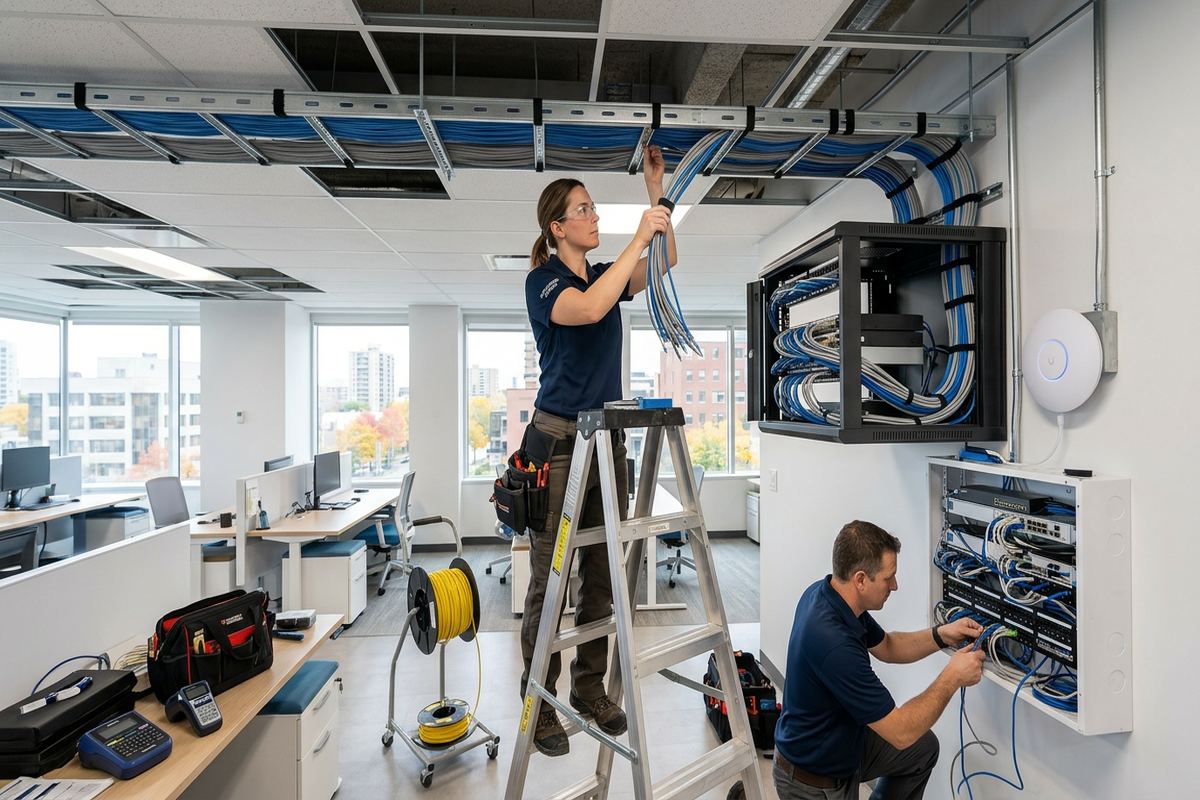
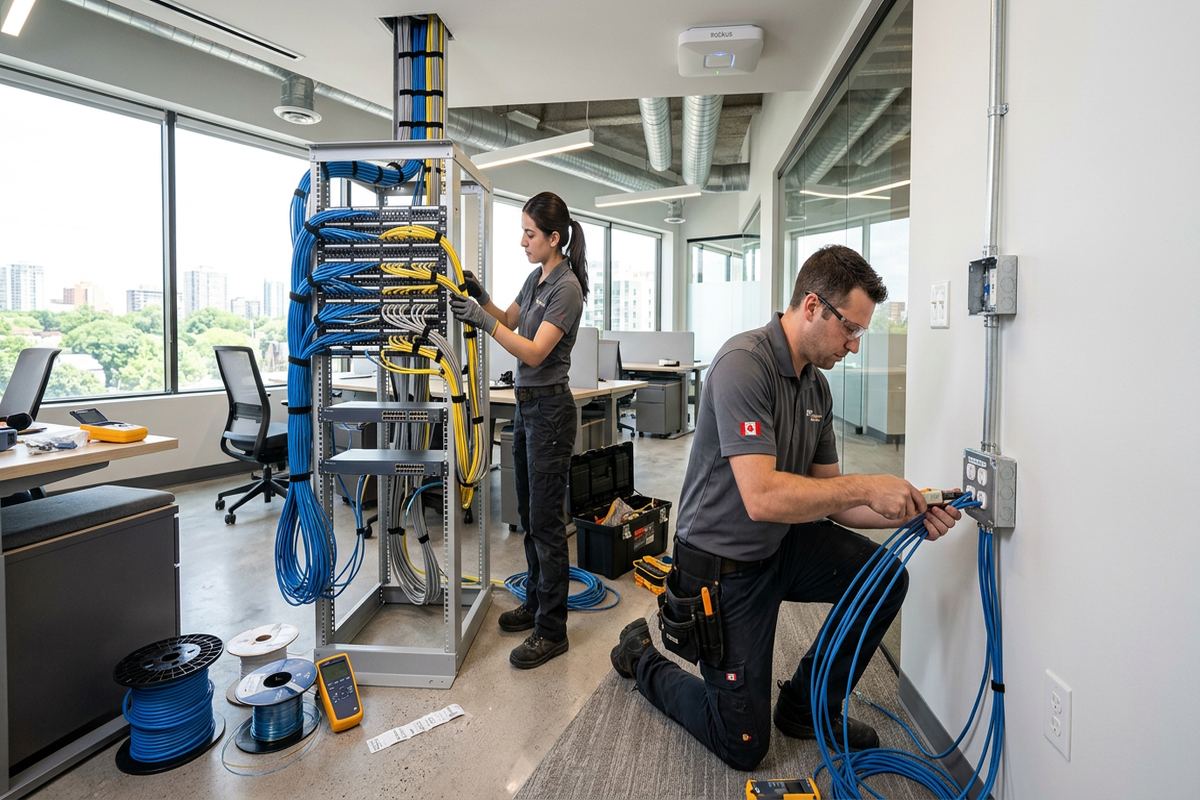
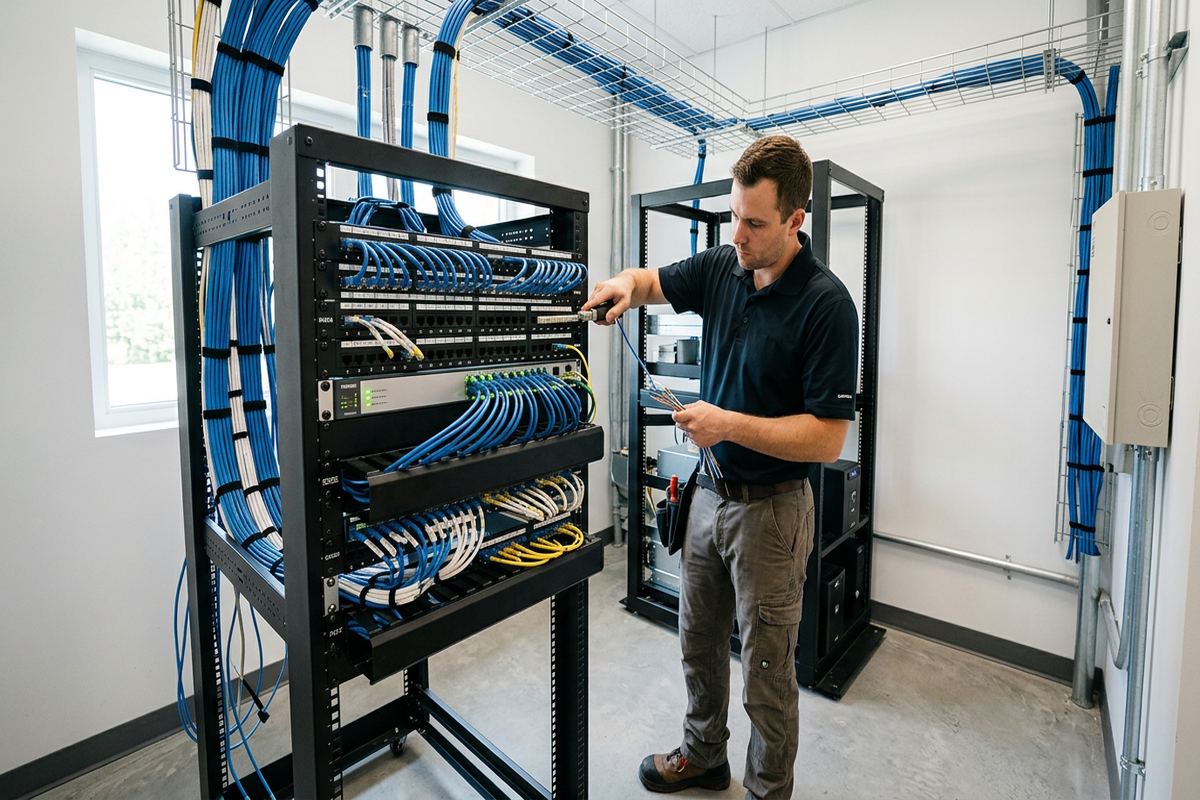
Cabling is where shortcuts hide best, because a poor termination often passes a casual test and fails intermittently for years. Intermittent faults are the expensive kind — hard to reproduce, hard to isolate, and usually blamed on the device instead of the wire. Our standard is deliberately boring: continuous runs, no hidden splices, respected bend radius, separation from electrical, and one termination standard across the whole property.
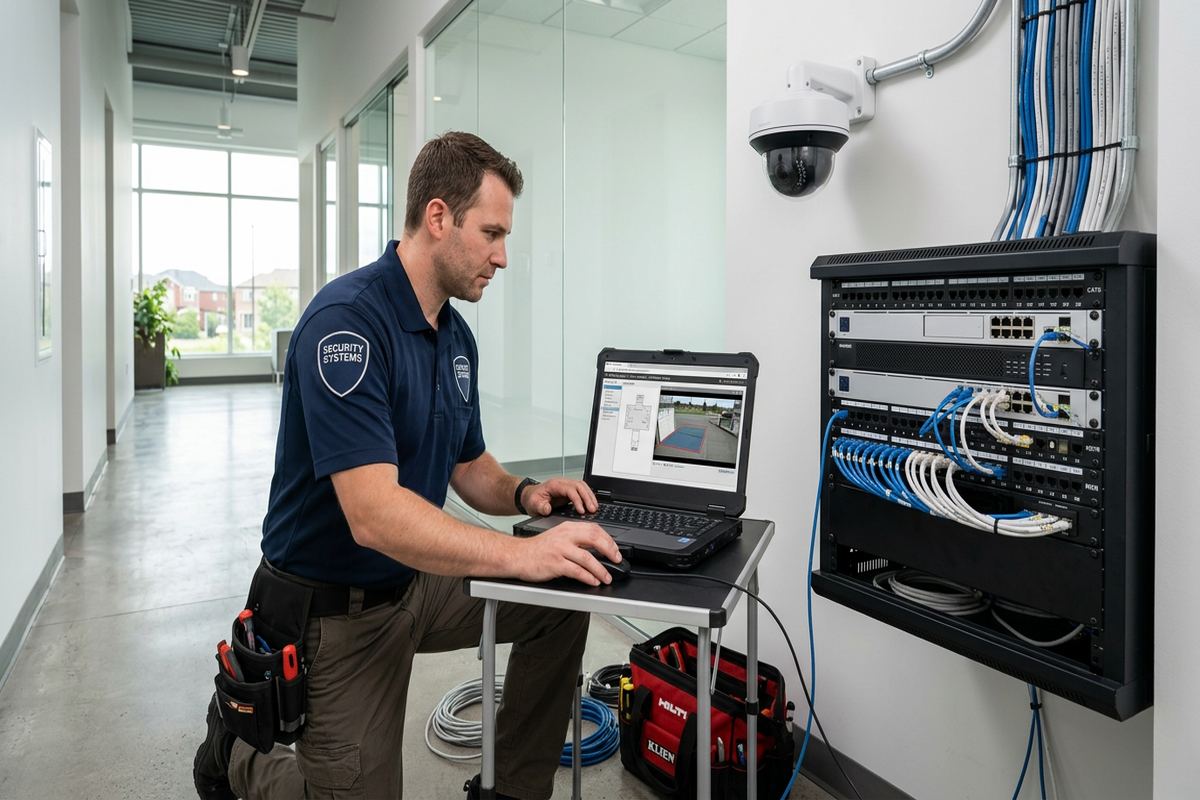
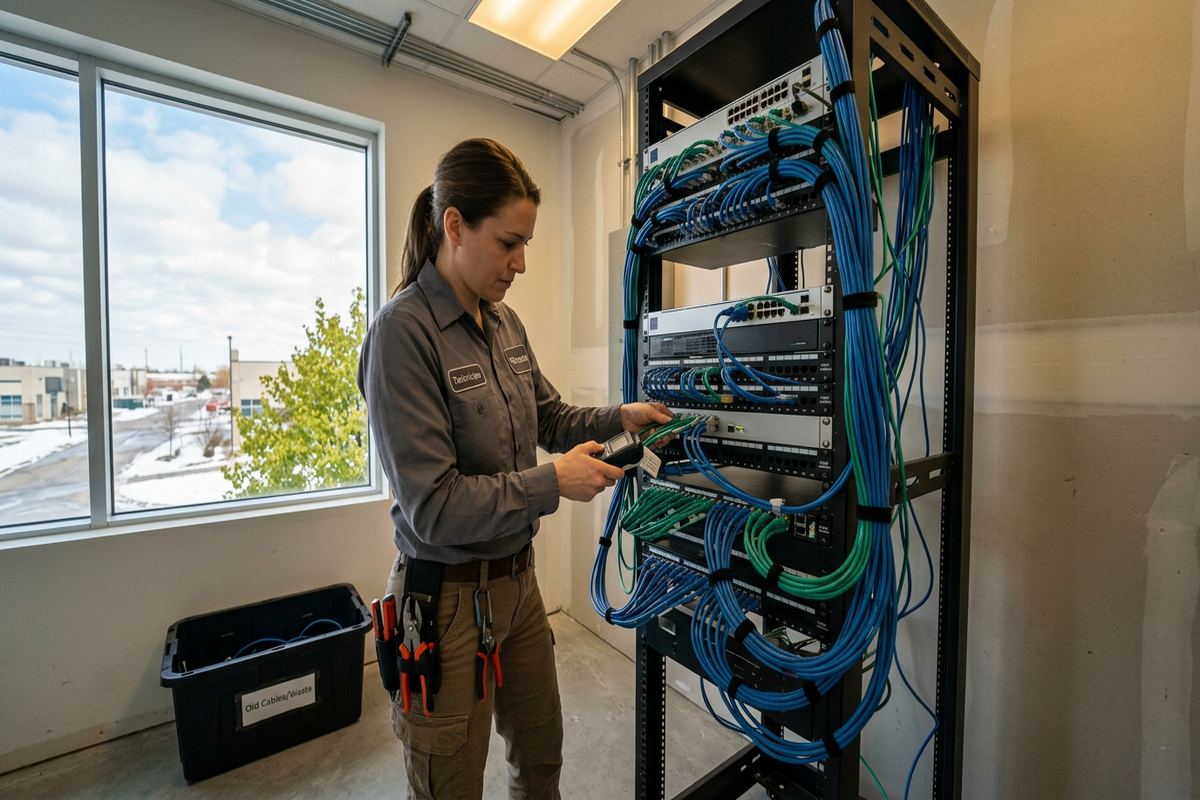
Racks and panels get the same treatment. Cables are dressed and supported so a single run can be traced and replaced without disturbing its neighbours, power supplies are labelled with what they feed, and spare capacity is planned in. When we finish you get labelling at both ends and an as-built record, which turns the next change from an investigation into a task.
What Home network installation costs in Ontario, and what drives the number
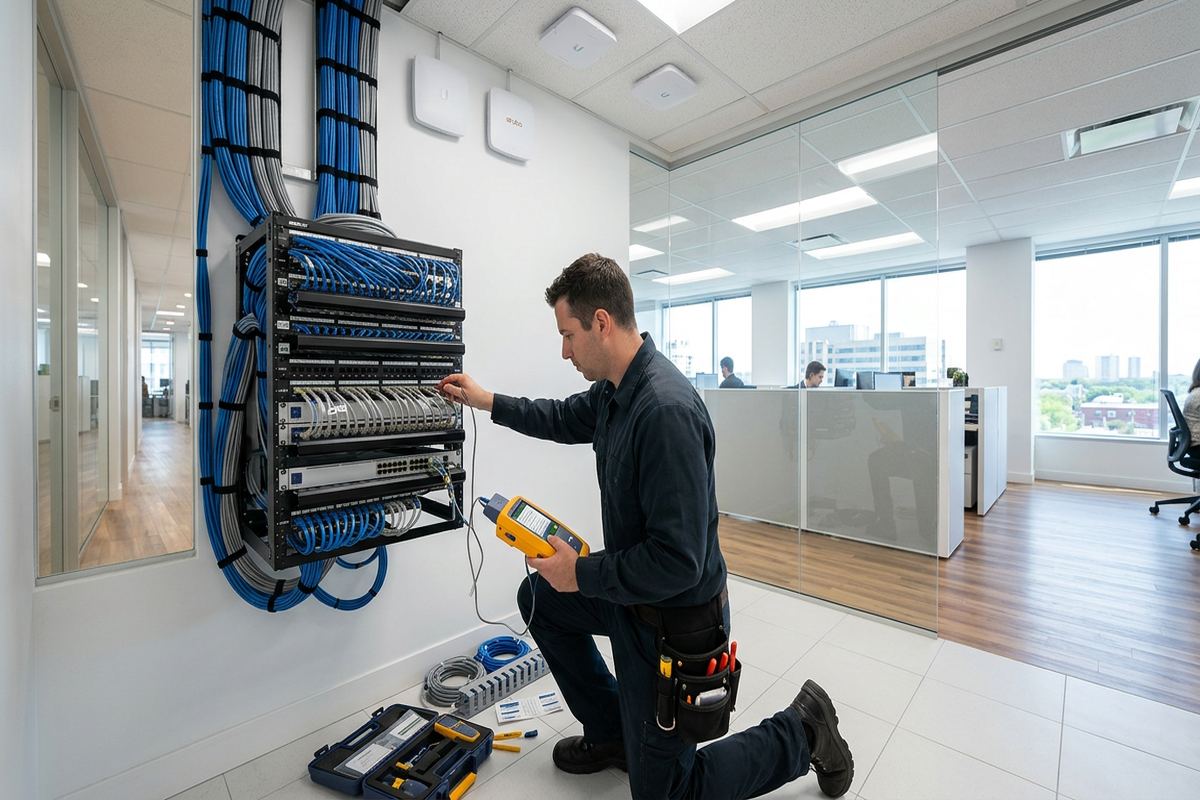
We do not publish a flat price for home network installation, because the honest answer depends on the building more than the equipment. Two properties with identical device counts can differ substantially in cost when one has accessible pathways and the other requires fishing cable through finished walls, working around masonry, or coring for a single run. The equipment line is usually the predictable part of a quote; labour and pathway conditions are what move it.
The factors that consistently change the price are device count and placement, cable distances, ceiling and wall access, whether an existing panel or rack has usable space and power, the amount of make-good work required, and whether the job can be completed in one visit or has to be staged around trades, occupancy, or business hours. Height, exterior work, and anything requiring lifts or after-hours access also carry real cost.
What we can promise is that the number in the scope is the number you pay unless the property reveals something neither of us could see, and that if it does, you hear about it before the extra work happens rather than on the invoice. We would rather lose a job on price than win it on an estimate we know will grow.
- Device count, placement, and cable distance
- Wall, ceiling, and pathway access in the existing structure
- Available space and power in the panel, rack, or wiring closet
- Make-good, patching, and finish requirements after cable is run
- Scheduling constraints — occupied spaces, after-hours, or staged trades
Maintenance, support, and what happens after the install
A low-voltage system is not a one-time purchase, it is equipment that lives in a building and ages with it. Firmware needs updating. Storage fills. Lenses get dirty. Batteries in sensors expire. Networks get slower as devices are added. None of that is dramatic, but all of it is the difference between a system that works on the day you need it and one that quietly stopped months ago.
We offer scheduled checks that cover firmware, storage health, device connectivity, physical condition, and configuration drift, and we tell you plainly when something is fine and does not need attention. Support requests are answered by the people who installed the system and have access to the as-built record, which is why most issues are resolved without a second site visit.
Common questions about home network installation
Why is my wifi slow in one room?
Usually construction materials, access point placement, or channel interference rather than your internet plan. A survey identifies which of the three it is before anything is bought.
Do I need more than one access point?
Most properties above a certain size or with dense construction do. We confirm with real measurements rather than square footage rules.
Will faster internet fix my problems?
Often not. If the bottleneck is coverage, capacity, or cabling, a bigger plan changes nothing inside the building.
Can you use my existing cabling?
Sometimes. We test existing runs and tell you which are usable and which are limiting the equipment you already own.
Can cameras and work traffic share one network?
Yes, when it is designed that way with appropriate separation and switch capacity. That is exactly what a planned network handles well.
We serve 66 locations across Ontario. Coverage for this service is confirmed against the address before we quote — we won't promise a visit we can't schedule.