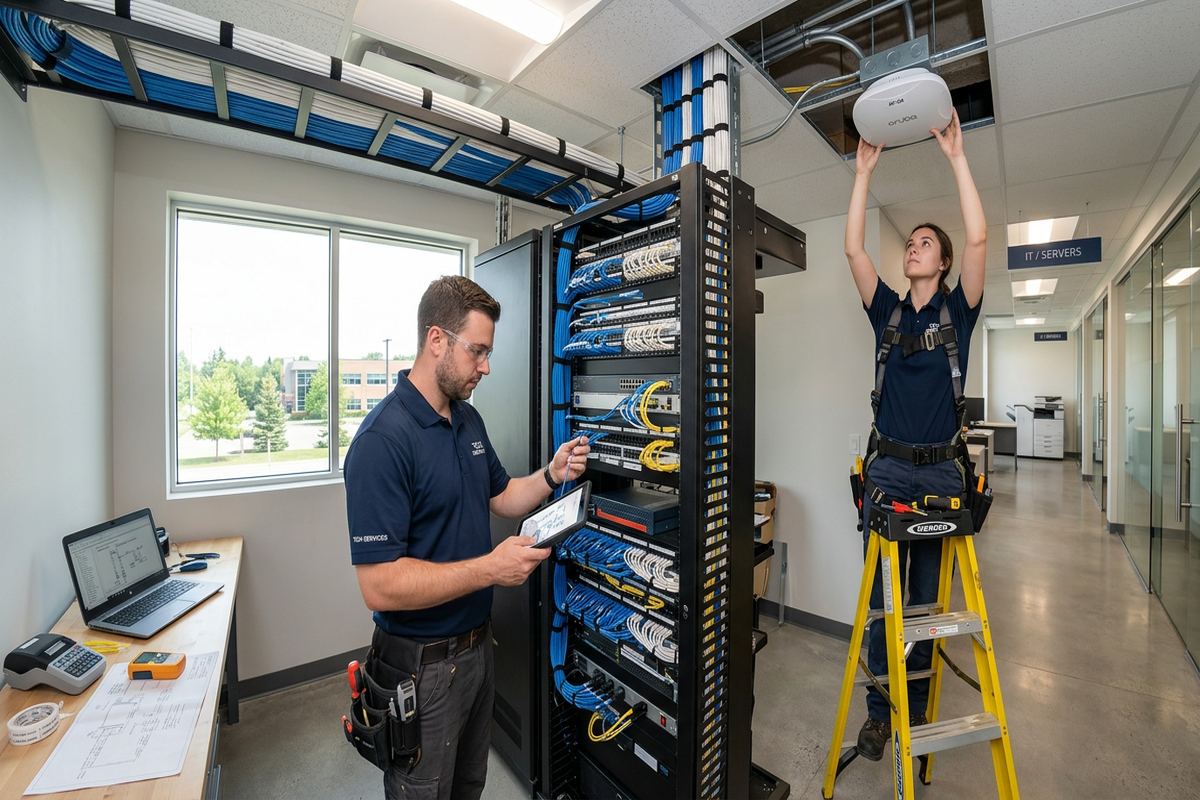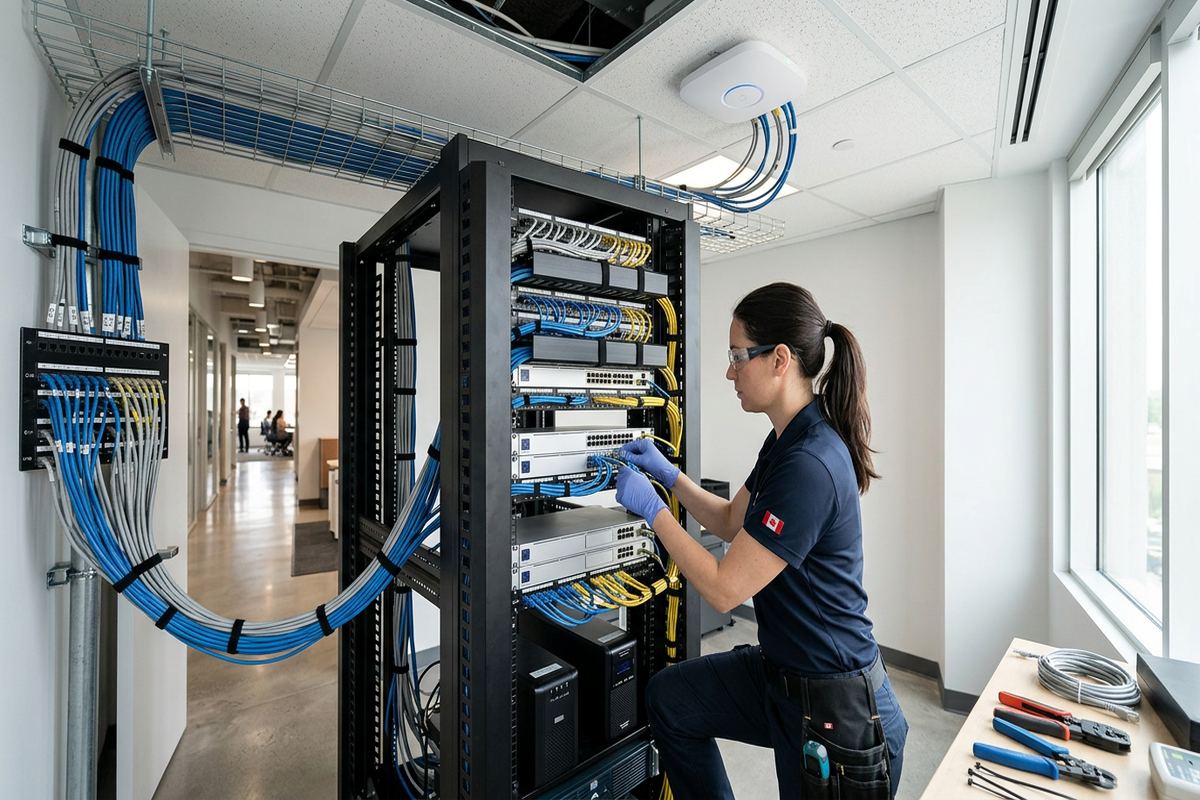
UnifiedLink installs wired and wireless home networks across Barrie and nearby Simcoe County communities. We plan cable routes, data outlets, Wi-Fi access points, network racks and outdoor connections around the property’s construction and intended use. Every project begins with an assessment, followed by a written scope, on-site configuration, testing and a documented handover using your own credentials.
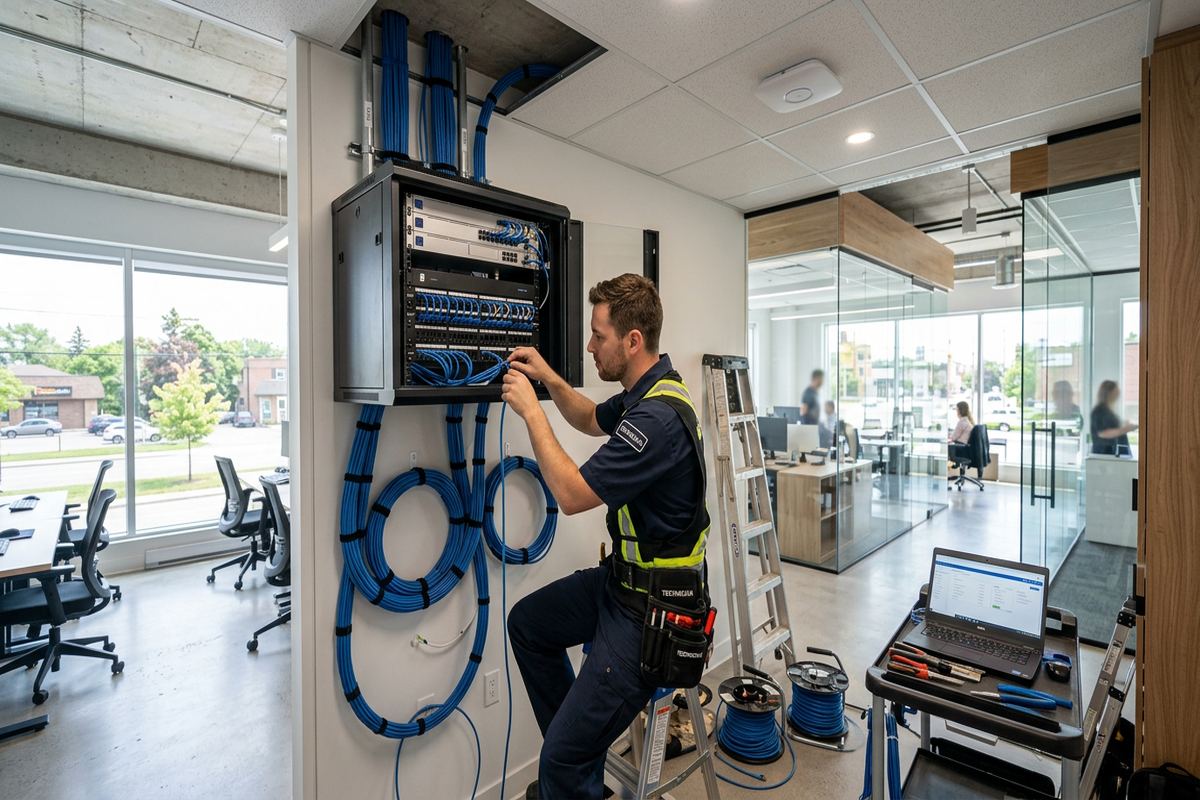
Home Network Installation for Barrie Properties
A reliable home network starts with the physical layout, not a more powerful router placed wherever the internet provider left its modem. UnifiedLink assesses room locations, construction materials, service entry points, available pathways and the devices that need dependable connections. In Barrie, that can mean planning around a finished basement, a multi-storey subdivision home, an older converted property or a detached waterfront residence. The resulting design separates fixed wired devices from mobile Wi-Fi use, giving computers, televisions, cameras, access points and home systems suitable connections without depending on one wireless signal for everything.
Different parts of Barrie present different installation constraints. Homes around Downtown Barrie and Allandale may contain renovations from several periods, with plaster, masonry, additions or limited access between floors. South-end areas such as Painswick, Holly and Innis-Shore often have frame construction and finished spaces where cables must be routed carefully to avoid unnecessary openings. Ardagh Bluffs properties may have larger floor plans or grade changes that affect wireless coverage. The assessment identifies these conditions before routes and device locations are committed, reducing improvisation once installation work has started on site.
The network design also considers how the household actually uses its connection. Video meetings, gaming, cloud backups, streaming, security cameras, smart televisions and connected controls place different demands on cabling and Wi-Fi. UnifiedLink can provide dedicated Ethernet runs for stable equipment while positioning access points for phones, tablets and portable computers. Network components are configured on site and tested from relevant areas of the property. At handover, the customer receives their own administrative credentials and an as-built record showing installed outlets, cable labels, network equipment and agreed configuration details for future reference.
- Site assessment before equipment selection or pricing
- Wired outlets for computers, televisions and network devices
- Access point locations based on construction and floor plan
- Documented configuration using customer-owned credentials
Planning Wired and Wireless Coverage in Barrie
Wireless coverage depends on distance, interference and what lies between the access point and the device. A single router may appear adequate beside the modem but perform poorly through mechanical rooms, tiled bathrooms, masonry fireplaces, metal ductwork or multiple insulated floors. During a Barrie site assessment, UnifiedLink reviews likely access point positions and practical cable routes back to the network location. The objective is consistent usable service where it matters, rather than maximum signal in one convenient room. Wired backhaul is preferred for installed access points because it avoids consuming wireless capacity to connect one access point through another.
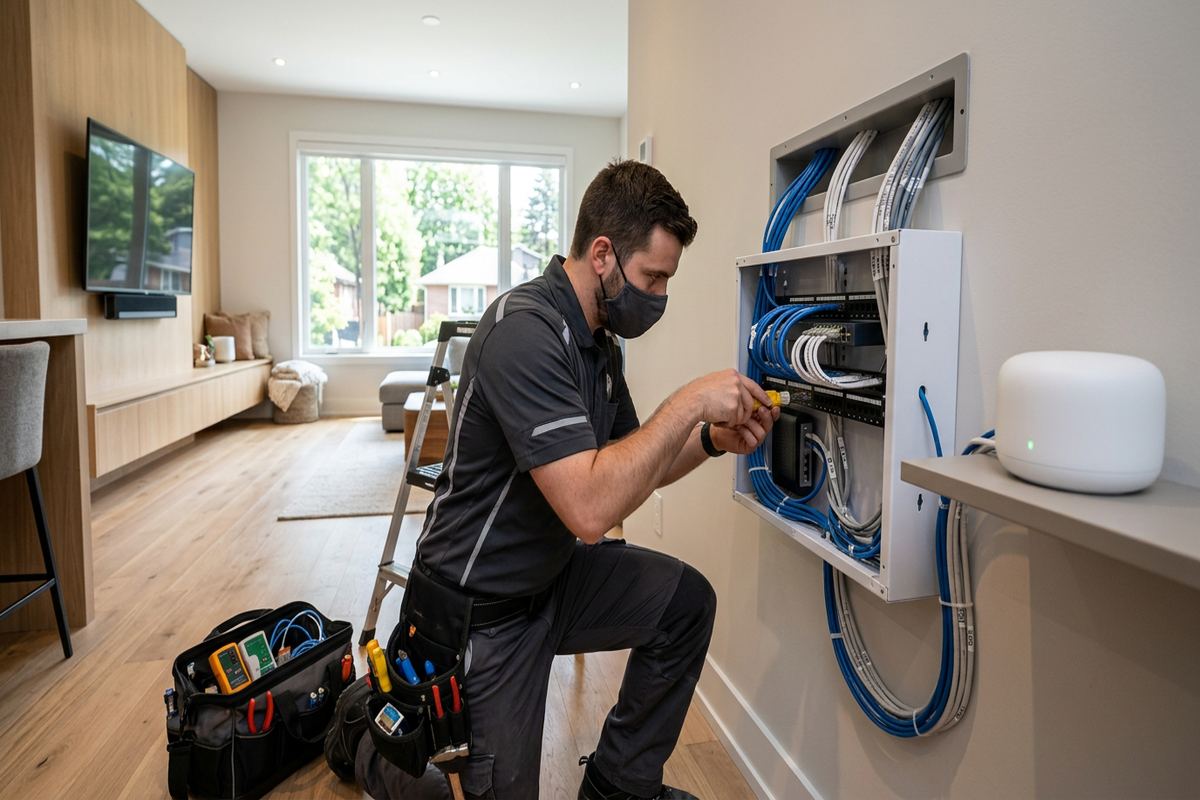
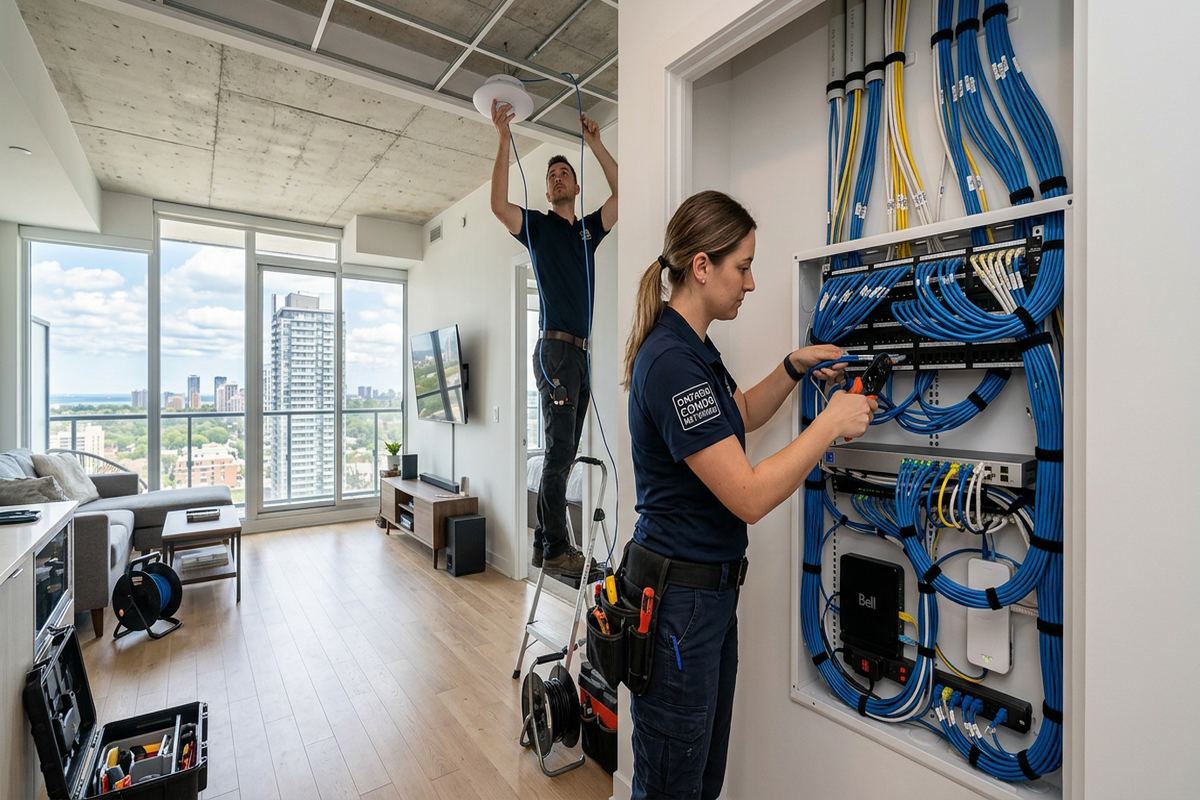
Ethernet remains the appropriate connection for equipment that stays in one place. Desktop computers, workstations, televisions, game consoles, network storage, printers, cameras and automation controllers can benefit from direct cable runs. Removing these devices from Wi-Fi leaves more wireless capacity for mobile equipment and reduces performance changes caused by movement or interference. Each installed run is continuous and labelled, with termination points selected for serviceability. Where several rooms or devices converge, a central patch panel and network rack can keep connections organized instead of leaving loose cables and power supplies around the internet provider’s gateway.
Coverage planning should include less obvious areas before walls and ceilings limit later options. Home offices, basement recreation rooms, garages, workshops, patios and upper bedrooms may all need service, even if current device use is modest. In a new or recently built south-end Barrie home, accessible basement ceilings can sometimes provide useful pathways, while finished levels require more selective routing. UnifiedLink records requested coverage areas and discusses whether each should receive an outlet, an access point or both. The written scope then defines device placement, cable routes, exclusions, equipment ownership and warranty before installation proceeds.
- Wired backhaul for installed Wi-Fi access points
- Dedicated Ethernet for fixed high-use equipment
- Central patching instead of loose cable bundles
- Coverage planned for basements, garages and outdoor areas
Cabling Routes and Building Construction
Cable routing is shaped by the property rather than imposed through a standard template. Frame construction usually provides workable stud and joist spaces, but blocking, insulation and finished ceilings can interrupt an apparently direct route. Masonry walls require different fastening, penetration and pathway methods, particularly in older Barrie buildings or homes with brick additions. UnifiedLink examines accessible basements, attics, utility spaces, closets and existing conduits before proposing routes. The aim is to protect the building finish while maintaining cable bend radius, separation from electrical wiring and practical access to terminations that may need testing or service later.
Renovated properties deserve particular attention because visible finishes do not reveal every condition behind them. A Downtown Barrie house may combine original walls with newer frame partitions, while an Allandale property could include an addition served through a narrow transition. Abandoned telephone, coaxial or alarm wiring may be present, but it should not be assumed suitable for modern network use. UnifiedLink identifies what can be verified, explains where exploratory access may be necessary and documents exclusions. Existing pathways can be reused when appropriate, yet new continuous labelled runs are installed when reliable performance requires a known cable type and route.
Condominiums, rental homes and managed properties add an approval step to technical planning. Building rules may restrict drilling, common-area access, exterior work, riser use or equipment placement. Tenants should obtain landlord approval for permanent cabling, and condominium owners may need authorization from management or the corporation before pathways are opened. UnifiedLink can define the proposed route and mounting details for review, but the property owner or occupant remains responsible for securing required permissions. Planning these limits early helps avoid an installation that cannot proceed because a wall, corridor, exterior surface or shared communications room is controlled by another party.
- Routes assessed through attics, basements and utility spaces
- Methods suited to masonry and frame construction
- Separation maintained between network and electrical cabling
- Approval requirements identified before permanent alterations
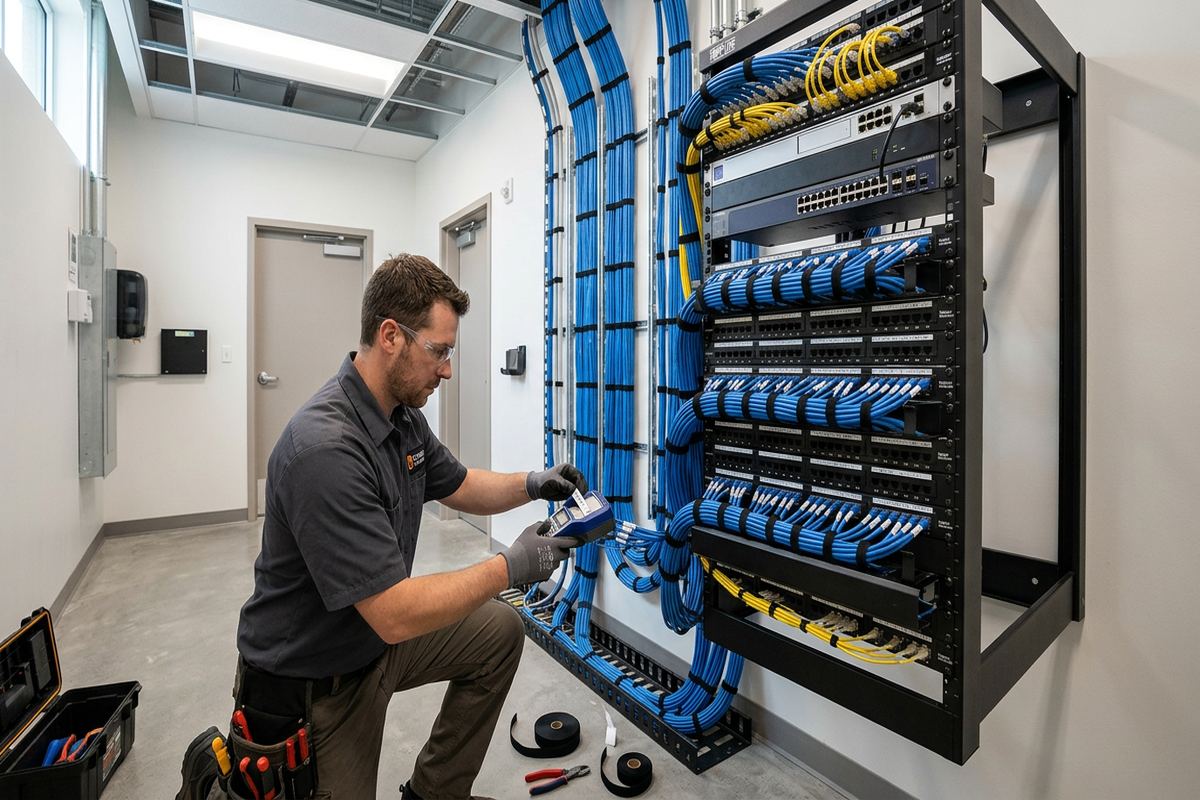
Barrie, Ontario
Home network installation in Barrie, scoped in writing first
Book a site assessment and get equipment, routes, exclusions, and warranty on paper before anything is installed.
Barrie Wi-Fi Access Point Installation
Access points work best when their placement reflects the shape and materials of the home. Ceiling or high-wall locations can provide better distribution than equipment hidden in a cabinet, behind a television or beside basement utilities. UnifiedLink plans each Barrie installation around occupied rooms, floor transitions and expected device density. The number of access points is not selected from square footage alone; masonry, ductwork, stair openings and neighbouring wireless networks also affect coverage. Where suitable cable routes exist, each access point receives a direct network connection and appropriate power arrangement from the central network location.
A multi-access-point system must be configured as one network rather than a collection of unrelated wireless devices. UnifiedLink sets network names, security options, channel use and management access according to the agreed design and supported equipment. Guest access or separate device networks can be considered where the hardware and customer requirements justify them. Configuration is completed on site so actual connections can be checked in the installed environment. The customer receives administrative credentials at handover, avoiding a situation where only the installer controls future changes or where undocumented factory settings remain active after the work is complete.
Testing focuses on the areas identified during planning, but wireless results must be understood realistically. Device capabilities, internet service, neighbouring networks and changing interference can affect performance after installation. UnifiedLink checks association, connectivity and practical operation at representative locations, then distinguishes internal network conditions from limitations originating with the internet provider. In waterfront homes or larger properties, outdoor seating areas and detached structures require separate consideration rather than an assumption that indoor Wi-Fi will extend reliably. Where coverage crosses open space, a dedicated outdoor access point, cable route or point-to-point wireless connection may be more appropriate.
- Ceiling and wall access points positioned for usable coverage
- Network names and security configured on site
- Guest or separate device networks where appropriate
- Installed coverage checked in agreed use areas
Outdoor Networks and Barrie Winters
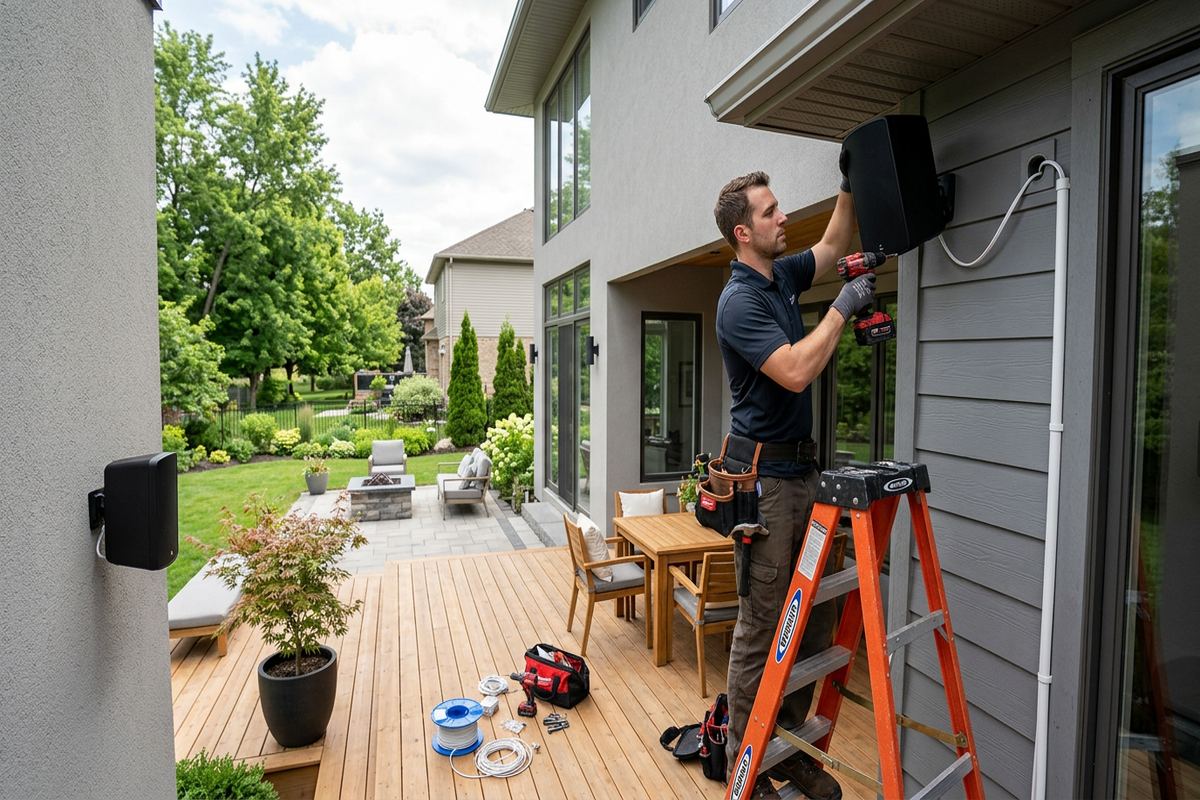
Outdoor network equipment in Barrie must be selected and mounted for exposure, not treated like indoor hardware under a small overhang. Freeze-thaw cycles, wind-driven precipitation, summer heat and moisture can affect enclosures, cable jackets, connectors and wall penetrations. UnifiedLink uses exterior-rated components where the scope requires them and plans drip loops, supports and entry points accordingly. Penetrations are sealed using methods suited to the surrounding material, whether the wall is brick, masonry veneer, siding or another assembly. The route also needs to avoid creating a path that directs water toward the building interior.
Detached garages, gates, docks, workshops and backyard structures may need network service for Wi-Fi, cameras, controls or work equipment. The correct method depends on distance, available pathways, electrical conditions and whether trenching or exterior mounting is permitted. A direct cable is not automatically suitable between separate buildings, and overhead consumer patch cords are not a durable substitute for a designed connection. UnifiedLink assesses whether conduit, fibre, an outdoor-rated wireless bridge or another approach fits the site. Waterfront Barrie properties can present long setbacks, exposed mounting locations and changing seasonal use that should be included in the scope.
Exterior work also requires attention to future maintenance. Connectors should remain accessible without placing them where snow accumulation, roof runoff or routine impact is likely. Cable supports must hold the route securely through temperature changes, while service loops and enclosures should not trap water. If equipment is mounted to masonry, fasteners and sealing details must suit that substrate; siding attachments require care to avoid distortion or leakage. The as-built record identifies exterior equipment and routes so a homeowner, property manager or future technician can understand what was installed without tracing every line during difficult winter conditions.
- Exterior-rated equipment where exposure requires it
- Penetrations sealed for the surrounding wall material
- Routes planned around snow, runoff and freeze-thaw
- Outdoor links documented for future service
Network Racks, Switching and Equipment in Barrie
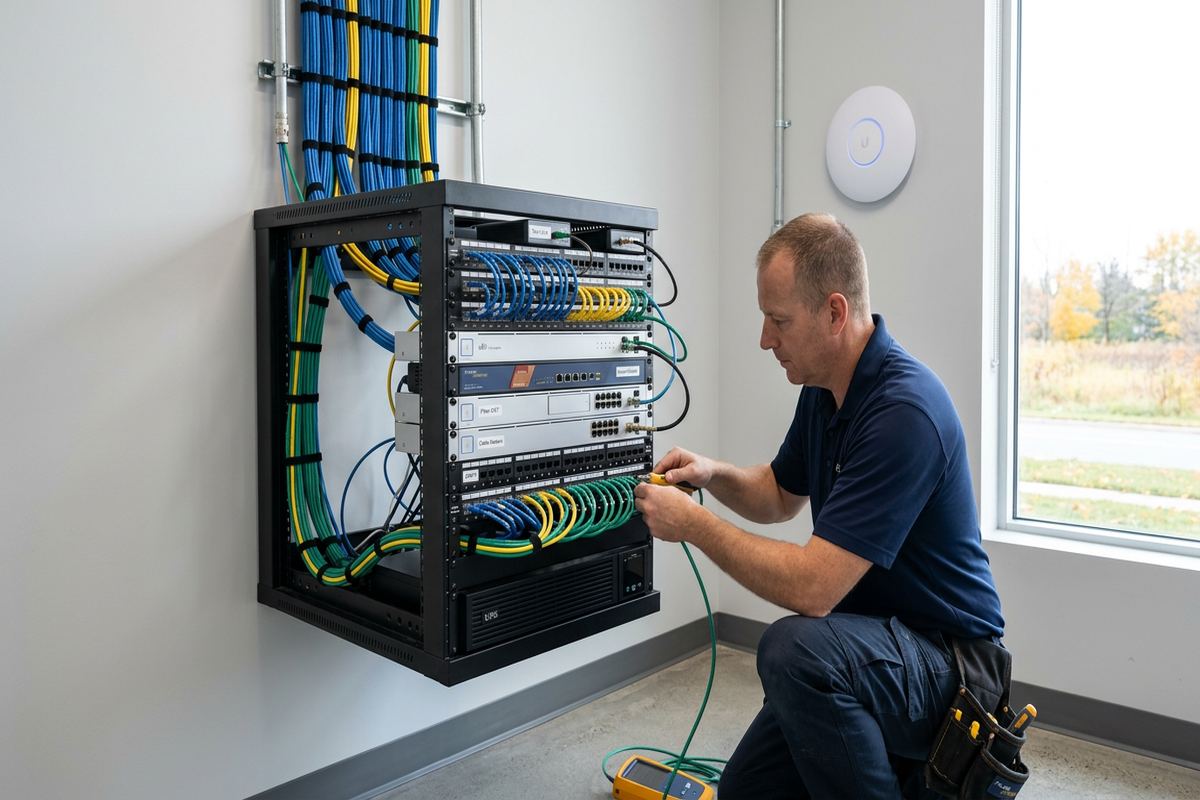
The central network location determines how easily the system can be operated and maintained. A suitable space needs electrical power, ventilation, enough mounting area and access to incoming internet service and outgoing cables. Placing active equipment in a damp corner, sealed cabinet or crowded electrical area can create avoidable problems. UnifiedLink evaluates possible locations such as utility rooms, closets or dedicated wall spaces, then specifies a rack, cabinet, backboard or compact enclosure appropriate to the installation. Barrie homes with finished basements may require a location that balances appearance with safe access and practical cable distribution.
Patch panels and network switches provide an organized transition between permanent building cabling and active equipment. Each continuous cable run is labelled to correspond with its room or device location, allowing moves and troubleshooting without guessing. Switch capacity is selected around the number and type of connected devices, including whether access points, cameras or other equipment require network-delivered power. Spare capacity can be discussed during planning, but equipment is not added without a defined purpose. The written scope identifies supplied components, customer-provided equipment, exclusions, ownership and warranty so responsibilities are clear before installation begins.
Internet provider equipment often remains part of the finished network, but its role should be defined. Depending on the service and hardware, the provider gateway may continue handling routing, may feed a separate network platform or may require settings coordinated with the intended design. UnifiedLink does not assume that every provider device supports every configuration. On-site work includes connecting and configuring the agreed equipment within available account access and provider limitations. If a provider-side change is needed, the customer may need to contact that provider. Handover records the installed arrangement so future support starts from known information.
- Central rack or enclosure planned for service access
- Patch panels labelled to match installed outlets
- Switching selected for connected and powered devices
- Provider equipment integrated within documented limitations
Networks for Home Offices and Small Businesses
Home offices need more than a strong signal icon. Video calls, large file transfers, remote access and cloud applications benefit from a wired workstation connection and properly configured wireless service for portable devices. UnifiedLink can provide dedicated outlets for desks, printers, network storage and voice equipment while keeping household devices on the same planned infrastructure. In Barrie homes where an office occupies a converted bedroom, basement or space above a garage, route access and temperature conditions influence equipment placement. The design can also account for future furniture changes without placing every termination behind one fixed desk.
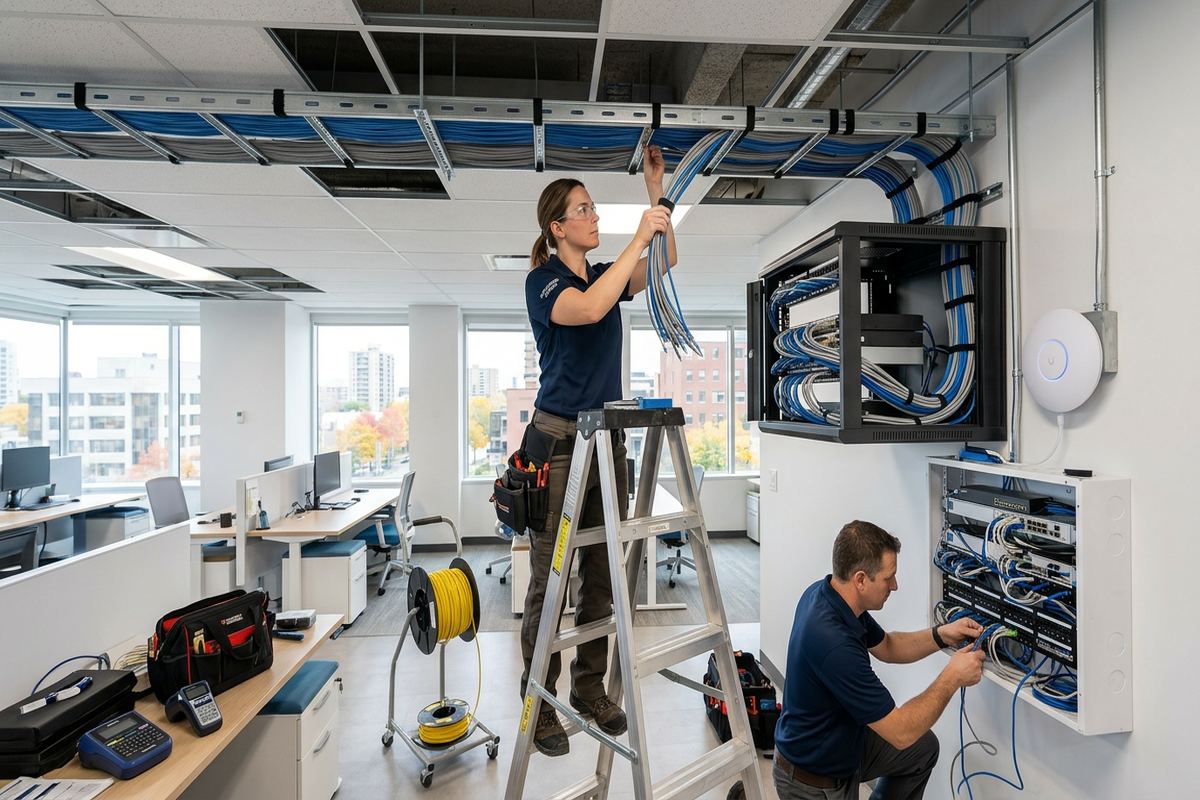
Small commercial plazas and industrial units are part of the Barrie property mix, and some network projects extend beyond purely residential use. A small office, clinic, retail unit or workshop may require staff Wi-Fi, guest access, point-of-sale connectivity, displays, cameras or access control connections. These systems should be planned together so cabling pathways and switching capacity are not duplicated unnecessarily. UnifiedLink can act as one accountable contractor for the agreed low-voltage scope, coordinating network cabling with related devices while documenting boundaries involving landlords, internet providers, electricians or other trades.
Leased commercial spaces require confirmation of who can approve alterations and who owns installed equipment at the end of the tenancy. Plaza landlords may control exterior walls, roof access, communications rooms and pathways between units. Industrial units can have high ceilings, concrete block walls, metal partitions or machinery that changes wireless propagation. Before pricing, UnifiedLink assesses the site and prepares a written scope covering equipment, routes, placement, exclusions, ownership and warranty. This gives the business and property representative a clear basis for approval before cables, access points or enclosures are permanently installed.
- Wired connections for workstations and office equipment
- Staff and guest wireless options where supported
- Shared planning for cameras, displays and access systems
- Landlord-controlled pathways documented before work
Barrie Network Installation Process and Handover
Every project begins with enough information to understand the site and intended use. Initial discussion covers the property type, current internet service, problem areas, fixed devices, desired outlets and any planned renovations. A site assessment follows before pricing, with timing based on the service and travel distance. During the visit, UnifiedLink examines construction, accessible routes, equipment locations and approval constraints. Requests sent during business hours are answered the same day; after-hours requests are answered the next business day. This response wording applies to the request, not a guarantee of assessment or installation timing.
Following the assessment, the customer receives a written scope rather than an undefined list of devices. It covers equipment, cable routes, device placement, exclusions, equipment ownership and warranty. Questions about concealed conditions, patching, electrical work, provider responsibilities or landlord approvals are identified before work begins. Once accepted and scheduled, installation follows the agreed routes using continuous labelled cable runs. Devices are mounted, terminated and configured on site, with changes discussed if actual building conditions differ materially from what could be seen during the Barrie assessment. Unapproved substitutions are not treated as part of the original scope.
Handover confirms what was installed and gives the customer control of the network. UnifiedLink checks cable connections, verifies agreed device operation and provides the customer’s own administrative credentials for supplied or configured systems. An as-built record identifies cable labels, outlet locations, central equipment and relevant configuration details. Any remaining provider action, customer-supplied device limitation or excluded area is noted rather than left ambiguous. This documentation is useful when furniture moves, service providers change or additional devices are added. One accountable contractor remains responsible for the defined installation scope instead of dividing cabling and configuration between unrelated installers.
- Assessment completed before project pricing
- Written scope defines routes, equipment and exclusions
- Installation includes labelling, configuration and testing
- Credentials and as-built record supplied at handover
Barrie neighbourhoods we cover
- Downtown Barrie
- Ardagh Bluffs
- Painswick
- Holly
- Allandale
- Innis-Shore
Home network installation in Barrie — common questions
Can you improve Wi-Fi in an older Barrie home?
Yes, but the solution depends on the building. Older Barrie homes may contain plaster, masonry, additions, metal ductwork or limited routes between floors. UnifiedLink assesses those conditions before recommending access points or cabling. Wired backhaul is generally preferred for installed access points because it provides a stable connection without using wireless capacity to link devices together.
Do I need Ethernet if Wi-Fi works?
Ethernet is useful for fixed equipment that benefits from stable, predictable connectivity, including workstations, televisions, game consoles, network storage and cameras. In a Barrie home, wiring these devices can also reduce demand on Wi-Fi. Mobile devices still use wireless service, while permanent equipment connects through continuous labelled cable runs to the central network location.
Can you install networking in a finished home?
Finished homes can often be networked, although routes depend on accessible attics, basements, closets, utility spaces and wall construction. Barrie properties with finished lower levels or renovations may require selective access or surface pathways. UnifiedLink reviews options during the site assessment and documents proposed routes, exclusions and any expected openings before pricing or installation.
Will outdoor Wi-Fi survive Barrie winters?
Outdoor equipment must be rated and installed for local exposure. Barrie freeze-thaw cycles, moisture, snow and temperature changes affect cable jackets, connectors, supports and penetrations. UnifiedLink plans exterior-rated equipment, suitable mounting, drip loops and sealed building entries where required. Placement also considers roof runoff, snow accumulation and future access for inspection or service.
Do condos and rental homes need approval?
Often, yes. Condominium rules may restrict drilling, exterior mounting, common-area access or use of shared communications spaces. Tenants generally need landlord approval for permanent cabling or equipment. UnifiedLink can provide route and mounting details for review, but the Barrie property owner, tenant or condominium owner is responsible for obtaining the required permissions before installation proceeds.
What do I receive after installation?
UnifiedLink provides a handover for the agreed Barrie network scope. It includes the customer’s own administrative credentials and an as-built record identifying installed cable labels, outlets, central equipment and relevant configuration details. Agreed devices are checked on site, and any provider action, excluded area or customer-supplied equipment limitation is documented rather than left unclear.
Coverage in Barrie is confirmed against the address before we quote. See everything we install in Barrie or the province-wide home network installation page.