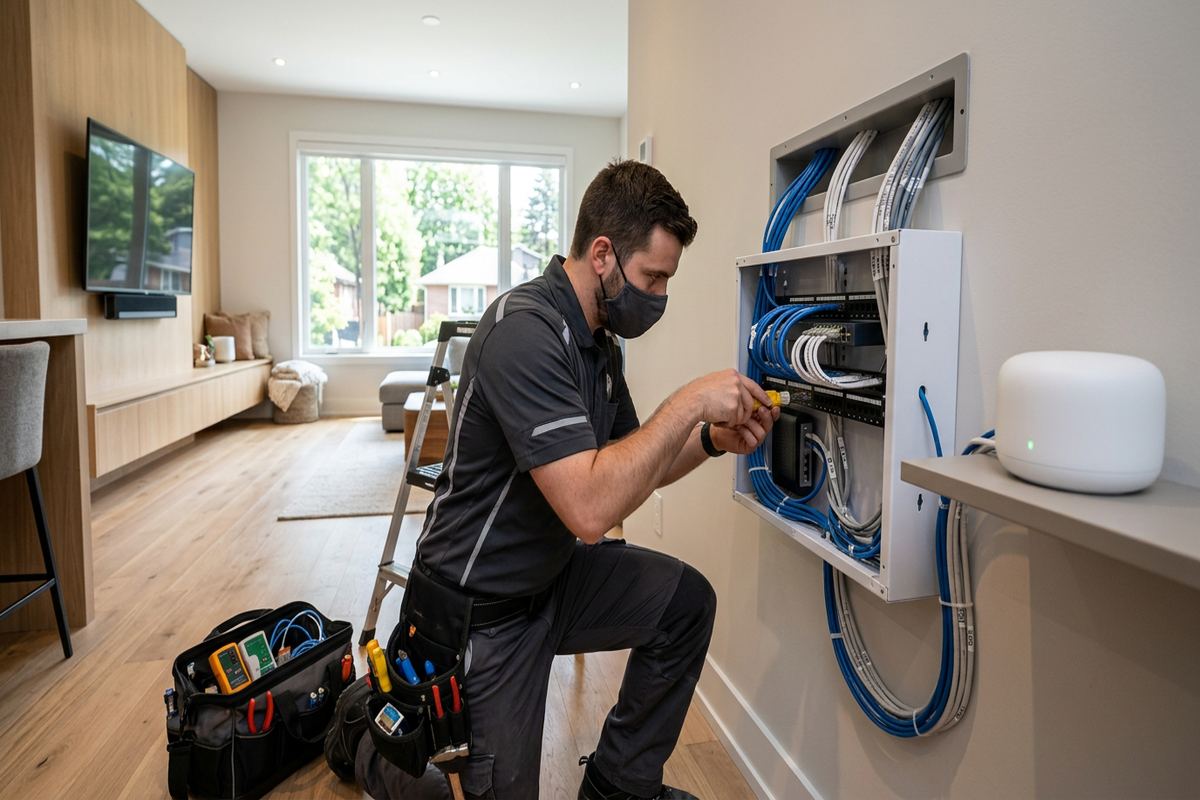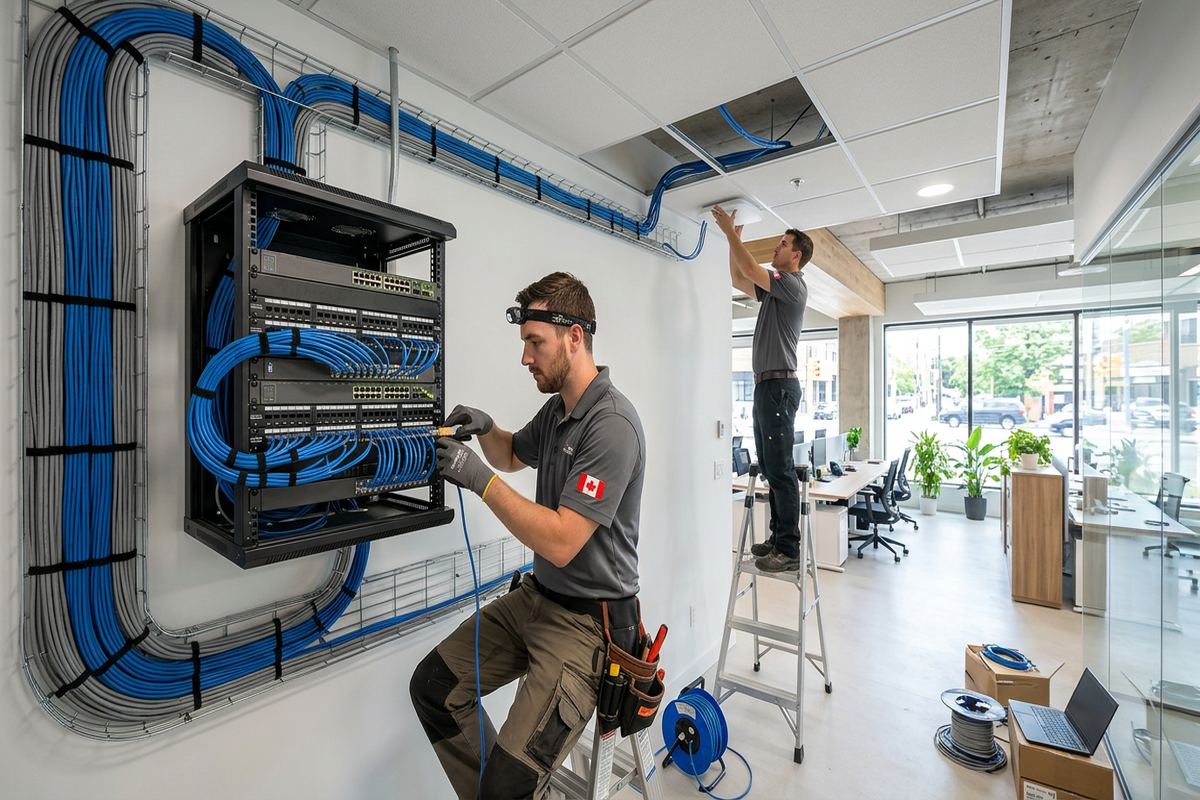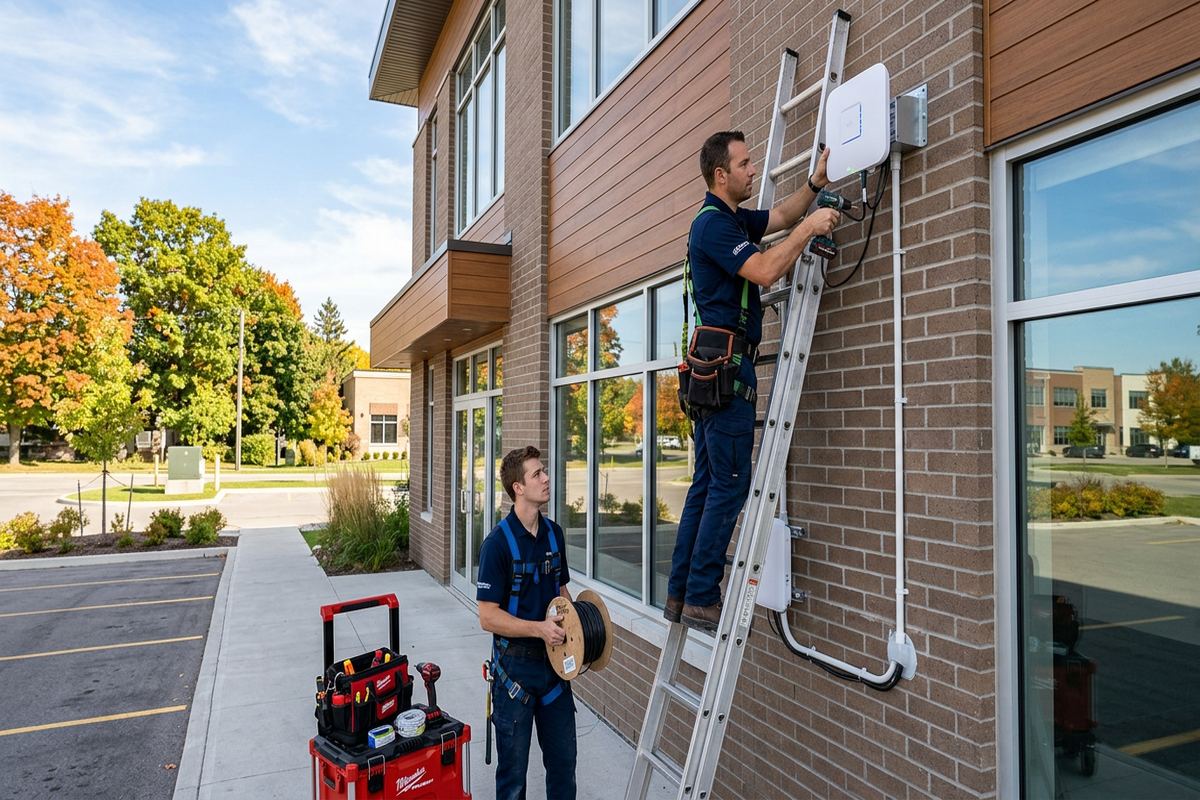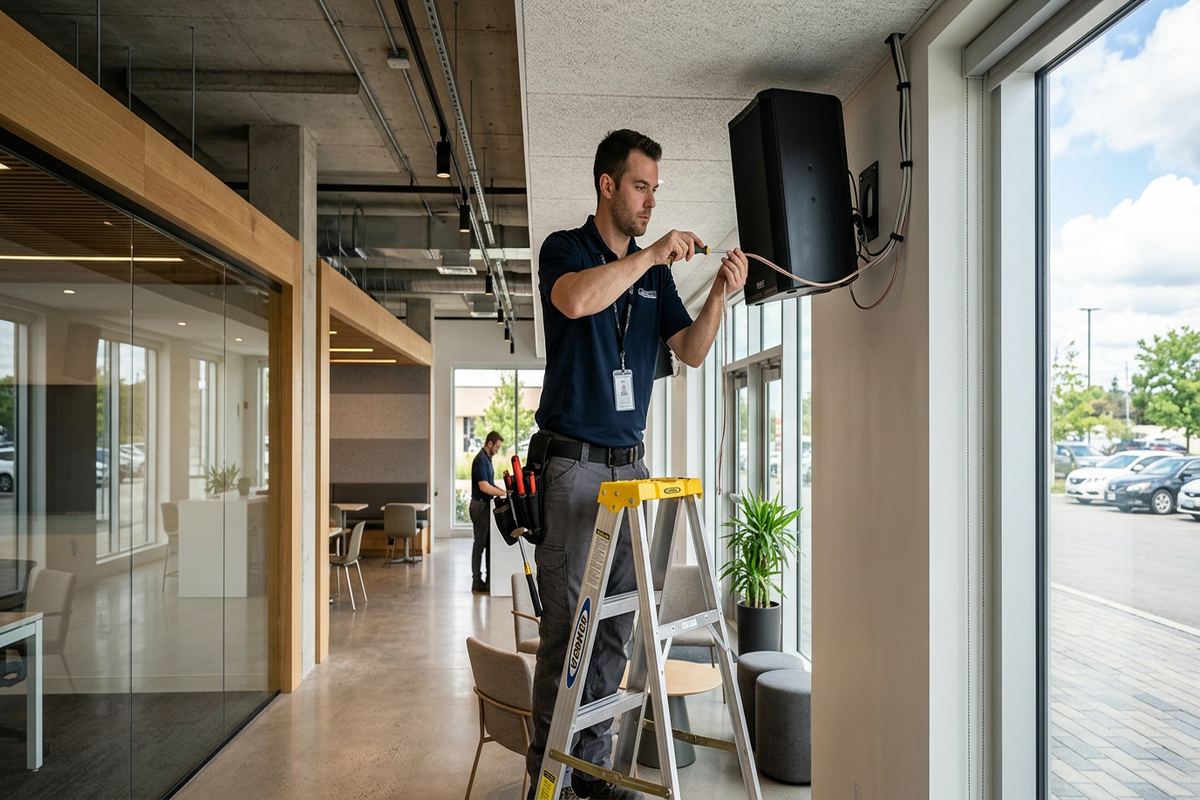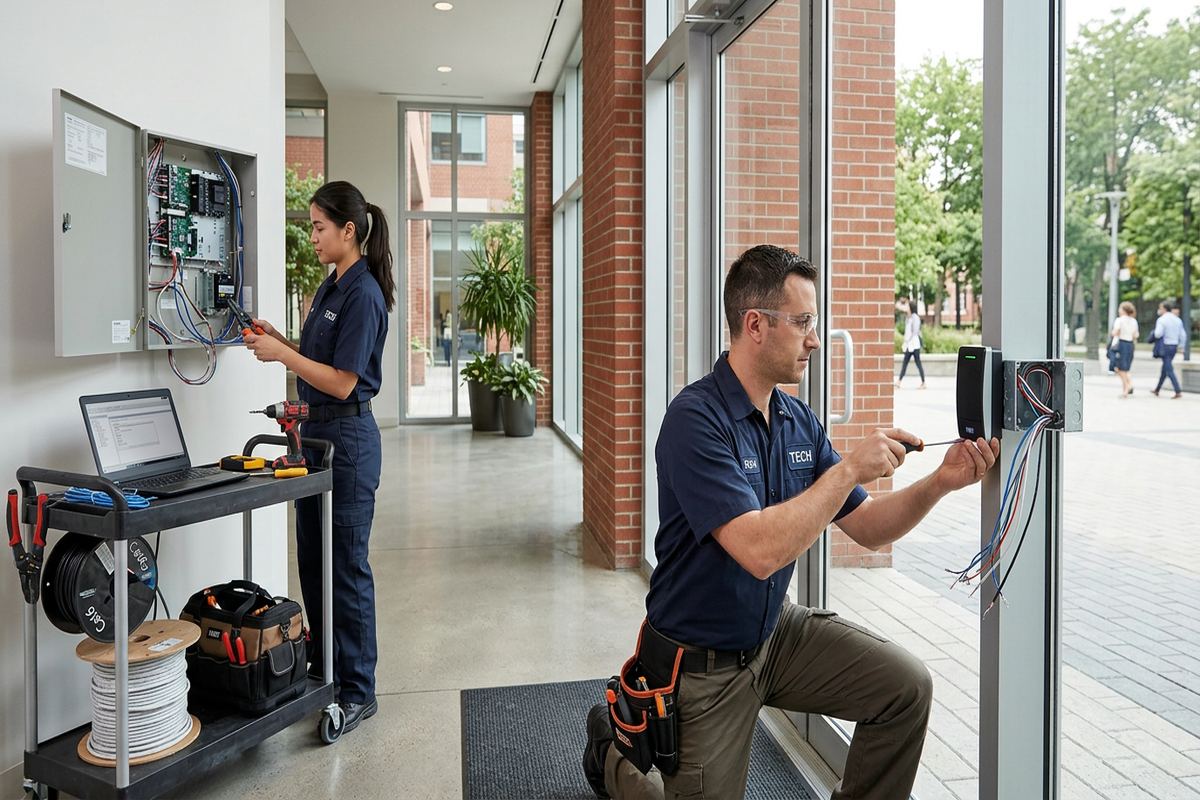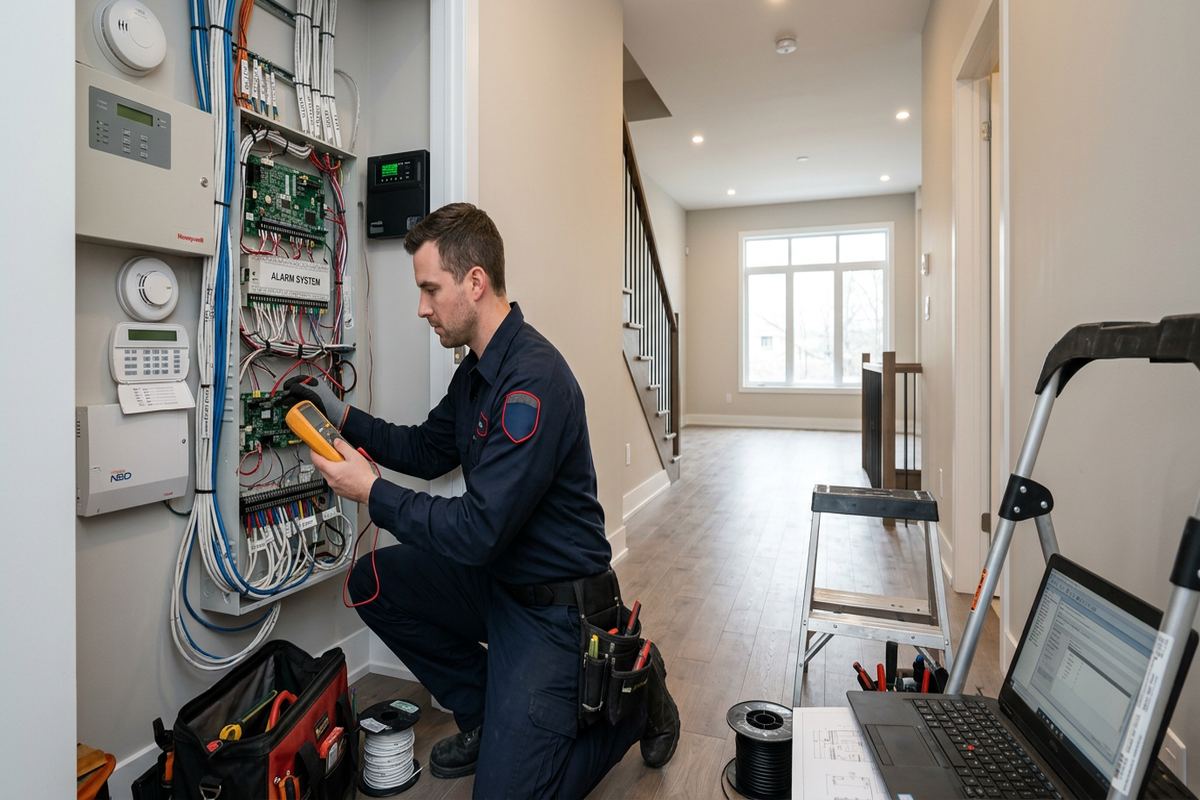
UnifiedLink installs wireless alarm systems for Brockville homes, rental properties, offices, shops and industrial units. Each project starts with a site assessment to review entry points, construction, wireless coverage and mounting constraints. We then provide a written scope and install, configure, test and document the system using credentials owned by the customer.
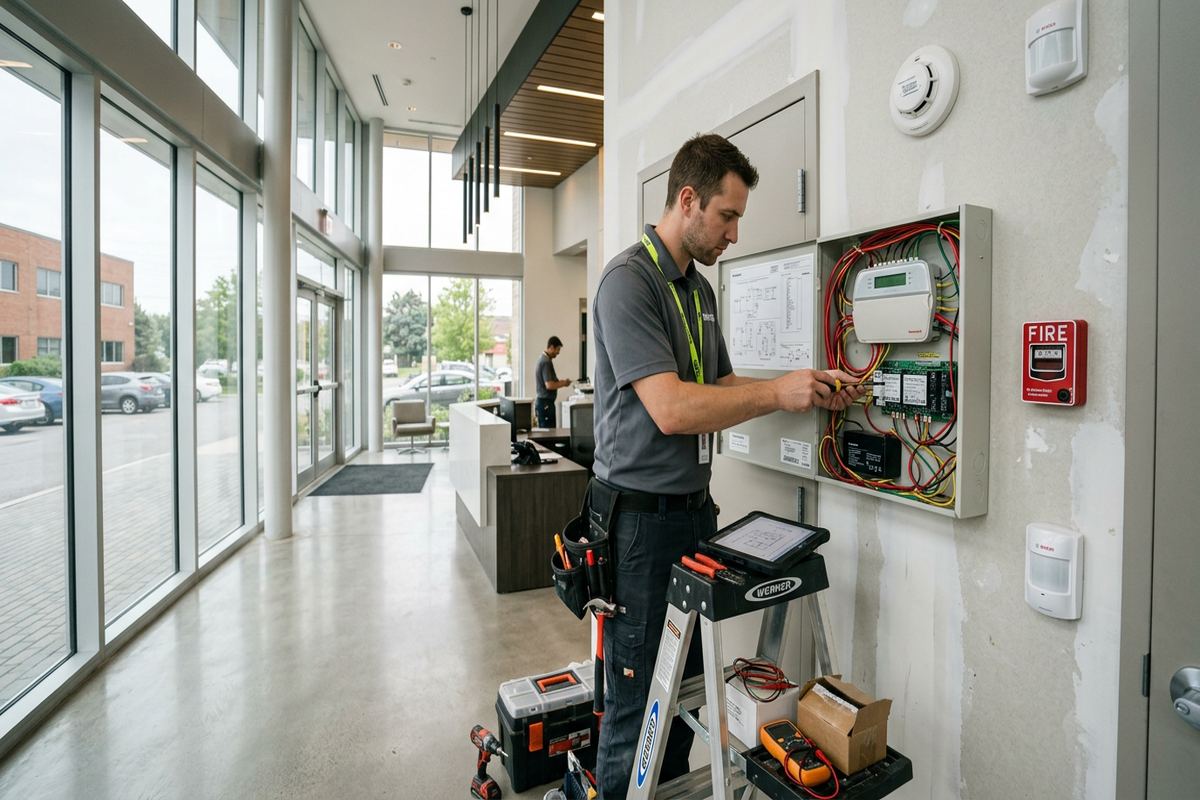
Wireless Alarm Planning in Brockville
A reliable wireless alarm begins with a review of the property rather than a box of devices chosen in advance. During a Brockville site assessment, UnifiedLink examines doors, accessible windows, interior circulation routes, outbuildings and areas where valuables or equipment are kept. We also discuss who will use the system, how arming should work and whether separate areas need independent control. Construction type, floor layout and wireless obstacles affect device selection. These findings become a written scope covering equipment, device placement, mounting methods, exclusions, equipment ownership, warranty terms and any work required from other trades.
Wireless does not mean every component operates without wiring or maintenance. Door contacts, motion detectors, glass-break sensors and keypads may communicate by radio, but the control equipment still needs dependable power and a suitable communications path. Some devices use replaceable batteries, while sirens, communicators or automation interfaces may have different requirements. We explain these distinctions before installation so the finished system matches the expected operation. Cable is used where it improves reliability or supports required equipment, and any new runs are continuous and labelled. The aim is a practical system without unnecessary disturbance to finished walls.
Brockville properties range from compact commercial spaces to multi-level houses with additions, attached garages and detached structures. Those layouts can create radio challenges that are not obvious from a floor plan. Stone, brick, metal ductwork, electrical panels and dense mechanical areas can weaken or redirect signals. We check proposed sensor locations from the actual control-panel position and account for daily use, furniture and future access. If a repeater, alternate panel location or different device type is appropriate, it is identified in the scope. This reduces avoidable changes once mounting and configuration have started.
- Review of doors, windows and interior routes
- Assessment of construction and wireless obstacles
- Written equipment and device-placement scope
- Clear exclusions, ownership and warranty terms
- Planning for garages and detached structures
Alarm Devices for Brockville Homes
Home alarm design should reflect how residents actually enter, leave and move through the building. In Downtown Brockville, an older home may have several exterior doors, a rear addition, basement access and windows set deeply into masonry openings. North Brockville houses may have attached garages, patio doors or open main floors requiring different coverage. UnifiedLink selects contacts and motion devices around those conditions rather than applying one standard package. Placement also considers pets, heating vents, direct sunlight, curtains and moving decorations, all of which can affect some detection technologies if ignored during planning.
Perimeter devices provide early detection by monitoring doors and selected windows before someone reaches the interior. Recessed contacts can provide a discreet result where the opening and warranty conditions permit drilling, while surface contacts may be safer for heritage materials, unusual frames or frequently adjusted openings. Motion detection adds interior coverage and can protect circulation paths when perimeter-only arming is not enough. Glass-break detection may suit rooms with several accessible panes, but it requires careful positioning and testing. We explain the purpose and limitations of each device so owners understand what is protected and what remains outside the scope.
Daily operation matters as much as detection. Keypads, mobile applications, key fobs and scheduled functions should be chosen around the people responsible for the property. A household may need simple stay and away modes, temporary user access or notifications for specific events. A small business may require individual user codes and records showing who armed or disarmed the system. UnifiedLink configures agreed functions on site, confirms communication between devices and demonstrates normal operation. Final credentials belong to the customer, avoiding a handover built around an installer’s personal account or inaccessible administrative login.
- Door and window contact installation
- Interior motion and glass-break coverage
- Pet and environmental placement considerations
- Individual codes and agreed notifications
- Stay and away mode configuration
Discreet Mounting in Stone and Heritage Buildings
Stone heritage homes require restraint because unnecessary drilling can damage masonry, trim or finishes that are difficult to replace. UnifiedLink reviews whether a sensor can be mounted to a frame, removable surface or existing opening instead of directly into historic material. Device colour, profile and sightline are considered where appearance matters. Adhesive mounting is not assumed to be suitable everywhere; temperature, surface condition and long-term service access can affect its reliability. Where drilling is necessary, the proposed location and method are discussed first. The written scope records unusual mounting constraints and any areas that are intentionally excluded.
Masonry and frame construction behave differently during installation. Solid stone or brick can reduce radio range, while older frame sections may contain plaster, metal lath, dense timber or previous renovations that complicate placement. A house that appears uniform from outside may include several construction periods with very different signal paths. Testing is therefore performed with devices near their intended locations, not only beside the alarm panel. In mixed construction, moving a receiver or sensor a short distance can improve communication without visible disruption. Service access is preserved so future battery replacement does not require damage to surrounding finishes.
Low-impact work is also important in finished riverfront properties, where views, custom trim and carefully maintained exterior details can limit acceptable device locations. Interior equipment should remain accessible without dominating the room, and exterior-rated components must not create avoidable penetrations. Before work begins, owners can identify surfaces that cannot be drilled or areas governed by heritage, condominium or lease conditions. UnifiedLink incorporates those restrictions into the plan. If approval is needed from a landlord, condominium corporation or property manager, installation proceeds only after the customer has confirmed permission for the proposed devices, routes and mounting points.
- Low-profile device placement
- Reduced drilling into heritage materials
- Signal testing through stone and brick
- Mounting plans for protected finishes
- Allowance for landlord or condo approvals
Brockville, Ontario
Wireless alarm installation in Brockville, scoped in writing first
Book a site assessment and get equipment, routes, exclusions, and warranty on paper before anything is installed.
Brockville Winters and Exterior Alarm Equipment
Exterior alarm equipment around Brockville must tolerate more than ordinary indoor conditions. Winter cold can affect battery performance, while snow, ice and wind-driven moisture can obstruct or stress poorly located devices. Freeze-thaw cycles also work on unsealed penetrations and mounting surfaces. We verify that proposed equipment is intended for its environment and position it away from routine snow clearing, roof runoff and accidental contact where possible. An indoor device is not substituted for an exterior-rated model simply because it fits the location. Environmental limits and maintenance needs are reviewed with the owner before final placement.
Mounting and sealing are treated as part of the installation, not as cosmetic finishing. Exterior penetrations need a suitable path, mechanical support and seal compatible with the surface and exposure. Water should not be directed toward a cable entry, device housing or fastener. On brick or stone, mounting decisions must account for joints, uneven surfaces and the possibility of trapped moisture. On frame construction, siding profile, sheathing and concealed services affect fastening. Wireless equipment still requires secure attachment, and any supporting cable is routed to avoid unsupported loops, sharp edges and locations vulnerable to snow, tools or animals.
Riverfront properties can have exposed elevations, accessory buildings and long distances between the main structure and the desired detection point. A detached garage or shed should not be assumed to have a dependable radio path simply because it is visible from the house. Building materials, vehicles, seasonal storage and metal doors can change reception. UnifiedLink tests communication under realistic conditions and identifies when relocation, a repeater or a separate approach is needed. Outdoor devices are then included in the same functional testing and handover as interior components, with their purpose, operating limits and maintenance access recorded.
- Environmentally suitable exterior devices
- Weather-aware mounting locations
- Sealed and supported penetrations
- Cold-condition battery considerations
- Testing for garages and accessory buildings
Wireless Alarms for Brockville Businesses
Commercial alarm requirements depend on occupancy, operating hours and how staff use the premises. Along Brockville commercial strips, storefronts may combine public entrances, stock rooms, rear delivery doors and shared walls. Industrial units can add overhead doors, steel construction, high ceilings and equipment that changes the wireless environment. UnifiedLink maps the areas requiring detection and separates essential protection from optional functions. The design can support individual users, defined arming areas and selected notifications where the chosen platform allows. Device placement remains coordinated with shelving, displays, machinery and normal receiving or cleaning activities.
Steel framing, metal cladding and racking can make radio design more demanding in workshops and industrial units. A signal that performs well in an empty space may behave differently after inventory, vehicles or machinery are in place. For that reason, panel and receiver locations should not be selected only for convenience near an electrical outlet. We review the expected layout and test devices at practical mounting heights. Where a wireless link is unsuitable, the scope can identify wired equipment or another method. Any installed cable is a continuous labelled run, supporting easier testing and future service without hidden intermediate joins.
Business owners also need control over users and handover records. Shared codes make it difficult to remove access when staffing changes and provide little clarity about system operation. Where supported, we configure named or individually assigned credentials based on the approved user list. Managers are shown how to add, change or remove users without relying on an installer account. The as-built record identifies installed equipment and final device locations, while the written scope records ownership and warranty. One accountable contractor coordinates the alarm installation, configuration, testing and documentation, reducing gaps between separate equipment and cabling providers.
- Storefront and rear-door protection
- Coverage for stock and service areas
- Industrial unit radio assessment
- Individual user configuration
- Documented equipment and device locations
Configuration, Communications and Notifications
Alarm communication should be selected according to the required function and available services at the property. Depending on the chosen system, reporting may use internet, cellular service or a supported combination. Each path has dependencies, including power, network availability, subscriptions and signal conditions. UnifiedLink explains what happens when one of those dependencies is unavailable and avoids describing mobile notifications as equivalent to every form of monitored response. If monitoring is part of the requested scope, responsibilities and compatible equipment must be confirmed. The owner receives a clear description of enabled communications rather than assumptions based on an application screen.
On-site configuration connects the physical installation to the customer’s operating requirements. Sensors are named in plain language, delays are assigned to appropriate entry routes and user permissions are set according to the approved plan. Notifications can be configured for agreed events where the platform supports them, but excessive alerts can cause important information to be ignored. We help distinguish alarm events, low-battery reports, communication trouble and routine arming notices. In a Brockville business, managers may need operational visibility without giving every employee administrative access. In a home, simpler settings may be more useful and easier to maintain.
Network-connected equipment should be handed over without leaving control in an installer’s personal credentials. UnifiedLink creates or transfers administration using the customer’s own account details and confirms that the owner can reach the agreed controls. Password handling, multi-factor authentication and recovery information remain customer responsibilities after handover, but the setup process is demonstrated. We also identify any equipment that depends on the customer’s router, wireless network or third-party service. This distinction matters during internet changes or renovations. A security alarm’s internal device radio and the property’s everyday Wi-Fi are not automatically the same system or coverage area.
- Internet and cellular path review
- Plain-language sensor naming
- Entry delay and user setup
- Agreed event notification configuration
- Customer-controlled administrator credentials
Installation, Testing and Handover in Brockville
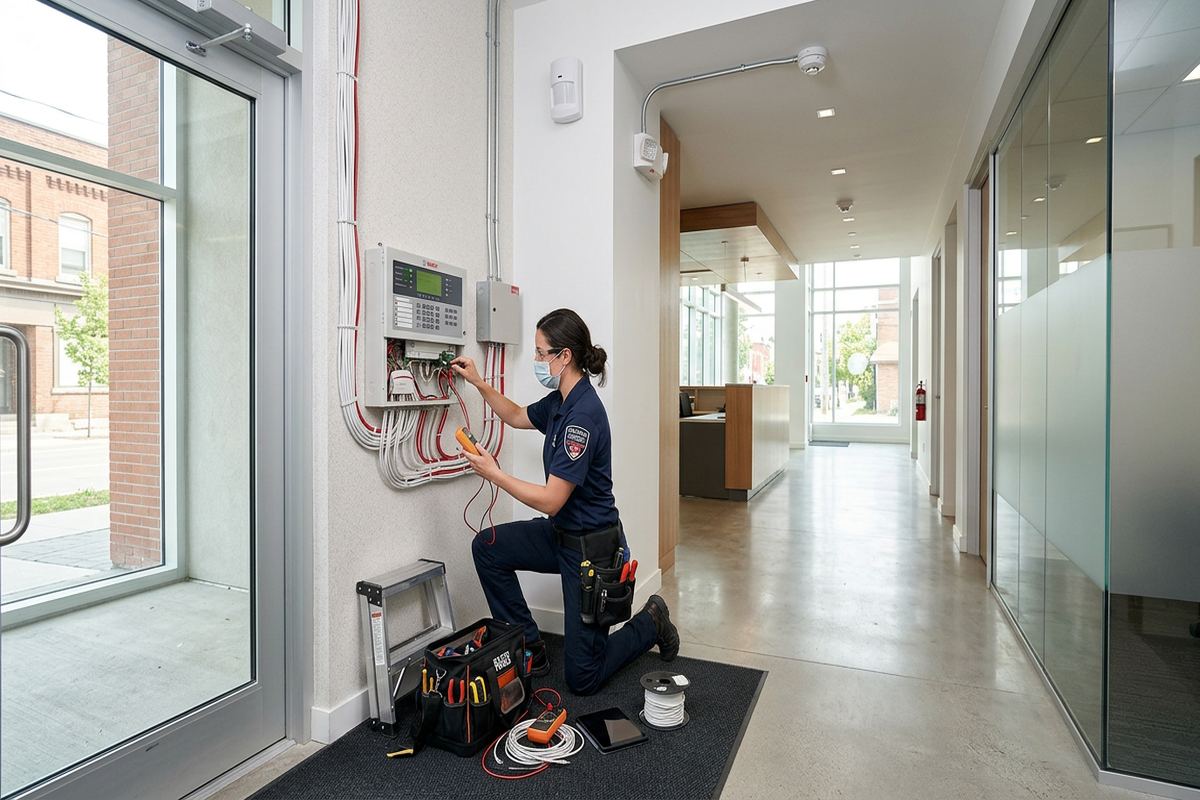
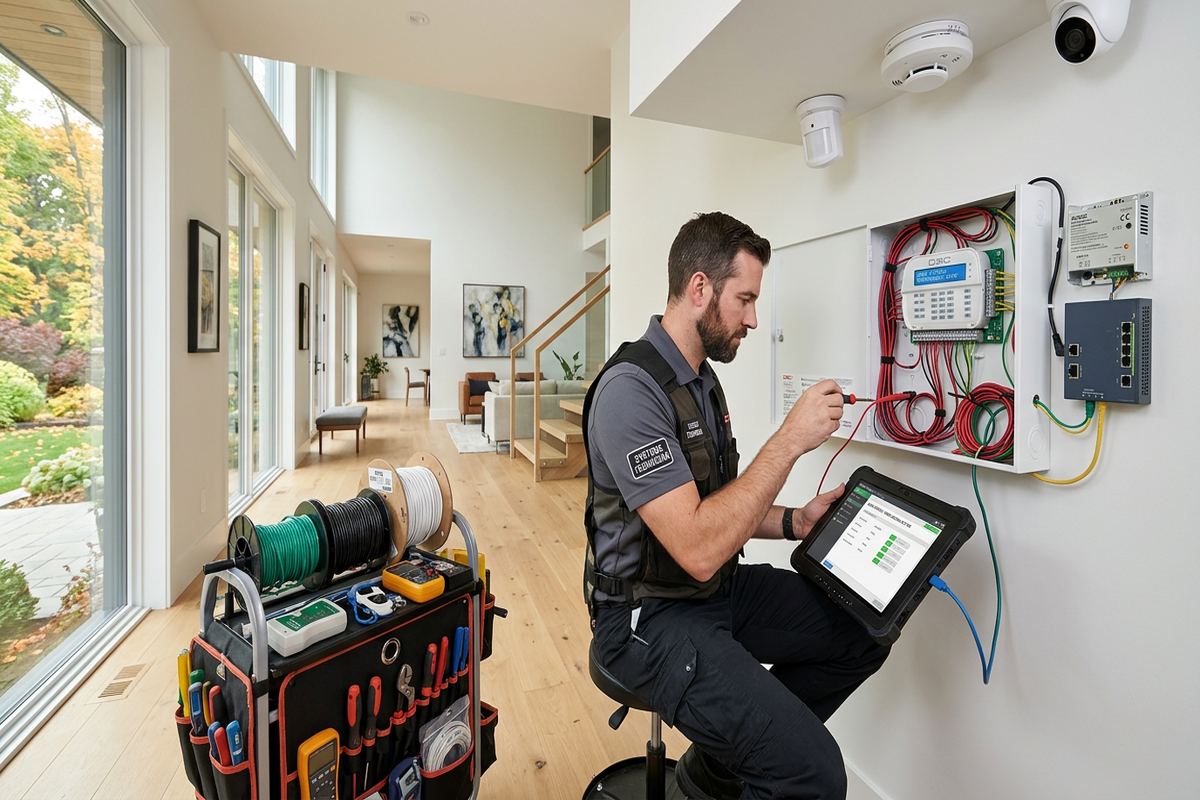
Installation follows the approved scope and begins by confirming device positions before permanent mounting. This check is useful when furniture, trim details or operating conditions differ from what was visible during assessment. Sensors are attached using methods appropriate to the substrate, and cable is installed only where specified. Any cable runs supplied by UnifiedLink are continuous, labelled and routed with service access in mind. Work areas are kept organized, while changes requiring new penetrations or altered coverage are discussed before proceeding. This process is particularly important in finished Brockville homes where a small relocation can prevent unnecessary impact on masonry or woodwork.
Testing covers more than confirming that a device appears in an application. Each contact is operated, motion coverage is checked, tamper conditions are reviewed and audible devices are verified within the agreed system functions. Communication trouble, battery status and relevant entry delays are also examined. Devices protecting garages, riverfront accessory structures or distant rooms receive specific radio testing from their final positions. If environmental or construction conditions prevent dependable operation, we document the issue and recommend an adjustment rather than concealing it. The customer can then decide whether the scope should change before the project is closed.
Handover gives the owner the information needed to operate and maintain the alarm. We demonstrate arming, disarming, user management, notification review and common trouble indicators according to the installed platform. Customer-owned credentials are confirmed, and an as-built record identifies final equipment and device locations. The record also notes relevant cable routes and practical service information available from the installation. Equipment ownership, exclusions and warranty terms remain consistent with the written scope. For landlords, condominium owners or commercial managers, the responsible contact should attend or designate someone authorized to receive credentials and approve the completed setup.
- Position confirmation before mounting
- Operational testing of every device
- Final radio and communication checks
- Customer credential handover
- As-built equipment and location record
Arranging a Brockville Alarm Assessment
The first step is a conversation about the Brockville property, current concerns and intended users. Helpful details include property type, approximate layout, number of exterior openings, existing alarm equipment and any garage or detached building requiring coverage. Photographs can clarify unusual doors, heritage trim or exterior mounting conditions, but they do not replace an assessment where construction and radio performance need direct review. Requests sent during business hours are answered the same day, while after-hours requests are answered the next business day. Site assessment timing depends on the service requested and travel distance.
During the assessment, UnifiedLink reviews device locations, panel placement, power, communications and likely radio obstacles. In Butler's Creek, Rivers Edge or Centennial, this may include attached garages, finished basements, additions or exterior access points with different construction from the main house. Downtown Brockville work may require closer attention to masonry, heritage finishes, tenant arrangements and shared building conditions. Commercial and industrial assessments also consider stock, racking, overhead doors and staff routes. The purpose is to gather enough information to define the work accurately, not to promise performance without examining the property.
Pricing follows the site assessment because device quantities, construction and communications requirements affect the work. The written scope lists the proposed equipment, cable routes where applicable, device placement, exclusions, equipment ownership and warranty. It also identifies customer responsibilities, such as obtaining landlord or condominium approval, providing network access or arranging power work by another trade. Once the scope is accepted, installation and on-site configuration can be scheduled. UnifiedLink remains the accountable contractor for the defined alarm work through installation, testing and handover, giving the customer one point of coordination for questions about the completed system.
- Same-day reply during business hours
- Property and opening review
- Assessment timing based on service and travel
- Written scope before installation
- One contractor for defined alarm work
Brockville neighbourhoods we cover
- Downtown Brockville
- North Brockville
- Rivers Edge
- Butler's Creek
- Centennial
Wireless alarm installation in Brockville — common questions
Will wireless sensors work through a Brockville stone home?
They can, but stone, brick, metal lath and later additions may reduce or redirect radio signals. UnifiedLink assesses the proposed panel and sensor locations, then tests devices near their intended mounting points. A different panel position, repeater or alternate device may be needed. The plan also considers discreet mounting so improving communication does not cause unnecessary drilling into heritage materials.
Do exterior wireless sensors work during Brockville winters?
Exterior equipment must be rated for the expected environment and mounted away from runoff, snow clearing and avoidable impact. Cold can affect battery performance, while freeze-thaw cycles make fastening and sealing important. UnifiedLink reviews environmental limits, mounting surfaces and communication from the final position. Exterior devices still require periodic inspection, battery maintenance where applicable and clear detection areas.
Can you install an alarm in a condo or rental unit?
Yes, subject to the property rules and the owner’s authority to approve the work. Brockville tenants and condominium owners may need written permission before devices are fastened to doors, common elements, masonry or exterior surfaces. UnifiedLink can document proposed device locations and mounting methods in the scope, but the customer is responsible for obtaining landlord, condominium corporation or property manager approval.
Can my garage or detached building use the same system?
Possibly. Distance alone does not determine whether a wireless link will be dependable. Brockville garages and accessory buildings may include metal doors, masonry, vehicles or stored materials that affect radio performance. UnifiedLink tests communication and reviews environmental conditions before confirming the design. A repeater, different device position, supporting cable or separate approach may be recommended when the main system cannot reliably reach the structure.
Will I control the alarm with my own account?
Yes. UnifiedLink completes handover using the customer’s own credentials rather than keeping the system under an installer’s personal account. We demonstrate agreed controls, user management and notification review, and provide an as-built record. Internet, cellular or third-party services may have separate account and subscription requirements. Those dependencies and customer responsibilities are identified during scoping and configuration.
How do I get pricing for a Brockville installation?
UnifiedLink completes a site assessment before pricing. The assessment reviews openings, construction, wireless obstacles, communications, mounting constraints and the way occupants will use the system. You then receive a written scope covering equipment, cable routes where applicable, device placement, exclusions, ownership and warranty. Requests made during business hours receive a same-day answer; after-hours requests are answered the next business day.
Coverage in Brockville is confirmed against the address before we quote. See everything we install in Brockville or the province-wide wireless alarm installation page.