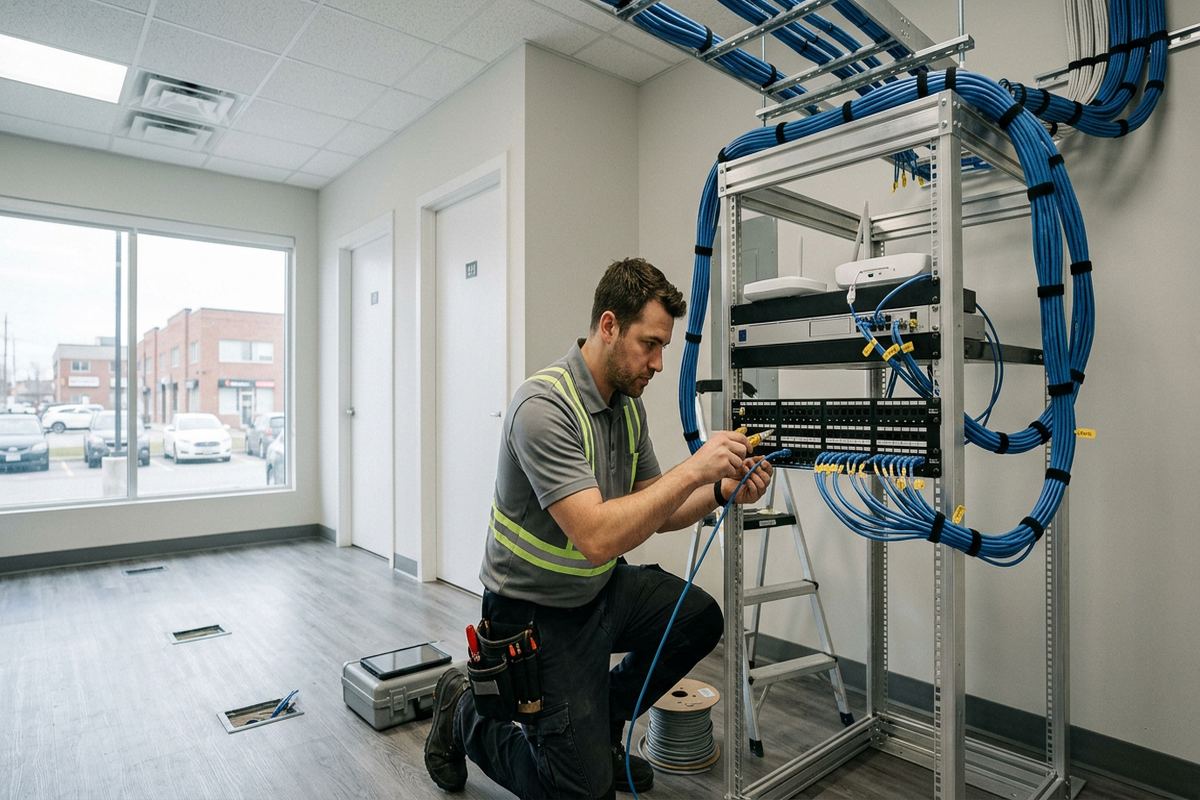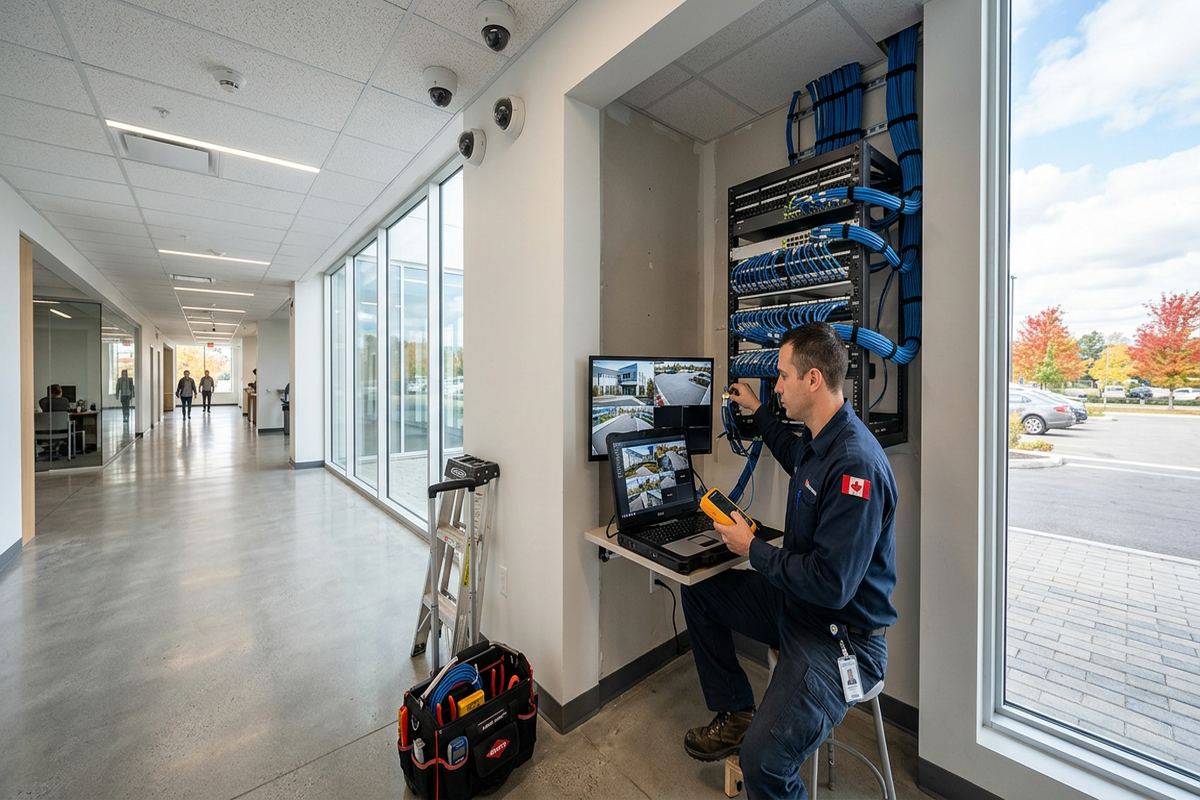
UnifiedLink installs wired and wireless home security camera systems across Brockville and nearby Eastern Ontario communities. Each project starts with a site assessment to identify useful views, practical cable routes and suitable recording options. We account for masonry, exterior exposure, network capacity and property approvals before providing a written scope.
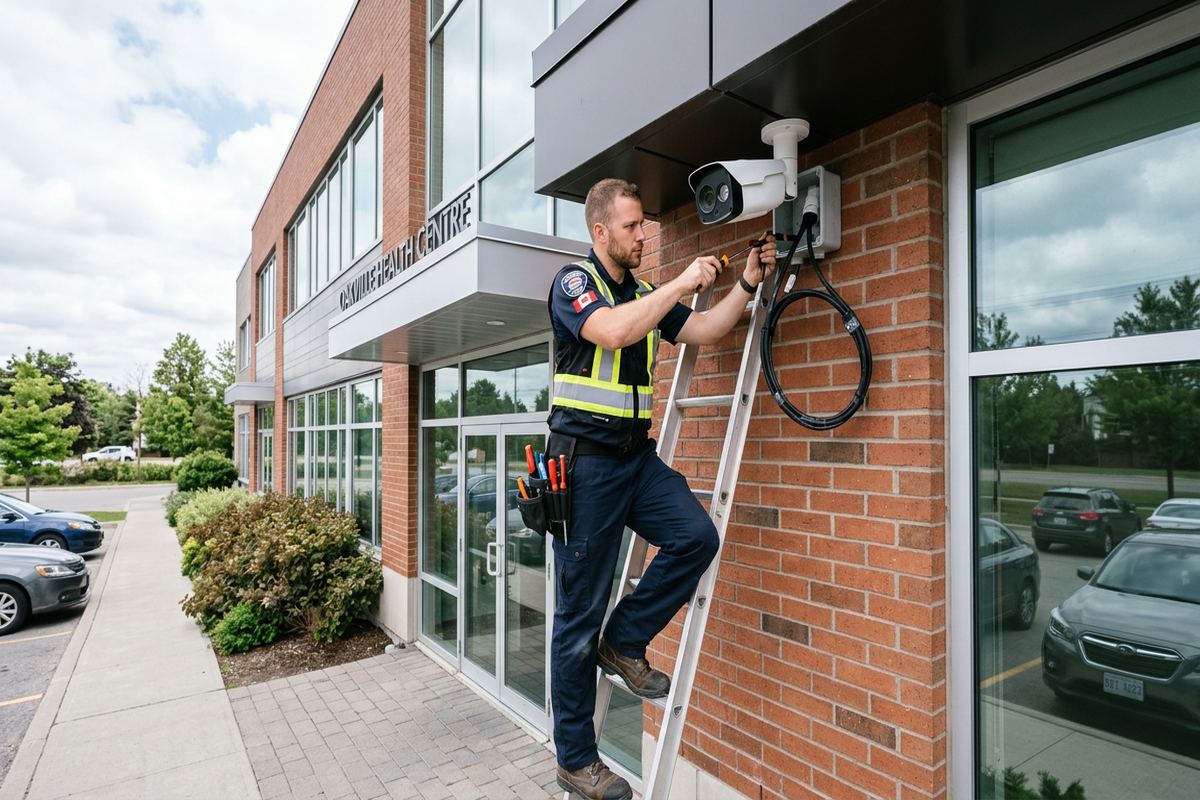
Planned Home Camera Coverage in Brockville
A home camera system should show what is happening at entrances, driveways, side yards and other vulnerable areas without creating avoidable damage to the property. In Brockville, that often means adapting the installation to older masonry, modern frame construction or exposed riverfront conditions. UnifiedLink begins with a site assessment before pricing, then designs camera positions, cable routes and recording around the home’s actual risks. The objective is usable identification and overview footage, not simply attaching the largest possible number of cameras wherever mounting happens to be convenient.
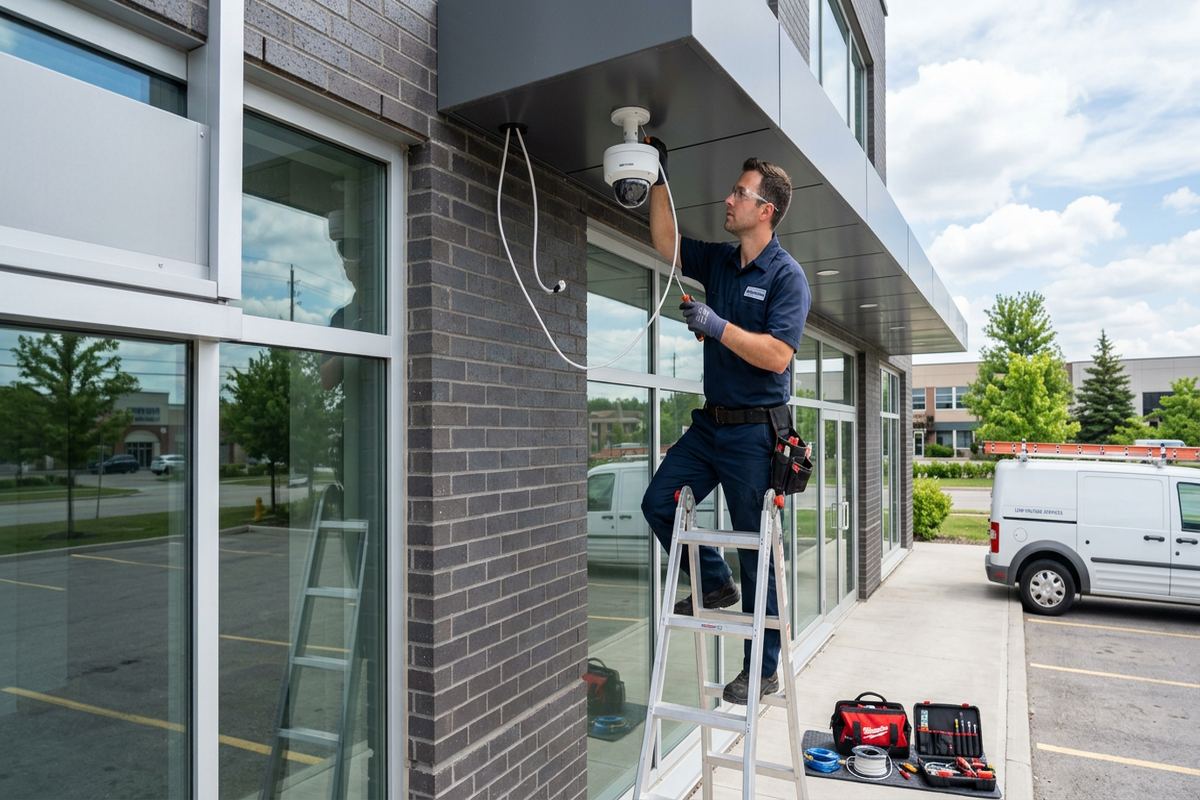
Camera placement affects far more than the size of the visible area. Height, viewing angle, lens choice, lighting and distance all determine whether footage provides useful detail. A camera aimed broadly across a driveway may document activity while missing faces near the door. One placed too high can show only the tops of heads. During assessment, we consider likely approach paths, vehicle positions, doors, gates, detached buildings and natural obstructions. We also review neighbouring properties and public areas so that each view has a clear security purpose and avoids unnecessary observation.
The resulting plan can combine overview cameras with more focused views at important entry points. Day and night performance are considered separately because porch lights, reflective siding, vehicle headlights and infrared illumination can change an image after dark. Where practical, cameras are positioned under sheltered areas, but protection from weather must not compromise the view. The written scope identifies proposed equipment, device placement, cable routes, exclusions, equipment ownership and warranty. This gives Brockville property owners a clear basis for reviewing the work before installation begins.
- Entrance and doorway identification views
- Driveway and vehicle approach coverage
- Side-yard and gate monitoring
- Detached garage or shed options
- Day and night image planning
Camera Installation for Brockville Building Types
Stone heritage homes in Downtown Brockville call for deliberate, low-impact installation methods. Random drilling through historic masonry can damage finishes, create difficult repairs and leave exposed cable where it does not belong. We look for existing penetrations, utility routes, soffits, trim transitions and interior pathways before proposing new openings. Where masonry drilling is required, the mounting surface, fastener type and cable entry are considered together. The aim is to secure the camera properly while keeping the installation discreet and reducing unnecessary changes to character-defining stone, brick or wood details.
Frame homes in North Brockville, Centennial and Butler’s Creek usually present different routing options. Attics, unfinished basements, attached garages and accessible utility spaces may allow concealed cable runs between cameras, network equipment and the recorder. Access is not assumed, however. Finished ceilings, insulation, fire separations and additions can interrupt an apparently simple route. The assessment identifies where cabling can remain hidden and where a visible section may be necessary. Any proposed surface pathway is discussed in advance, including its location, finish and effect on future maintenance or renovations.
Riverfront properties can expose cameras and connections to wind-driven rain, moisture and rapid weather changes. Mounting must account for the surface condition as well as the direction of exposure. Stainless or corrosion-resistant hardware may be appropriate depending on the equipment and location, while exterior cable entries require proper sealing. Wireless signal paths can also be affected by stone walls, metal cladding and building layout. For each Brockville property, we choose between wired, wireless-assisted or mixed designs based on reliable operation rather than on assumptions about what will be easiest to install.
- Low-impact heritage mounting plans
- Masonry and frame-specific fastening
- Concealed cable routes where practical
- Weather-exposed location review
- Existing penetration use when suitable
Exterior Mounting and Eastern Ontario Weather
Eastern Ontario winters create practical demands for any exterior security camera installation. Freeze-thaw cycles can open poorly sealed penetrations, loosen unsuitable anchors and allow moisture to reach connectors. Snow and ice may also block low-mounted views or reflect infrared light back into the lens. We select mounting positions with seasonal conditions in mind, keeping cameras accessible for reasonable maintenance while avoiding obvious accumulation points. Exterior entries are sealed using methods appropriate to the wall assembly, and connections are protected rather than left exposed behind a camera or loose under a soffit.
Temperature ratings matter, but they are only one part of exterior reliability. A camera can be rated for outdoor use while its junction, network connection or power arrangement remains vulnerable. UnifiedLink reviews the full path from the device to the protected interior equipment. Drip loops, suitable exterior cable, junction boxes and gasketed mounts may be used where the design requires them. Cable is supported continuously instead of being draped across siding or tucked into places where ice, animals or routine maintenance could damage it. Product requirements and mounting instructions remain part of the installation decision.
Seasonal lighting also changes camera performance around Brockville homes. Winter darkness increases reliance on artificial or infrared illumination, while summer foliage can obscure a view that appeared clear earlier in the year. Direct sunrise, sunset glare and lights mounted close to the lens may wash out important detail. During planning, we consider these predictable changes and identify vegetation or fixtures that may require adjustment. No position eliminates every environmental limitation, so the scope explains relevant trade-offs. Customers can then choose priorities such as doorway identification, broad property awareness or clearer vehicle coverage.
- Freeze-thaw resistant mounting approach
- Sealed exterior cable penetrations
- Protected network and power connections
- Snow and infrared reflection review
- Seasonal glare and foliage planning
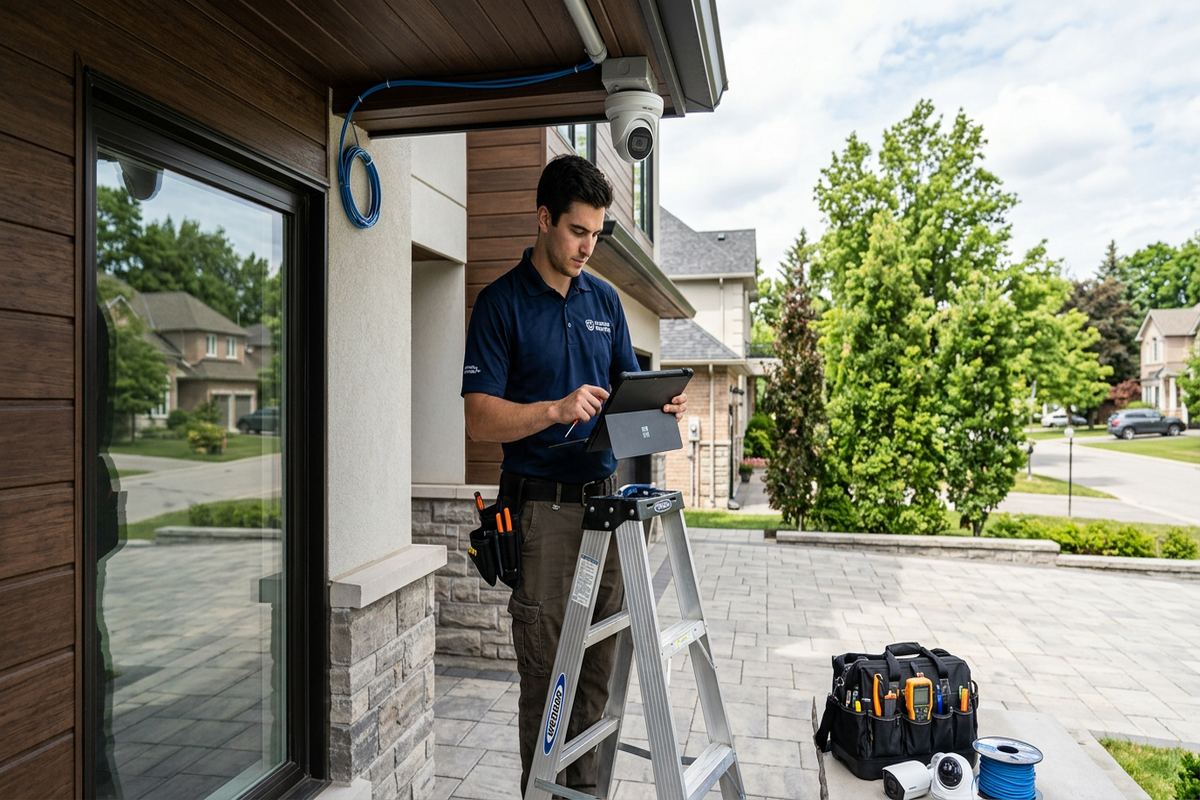
Brockville, Ontario
Home security camera installation in Brockville, scoped in writing first
Book a site assessment and get equipment, routes, exclusions, and warranty on paper before anything is installed.
Wired, Wireless and Recording Options in Brockville
A wired Power over Ethernet system is often suitable when dependable cable routes are available. One network cable can carry data and power between each camera and compatible equipment, reducing the need for exterior electrical receptacles. Continuous labelled runs make faults easier to trace and avoid hidden couplers that may become future failure points. A local network video recorder can keep footage on equipment at the property, subject to the selected storage configuration. Recorder placement must provide ventilation, network access and reasonable physical protection without making routine use unnecessarily difficult.
Wireless cameras can be useful where running cable would create disproportionate disturbance, but wireless does not automatically mean installation-free. Each device still needs dependable power or scheduled battery attention, adequate Wi-Fi coverage and a reliable route back to the network. Thick stone walls in Downtown Brockville, long riverfront lots and detached garages can weaken signals or introduce unstable connections. Before recommending a wireless design, we assess the property layout and available network. Where necessary, cameras may be combined with properly placed access points or wired links rather than relying on a marginal signal.
Recording choices include local storage, manufacturer cloud services or combinations supported by the selected platform. Retention depends on camera count, resolution, frame rate, recording schedule, storage capacity and scene activity. UnifiedLink does not set a universal retention period without reviewing those factors. We discuss continuous versus motion-based recording, event notifications, remote viewing and account requirements during design. Any recurring service terms tied to a manufacturer or provider are identified in the scope where known. The customer receives the system using their own credentials, rather than an installer-controlled personal account.
- Power over Ethernet camera systems
- Wireless feasibility assessment
- Local recorder placement planning
- Motion or continuous recording options
- Remote viewing with customer credentials
Privacy, Approvals and Responsible Camera Views
Residential cameras should focus on the owner’s security needs while limiting unnecessary views into neighbouring homes, private yards or windows. A wide lens may capture more than intended, especially on narrow urban lots. Camera direction, digital privacy masking and motion zones can help reduce irrelevant recording, although available controls depend on the platform. UnifiedLink discusses practical placement and configuration but does not provide legal advice. Brockville owners remain responsible for using their system appropriately, controlling access to recordings and understanding any privacy, employment or tenancy obligations that apply to their situation.
Condominium installations may require written approval before a device is attached to brick, balconies, soffits, hallways or other common elements. Rules can also address visible wiring, door cameras, network use and views of shared areas. Landlords should confirm what alterations are permitted and how tenants will be informed or given access. We can prepare a proposed device and cable plan for review, but approval remains with the owner, condominium corporation, property manager or other authority. Installation proceeds only within the agreed scope and the permissions supplied for the property.
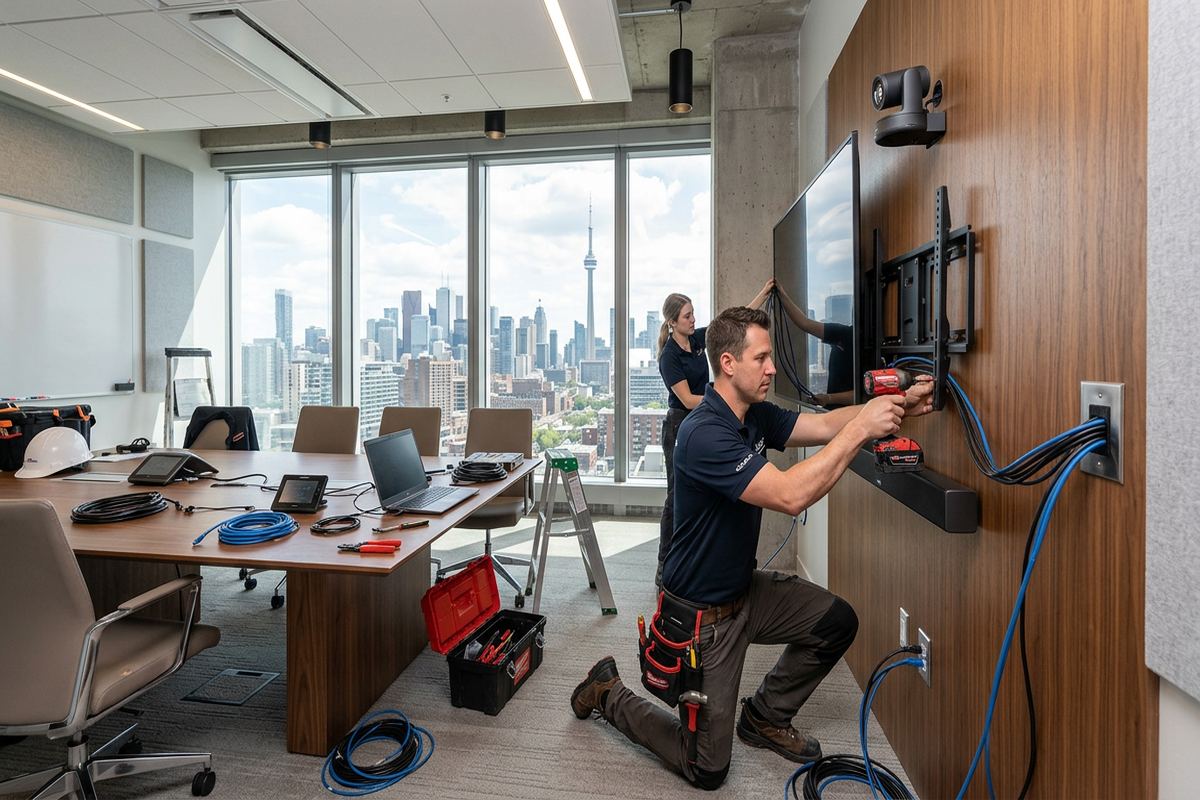
Although this service focuses on homes, similar approval and viewing issues arise in mixed-use properties, commercial strips and small industrial units around Brockville. Cameras facing customer areas, shared parking, loading zones or employee workspaces need a defined purpose and controlled access. A residential system may not offer the management, retention or user permissions needed for a business setting. During assessment, we clarify whether the property is strictly residential and who requires access. That prevents a household-oriented design from being applied to a site with materially different operating or privacy requirements.
- Neighbour-aware camera positioning
- Privacy mask configuration where supported
- Condo approval plan preparation
- Landlord permission considerations
- Controlled recording access
Network, Cabling and Power Design
Security cameras depend on the network and power design behind them. High-resolution video can expose weak Wi-Fi coverage, overloaded switches or poorly arranged internet equipment, even when ordinary web browsing appears acceptable. We review available ports, equipment locations, cable distances and remote-access requirements before finalizing the design. Internet service is generally needed for off-site viewing and cloud features, but a properly designed local recorder may continue recording during an internet interruption if local network and power remain available. Exact behaviour depends on the selected camera, recorder and account configuration.
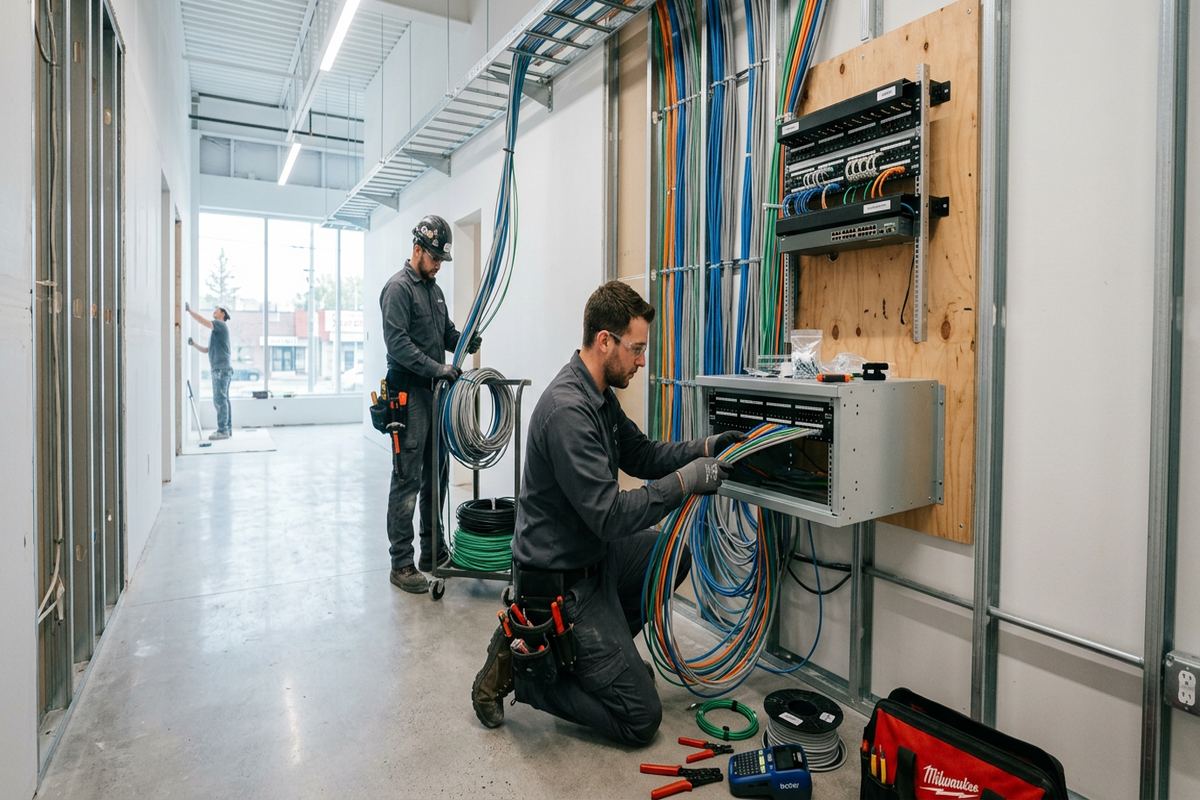
New camera cabling is installed as continuous labelled runs wherever the agreed route permits. Labels at both ends support testing, recorder changes and future troubleshooting. Cable type is matched to the pathway, including consideration of exterior exposure, moisture, support and proximity to electrical wiring. We do not treat an attic, crawlspace or wall cavity as an unrestricted route; physical access and building conditions still govern what is practical. Any required surface-mounted cable, conduit or raceway is identified before work so the owner understands where it will remain visible after completion.
Power interruptions can stop cameras, network switches and recorders unless suitable backup equipment is included. A battery backup may support selected components for a limited period, but runtime varies with load, battery condition and equipment configuration. It does not replace planning for prolonged outages. We identify which devices must remain powered together so owners can make an informed choice about backup. Surge protection and equipment location are also considered, particularly where utilities enter detached structures. Existing electrical deficiencies or receptacle work may require a qualified electrical contractor outside our low-voltage scope.
- Network capacity and port review
- Continuous labelled cable runs
- Appropriate interior or exterior cable
- Recorder and switch power planning
- Optional backup power design
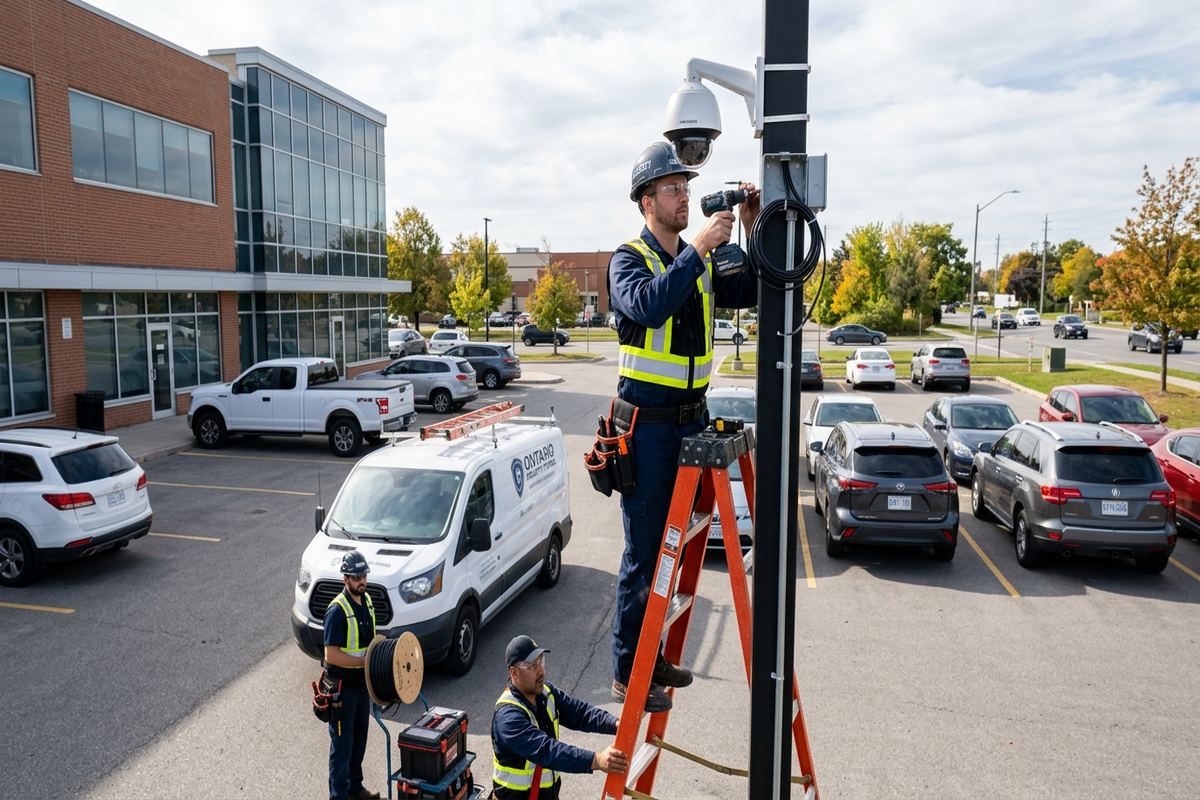
Brockville Installation, Configuration and Handover
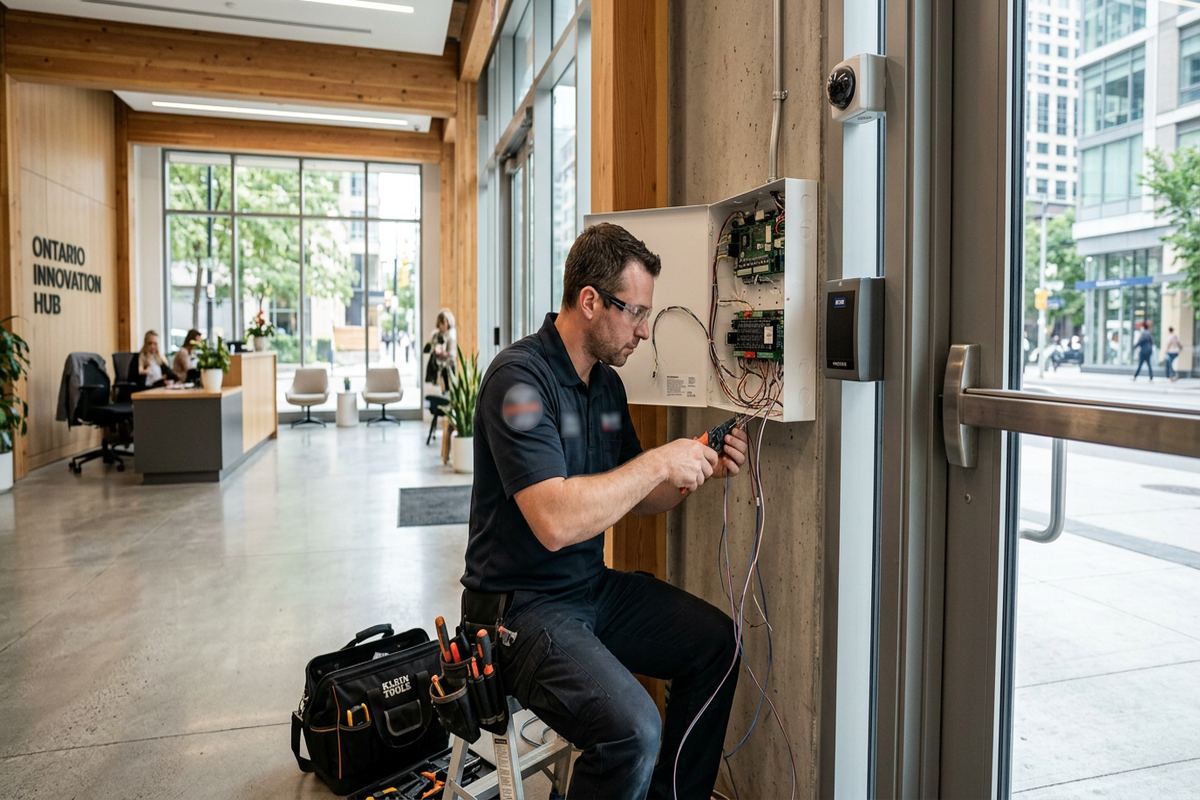
Once the scope is accepted, installation follows the documented device locations and cable routes. Work typically includes mounting cameras, running and labelling cable, terminating connections, installing agreed recording or network equipment and checking each view. If concealed conditions make a planned route impractical, the change is discussed before proceeding rather than improvised without approval. This is especially important in Brockville’s older homes, where renovations, thick masonry and inaccessible additions can change what is possible. One accountable contractor coordinates the low-voltage camera work and the associated on-site system configuration.
Configuration is completed at the property using the selected platform’s available controls. We set camera names, time settings, recording modes, motion areas, notification options and user access according to the agreed requirements. Image views are checked during daylight and adjusted for useful framing, though some night conditions may require later observation by the owner. Remote access is connected to the customer’s own credentials. Passwords should be unique, and multi-factor authentication should be enabled where the platform supports it. Administrative access is limited to the people who actually need system control.
Handover explains routine operation rather than leaving the customer to interpret an unfamiliar application. We review live viewing, recorded playback, event search, clip export, notification controls and basic device status. The customer receives an as-built record showing installed devices and relevant cable or equipment information. Equipment ownership and warranty terms are recorded in the written scope, including any components supplied by the customer. Owners should keep credentials, recovery details and exported evidence secure. Manufacturer updates, storage health and camera cleanliness remain important parts of ongoing system operation.
- Mounted and tested camera views
- On-site recorder and app setup
- Customer-controlled account credentials
- Basic user operation walkthrough
- As-built installation record
Getting a Camera Installation Scope in Brockville
A useful request starts with the property address, building type and the areas of concern. Owners can mention recent incidents without providing sensitive details, identify preferred entrances or parking areas, and note whether the home has an attic, unfinished basement or detached garage. Existing cameras, network equipment and internet service should also be identified. For Downtown Brockville heritage properties or riverfront homes, photographs can help with preliminary discussion, but they do not replace an on-site review of surfaces, access, cable routes and exposure before pricing is prepared.
During the assessment, we confirm priorities, inspect practical pathways and discuss how occupants expect to use the system. The review may include entrances, driveway geometry, exterior lighting, recording location, available network capacity and possible mounting surfaces. Condo owners and landlords should have relevant rules or permissions available before installation is scheduled. Site assessment timing depends on the service and travel distance. Requests sent during business hours are answered the same day, while after-hours requests are answered the next business day. These response terms apply to the initial request, not guaranteed attendance.
After assessment, UnifiedLink provides a written scope covering equipment, cable routes, device placement, exclusions, equipment ownership and warranty. This document distinguishes included work from optional items and outside trades. It also records known constraints, such as visible raceway, customer-provided internet service or approvals that must be obtained. Changes can be reviewed before installation rather than discovered during handover. Whether the property is in Rivers Edge, Centennial or North Brockville, the same process keeps the design tied to the site and provides one clear point of accountability for the camera installation.
- On-site assessment before pricing
- Documented equipment and placement
- Cable routes identified in writing
- Ownership and warranty clarified
- Known exclusions recorded
Brockville neighbourhoods we cover
- Downtown Brockville
- North Brockville
- Rivers Edge
- Butler's Creek
- Centennial
Home security camera installation in Brockville — common questions
Can cameras be installed on a stone home in Brockville?
Yes, but the mounting and cable route require careful planning. For Brockville stone or brick homes, we first look for existing penetrations, trim routes, soffits and accessible interior pathways. If masonry drilling is necessary, the surface, anchor, cable entry and sealing method are reviewed together. The objective is a secure installation with minimal visual and physical impact on the building.
Will my cameras keep working during an internet outage?
It depends on the system design. A local recorder may continue receiving and storing video while the internet is unavailable, provided the cameras, local network and recorder still have power. Remote viewing, cloud recording and notifications may stop until service returns. We explain expected outage behaviour for the proposed Brockville installation and identify any backup-power options included in the written scope.
Are wired cameras better than wireless cameras?
Neither type is automatically right for every Brockville home. Wired Power over Ethernet cameras generally provide stable data and power where suitable routes exist. Wireless models can reduce cabling but still need reliable power, Wi-Fi coverage and ongoing network access. Stone walls, detached buildings and long properties can make wireless performance inconsistent. The site assessment determines which approach fits the building and required views.
Do I need approval for a condo or rental property?
Often, yes. Brockville condominium rules may restrict drilling, exterior devices, visible wiring and views of common areas. A landlord may also need permission from the property owner or must address tenant and privacy requirements. UnifiedLink can document proposed camera positions and cable routes for review, but the customer is responsible for obtaining approval from the condominium corporation, property manager, owner or other authority before installation.
How much recorded video will the system retain?
Retention cannot be determined from camera count alone. It changes with resolution, frame rate, scene activity, continuous or motion recording, compression and available storage. During the Brockville site and system review, we discuss the events you need to retrieve and configure an appropriate recording approach. The written scope identifies the proposed recorder or storage method, while actual retention can vary as activity and settings change.
What happens after the cameras are installed?
UnifiedLink completes on-site configuration, checks camera views and reviews live viewing, playback, event search, notifications and clip export. The Brockville customer receives access through their own credentials and an as-built record of installed devices and relevant cabling. We also explain basic upkeep, including lens cleaning, storage checks, software updates and account security. Equipment ownership and warranty details are documented in the written scope.
Coverage in Brockville is confirmed against the address before we quote. See everything we install in Brockville or the province-wide home security camera installation page.