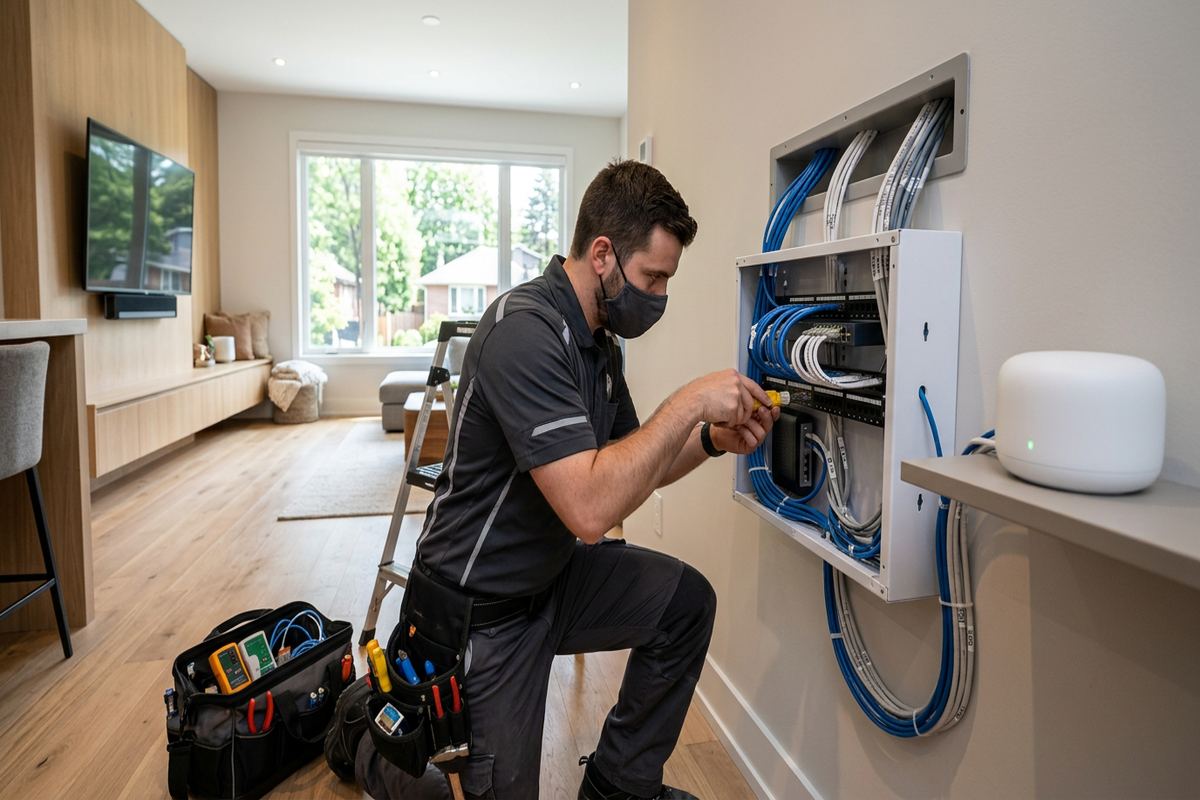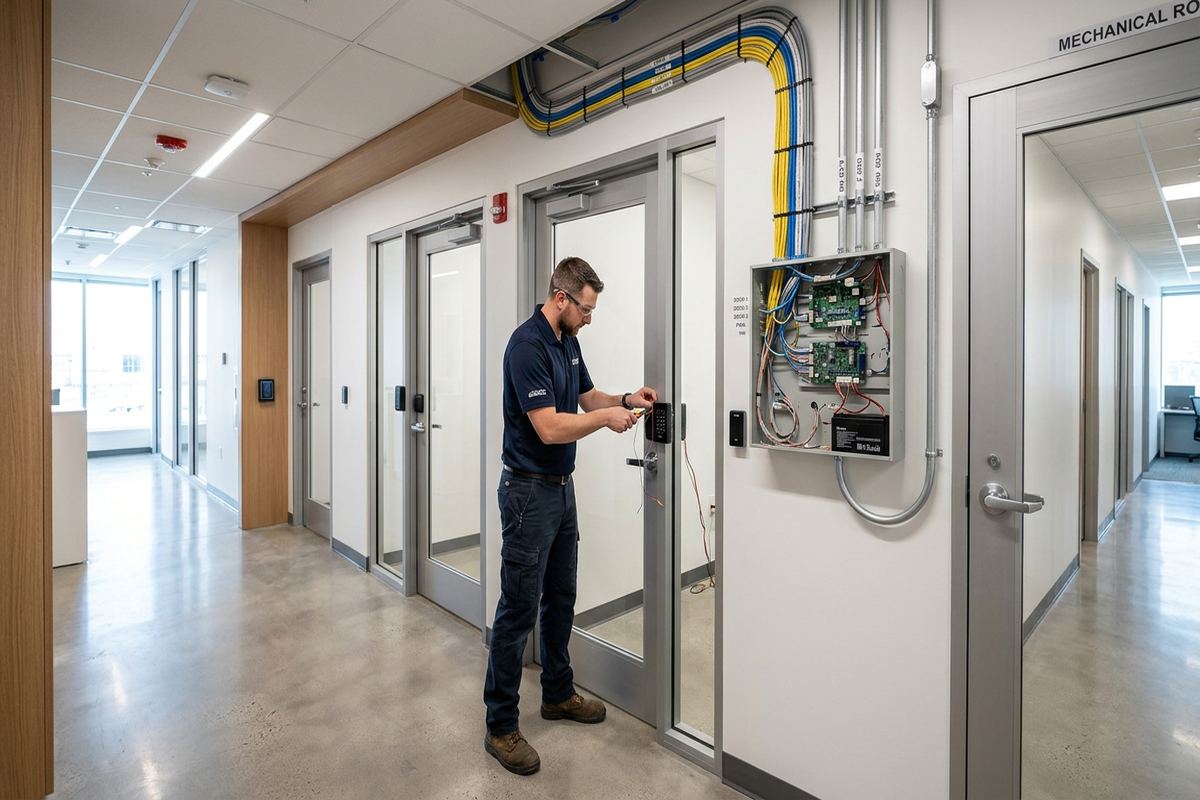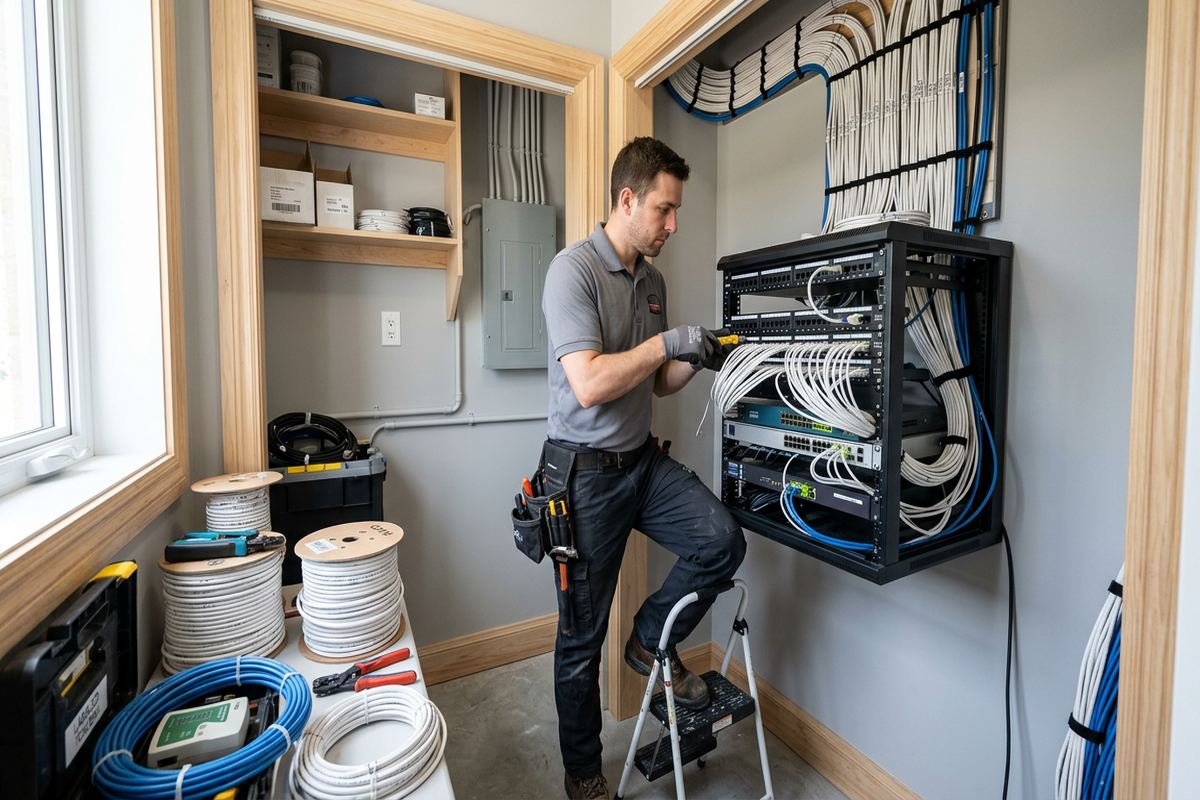
UnifiedLink installs home networks in Bolton for reliable wired connections and practical Wi-Fi coverage. We assess the property, plan equipment locations and cable routes, then configure and document the system on site. Work can cover a single weak area, a renovation, a new network cabinet or a complete replacement of consumer networking equipment.
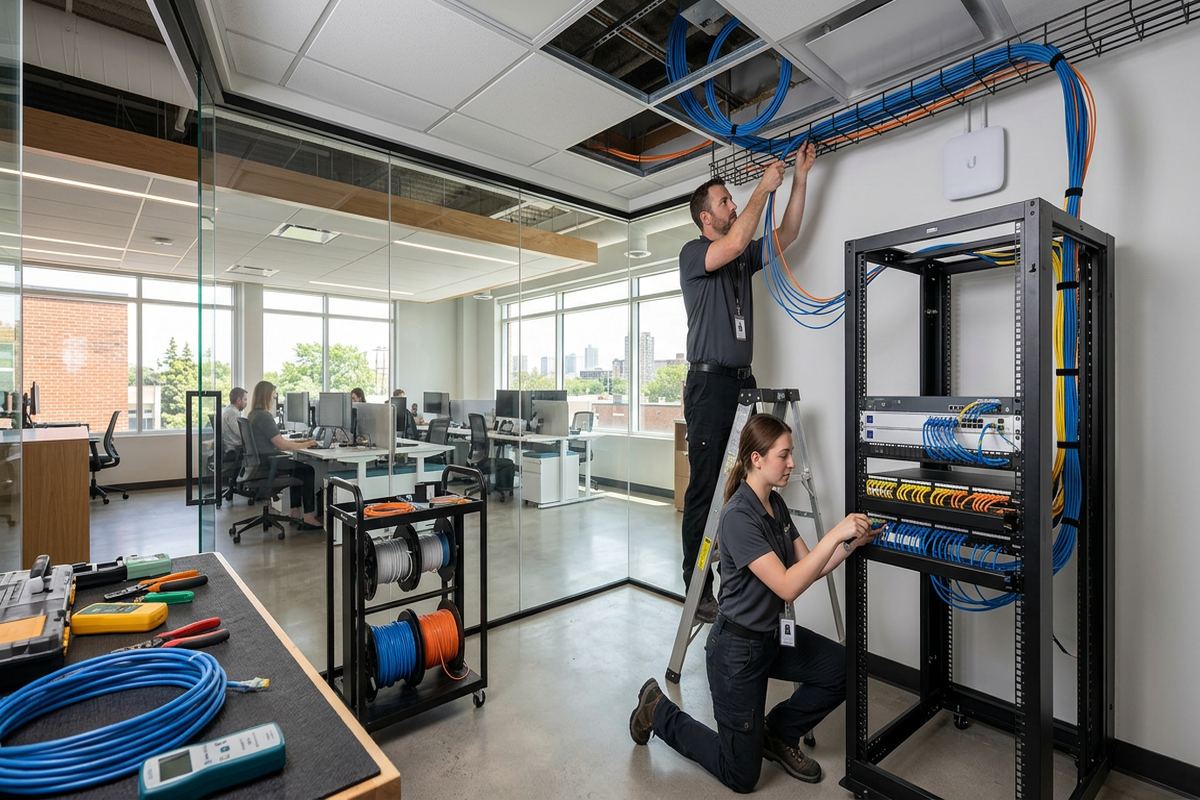
Home Network Installation for Bolton Properties
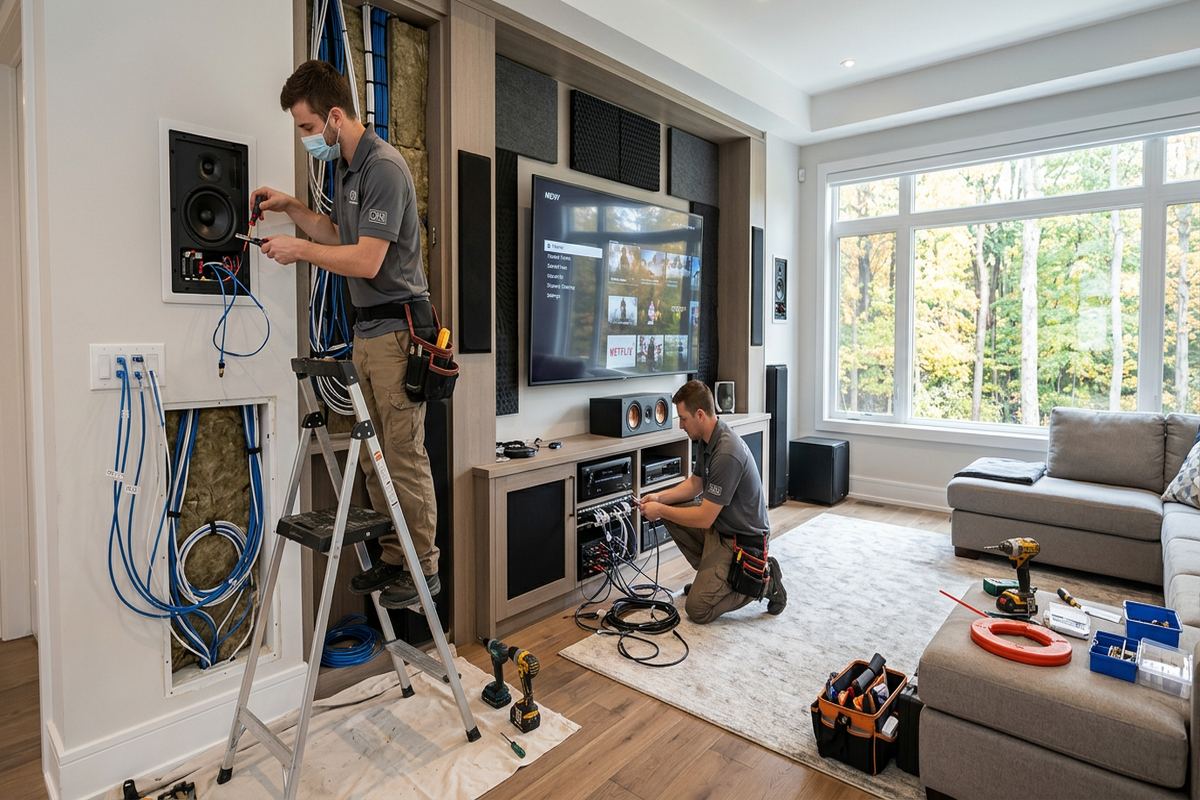
A reliable network starts with the building rather than a particular router or access point. During a Bolton site assessment, we review room layout, wall construction, utility entry points, existing cabling and the locations where internet service enters the property. We also discuss connected televisions, workstations, cameras, gaming systems, smart-home equipment and other devices that need stable service. This establishes whether the project calls for better access-point placement, new Ethernet runs, a central cabinet, equipment replacement or a combination of wired and wireless improvements throughout the home.
Bolton properties do not all present the same installation conditions. Valley-side homes may have multiple levels, finished basements, retaining-wall exposure or outdoor areas that are difficult to cover from one indoor router. Older sections of Old Bolton can include additions and mixed construction, while newer homes may have structured wiring that was never terminated or documented properly. Our plan accounts for those differences before cable is pulled. The objective is predictable coverage and usable connections where people actually work, stream, communicate and manage connected systems, not simply a stronger signal beside the router.
Every proposed installation is set out in a written scope before work begins. It covers equipment, cable routes, device placement, exclusions, equipment ownership and warranty. This helps homeowners compare the planned result rather than comparing unrelated product lists. Where access above ceilings or behind finished walls is limited, we explain visible-route options and any areas that require another trade. One accountable contractor handles the network cabling, mounting, configuration and handover, reducing gaps between the person who installed the cable and the person responsible for making the network operate correctly.
- Property and coverage assessment
- Wired and wireless network planning
- Documented equipment locations
- Clear installation exclusions
- Single accountable network contractor
Wi-Fi Planning Across Bolton Homes
Wireless coverage depends on access-point location, radio conditions and the materials between the device and the user. A router placed beside the incoming service may not cover upper floors, rear additions or finished basements. In Bolton North Hill and Bolton South Hill, floor area and vertical separation can make one-device coverage inconsistent even when the internet plan itself is adequate. We identify practical access-point positions and use wired backhaul where possible, avoiding the performance loss and uncertainty that can occur when every wireless unit must relay traffic through another wireless connection.
Room use matters as much as square footage when planning Wi-Fi. A home office needs stable video calls and uploads, while televisions, game systems and desktop computers usually benefit from direct Ethernet connections. Phones and tablets need roaming between access points without repeatedly dropping or holding a distant signal. We map these priorities to equipment placement rather than promising equal performance in every corner. Garages, patios and detached work areas are considered separately because exterior walls, insulation, masonry and distance can reduce signal levels more sharply than ordinary interior partitions.
Configuration is completed on site using the customer’s own credentials. Network names, passwords, guest access and device-management accounts are established without leaving the homeowner dependent on an installer-controlled login. Where supported by the selected equipment, we can separate personal devices, guests and connected equipment into appropriate networks. That separation can reduce unnecessary access between device groups, but it does not replace secure passwords, software updates or proper account protection. At handover, we explain the basic controls, record installed device locations and provide the information needed for future maintenance or internet-provider changes.
- Access points positioned for room use
- Wired backhaul where practical
- Separate guest network configuration
- Customer-controlled administrator credentials
- Coverage for offices and media areas
Wired Ethernet Cabling in Bolton
Ethernet provides a stable connection for equipment that does not need to move. We install continuous, labelled cable runs from the network location to wall outlets, ceiling access points, televisions, work areas and compatible security or smart-home devices. Each route is planned around framing, finished surfaces, mechanical systems and electrical wiring. Continuous runs avoid hidden intermediate joins that complicate testing and future troubleshooting. Labels at both ends correspond with the as-built record, so a homeowner or future technician can identify a room connection without tracing every cable through a cabinet or ceiling space.
Construction type determines how a cable can be routed and finished. Frame walls may permit concealed pathways through basements, attics or accessible cavities, while masonry walls often require surface raceway, carefully selected drilling points or alternate entry routes. Old Bolton buildings can contain renovations from different periods, making wall cavities less predictable than they first appear. We do not assume a route is open because an outlet exists nearby. The assessment identifies reasonable pathways, visible sections and access limitations so the final scope reflects the building rather than an idealized diagram.
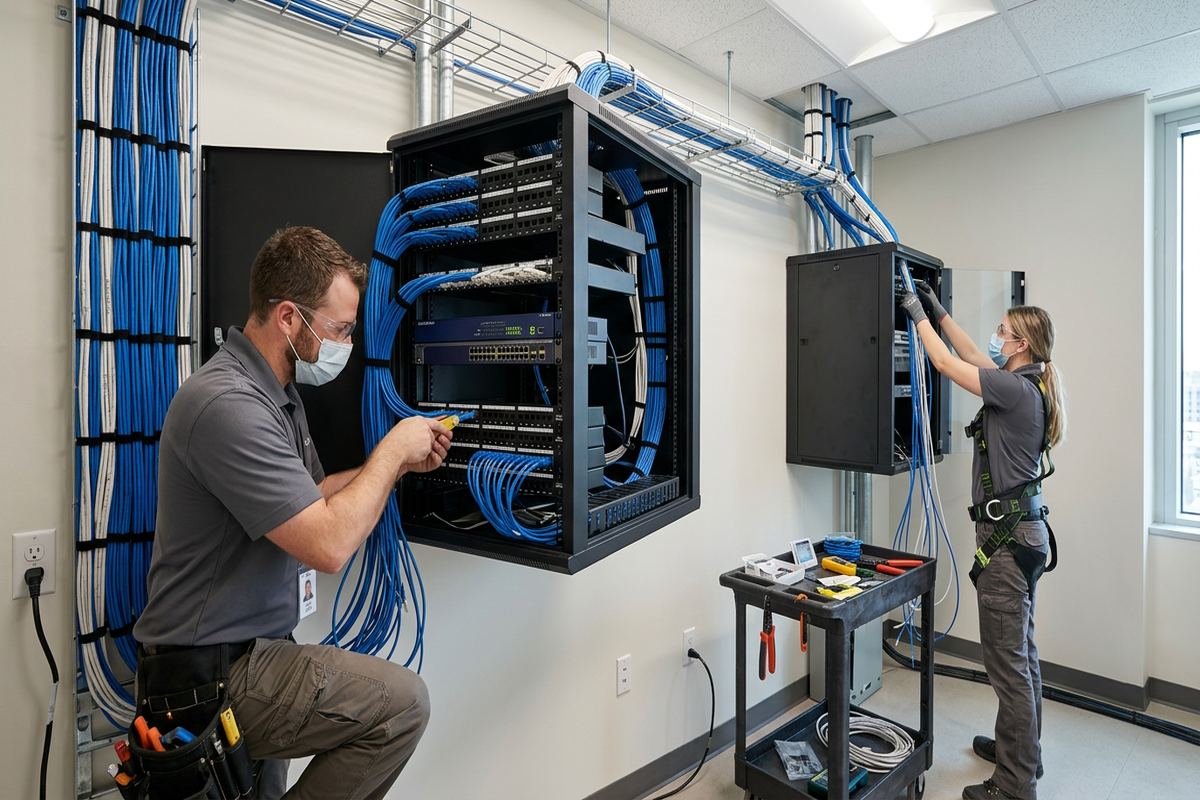
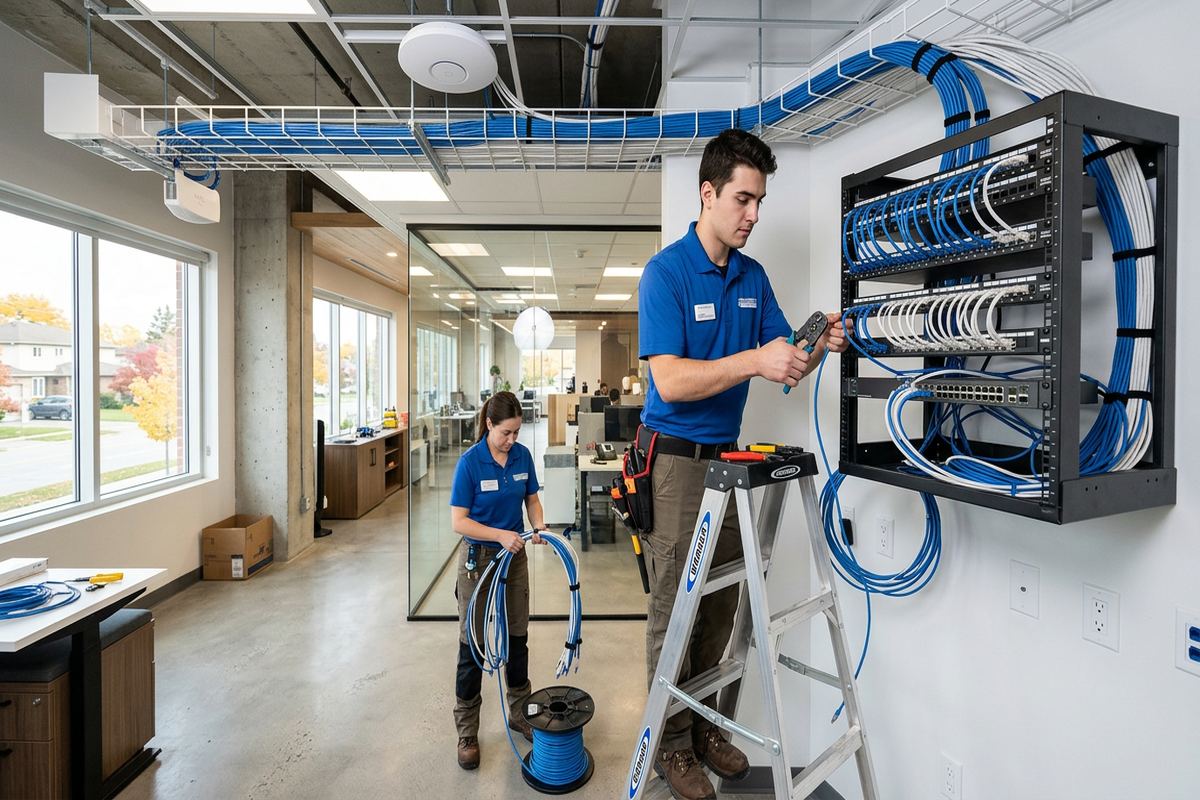
At the central network point, cables need orderly termination, suitable support and enough space for active equipment. Depending on the project, that location may use a wall-mounted enclosure, rack, patch panel or compact structured-wiring arrangement. Ventilation, electrical access, internet-provider equipment and future serviceability are considered before placement. We avoid burying power supplies or networking hardware where routine resets and replacements become disruptive. The completed layout separates permanent building cabling from shorter patch leads, uses consistent labels and leaves an as-built record showing which outlet or device corresponds with each terminated connection.
- Continuous cable runs without hidden joins
- Labels at both cable ends
- Patch-panel and cabinet organization
- Routes suited to masonry or framing
- As-built outlet and device record
Bolton, Ontario
Home network installation in Bolton, scoped in writing first
Book a site assessment and get equipment, routes, exclusions, and warranty on paper before anything is installed.
Bolton Renovations and Existing Homes
Renovation work provides useful opportunities to install network cabling before insulation and finishes close the walls. We coordinate proposed outlet, access-point and cabinet locations with the homeowner’s room plan so connections end up beside equipment rather than behind inaccessible furniture. If walls are already finished, the approach changes to available basement ceilings, attic spaces, closets, utility rooms and carefully planned surface routes. In either case, network work should be considered before painting and final trim because delayed decisions can add visible pathways or require reopening recently completed surfaces.
Existing low-voltage cable is assessed before it is incorporated into a new Bolton network. An installed cable may be suitable, incorrectly terminated, damaged, divided through an unknown junction or routed to a location that no longer serves the room. We identify accessible endpoints and determine whether reuse is practical for the intended connection. Reusing sound cabling can reduce unnecessary disturbance, but keeping undocumented wiring solely because it is present can create recurring faults. The written scope distinguishes new runs from reused infrastructure and notes any sections that cannot be fully inspected.
Approvals are important in condominiums, rented properties and homes with shared elements. A condo board, property manager or landlord may need to approve drilling, exterior penetrations, common-area access, equipment placement or visible raceway before installation. UnifiedLink can describe the proposed low-voltage route and mounting approach, but the customer remains responsible for obtaining required permissions unless the written scope states otherwise. Work is scheduled after access conditions are understood, including elevator bookings or restricted work periods where applicable. This prevents a planned cable route from conflicting with building rules on installation day.
- Pre-drywall network route planning
- Options for finished-wall installations
- Assessment of reusable existing cable
- Condo and landlord approval considerations
- Coordination with renovation layouts
Exterior Network Work and Bolton Winters
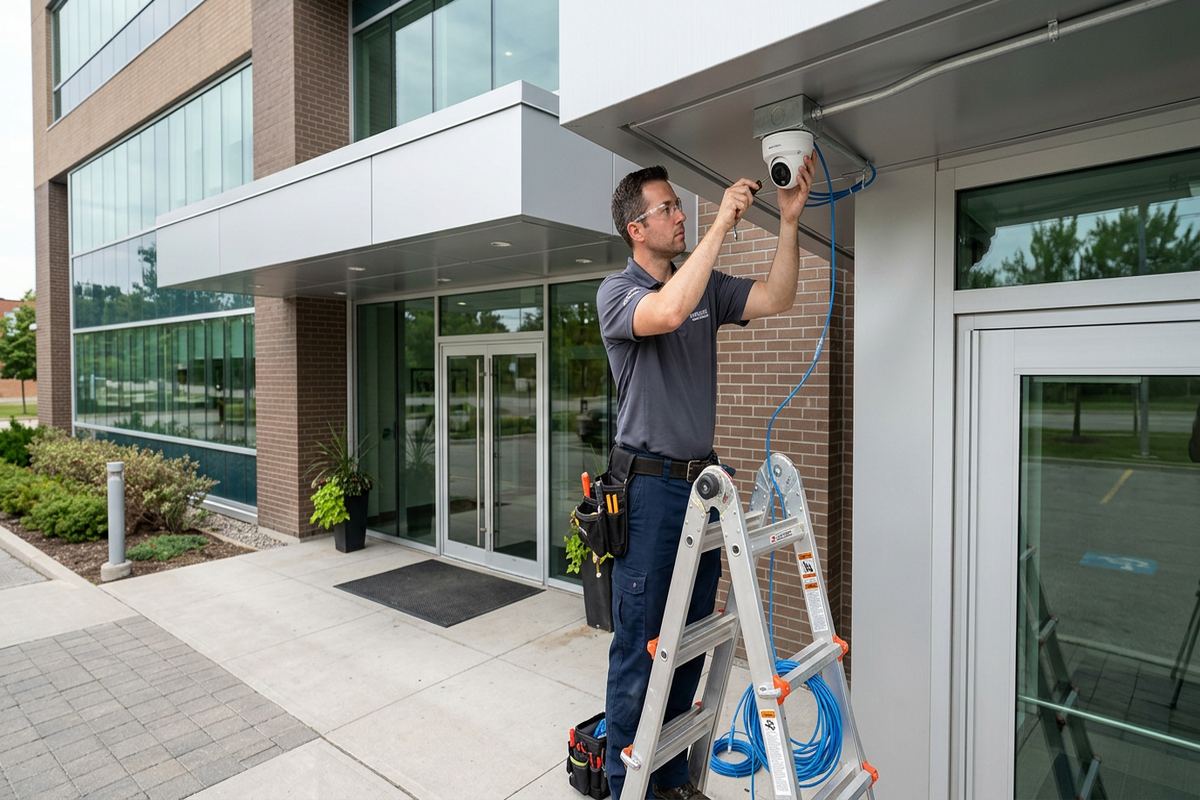
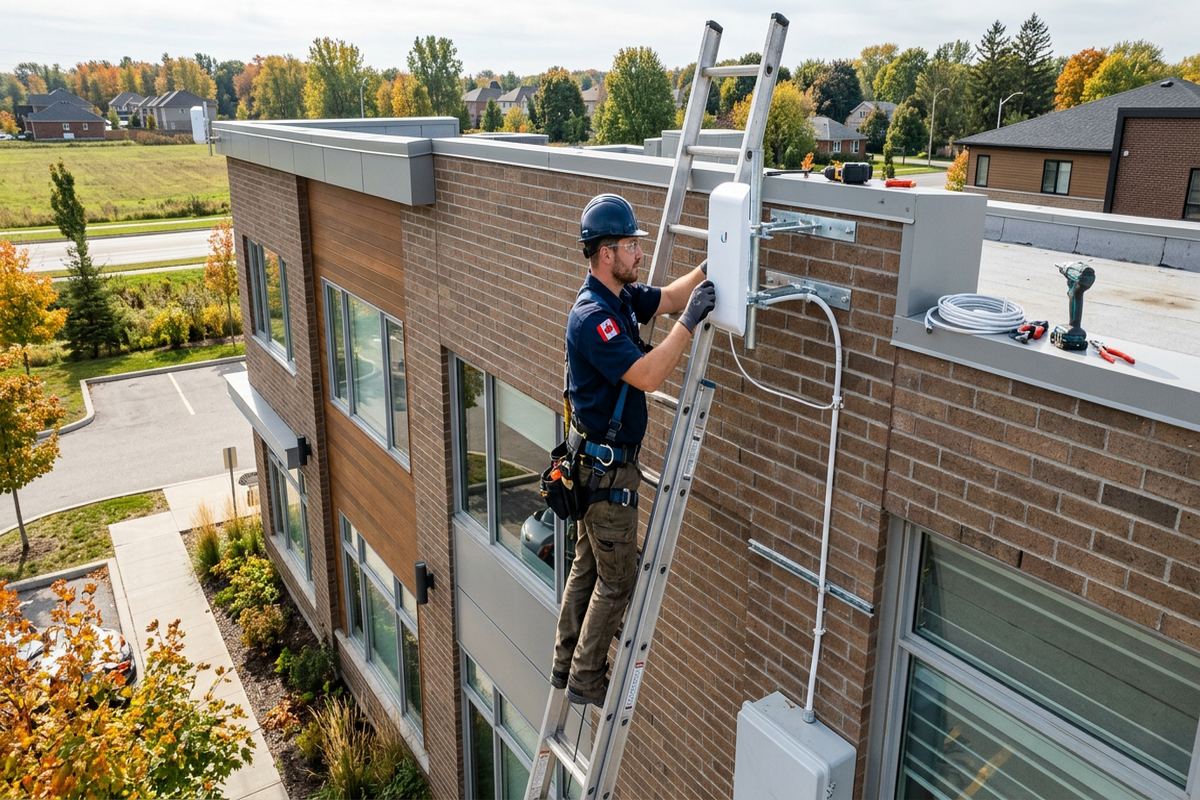
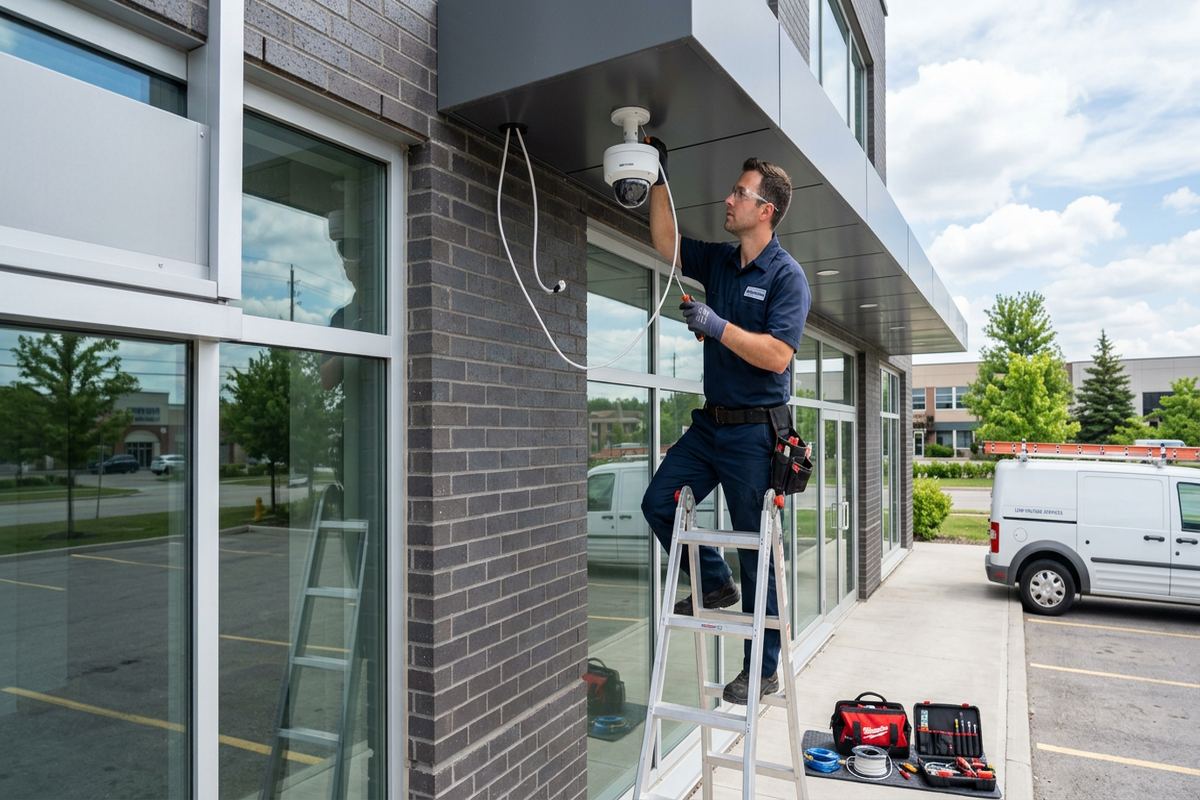
Outdoor coverage may be needed for a patio, driveway, detached garage or exterior camera connection. Exterior network devices require suitable ratings, secure mounting and a route that protects the cable from physical damage and water entry. We select mounting positions with both radio performance and service access in mind. Placing an access point outdoors can be more effective than forcing a signal through brick, concrete or foil-backed insulation, but it also introduces weather exposure. The installation plan therefore addresses the device, cable type, transition point and pathway as one complete assembly.
Bolton winters and repeated freeze-thaw cycles make exterior penetrations especially important. A poorly placed or unsealed opening can admit moisture, and trapped water can expand as temperatures change. Exterior cable routes should shed water rather than guide it toward the building, with appropriate drip arrangements and sealing at entry points. Mounting surfaces also matter because masonry and frame construction require different anchors and drilling methods. We inspect the intended surface before mounting, avoid relying on sealant as structural support and document any limitations created by siding, brick condition or inaccessible cavities.
Detached structures require more planning than simply extending a long patch cable. Distance, electrical separation, lightning exposure, burial conditions and the availability of a safe pathway all affect the appropriate connection method. In some cases, fibre or a dedicated wireless bridge may be preferable to copper between buildings. Underground work also depends on route conditions and coordination with other services. We define which pathway work is included, where another contractor may be required and how equipment will be powered. That avoids an improvised connection that becomes unreliable or difficult to repair after winter movement.
- Weather-suitable exterior equipment
- Sealed and planned wall penetrations
- Mounting for masonry or frame walls
- Detached-building connection assessment
- Freeze-thaw exposure considered
Network Security and On-Site Setup
A new network should not be handed over with default accounts or unclear ownership. During on-site setup, we establish administrator access using credentials controlled by the customer and record how management interfaces are reached. Firmware updates and available security settings are reviewed for the installed equipment. We can also configure separate networks for guests or connected devices when supported and appropriate. The exact controls vary by platform, so the written scope identifies the configuration being provided rather than implying that every router, access point or switch offers the same functions.
Internet-provider equipment can affect the final design. Some customers keep the provider’s gateway as the router, while others use it only as the internet handoff for separately managed networking equipment. The suitable arrangement depends on service type, available settings, telephone requirements and the customer’s comfort with future support. We review how the provider device fits into the network, but account changes and provider-side settings may require the account holder. Clear boundaries prevent duplicate routing, competing Wi-Fi networks or uncertainty about which organization supports a specific part of the connection.
Handover includes more than confirming that a webpage opens. We identify installed equipment, cable labels, outlet destinations and the basic network layout in an as-built record. The customer receives their credentials and an explanation of routine tasks such as connecting a guest, restarting equipment in sequence or locating a particular patch-panel port. Where third-party applications are used, ownership should remain with the customer’s email account. This approach allows a Bolton homeowner to manage ordinary changes and gives a future technician a useful starting point without having to reconstruct the installation from scratch.
- No installer-owned administrator account
- Guest and device network options
- Provider gateway integration review
- On-site equipment configuration
- Credentials and records at handover
Bolton Home Offices and Mixed-Use Properties
Working from home places different demands on a network than casual browsing. Video meetings, cloud files, internet calling and remote access can expose weak Wi-Fi, congested wireless channels or an unreliable connection between floors. We prioritize a wired outlet for fixed workstations where practical and position access points for the rooms where mobile work occurs. Network installation can improve the local connection inside the property, although it cannot correct every issue with the internet provider, remote service or company-managed computer. The assessment helps separate internal coverage problems from external service limitations.
Some Bolton properties combine living space with a workshop, office or small commercial function. These projects need a clear boundary between personal devices and business equipment, along with practical coverage for work areas that may be separated by masonry, garage construction or an addition. We plan cabling and network separation around how the property is used, while avoiding assumptions about regulatory or employer requirements. If a business depends on specialized systems, its information-technology provider can define those requirements and UnifiedLink can incorporate agreed cabling, outlets and equipment locations into the installation scope.
Although the service focuses on homes, similar methods apply to commercial strips and units in Bolton Industrial Park. Offices, counters, ceiling access points, displays and network-connected equipment often need labelled permanent cabling rather than loose patch leads across work areas. Industrial units may also have high ceilings, concrete walls, metal storage and long distances that affect wireless coverage. Access equipment and work-area restrictions must be known before scheduling. Any installation for a tenant should also account for landlord approval, demising walls and the requirement to avoid altering another unit or common building system.
- Wired connections for fixed workstations
- Coverage planned around working rooms
- Personal and business network separation
- Coordination with company IT requirements
- Options for mixed-use properties
Planning Your Bolton Network Installation
The first step is to describe the current problem and the areas that need service. Useful details include the internet entry location, property type, number of floors, known wall materials, existing cabling and devices that should use wired connections. Photos or plans can provide context, but they do not replace an on-site review where routes or mounting conditions are uncertain. For Bolton projects, the assessment also considers travel distance and the service requested. Site assessment timing depends on those factors, and pricing follows the assessment rather than an unsupported estimate based only on room count.
After the assessment, the written scope provides the basis for the installation. It identifies proposed equipment, cable pathways, access-point and outlet placement, exclusions, equipment ownership and warranty. Customers can review visible routes, cabinet location and any preparation needed before approving the work. If the project depends on open walls, landlord permission, internet-provider changes or access by another trade, those dependencies are stated. This reduces avoidable changes during installation and gives both parties the same description of what will be installed, configured, tested and documented at completion.
Requests sent during business hours are answered the same day, while after-hours requests are answered the next business day. That response confirms the enquiry and starts the assessment process; it is not a guarantee that an on-site appointment will occur immediately. Before contacting UnifiedLink, note the rooms with poor service, any devices that disconnect and whether problems happen on Wi-Fi, Ethernet or both. This information helps focus the Bolton site visit, but recommendations remain based on observed construction, available pathways, equipment condition and the way the network is expected to be used.
- Site assessment before pricing
- Written equipment and route scope
- Dependencies identified before work
- Testing and documentation at completion
- Clear business-hours response wording
Bolton neighbourhoods we cover
- Bolton North Hill
- Bolton South Hill
- Old Bolton
- Bolton Industrial Park
Home network installation in Bolton — common questions
Can you improve Wi-Fi without replacing everything?
Often, yes. A Bolton assessment can identify whether the main issue is router placement, building materials, poor access-point locations or a lack of wired backhaul. Existing equipment and cabling are reviewed before replacement is proposed. If current components remain suitable, the scope can focus on relocation, added cabling or targeted access points rather than changing the entire network.
Will you run Ethernet through finished walls?
We install Ethernet in finished Bolton homes where a practical route exists. Basements, attics, closets, utility spaces and accessible wall cavities may allow concealed runs. Masonry, fire separations or blocked framing can require surface raceway or another route. The site assessment identifies likely pathways and visible sections before pricing, so the written scope reflects actual access conditions.
Can you provide Wi-Fi to a detached garage?
Yes, subject to distance, pathway, power and building conditions. For a detached structure in Bolton, we assess whether fibre, a dedicated wireless bridge or another method is appropriate. Exterior exposure, electrical separation, burial requirements and freeze-thaw conditions affect the design. The written scope states the included pathway work and whether another contractor is needed.
Do I keep control of the network accounts?
Yes. On-site configuration uses credentials owned by the customer rather than an installer-controlled account. At handover, you receive administrator details, installed device information and an as-built record. If equipment uses a cloud application, the account should normally be registered to your email address. This keeps routine management and future service decisions under your control.
Do I need condo or landlord approval?
Possibly. Bolton condo boards, property managers and landlords may regulate drilling, common-area access, exterior mounting, visible raceway and work schedules. UnifiedLink can document the proposed route and equipment placement, but the customer is responsible for obtaining permission unless the written scope says otherwise. Approval should be confirmed before installation dates and access arrangements are finalized.
How soon will you answer my request?
Requests sent during business hours are answered the same day. Requests received after hours are answered the next business day. This response begins the discussion and does not guarantee an immediate Bolton site visit. Assessment timing depends on the networking service required and travel distance. Pricing is prepared after the site assessment and review of routes, equipment and placement.
Coverage in Bolton is confirmed against the address before we quote. See everything we install in Bolton or the province-wide home network installation page.