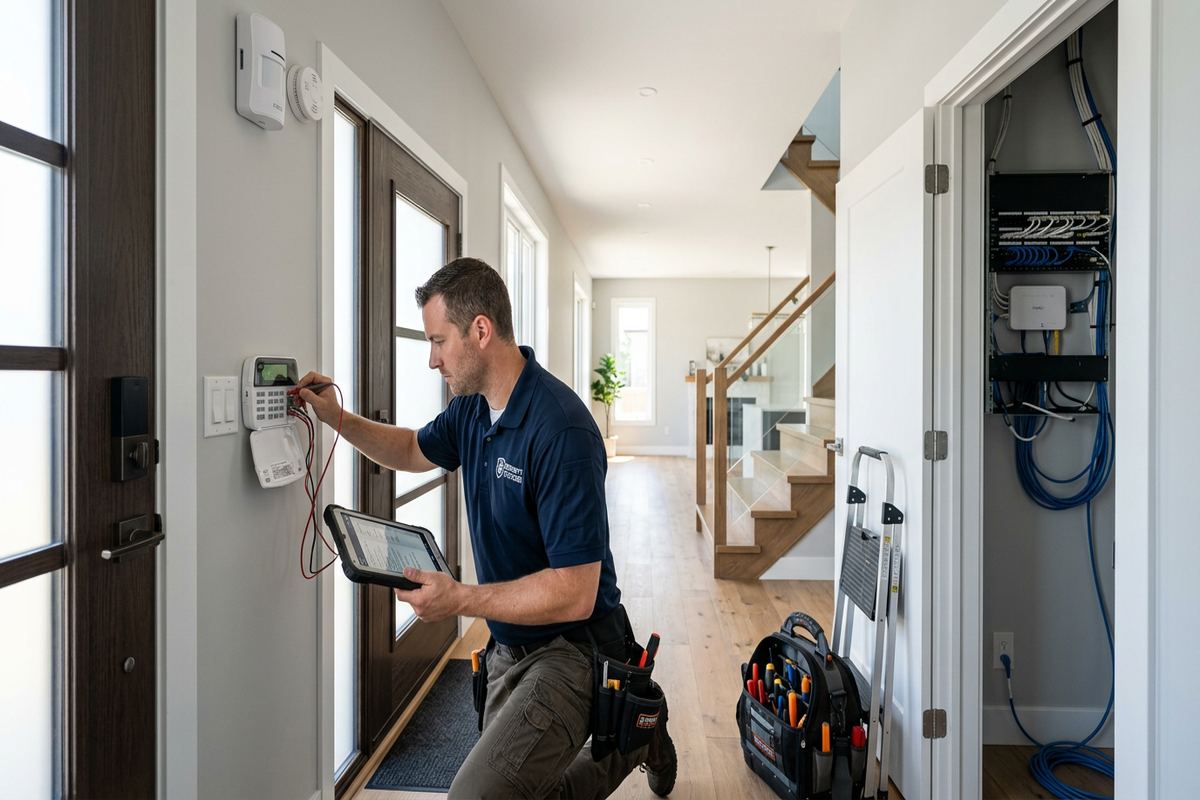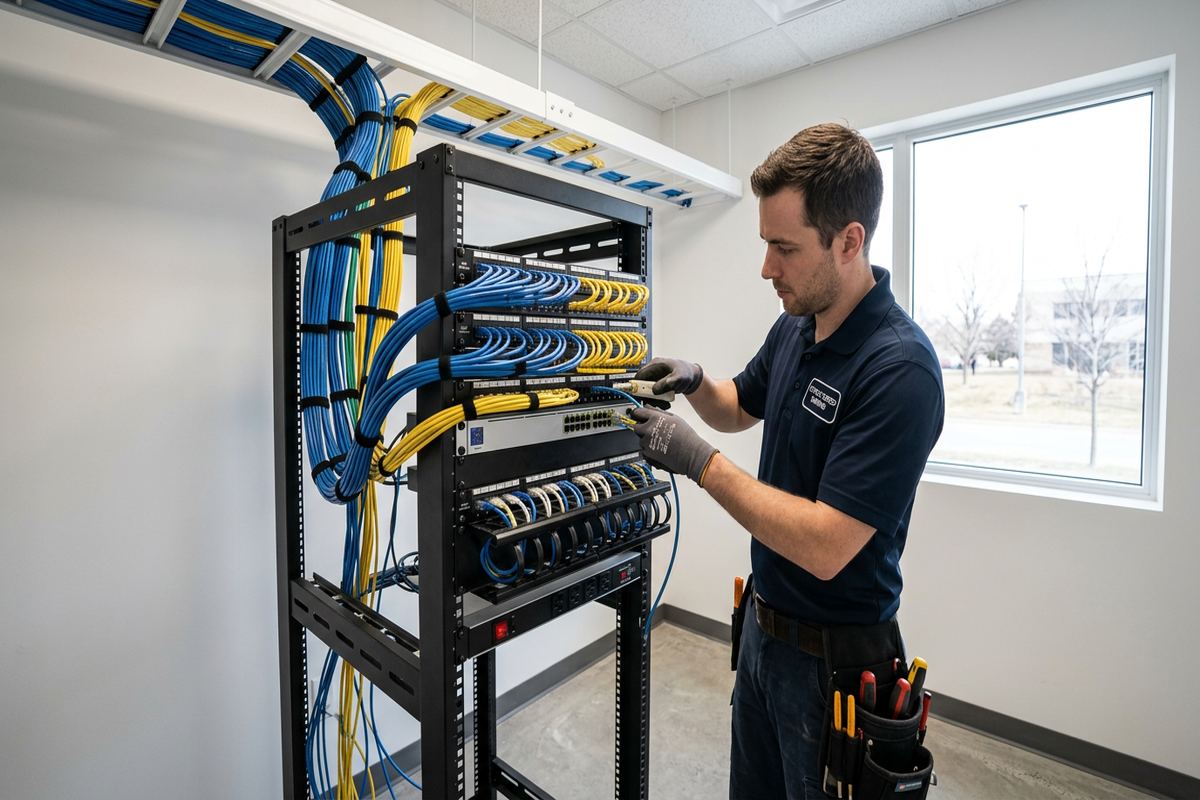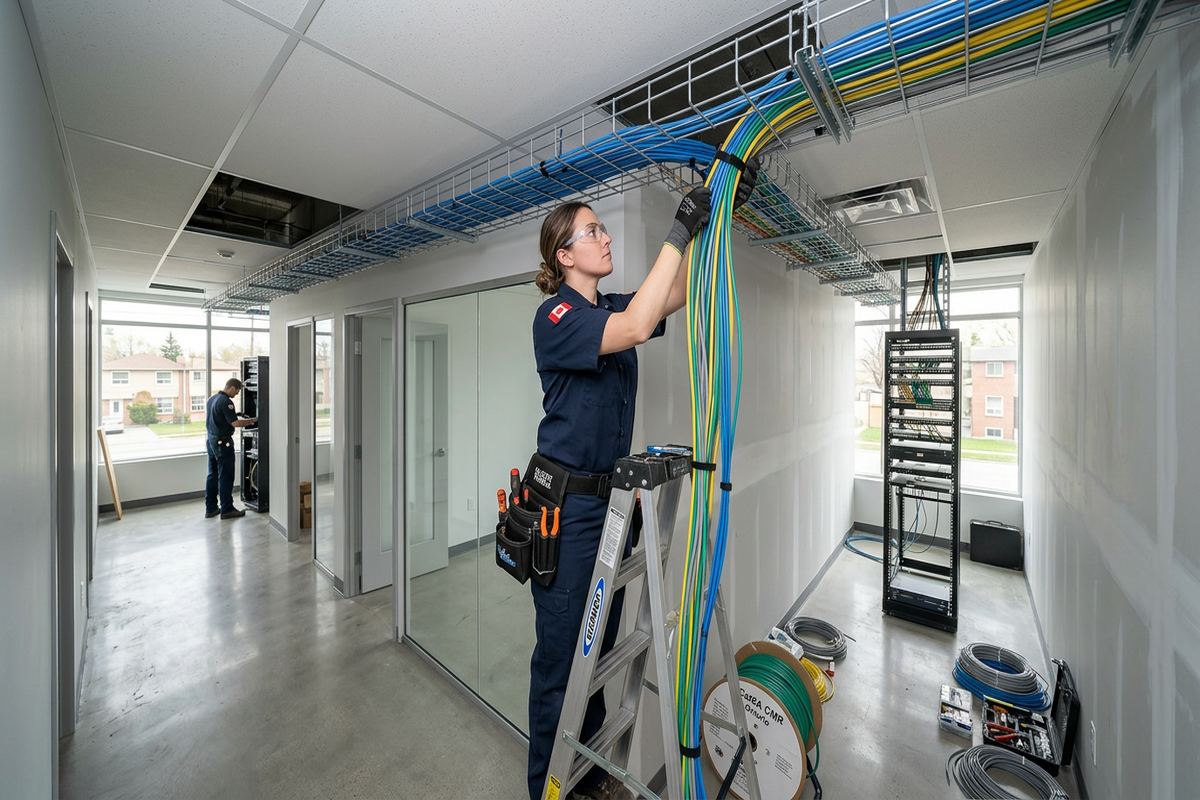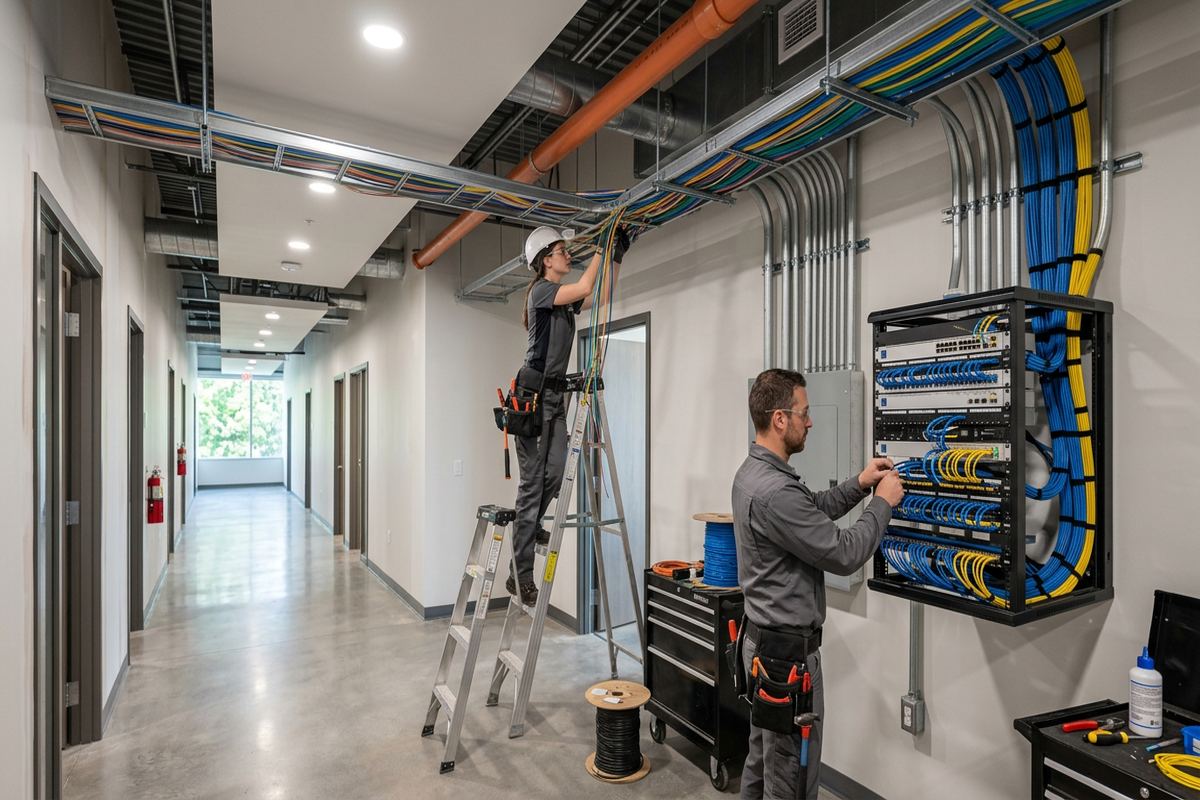
UnifiedLink installs home security camera systems throughout Bolton, including valley-side properties, established neighbourhoods and mixed residential-commercial sites. Each project starts with an assessment of coverage, construction and cable routes. We then provide a written scope, install continuous labelled runs, configure the system on site and hand it over using the customer’s own credentials.
Planning Home Camera Coverage in Bolton
Effective camera coverage begins with the activity a homeowner needs to identify, not with a predetermined camera count. During a Bolton site assessment, we review doors, driveways, side passages, attached garages, walkout levels and accessible rear windows. The position of neighbouring homes, public sidewalks and roads also affects useful viewing angles. A camera intended to identify a person at an entrance requires a different lens, height and field of view from one used to observe a broad yard. Planning these details first reduces blind spots, excessive overlap and footage that lacks practical detail.
Bolton properties vary substantially between Old Bolton, newer subdivisions and valley-side homes with changing grades. A camera mounted at a standard height on the front elevation may overlook a lower walkway or produce an unhelpful top-down image. Sloped driveways, raised decks, retaining walls and basement entrances require coverage to be checked from several approaches. We also consider seasonal vegetation, parked vehicles and snowbanks that can obstruct a view. Where one position cannot provide both identification and general awareness, separate focused and overview cameras may be more appropriate than one excessively wide image.
The assessment also establishes where recordings will be stored, how equipment will be powered and which routes are practical without unnecessary disturbance. We inspect available network locations, utility spaces, unfinished basements, attics and accessible wall cavities. The written scope identifies equipment, proposed cable routes, device placement, exclusions, equipment ownership and warranty terms before pricing. This gives the owner a clear basis for review and avoids relying on assumptions about concealed spaces. If access changes after work begins, the route and any resulting scope change can be discussed before proceeding.
- Entrance and driveway coverage review
- Blind-spot and approach-path assessment
- Lens and viewing-angle selection
- Recording and network location planning
- Written scope before pricing
Camera Selection for Bolton Homes
Camera format should follow the mounting location and the detail required from that view. Turret and dome-style devices can suit soffits or sheltered entrances, while bullet-style cameras may be useful where a more directed field of view is needed. Resolution alone does not guarantee an identifiable image; lens choice, distance, lighting and compression all contribute. For Bolton homes, we compare the expected subject distance at doors, gates, driveways and detached structures. The objective is to select equipment that produces useful recordings without adding features that do not address the property’s actual risks or layout.
Night performance deserves specific attention because porch fixtures, vehicle headlights and reflective surfaces can create difficult contrast. Infrared illumination may work well in a dark side yard, yet nearby brick, soffit edges or downspouts can reflect light back into the lens. At an entrance, controlled visible lighting can sometimes produce better colour and facial detail than infrared alone. We assess the scene after dark where practical and adjust exposure, supplemental lighting or camera placement accordingly. Analytics such as person or vehicle detection are then configured around the view rather than left at broad default settings.
Recording options include a local network video recorder, compatible edge storage or another agreed platform. The choice affects retention, remote access, network demand and what happens during an internet interruption. A wired Power over Ethernet system commonly provides stable power and data over one continuous cable, while selected locations may require other approaches. We explain which functions depend on a manufacturer’s service, app or subscription and which remain local. Equipment ownership is identified in the scope, and the final administrator account uses credentials controlled by the customer rather than an installer-owned login.
- Cameras matched to viewing distance
- Night-image and glare assessment
- Wired and appropriate wireless options
- Local recording configuration
- Customer-controlled administrator access
Exterior Mounting for Bolton Weather
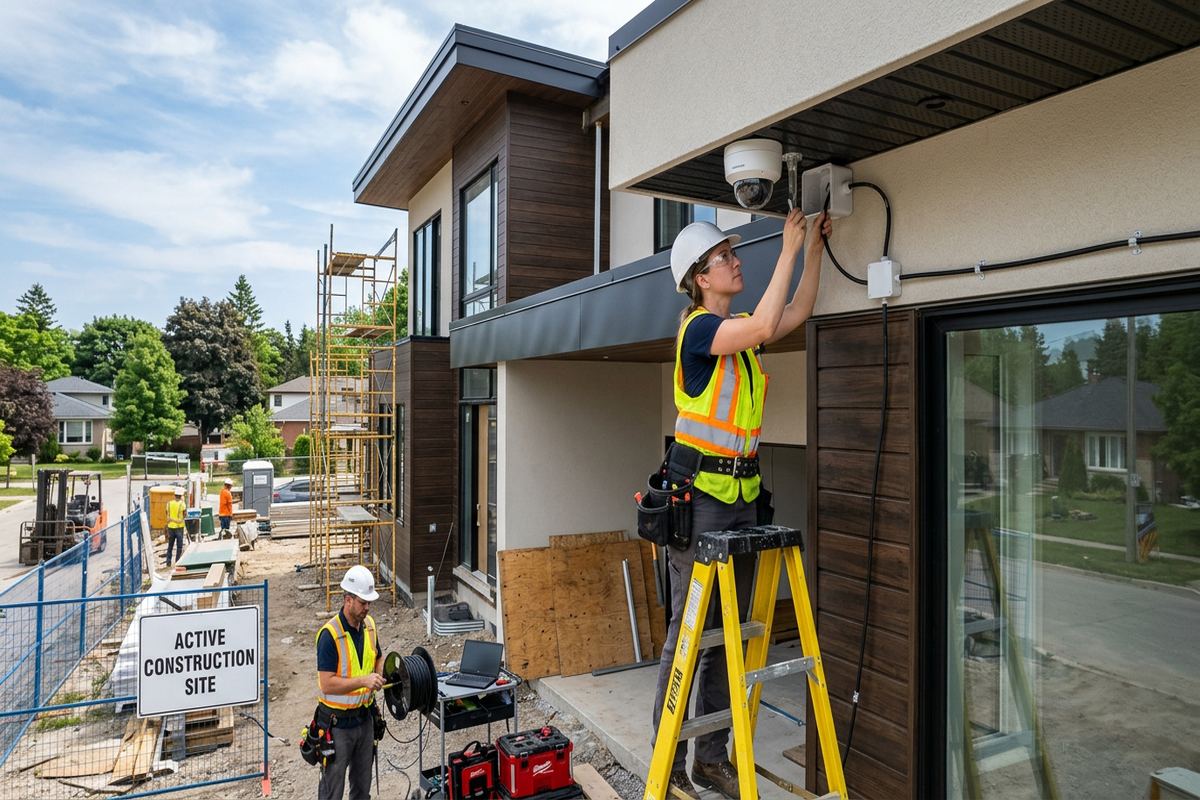
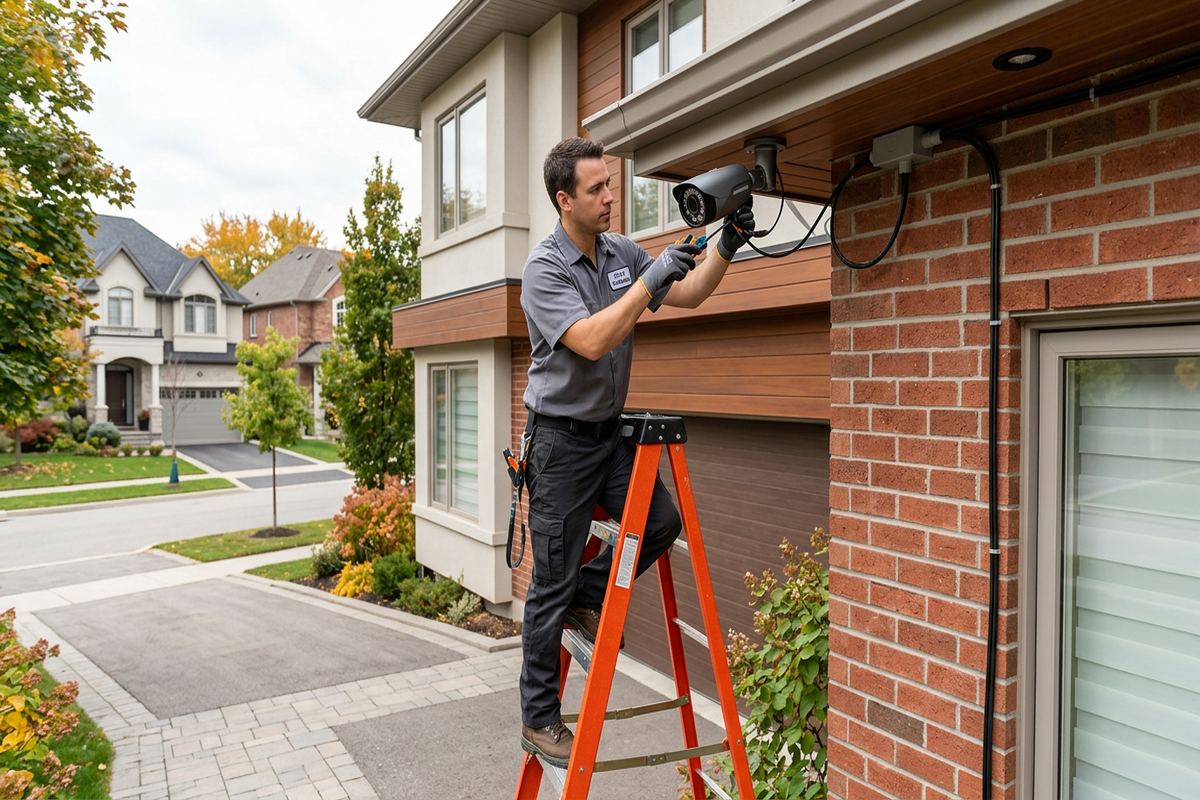
Exterior installation in Bolton must account for winter temperatures, wind-driven moisture and repeated freeze-thaw cycles. Water entering around a fastener or cable opening can damage finishes and expand when frozen, so penetrations require appropriate sealing and a route that sheds water. Cable entries are positioned to limit exposure, and exterior loops are formed so water does not follow the cable indoors. Junctions, when required, are kept in suitable enclosures rather than left behind an unsealed camera base. Mounting hardware and methods are selected for the surface, device weight and exposure at that elevation.
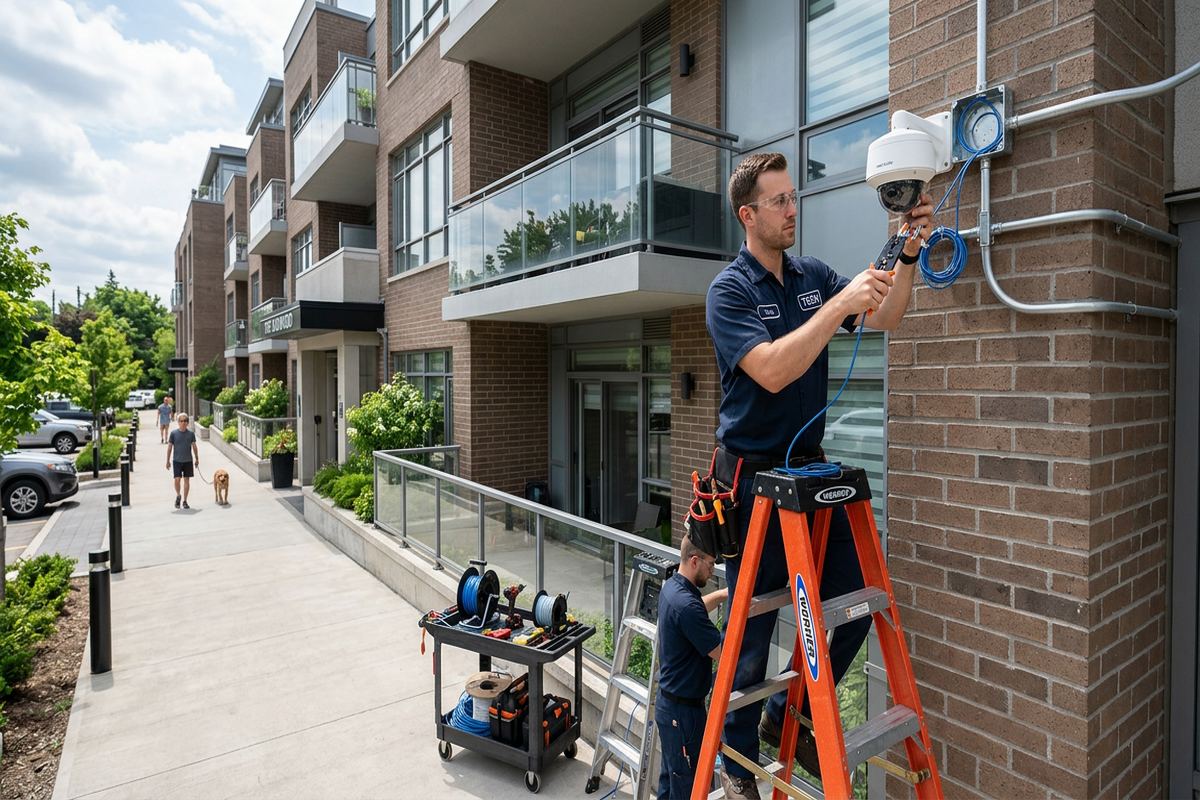
Masonry and frame construction require different fastening and routing decisions. On a brick wall, the mounting point should avoid damaged units and unsuitable mortar locations, while the cable entry must be sealed without creating a path into the wall assembly. Frame construction may offer access through soffits, garages or unfinished areas, but vinyl, aluminium and fibre-cement finishes cannot simply support equipment without proper backing or compatible mounting methods. In Old Bolton, additions and renovations can create transitions between construction types, making a visual inspection and careful route planning more reliable than assumptions based on exterior appearance.
Valley-side homes can expose cameras to stronger wind, drifting snow and runoff patterns that are less obvious during fair weather. An open corner may provide broad coverage but also place the device directly beneath roof drainage or within reach of ice buildup. We review eaves, downspouts, roof valleys and grading before choosing the final position. Cameras remain accessible for cleaning and adjustment without being needlessly low. After mounting, exterior views are checked for soffit glare, wall reflection and moving branches, and seals are visually inspected as part of the installation handover.
- Weather-aware exterior placement
- Sealed cable and fastener penetrations
- Surface-specific mounting hardware
- Protected exterior connections
- Final inspection of mounts and seals
Bolton, Ontario
Home security camera installation in Bolton, scoped in writing first
Book a site assessment and get equipment, routes, exclusions, and warranty on paper before anything is installed.
Cabling and Network Design in Bolton
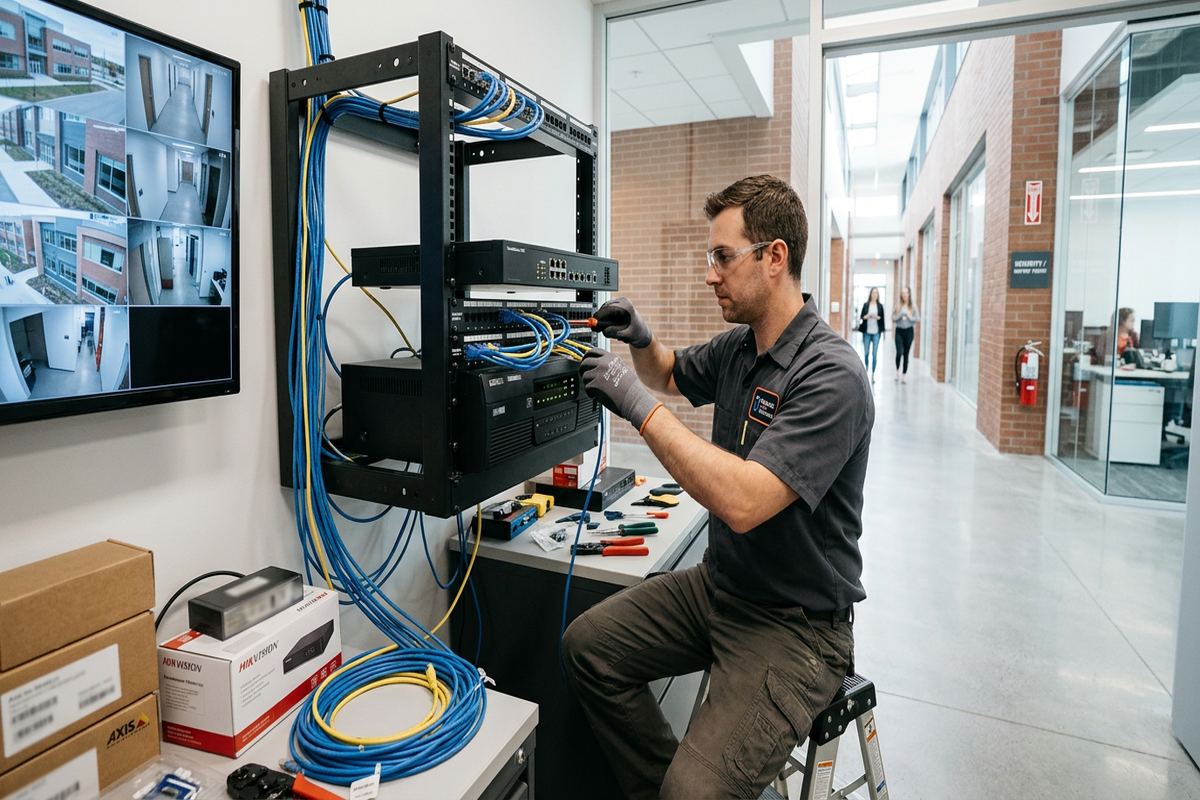
A dependable wired camera system relies on cable routes that are continuous, protected and understandable after installation. UnifiedLink runs labelled cable from each agreed camera location to the recorder, network cabinet or termination point without concealed couplers. Routes may use unfinished basement ceilings, utility rooms, attic spaces, garages or accessible wall cavities, depending on the building. Cables are supported rather than left across services or sharp edges, and separation from electrical wiring is considered. Labels at both ends correspond with the device record so future testing or replacement does not require tracing every run again.
Older sections of Bolton may have finished basements, plaster walls, layered renovations or limited attic access. Newer houses can also present obstacles such as insulated garage ceilings, fire separations and tightly finished utility spaces. The least visible route is not always the safest or most serviceable route, particularly if it crosses inaccessible cavities. We discuss exposed, surface-mounted or partially concealed alternatives where full concealment would require extensive finish removal. Any patching, painting or specialist restoration that is not included is identified as an exclusion in the written scope before installation pricing is accepted.
Camera traffic must be considered alongside the household’s existing internet and Wi-Fi use. Wired cameras usually connect through a suitable network switch or recorder, but remote viewing still depends on the router, internet service and configured access method. We assess available ports, equipment locations, power and ventilation rather than placing recording hardware inside an overcrowded cabinet. Network settings are documented, and unnecessary remote exposure is avoided. Where cameras must cross separate buildings, options are assessed according to distance, pathway, electrical conditions and available infrastructure instead of automatically extending ordinary indoor cable outdoors.
- Continuous cable runs without hidden joins
- Labels at both cable ends
- Routes planned around building access
- Recorder power and ventilation review
- Documented network connections
Installation in North Hill, South Hill and Old Bolton
Bolton North Hill and Bolton South Hill include homes with varied setbacks, attached garages and side yards that narrow between neighbouring properties. Driveway cameras must account for vehicles parked close to the garage, while side coverage should avoid aiming unnecessarily into adjacent windows or private yards. Corner lots may need separate views for the front entrance and exposed side elevation because one wide camera can lose identifying detail. During placement, the live image is reviewed from expected approach paths so the final angle reflects how people and vehicles actually enter the property.
Old Bolton often calls for a different installation approach because building age, additions and mixed materials can complicate concealed routing. Brick façades, finished interiors and shallower service spaces may limit direct cable paths. Rather than drilling first and solving obstacles afterward, we identify likely structural transitions and accessible routes during the assessment. Exterior conduit or discreet surface routing can be considered where opening finished walls is not reasonable. Camera locations are also chosen with the streetscape and architectural features in mind, while still preserving useful views of entrances, rear access points and detached garages.
Homes on sloped or valley-side lots may have more than one functional ground level. A rear door that appears elevated from the street can be directly accessible from a lower yard, and a walkout basement may require the same attention as the main entrance. Deck stairs, retaining walls and side gates can create hidden approaches that are not visible from front cameras. We map these paths before finalizing device placement. Trees and seasonal foliage are included in the review because a clear winter view may become obstructed once leaves return, while snow can alter reflected light.
- Coverage for narrow side yards
- Driveway views checked with parked vehicles
- Routes suited to older construction
- Walkout and lower-level entrance planning
- Neighbouring privacy considered
Configuration, Privacy and Remote Viewing
Physical installation is followed by on-site configuration so each view, recording schedule and alert rule corresponds with its purpose. Camera names identify locations clearly, and timestamps, image settings and recording modes are checked. Motion zones can exclude moving trees, public traffic or other areas that produce avoidable alerts. Detection sensitivity is tested rather than left unchanged from factory settings. Where supported by the selected equipment, person or vehicle classifications can help narrow notifications, but they do not replace well-planned coverage. Final settings are demonstrated using the owner’s phone, tablet or computer as agreed.
Privacy should be addressed during positioning and configuration, especially on compact Bolton lots. Cameras are aimed at the owner’s entrances, property and access routes while limiting unnecessary views into neighbouring windows or private outdoor spaces. Masking features may be used where supported and appropriate. Audio recording is discussed separately because it can capture conversations beyond the intended area and may raise additional legal or policy concerns. UnifiedLink does not determine a customer’s legal obligations; owners, landlords and businesses should obtain advice for their circumstances and establish clear policies for access, retention, notice and footage disclosure.
Remote viewing is configured using accounts owned and controlled by the customer. We do not leave the system dependent on an installer’s personal email address or undisclosed administrator credential. During handover, the owner signs in, confirms access and receives guidance on password management, multifactor authentication where available, user roles and software updates. Separate user access can be created when the platform supports it, avoiding shared administrator passwords. Remote performance depends on the selected system, internet connection and mobile service, so testing includes both local and external access without promising identical results on every network.
- Location-based camera naming
- Adjusted motion and detection zones
- Privacy masking where supported
- Customer-owned system credentials
- Remote and local access testing
Approvals and Mixed-Use Bolton Properties
Not every installation can proceed solely with an occupant’s approval. Condominium corporations may control exterior walls, soffits, balconies and common areas, even when a camera serves one unit. Tenants generally need the landlord’s written authorization before cabling, drilling or attaching equipment. In Bolton townhome or multi-unit settings, shared entrances and parking areas can also involve privacy, governance and electrical considerations. We ask the customer to confirm required permissions before work is scheduled. Approved mounting locations and route restrictions can then be incorporated into the written scope rather than changed after equipment arrives.
Mixed residential and commercial properties require clear boundaries between private systems and shared infrastructure. A homeowner above or beside a commercial strip may have access routes used by customers, delivery drivers and other occupants. Camera placement should focus on the area the client is responsible for without assuming control over common hallways, loading areas or neighbouring premises. Recorder location, user permissions and footage access should also reflect who owns the equipment. If another contractor or property manager controls the network, electrical room or pathways, coordination and authorization are needed before those systems are used.
Bolton Industrial Park on the north end mainly involves commercial and industrial units, but the same disciplined planning applies when an owner wants cameras around an office entrance, yard or combined live-work arrangement. Longer façades, loading doors, exterior lighting and vehicle movement change the required lens and mounting height. Industrial units may also have steel cladding, concrete block walls, high ceilings or landlord-controlled exteriors. We document accessible pathways and exclusions, coordinate around operating areas and identify whether lifts, specialized access or property approvals must be arranged before the installation date.
- Condo approval requirements identified
- Landlord authorization confirmed by customer
- Shared-area boundaries reviewed
- Property manager coordination where required
- Industrial access needs documented
Bolton Camera System Handover and Support
A completed Bolton installation includes more than cameras attached to the building. Before handover, we verify each live view, confirm recording, review playback and test agreed notifications. Camera focus and framing are checked during normal operating conditions, with practical adjustments made on site. The customer is shown how to locate footage, export an incident clip, manage users and recognize basic connection or storage warnings. This walkthrough helps the owner understand what the system records and where its limits remain, including areas outside the planned field of view or conditions that reduce image detail.
Documentation provides a usable reference after the installer leaves. The as-built record identifies installed device locations, cable labels, principal network connections and recording equipment placement. Customer credentials remain with the customer, while warranty details and equipment ownership follow the written scope. We also note agreed exclusions so there is no confusion about unrelated internet, electrical, finish repair or third-party platform work. If a device later needs service, consistent labels and records make diagnosis more direct. The system can then be maintained without relying on memory or undocumented cable routes hidden within the property.
For new Bolton requests, the first step is a discussion about the property, desired coverage and any known construction or approval constraints. Requests sent during business hours are answered the same day, while after-hours requests are answered the next business day. Site assessment timing depends on the service and travel distance. Following the assessment, UnifiedLink provides a written scope before pricing, allowing equipment, placement, routes and exclusions to be reviewed together. One accountable contractor coordinates the agreed camera installation, on-site configuration, testing and documented handover rather than dividing responsibility among unrelated installers.
- Live view and recording verification
- Playback and export demonstration
- As-built device and cable record
- Warranty and ownership documented
- One accountable installation contractor
Bolton neighbourhoods we cover
- Bolton North Hill
- Bolton South Hill
- Old Bolton
- Bolton Industrial Park
Home security camera installation in Bolton — common questions
How many cameras does my Bolton home need?
The number depends on the access points, viewing distances, grade changes and detail you need. A compact Bolton lot may need focused views at the front door, driveway and rear entrance, while a valley-side home may also need walkout or lower-yard coverage. We assess approach paths and blind spots before recommending quantities, rather than assigning a standard package based only on house size.
Can you install cameras on brick homes?
Yes, subject to an on-site review of the masonry condition, interior access and proposed cable route. Many Bolton and Old Bolton properties combine brick with frame additions, soffits or other finishes. Each surface requires appropriate fasteners and sealing. Cable entries are planned to shed water and limit exposure to freeze-thaw conditions instead of placing an unsealed penetration directly behind the device.
Do wired cameras work if the internet goes down?
A properly configured local recorder can generally continue recording wired cameras during an internet interruption, provided the local network and power remain available. Remote viewing and cloud-dependent functions may stop until service returns. The exact behaviour depends on the selected equipment and configuration. For a Bolton installation, we explain which functions are local, which require internet access and what storage or power limitations apply.
Do I need condo or landlord permission?
You may. A condominium corporation can control exterior walls, balconies, soffits and common areas, while a tenant will generally need landlord authorization before drilling or running cable. Bolton property owners should review their governing documents or lease and obtain any required written approval. UnifiedLink can incorporate approved locations and route restrictions into the scope, but the customer is responsible for securing permission.
Can I view my Bolton cameras on my phone?
Remote phone viewing can be configured when supported by the chosen camera system and available internet connection. Setup uses the customer’s own account and credentials, not an installer-owned login. During handover, we test access and show the customer how to review live video and recordings. Performance outside the property depends on internet service, mobile coverage, device compatibility and any manufacturer platform requirements.
What happens before you provide pricing?
UnifiedLink completes a site assessment before pricing. For a Bolton home, that review covers intended views, mounting surfaces, exterior exposure, cable routes, recorder location, network access and known approval requirements. We then provide a written scope covering equipment, cable routes, device placement, exclusions, equipment ownership and warranty. This lets you review what is included and identify route or access concerns before installation work is scheduled.
Coverage in Bolton is confirmed against the address before we quote. See everything we install in Bolton or the province-wide home security camera installation page.