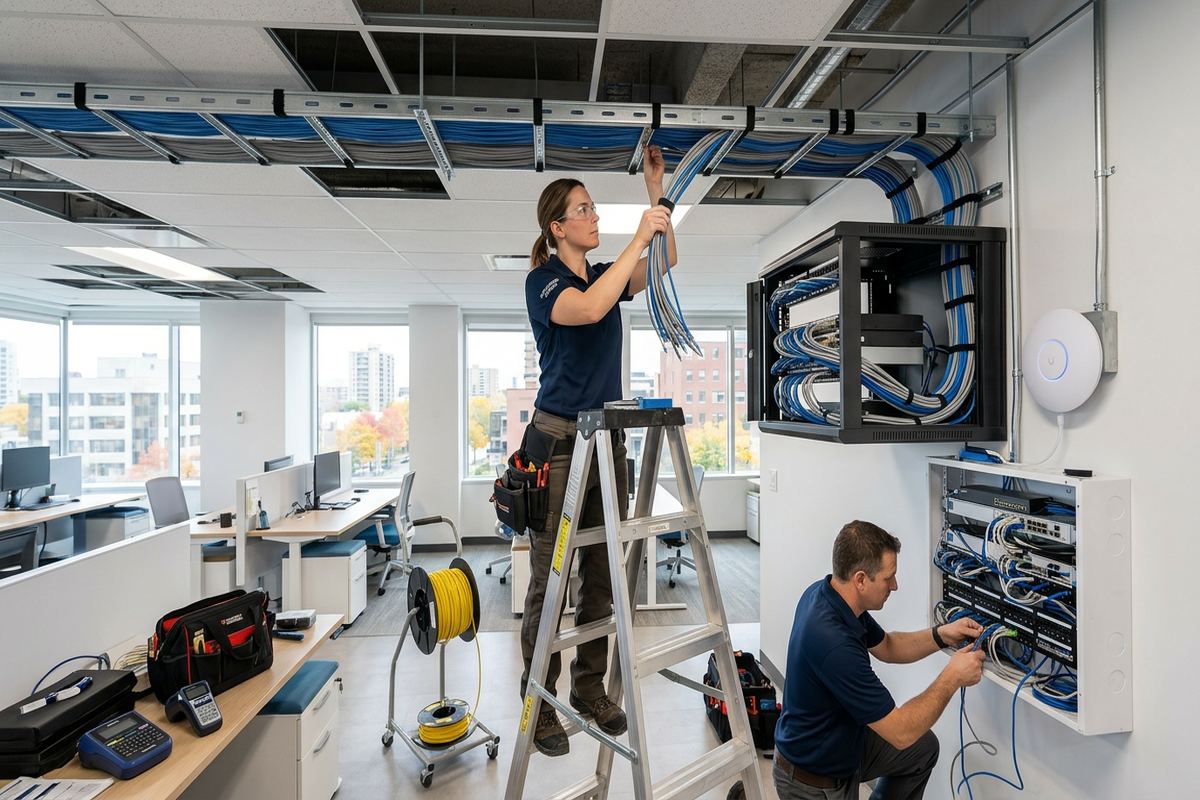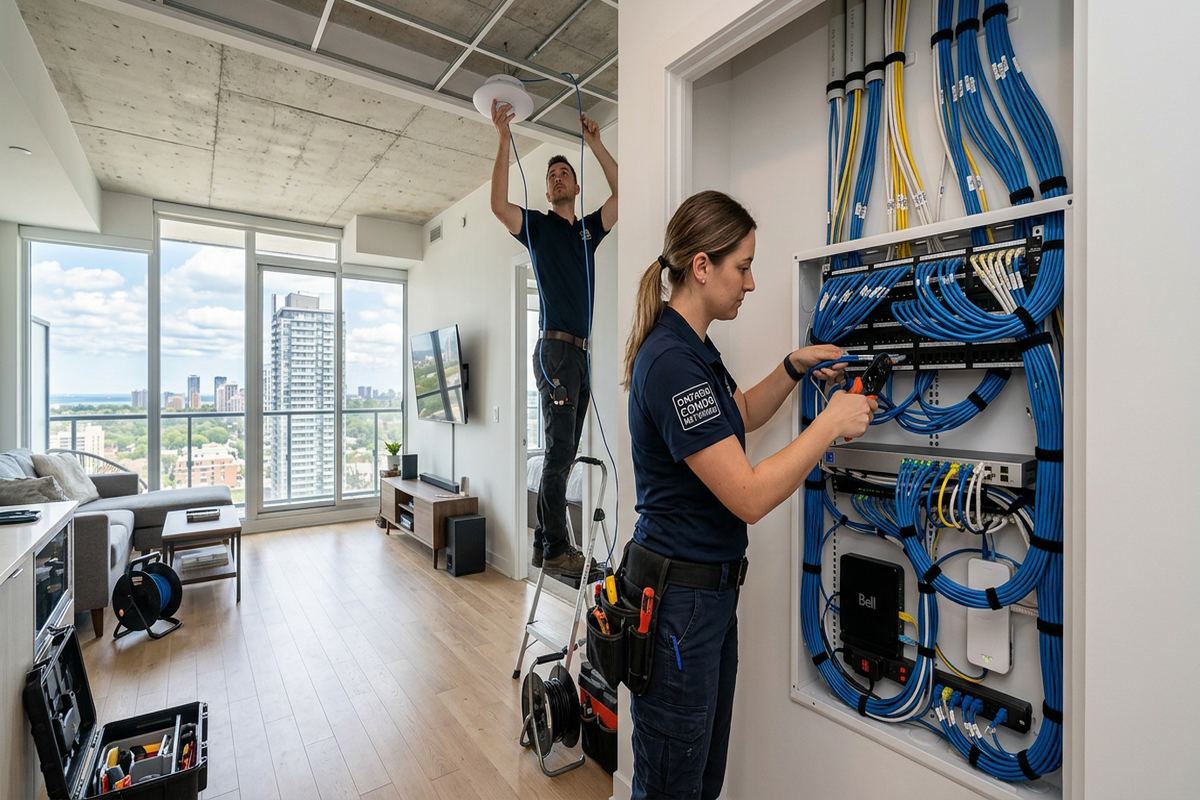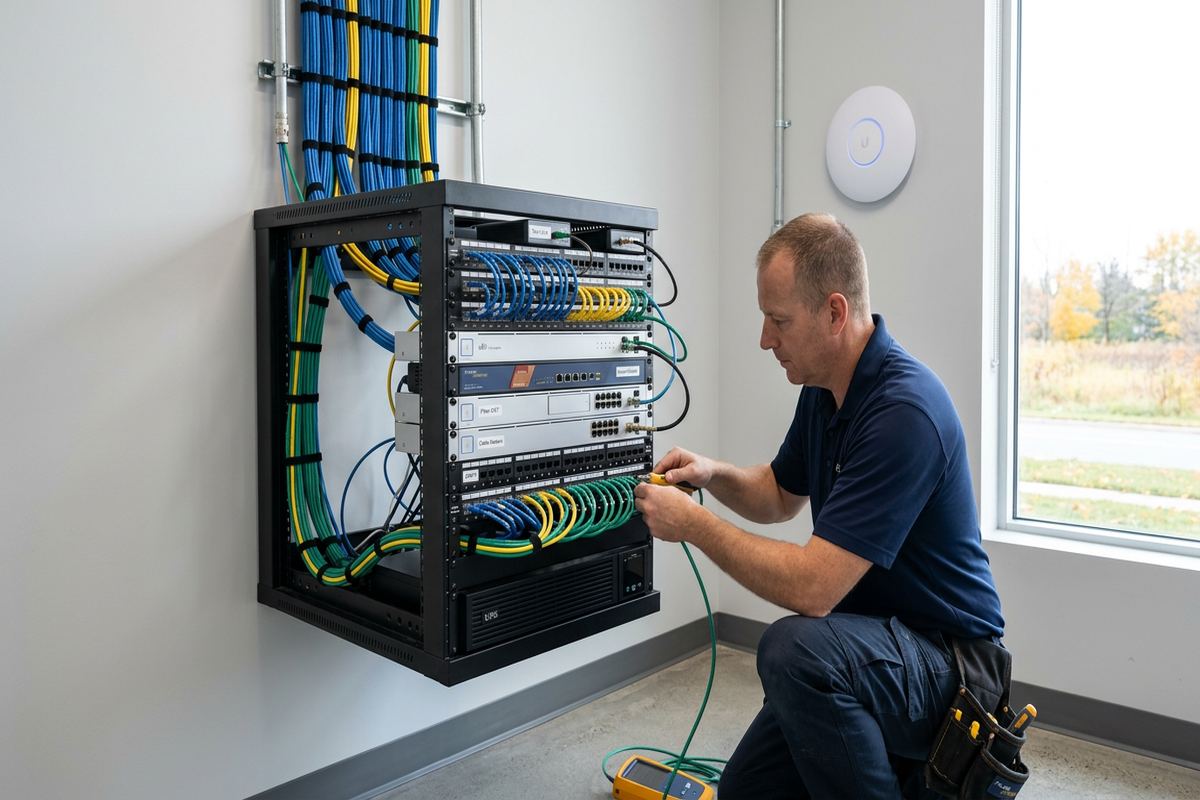
UnifiedLink installs wired and wireless home networks across Ajax and Durham Region. We assess coverage, cable routes, construction and connected devices before preparing a written scope. Installation can include Ethernet cabling, Wi-Fi access points, network racks, switches and on-site configuration, followed by labelled connections and a practical handover using credentials that you control.
Home Network Planning for Ajax Properties
Reliable networking starts with the property rather than a list of equipment. During an Ajax site assessment, we review the internet entry point, modem or fibre terminal, existing wiring, wall construction, floor layout and the places where people actually use connected devices. That includes offices, televisions, gaming systems, cameras, doorbells, smart-home controllers and outdoor areas. The assessment also identifies practical equipment locations with power, ventilation and service access. These details determine whether a central switch, several access points, new Ethernet runs or a combination of wired and wireless connections will produce consistent coverage.
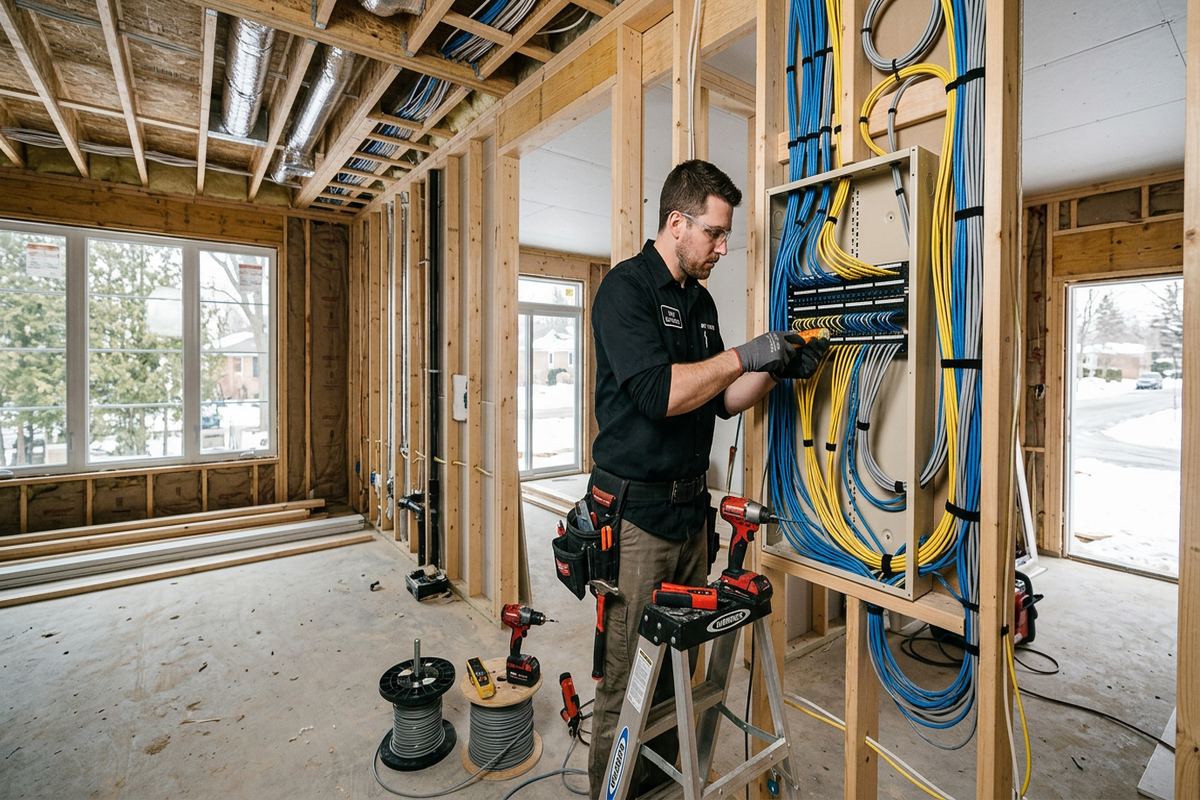
Newer subdivisions in Nottingham and Applecroft often have open layouts, attached garages and finished basements. These features can support an orderly network, but retrofits remain detail-heavy once ceilings, trim and insulation are complete. We look for routes through utility spaces, closets, joist cavities and existing service openings before proposing visible surface raceway. Plumbing, electrical wiring, ductwork and fire separations affect every route. The objective is not simply to hide cable; it is to create continuous, supportable runs that can be identified, tested and accessed later without unnecessary disruption to finished areas.
Lakefront homes around Duffin's Bay and Pickering Beach can present different conditions, including additions, renovated lower levels, masonry sections and detached structures. Wi-Fi signals lose strength through concrete, brick, foil-backed insulation and multiple finished floors, so router placement alone may not solve the problem. We assess the complete path between network equipment and each intended coverage area. Where an exterior route is appropriate, cable type, attachment, drip loops, penetrations and sealing are specified for exposure to Ajax winters, moisture and repeated freeze-thaw cycles.
- Internet entry point and equipment review
- Wi-Fi coverage and interference assessment
- Practical cable route planning
- Device and bandwidth inventory
- Written scope before installation
Wired Ethernet Installation Across Ajax Homes
Ethernet provides a stable connection for devices that do not need to move, while preserving wireless capacity for phones, tablets and portable computers. Common wired endpoints include workstations, televisions, game consoles, printers, network storage, security recorders and wireless access points. We plan each run from the central network location to its outlet without hidden joins. Cable is selected for the application and installed with suitable separation from electrical conductors. At completion, each connection is terminated, labelled and checked so the outlet, patch panel position and connected room can be matched without guesswork.
Finished basements are common in Ajax and can make cable installation both straightforward and demanding. A suspended ceiling may provide broad access, while drywall ceilings require careful investigation and smaller, planned openings. We consider framing direction, bulkheads, insulation and the relationship between basement rooms and upper-floor walls. In frame construction, cavities may permit concealed routing; masonry walls often require surface raceway, adjacent framing or another agreed path. Before work begins, the written scope records anticipated routes, outlet positions, finishing responsibilities and exclusions so expectations remain clear.
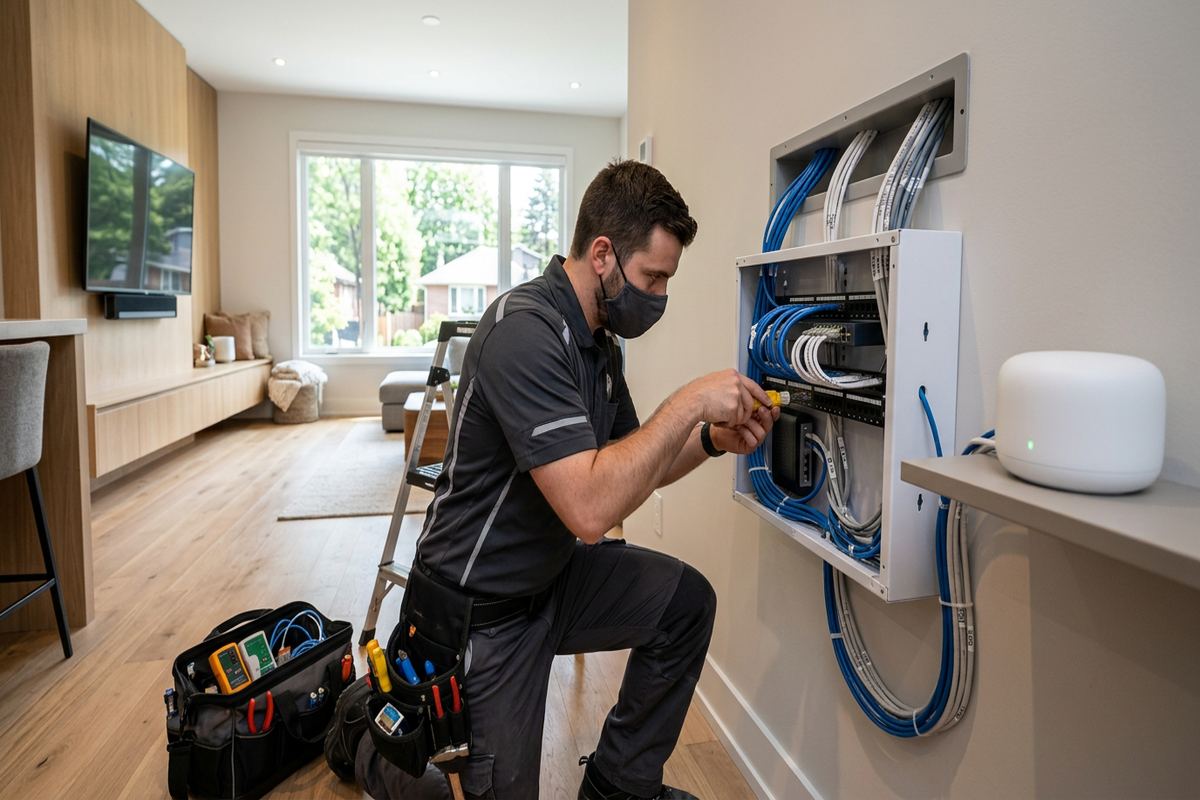
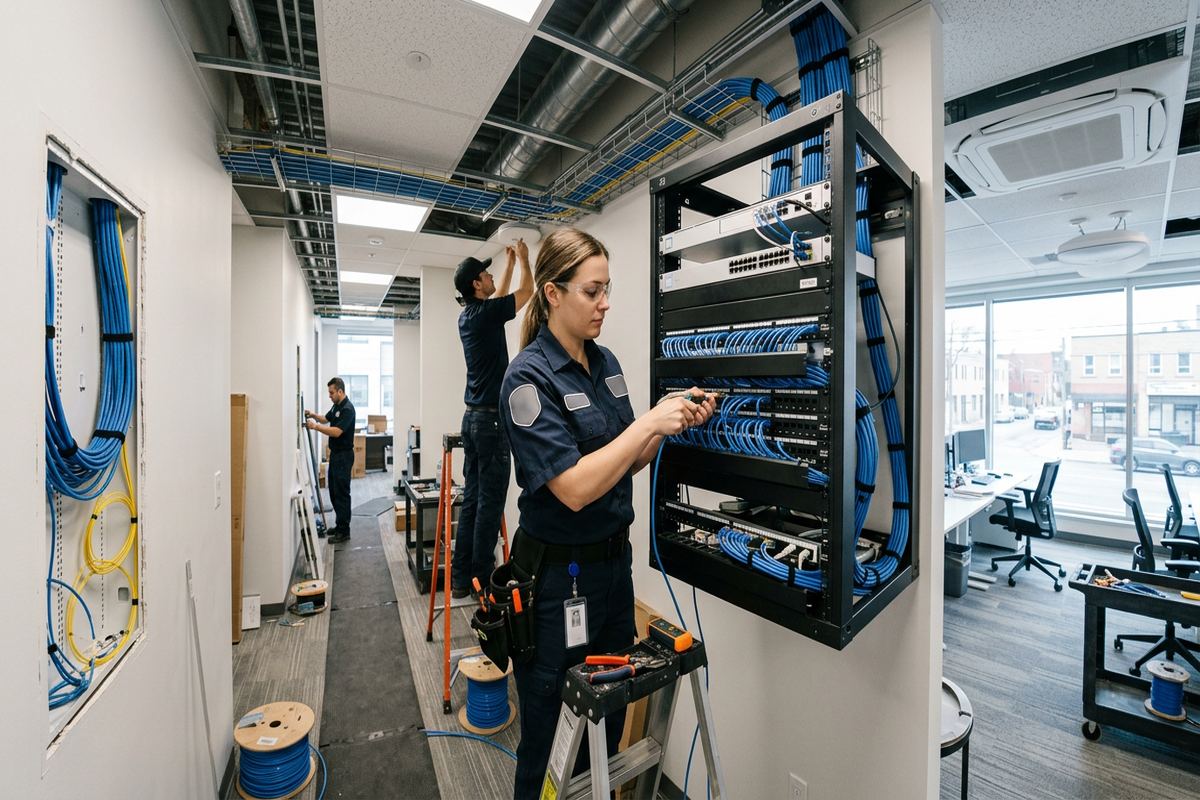
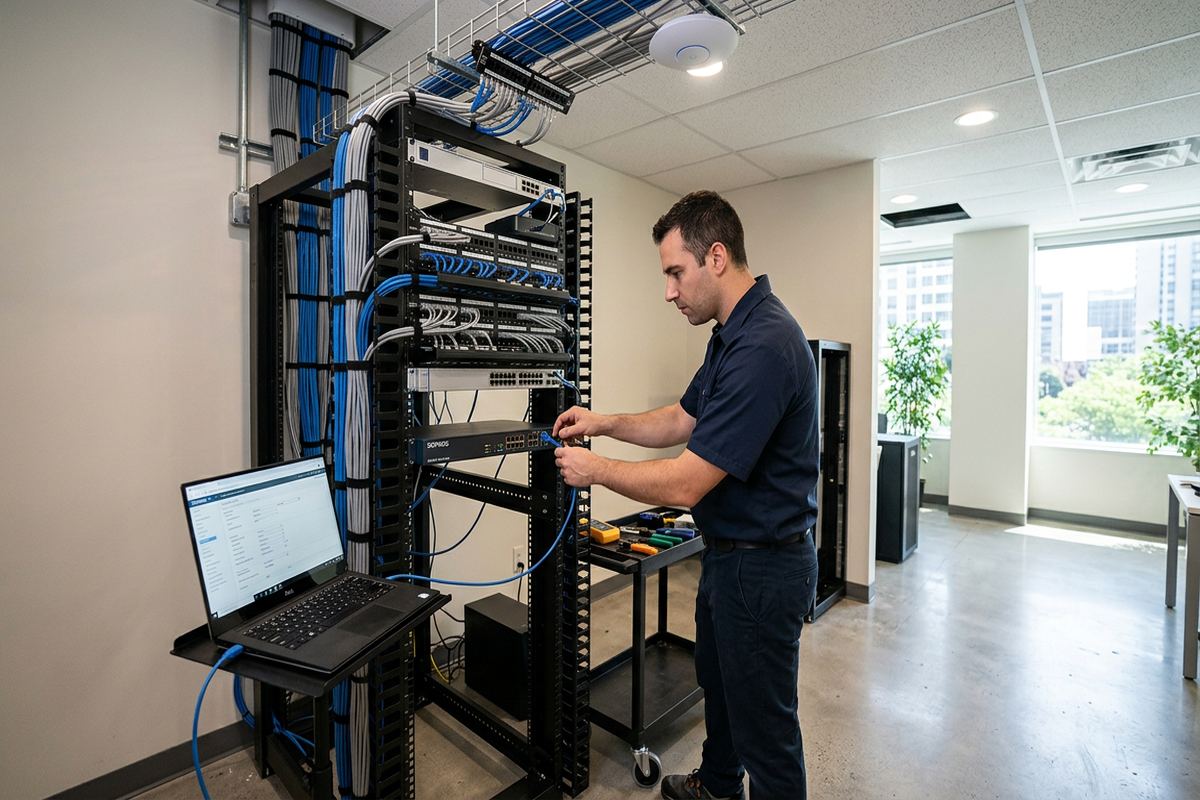
A structured wiring location should be reachable, ventilated and large enough for the equipment it will hold. Placing a router or switch inside a cramped metal cabinet can limit cooling and weaken wireless coverage. Depending on the design, we may organize a wall-mounted enclosure, compact rack, patch panel, switch, router and power distribution in a utility room or suitable closet. Cables are dressed and labelled rather than left as an unidentified bundle. The customer receives an as-built record showing installed runs and terminations, which simplifies future troubleshooting, renovations and service changes.
- Dedicated Ethernet outlets for fixed devices
- Continuous cable runs without concealed joins
- Labelled patch-panel and room connections
- Suitable separation from electrical wiring
- Documented network cabinet layout
Wi-Fi Coverage Beyond One Router
A single wireless router rarely serves every Ajax floor equally, especially when it is installed beside the service entry in a basement corner. Effective Wi-Fi design considers usable signal, interference, device density and the path through walls and floors. We identify access-point positions based on the occupied spaces rather than placing equipment wherever a cable is easiest to reach. Ceiling or high-wall locations often distribute signals more evenly, but placement also needs to respect appearance, power, cabling access and the manufacturer’s coverage pattern.
Wired access points are generally preferred where cable routes are available because each unit has a direct connection to the network. This avoids using wireless capacity to relay traffic between nodes. A managed system can present consistent network names across the home, although device roaming behaviour still depends partly on each phone, computer or smart device. We configure channels, channel widths, security settings and transmit power on site, then check operation in the intended rooms. Guest access and separate networks for compatible smart devices can also be configured when the selected equipment supports them.
Southwood and Central Ajax include properties with varied layouts, renovations and neighbouring wireless networks. Congested channels may be only one part of a coverage issue; brick fireplaces, ductwork, mirrors, appliances and masonry party walls can create localized weak areas. Testing helps distinguish interference from simple signal loss. For patios, garages or detached workspaces, we also consider the building envelope and seasonal conditions. Outdoor-rated access points and properly protected cable may be required rather than extending indoor equipment into locations exposed to condensation, summer heat or winter cold.
- Access points connected by Ethernet
- Channel and transmit-power configuration
- Guest and compatible IoT networks
- Coverage checks in occupied rooms
- Outdoor-rated options where required
Ajax, Ontario
Home network installation in Ajax, scoped in writing first
Book a site assessment and get equipment, routes, exclusions, and warranty on paper before anything is installed.
Network Retrofits in Finished Ajax Homes
Retrofitting a completed home requires more planning than wiring during construction. Before drilling, we examine accessible mechanical areas, unfinished storage spaces, attic access and existing low-voltage pathways. Small inspection steps can prevent larger repairs, but concealed conditions cannot always be confirmed until work begins. Our written scope distinguishes confirmed routes from assumptions and identifies any areas where an alternate path may be needed. Equipment placement, cable ownership, exclusions and warranty information are also documented before installation, giving the homeowner a clear basis for approving the proposed work.
Cable routes near exterior walls need particular attention in Durham Region. Insulation, vapour barriers and air sealing should not be disturbed unnecessarily, and any approved penetration must be sealed for the wall assembly and exposure. Ajax freeze-thaw cycles can widen poorly sealed openings, allowing moisture to reach finishes or cable paths. Exterior cable must be suitable for its environment and secured without creating water traps. Where possible, an interior route is considered first; where exterior routing is more practical, the scope records the path, mounting method, penetration points and visible appearance.
Renovations may also reveal older telephone, coaxial or builder-installed data cable. Existing cable is assessed rather than assumed to be suitable. Its category marking, route, termination, damage and accessibility all matter, and an unknown concealed splice can affect performance. Reusing viable wiring may reduce new routing, while unsuitable cable should not become the foundation of a new network. We identify what will remain, what will be replaced and how abandoned ends will be handled. This approach keeps the finished installation understandable instead of layering new equipment over undocumented legacy wiring.
- Inspection of accessible concealed routes
- Minimal, planned openings in finishes
- Weather-sealed exterior penetrations
- Assessment of existing data cabling
- Documented alternate routing where needed
Ajax Home Offices and Connected Systems
Home offices need more than a strong signal icon. Video meetings, large file transfers, cloud applications and remote access all benefit from a stable wired connection or a nearby access point with wired backhaul. We review desk locations, docking stations, printers, voice equipment and any requirement for network separation. If two people work simultaneously, the design considers both spaces rather than treating one as secondary. The internet service remains an external dependency, but the internal network can be organized to avoid preventable bottlenecks and weak wireless links.
Modern homes may place cameras, doorbells, audio systems, televisions, thermostats and lighting controls on the same network. Each category has different requirements for bandwidth, power, placement and internet access. Power over Ethernet can simplify compatible cameras, access points and other devices by carrying data and power on one cable from a suitable switch. We calculate equipment needs from the planned endpoints and leave documented capacity where the agreed design allows. Network organization can also make future service easier by separating infrastructure from general household devices when supported by the selected platform.
For families in Nottingham, Southwood or other Ajax communities, parental controls and guest access are often as important as raw speed. Their exact functions depend on the router or network platform, subscription requirements and device compatibility. We explain available controls without promising that networking equipment can replace supervision or endpoint security. Configuration is completed using the customer’s own administrative credentials, not a permanent installer-owned account. At handover, we review network names, access methods, equipment locations and basic restart procedures so the household can operate its own system.
- Wired connections for office workstations
- Power over Ethernet for compatible devices
- Guest access and network separation
- Capacity planning for connected systems
- Customer-controlled administrator credentials
Network Installation for Ajax Condos and Rentals
Condominiums require a different approach because cable routes, common elements and building systems may fall outside the owner’s authority. Before proposing drilling, corridor access or work near shared telecommunications spaces, we ask the customer to confirm applicable condominium rules and approvals. Concrete floors, masonry walls and dense neighbouring networks can influence both cabling and wireless performance. A practical condo design may combine existing in-suite wiring, carefully placed access points and non-invasive routing. The scope identifies work within the unit and excludes building-side changes unless they are specifically authorized.
Landlords and tenants should establish who can approve permanent cabling, wall penetrations and equipment mounting. UnifiedLink does not assume that a service request confirms property-owner permission. Once authorization is clear, we can document outlet locations, cable paths, equipment ownership and any items that must remain at the property. This is particularly useful when the internet account, router and installed cabling belong to different parties. Credentials are provided to the appropriate customer representative, and the as-built record helps prevent confusion when tenants, property managers or service providers change.
Apartment and condo Wi-Fi problems are often caused by both construction and congestion. Concrete and masonry can reduce coverage between rooms, while many nearby routers compete for available spectrum. Simply increasing transmit power may increase interference without improving the return path from smaller devices. On-site testing supports better access-point placement and channel selection, although conditions can change as neighbouring networks change. Where new cable is restricted, we explain the limitations of wireless or existing coaxial alternatives. The final recommendation reflects the building rules and available pathways rather than assuming a detached-home installation method.
- Planning around condominium approval requirements
- Non-invasive routes where practical
- Concrete and masonry coverage assessment
- Clear equipment ownership records
- Handover for owners or property managers
Small Business Networking in Ajax
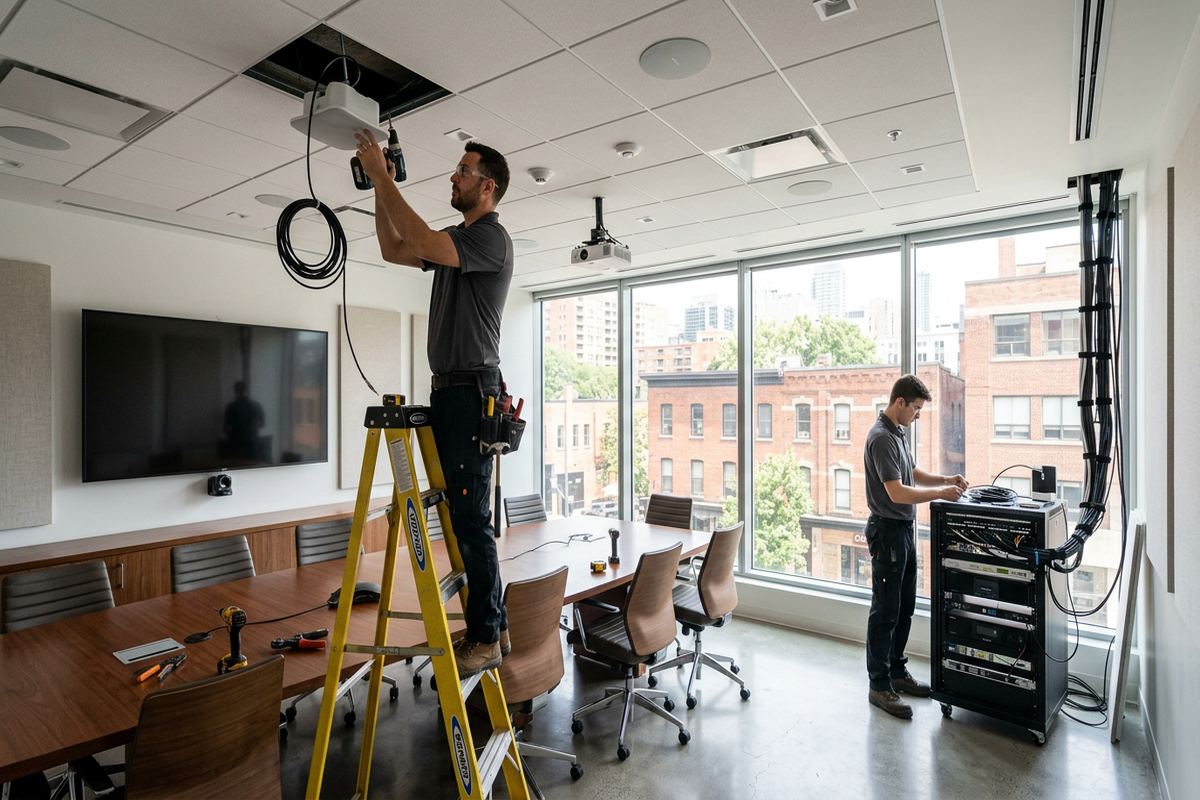
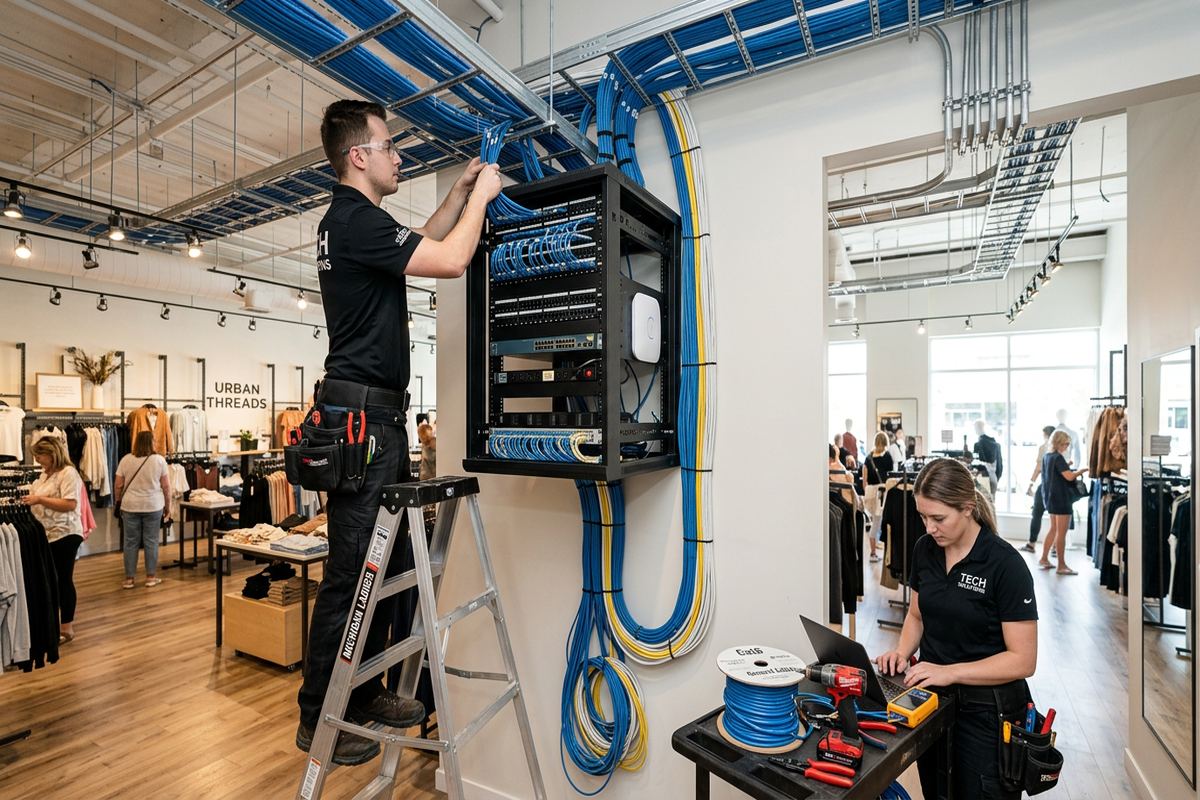
Home network methods do not always suit a storefront, office or light industrial unit. Ajax commercial strips and industrial units may require more connected users, separate staff and guest access, ceiling-mounted access points, networked payment devices, printers, cameras or voice systems. We assess operating areas, back rooms, utility spaces and tenant boundaries before recommending equipment. The design also considers whether the internet service enters a shared telecommunications room and whether the landlord must approve cable routes, penetrations or exterior work. These dependencies are recorded before installation begins.
Industrial units can contain high ceilings, metal racking, machinery, concrete block walls and large open bays. These features create reflection, shadowing and long cable paths that are not apparent from a floor plan alone. Access points must be placed where they can serve the working area while remaining serviceable and protected from impact or unsuitable environmental exposure. Cable support and pathway choices must fit the building rather than relying on loose runs above ceilings. Where a route passes through rated assemblies, the applicable pathway and sealing requirements must be addressed in the agreed scope.
A small business network should also be understandable after installation. We label cables and ports, configure agreed wireless networks on site and provide an as-built record of installed connections. Administrative access is handed over using credentials controlled by the business, reducing dependence on an installer-owned account. If internet service, cloud management, subscriptions or third-party equipment are outside our scope, those exclusions are stated in writing. One accountable contractor can coordinate the approved low-voltage installation, but responsibilities involving landlords, internet providers or other trades remain clearly identified.
- Staff and guest network configuration
- Ceiling access points for work areas
- Routes planned around tenant boundaries
- Labelled ports and installed cabling
- Written third-party responsibilities
From Ajax Site Assessment to Handover
Every project begins with enough information to define the problem accurately. Initial discussion covers the Ajax property type, current internet equipment, weak areas, desired wired outlets and connected systems. A site assessment then verifies accessible routes, materials, equipment locations and installation constraints. Assessment timing depends on the service and travel distance. Requests sent during business hours are answered the same day, while after-hours requests are answered the next business day. Pricing follows the assessment rather than being based on assumptions about floor area or the number of rooms alone.
The written scope sets out the proposed equipment, cable routes, device placement, exclusions, equipment ownership and warranty. It can also note customer responsibilities such as providing internet service, electrical receptacles, access to rooms, landlord permission or condominium approval. Reviewing these details before work reduces uncertainty around finished surfaces and concealed conditions. If site conditions differ materially from what could be observed, the route or scope is discussed before proceeding. This process is especially important in finished Ajax basements, renovated homes and mixed masonry-and-frame properties where a small routing change can affect several rooms.
Installation includes continuous labelled cable runs, terminations, mounting and the agreed on-site configuration. We check installed connections and review practical operation with the customer rather than leaving equipment in factory-default condition. Handover uses the customer’s own credentials and includes an as-built record identifying cable destinations and relevant equipment locations. We also explain which components belong to the customer and which services depend on an internet provider or third-party platform. The result is a documented network that another technician can understand, maintain or expand without having to reconstruct the original installation decisions.
- Site assessment before pricing
- Detailed written scope and exclusions
- On-site installation and configuration
- Customer-owned credentials at handover
- As-built record of cable destinations
Ajax neighbourhoods we cover
- Southwood
- Nottingham
- Duffin's Bay
- Applecroft
- Pickering Beach
- Central Ajax
Home network installation in Ajax — common questions
Can you improve Wi-Fi in my finished Ajax basement?
Yes. We first assess floor construction, ductwork, insulation, utility access and the present router location. Many finished Ajax basements can support a wired access point through an adjoining utility room, closet or accessible ceiling section. Where concealed routing is limited, we discuss surface raceway or another documented path. Placement and wired backhaul are usually more dependable than adding an unplanned wireless extender.
Do I need Ethernet if Wi-Fi works?
Ethernet is useful for fixed devices that need consistent performance, including office computers, televisions, gaming systems, security recorders and wireless access points. In an Ajax home, wiring these devices can reduce demand on the wireless network and improve access-point placement. Wi-Fi still serves mobile devices, but the two methods work together. The appropriate balance depends on the layout, cable routes and how the network is used.
Can you run network cable outside an Ajax house?
An exterior route may be used when it is appropriate and agreed in the scope. Cable, fasteners and penetrations must suit exposure to moisture, sunlight, winter conditions and Ajax freeze-thaw cycles. Entry points require suitable sealing and routing that sheds water rather than trapping it. We consider an interior path first, then document any exterior mounting, visible cable, drilling and customer finishing responsibilities before work proceeds.
Will I need condo or landlord approval?
Approval may be required for permanent cabling, drilling, common elements, shared telecommunications rooms or exterior work. Ajax condo owners should check corporation rules, while tenants should obtain authorization from the landlord or property manager. UnifiedLink can define the proposed route and equipment placement for that review, but we do not assume the requester has authority to alter the property. Approved responsibilities and exclusions are included in the written scope.
Can you use my existing network cable?
Existing cable can be reused when its type, condition, route and terminations are suitable for the intended connection. We inspect accessible markings and endpoints and check the run rather than assuming builder-installed telephone or data wiring is ready. Ajax homes may contain a mix of coaxial, telephone and Ethernet cable from different renovations. The scope identifies which runs can remain, which need new terminations and which should be replaced.
What do I receive after installation?
After an Ajax network installation, you receive the agreed on-site configuration, labelled cable runs and a handover using credentials that you control. An as-built record identifies installed cable destinations and relevant equipment locations. We also review network names, administrative access and basic equipment operation. The written documentation records equipment ownership, warranty information and exclusions involving internet providers, subscriptions or third-party services.
Coverage in Ajax is confirmed against the address before we quote. See everything we install in Ajax or the province-wide home network installation page.