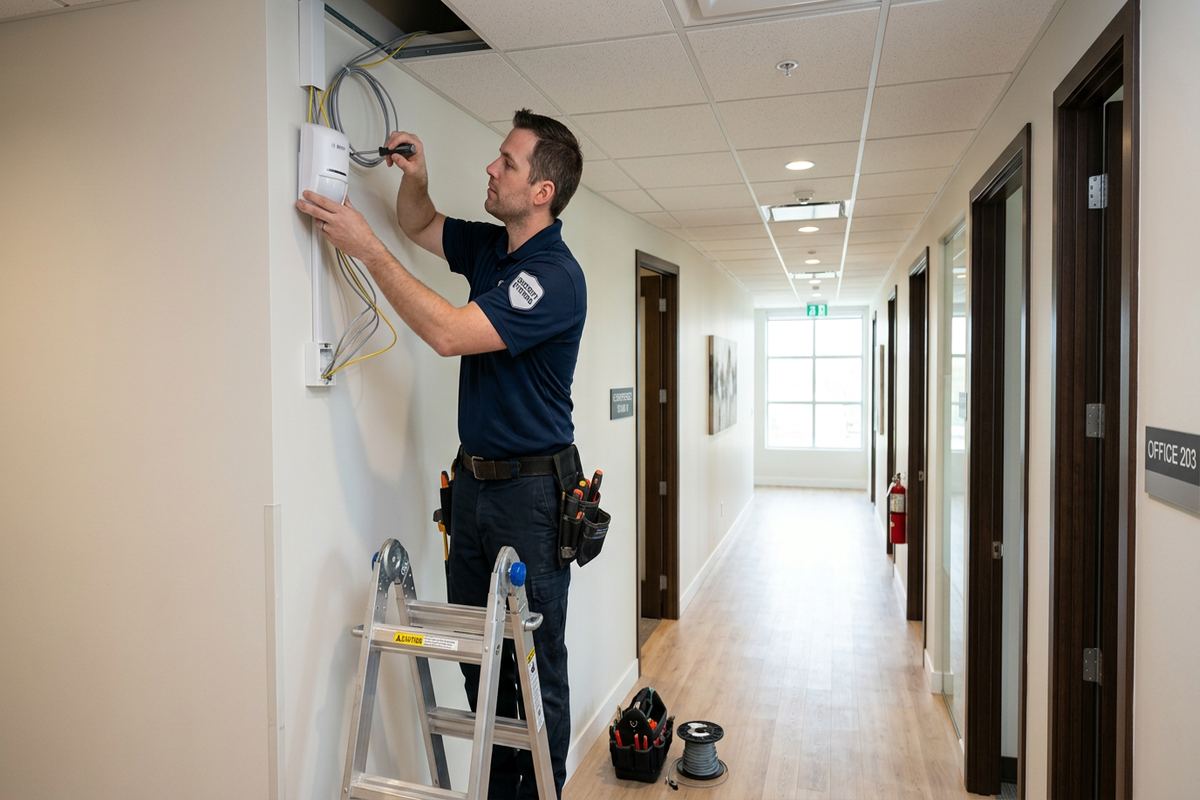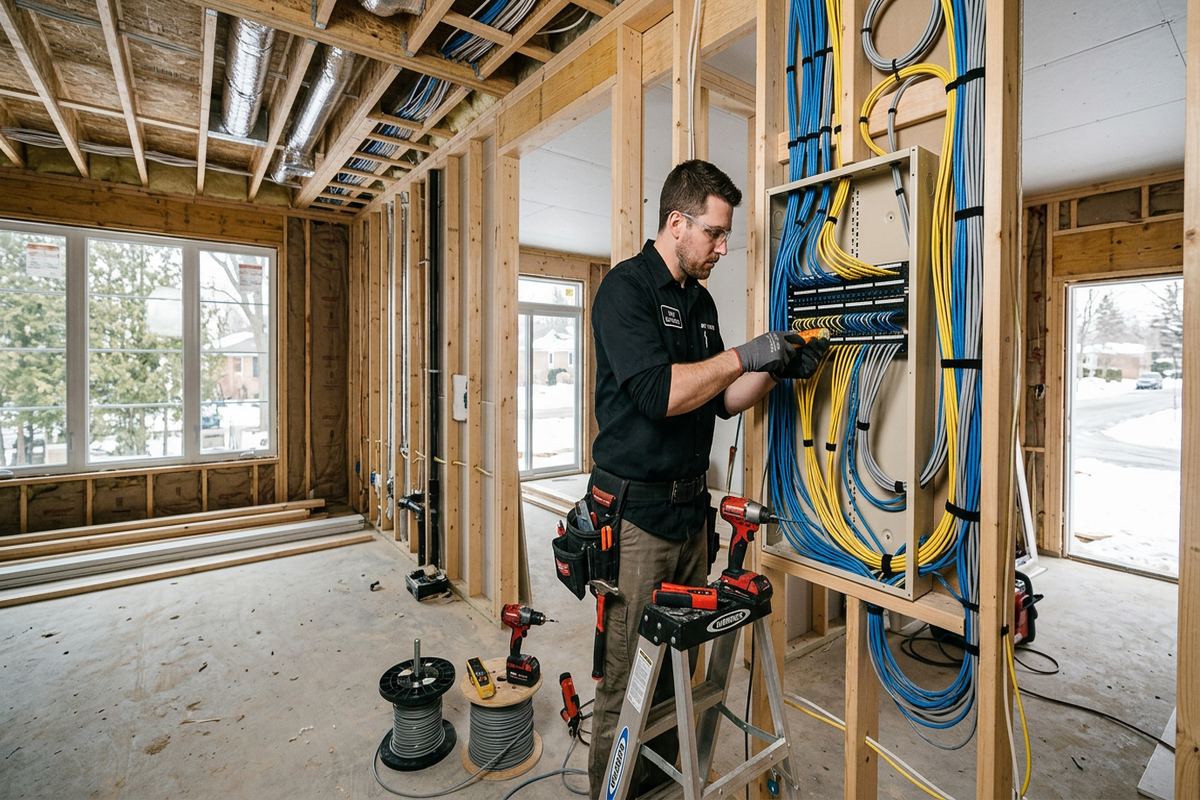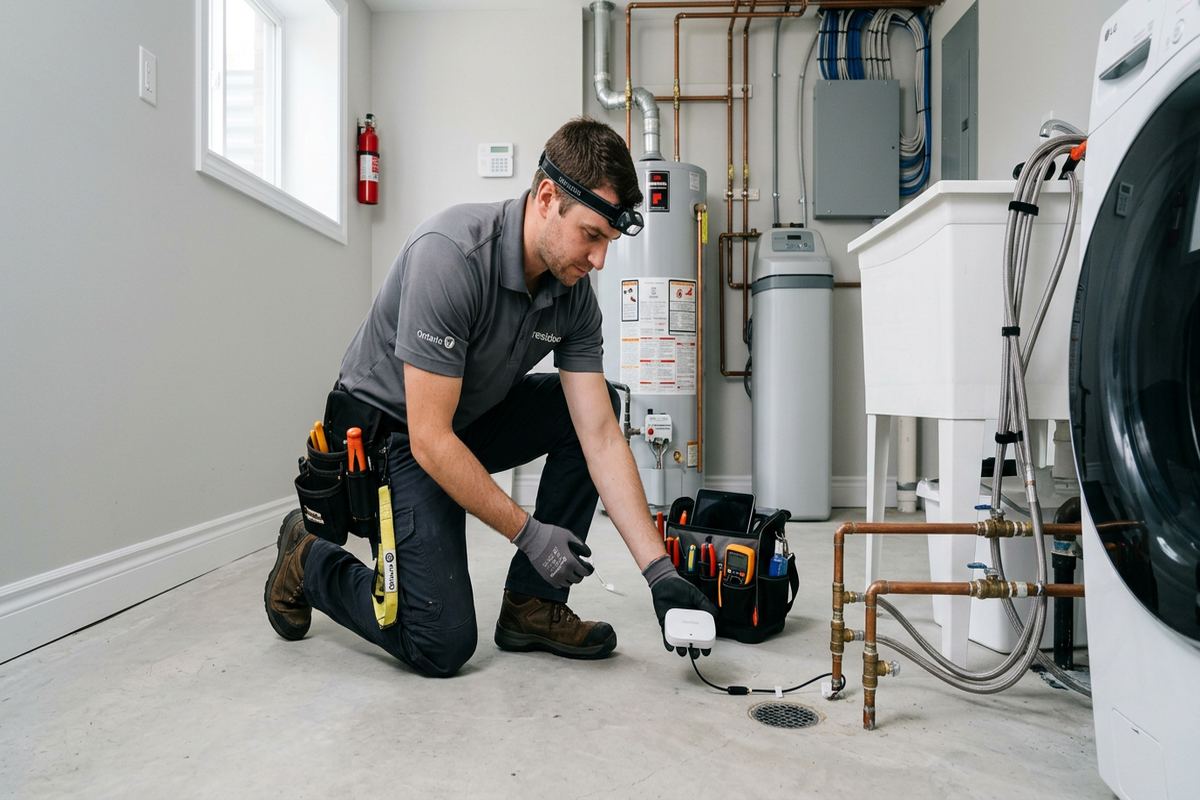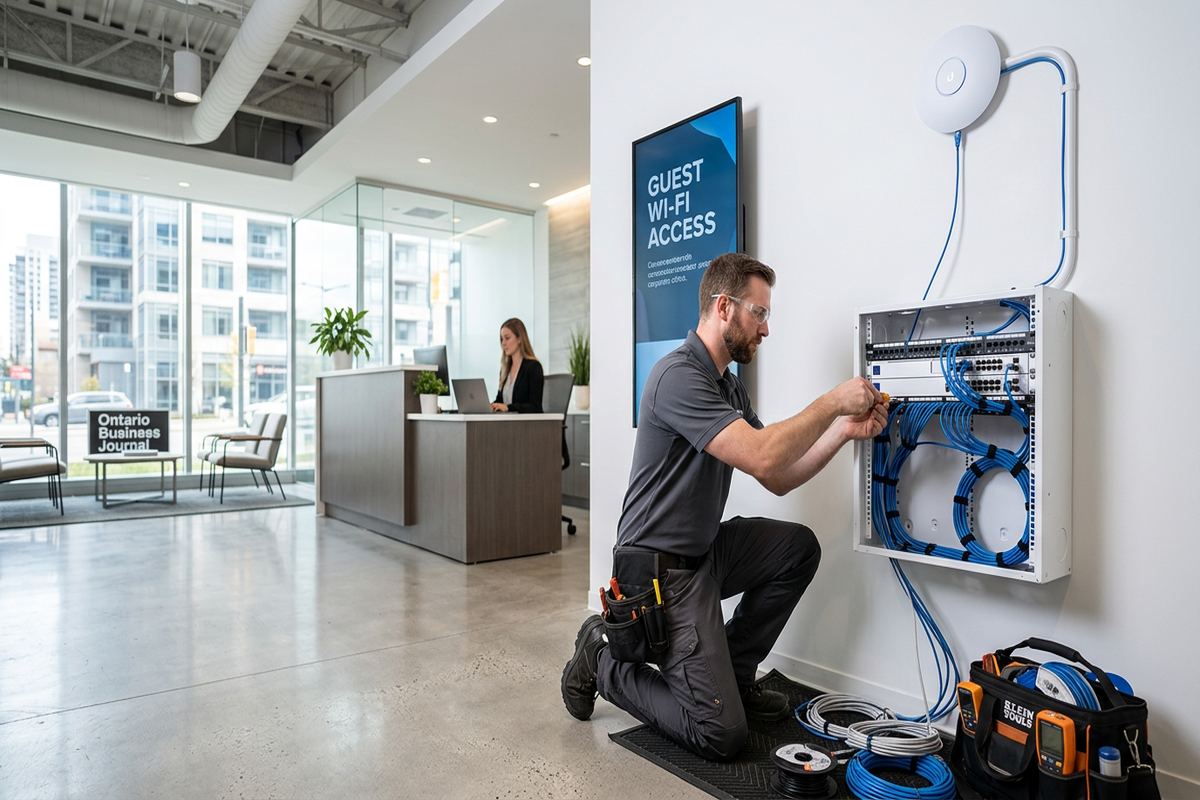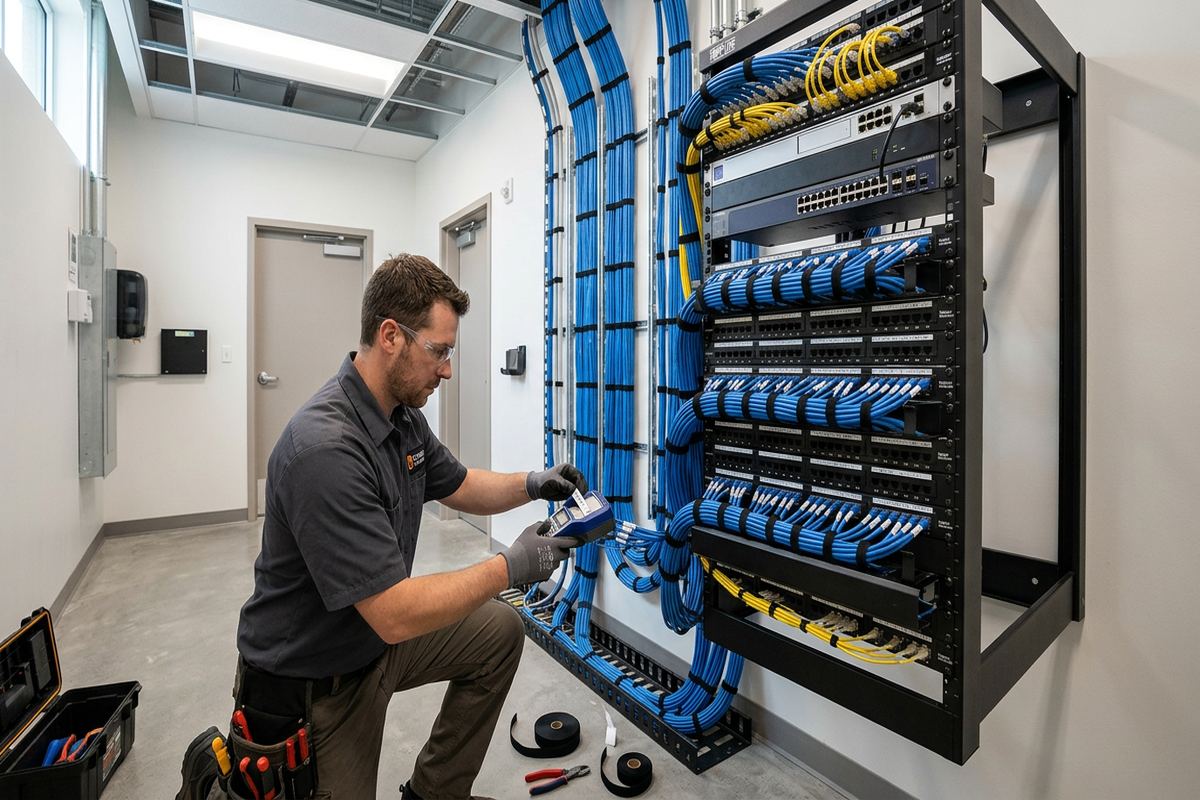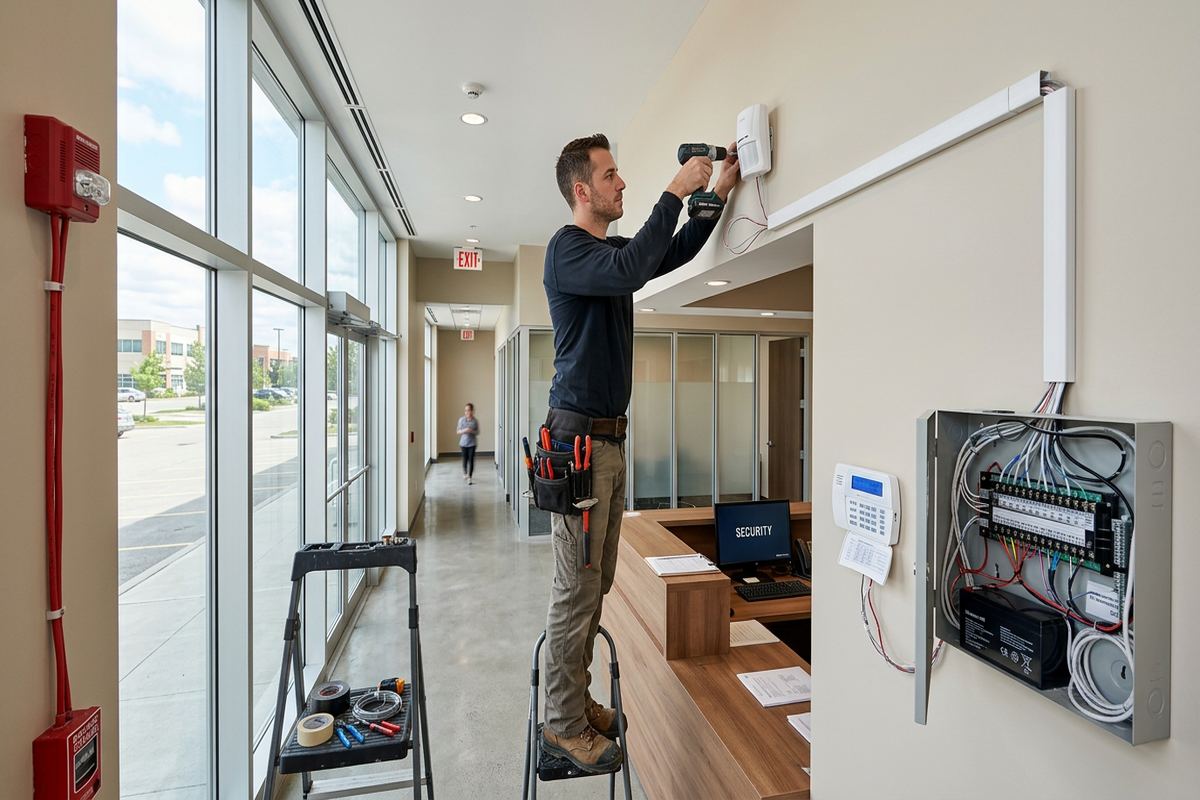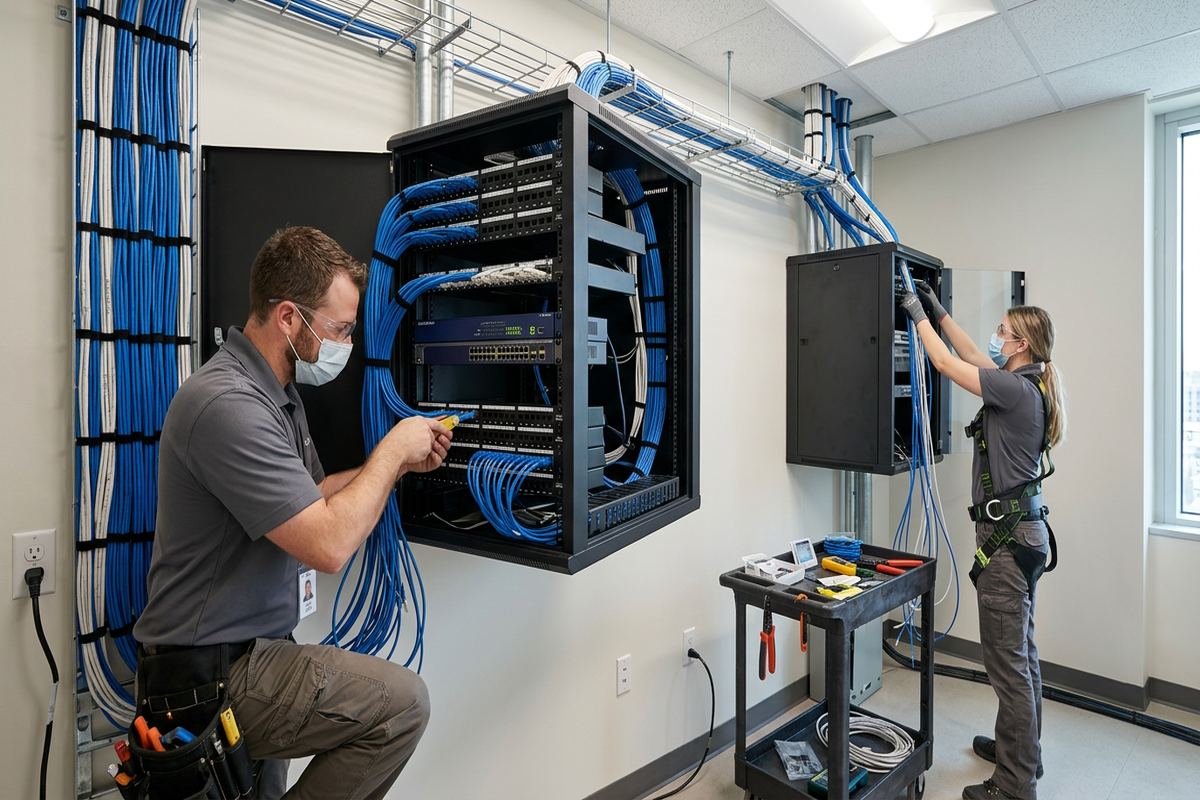
UnifiedLink installs structured cabling for homes, offices, retail spaces and industrial units across Ajax and Durham Region. We plan cable routes, install continuous labelled runs, terminate and test connections, configure network equipment on site, and provide clear documentation. Every project begins with a site assessment so the written scope reflects the building and its intended use.
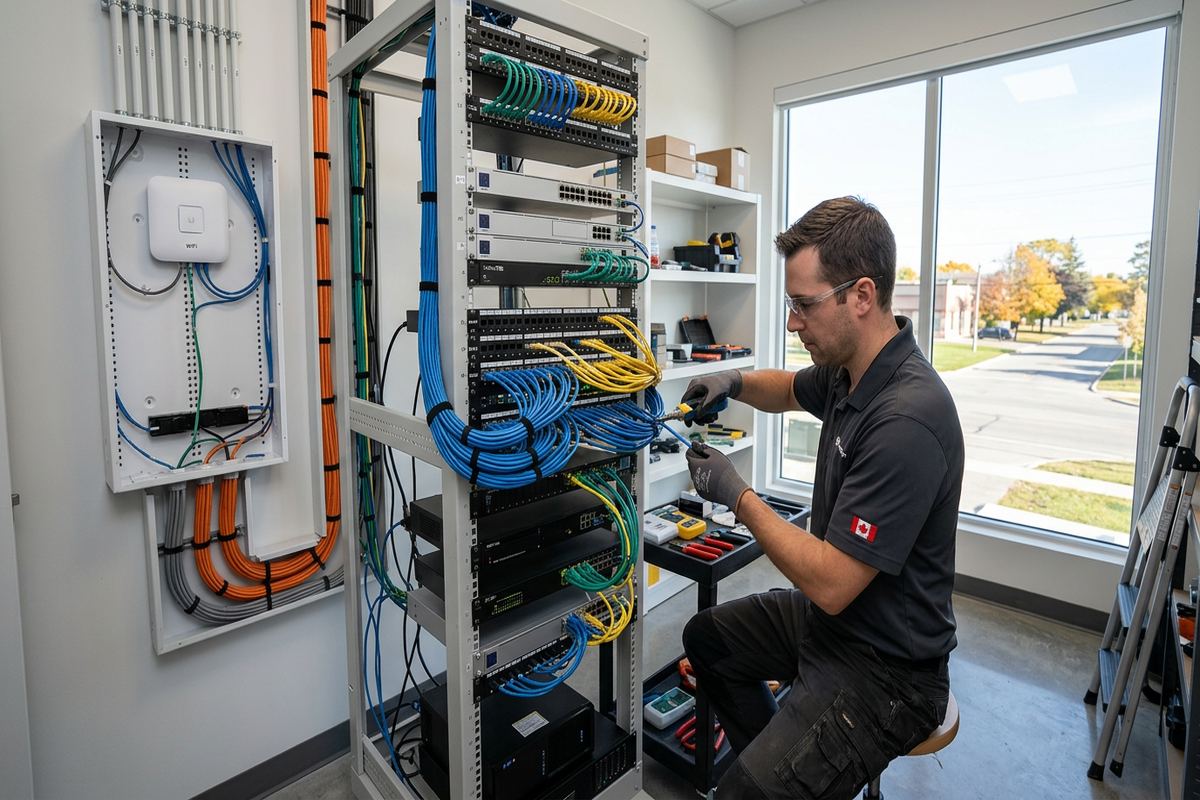
Structured Cabling for Ajax Properties
Structured cabling provides a permanent wired foundation for internet service, Wi-Fi access points, computers, phones, cameras, televisions and building systems. In Ajax, requirements vary between newer subdivision homes, lakefront properties, commercial strips and industrial units. UnifiedLink assesses the available pathways, construction materials, equipment locations and future capacity before proposing a layout. The objective is not simply to pull cable between two points. Each run must follow a practical route, avoid electrical interference, protect finished surfaces and terminate in a location that remains accessible for testing, changes and maintenance.
Newer homes in Southwood, Nottingham and Applecroft often have finished basements, insulated garages and completed ceilings. These properties can be straightforward to wire because their framing and utility layouts are relatively consistent, but the work remains detail-heavy. Routes may need to pass through bulkheads, closets, mechanical rooms or unfinished sections without creating unnecessary openings. A site assessment helps confirm what can be reached, where access holes may be required, and whether existing builder-installed wiring can be reused, extended or should be replaced with properly selected data cable.
Businesses need the same route planning, with added attention to working areas, ceiling systems, equipment rooms and operational interruptions. A structured layout can support desks, point-of-sale stations, printers, wireless access points, phones, displays and security devices without relying on loose patch cords or unrelated cable additions. UnifiedLink defines outlet locations, cable quantities, pathways, rack or cabinet requirements and termination standards in writing. The scope also identifies exclusions, equipment ownership and warranty terms, giving the Ajax property owner a clear record of what will be installed and handed over.
- Home and business network cabling
- Data outlets and patch panels
- Rack and cabinet organization
- Routes documented before installation
Planning Ajax Cable Routes
Good cable routing starts with how the property is built and how each room will be used. Ajax homes may combine frame construction above grade with poured concrete foundations, finished basement ceilings and masonry exterior details. Running cable inside framed walls is different from crossing concrete, brick or block. UnifiedLink checks stud direction, joist spaces, mechanical obstructions and suitable vertical pathways before work begins. This reduces avoidable cutting and helps place outlets where furniture, televisions, desks and network devices will actually sit rather than where installation happens to be easiest.
Finished spaces require decisions about access and appearance. A cable path behind drywall may involve small openings that need separate repair, while an exposed route may use suitable raceway where concealment is impractical. Closets, utility rooms and unfinished basement sections can provide useful distribution paths, but they must remain accessible and should not interfere with plumbing, heating or electrical equipment. For lakefront homes around Duffin's Bay and Pickering Beach, the assessment also considers exterior exposure, attached structures and the most protected point for any cable entering the building envelope.
The written scope records the agreed cable routes, device placement, equipment, exclusions, ownership and warranty. This is particularly useful when a renovation contractor, landlord, condominium corporation or property manager is also involved. Some work cannot begin until access and drilling approvals are confirmed. Condo owners may need permission for common walls, shared ceilings or telecommunications rooms, while tenants generally need landlord approval for permanent cabling. UnifiedLink can describe the proposed work clearly, but the customer remains responsible for securing property permissions required for the installation.
- Wall, ceiling and basement pathways
- Masonry and frame route assessment
- Condo and landlord approval considerations
- Clear access and repair exclusions
Copper and Fibre Cabling Options in Ajax
Cable selection depends on distance, bandwidth, connected equipment and the environment through which the run passes. Balanced copper data cable is commonly used for computers, access points, phones, cameras and other network devices within standard building distances. Fibre may be appropriate between floors, detached structures, network rooms or areas where electrical isolation and greater capacity are important. UnifiedLink does not specify a category based only on a product label. The complete channel, including cable, jacks, patch panels, patch leads and installation quality, must suit the intended application.
Power over Ethernet can carry network data and device power over the same compatible copper run. It is useful for wireless access points, internet phones, security cameras and access control components, provided the network switch, cable, connectors and device power requirements are properly matched. Cable bundles must also be planned with heat, pathway fill and serviceability in mind. For an Ajax office or home network, documenting which ports may supply power makes future troubleshooting safer and prevents assumptions when equipment is moved or replaced.
Outdoor links require materials and methods suited to moisture, sunlight, temperature changes and physical exposure. Ontario winters create repeated freeze-thaw cycles that can stress poorly sealed penetrations and allow water to follow a cable indoors. Exterior cable entries should use an appropriate sleeve or pathway, a downward approach where practical, drip management and compatible sealing materials. Standard indoor cable should not be treated as an outdoor product. Where a route crosses between buildings, fibre or an appropriately designed exterior link may reduce electrical risks that ordinary indoor copper cannot address.
- Copper data cable installation
- Fibre backbone route planning
- Power over Ethernet support
- Indoor and exterior-rated options
Ajax, Ontario
Structured cabling installation in Ajax, scoped in writing first
Book a site assessment and get equipment, routes, exclusions, and warranty on paper before anything is installed.
Terminations, Testing and Labelling
A data cable is only useful when both ends are terminated consistently and the installed run performs as intended. UnifiedLink installs continuous labelled runs rather than concealing intermediate joins in walls or ceilings. Cables are dressed with suitable bend control, separation and support, then terminated at outlets, patch panels or approved connection hardware. Labels correspond at both ends and follow a logical naming scheme. This makes it possible to identify a room or device connection from the network location without tracing an unmarked bundle through a finished Ajax basement or busy workplace.
Testing verifies more than whether a link produces a light on a network device. Each installed copper run is checked for wire-map faults such as opens, shorts, reversals and split pairs, with additional testing selected according to the defined scope. Fibre links require appropriate termination, cleaning and optical checks. Results are associated with the run labels so failed or questionable connections can be corrected before handover. The written scope identifies the expected testing approach, avoiding confusion between basic continuity verification and more detailed performance certification where a project specifically requires it.
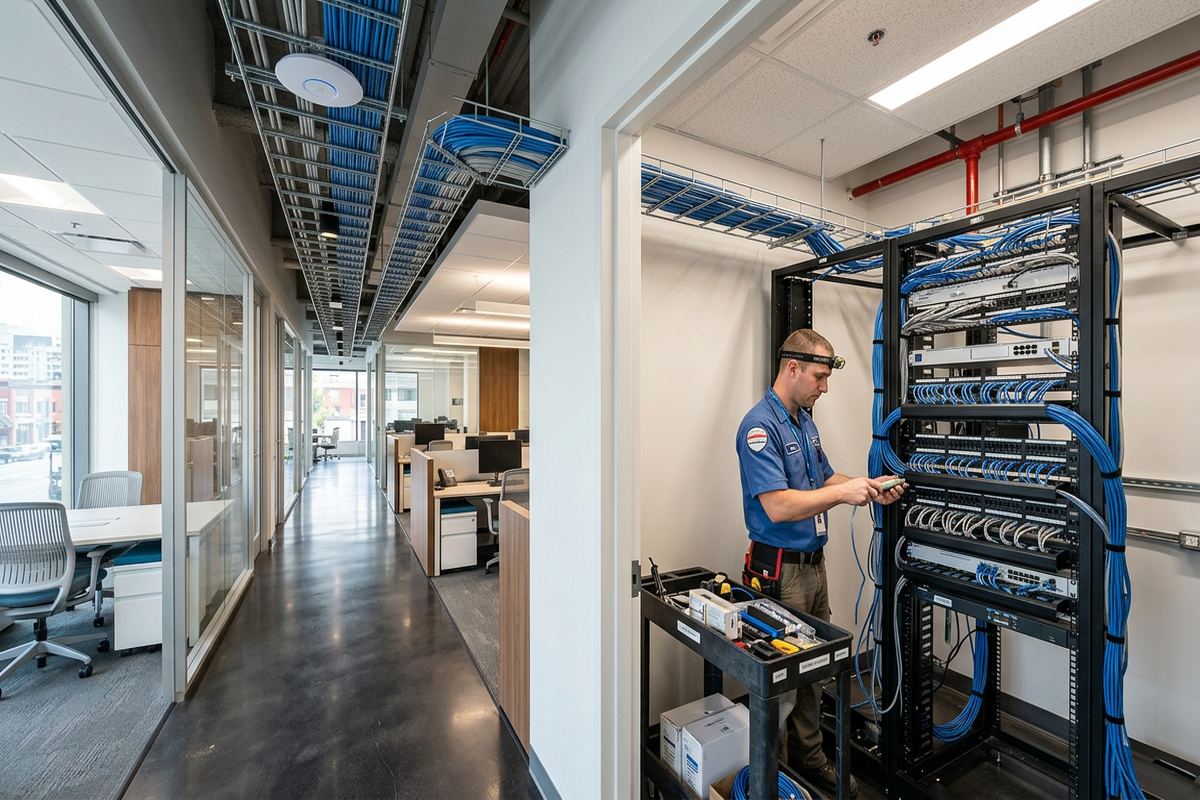
At the network end, orderly termination leaves room for patching, equipment ventilation and future service. Patch panels, wall-mounted cabinets and floor racks each have different space, mounting and clearance requirements. A small Ajax home may need a compact central location, while an industrial unit or multi-room office may require a larger rack with managed cable pathways. UnifiedLink plans around power availability, internet provider equipment and environmental conditions. Customer-owned equipment is clearly distinguished from supplied components, reducing uncertainty when service providers or other contractors later attend the site.
- Matching labels at both ends
- Continuous runs without hidden joins
- Wire-map and continuity checks
- Organized panels and patching
Ajax Wi-Fi and Network Device Cabling
Reliable Wi-Fi often depends on wired access point placement rather than a more powerful router in one corner of the building. Finished basements, multiple floors, masonry features and mechanical equipment can weaken or reshape wireless coverage. During an Ajax site assessment, UnifiedLink considers where users and devices operate, which ceilings are practical to reach, and where a cable-powered access point could be mounted without becoming visually intrusive. Cabling each access point back to the network location also avoids using wireless repeaters where a stable wired backhaul is available.
Structured cabling can serve fixed devices that should not compete for wireless capacity. Desktop computers, televisions, media players, printers, phones and security equipment often benefit from dedicated network outlets. In a home, that may mean connections at an office, entertainment area and selected ceiling positions. In a business, it may include workstations, point-of-sale areas, displays and shared equipment. UnifiedLink confirms the expected device at each outlet because height, connector style, power requirements and nearby mounting support can affect the correct installation method.
On-site configuration connects the installed cabling to compatible network equipment and confirms basic operation within the agreed scope. This may include patching ports, configuring supported switches or access points, and establishing customer-controlled administrative access. Handover uses the customer's own credentials rather than leaving essential systems tied to an installer's private account. Passwords and network details should be stored securely by the owner. Where an internet provider controls the modem or gateway, changes may depend on provider access, service limitations and the hardware included with the customer's plan.
- Wired access point locations
- Connections for fixed network devices
- Power over Ethernet planning
- Customer-controlled administrator credentials
Retrofit Cabling in Ajax Homes
Retrofitting a completed house requires patience and a realistic understanding of access. In Central Ajax and established areas near Duffin's Bay, renovations may have created several layers of framing, ceilings or wall finishes. Newer subdivisions can have fewer unknown alterations, yet finished basements and insulated exterior walls still limit direct routes. UnifiedLink uses accessible joist spaces, utility areas, closets and existing pathways where suitable. The assessment identifies likely access points and explains where concealment may not be possible without opening and later repairing finished surfaces.
Exterior routing can sometimes avoid extensive interior disruption, but it should not be treated as a shortcut. Cable type, fastening, sunlight exposure and water entry all matter. Penetrations through brick veneer, concrete or siding require different drilling and sealing methods, and the route must avoid drainage paths and vulnerable edges. Ajax freeze-thaw conditions can loosen unsuitable sealants or enlarge gaps over time. UnifiedLink plans exterior entries to shed water and seals around the pathway with compatible materials while keeping service loops and connectors protected from direct exposure.
Future needs are easier to accommodate while a route is open. Where pathway capacity and project requirements permit, the scope may include spare cable runs, additional outlets or conduit for later use. Spare runs must still be labelled, terminated or safely secured and recorded; an unidentified coil behind a wall offers little practical value. For renovations, coordination with framing and drywall stages can make routes cleaner. UnifiedLink remains one accountable low-voltage contractor for the agreed cabling work, while electrical, drywall, painting and structural work stay with the appropriate trades unless expressly included.
- Finished basement retrofit routes
- Protected exterior cable entries
- Options for spare capacity
- Coordination with renovation stages
Commercial and Industrial Cabling in Ajax
Commercial strips and industrial units in Ajax present different conditions from residential installations. Open ceilings may simplify access but introduce long pathways, lighting, electrical services, rooftop equipment and fire separations. Finished offices within a warehouse can require cable to transition between open structure, conduit, ceiling space and framed partitions. UnifiedLink reviews the proposed device count, workstation layout, telecommunications area and operational schedule before defining the installation. Cable support and routing are selected for the building environment rather than allowing network lines to rest on ceiling tiles or unrelated services.
A business network often changes as staff, equipment and floor layouts change. Consistent labels and centralized patching make those changes more manageable. Instead of extending an unknown cable or adding an unmanaged switch under a desk, the business can identify the relevant panel port and update the patching. The as-built record lists installed locations and identifiers, providing a practical starting point for maintenance. Where furniture systems, leased premises or shared telecommunications rooms are involved, access arrangements and landlord requirements should be resolved before the Ajax installation date.
Work around active operations needs a defined sequence. Some outlets can be installed while staff continue working, while terminations, equipment changes or network cutovers may interrupt service. The written scope identifies assumptions and known dependencies, including customer-provided internet service, power, cabinets or network hardware. UnifiedLink configures included equipment on site and checks connected links before handover. Requests sent during business hours are answered the same day, and after-hours requests the next business day. Site assessment timing depends on the requested service and travel distance.
- Office and workstation outlets
- Retail and point-of-sale cabling
- Warehouse and industrial pathways
- Documented patch panel layouts
From Ajax Site Assessment to Handover
Every project begins with a site assessment before pricing. UnifiedLink reviews the property, discusses the devices and rooms to be connected, checks practical cable routes and identifies approval or access issues. This step is important because floor plans rarely show blocked joist spaces, completed bulkheads, masonry transitions or existing low-voltage wiring conditions. For Ajax retrofits, the assessment also helps separate work that can be completed through accessible areas from work that may require visible raceway, exterior routing or openings followed by repair from another trade.
Following the assessment, the customer receives a written scope covering equipment, cable routes, device placement, exclusions, equipment ownership and warranty. The document allows both parties to confirm the same layout before installation begins. Changes should be reviewed rather than improvised after walls have been drilled or cable has been pulled. On installation day, continuous labelled runs are placed and terminated according to that scope. Work areas are kept organized, and any newly discovered obstruction is discussed if it materially affects the agreed route or finish.
Handover includes on-site configuration within scope, customer-owned credentials and an as-built record showing the installed runs and relevant equipment details. UnifiedLink explains the patching arrangement and identifies where internet provider equipment connects to the customer's network. The owner can then maintain access without depending on credentials held only by the installer. One accountable contractor coordinates the agreed low-voltage work from assessment through handover, whether the project is a few carefully routed home connections in Applecroft or a larger structured cabling system for an Ajax business.
- Assessment completed before pricing
- Written equipment and route scope
- On-site configuration and checks
- Credentials and as-built record provided
Ajax neighbourhoods we cover
- Southwood
- Nottingham
- Duffin's Bay
- Applecroft
- Pickering Beach
- Central Ajax
Structured cabling installation in Ajax — common questions
Can you install network cable in my finished Ajax basement?
Yes, subject to route access and the construction behind the finishes. Newer Ajax homes often have predictable framing, but bulkheads, insulation and completed ceilings can make routing detail-heavy. UnifiedLink assesses joist spaces, closets, utility areas and possible exterior or raceway options before pricing. The scope identifies expected access points and whether drywall repair or other finishing work is excluded.
What cable type should I install in my Ajax home?
The right cable depends on device requirements, run length, network equipment, pathway and whether any section is exposed to outdoor conditions. Copper data cable suits many outlets and powered devices, while fibre may be appropriate between buildings or network areas. UnifiedLink recommends the cable and connection hardware after assessing the Ajax property rather than specifying a category without understanding the complete link.
Will you repair walls after running the cables?
The assessment aims to minimize openings and identify concealed, raceway or exterior route options. If finished surfaces must be opened, the written scope states what access work is included and whether drywall repair, painting or other finishing is excluded. Many Ajax properties provide routes through utility rooms, closets or unfinished sections, but a fully concealed installation cannot be promised until the building has been inspected.
Do I need condo or landlord approval?
Possibly. Ajax condo owners may need approval before drilling common walls, entering shared ceilings or using a telecommunications room. Tenants should obtain the landlord's permission for permanent cabling and mounted equipment. UnifiedLink can provide a clear description of proposed routes, outlets and equipment for an approval request, but the customer is responsible for securing the required property permissions before installation begins.
Can structured cabling improve Wi-Fi coverage?
Cabling supports better access point placement by providing a wired network connection, and often power, at selected ceiling or wall locations. This can be especially useful in multi-storey Ajax homes, finished basements and buildings with masonry features. Wireless results still depend on the access points, configuration, interference and layout, so device locations are planned around actual use rather than placing everything beside the internet modem.
What do I receive when the Ajax installation is finished?
UnifiedLink terminates and labels the agreed continuous cable runs, performs the testing defined in the scope, and configures included network equipment on site. Handover uses your own administrative credentials and includes an as-built record identifying installed connections and relevant equipment. The patching arrangement is also explained so you can identify outlets, manage future changes and provide useful information to other service providers.
Coverage in Ajax is confirmed against the address before we quote. See everything we install in Ajax or the province-wide structured cabling installation page.