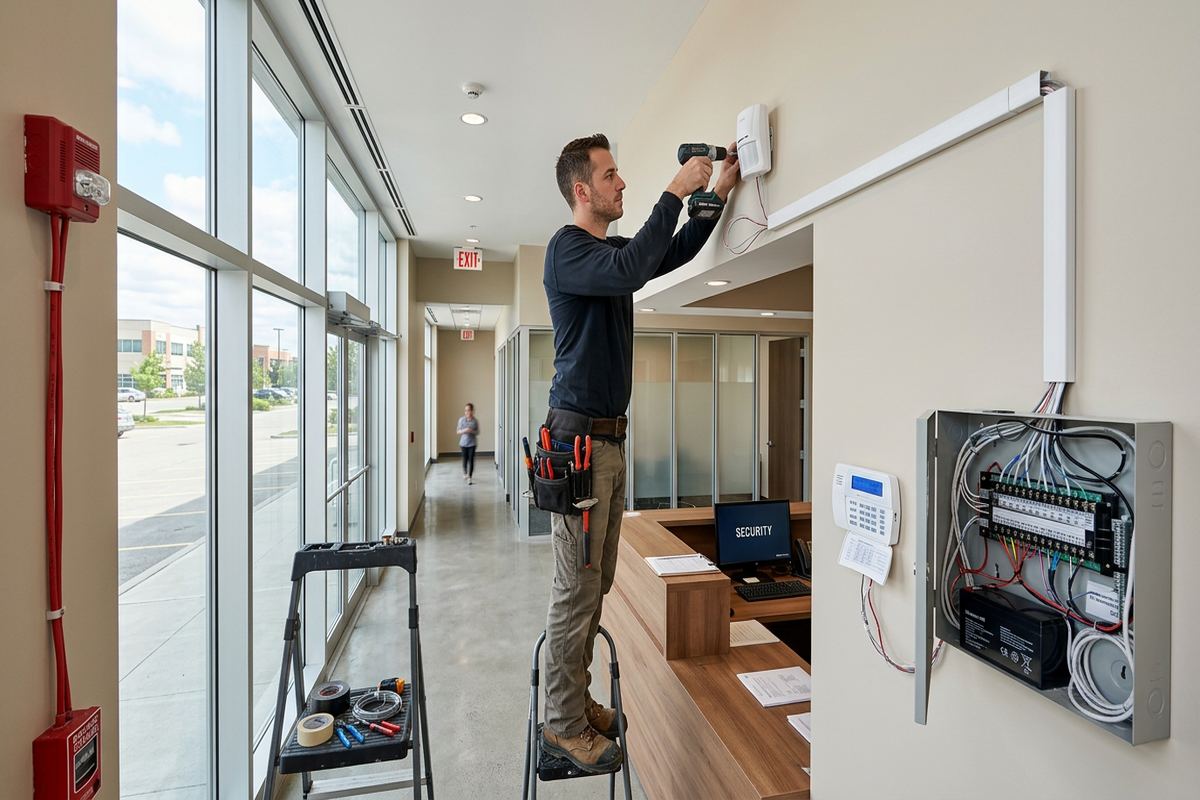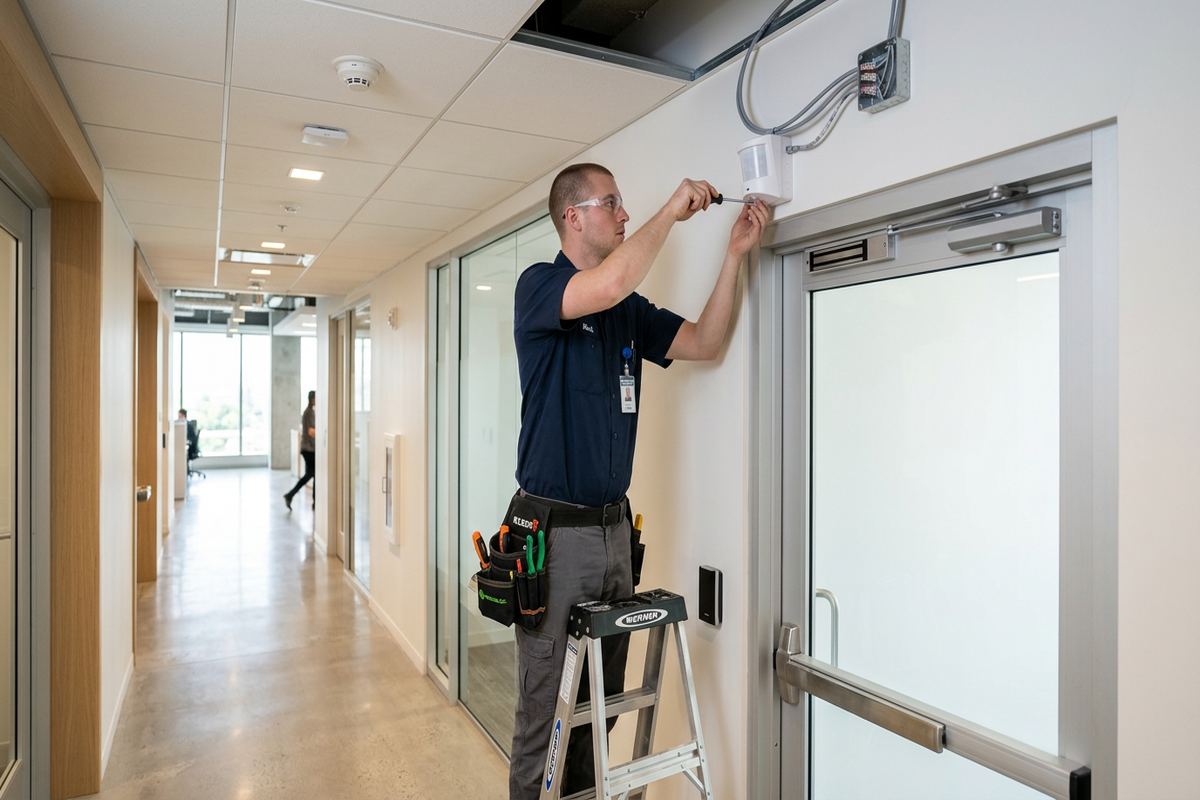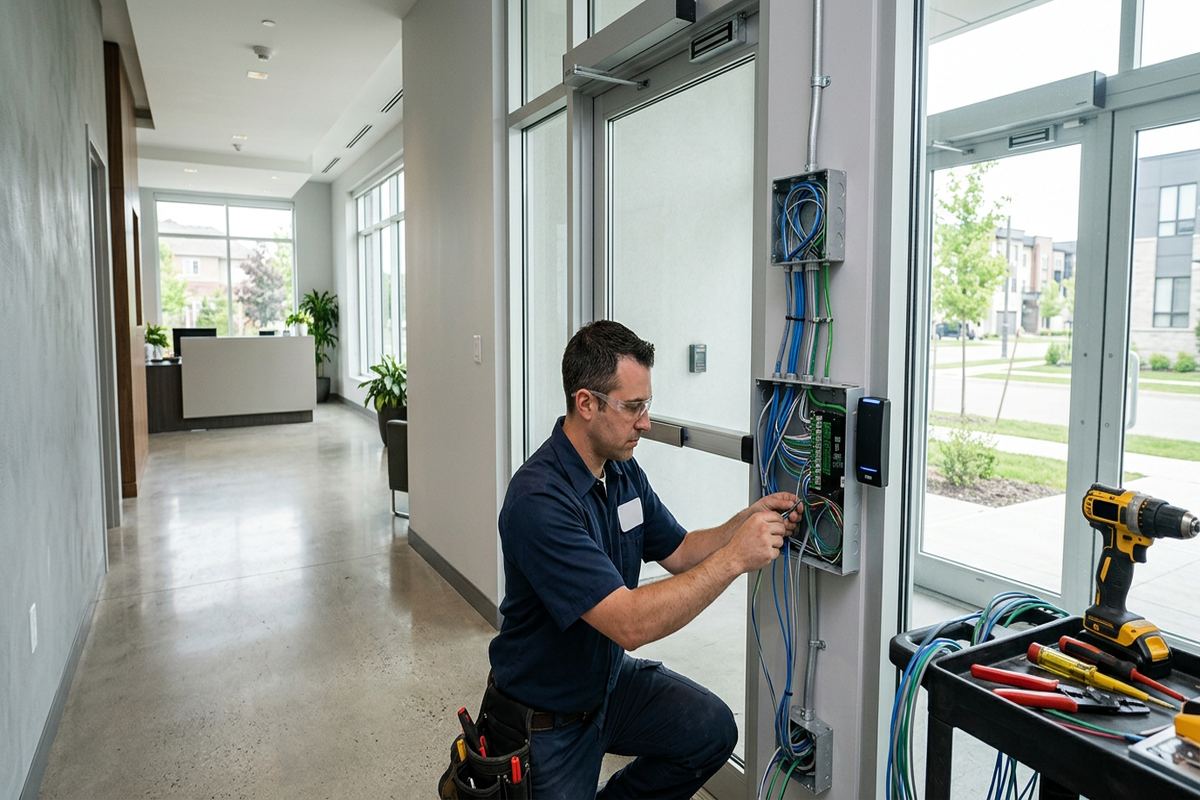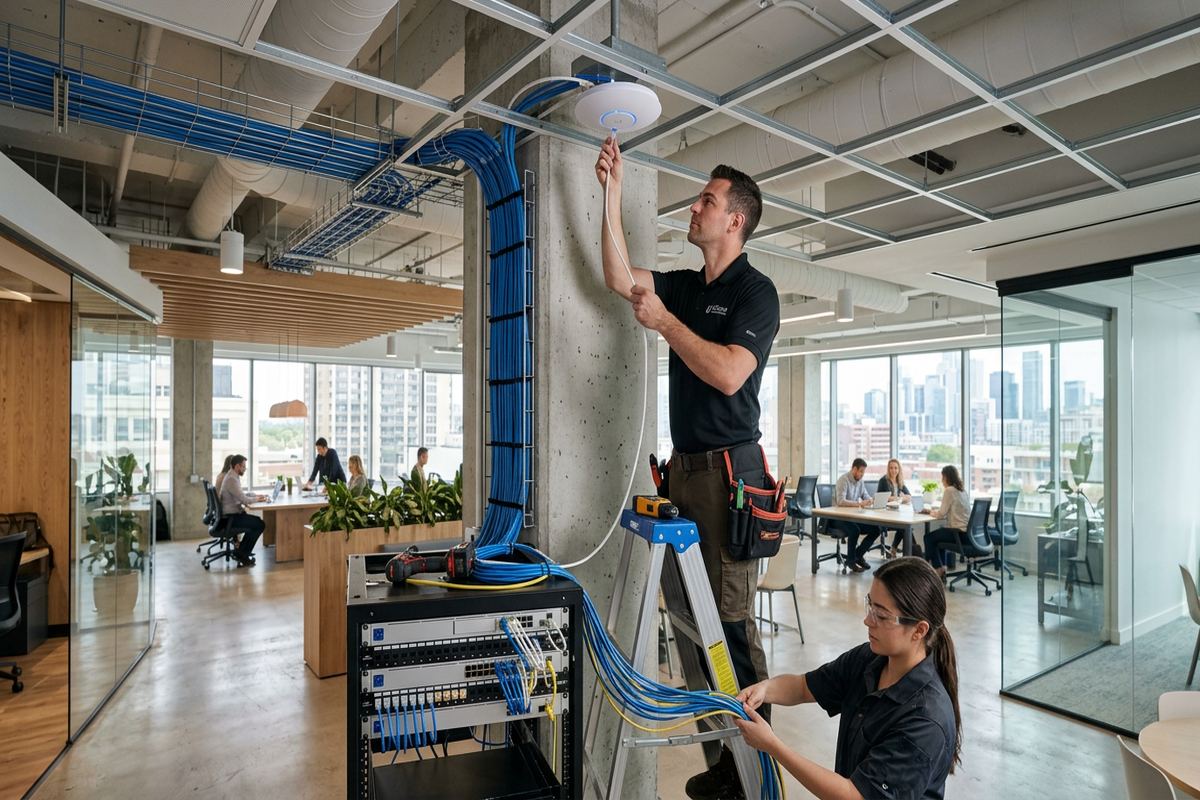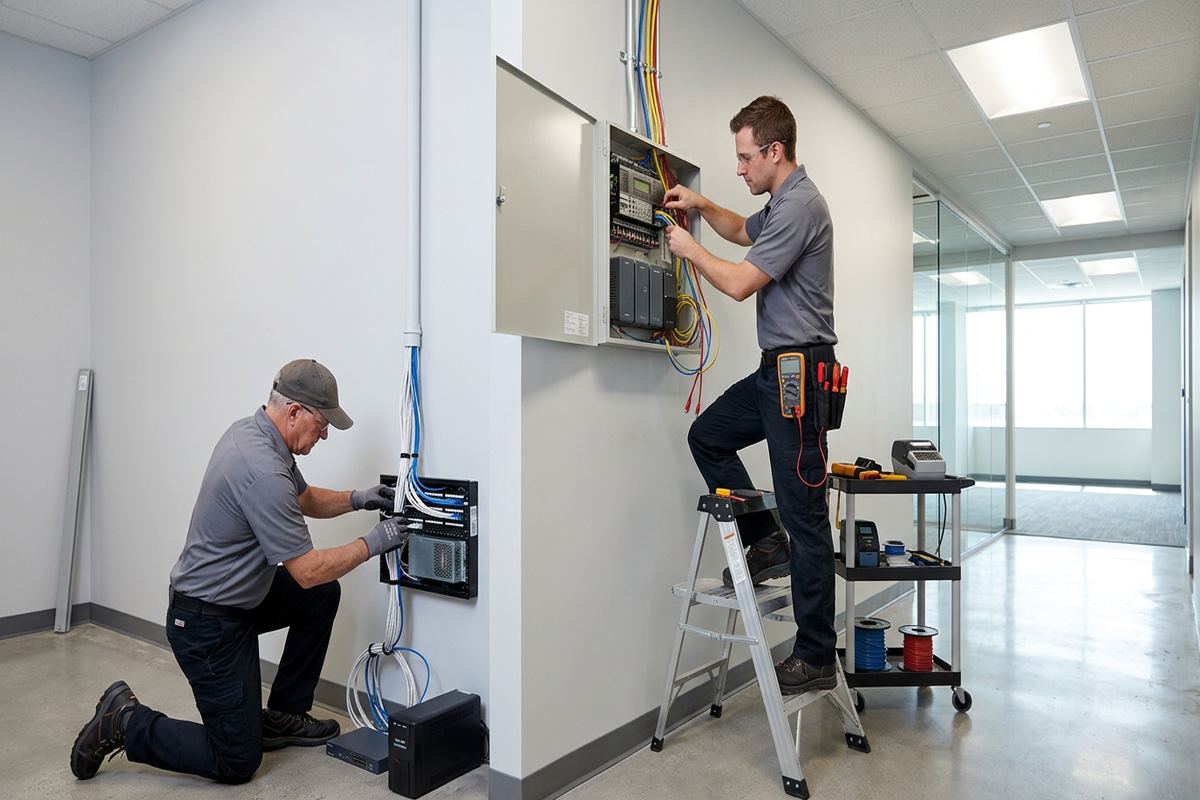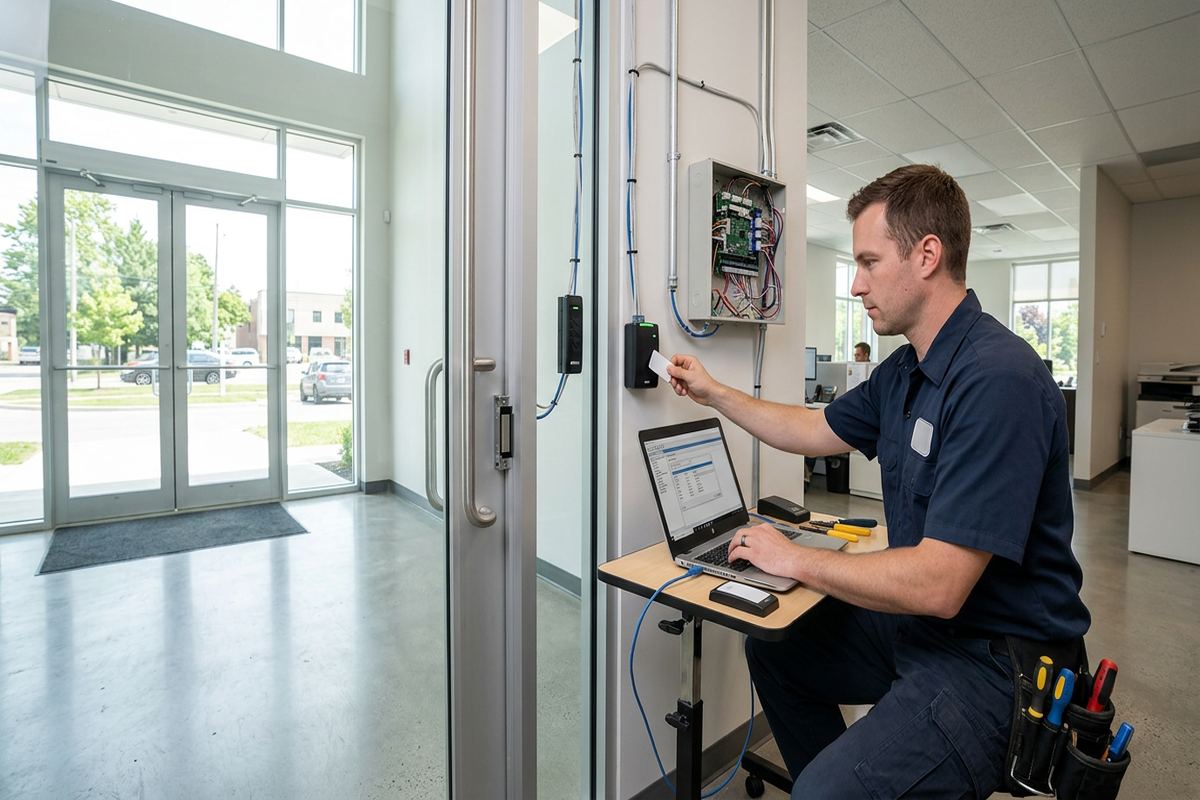
UnifiedLink installs office access control systems in Ajax for individual offices, commercial units and multi-door workplaces. We assess doors, locking hardware, cable routes, power and network requirements before pricing. Each project receives a written scope, on-site configuration and a documented handover using credentials owned and controlled by the customer.
Office Access Control Planning in Ajax
A practical access control system starts with the door, not the software. During an Ajax site assessment, we examine the frame, existing lock, door closer, hinges, latch alignment and available pathways above ceilings or through walls. We also identify fire-exit requirements, daily traffic patterns and the way staff currently open and secure the premises. This work determines whether a controlled door needs an electric strike, magnetic lock, electrified hardware or another suitable arrangement. Pricing follows the assessment so that equipment, labour and required supporting work can be described rather than assumed.
Office layouts across Ajax vary from individual units in commercial strips to larger industrial premises with offices beside warehouse areas. A front reception door may need scheduled unlocking, while a rear staff entrance needs credential-only access and a warehouse connection requires different hardware. We map these operating needs before selecting controllers, readers and credentials. The written scope covers equipment, device placement, proposed cable routes, exclusions, equipment ownership and warranty. It also identifies work that may require coordination with a locksmith, door contractor, landlord, condominium corporation or other responsible party.
Planning also addresses what happens during a power loss, network interruption or emergency. Some functions can continue locally at the controller, but the exact behaviour depends on the selected system and locking arrangement. We discuss who should administer users, whether remote management is appropriate, which events should be recorded and how doors should behave outside office hours. The objective is controlled entry without creating unnecessary complexity for staff. Where one contractor is handling access control, cabling and related low-voltage connections, responsibilities remain clear from rough-in through final testing and handover.
- Door and frame condition review
- Locking hardware compatibility check
- Power, network and cable-path planning
- Written equipment and installation scope
- Operating schedule and user-role review
Choosing Door Hardware for Ajax Offices
Lock selection must suit the physical door and the required life-safety behaviour. Glass storefront doors, hollow-metal service doors, wood office doors and aluminium frames cannot be treated as interchangeable. In Central Ajax commercial units, existing storefront hardware may limit where a strike, reader and request-to-exit device can be installed cleanly. Industrial units often have heavier rear doors exposed to loading activity and weather. We inspect the complete opening before specifying hardware, because even a suitable electronic lock will perform poorly when the door sags, binds or fails to latch consistently.
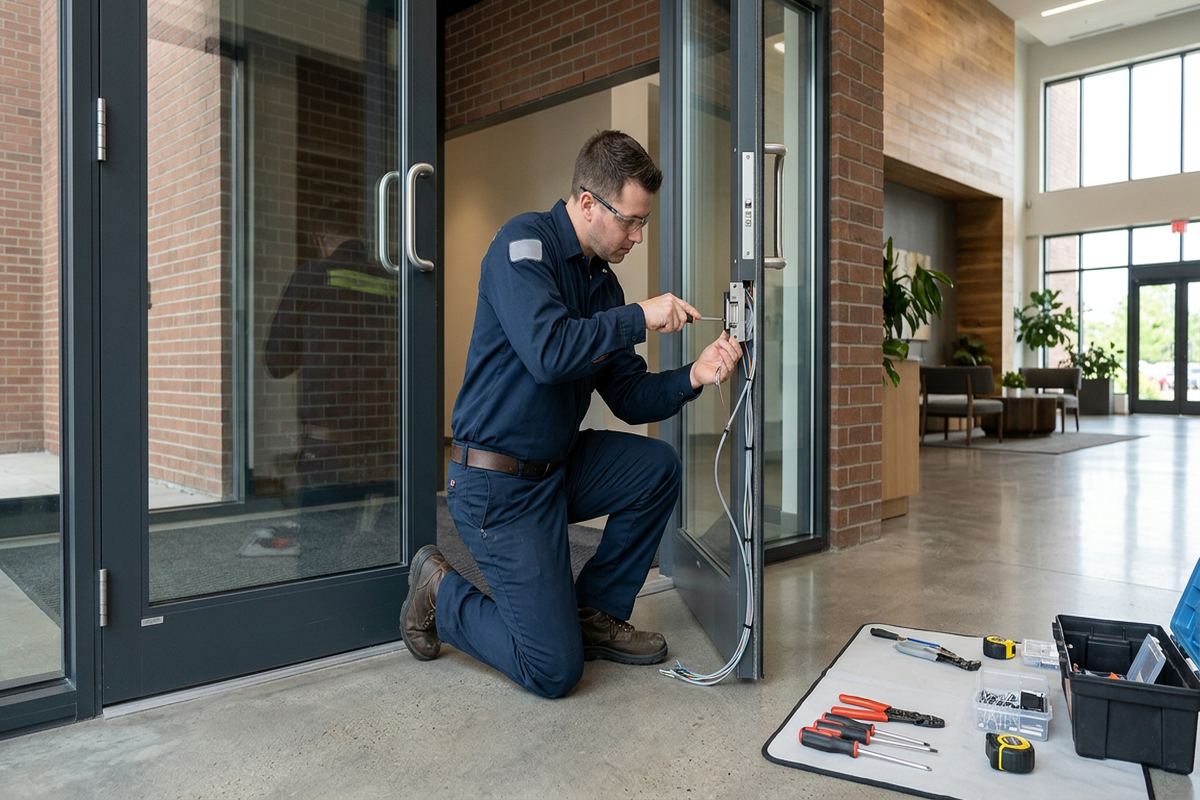
Electric strikes can preserve familiar lever operation on many doors, while magnetic locks and electrified hardware involve different mounting, power and release considerations. Selection depends on door construction, exit requirements, frame depth, traffic and the desired locked state during power interruption. We do not present one lock type as universally suitable. If the opening needs mechanical repair or specialised hardware preparation, that dependency is identified in the scope. This prevents access control electronics from being installed on a door that cannot close reliably or comply with the building’s established egress arrangement.
Ajax offices in newer subdivisions or converted professional spaces may combine frame construction with masonry exterior walls. Frame walls can offer accessible cable cavities, although insulation, finished ceilings and fire separations still require careful routing. Masonry demands appropriate drilling, anchors and penetration planning. Lakefront properties and finished-basement workplaces can make retrofits straightforward but detail-heavy: pathways may exist, yet preserving finished surfaces requires measured entry points and controlled drilling. Readers, locks, door contacts and exit devices are positioned only after these physical conditions and the intended finished appearance have been reviewed.
- Electric strike and lock assessment
- Storefront, wood and metal door support
- Door contact and exit-device placement
- Mechanical repair dependencies identified
- Clean routing through finished spaces
Credentials, Schedules and User Management
Access control should make routine staff changes easier to manage. Instead of distributing unrestricted physical keys, an administrator can issue an individual card, fob or supported mobile credential and remove it when access is no longer required. We configure agreed users, door groups and schedules on site, then show the designated administrator how to handle common changes. Credential choice depends on the platform, workplace policy and practical needs; mobile access is not automatically the right option for every office. The system is handed over with the customer’s own administrative credentials rather than installer-controlled shared access.
Schedules can unlock a public entrance during reception hours while keeping staff doors credential-controlled. Holiday exceptions, early arrivals, cleaners and occasional contractors may each need a different access pattern. We help translate those requirements into clear groups instead of creating unnecessary individual rules that become difficult to maintain. In an Ajax office shared by several departments or tenants, permissions can be separated by door and time. Any shared building entrance remains subject to landlord or property-management authority, so approval and responsibility must be established before hardware or wiring is changed.
Event records can help an authorised manager review when a credential was presented, accepted or denied, subject to the capabilities and settings of the chosen system. They do not prove who physically passed through a door, and they should not be treated as a substitute for workplace policy or video verification. We explain this limitation during handover. Administrators should also define who may view records, how long information should be retained and how credentials are recovered. These decisions belong to the customer, while our role is to configure the agreed technical controls and document their operation.
- Individual cards, fobs or mobile credentials
- Door groups and time schedules
- Holiday and contractor access rules
- Customer-owned administrator credentials
- Practical user-management training
Ajax, Ontario
Office access control installation in Ajax, scoped in writing first
Book a site assessment and get equipment, routes, exclusions, and warranty on paper before anything is installed.
Access Control Cabling in Ajax Buildings
Reliable door control depends on more than the visible reader. Each opening may require cabling for the reader, lock power, door position contact, request-to-exit device and communications, depending on the design. UnifiedLink installs continuous labelled cable runs between defined endpoints rather than leaving unidentified splices concealed in walls. Routes are selected during the assessment and recorded in the scope. Where suspended ceilings are available, pathways may be direct; finished offices, tiled reception areas and occupied workspaces call for more deliberate routing, protection and scheduling to limit disruption and preserve the existing finish.
Newer Ajax subdivisions and lakefront homes with finished basements can accommodate professional or home-based offices, but concealed routing remains detail-heavy. Finished ceilings may hide joist direction, ducts, plumbing and insulation, while renovated areas can contain blocking or previous wiring that is not visible from the room. In Southwood or Duffin's Bay properties used for office activity, an assessment helps establish whether cable can remain concealed or whether a neat surface pathway is more appropriate. We describe visible pathway sections before work begins so that the result is not a surprise after devices are mounted.
Commercial and industrial cabling presents different constraints. Open ceilings may simplify access but require organised support, separation from electrical wiring and protection near loading or storage activity. Demising walls can contain fire-rated assemblies that must not be casually penetrated. Landlord standards may also govern pathway use, riser access and work outside the leased premises. In Ajax multi-unit buildings, we identify these dependencies before installation and coordinate the access-control portion with approved parties where necessary. Controller locations are chosen for serviceability, suitable power and reasonable cable distances, not simply placed wherever space happens to remain.
- Continuous labelled cable runs
- Reader, lock and sensor cabling
- Concealed or neat surface pathways
- Controller and power-supply placement
- Cable routes recorded at handover
Ajax Weather and Exterior Reader Installation
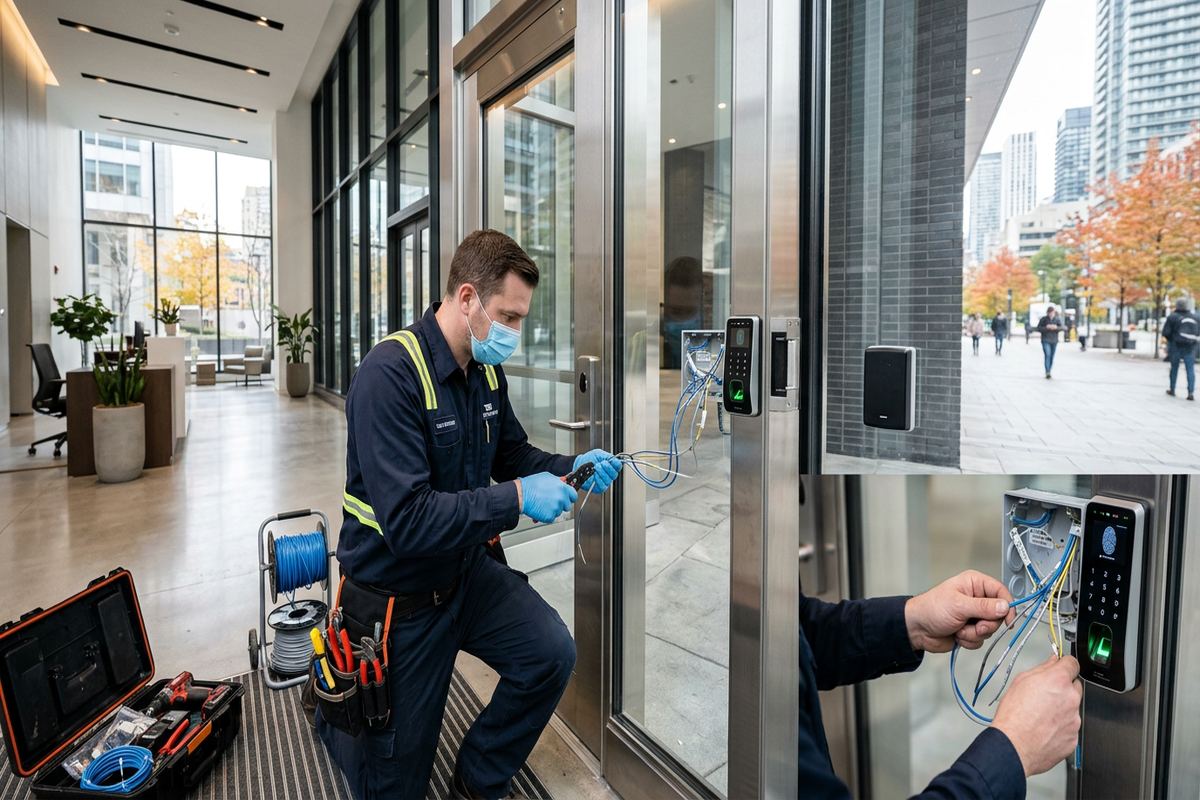
Exterior office entrances in Ajax face winter cold, moisture and repeated freeze-thaw conditions. A reader mounted outside must be suitable for its location, but equipment selection alone does not protect the opening. Cable entries, fasteners, wall penetrations and interfaces with the frame require careful sealing and support. Water should not be given a path into a wall cavity or device backbox. We consider exposure, overhangs and drainage when locating components, while keeping the reader convenient for staff and avoiding positions where snow accumulation or routine door operation could interfere with use.
Masonry and frame exteriors require different installation methods. Brick or concrete calls for suitable drilling locations and anchors, with attention to joints, cavities and the path behind the reader. Frame construction may provide easier cable access, but siding, membranes, insulation and trim details must remain protected. Pickering Beach and other lakefront settings can have more exposed entrances, making mounting and sealing details particularly important. We assess the actual wall assembly rather than relying on a general neighbourhood assumption. Any opening created for cabling is finished to support a stable mount and reduce moisture entry.
Cold weather can also reveal existing door problems. Frames move, seals stiffen and a door that latches in mild conditions may drag or stop short during winter. Access control cannot compensate for poor alignment, a weak closer or damaged weather-stripping. During assessment and testing, we check that the opening closes and latches repeatedly without someone pulling it into position. If mechanical adjustment or replacement is needed, it is identified as a dependency. Final testing includes credential use, unlock and relock behaviour, exit operation and door-status reporting under the installed configuration.
- Weather-suitable exterior reader selection
- Sealed cable and mounting penetrations
- Masonry and frame-specific fastening
- Freeze-thaw exposure considered
- Repeated closing and latching tests
Office Security System Integration in Ajax
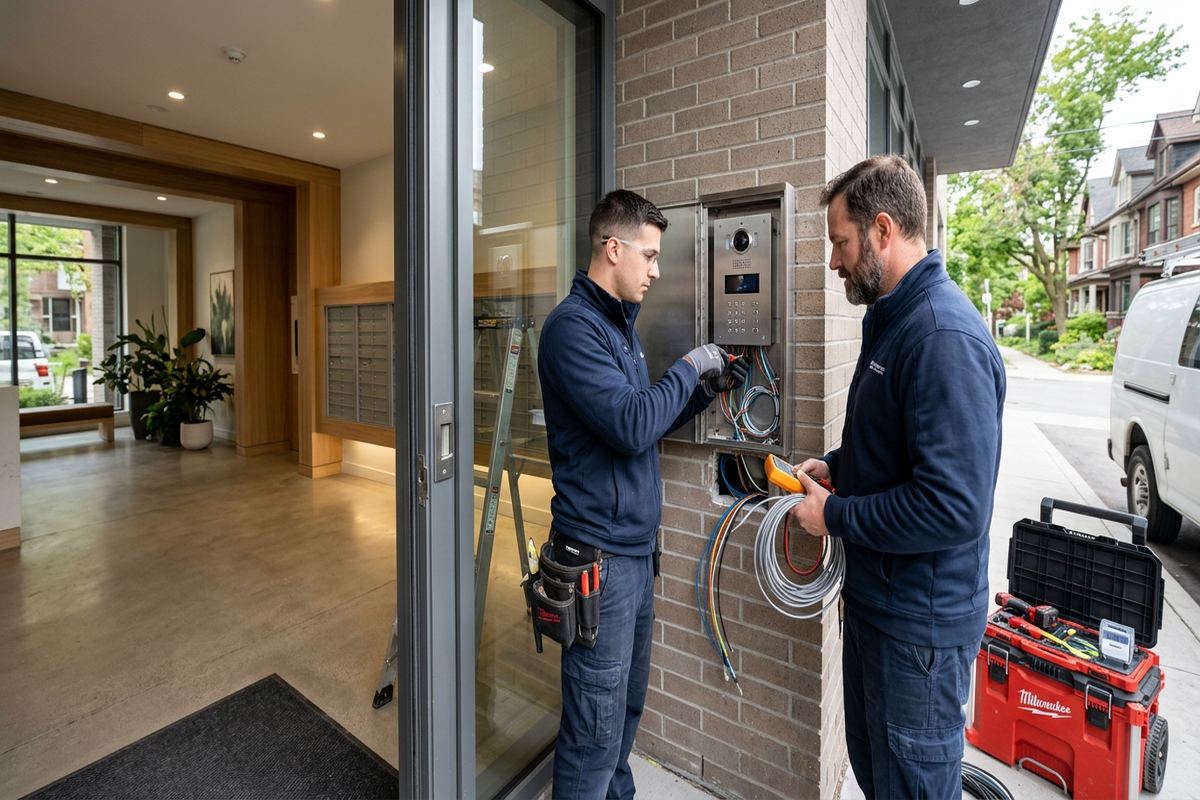
Access control may operate alone or exchange limited events with video surveillance, intrusion detection or an intercom, depending on compatible equipment and the approved design. A denied credential event, for example, can be easier to review when the relevant camera view and system time are properly aligned. Integration should serve a defined operational purpose rather than add features that nobody manages. During planning, we identify existing systems, network ownership and available interfaces. We also distinguish true integration from simply installing separate applications on the same workstation, since those arrangements offer very different workflows.
For an Ajax reception area, a door station or intercom can support visitor communication before staff release the entrance. The release function must be designed around the controlled lock and the required exit behaviour, not added as an improvised connection. Warehouses may pair staff access at a side door with a camera covering the approach, while private internal rooms remain credential-controlled without video. We document the intended interaction between systems and test the agreed functions on site. Unsupported assumptions about third-party products are excluded from the scope until compatibility has been confirmed.
Network-connected controllers require coordination with whoever administers the office network. We establish whether the system needs a local connection, remote service, internet access or a dedicated addressing arrangement, based on the selected platform. Network credentials and administrative accounts remain under customer control. Where cloud services or mobile credentials are proposed, ongoing account, licensing and connectivity requirements must be understood before approval. UnifiedLink configures the installed components and provides the customer’s own login information at handover, while internal IT policies, user privacy decisions and third-party service terms remain the customer’s responsibility.
- Video event-review planning
- Intercom and visitor-release options
- Alarm-system interface assessment
- Network requirements documented
- Third-party compatibility confirmed before integration
Approvals for Ajax Leased and Shared Properties
Many office occupants control their daily operations but do not own the exterior doors, frames or shared corridors. Before drilling, replacing hardware or extending cable outside a leased unit, written landlord or property-manager approval may be required. Condominium commercial units can also have rules covering common elements, exterior appearance, contractors and work hours. We help define the technical work clearly enough for the responsible party to review it. Approval remains the customer’s responsibility unless another arrangement is documented, and installation does not proceed on shared property based only on an informal assumption.
The same principle applies when an Ajax home includes a professional office or separate staff entrance. Homeowner authority may be sufficient for a detached property, but condominium rules, tenancy terms or shared ownership can change what is permitted. Newer homes and finished basements often make low-voltage retrofits feasible, yet door modifications, exterior readers and cable pathways still need approval from whoever controls the building element. In Applecroft, Nottingham and similar residential settings, we also plan device placement to avoid unnecessary impact on living areas while maintaining practical access for future service.
Fire alarm interfaces, automatic door operators and regulated exit arrangements require careful coordination. An access system must not be used to bypass required egress or alter another contractor’s system without an approved design and defined responsibility. If the proposed opening involves specialised locking, accessibility equipment or a building-wide life-safety connection, we identify the need for the appropriate supporting trade or authority. The written scope states these exclusions and dependencies. This protects the customer from receiving a partial installation that appears complete but lacks necessary approval, hardware work or coordinated testing.
- Landlord and condominium approval review
- Common-element work clearly identified
- Residential office ownership checks
- Specialised trade dependencies documented
- Shared-door responsibilities established
Installation, Testing and Handover in Ajax
Once the scope is approved, installation follows the documented door list, cable routes and equipment locations. Work commonly includes mounting controllers and readers, installing specified low-voltage cabling, connecting approved locking hardware, labelling endpoints and configuring the system on site. Occupied offices may need work sequenced around reception, staff movement or delivery activity. We discuss access requirements before scheduling. If hidden conditions differ materially from what could be observed during the Ajax assessment, the issue is documented and reviewed rather than covered with an unapproved change to the design.
Testing covers each credential type, access group, schedule and controlled opening included in the project. We verify reader feedback, lock response, door-position reporting, request-to-exit operation and the selected power-loss behaviour. Where an intercom, alarm or camera workflow is part of the written scope, that agreed interaction is tested as well. A door is cycled repeatedly to identify inconsistent latching or alignment. Administrators then practise adding and disabling a user, reviewing relevant events and applying a schedule so that basic operation does not depend on leaving installer access active.
Handover gives the Ajax customer control of the completed system. Administrative credentials are created for the customer, equipment ownership is stated, and an as-built record documents installed device locations and labelled cable endpoints. We review warranty information, exclusions and any remaining customer responsibilities, including network administration or third-party accounts. Requests sent during business hours are answered the same day, while after-hours requests are answered the next business day. Site assessment timing depends on the service and travel distance. With one accountable contractor, questions about cabling, configuration and device placement have a clear point of responsibility.
- On-site controller and credential configuration
- Door-by-door functional testing
- Customer-owned logins and accounts
- As-built device and cable record
- Documented warranty and exclusions
Ajax neighbourhoods we cover
- Southwood
- Nottingham
- Duffin's Bay
- Applecroft
- Pickering Beach
- Central Ajax
Office access control installation in Ajax — common questions
Can access control be added to an existing Ajax office door?
Usually, but the existing opening must be assessed first. We inspect the door, frame, lock, closer, latch alignment, exit operation and available cable routes. Ajax offices may have aluminium storefronts, hollow-metal doors, wood doors or shared building entrances, and each requires a different approach. Any locksmith work, landlord approval or mechanical repair needed before installation is identified in the written scope.
Do I need landlord or condo approval?
Approval may be required if the work affects an exterior door, frame, common corridor, shared entrance or building pathway. This is common in leased Ajax commercial units and condominium properties. The customer normally obtains written permission from the landlord, condominium corporation or property manager. UnifiedLink can provide a defined technical scope showing proposed equipment, mounting positions and cable routes for the approval process.
What happens during a power or internet outage?
The answer depends on the controller, lock type, power design and configured door behaviour. Many systems can continue making local access decisions during an internet interruption, but remote features may be unavailable. Power-loss behaviour must also suit the opening’s safety requirements. During the Ajax assessment, we review these conditions and document the intended operation rather than assuming every door should lock or unlock the same way.
Can staff use phones instead of cards or fobs?
Mobile credentials are available on some platforms, but they are not automatically suitable for every Ajax office. Compatibility, account requirements, ongoing service dependencies, staff phone policies and administrator workload should be considered. Cards or fobs may remain simpler for some workplaces. We explain the supported credential choices for the proposed system and configure the approved option using customer-controlled administrative accounts.
Can access control work with cameras or an intercom?
It can when the selected products have compatible interfaces and the integration has a defined purpose. An Ajax office might use an intercom to request visitor entry or align access events with a camera view. We review existing equipment, network requirements and expected workflows before including integration in the scope. Third-party compatibility is confirmed rather than assumed, and each agreed function is tested during commissioning.
What documentation do we receive after installation?
At handover, the Ajax customer receives administrative access using its own credentials, an as-built record of installed devices and labelled cable endpoints, and the applicable warranty information. We also review door groups, schedules, routine user changes and relevant exclusions. Equipment ownership is stated in the written scope, helping avoid uncertainty about accounts, hardware or service dependencies after the system is placed into operation.
Coverage in Ajax is confirmed against the address before we quote. See everything we install in Ajax or the province-wide office access control installation page.