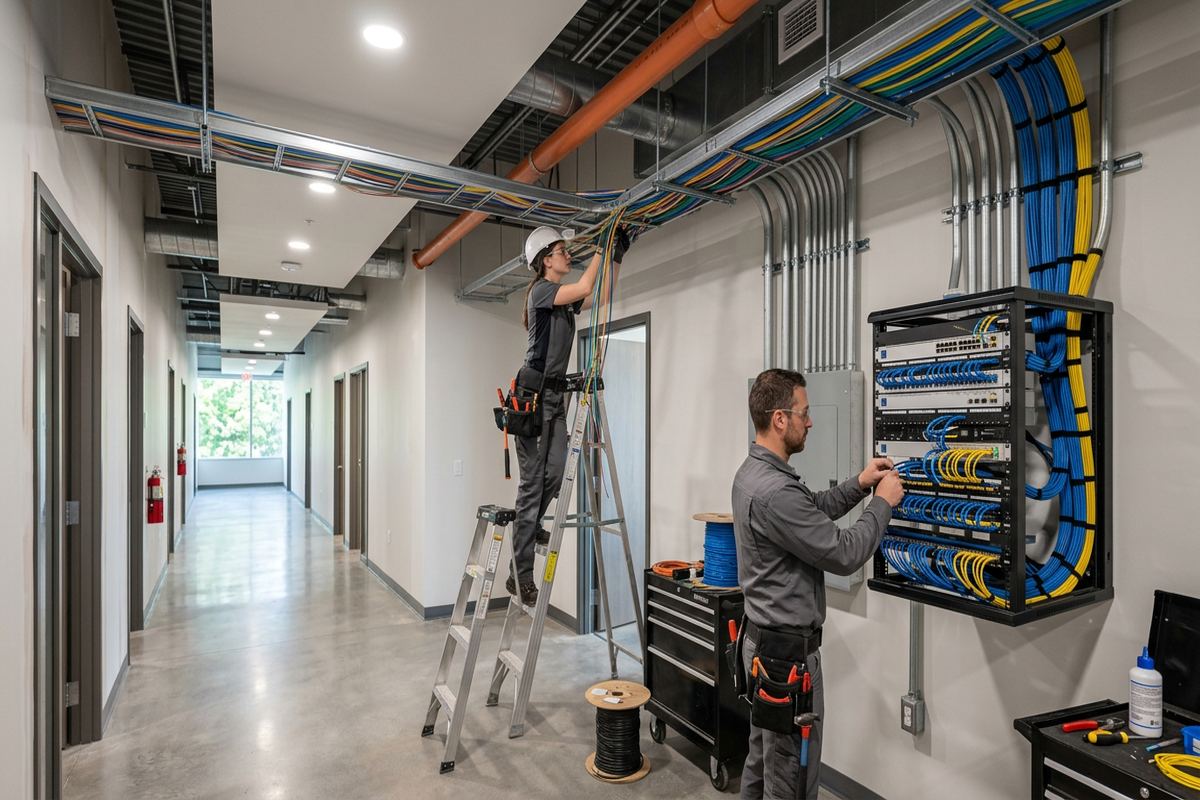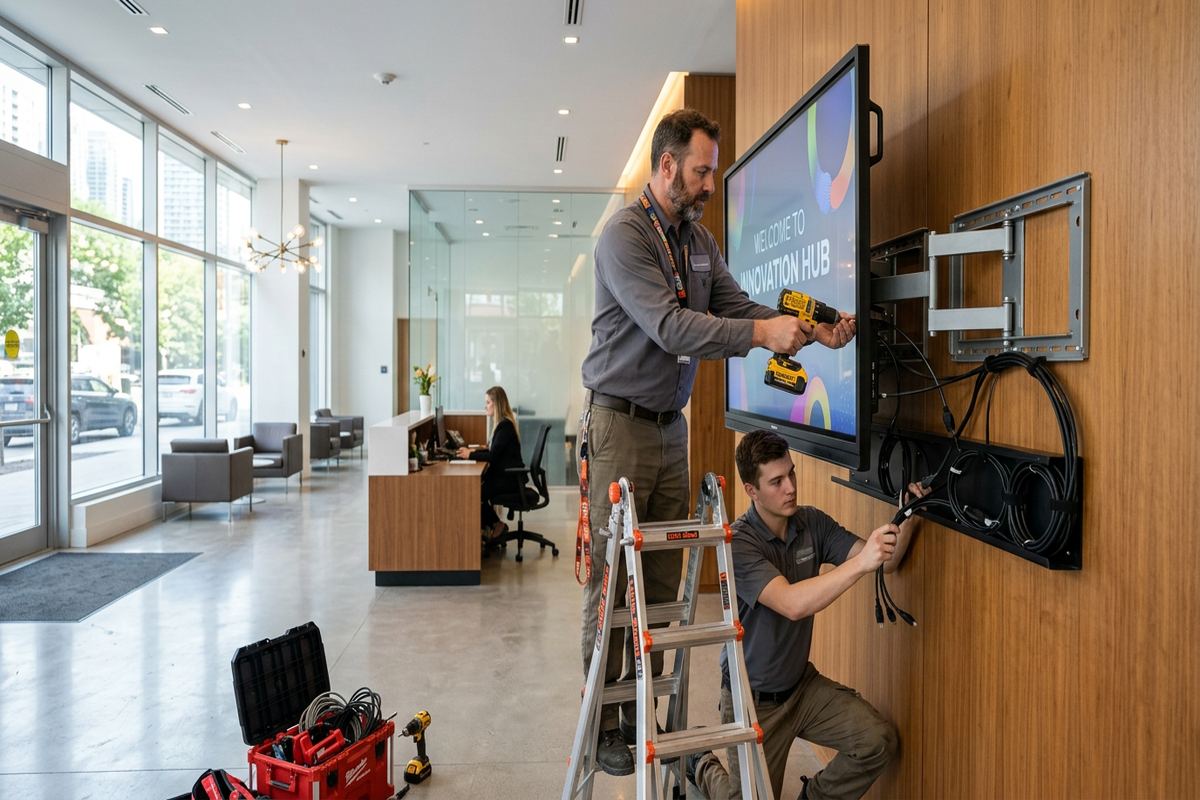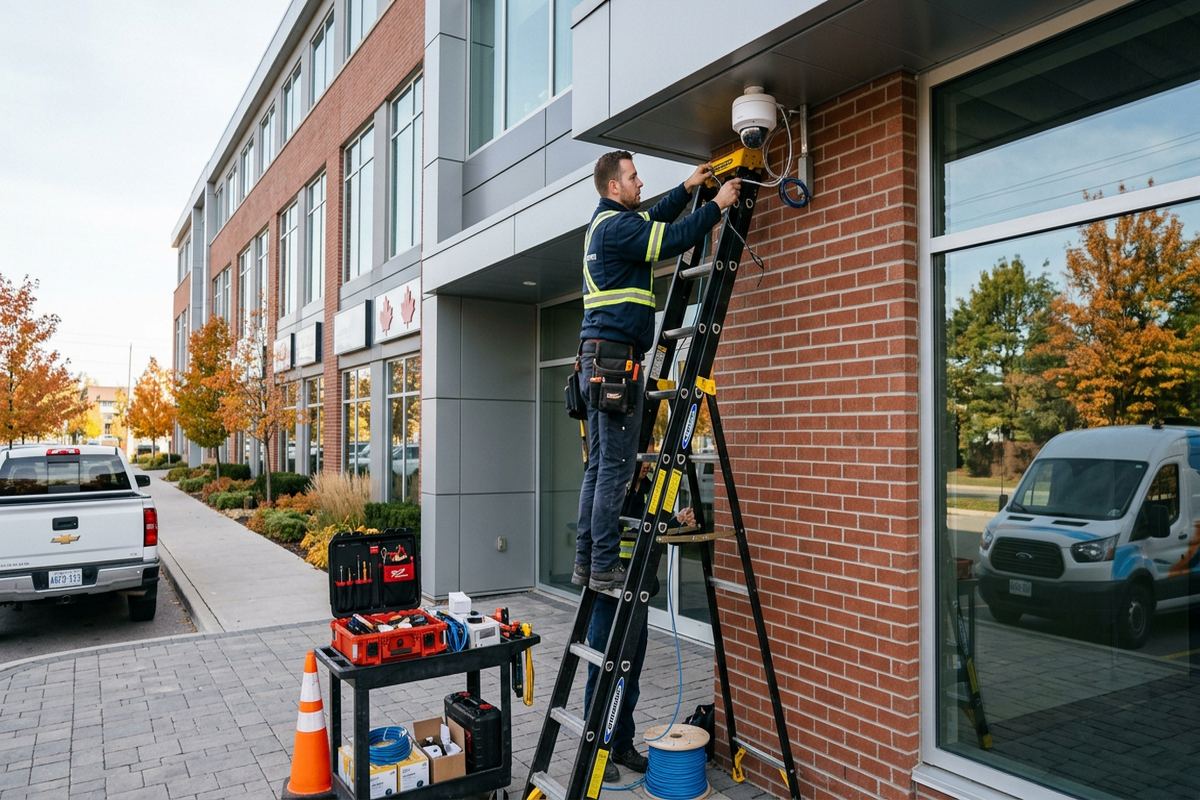
UnifiedLink installs commercial security camera systems for offices, shops, industrial units, mixed-use properties and managed buildings in Ajax. We assess the site before pricing, plan camera coverage and cable routes, configure recording and remote access, and provide a documented handover. Each installation is designed around the property, operating needs and approval requirements.
Commercial Camera Planning for Ajax Properties
A commercial camera system should begin with the activities and areas the business needs to document. In Ajax, that can include customer entrances, receiving doors, parking areas, loading spaces, equipment rooms, corridors and cash-handling points. We assess viewing angles, lighting changes, likely obstructions and the distance needed for useful identification. This avoids treating every location as an identical wide overview. The resulting plan connects each proposed camera to a clear purpose, whether that is verifying access, reviewing incidents, monitoring deliveries or maintaining awareness outside normal operating hours.
Ajax has commercial strips, professional offices, mixed-use properties and industrial units with very different construction and operating patterns. A retail entrance may need dependable facial detail without being overwhelmed by bright exterior light, while a warehouse may require longer internal views and focused loading-door coverage. During the site assessment, we also consider ceiling height, available pathways, network locations and secure recorder placement. These details affect camera type and cable routing. Pricing follows the assessment rather than relying on a generic package that may leave gaps or include devices with no defined operational value.
The written scope sets expectations before installation starts. It covers equipment, proposed camera placement, cable routes, exclusions, equipment ownership and warranty terms. Where access depends on a landlord, property manager or condominium corporation, those responsibilities can be identified before work is scheduled. The scope can also distinguish customer-supplied network services from equipment provided by UnifiedLink. Clear documentation matters in occupied Ajax properties because ceiling access, shutdown windows and shared spaces may need coordination. It also gives owners and managers a practical basis for reviewing coverage before cabling and mounting work begins.
- Site assessment completed before pricing
- Coverage tied to entrances, assets and operating risks
- Lighting and obstruction review
- Recorder and network locations planned
- Written scope before installation
Camera Coverage and Image Detail in Ajax
Useful video depends on more than resolution printed on a product sheet. Camera height, lens selection, subject distance, movement and scene lighting determine whether recorded footage answers a real question. We separate overview areas from points where identification detail is required. An overview camera may show activity across a parking area, but a focused entrance view is usually better for capturing people as they approach. In Ajax businesses, this distinction helps prevent a common outcome: many cameras recording broad scenes while doors, service counters or vehicle approaches remain too distant for practical review.
Exterior scenes change throughout the day and across the year. Low winter sun, reflective snow, headlights, deep doorway shadows and evening lighting can all affect image quality. We select positions that reduce glare and use camera features suited to uneven lighting where appropriate. Infrared illumination also needs careful placement because nearby walls, soffits or reflective surfaces can wash out a night image. Testing takes place on site rather than assuming a default setting will work. Final adjustments cover exposure, focus, field of view, detection zones and recording behaviour under the conditions available during commissioning.
Privacy and operational boundaries are addressed during layout planning. Cameras should cover the business purpose without unnecessarily viewing neighbouring homes, private yards, unrelated tenant areas or sensitive employee spaces. In Central Ajax and denser commercial locations, neighbouring doors, sidewalks and shared parking areas can sit close to the property line. We discuss masking, tighter fields of view and user permissions where they help limit unnecessary collection. The customer remains responsible for determining applicable notice, retention and privacy obligations. Our role is to configure the agreed system so its views and access controls support the documented operating requirement.
- Overview and identification views planned separately
- Day and night image testing
- Glare and backlight considered
- Privacy masking configured where appropriate
- Detection areas matched to useful zones
Exterior Mounting for Ajax Winters
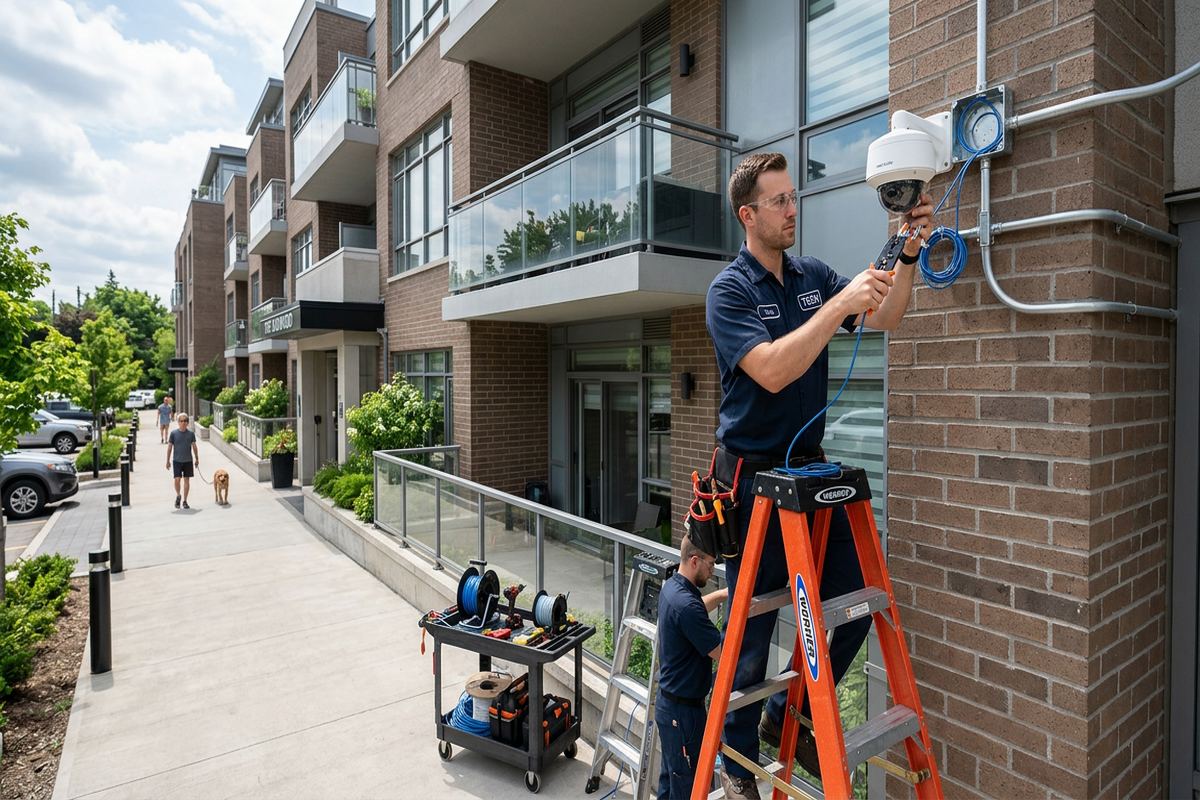
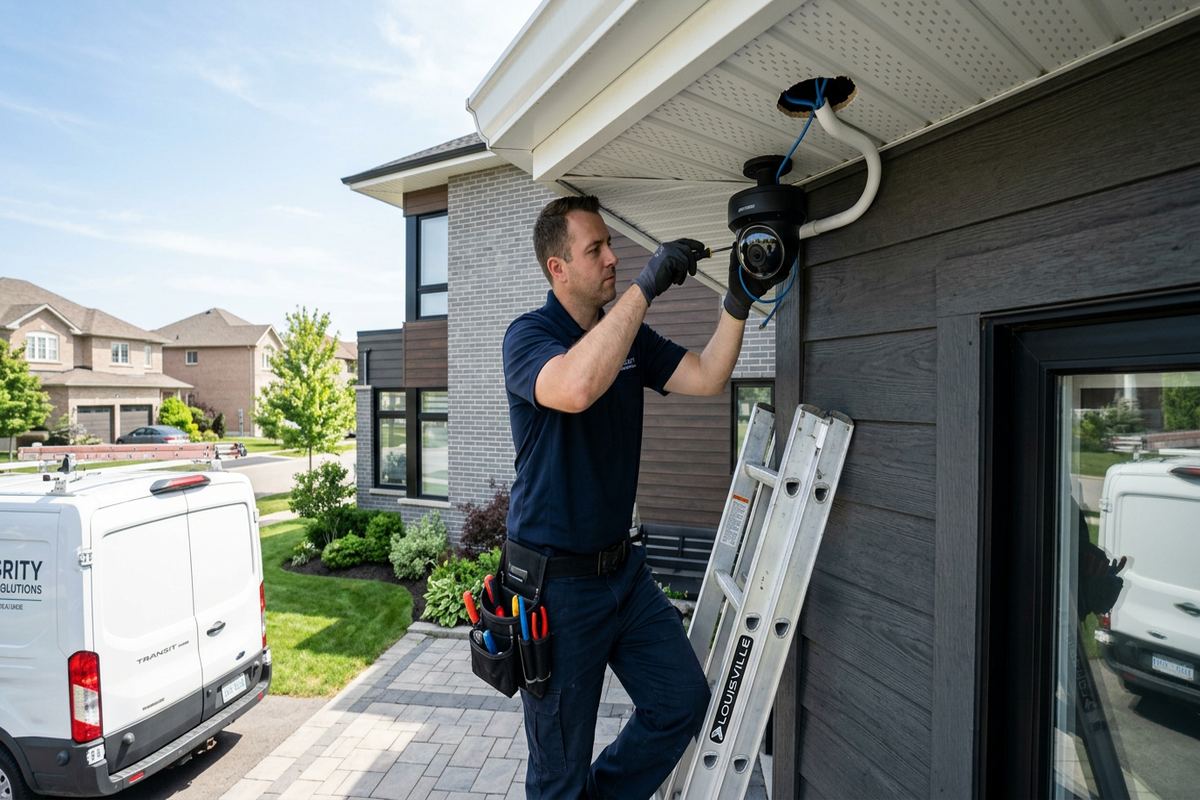
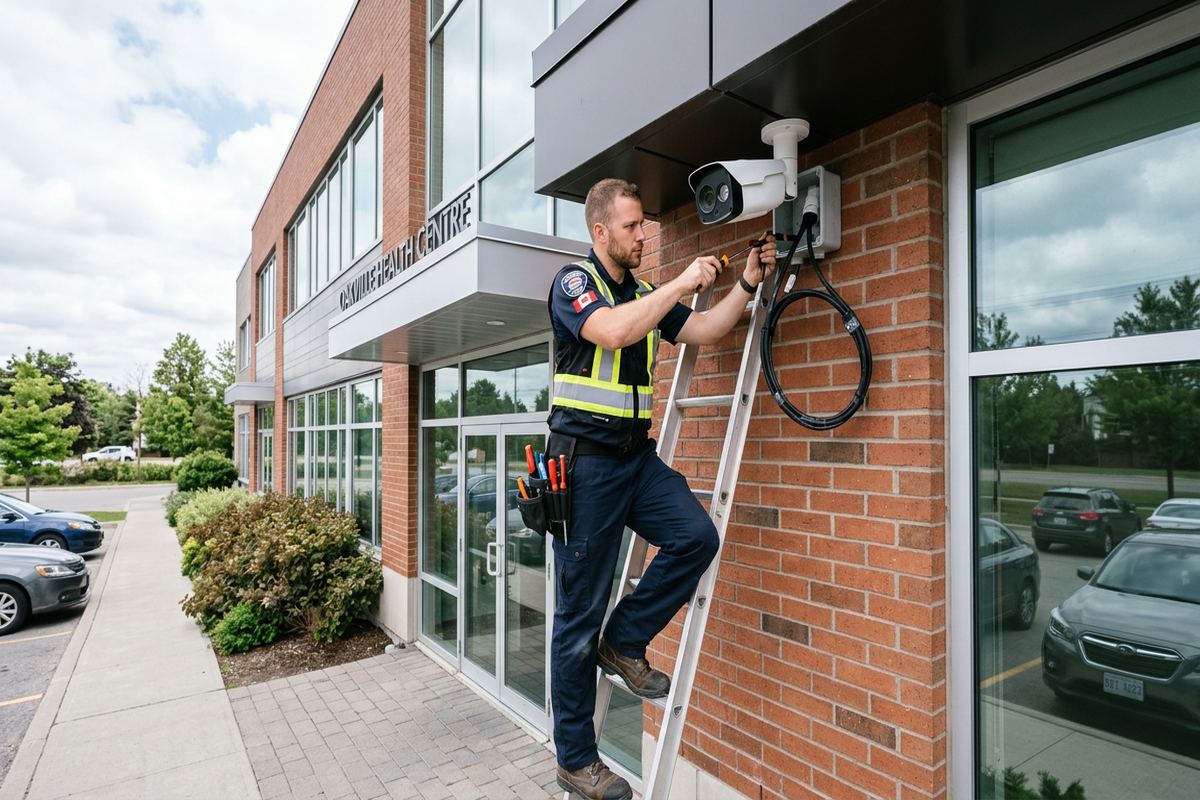
Outdoor installation in Ajax requires attention to water entry, temperature movement and repeated freeze-thaw cycles. A camera may be weather-rated while the surrounding cable entry remains vulnerable if mounting details are poor. We use suitable mounting surfaces, protect terminations and seal penetrations according to the wall assembly and exposure. Drip paths and connector placement are considered so water is not directed toward openings. Exterior cable is routed with physical protection where needed, and unsupported loops are avoided. These details reduce avoidable faults caused by moisture, movement or damage around doors, loading areas and accessible walls.
Masonry and frame construction require different fastening and penetration methods. Commercial plazas may use brick veneer, concrete block, precast panels or metal cladding, while converted or mixed-use buildings can include frame walls and finished soffits. Fasteners must suit the substrate rather than only the camera base. Penetrations also need to avoid creating a path behind cladding or into finished interiors. Before drilling, we review the proposed route and accessible interior conditions. Where a mounting point cannot be completed cleanly or safely, the position is revised instead of forcing a route that creates maintenance or water-management concerns.
Camera location also affects serviceability after winter. Devices mounted where snow clearing equipment, delivery vehicles or ladders can strike them need either a different position or appropriate protection. At Pickering Beach and Duffin's Bay properties, open exposure near the lake can make careful fastening and sealing especially important, without assuming every site has the same conditions. We balance elevation against image detail and future access. Mounting a camera excessively high may discourage tampering, but it can also produce steep viewing angles and make maintenance harder. The final position reflects coverage, construction and practical service access.
- Penetrations sealed for exposed conditions
- Fasteners matched to the wall substrate
- Connectors protected from moisture
- Exterior routes physically supported
- Mounting height balanced with image detail
Ajax, Ontario
Commercial security camera installation in Ajax, scoped in writing first
Book a site assessment and get equipment, routes, exclusions, and warranty on paper before anything is installed.
Cabling and Network Design in Ajax
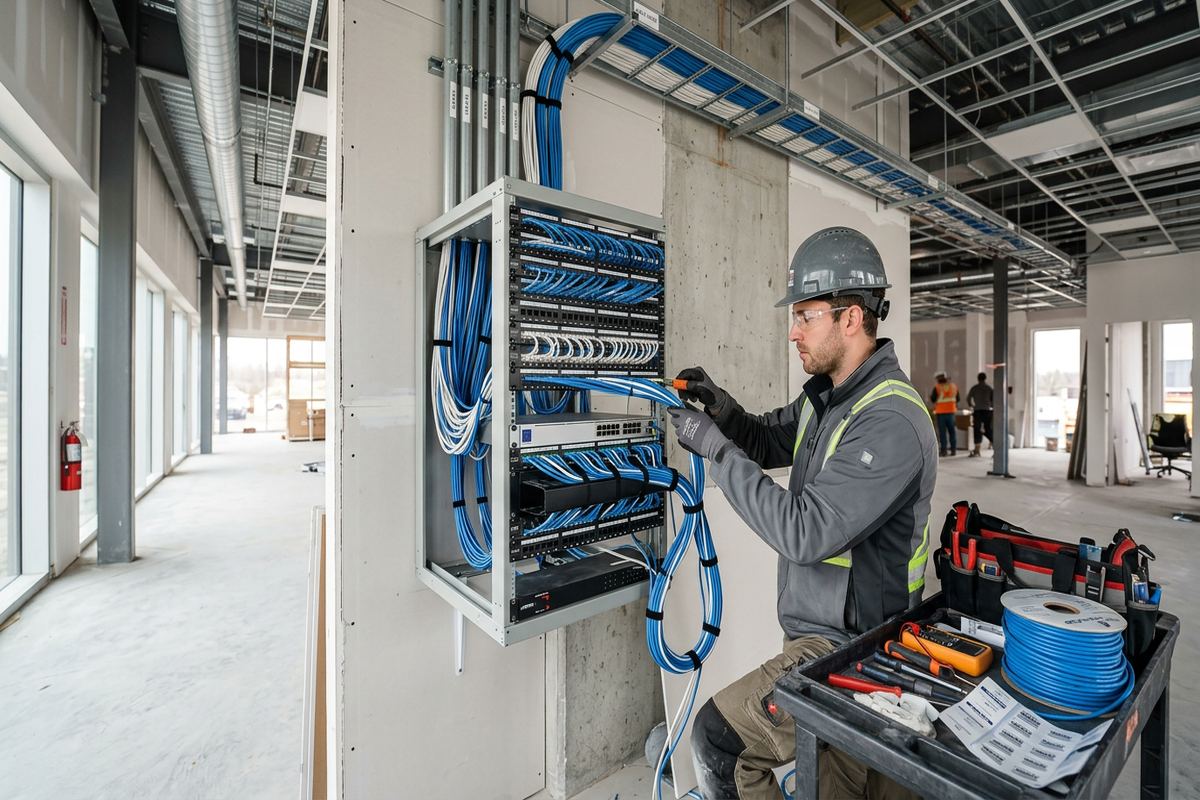
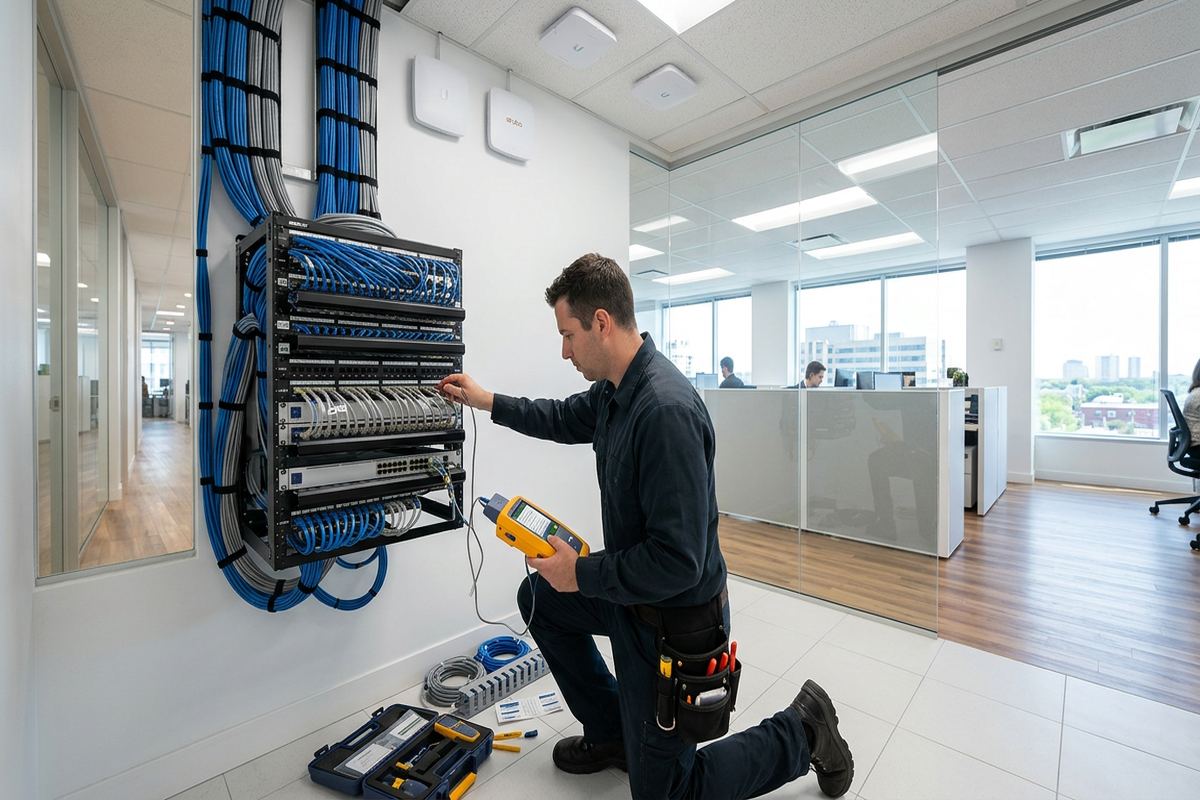
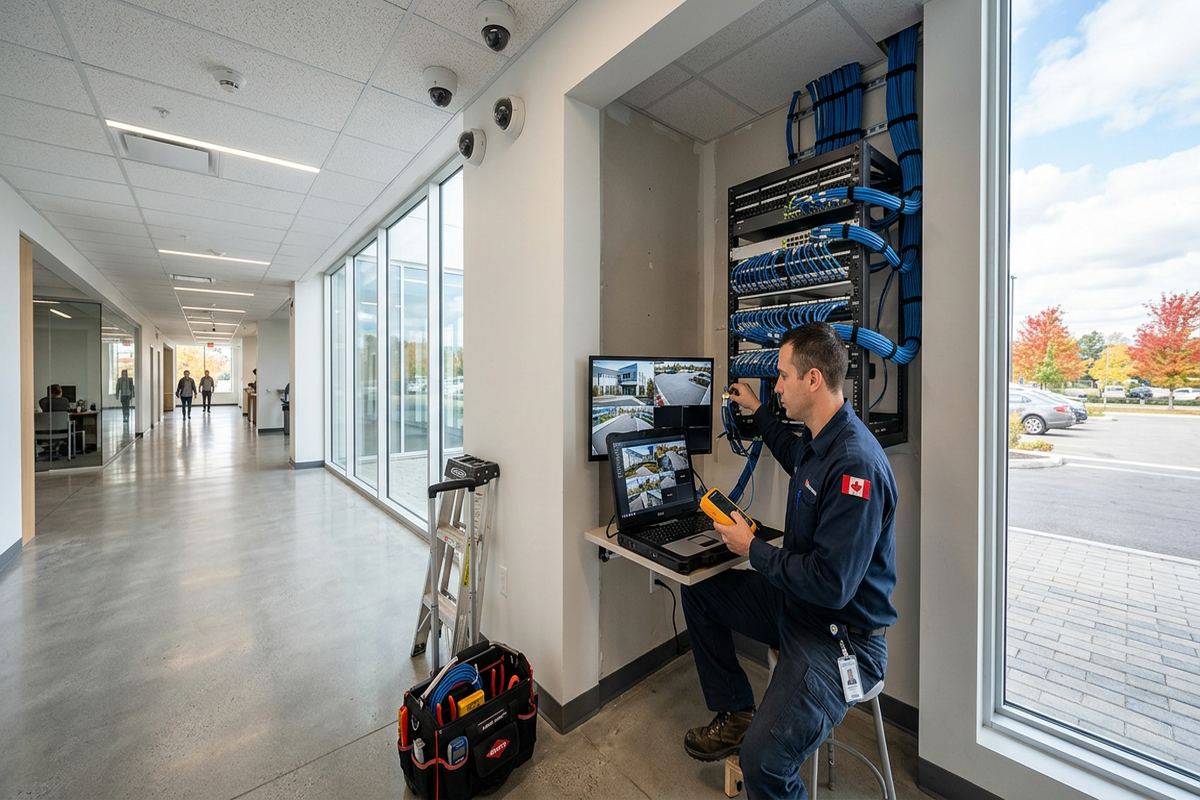
A stable camera system relies on the cabling and network behind it. UnifiedLink installs continuous, labelled cable runs between cameras and their designated termination points, avoiding concealed couplers that complicate troubleshooting. Routes are planned around accessible ceilings, structural barriers, electrical interference and finished areas. In newer Ajax subdivisions and lakefront homes used for professional or home-based operations, finished basements can make retrofits straightforward in concept but detail-heavy in execution. Mechanical rooms, bulkheads, insulation and completed ceilings still require careful route selection to limit visible cable and unnecessary disturbance.
Commercial properties introduce additional pathway decisions. Open warehouse ceilings may permit supported cable routes, while offices and retail units can require work above suspended ceilings or through restricted back rooms. Cable should not rest on ceiling tiles or cross spaces without suitable support. We identify fire separations and other building conditions that may require an appropriate method or coordination beyond the camera work. In multi-tenant units, the communications room may be controlled by a landlord or another service provider. Access and approval should be confirmed before installation so the selected recorder, switch and internet connection can be reached as planned.
Network design considers bandwidth, power delivery, remote viewing and separation from other business systems. The camera count alone does not determine requirements; recording quality, frame rate, retention settings and simultaneous viewing also matter. We confirm available switch capacity and discuss whether dedicated camera networking is appropriate for the site. Remote access depends on the customer's internet service and permitted network configuration. Default credentials are not left in place. During handover, administrative access is transferred using the customer's own credentials, helping the owner retain control rather than depending on an installer account for routine viewing or future changes.
- Continuous cable runs without hidden couplers
- Every run labelled at termination
- Routes supported above suspended ceilings
- Network capacity reviewed during planning
- Customer credentials used for system access
Recording, Alerts and Remote Viewing
Recording settings should reflect what the business needs to review and how quickly storage is expected to cycle. Continuous recording, scheduled recording and event-based recording each have practical trade-offs. Motion alone can generate excessive activity from shadows, weather, traffic or moving vegetation. Where supported, defined detection zones and object-based analytics can make alerts more relevant, but they do not eliminate false events. We configure the agreed recording method on site and explain its limits. Retention is influenced by camera count, image settings, activity levels and installed storage, so it is confirmed through configuration rather than promised generically.
Remote viewing can support owners and managers who need to check an Ajax site from another location. Setup may include mobile or desktop applications, user roles and notification rules supported by the selected platform. Each person should receive only the access required for their responsibilities. A manager may need playback and export rights, while another user may only need live views. Internet outages can interrupt remote access even when local recording continues, depending on system design. We demonstrate normal login, playback and export steps so the customer can operate the system without sharing a single administrative account among staff.
Alerts work best when they correspond to defined activity. A loading-door notification may be useful after closing, yet disruptive during regular deliveries. Likewise, a parking-lot alert can become unmanageable if its detection area includes a public road or moving branches. We configure schedules, zones and sensitivity using the available system controls, then review representative events with the customer. Some refinement may be needed as site activity changes. Analytics support review and awareness, but they are not a substitute for locks, lighting, access procedures or staff response plans. Camera systems document events; they do not physically prevent entry.
- Recording modes configured to operating needs
- Detection zones exclude irrelevant movement
- Individual user permissions supported
- Playback and export demonstrated
- Remote access limits explained
Installation in Occupied Ajax Businesses
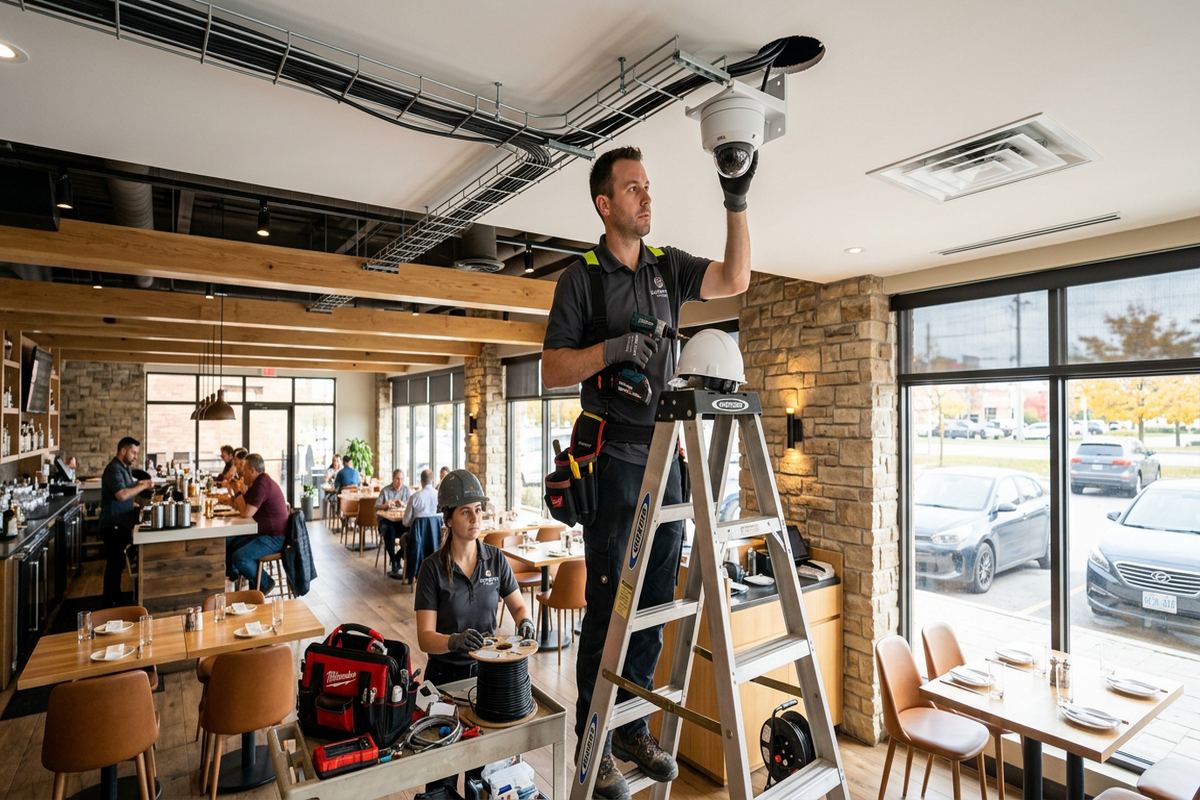
Installation often takes place while a business remains operational, making coordination as important as the hardware. Before work begins, we confirm accessible work areas, ceiling conditions, equipment locations and any restricted periods. Retail customers, office staff, warehouse traffic and deliveries may affect when ladders or lifts can be positioned. The written scope identifies expected routes and exclusions, while site contacts handle internal notices or access permissions. In busy Ajax commercial units, work can be sequenced by area so entrances and essential operations are not unnecessarily obstructed, although exact scheduling depends on the property and approved installation plan.
Finished interiors require controlled, deliberate work. In Applecroft, Nottingham and Southwood, newer buildings and adapted residential-style properties can contain finished basements, enclosed ceilings and carefully completed exterior finishes. These conditions may offer logical pathways through utility spaces, but small route changes can affect visible results. We inspect accessible areas before confirming the approach and discuss any unavoidable surface-mounted sections. Existing cabling is not assumed to be reusable until its route, condition and suitability are checked. The goal is a serviceable installation with labelled terminations, secure equipment placement and minimal unnecessary impact on completed surfaces.
Tenant and condominium work can require written approval before exterior devices, penetrations or common-area cable routes are changed. A business owner may control the equipment inside the unit but not the exterior wall, roof space, telecommunications room or shared corridor. UnifiedLink can define the proposed work clearly for the customer to submit, but approval remains with the property authority. Similar coordination may apply to landlord access, alarm contractors, managed networks or electrical work outside our scope. Identifying these dependencies early helps avoid arriving on site without permission to reach the selected camera location or central equipment area.
- Work areas coordinated with site operations
- Finished surfaces reviewed before routing
- Existing cable tested before reuse
- Landlord or condo approvals identified
- Restricted spaces confirmed before scheduling
System Handover and Documentation
Commissioning turns installed equipment into an operational system. Each camera is checked for the intended field of view, focus, date and time, recording status and available night performance. Device names are written in practical language so users can identify locations during playback. We also verify that labelled cable runs correspond with camera and network records. Where alerts or analytics are included, their active areas and schedules are reviewed. This on-site process catches issues that cannot be settled from drawings alone, including doorway glare, shelving obstructions, parked vehicles or equipment that entered the scene after the original assessment.
Handover is completed using the customer's own credentials, not an account retained as the normal path for access. We demonstrate live viewing, playback, clip export and basic user administration supported by the selected system. The customer receives an as-built record showing installed device locations and relevant system details, along with the agreed equipment and warranty documentation. Ownership is addressed in the written scope so there is no uncertainty about supplied hardware. For Ajax businesses with several managers or shifts, named user accounts and appropriate permissions are preferable to passwords posted near the recorder or shared through informal messages.
A camera system should also be manageable after staff, tenants or internet services change. The customer should maintain an internal record of authorized users and remove access when responsibilities end. Password recovery information, application ownership and multi-factor authentication options should remain under customer control where supported. If the network provider replaces equipment, remote access may need to be checked even though cameras continue recording locally. The as-built record provides a starting point for troubleshooting or future expansion. It also helps another authorized service provider understand device placement and terminations without tracing every cable from the beginning.
- Camera views verified during commissioning
- Devices named by practical location
- Playback and export training included
- Customer controls administrative credentials
- As-built system record provided
Arranging an Ajax Site Assessment
The first step is a site assessment rather than an immediate package recommendation. We ask what incidents or operating concerns the system should address, who needs access and which areas matter most. The assessment reviews mounting surfaces, lighting, cable pathways, network equipment, recorder security and approval requirements. Existing cameras or cabling can also be inspected for possible integration, although compatibility and condition must be verified. For Ajax commercial properties, photographs and floor plans can support early discussion, but they do not replace seeing critical distances, obstructions and construction details where those factors affect the final scope.
After the assessment, UnifiedLink prepares a written scope covering equipment, cable routes, device placement, exclusions, equipment ownership and warranty. This allows the customer to compare the proposed work against operational needs before authorizing installation. Questions about retention, remote viewing, user permissions and future expansion can be resolved at this stage. If landlord, condo or network-provider approval is required, the scope can identify the affected work. Changes made after approval are documented rather than handled through assumptions on installation day. One accountable contractor coordinates the camera equipment, low-voltage cabling, configuration and handover included in the agreed work.
Requests sent during business hours are answered the same day, while after-hours requests are answered the next business day. Site assessment timing depends on the service and travel distance. When contacting UnifiedLink, provide the Ajax property type, approximate areas of concern, current system details and any known access restrictions. Mention whether the premises are owner-occupied, leased or part of a condominium, and whether exterior mounting needs approval. That information helps prepare a focused visit, but final camera counts and routes follow the assessment. Pricing is based on the documented site requirements and agreed installation scope.
- Business-hour requests answered the same day
- After-hours requests answered next business day
- Assessment timing depends on service and travel
- Written scope prepared before installation
- One contractor coordinates included work
Ajax neighbourhoods we cover
- Southwood
- Nottingham
- Duffin's Bay
- Applecroft
- Pickering Beach
- Central Ajax
Commercial security camera installation in Ajax — common questions
How many cameras does my Ajax business need?
The number depends on the areas that require evidence, the detail expected and the available mounting positions. A small Ajax unit may need separate views for its entrance, service area, rear door and parking approach rather than one camera per room. We determine camera quantity after assessing distances, lighting, obstructions and operational risks. The written scope identifies each proposed position and its purpose before installation.
Can cameras be installed on brick or metal cladding?
Yes, provided the mounting method suits the substrate and the proposed position can be accessed safely. Ajax commercial buildings may use brick veneer, concrete block, precast surfaces or metal cladding, each requiring different fasteners and penetration details. We review the wall assembly, cable entry and weather exposure before installation. Exterior penetrations are sealed, and positions may be adjusted where the original location could create water-management or serviceability concerns.
Do I need landlord or condo approval?
Approval may be required when cameras, cable routes or equipment affect an exterior wall, common area, roof space, shared corridor or controlled telecommunications room. Many leased and condominium properties in Ajax limit what an individual occupant can alter. The customer is responsible for obtaining authorization, while UnifiedLink can provide a clear proposed scope for submission. Approval should be confirmed before scheduling work that depends on access to property-controlled areas.
Can I view my Ajax cameras remotely?
Remote viewing is available when supported by the selected system, internet service and network configuration. We can configure applications, named users and appropriate permissions during commissioning. Remote access can be interrupted by internet or network changes even if local recording continues. At handover, the Ajax customer receives control through their own credentials and is shown how to view cameras, review recordings and export video without relying on a routine installer login.
Can existing camera cable be reused?
Existing cable may be reusable, but it must first be identified and checked for type, condition, route and compatibility with the proposed equipment. Concealed joins, damaged exterior sections or unsupported ceiling cable can make reuse unreliable. In Ajax retrofits, finished interiors sometimes make existing pathways valuable, but convenience alone is not enough. Any accepted reuse is identified in the scope, while new runs are installed as continuous, labelled cables to their designated termination points.
How soon can you assess my Ajax property?
Requests sent during business hours are answered the same day, and after-hours requests are answered the next business day. The timing of an Ajax site assessment depends on the service and travel distance. Providing the property type, areas of concern, existing equipment information and any landlord or access restrictions helps us prepare. Pricing follows the assessment and written scope rather than being based on a generic camera package.
Coverage in Ajax is confirmed against the address before we quote. See everything we install in Ajax or the province-wide commercial security camera installation page.