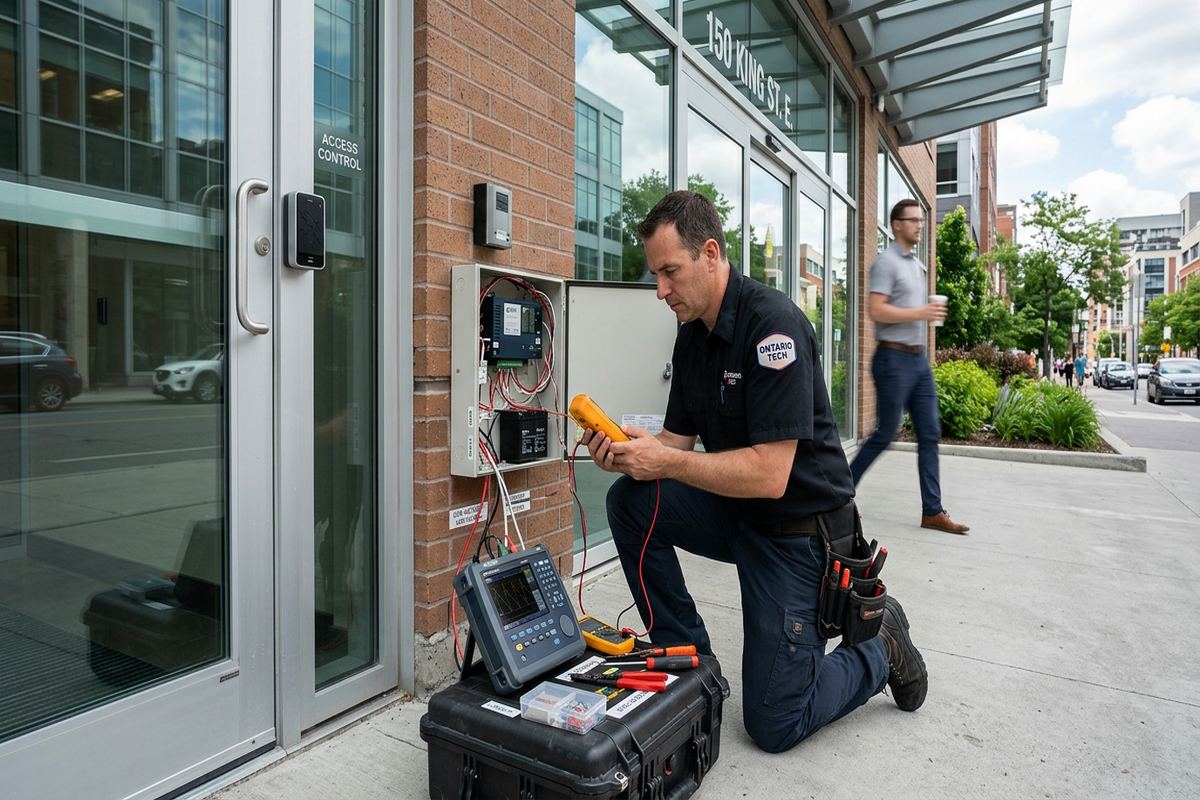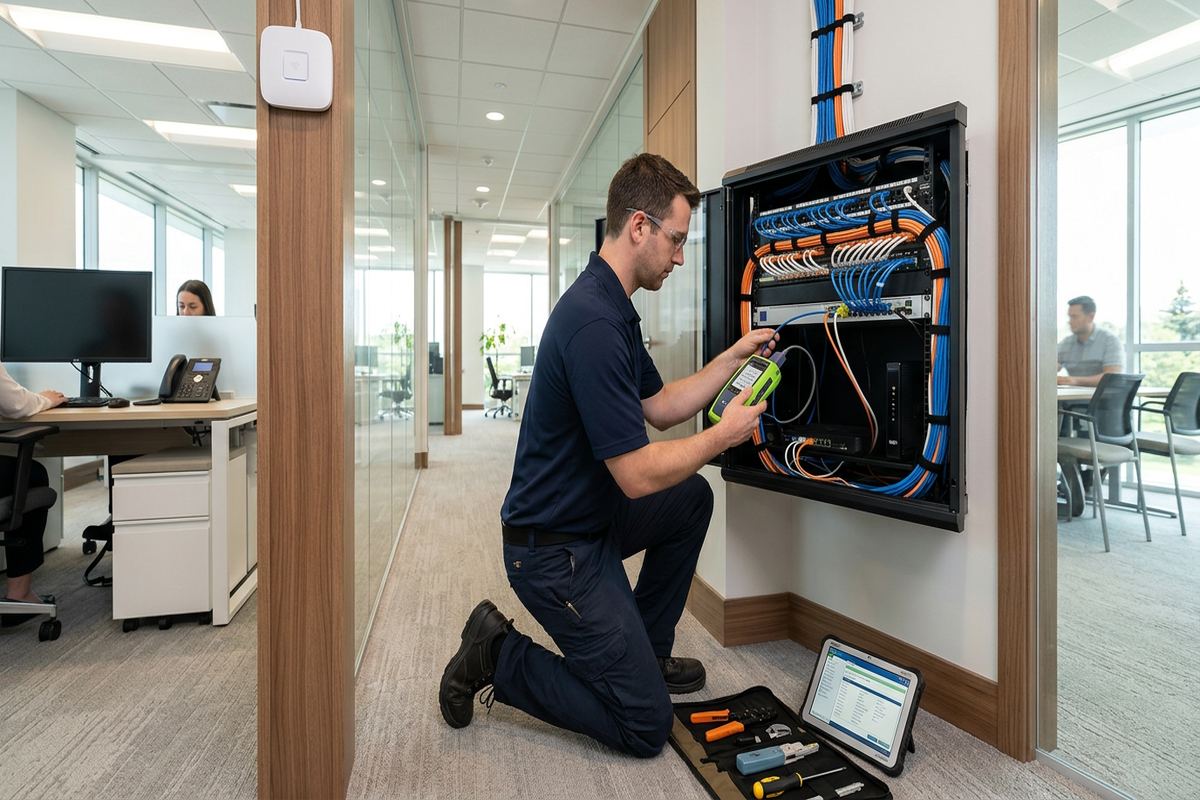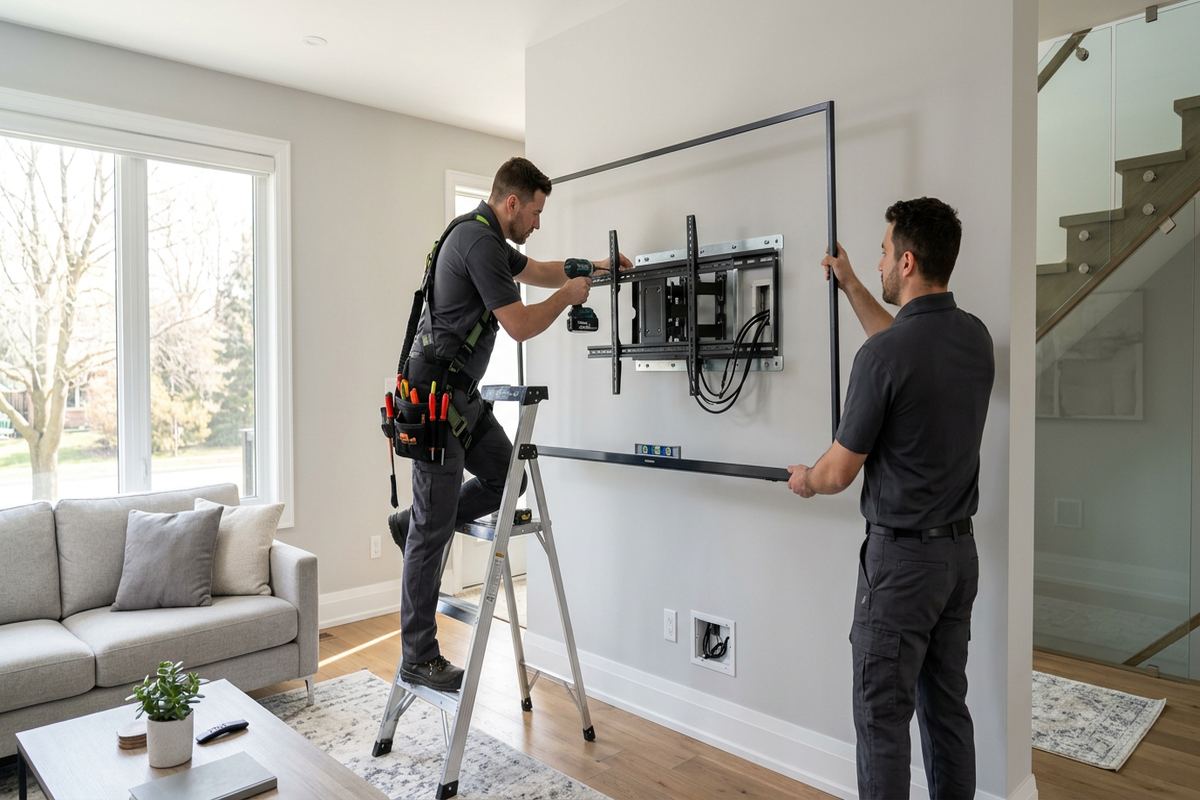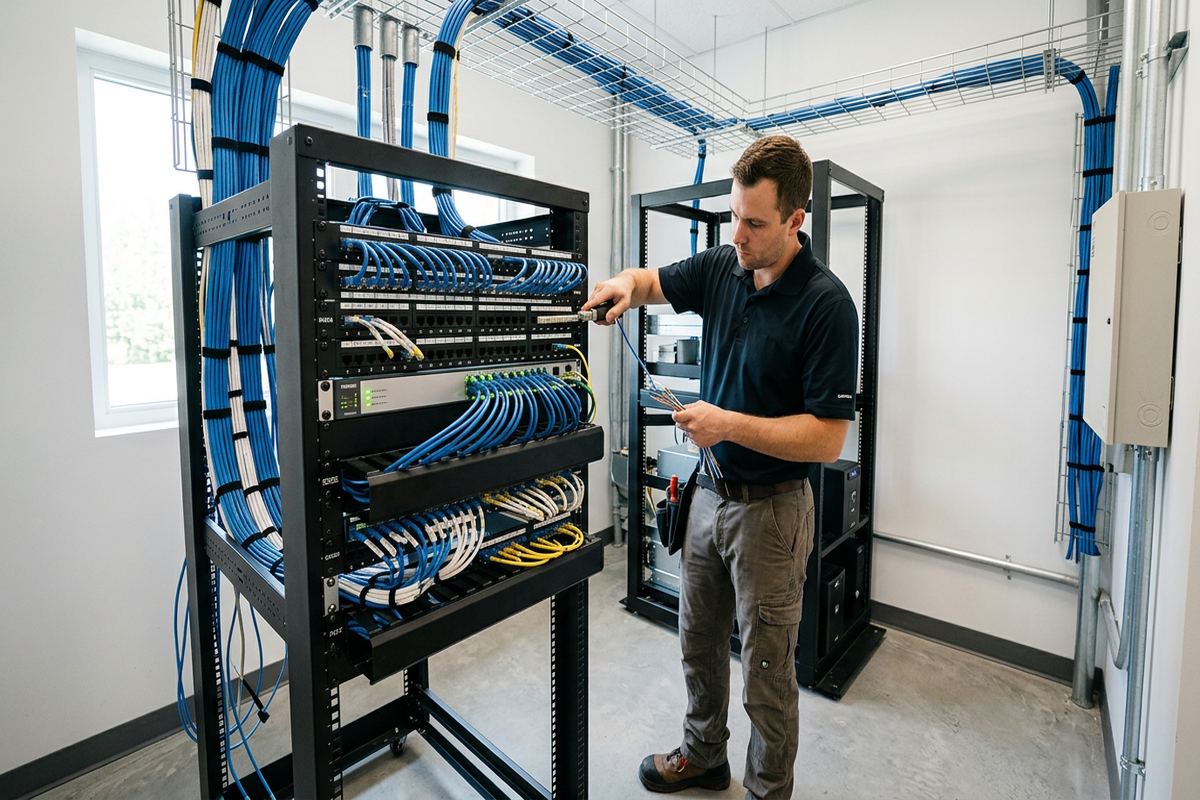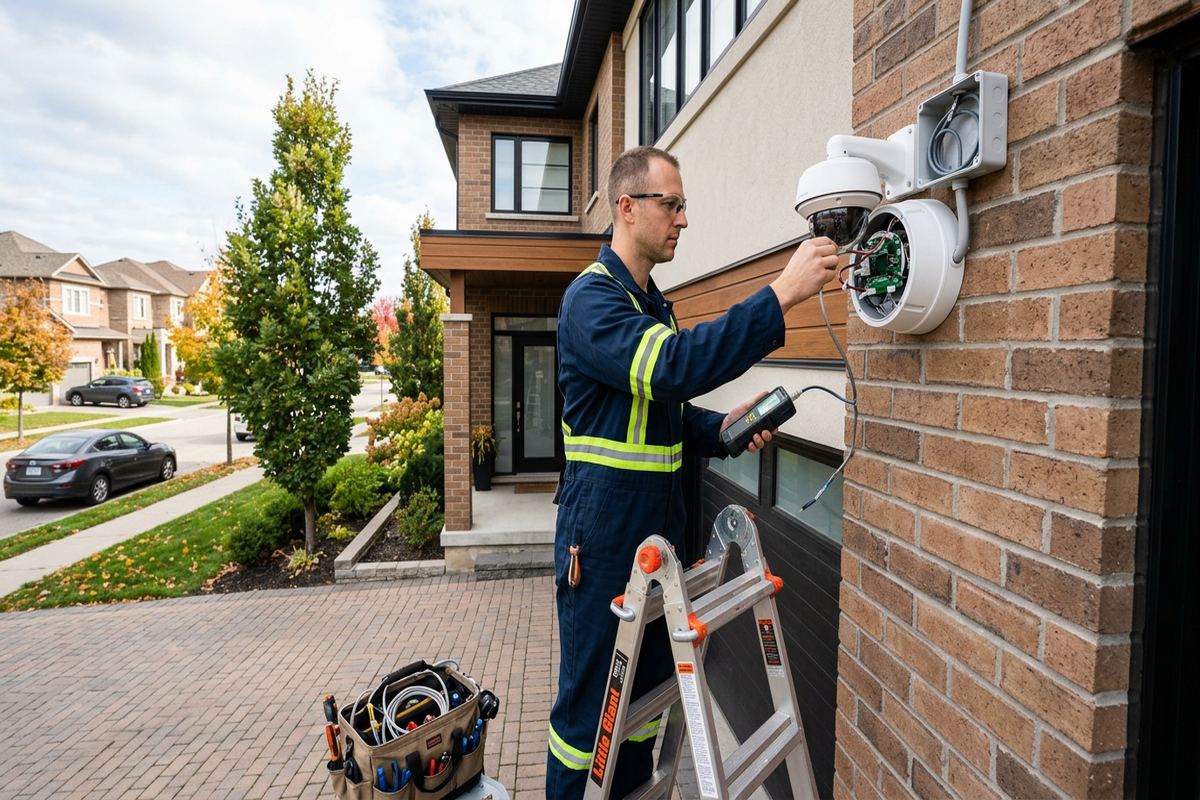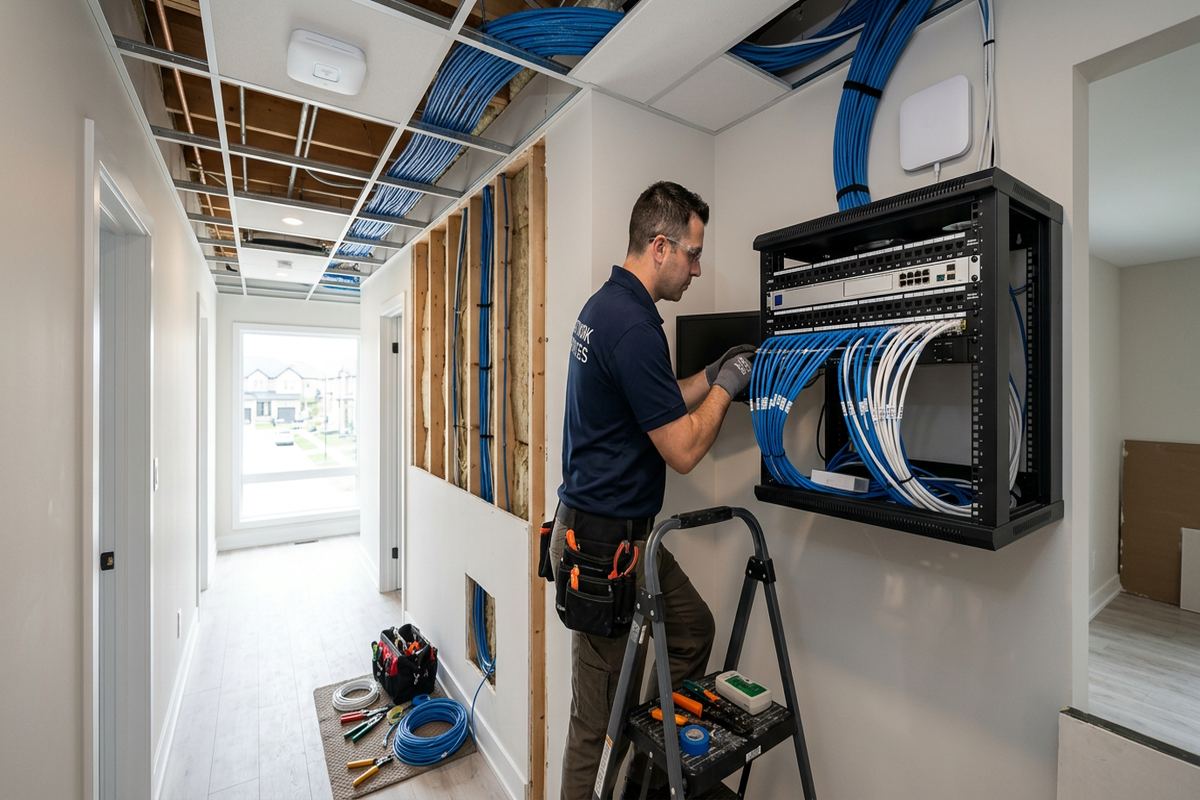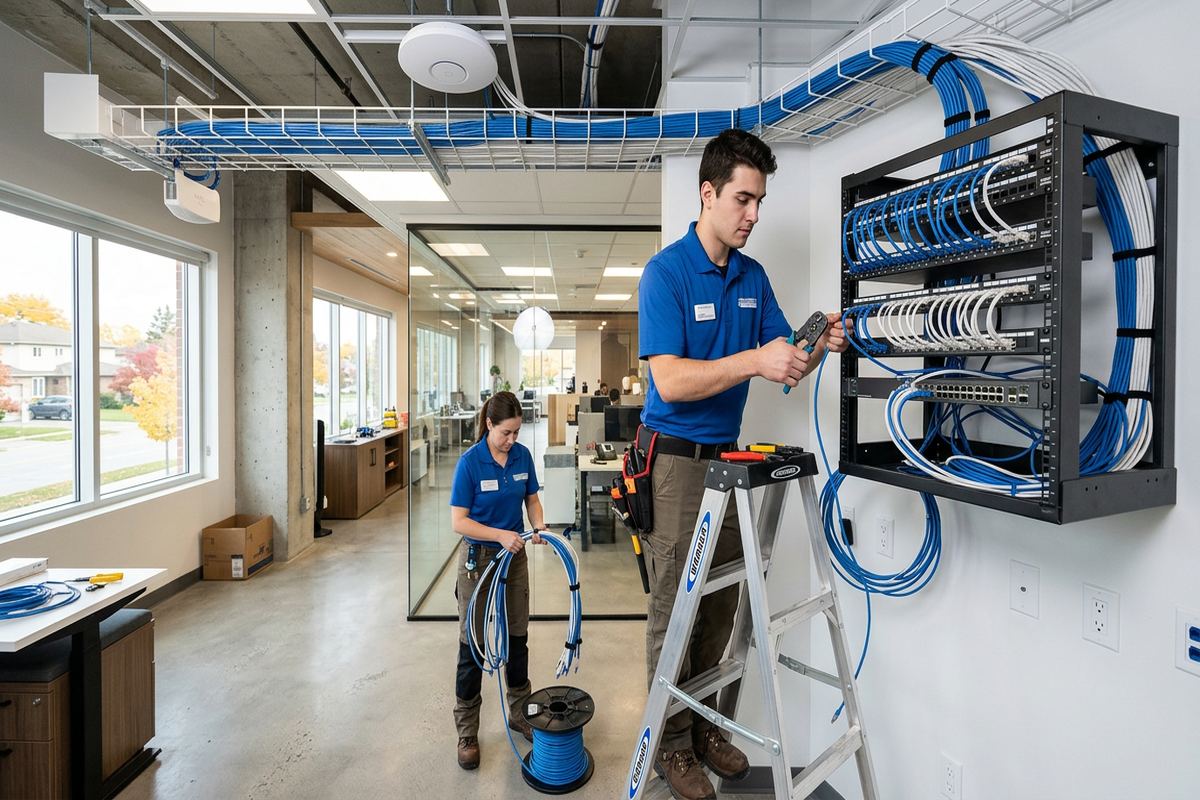
UnifiedLink installs home networks in Collingwood, including structured cabling, Wi-Fi access points, network racks, switches and secure remote access. We plan coverage around the building, connected equipment and how the property is used. Each project begins with a site assessment, followed by a written scope covering equipment, cable routes, placement, exclusions, ownership and warranty.
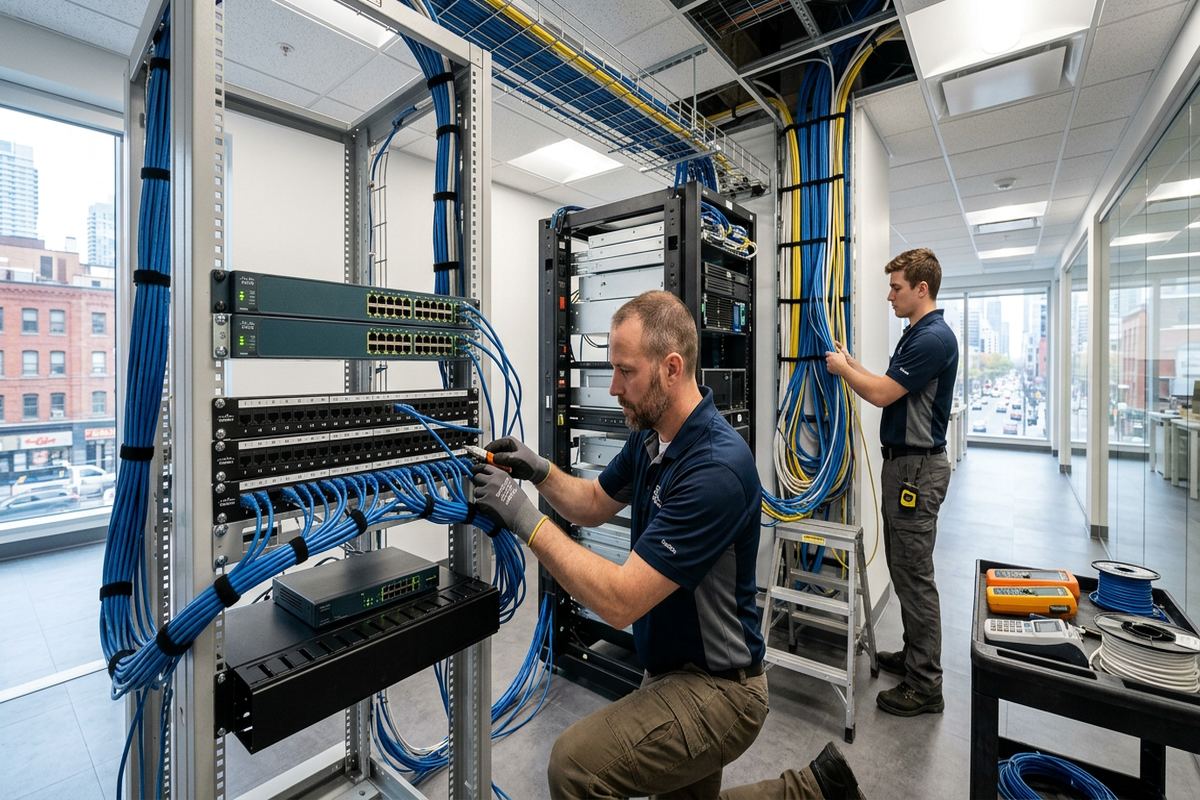
Home Network Planning for Collingwood Properties
A reliable home network starts with the building rather than a list of equipment. During a Collingwood site assessment, we review construction, floor area, utility locations, available internet service, connected devices and practical cable routes. Chalets, short-term rentals and resort properties often need coverage across several levels, decks, garages or detached areas. We identify where wired connections provide the most stability and where wireless access points should be installed. This planning avoids relying on a single router placed wherever the internet provider entered the house, which is rarely the best coverage location.
Building materials influence both wireless coverage and installation methods. Older properties near Downtown Collingwood may combine additions, masonry sections, finished basements and frame construction, while newer homes in Georgian Meadows or Creekside may have open layouts with concealed mechanical spaces. Wi-Fi signals pass through timber framing more readily than dense masonry, concrete, mirrors, metal ductwork or foil-backed insulation. We inspect these barriers before selecting access-point locations. Cable routes are planned to limit visible wiring, unnecessary wall openings and conflicts with plumbing, electrical wiring, heating equipment or future renovation areas.
The written scope records what will be installed before work begins. It covers equipment, device placement, cable routes, exclusions, equipment ownership and warranty, allowing the homeowner, landlord or property manager to understand the complete installation. For condominiums, shared buildings and rental units, approvals may be required before drilling, entering common areas or mounting equipment outside. Lighthouse Point and other managed properties can have specific alteration rules. We identify approval requirements early, but the customer remains responsible for obtaining authorization from the condominium corporation, landlord or other controlling party before installation proceeds.
- Building and coverage assessment
- Proposed access-point locations
- Wired device requirements
- Cable-route planning
- Written equipment and ownership scope
Wired Home Networks in Collingwood
Ethernet cabling provides a stable connection for devices that should not depend entirely on Wi-Fi. Televisions, desktop computers, workstations, gaming systems, network storage, security camera recorders and fixed automation controllers can usually benefit from dedicated wired connections. In Collingwood homes used for remote work or seasonal occupancy, wiring critical equipment also leaves more wireless capacity for phones, tablets and guest devices. We install continuous labelled cable runs between outlets and the network location, avoiding undocumented joins or improvised extensions. Each route is selected for serviceability and appropriate separation from electrical wiring and sources of interference.
A central network location keeps the modem, router, switches, patch panels and related equipment organized. Depending on the property, this may be a wall-mounted enclosure, compact rack or suitable utility area with power, ventilation and reasonable service access. The location should not be exposed to water, extreme temperature, physical damage or blocked access. Finished chalets and renovated houses sometimes provide limited pathways, so routes may use basements, utility chases, closets or accessible attic areas. We discuss visible sections, drilling requirements and restoration limits before installation rather than making assumptions once work has started.
Every installed run is terminated, labelled and checked before handover. Labels connect room outlets to the corresponding patch-panel or switch position, making troubleshooting and later expansion more straightforward. Where several rooms or entertainment areas need connections, we can install multiple outlets while routes are accessible instead of relying on small unmanaged switches behind furniture. The completed system is configured on site using the customer’s own administrative credentials. Handover includes an as-built record showing relevant device locations, cable identifiers and network components, so the owner is not left with an undocumented arrangement that only the installer understands.
- Continuous labelled Ethernet runs
- Central rack or enclosure options
- Patch-panel and outlet termination
- Connection testing before handover
- As-built cable record
Wi-Fi Coverage for Chalets and Resort Properties
Chalets and resort properties around the Blue Mountain area often require more than one wireless access point. Multiple floors, vaulted spaces, stone fireplaces and insulated exterior walls can create weak areas even when the internet connection itself is working correctly. We plan access points around usable rooms and circulation areas rather than hiding every device in a cabinet. Ceiling or wall placement can improve signal distribution, but each location must also permit a practical cable route. Wired backhaul connects access points to the network directly, reducing the performance compromises commonly associated with wireless extenders or repeated mesh hops.
Short-term rentals need a clear separation between owner functions and guest access. A suitable design can place guest devices on a dedicated network while retaining controlled connectivity for thermostats, locks, cameras or property-management equipment. The exact separation depends on the selected hardware and the access those systems require. In Collingwood rental properties, owners may also need reliable remote administration without sharing primary network credentials with occupants or service contractors. We configure practical network names, authentication and management access, then provide the credentials directly to the owner rather than retaining control of the completed system.
Remote access should be planned securely instead of created through broadly exposed ports or shared passwords. Where supported by the selected equipment, we can configure vendor-managed access, a virtual private network or another appropriate method for administration and connected systems. Reliable remote access remains dependent on electrical power, the internet provider and functioning local equipment, so it should not be treated as an uninterrupted guarantee. For seasonally occupied Collingwood properties, optional power protection and organized equipment placement can reduce avoidable disruptions and make it easier for an authorized local contact to inspect or restart equipment when physical access is necessary.
- Multi-access-point Wi-Fi design
- Wired backhaul where practical
- Separate owner and guest networks
- Secure remote management options
- Coverage for multiple levels
Collingwood, Ontario
Home network installation in Collingwood, scoped in writing first
Book a site assessment and get equipment, routes, exclusions, and warranty on paper before anything is installed.
Collingwood Exterior and Outbuilding Connectivity
Outdoor living spaces, garages and detached buildings can require dedicated network planning. A signal that works beside an indoor window may not remain dependable across exterior walls, stone finishes, insulated garage doors or longer distances. We assess whether an indoor access point, exterior-rated access point, buried cable pathway or point-to-point wireless link is appropriate. The choice depends on distance, line of sight, available power, construction and the required connection. Exterior equipment is selected and mounted for its environment; indoor networking products are not simply placed outdoors or inside unconditioned spaces without considering their operating limitations.
Collingwood winters and repeated freeze-thaw cycles make exterior mounting and sealing important. Fasteners, penetrations, cable entries and drip paths must be considered so that water is not directed into the wall assembly or equipment. Exterior cable should be suitable for its exposure, supported correctly and protected from abrasion or accidental damage. Where a cable enters the building, we plan a controlled route and weather-resistant seal appropriate to the surface. Masonry requires different anchors and drilling methods than frame construction, siding or finished wood, and hidden building components must be considered before any penetration is made.
Detached structures may be connected by fibre, copper or a wireless bridge, depending on the site. Fibre can provide electrical isolation between buildings and is useful where grounding differences or lightning exposure make copper undesirable. Copper links have strict distance and installation considerations, while wireless bridges require suitable mounting positions and a reasonably clear path. In the Blue Mountain area or on larger resort lots, trees, terrain and seasonal foliage may affect link performance. We explain route assumptions and exclusions in the scope, including trenching, conduit, electrical work or permits that must be completed by others.
- Outdoor Wi-Fi access points
- Garage and outbuilding links
- Weather-resistant cable entry
- Masonry and frame mounting methods
- Fibre or wireless bridge options
Network Equipment and Secure Configuration
Network equipment should match the property’s actual requirements, not simply the highest advertised wireless speed. We consider the internet plan, number of users, wired devices, access points, remote-management needs and likely expansion. Power over Ethernet switches can supply compatible access points, cameras and other devices through their data cabling, reducing separate power adapters at each location. Managed equipment may support guest networks, traffic separation and monitoring, while a simpler system may suit a smaller residence. The written scope identifies supplied equipment and ownership so there is no uncertainty about provider-rented hardware or customer-owned components.
Configuration includes more than creating a Wi-Fi name. We update supported equipment, secure administrative access, set appropriate wireless encryption and remove unnecessary default access. Network separation can be used for guests, personal devices or compatible building systems when the equipment and application support it. We do not promise that segmentation will correct insecure third-party products, but it can limit unnecessary communication between device groups. In Collingwood short-term rentals, documented owner credentials and a controlled guest network also make occupant changes easier without requiring the entire property network to be rebuilt after every tenancy.
Internet-provider equipment may remain part of the finished network or operate in a reduced role, depending on the service and available settings. Some gateways support bridge or pass-through modes, while others must continue handling routing, telephone or television functions. We review these dependencies before changing the configuration because an unsuitable adjustment can interrupt other services. Where provider assistance is required, account holders may need to authorize changes directly. UnifiedLink remains one accountable contractor for the installation scope, including cabling, supplied network equipment, on-site configuration and handover, while the internet provider remains responsible for its service and infrastructure.
- Router and switch selection
- Power over Ethernet planning
- Guest and device separation
- Administrative credential setup
- Provider gateway coordination
Renovations, Condos and Finished Homes in Collingwood
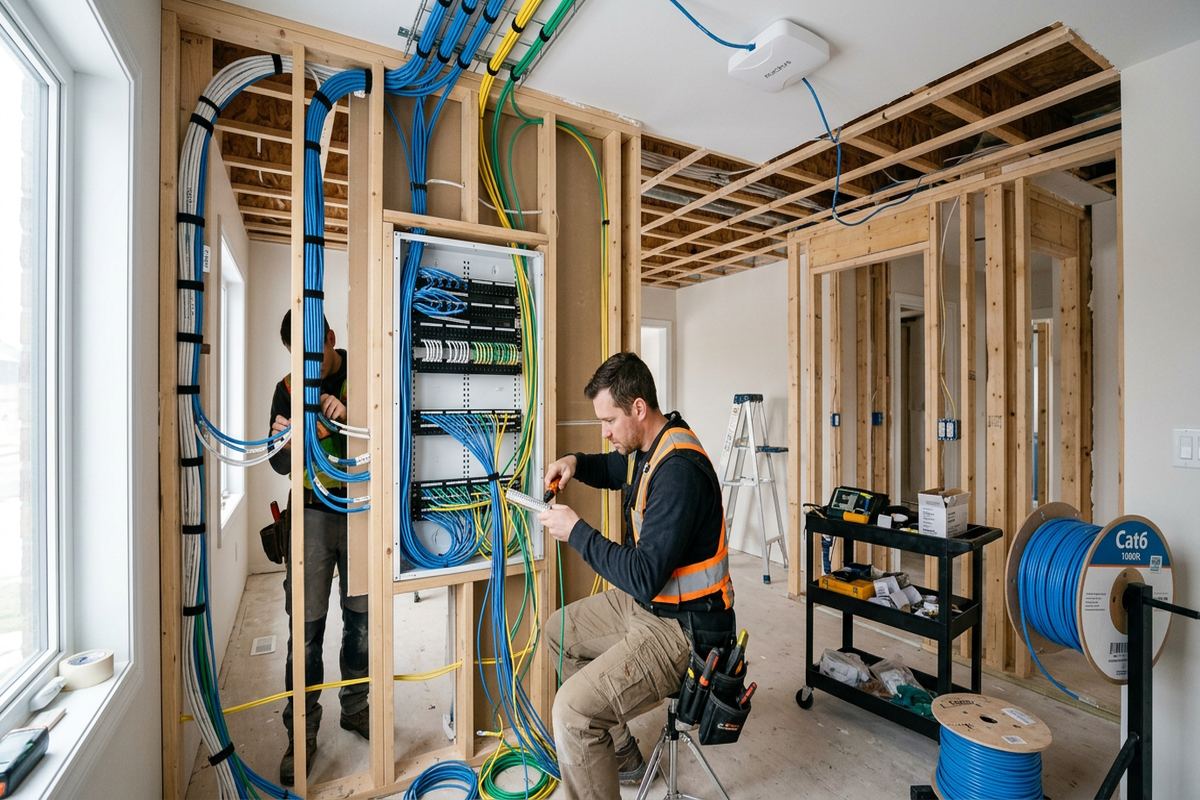
Installing network cabling during construction or renovation usually provides the widest route choices. Before walls are closed, cables can be placed for access points, offices, televisions, cameras and future devices without extensive finished-surface work. We coordinate proposed routes with the owner or project contact and avoid using network cable as a substitute for required electrical work. In Collingwood renovations, older framing, masonry walls and previous additions can still create unexpected obstructions. Accessible pathways are reviewed on site, and any material change to the agreed route or device placement is discussed before proceeding rather than concealed behind a general allowance.
Finished homes require a more selective approach. Basements, closets, attic spaces and existing utility penetrations may provide routes, but access varies significantly between properties. Fishing cable through insulated exterior walls or across inaccessible ceilings may be impractical without openings. We explain which areas can be reached, where surface raceway may be appropriate and what patching or painting is excluded. Decorative finishes, stonework and built-in cabinetry receive particular attention. The objective is a serviceable installation with limited visual impact, not a promise that every requested outlet can be installed invisibly in an existing building.
Condominium and landlord approval can affect both the route and the permitted equipment. Work that touches common walls, exterior cladding, shared telecommunications rooms or corridors may require written authorization and an approved method. At Lighthouse Point or another managed community, owners should confirm the applicable alteration process before scheduling intrusive work. Rental-property owners also need to define access arrangements and responsibility for existing equipment. We can provide a written scope to support an approval request, but we do not represent that an installation is permitted until the relevant condominium corporation, landlord or property authority has granted permission.
- Pre-wire planning for renovations
- Routes for finished properties
- Surface raceway where suitable
- Condo approval coordination
- Clear restoration exclusions
Networks for Collingwood Shops and Workspaces
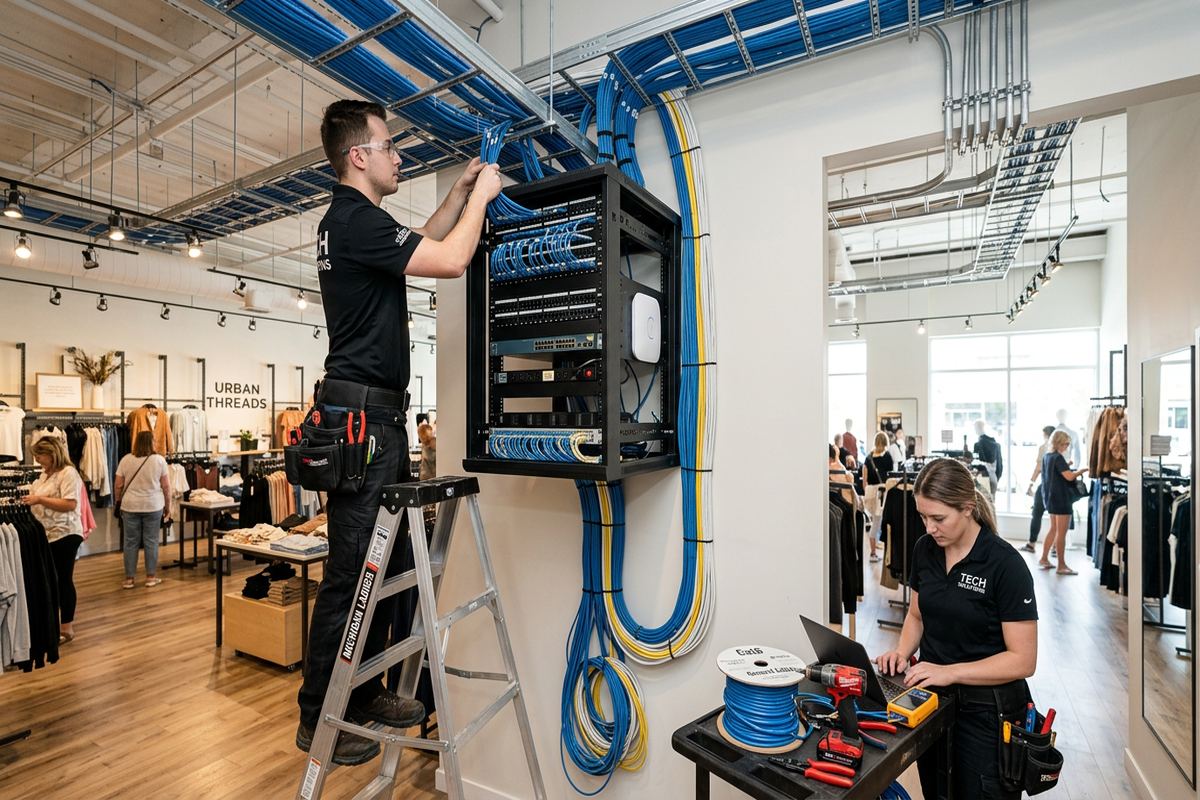
Home network methods can also support small offices, home-based businesses, commercial strips and light industrial units. These spaces may need wired workstations, separate staff and visitor Wi-Fi, printers, internet phones, displays or connections for security equipment. The design should reflect daily operations and any systems that must remain available, rather than extending a consumer router through several rooms. In Downtown Collingwood commercial spaces, neighbouring wireless networks and mixed construction can complicate channel use and coverage. A site assessment identifies likely access-point locations, cable routes and equipment areas before a written installation scope is prepared.
Industrial units present different routing conditions from houses. High ceilings, steel framing, concrete block, racking, machinery and large open bays can obstruct or reflect wireless signals. Network cable may need appropriate support and protection where it passes through utility or work areas. We do not attach cabling to electrical conduit or leave unsupported loops above ceilings. Device placement also considers maintenance access, moving equipment and possible layout changes. Where lifts, special access, firestopping or work by another trade is required, those requirements and exclusions are recorded before pricing so responsibilities remain clear throughout the project.
A combined site can have residential, guest and business requirements under one roof, particularly in rental properties or owner-operated accommodations. Separating these uses can reduce accidental access between occupant devices, administration systems and work equipment. It also makes future credential changes more manageable. We confirm which systems need internet access, local communication or remote management before creating network rules. Payment processing, regulated information and application-level security remain the responsibility of the relevant business and service providers. Our scope addresses the physical network, supported configuration and documented handover without claiming compliance beyond the installation work actually completed.
- Staff and guest Wi-Fi separation
- Wired office and display connections
- Industrial-unit cable planning
- Access-point placement for open bays
- Documented trade responsibilities
Home Network Installation Process in Collingwood
The process begins with a discussion of current problems, planned devices and how the property is occupied. We then arrange a site assessment, with timing based on the service and travel distance. Requests sent during business hours are answered the same day, while after-hours requests are answered the next business day. During the visit, we inspect likely equipment locations, test or review coverage where appropriate and identify cable pathways. Existing network hardware is documented when it may remain in service. Pricing follows the assessment rather than relying on assumptions about construction or access.
After assessment, the written scope sets out equipment, routes, placement, exclusions, equipment ownership and warranty. This is the point to confirm room names, outlet counts, access-point appearance, guest-network requirements and any future cabling. If approvals, electrical work, internet-provider changes, trenching or restoration by others are needed, they are identified before installation. On the scheduled work date, we protect practical work areas, install the agreed continuous labelled runs, mount devices and configure supported equipment on site. Any concealed obstruction that materially changes the plan is raised with the customer before an alternative is adopted.
Handover gives the customer control of the completed Collingwood network. Administrative and wireless credentials are created for or transferred to the customer, rather than kept under installer-only accounts. We review normal operation, identify provider dependencies and supply an as-built record showing installed cable identifiers and relevant equipment locations. The documentation helps another authorized technician understand the system later without tracing every connection again. One accountable contractor manages the defined cabling, equipment installation, configuration and handover scope, reducing gaps between separate installers while keeping third-party internet service, electrical work and building approvals clearly assigned.
- Site assessment before pricing
- Detailed written installation scope
- On-site equipment configuration
- Customer-owned credentials at handover
- Labelled as-built network record
Collingwood neighbourhoods we cover
- Downtown Collingwood
- Blue Mountain area
- Georgian Meadows
- Creekside
- Lighthouse Point
Home network installation in Collingwood — common questions
How many Wi-Fi access points will my Collingwood home need?
The number depends on floor area, layout, construction and where reliable coverage is required. Stone fireplaces, masonry, metal ductwork and insulated exterior walls can reduce signal strength. A chalet near the Blue Mountain area may need access points on multiple levels, while a smaller frame home may need fewer. We assess the property before recommending quantities or placement.
Can you improve Wi-Fi in a short-term rental?
Yes. Collingwood short-term rentals commonly need dependable guest coverage, owner-controlled credentials and remote access for compatible property systems. We can plan wired access points and separate guest traffic from owner or building devices where supported. Remote operation still depends on power, internet service and functioning equipment, so the handover also documents local components and restart considerations.
Can network cable be installed without opening walls?
Sometimes. Finished Collingwood homes may have usable routes through basements, attics, closets or existing utility pathways. Other areas may require small openings or visible surface raceway, especially across insulated walls, masonry or inaccessible ceilings. We review possible routes during the site assessment and state restoration exclusions in the written scope before installation begins.
Do I need condo or landlord approval?
Approval may be required if work affects common walls, corridors, exterior surfaces, shared telecommunications spaces or property owned by a landlord. This is particularly relevant in managed Collingwood communities such as Lighthouse Point. We can document proposed equipment and routes for an approval request, but the customer must obtain authorization from the condominium corporation, landlord or other property authority.
Can you connect a detached garage or outbuilding?
Yes, where site conditions permit. Options can include fibre, a suitable copper route or a point-to-point wireless bridge. Distance, line of sight, power, terrain and exposure all affect the design. Collingwood winters and freeze-thaw conditions also require suitable exterior cable, mounting and sealed entries. Trenching, conduit or electrical work by others will be identified in the scope.
What do I receive when installation is complete?
The network is configured on site and handed over using your own credentials. You receive an as-built record identifying relevant equipment, cable runs and device locations. Continuous installed runs are labelled at their endpoints. We also review provider dependencies, guest access and supported remote-management functions so you understand what UnifiedLink installed and which services remain controlled by third parties.
Coverage in Collingwood is confirmed against the address before we quote. See everything we install in Collingwood or the province-wide home network installation page.