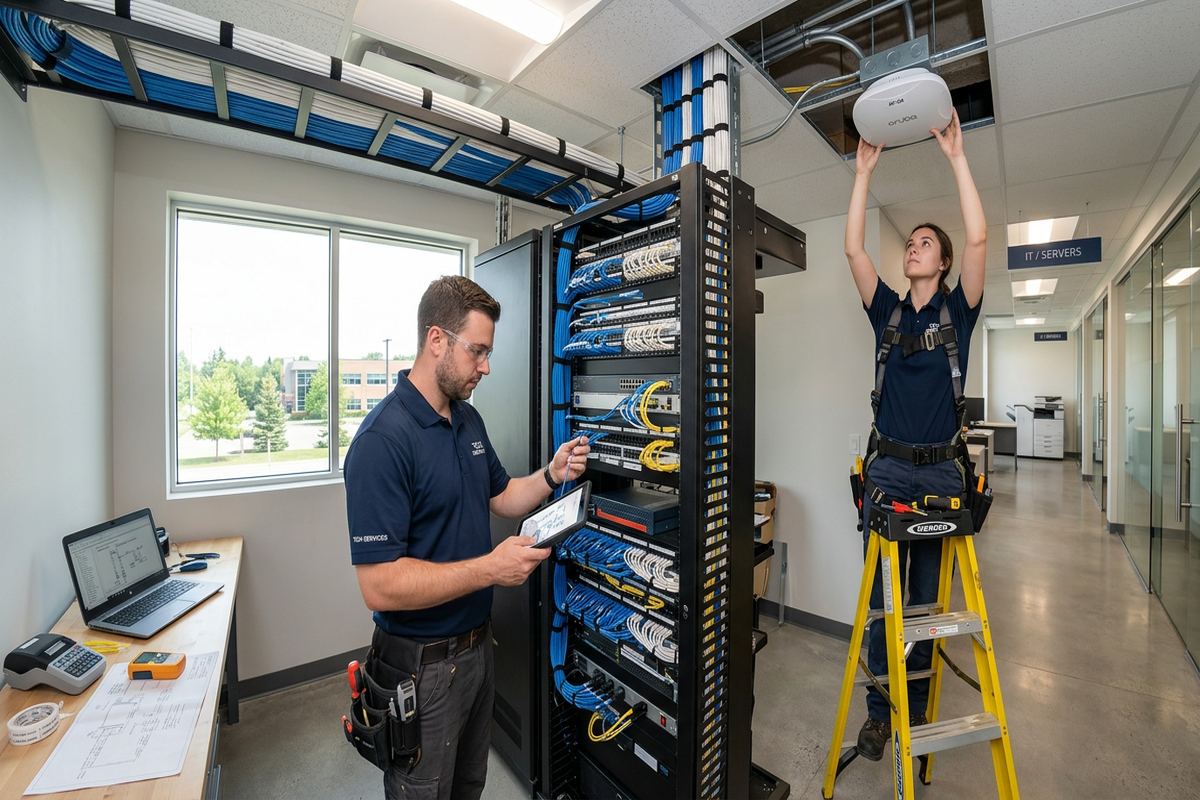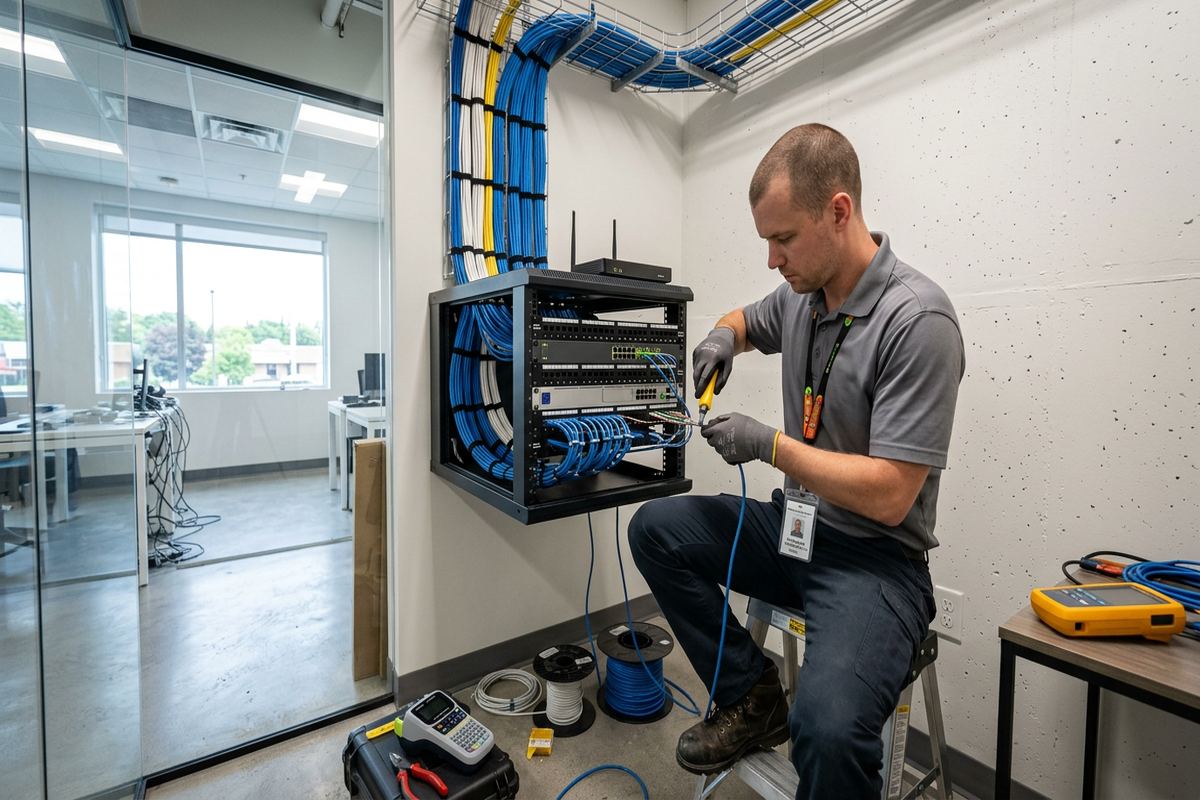
UnifiedLink installs wired and wireless home networks across Georgina, including cottages, year-round homes and mixed-use properties. We assess coverage, construction, internet service and connected devices before planning access points, switches and continuous labelled cable runs. Each system is configured on site and handed over using the customer’s own administrative credentials.
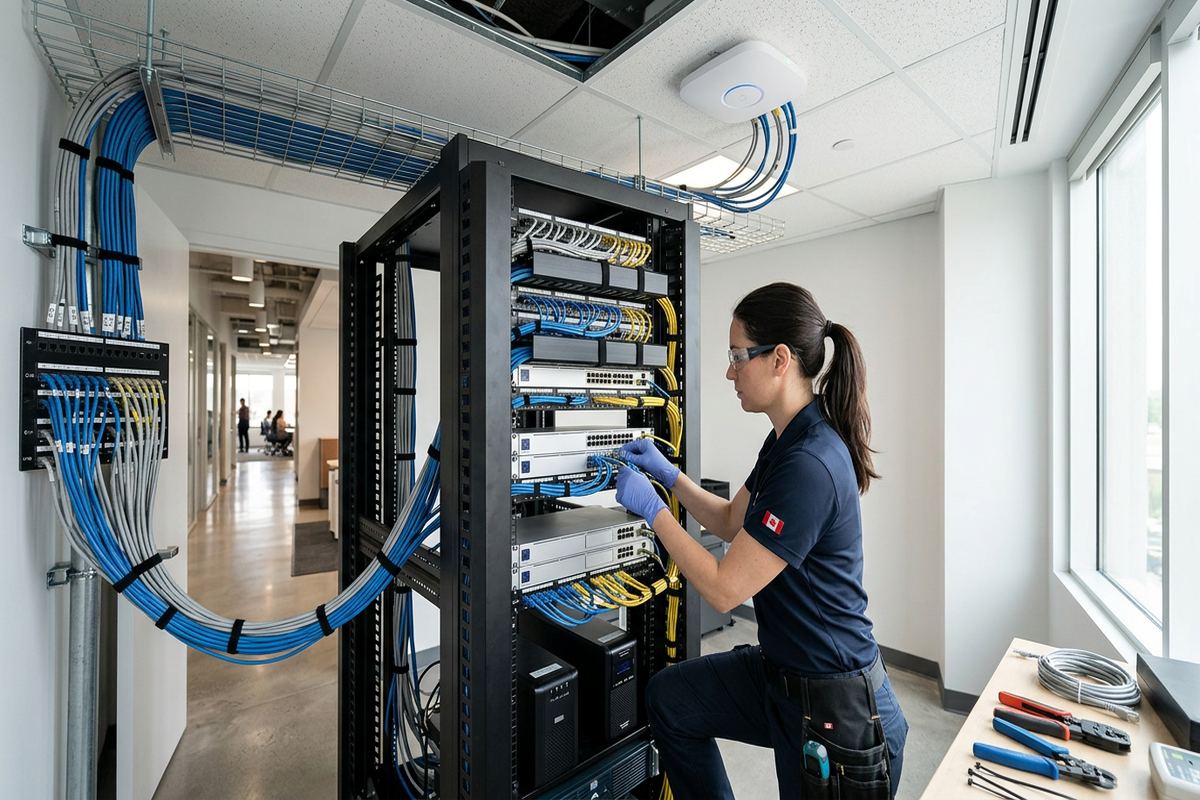
Home Network Installation for Georgina Properties
A dependable home network starts with the building rather than a box of wireless equipment. During a Georgina site assessment, we review the internet entry point, room layout, wall and floor materials, electrical locations, existing cabling and devices requiring reliable service. That includes computers, televisions, cameras, doorbells, alarm panels, smart controls and remote-work equipment. We then develop a written scope covering equipment, cable routes, device placement, exclusions, equipment ownership and warranty. This process prevents unsuitable access point locations and identifies where wired connections will provide better stability than Wi-Fi alone.
Georgina includes compact year-round houses, renovated cottages, larger rural homes and properties expanded in stages. Each presents different network constraints. Older frame construction may offer workable cable paths through basements, attics or utility spaces, while finished additions can separate rooms with insulation, foil-backed materials or multiple exterior-grade walls. Masonry, fireplaces and concrete foundations can also weaken wireless signals. Instead of assuming one router will cover the building, we plan access points around actual construction, expected use and practical cable routes, including any detached workspace, garage or seasonal living area included in the scope.
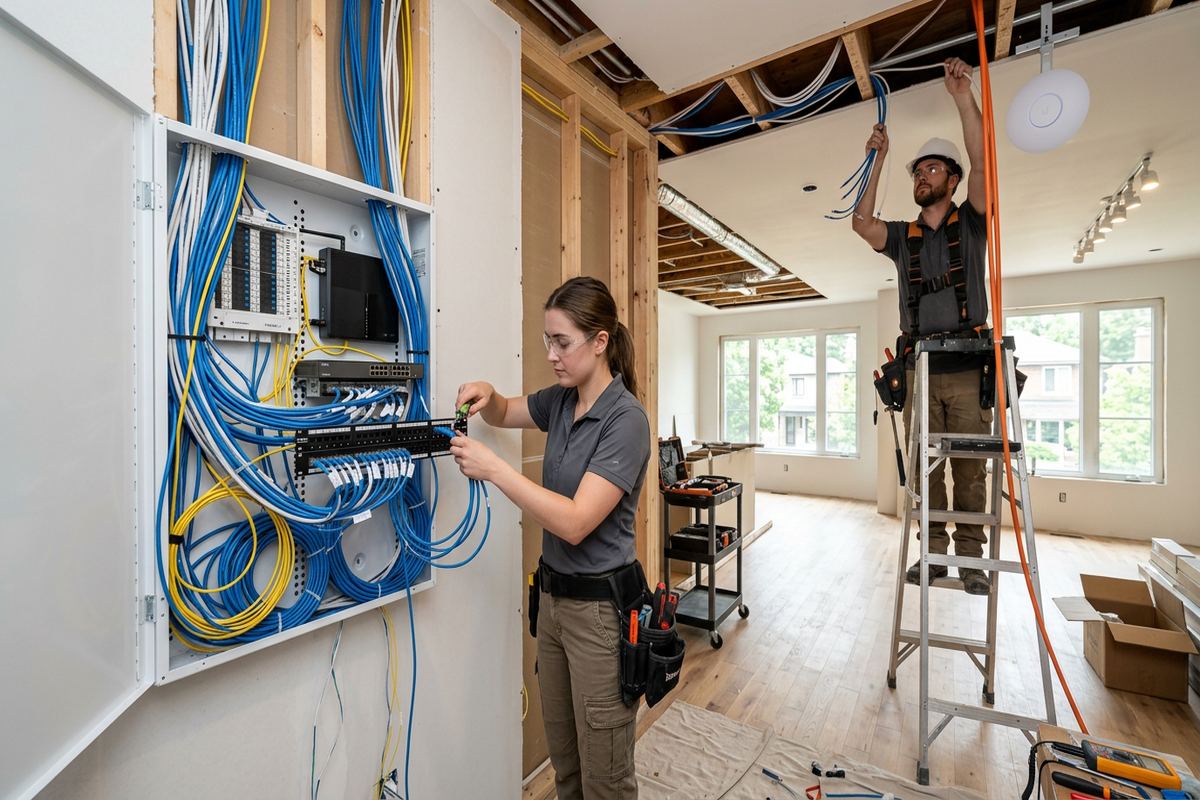
Installation includes continuous labelled cable runs, proper termination and on-site configuration of the agreed network equipment. Access points are positioned for useful coverage rather than hidden wherever installation is easiest. Switches, patch panels and internet equipment are organized in a suitable location with service access, ventilation and reasonable protection from moisture or physical damage. At handover, the network uses the customer’s own credentials, and we provide an as-built record showing installed devices and cable information. One accountable contractor manages the defined networking work from assessment through configuration and documentation.
- Assessment of construction and existing network equipment
- Wired Ethernet for fixed, high-demand devices
- Access point placement based on usable coverage
- Labelled terminations and organized network hardware
- On-site setup with customer-owned credentials
Planning Wi-Fi Coverage Across Georgina Homes
Wireless coverage should be designed for where people and devices actually operate. In Keswick or Sutton, that may include bedrooms, home offices, finished basements, decks and garages. A central router can perform adequately in a small open plan, but it often struggles through several floors, additions or dense mechanical areas. We assess likely signal paths and select access point locations that reduce unnecessary overlap and weak zones. Wired backhaul is preferred where practical because it keeps communication between access points and the main network independent of changing wireless conditions, household traffic and neighbouring networks.
Capacity matters as much as visible signal strength. A phone may show a connection while video calls, cloud backups or camera viewing remain unstable because many devices share the same wireless channel or rely on a weak mesh link. We consider the number and type of connected devices, simultaneous use, available internet service and the difference between local network performance and provider speed. Separate access points can distribute demand more effectively, while wired connections can remove televisions, workstations, consoles and network video recorders from the wireless network. Configuration is adjusted on site after equipment is installed.
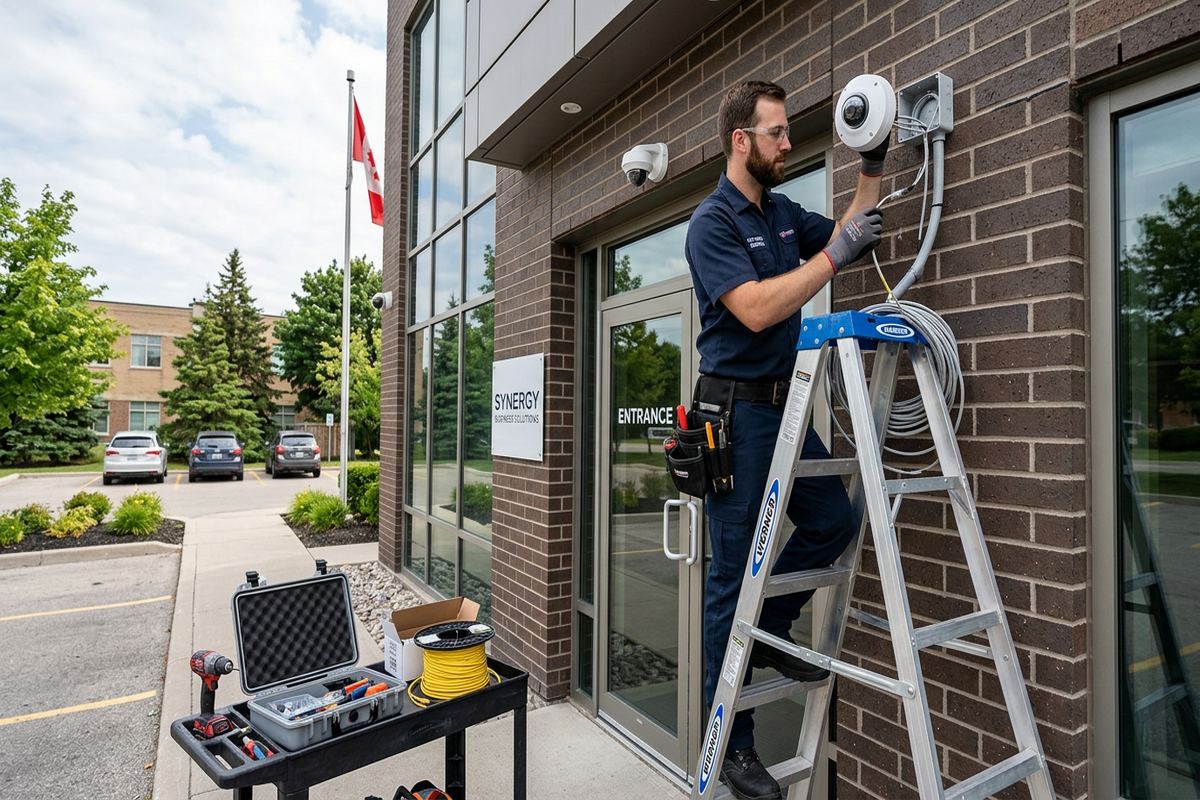
Coverage requirements can extend beyond the main living area. Homeowners may need service on a porch, beside a dock access route, in a detached garage or at an exterior camera location. Exterior coverage requires careful equipment selection and realistic expectations about distance, vegetation, walls and seasonal conditions. We do not treat an indoor access point beside a window as a universal outdoor solution. Where exterior equipment forms part of the design, mounting, cable entry, drip management and sealing are planned together. Any route exposed to weather receives materials and installation methods suited to that location.
- Coverage planning for multiple floors and additions
- Wired backhaul where practical
- Capacity planning for simultaneous devices
- Indoor and exterior access point options
- Channel and network configuration on site
Wired Networking and Cabling in Georgina
Ethernet provides a stable foundation for devices that should not depend entirely on radio conditions. Common wired endpoints include office computers, televisions, wireless access points, security cameras, recorders, control processors and media equipment. For Georgina homes, cable routes may pass through an unfinished basement, utility room, attic or accessible framing cavity. We review these paths before pricing because finished surfaces, insulation and structural obstacles affect the installation method. The written scope identifies intended routes and visible sections, allowing the owner to understand where drilling, surface pathway or limited access may be required before work begins.
Construction type changes how cable can be installed. Frame houses often provide cavities, although fire blocking, renovations and spray foam can limit access. Masonry walls may require surface-mounted pathway, strategic drilling or an alternate route through adjacent framing. In cottages converted for year-round use, successive renovations can create concealed transitions between old and new sections. We avoid unsupported assumptions about what is behind finished surfaces. Cable routes are confirmed as far as practical during assessment, and exclusions are documented. Condo, landlord or property manager approval must be obtained where cabling affects common elements or a building not owned by the customer.
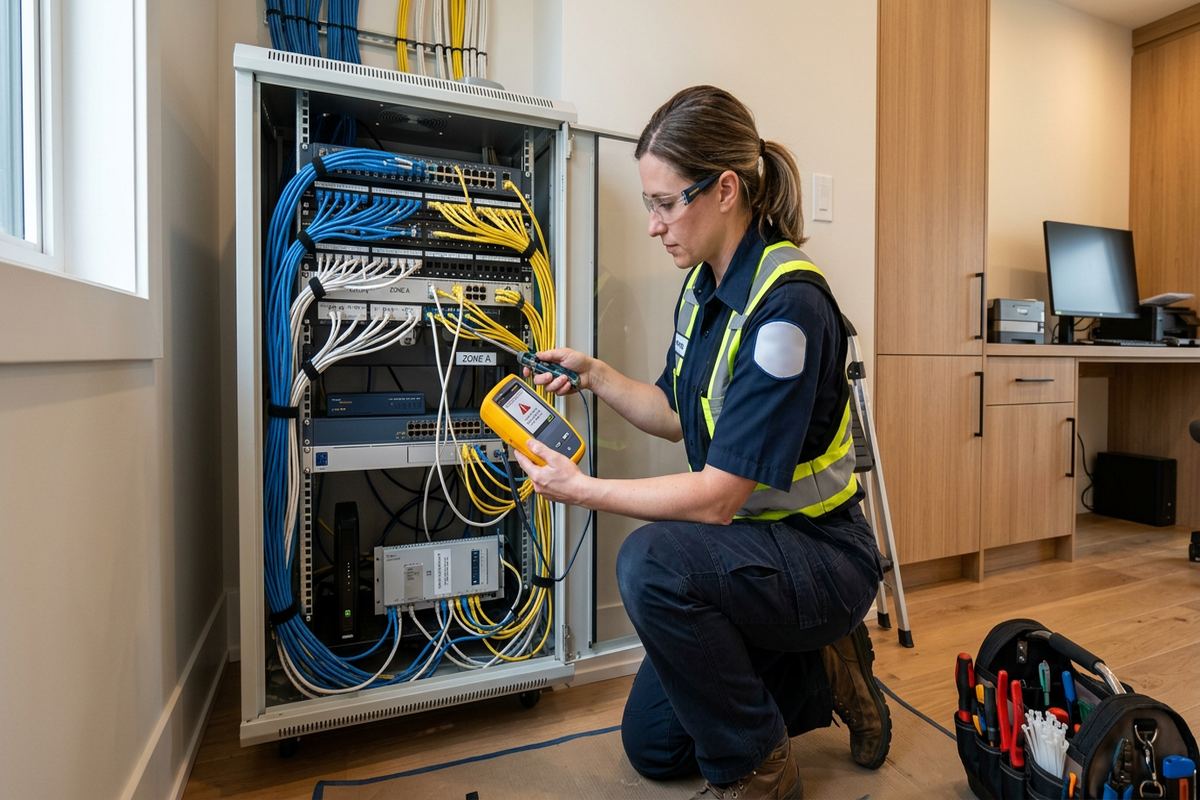
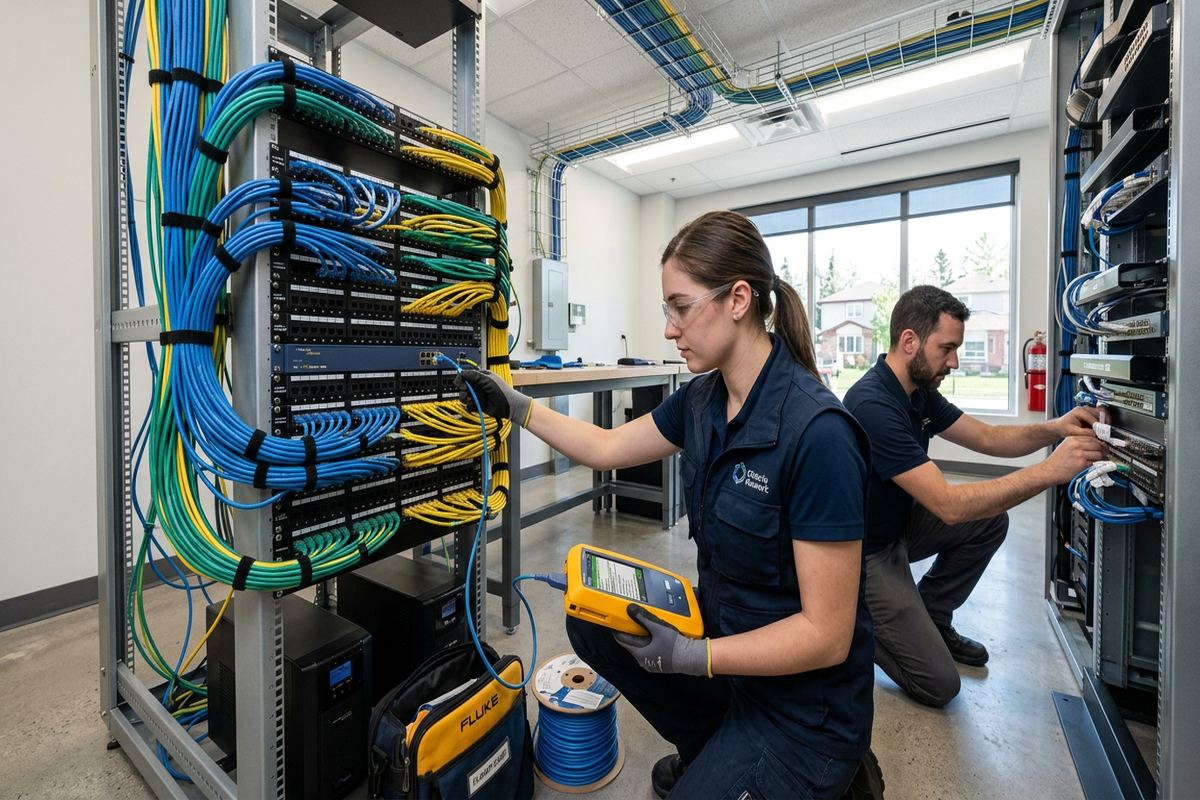
Every installed data cable should be understandable after the installer leaves. We use continuous labelled runs rather than joining short cable sections inside inaccessible spaces. Terminations are matched to the planned equipment, and the central location is arranged so individual connections can be identified and serviced. Testing confirms basic continuity and connection performance appropriate to the installed system. The as-built record documents endpoint locations and labels, helping with future changes or troubleshooting. If existing cabling is suitable, it may be incorporated after inspection; unidentified, damaged or unsuitable cable is not represented as equivalent to a newly installed run.
- Continuous cable without hidden joins
- Labels at central and endpoint locations
- Routes suited to frame or masonry construction
- Patch panel and switch organization
- As-built cable and device record
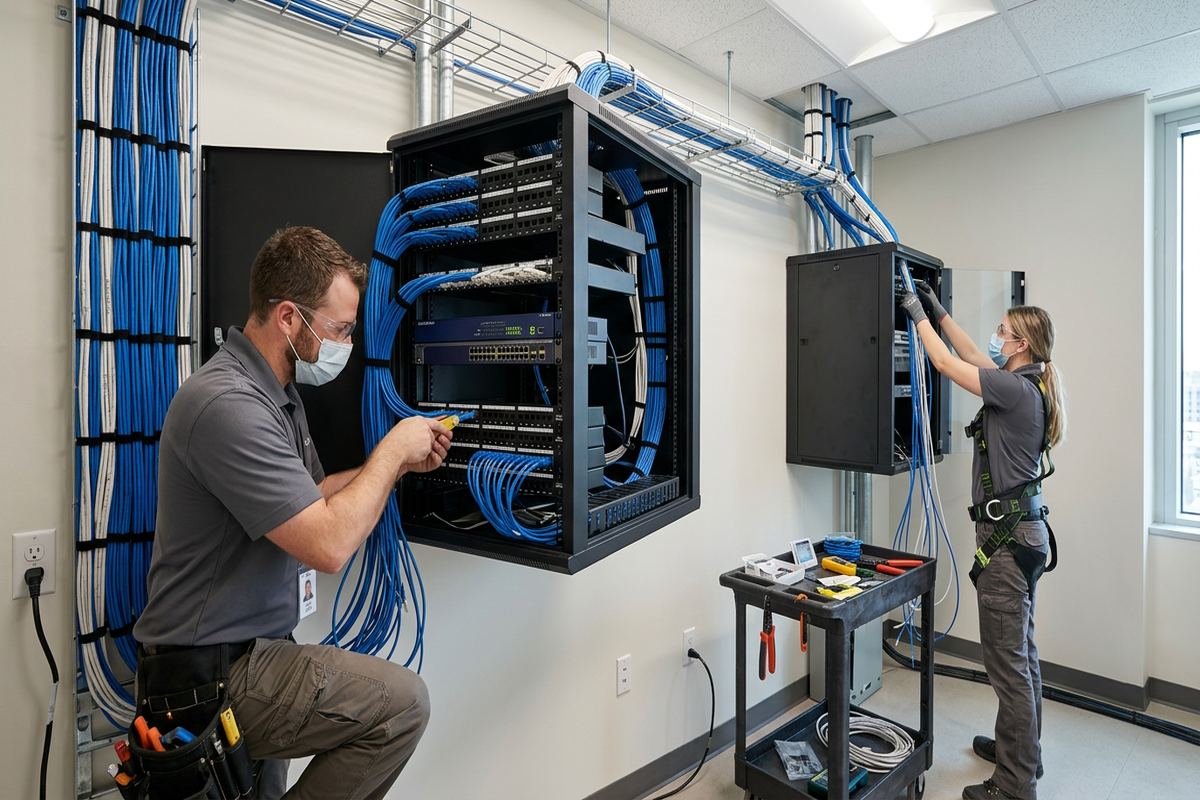
Georgina, Ontario
Home network installation in Georgina, scoped in writing first
Book a site assessment and get equipment, routes, exclusions, and warranty on paper before anything is installed.
Networks for Cottages and Year-Round Homes
Lake Simcoe cottages and year-round homes often rely on the network even when nobody is present. Remote cameras, alarms, environmental sensors and smart controls need a stable local connection, but they also depend on power and the internet provider’s service. We design the network to reduce avoidable internal failures and explain these dependencies clearly. Equipment is placed where it can remain powered, ventilated and accessible for maintenance. If remote monitoring is a priority, the scope can account for wired cameras, controller connections and network segmentation while avoiding claims that local equipment can prevent an external service outage.
Winter changes the requirements for equipment near an exterior wall, garage, soffit or outbuilding. Georgina’s cold conditions and freeze-thaw cycles can affect unsuitable hardware, exposed connections and poorly sealed cable entries. Exterior devices must be rated for their environment, mounted securely and installed with appropriate cable support, drip considerations and entry-point sealing. Indoor network hardware should not be placed where condensation, water intrusion or extreme temperature swings are expected. We review seasonal access as well, since equipment hidden behind stored cottage contents or placed in a difficult attic location may be impractical to inspect during winter.
Seasonal occupancy also influences administration and recovery planning. Owners should know how to access their network, which devices are installed and what steps may be possible if a connected device stops responding. During handover, we configure the agreed equipment with the customer’s own credentials and provide an as-built record. Remote access is enabled only where included and supported by the selected equipment. Passwords are not retained as installer-owned controls. This approach helps owners in Jackson’s Point, Virginia and other lakeside communities manage their systems without becoming permanently dependent on undocumented settings or a shared installer account.
- Planning for remotely viewed cameras and sensors
- Environmental selection for exterior network equipment
- Sealed and supported outdoor cable entries
- Accessible placement for seasonal maintenance
- Documented customer-controlled administration
Network Equipment and Secure Configuration
A home network may include a provider modem or gateway, router, managed or unmanaged switches, wireless access points and power equipment. Device selection should reflect the required ports, coverage, internet plan, local traffic and future endpoints rather than brand familiarity alone. We identify which equipment will be supplied, reused or remain the provider’s property. The written scope also states equipment ownership and warranty terms. Reusing existing hardware can be reasonable when it supports the design, but old equipment, limited management features or unavailable updates may make replacement a more practical and supportable option.
Configuration separates essential functions where the equipment and scope support it. Guest access can keep visitor devices away from selected household resources, while cameras or other connected devices may be placed on a dedicated network segment. These measures must be matched to how applications discover and communicate with devices; excessive separation can interfere with casting, printing or control apps. We configure agreed names, passwords, addresses and wireless settings on site, then verify normal operation from representative locations. Network security is an ongoing responsibility, so owners should maintain current passwords, updates and supported equipment after handover.
Power and physical organization are easy to overlook. A switch crowded beside heating equipment, loose adapters on a basement floor or an unventilated cabinet can create avoidable service problems. We plan a central network location with access to power, ventilation and room for the specified terminations. Backup power can be considered for selected network devices, although its duration depends on the connected load and battery condition, and it cannot restore a failed provider connection. Clear labels and documented ports make later moves or additions easier without disrupting unrelated devices or guessing which cable serves each room.
- Router, switch and access point selection
- Guest and device network options
- Customer-controlled names and passwords
- Organized equipment with service access
- Equipment ownership documented in writing
Georgina Networks for Home Offices and Small Businesses
Remote work places different demands on a network than general browsing. Video meetings, large file transfers, voice applications and secure employer connections benefit from a wired workstation or a carefully positioned access point. We review the route from the internet equipment to the office and identify other traffic competing for capacity. Network installation can improve the internal connection, but it does not increase the speed delivered by the internet provider. For Georgina homeowners working from Keswick, Pefferlaw or Udora, the design should distinguish provider limitations from weak Wi-Fi, overloaded equipment or unreliable wireless backhaul inside the property.
Some Georgina properties combine living space with a storefront, workshop or small commercial operation. Commercial strips and industrial units can include metal framing, concrete block, fire separations, shelving and machinery that change wireless coverage. They may also require separate staff, guest, payment, display or camera connections. We assess these uses before proposing hardware and cable routes. Where a tenant occupies the premises, landlord approval may be required for drilling, exterior mounting or pathway changes. Condo boards or property managers may impose similar conditions for common walls, telecommunications rooms, risers or exterior areas.
A business network should remain understandable when staff, desks or devices change. Labelled cable runs and a documented central location reduce the risk of disconnecting a camera, point-of-sale connection or office workstation while making a simple change. The scope can identify spare capacity, but future requirements should not be assumed without knowing the likely equipment and layout. Handover includes the customer’s credentials and an as-built record for the installed work. If another provider manages computers, phones or specialized business systems, responsibilities and connection points are clarified so the network installation does not create overlapping, undocumented support expectations.
- Wired connections for office workstations
- Separate staff and guest access where appropriate
- Planning around metal, block and concrete
- Coordination with landlords or property managers
- Clear boundaries with other technology providers
Exterior Links and Outbuildings in Georgina
Detached garages, workshops and other outbuildings may require network service for cameras, access points, computers or controls. The correct link depends on distance, pathway availability, electrical conditions, line of sight and expected capacity. A buried or aerial cable is not automatically appropriate simply because the buildings are close together. We assess whether a wired pathway or properly designed wireless bridge fits the site. For Georgina properties with broad lots or lakeside exposure, trees, changing foliage, snow accumulation and building materials must be considered when evaluating a wireless path and mounting position.
Exterior installation requires more than weather-resistant equipment. Cable type, support, bend radius, entry orientation and sealing all affect long-term reliability. Penetrations should shed water rather than direct it toward the interior, and connections should not be left exposed where moisture can collect. Freeze-thaw movement can stress weak mounting points and poorly supported cable. We select mounting surfaces carefully, whether the building is frame, masonry or clad with finished siding. Any exterior pathway is described in the scope, including visible cable or conduit, because owners should know how the completed installation will affect the building envelope and appearance.
Outbuilding networks also require clear operational expectations. A wireless bridge needs power and suitable mounting at both ends, while a physical cable route may require trenching, conduit or coordination with other trades. Electrical separation and applicable installation considerations can affect the chosen method. We define the network portion of the work and list exclusions rather than implying that unrelated excavation, electrical work or structural repair is included. Once installed, the link is configured and checked with the connected network equipment. Labels and as-built information identify each end, making later service less dependent on tracing an unknown exterior route.
- Assessment of wired and wireless building links
- Planning for trees and seasonal conditions
- Weather-suitable hardware and cable methods
- Exterior penetrations sealed against water entry
- Link endpoints labelled and documented
Arranging Home Network Installation in Georgina
The process begins with a discussion of the property, current internet service, known problems and devices that need connections. We then determine whether a site assessment is required and what areas must be accessible. Assessment timing depends on the service and travel distance. Requests sent during business hours are answered the same day, while after-hours requests are answered the next business day. Photos, plans and existing equipment details can help prepare for the visit, but they do not replace an on-site review where construction, cable access or exterior mounting materially affects the proposed installation.
Following assessment, UnifiedLink provides a written scope before pricing is finalized. It covers equipment, cable routes, device placement, exclusions, equipment ownership and warranty. Homeowners can review visible pathway, drilling and mounting details before authorizing work. For rented homes, commercial units or condominiums, the customer is responsible for obtaining required landlord, board or property manager approvals. If another contractor must provide power, repair finishes, trench a route or complete related work, that dependency is identified. This keeps the networking scope clear and prevents assumptions about tasks outside the agreed low-voltage installation.
On installation day, access is needed to the network location, planned endpoints and relevant utility spaces. Equipment is mounted, continuous cables are installed and labelled, and agreed settings are configured on site. We check representative wired and wireless connections, then complete handover using the customer’s own credentials. The as-built record provides a practical reference for cable labels and installed network devices. Whether the property is in Sutton, Keswick, Pefferlaw or elsewhere in Georgina, one accountable contractor manages the defined work from initial assessment through final configuration, testing and documentation.
- Site assessment completed before pricing
- Written equipment and route scope
- Approvals confirmed before affected work
- On-site installation and configuration
- Handover with credentials and as-built record
Georgina neighbourhoods we cover
- Keswick
- Sutton
- Jackson's Point
- Pefferlaw
- Udora
- Virginia
Home network installation in Georgina — common questions
Can you improve Wi-Fi in an older Georgina home?
Yes. Older Georgina homes may have additions, masonry fireplaces, dense plaster, foil-backed insulation or finished areas that interrupt wireless signals and cable paths. We assess the construction and current equipment before recommending access points, wired backhaul or Ethernet outlets. The proposed routes, visible pathway and any access limitations are documented in the written scope before installation.
Can my cottage network support remote monitoring?
A cottage network can be designed to support compatible cameras, alarms, sensors and controls, including properties near Lake Simcoe. Reliable remote use still depends on electrical power, the internet provider and the connected monitoring platform. We plan stable local connections, appropriate equipment placement and customer-controlled access, while clearly documenting dependencies that the network installation cannot eliminate.
Do you install network equipment outdoors?
Yes, where outdoor equipment is suitable for the required location and included in the scope. Georgina winters and freeze-thaw cycles require attention to environmental ratings, secure mounting, cable support, drip management and sealed building entries. We assess the mounting surface and route before pricing rather than treating an indoor access point or exposed connector as an acceptable exterior installation.
Will Ethernet require opening finished walls?
Not always. Georgina frame homes may offer routes through basements, attics or accessible cavities, while masonry, fire blocking, insulation and renovations can restrict concealed access. Alternatives can include discreet surface pathway or a different endpoint location. The assessment identifies practical routes, and the written scope explains visible sections, drilling and exclusions before the installation proceeds.
Can you connect a detached garage or workshop?
Yes. Depending on the Georgina property, a detached building may be connected through an appropriate wired pathway or a designed wireless bridge. Distance, line of sight, trees, building materials, available power and expected network demand all affect the choice. Exterior routes and mounting details are assessed first, with unrelated electrical work, excavation or structural work identified separately.
What do I receive after installation?
After the Georgina network is installed, UnifiedLink configures the agreed equipment on site and hands it over using your own administrative credentials. You also receive an as-built record identifying installed devices and cable information. Equipment ownership and warranty are defined in the written scope. Passwords are not retained as installer-owned controls, giving you direct administration of the completed network.
Coverage in Georgina is confirmed against the address before we quote. See everything we install in Georgina or the province-wide home network installation page.