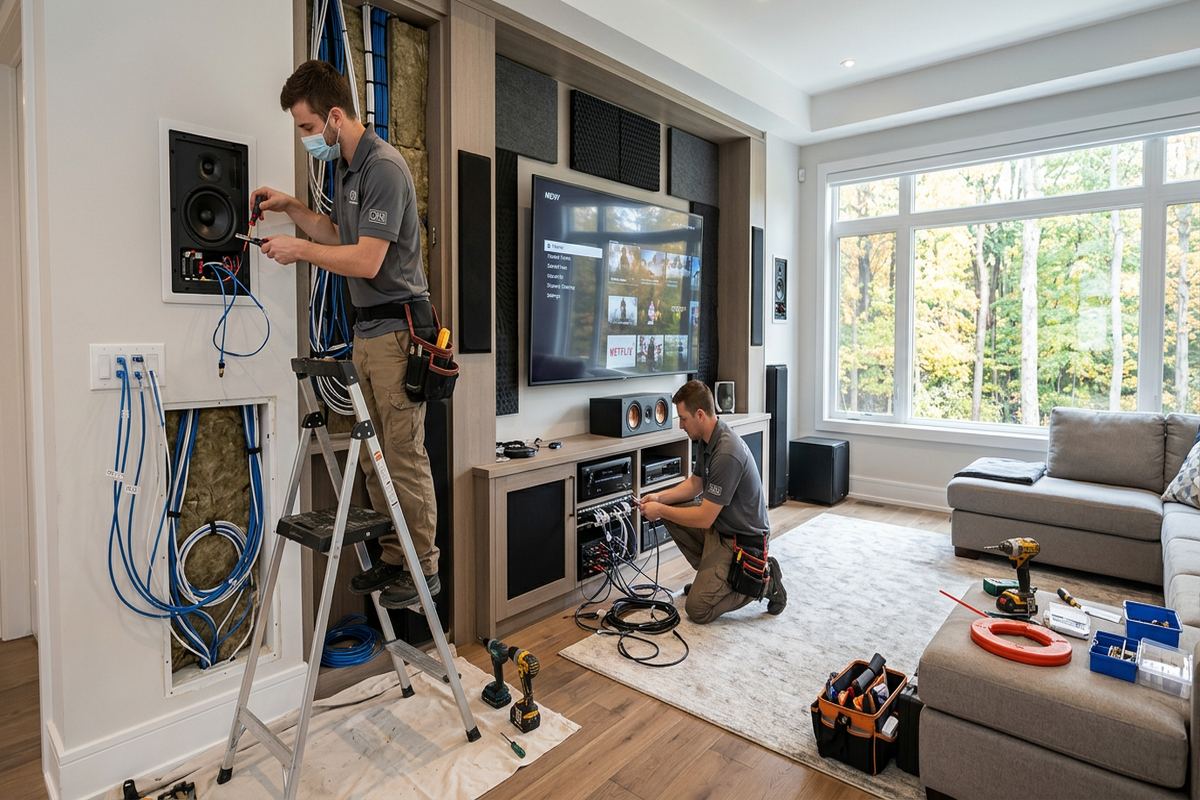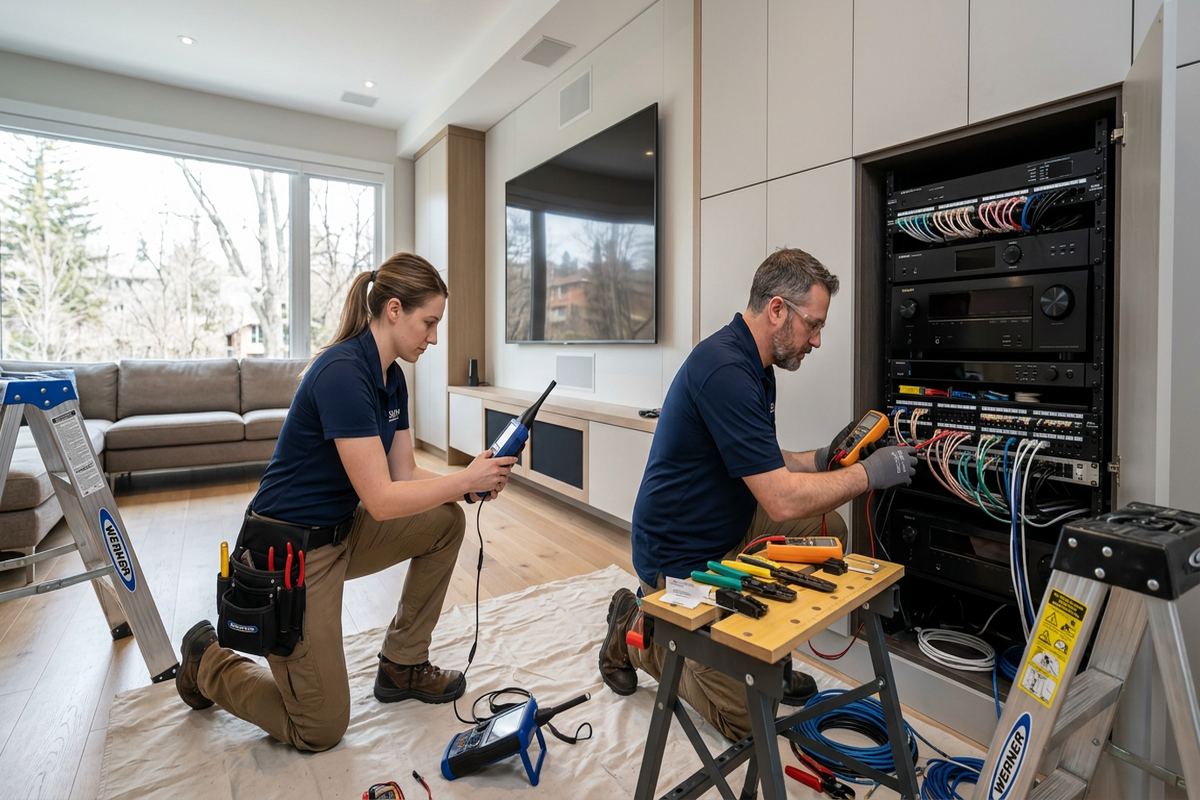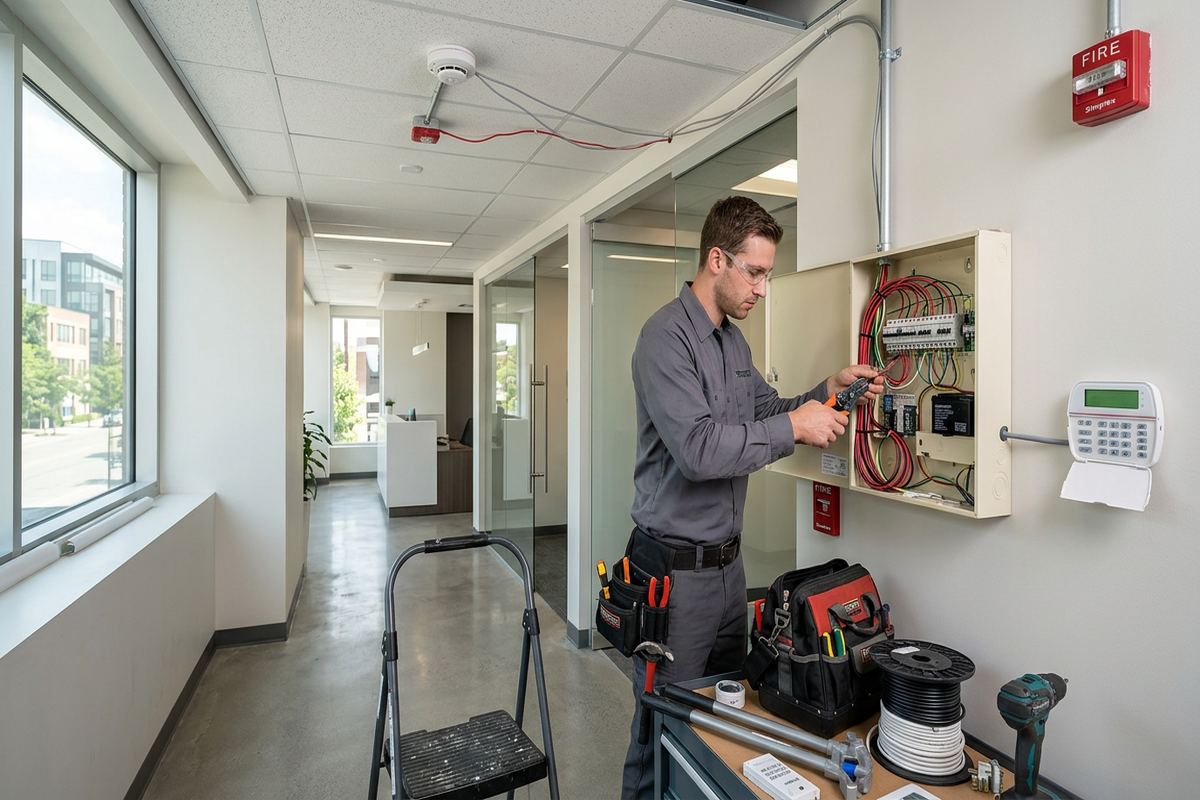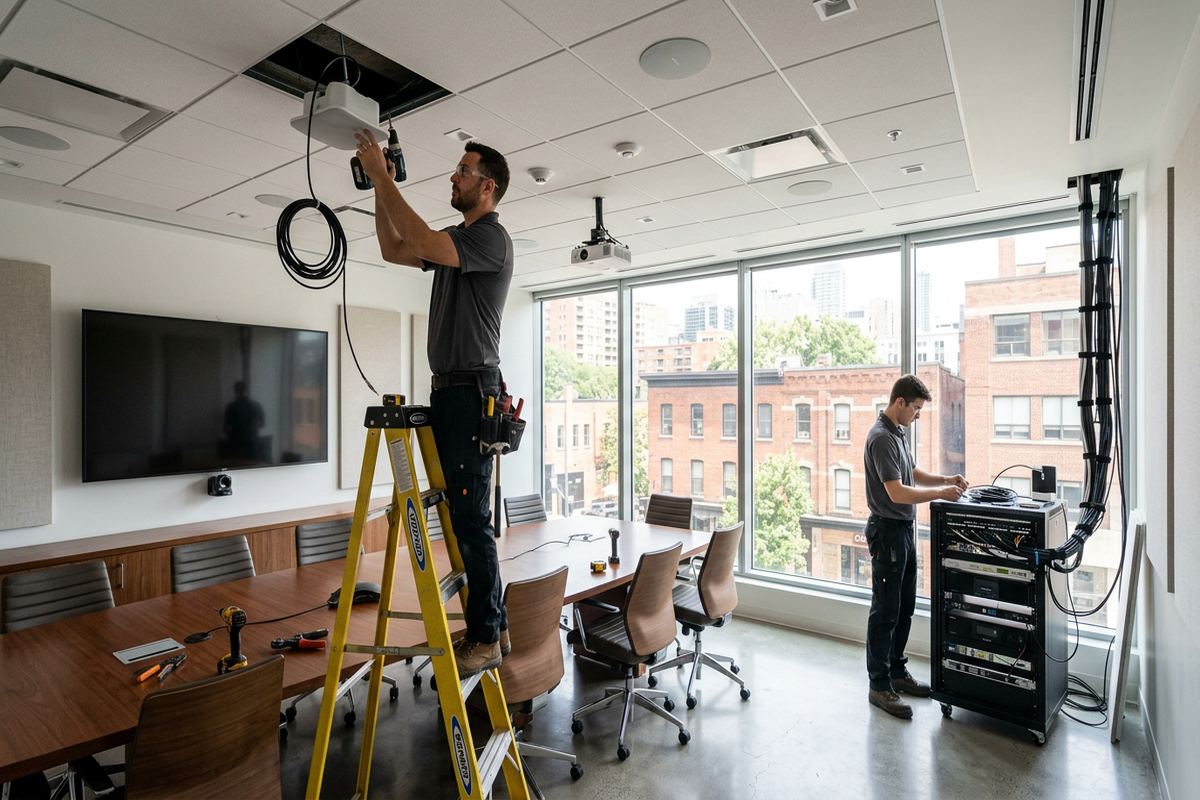
UnifiedLink installs home networks across Caledon, including wired Ethernet, Wi-Fi access points, network racks and connections for cameras, gates and outbuildings. We assess the property before pricing, plan around construction materials and outdoor distances, configure equipment on site and provide a clear written scope for the work.
Home Network Installation for Caledon Properties
A dependable home network starts with the property rather than a box of equipment. In Caledon, layouts range from compact newer homes in Mayfield West to rural acreages with long driveways, detached garages and other outbuildings. Those differences affect cable distances, access-point locations, exterior links and the number of network zones required. UnifiedLink begins with a site assessment before pricing. We review where internet service enters, how the building is constructed, which rooms need wired connections and where wireless coverage must extend. The resulting plan is based on measured conditions and intended use, not generic equipment placement.
Wired and wireless connections serve different purposes within the same installation. Ethernet is generally appropriate for desktop computers, televisions, network storage, security recorders and other fixed devices that benefit from a consistent link. Properly positioned Wi-Fi access points support phones, tablets and mobile equipment without relying on a single router at one end of the building. In larger Caledon homes, several access points may be preferable to one device operating at maximum power. Each proposed location is considered in relation to walls, floors, mechanical spaces, available cable routes and nearby sources of interference.
The assessment also accounts for services that may be added later. Outdoor cameras, gate controllers, video doorbells, alarm communicators and audio systems all place demands on the network. Rural properties around Palgrave or Caledon East may need connectivity beyond the main residence, while homes in Bolton may have finished basements that limit direct cable access. A written scope identifies equipment, cable routes, device placement, exclusions, equipment ownership and warranty. This allows the homeowner to understand what will be installed, where disruption may occur and which parts of the existing network will remain in use.
- Whole-home wired Ethernet planning
- Ceiling or wall-mounted Wi-Fi access points
- Router, switch and network rack installation
- Coverage planning for garages and outbuildings
- Connections for cameras, gates and smart-home devices
Planning Wi-Fi Coverage in Caledon
Wireless performance is shaped by construction materials, distance and interference. Masonry, concrete, metal ductwork, foil-backed insulation and in-floor heating components can weaken signals between rooms or levels. Older houses may have additions built with different materials, while newer frame construction can still contain mechanical zones that interrupt coverage. During a Caledon site assessment, we look at likely access-point positions rather than assuming that a central router will cover everything. The objective is useful coverage where people and equipment operate, including offices, bedrooms, finished basements, patios or workshops when those areas are included in the agreed scope.
Access points require both suitable placement and a dependable connection back to the network. Where practical, UnifiedLink uses continuous labelled cable runs rather than wireless repeaters as the primary connection between access points. A wired backhaul preserves capacity and avoids adding another radio hop. Cable can often be routed through basements, utility rooms, attics, closets or accessible framing cavities, but every house presents different constraints. Finished surfaces, fire separations and limited attic access may change the route. The written scope sets out the proposed path and notes any areas requiring openings, surface raceway or work by another trade.
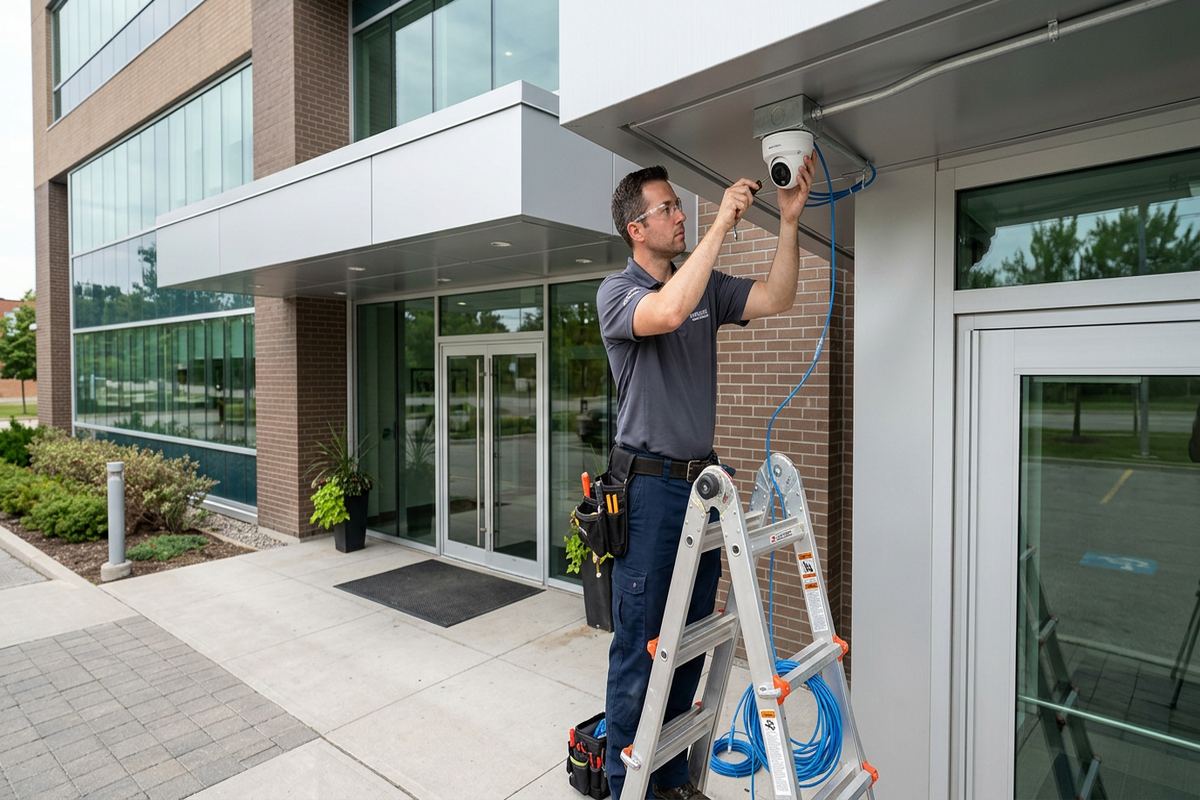
Coverage outside the house needs separate consideration, especially on Caledon acreages. An indoor access point near a window is not automatically suitable for a driveway, gate, detached building or outdoor camera. Exterior-rated equipment, mounting methods and cable protection must match the location. Winter temperatures, moisture and repeated freeze-thaw cycles can expose weak seals or poorly selected fittings. We plan exterior penetrations to shed water, seal around cables and avoid unnecessary openings. Any wireless bridge between buildings also requires a suitable line of sight, stable mounting and power at the remote location before it can be included in the design.
- Access points placed around actual construction barriers
- Wired backhaul instead of unnecessary repeaters
- Separate planning for indoor and outdoor coverage
- Exterior-rated hardware where conditions require it
- Channel and network settings configured on site
Wired Ethernet and Structured Cabling
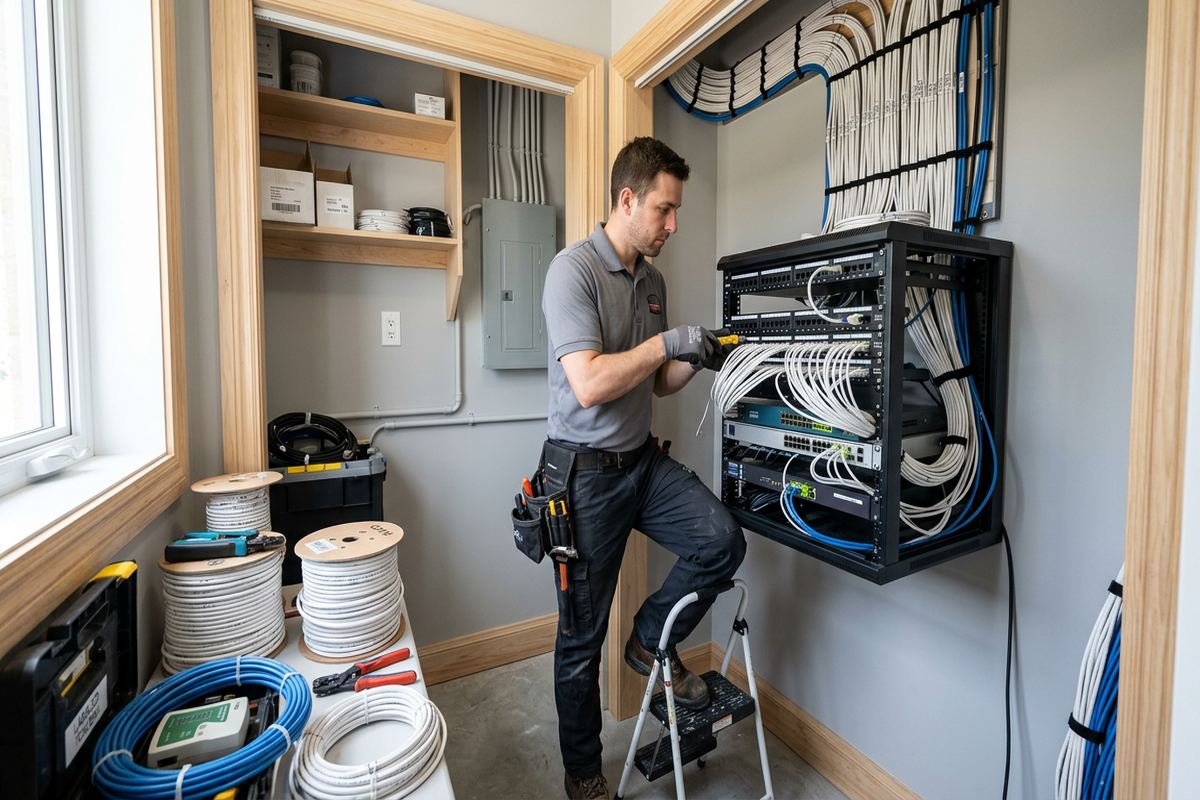
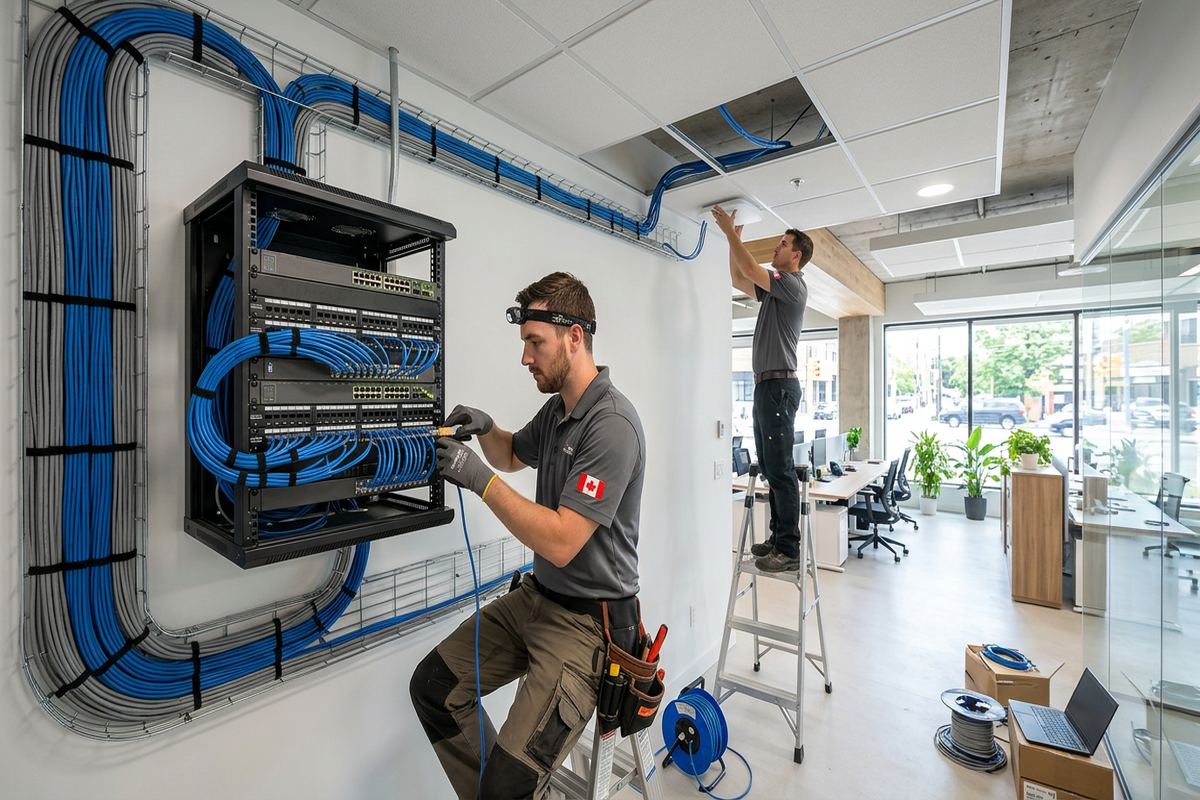
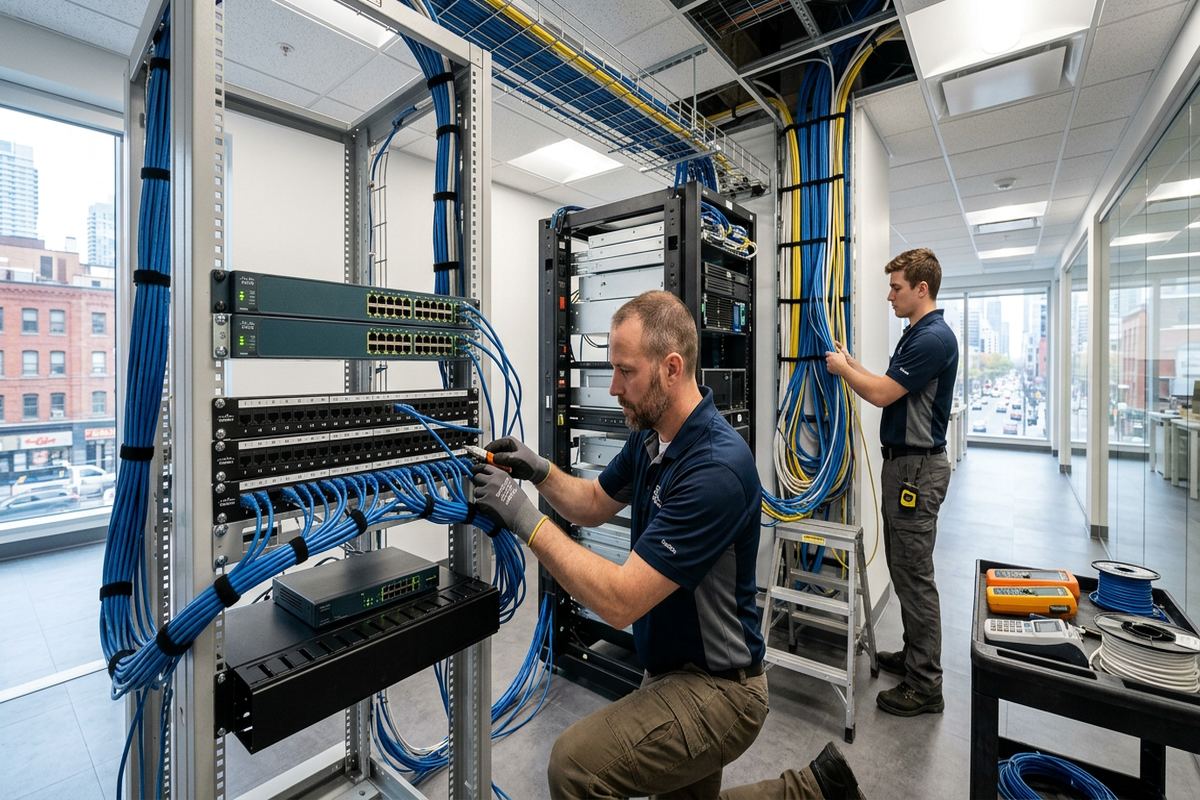
Structured cabling creates fixed network connections that are easier to identify, test and maintain. UnifiedLink installs continuous labelled cable runs from the network location to approved outlets or devices, using routes suited to the building. The central point may be a wall-mounted enclosure, backboard or rack, depending on available space and the amount of equipment. Patch panels and organized terminations keep individual runs accessible without loose cable connections. For a Caledon renovation or new build, early coordination can reduce visible cabling and provide outlets for offices, televisions, access points and security equipment before walls and ceilings are closed.
Existing homes require a more selective approach. In a frame house, routes may be available through floor joists, wall cavities or attic spaces, although insulation and blocking can restrict access. Masonry walls often call for adjacent framing routes, carefully positioned penetrations or surface-mounted raceway where concealed installation is not practical. Older building stock can include previous telephone, coaxial or improvised network wiring, but its presence does not confirm that it is suitable for current use. We inspect accessible cabling and avoid representing an unknown cable as serviceable until its route, condition and terminations can be reasonably checked.
Cable placement also matters around electrical wiring, lighting equipment, motors and other sources of interference. Runs need physical support and appropriate separation rather than being laid across ceilings or tied to unrelated building systems. At the device end, outlets should be positioned for practical patch-cord access without creating avoidable trip hazards. Once installed, connections are labelled and checked as part of commissioning. The as-built record identifies completed runs and their termination points. This documentation is useful when a room changes purpose, equipment is replaced or another contractor needs to understand the network layout without tracing every cable again.
- Continuous cable runs from outlet to network point
- Labelled patch panels and wall outlets
- Routes planned for frame and masonry construction
- Connections checked during commissioning
- As-built cabling record supplied at handover
Caledon, Ontario
Home network installation in Caledon, scoped in writing first
Book a site assessment and get equipment, routes, exclusions, and warranty on paper before anything is installed.
Networks for Rural Caledon Acreages
Long driveways and separate structures make rural network design different from ordinary whole-home Wi-Fi. A gate, barn, workshop or detached garage may sit well beyond the practical reach of an indoor access point. The first step is to define what must connect at each location: general Wi-Fi, a gate controller, intercom, camera, computer or several devices. From there, UnifiedLink can assess whether a buried cable pathway, fibre link or point-to-point wireless bridge is appropriate. Distance, terrain, trees, available conduit, power and exposure all influence the decision, so the route must be reviewed before equipment is specified.
Connections between buildings require attention to electrical and environmental conditions. Copper data cabling is not automatically the right choice for every detached structure, particularly where grounding differences or exposure are concerns. Fibre can provide electrical isolation, while a wireless bridge can avoid trenching when there is a clear and stable path between properly mounted radios. Existing conduit may be useful if its route, capacity and condition are suitable. The scope identifies which pathway is being used and what preparatory work is excluded. Excavation, electrical service or pole installation may need coordination with other qualified contractors depending on the property.
Gate access and outdoor camera coverage come up frequently on Caledon acreages because the entrance may be far from the residence. These systems need more than a visible Wi-Fi icon during setup. The link must support the device’s actual traffic, and the gate location needs appropriate power, enclosures and mounting. Outdoor cables and penetrations require protection from moisture, sunlight, physical damage and winter freeze-thaw conditions. Where a camera records to equipment in the house, network capacity and switching arrangements must also be considered. One coordinated design reduces gaps between the home network, gate equipment and security system.
- Network links for detached garages and workshops
- Gate controller and intercom connectivity
- Outdoor camera network planning
- Fibre or wireless bridge assessment
- Coordination around conduit, power and excavation
Network Equipment and On-Site Configuration
Good cabling cannot compensate for poorly arranged network equipment. The router, switches, access points and service-provider hardware need compatible roles and a logical layout. UnifiedLink reviews the existing modem or gateway, available ports, power, ventilation and mounting space before proposing changes. Some installations can retain provider equipment in a limited role, while others benefit from separate routing and Wi-Fi hardware. The choice depends on the internet service, required features and ownership preferences. Equipment included in the project is listed in the written scope, along with any customer-supplied devices that will be configured or connected on a reasonable-effort basis.
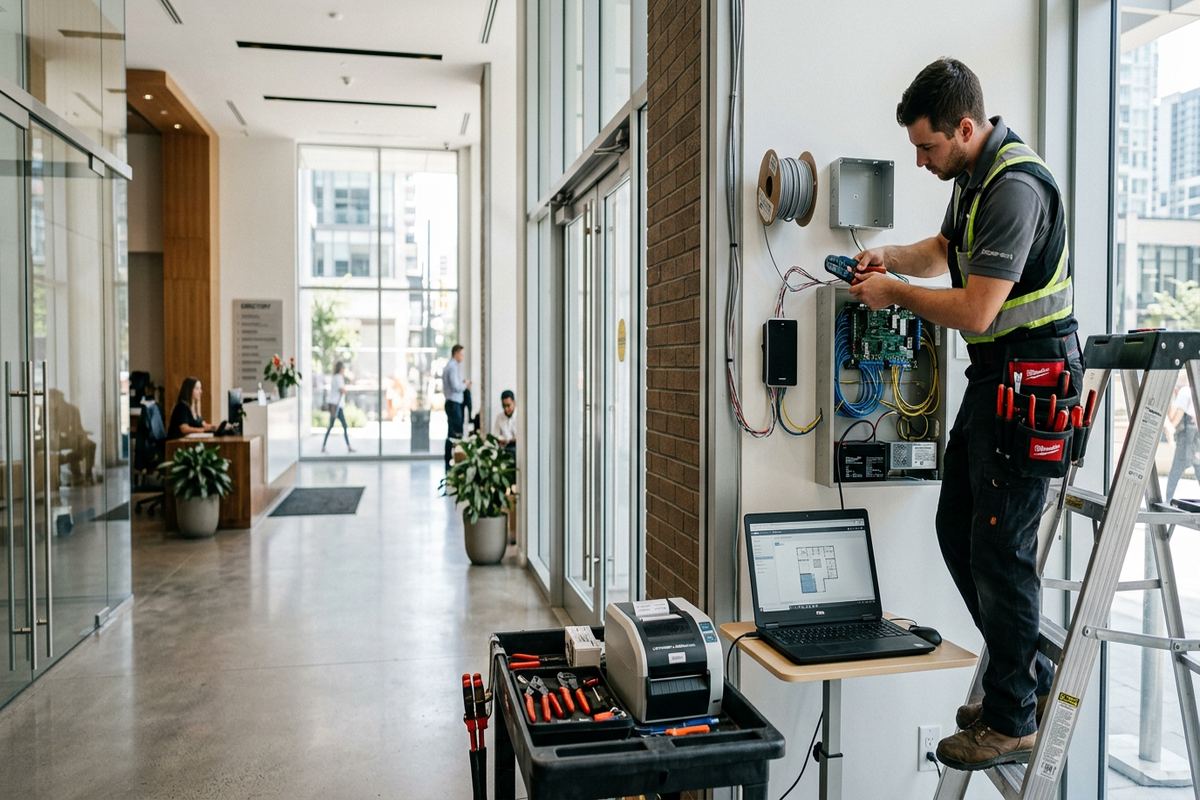
Power over Ethernet can simplify suitable access-point, camera and intercom installations by carrying network data and operating power over the same cable. However, the switch must provide the required standard and enough power for all connected devices. We calculate the intended device load rather than assuming every labelled PoE port has unlimited capacity. Equipment also needs airflow, secure mounting and access for future service. A crowded utility cabinet beside heat-producing appliances is rarely an ideal network location. Where practical, the design groups terminations, switching and power protection in an organized area without blocking building controls or electrical panels.
Configuration takes place on site so settings can be checked against the installed environment. This may include router setup, access-point adoption, network naming, channel selection, software updates and separation of selected device groups where supported by the agreed equipment. The customer receives control using their own credentials rather than an installer-owned account. At handover, UnifiedLink provides the as-built record and reviews the main equipment locations and connections. Internet speed itself remains dependent on the subscribed service and provider conditions, but the internal network is commissioned to match the documented design and connected devices included in scope.
- Router, switch and access-point setup
- Power over Ethernet capacity planning
- Organized rack or backboard layouts
- Customer-owned administrative credentials
- On-site commissioning and documented handover
Renovations, New Builds and Finished Caledon Homes
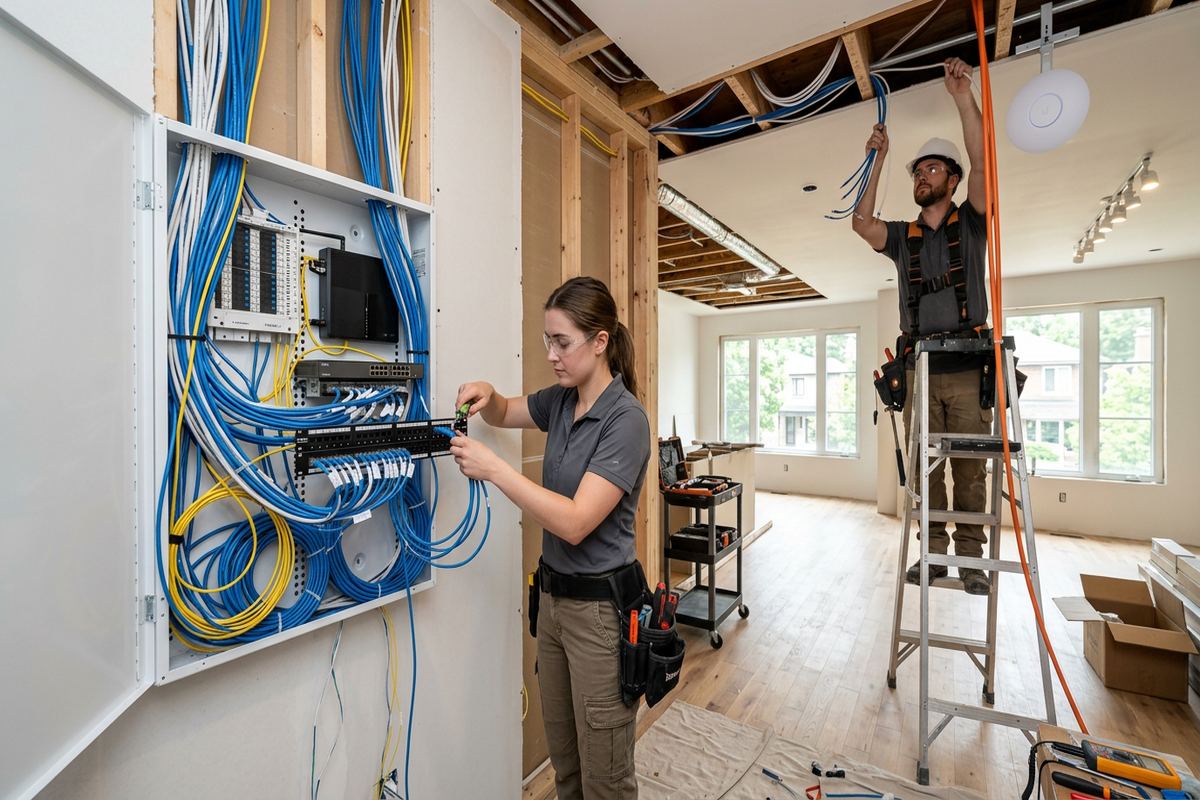
The best time to plan cabling is before insulation and drywall, but network work can also be completed in occupied homes. For a Caledon new build or major renovation, we coordinate outlet quantities, access-point locations, rack space and incoming service pathways before finishes conceal the framing. Drawings are useful, but a site review remains important because mechanical systems and framing changes can alter cable routes. Leaving deliberate pathways for future services is more useful than placing loose, unidentified cable in walls. Any conduit, pull string or spare run included in the scope is documented so its endpoints can be found later.
Finished houses call for balancing coverage with disruption. Bolton and Inglewood properties may include remodelled basements, additions or converted rooms where original pathways no longer remain accessible. Rather than promise fully concealed cabling without inspection, we identify practical routes and explain visible sections before work begins. Closets, utility areas and attached garages can sometimes provide transitions between levels. Where concealment is not feasible, neat surface raceway may be considered. Openings, patching and painting responsibilities are stated in the written scope, preventing assumptions about which finishing work is included after cable installation is complete.
Approvals can affect work in condominiums, rental homes and managed communities. A homeowner or tenant may need permission before drilling exterior walls, entering common spaces, mounting equipment or using shared telecommunications rooms. Landlords and condominium corporations may also set working-hour, insurance or restoration requirements. UnifiedLink can define the proposed network work, but the customer is responsible for securing required authorizations unless the scope states otherwise. In Mayfield West or other denser developments, shared walls and closely spaced wireless networks can influence access-point and channel planning. The installation still has to respect building rules and property boundaries.
- Pre-drywall network design and rough-in
- Cable planning for additions and basement renovations
- Practical routes through finished homes
- Surface raceway where concealment is unavailable
- Scope clarity for approvals and finishing work
Caledon Networks for Home Offices and Small Businesses
Home offices need more than general household coverage when calls, remote access and large file transfers are part of daily work. A wired desk connection can reduce reliance on changing wireless conditions, while a nearby access point supports mobile devices. In Caledon homes where the office occupies an addition, basement or room above a garage, building materials may separate it from the main router. We assess the office location, fixed equipment and privacy requirements alongside the rest of the property. Network segmentation may be configured where the selected equipment supports it and the function is included in scope.
Small commercial spaces have related needs but different physical constraints. Bolton commercial strips and local industrial units may contain concrete block walls, steel framing, high ceilings, racking or neighbouring networks that affect wireless coverage. The network may support workstations, payment terminals, displays, cameras, access control or guest Wi-Fi, each with different connection priorities. Device locations and cable routes should be planned before equipment is mounted. Work in a leased unit can also require landlord approval for penetrations, roof access or changes to shared service areas. Those permissions need confirmation before installation dates and routes are finalized.
A single accountable contractor is useful when networking supports several low-voltage systems. UnifiedLink can coordinate the network connections used by security cameras, alarms, access control, audio and displays when those services are part of the project. This avoids separate assumptions about switch capacity, cable ownership or where equipment will terminate. It does not make every device interchangeable, so compatibility is reviewed during scoping. For a mixed residential and business property in Caledon, the design can distinguish household, work and security functions while retaining a documented physical layout that another authorized service provider can understand later.
- Wired connections for desks and workstations
- Wi-Fi planning for block walls and steel framing
- Network support for cameras and access control
- Segmentation where supported by selected equipment
- Coordination for leased and mixed-use properties
Assessment, Installation and Handover in Caledon
Every project begins by clarifying what is failing, what must improve and which areas are included. During the Caledon site assessment, we review internet entry points, current network hardware, construction barriers, cable access and required coverage. We also note fixed devices, outbuildings and planned systems that may affect switching or cabling. Site assessment timing depends on the service and travel distance. Requests sent during business hours are answered the same day, while after-hours requests are answered the next business day. Pricing follows the assessment rather than relying on assumptions about floor area or the number of visible rooms.
Before installation, the customer receives a written scope covering equipment, cable routes, device placement, exclusions, equipment ownership and warranty. This document establishes whether existing hardware will remain, which surfaces may be accessed and what work another trade must complete. On installation day, cable runs are supported, terminated and labelled according to the agreed layout. Equipment is mounted where ventilation, access and physical conditions are suitable. If concealed conditions prevent the planned route, the issue is discussed before a materially different path is used. That process keeps changes visible rather than treating them as undocumented field decisions.
Handover is part of the installation rather than an optional final step. UnifiedLink configures included equipment on site, confirms the documented connections and provides the customer with control through their own credentials. The as-built record identifies network equipment and labelled cable endpoints included in the work. We explain basic restart points and the distinction between provider hardware and customer-owned equipment. For Caledon properties with gates, cameras or outbuilding links, the record also helps show how those remote connections return to the main network. The result is a maintainable system with one accountable contractor for the agreed work.
- Site assessment completed before pricing
- Written scope issued before installation
- Supported, terminated and labelled cable runs
- Configuration using customer-controlled credentials
- As-built record provided at handover
Caledon neighbourhoods we cover
- Bolton
- Caledon East
- Inglewood
- Alton
- Mayfield West
- Palgrave
Home network installation in Caledon — common questions
Can you improve Wi-Fi in a large Caledon home?
Yes. We first assess the floor plan, construction materials, existing equipment and rooms requiring coverage. Large Caledon homes often need multiple wired access points rather than one high-powered router or a chain of repeaters. The proposed locations and cable routes are documented before installation, with exterior areas or detached structures assessed separately.
Can my garage or outbuilding share the home network?
Often, but the connection method depends on distance, available conduit, power, terrain and line of sight. For Caledon acreages, we may assess fibre, an appropriate wired pathway or a point-to-point wireless bridge. Outdoor exposure, electrical conditions and winter freeze-thaw cycles are considered before a method is included in the written scope.
Will you run Ethernet through finished walls?
Where accessible routes exist, Ethernet can often be installed through basements, attics, closets or framing cavities. Concealment cannot be confirmed until the Caledon property is assessed. Masonry, insulation, blocking and previous renovations may require an alternate route or surface raceway. The scope identifies expected openings and clarifies responsibility for patching and painting.
Do I need landlord or condominium approval?
Possibly. Tenants and condominium owners may need written approval for exterior drilling, common-area access, equipment mounting or work in shared telecommunications rooms. Some properties also impose scheduling and restoration conditions. UnifiedLink can document the proposed work, but the customer must obtain required Caledon landlord or condominium approvals unless the written scope assigns that responsibility differently.
Can you use my existing router and cabling?
Existing equipment may be retained when it is suitable for the required design and can be configured appropriately. We inspect accessible cabling, hardware roles, port capacity and equipment condition during the assessment. Unknown or unlabelled cable is not assumed to be serviceable. The written scope states which customer-owned equipment remains and any limits on configuration or support.
What do I receive after installation?
You receive on-site configuration of included equipment, control through your own credentials and an as-built record identifying the installed equipment and labelled cable endpoints. For a Caledon property with access points, cameras, a gate or an outbuilding link, the record documents how those connections return to the main network and distinguishes provider equipment from customer-owned components.
Coverage in Caledon is confirmed against the address before we quote. See everything we install in Caledon or the province-wide home network installation page.