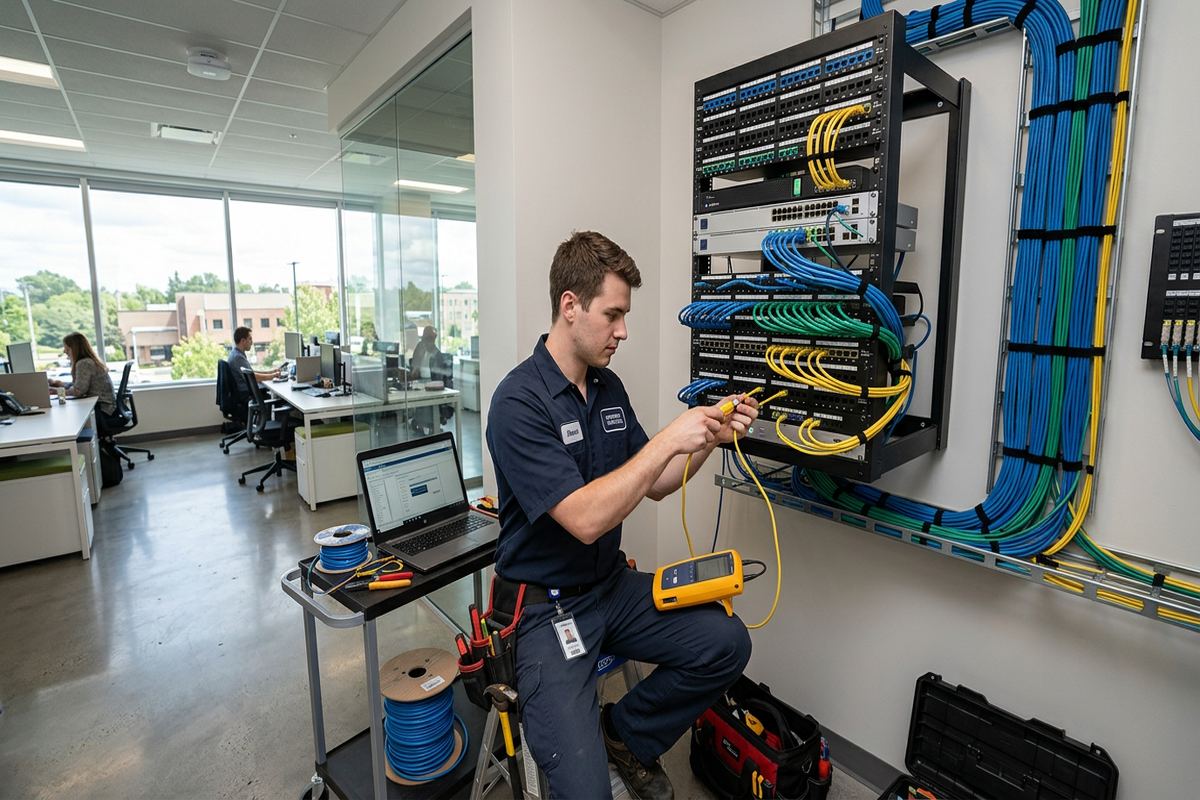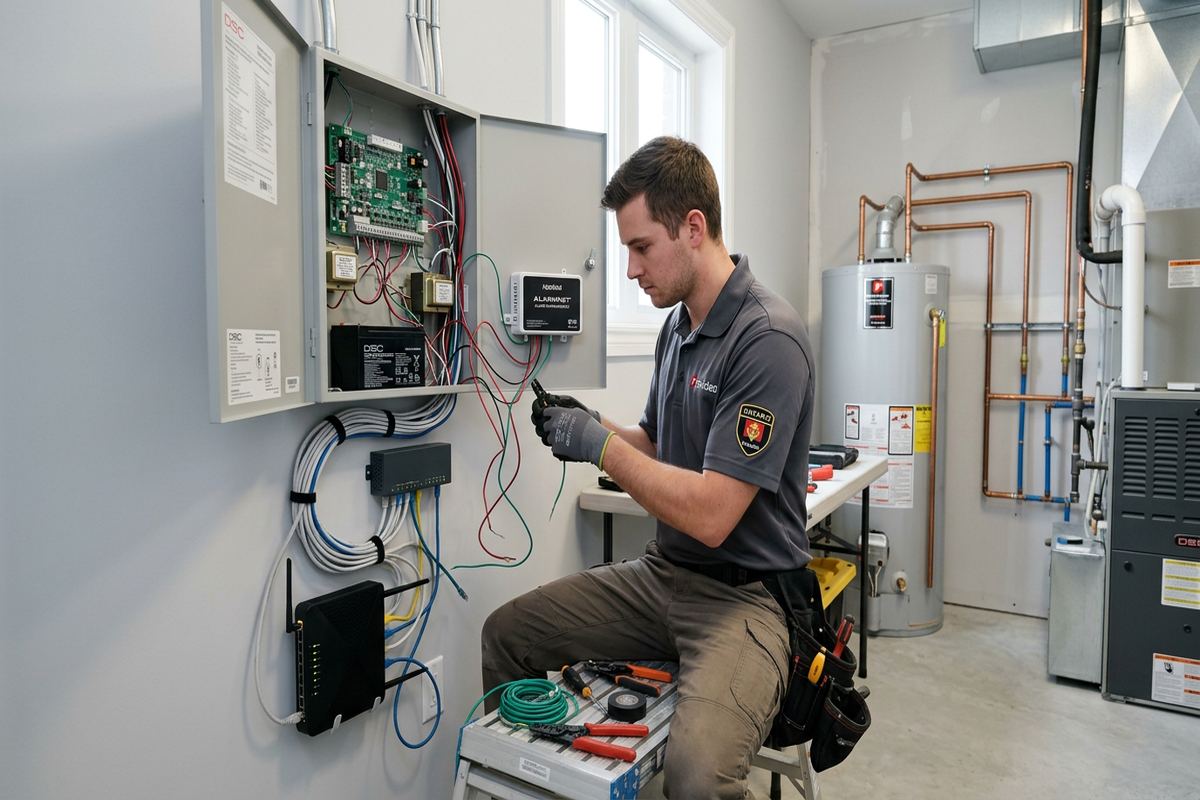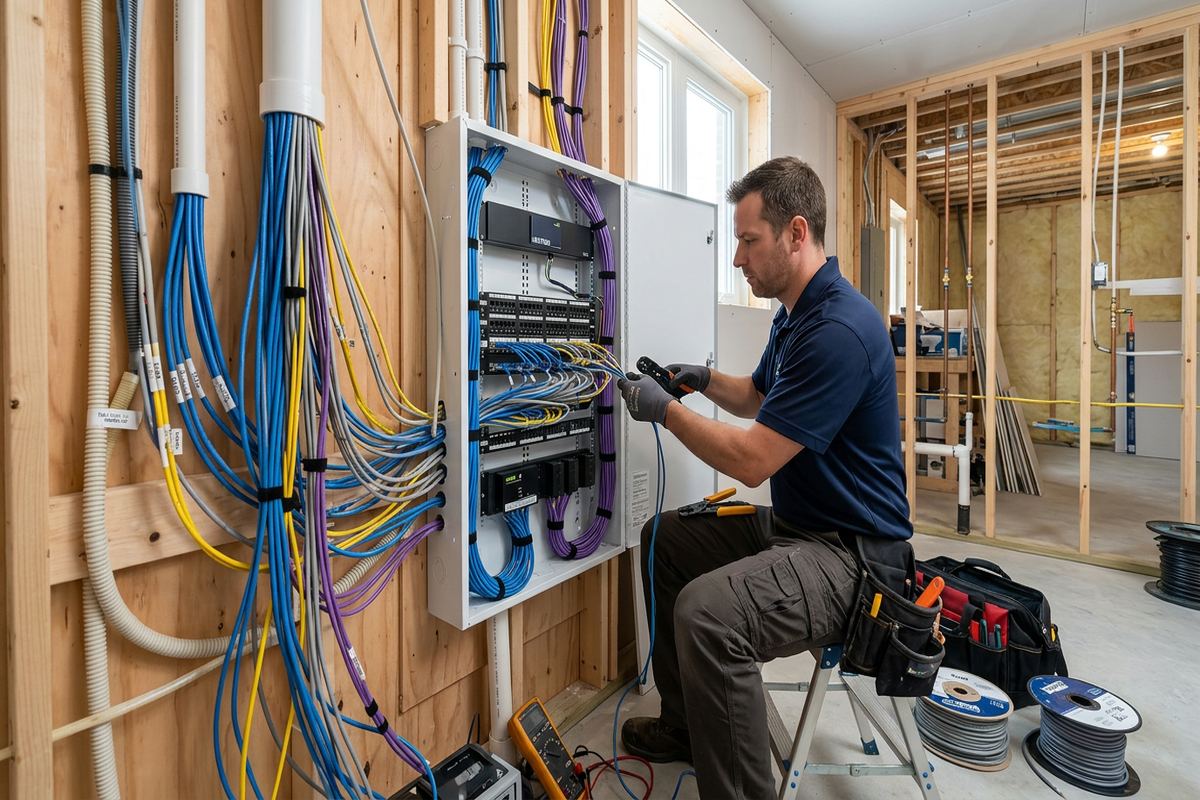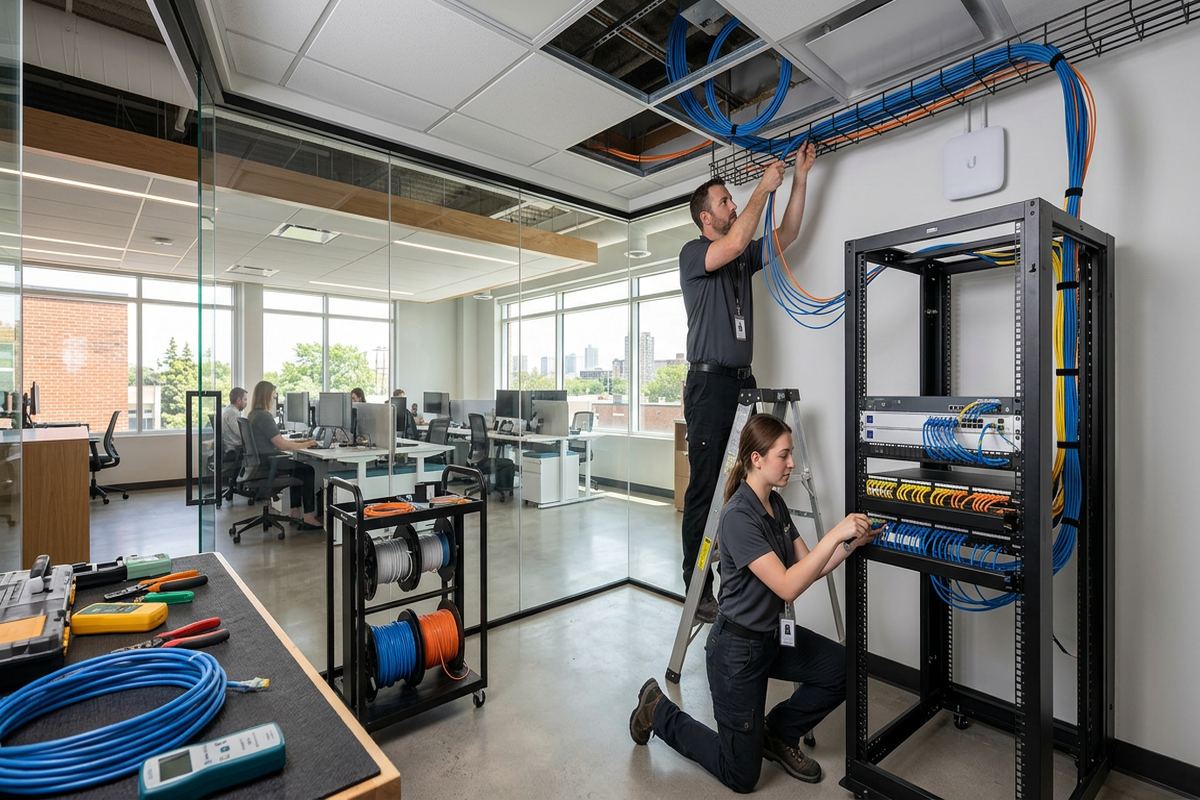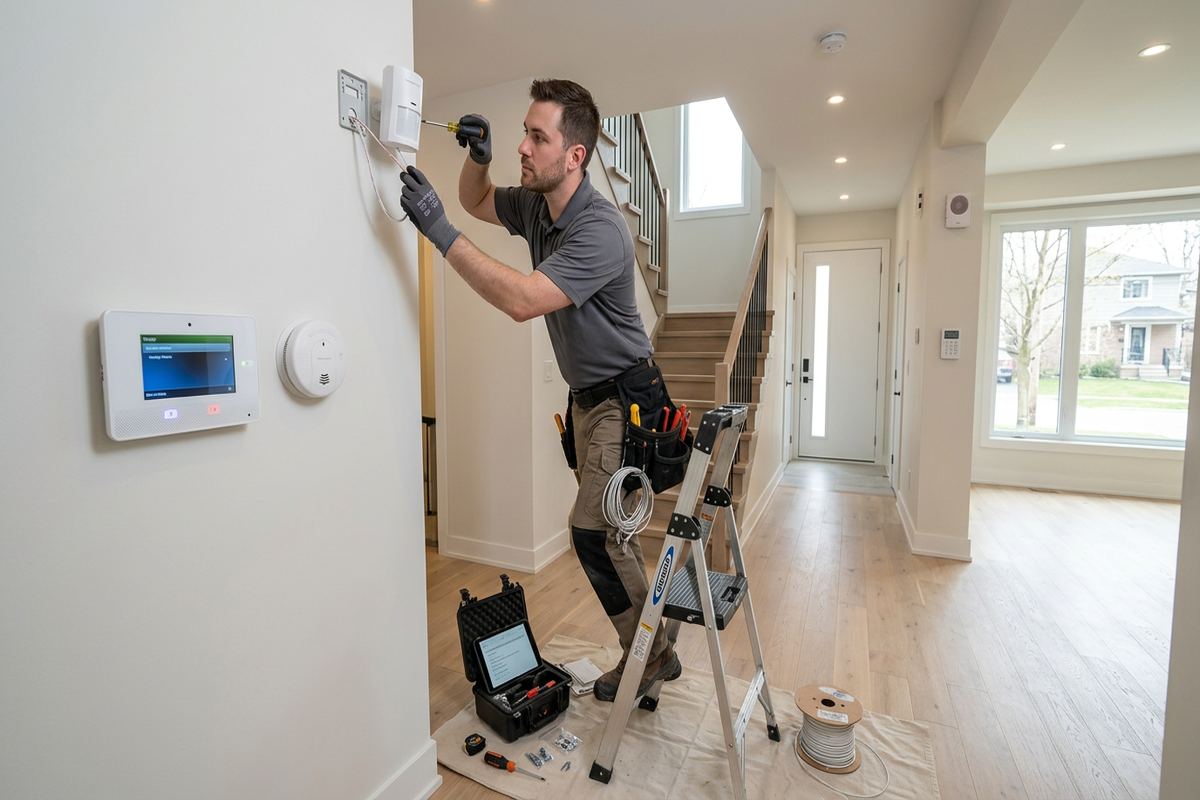
UnifiedLink installs wireless alarm systems for homes, seasonal properties, shops and commercial units across Fort Erie. We assess the site, plan sensor and hub placement, configure the system on-site and explain its operation. Each project receives a written scope before work begins, including equipment ownership, exclusions, cable routes where required and warranty information.
Wireless Alarm Planning for Fort Erie Properties
A wireless alarm should be designed around the property rather than assembled from a standard device list. During a Fort Erie site assessment, UnifiedLink reviews entrances, accessible windows, attached garages, interior circulation routes and likely equipment locations. We also discuss who uses the building, whether it sits vacant for part of the year and how alerts should be handled. These details determine appropriate sensor types, keypad locations, siren coverage and hub placement. Pricing follows the assessment, so the proposed system reflects actual construction, coverage needs and operating expectations instead of assumptions made remotely.
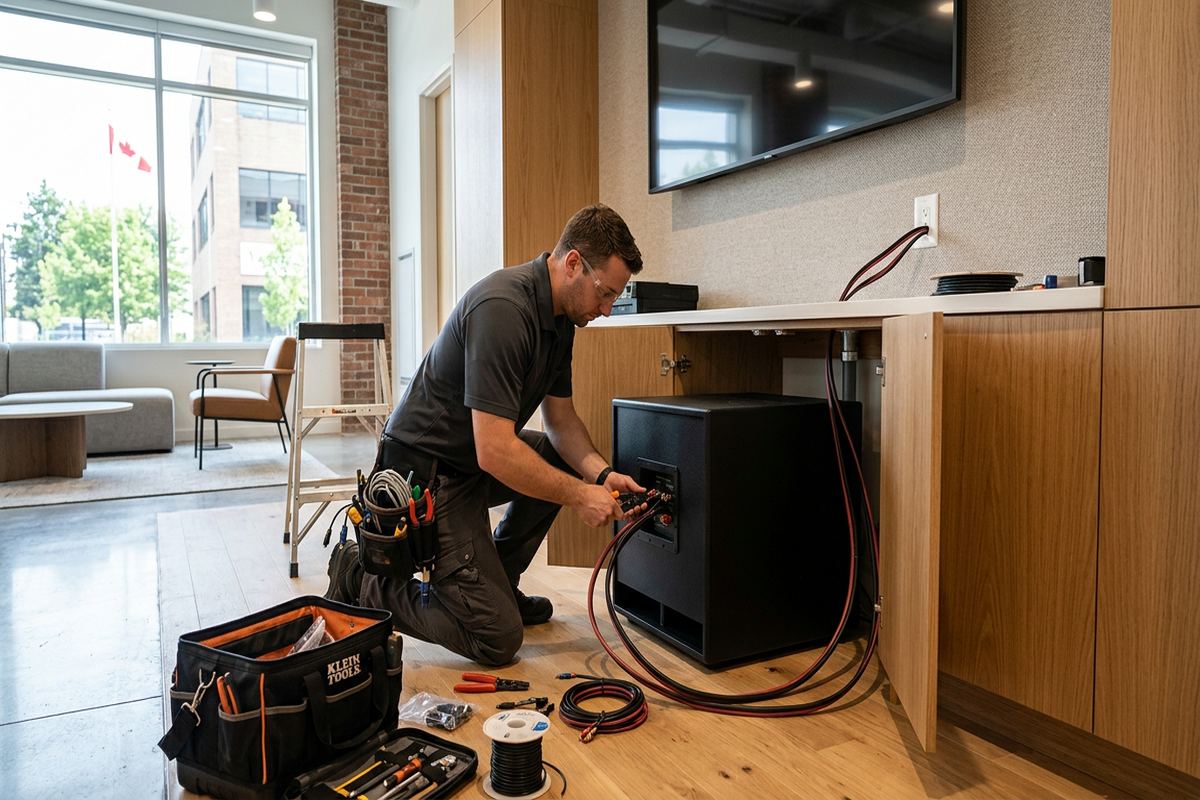
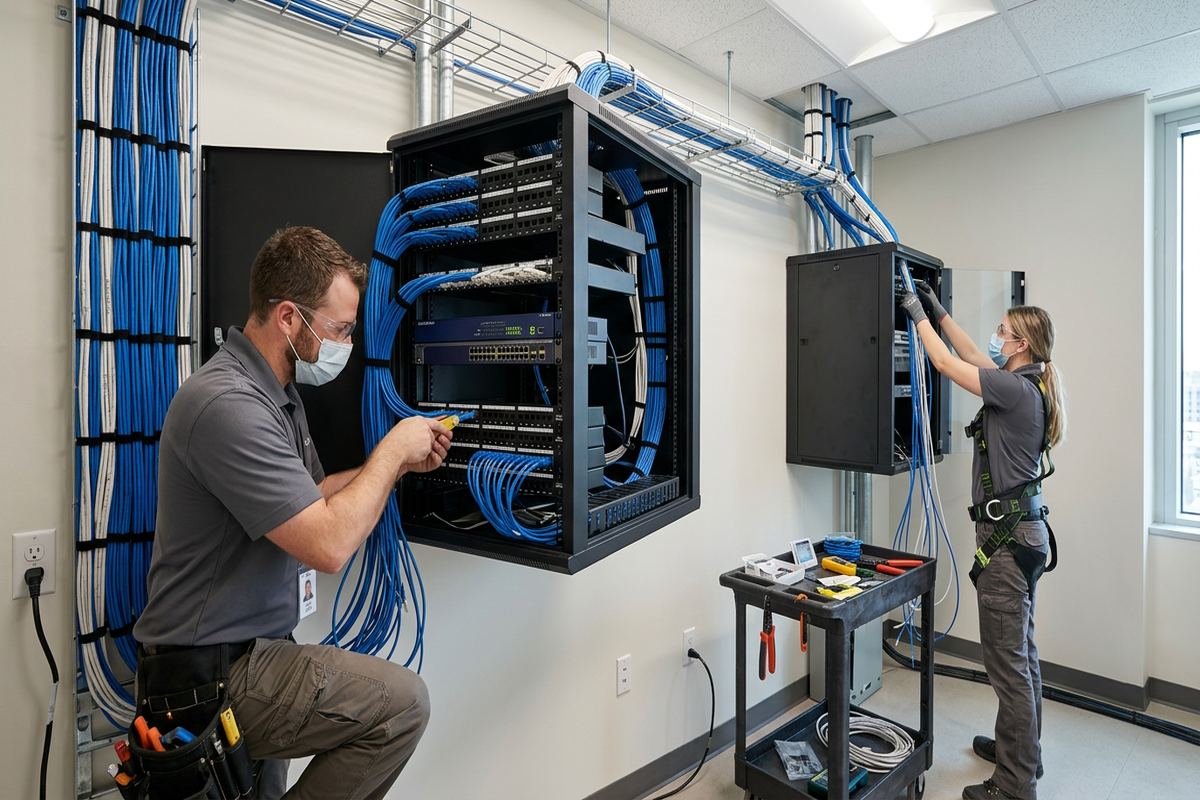
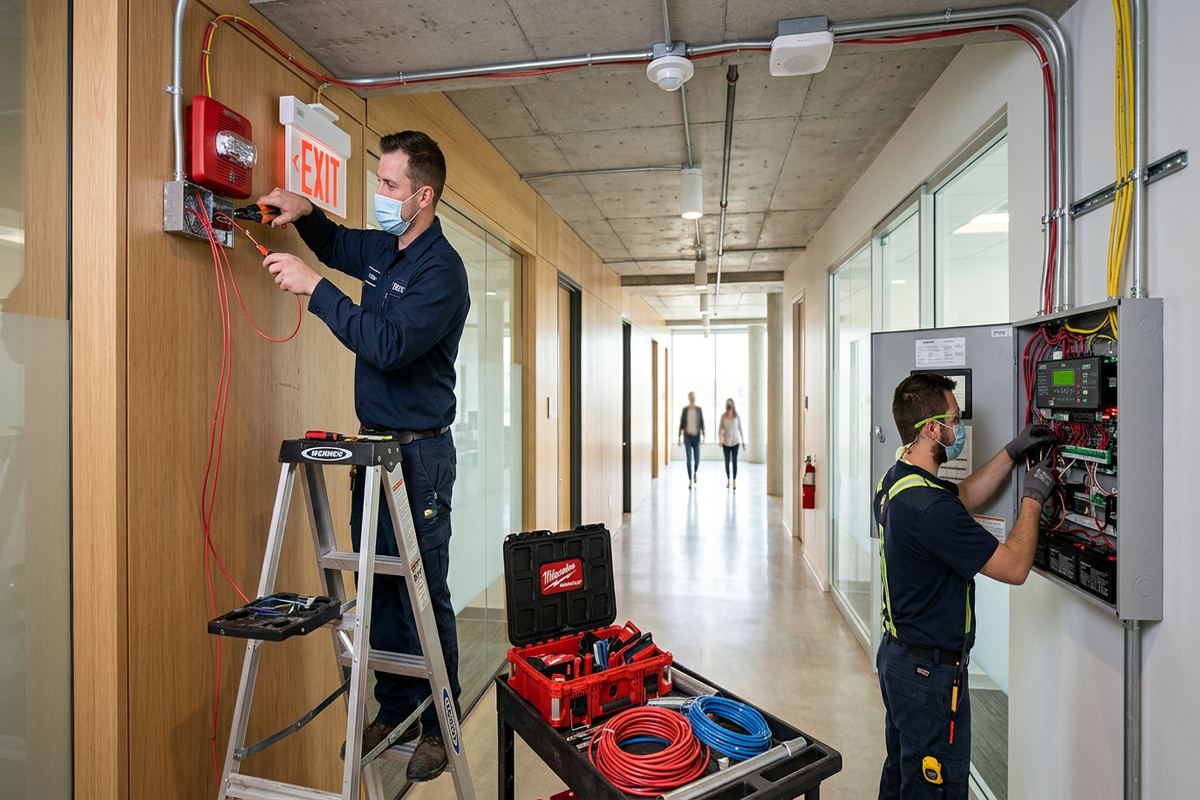
Wireless describes communication between many alarm devices, but it does not mean every component operates without cabling or power. The central hub, communicators, powered sirens and network equipment may still need receptacles, Ethernet or carefully routed low-voltage cable. Where cable is required, UnifiedLink installs continuous labelled runs and records their purpose. The written scope identifies equipment, cable routes, device placement, exclusions, ownership and warranty details. This makes it clear which parts rely on batteries, which depend on local power or internet service and what happens when one of those supporting services becomes unavailable.
Fort Erie properties range from older masonry buildings and frame houses to commercial strips, industrial units and newer residential construction. Radio performance can differ substantially between these structures. Brick, concrete, metal siding, foil-backed insulation, utility rooms and large appliances can weaken signals or create unreliable paths between sensors and the hub. UnifiedLink checks proposed locations on-site and tests enrolled devices before handover. When a detached garage, outbuilding or distant entrance is involved, we assess whether the selected platform can support it reliably rather than assuming that a published open-air range applies inside a finished property.
- Door, window and interior sensor planning
- Hub, keypad and siren placement
- Power, internet and communicator review
- Wireless signal testing at installed locations
- Written scope before installation
Choosing Wireless Alarm Devices in Fort Erie
Device selection begins with the event that needs to be detected. Door contacts monitor openings, motion detectors cover movement through defined areas and glass-break sensors listen for specific acoustic patterns. Other compatible devices may supervise smoke, heat, carbon monoxide, water or low temperature, depending on the chosen alarm platform and project scope. UnifiedLink explains what each device detects, where it is appropriate and what it cannot identify. This avoids unnecessary overlap while reducing gaps around vulnerable entry points, basement access, patio doors, service corridors and rooms containing equipment or materials that warrant additional supervision.
Homes near the lake and border-adjacent businesses often need exterior devices, but outdoor installation requires more than attaching an indoor sensor beneath an overhang. Weather-rated equipment is standard for exposed Fort Erie locations. Device ratings, operating temperature limits, direct precipitation, snow accumulation, sunlight and wind-driven moisture all affect placement. Mounting surfaces also matter: masonry requires suitable anchors, while frame walls require fastening that does not compromise cladding or hidden services. Exterior penetrations are kept controlled and sealed appropriately, with drip paths and cable entry direction considered wherever a powered or cabled device forms part of the design.
Pet movement, heating equipment and changing room layouts can affect motion detection. A detector aimed across a stairway, fireplace, supply register or large sunlit window may produce avoidable alarms. Seasonal homes introduce other variables because furniture, curtains and stored items may change between visits. UnifiedLink positions and configures devices using the manufacturer’s intended coverage pattern, then performs walk tests under practical conditions. Where motion detection is unsuitable, perimeter contacts or another sensor type may be proposed. The objective is useful detection without pretending that one sensor can interpret every person, animal or environmental change correctly.
- Perimeter door and window contacts
- Interior motion and glass-break detection
- Compatible life-safety and environmental sensors
- Weather-rated outdoor alarm devices
- Practical pet and room-use considerations
Older Buildings, Masonry and Wireless Signals
Bridgeburg and other established parts of Fort Erie include properties where previous renovations have created mixed construction: original masonry, frame additions, finished basements and newer metal-clad sections may all exist in one building. These layers can make radio paths difficult to predict. A central-looking hub location is not automatically the strongest location. UnifiedLink checks signal communication from each proposed sensor position and considers access for service, available power and network connectivity. If a repeater or alternate hub position is appropriate, that requirement is identified before the installation is finalized rather than discovered after devices have been permanently mounted.
Freeze-thaw cycles are especially relevant where equipment is fixed to brick, block, concrete or exterior trim. Water entering an unsealed opening can expand during freezing, damage surrounding material or reach a cable path. Installers must also avoid placing contacts where door and window movement will strike them as materials shift. UnifiedLink selects fasteners and sealing methods for the mounting surface and keeps exterior openings limited. Wireless equipment can reduce invasive cabling in finished older buildings, but mounting still needs care. A small device does not remove the need to consider drainage, substrate condition and seasonal movement.
Metal doors and frames are common in storefronts, service entrances and industrial units. They can complicate magnetic contact alignment and may affect wireless transmission, particularly when a sensor is enclosed by surrounding metal. Overhead doors present further issues because panels move, tracks vibrate and ordinary residential contacts may not suit the opening. UnifiedLink reviews these conditions during the assessment and specifies suitable contact arrangements for the selected system. The installation is tested with doors fully opened and closed, not merely checked while stationary. Any limitations involving range, mounting clearance or door hardware are documented in the project scope.
- Mixed-construction signal assessment
- Masonry-appropriate anchors and sealing
- Freeze-thaw exposure considered
- Metal door contact planning
- Installed-position communication tests
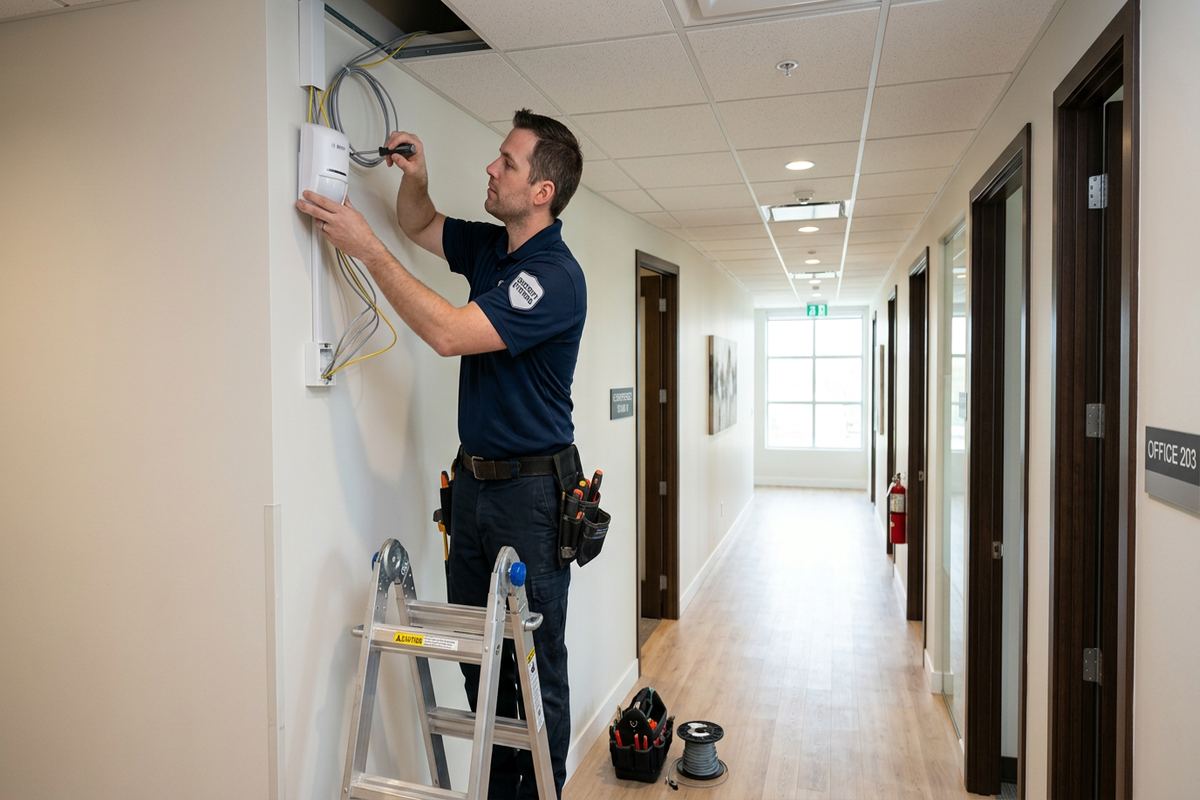
Fort Erie, Ontario
Wireless alarm installation in Fort Erie, scoped in writing first
Book a site assessment and get equipment, routes, exclusions, and warranty on paper before anything is installed.
Wireless Alarms for Seasonal Fort Erie Homes
Crystal Beach and other lakefront areas include homes that may be occupied intermittently or closed for part of the year. An alarm plan for a seasonal property should account for long vacant periods, changing internet availability, low indoor temperatures and delayed discovery of maintenance problems. UnifiedLink reviews how the property is winterized, who can attend locally and which notifications are useful to the owner. Intrusion detection may be combined with compatible low-temperature or water sensors when the selected platform supports them. These devices provide information, but they do not replace winterization, plumbing maintenance or a person able to investigate.
Remote application access is useful only when accounts, connectivity and notification settings are properly established. At handover, UnifiedLink configures the system using the customer’s own credentials rather than retaining control through an installer-owned account. Users are shown how to arm and disarm, review events, manage authorized users and respond to battery or communication warnings. The as-built record identifies installed device locations and relevant system details. Owners should still review their internet, cellular or monitoring arrangements before leaving, because app operation and off-site reporting depend on the services supported by the selected equipment and subscription.
Seasonal turnover also affects codes and access permissions. Family members, cleaners, contractors and property managers should not necessarily share one permanent code. Where the platform permits, separate users can simplify access changes and event review. UnifiedLink discusses practical code management without collecting more personal information than the setup requires. Doors that swell, shift or are adjusted between seasons should be checked so contacts remain aligned. Before an extended vacancy, the owner should test the system, confirm notification recipients, replace batteries when indicated and verify that someone understands how to attend if an alert occurs.
- Vacancy-focused perimeter protection
- Optional low-temperature and water detection
- Customer-controlled application credentials
- Separate user access where supported
- Documented device locations at handover
Fort Erie Business Alarm Installation
Border-adjacent businesses, commercial strips and industrial units often require different alarm zones for public entrances, stock areas, offices, loading doors and staff-only spaces. Opening and closing procedures may involve several employees, while deliveries can occur through a separate entrance. UnifiedLink maps these routines before assigning zones, partitions or user permissions supported by the selected platform. The written scope distinguishes base alarm functions from optional monitoring, networking or access-control work. This provides one defined installation plan and helps the business understand which events generate a local siren, an application alert or a response through a separately arranged monitoring service.
Wireless equipment can reduce disruption in finished retail and office spaces, particularly where running new cable would require opening ceilings or crossing occupied areas. It is not automatically the right choice for every device. Large metal shelving, coolers, machinery, concrete demising walls and changing inventory can alter wireless performance. UnifiedLink tests communication in the installed environment and considers how future fit-out changes may affect it. Powered devices and network connections are routed deliberately, with continuous labelled cable runs where cabling forms part of the scope. Equipment is configured on-site and tested by zone before staff receive operating instructions.
A business alarm must fit the lease and the building’s approval requirements. Tenants should confirm permission before devices are drilled into exterior walls, common corridors, doors or window frames. The same applies to condominiums where boards or property managers may control common elements and exterior appearance. UnifiedLink can identify intended mounting points and cable routes in the written scope so the customer can obtain approval. We do not treat tenant authorization as landlord authorization. If requested changes affect placement or system performance, they are reviewed before installation rather than improvised after access to the site has been arranged.
- Separate business areas and alarm zones
- Staff user and code planning
- Loading and service door contacts
- Labelled cabling where required
- Landlord or condominium approval planning
Monitoring, Notifications and Connectivity
A wireless alarm can operate locally, send application notifications or connect to a compatible monitoring service, depending on the equipment and service arrangement. These functions are not interchangeable. A siren alerts people nearby, an app sends information through available communications and monitored service follows the provider’s procedures. UnifiedLink explains the selected configuration and records exclusions before installation. In Fort Erie, owners of seasonal homes and businesses should decide who receives alerts and who can physically attend. Technology can report an event, but it cannot inspect damage, secure an open door or confirm conditions without an appropriate response process.
Internet-based features depend on the customer’s network and service continuity. A weak Wi-Fi connection, replaced router, changed password or powered-off modem can interrupt remote functions even while some local alarm features remain active. Certain platforms support cellular communication or backup paths, but capabilities and ongoing service requirements vary. UnifiedLink reviews available connectivity during the assessment and configures supported communications on-site. Alarm equipment should not be placed where network hardware, electrical panels or large metal objects unnecessarily obstruct communication. Customers receive their own credentials and are shown how to recognize common connectivity and device-status warnings.
Battery-powered sensors require periodic attention. Battery life varies with device type, activity, temperature, signal conditions and the specific battery used, so a universal replacement interval is not appropriate. Exterior Fort Erie conditions can place additional demands on devices, especially during cold weather. UnifiedLink confirms initial device status and demonstrates how the system displays low-battery or supervision warnings. Owners remain responsible for responding to those notices and arranging replacement or service. Repeated warnings, unexplained offline devices or recurring alarms should be investigated rather than cleared continuously, because they may indicate mounting, environmental, battery or communication issues.
- Local, app and monitored options explained
- Internet and cellular dependencies reviewed
- Customer-selected notification recipients
- Low-battery warning guidance
- Communication status checked on-site
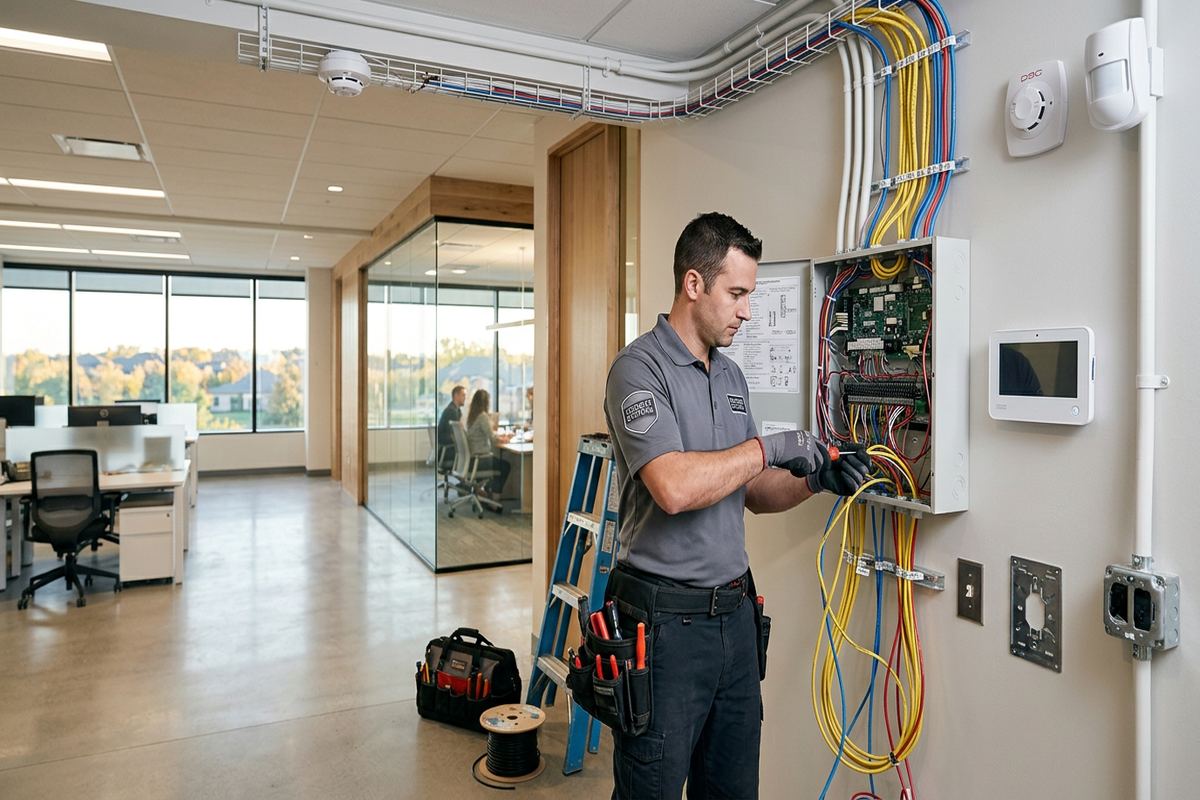
Installation, Testing and Handover in Fort Erie
Installation starts after the customer accepts a written scope. Technicians confirm device locations before fastening equipment, protect practical work areas and follow the planned routes for any required cable. Door contacts are aligned through the opening’s normal travel, motion detectors are aimed to their intended coverage and exterior equipment is mounted with exposure and sealing in mind. Each wireless device is enrolled to the correct zone and named clearly. Where a location differs from the assessed plan because a concealed obstruction or site change is found, the issue is discussed before proceeding with a substitute position.
Testing covers more than confirming that a sensor appears in an application. UnifiedLink operates doors and windows, performs motion walk tests, checks siren or annunciation functions and verifies device communication from installed positions. Supported notifications and communications are tested within the agreed configuration. Users then practise basic operation, including arming, disarming and identifying the source of an alarm or trouble condition. Any monitoring-provider procedure remains subject to that provider’s service and instructions. The goal of handover is to leave the customer able to operate the installed system and understand when a warning requires investigation or service.
At completion, the customer receives control through their own credentials and an as-built record of the installed system. Documentation identifies device locations and relevant details from the final scope, including approved changes. Equipment ownership and warranty information are also set out, avoiding uncertainty about leased, subscribed or customer-owned components. UnifiedLink remains one accountable contractor for the installation scope, including associated low-voltage cabling and on-site configuration. Requests sent during business hours are answered the same day; after-hours requests are answered the next business day. Site assessment timing depends on the service required and travel distance.
- Final mounting locations confirmed
- Every sensor tested by zone
- On-site user operating review
- Customer-owned accounts and credentials
- As-built installation record supplied
Maintaining a Fort Erie Wireless Alarm
Regular checks help identify changes before they become persistent trouble conditions. Doors can settle, window hardware can be replaced and furniture or shelving can block a detector’s original view. In Fort Erie, seasonal temperature swings and freeze-thaw movement may also affect exterior contacts and mounting surfaces. Owners should test devices according to manufacturer and service-provider instructions, review the event log and inspect accessible equipment for damage or looseness. A system should be checked after renovations, door replacement, internet changes or long vacancies because these events can alter alignment, radio paths, power availability and notification delivery.
False alarms should be treated as a diagnostic issue, not simply accepted as part of wireless operation. Useful details include the affected zone, time, weather, occupancy and what was moving or operating nearby. A contact may be misaligned, a motion detector may face a changed heat source or an exterior device may be exposed beyond its rating. UnifiedLink can review the installation and available event information within the service scope. Customers should not disable multiple zones indefinitely without understanding the protection removed. Documented observations generally make assessment more effective than repeated resets without noting the initiating device.
Future changes should preserve clear ownership and documentation. Adding a detached structure, renovating a basement, changing tenants or converting a seasonal home to year-round use may require revised sensors, communications or user permissions. UnifiedLink reassesses the affected areas instead of assuming the original design remains suitable. In Ridgeway, Stevensville, Douglastown and elsewhere in Fort Erie, construction type and distance between buildings can change what is practical. Updated device names and as-built records help users and service personnel understand the revised system. Expansion also provides an opportunity to remove obsolete users and review notification recipients.
- Periodic door and window testing
- Exterior mounting and seal inspection
- Review after network or building changes
- Zone-specific false alarm diagnosis
- Updated records following system expansion
Fort Erie neighbourhoods we cover
- Bridgeburg
- Crystal Beach
- Ridgeway
- Stevensville
- Douglastown
Wireless alarm installation in Fort Erie — common questions
Will a wireless alarm work in an older Fort Erie house?
Often, but the building must be assessed. Masonry, metal lath, concrete, foil-backed insulation and later additions can reduce radio performance. UnifiedLink tests proposed sensor locations and chooses a practical hub position before finalizing the installation. Wireless devices can limit disruptive cable work in finished older homes, although hubs, communicators or sirens may still require power or low-voltage cabling.
Do exterior alarm devices need special weather ratings?
Yes. Fort Erie winters, lake exposure, moisture and freeze-thaw conditions require equipment rated for the intended outdoor location. An indoor sensor under a shallow overhang is not automatically suitable. We consider temperature limits, precipitation, sunlight, mounting surfaces and sealing. Exterior penetrations are controlled and sealed appropriately, and devices are positioned to reduce direct exposure where the manufacturer’s installation requirements allow.
Can I monitor my seasonal home from my phone?
A compatible alarm platform can provide application notifications and remote controls when the required internet or cellular connection and service are active. For a Fort Erie seasonal property, we also recommend selecting a person who can attend locally. Remote information cannot inspect the building or stop a leak. UnifiedLink configures supported functions with your own credentials and explains connectivity and notification dependencies at handover.
Do I need landlord or condo approval?
You may need written approval if the installation affects leased property, common elements, exterior walls, doors, windows or shared corridors. Requirements depend on your lease, condominium rules and the proposed work. UnifiedLink documents intended equipment locations and cable routes so a Fort Erie tenant or condo owner can request approval. Customer authorization is not treated as permission from a landlord, board or property manager.
What happens if my internet goes down?
The result depends on the alarm platform and communication method. Some local detection and siren functions may continue, while app access or remote notifications may stop. Certain systems support cellular communication or backup paths with separate service requirements. During the Fort Erie site assessment, UnifiedLink reviews available connectivity, explains the selected system’s dependencies and identifies those details in the written scope before installation.
How quickly can I arrange a Fort Erie assessment?
Requests sent during business hours are answered the same day, and after-hours requests are answered the next business day. The timing of a Fort Erie site assessment depends on the alarm service required and travel distance. After reviewing the property, device needs, construction and connectivity, UnifiedLink prepares a written scope covering equipment, placement, cable routes, exclusions, ownership and warranty information before pricing.
Coverage in Fort Erie is confirmed against the address before we quote. See everything we install in Fort Erie or the province-wide wireless alarm installation page.