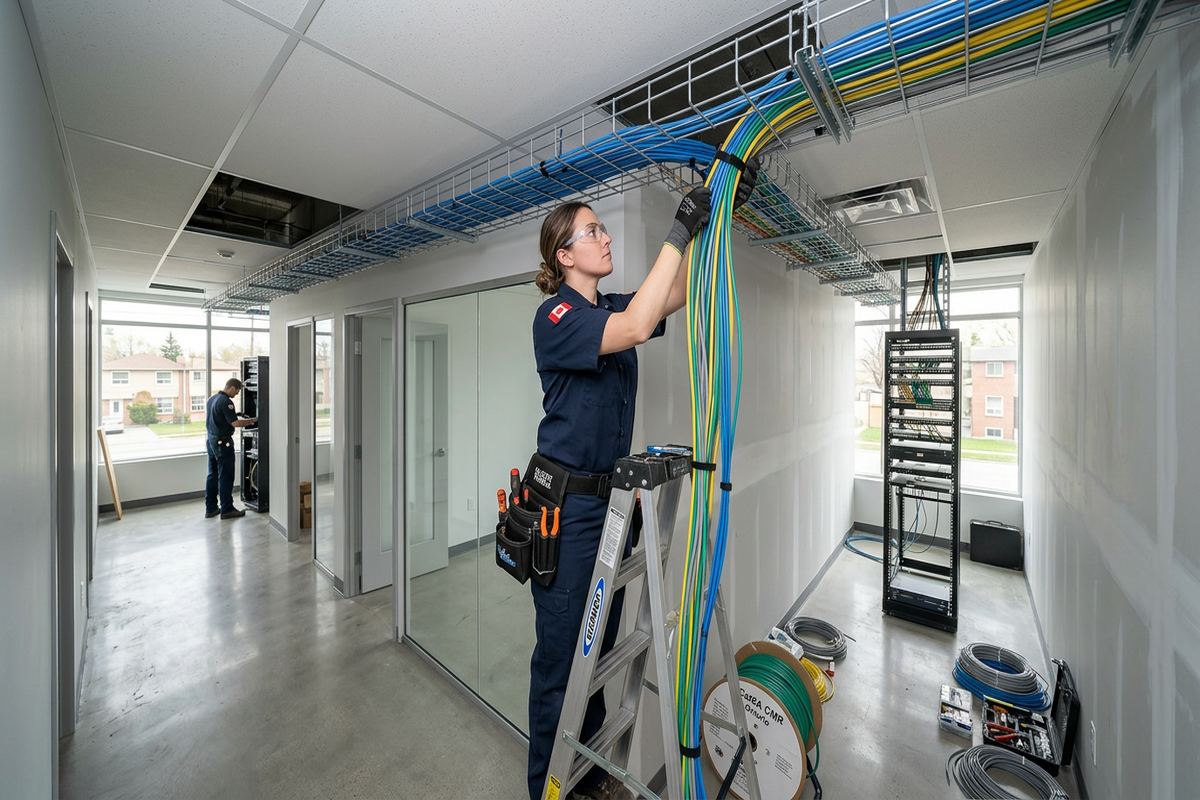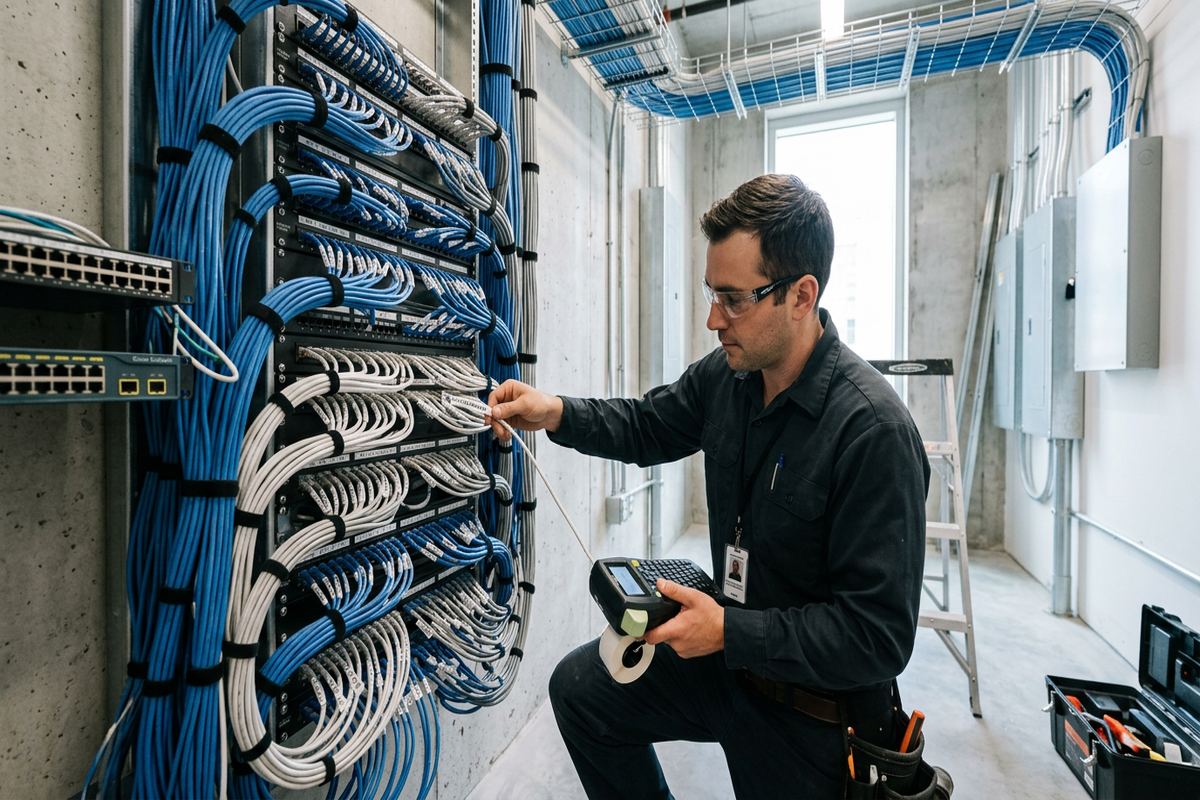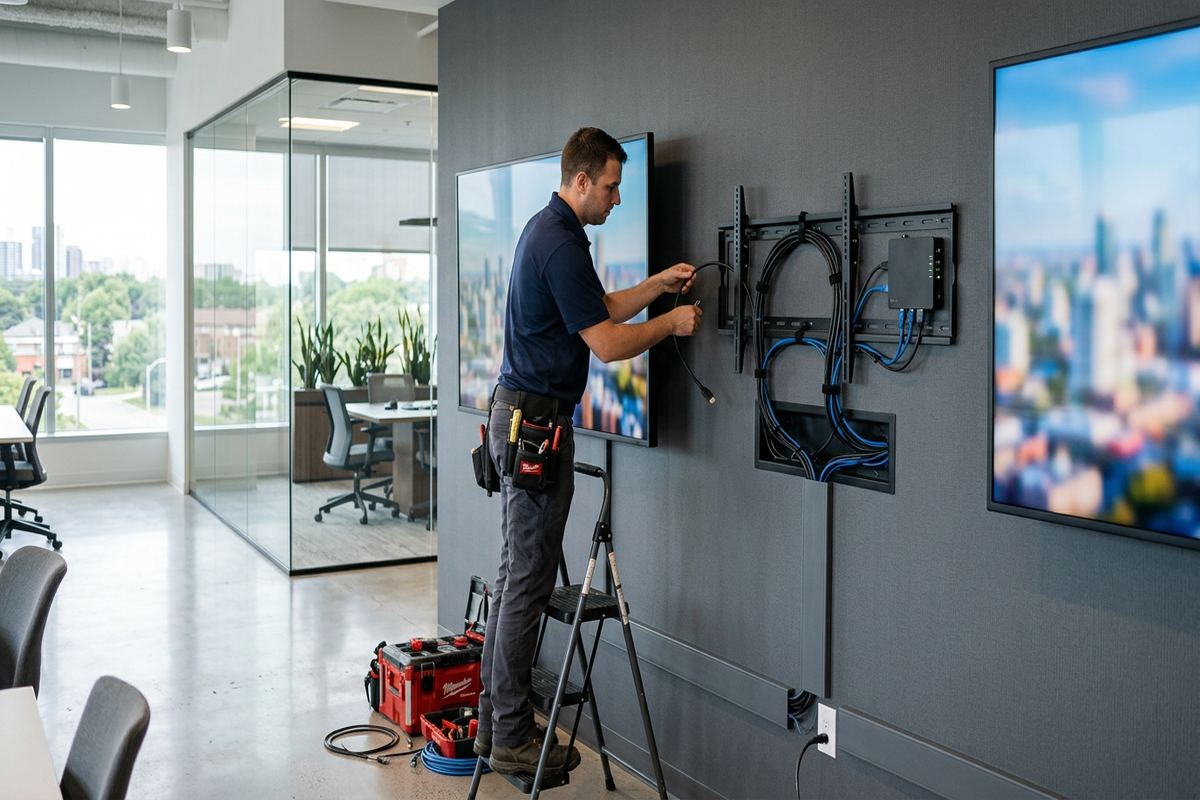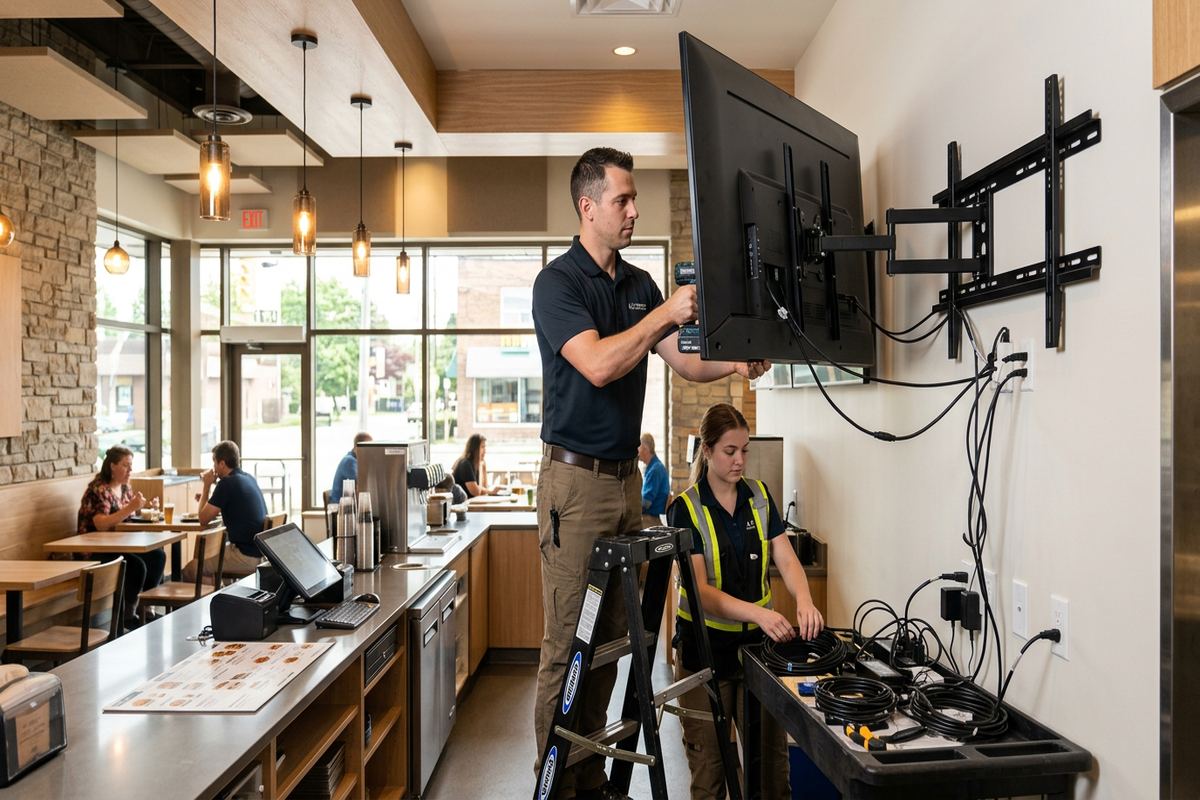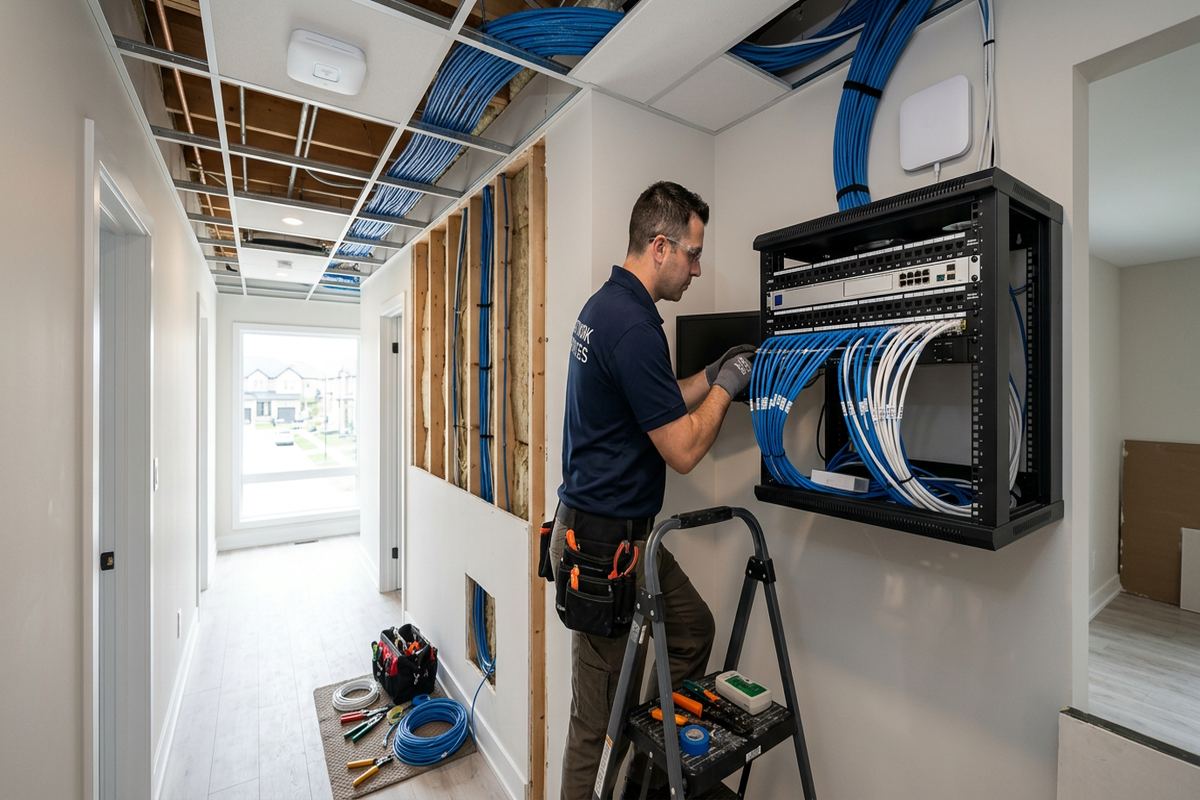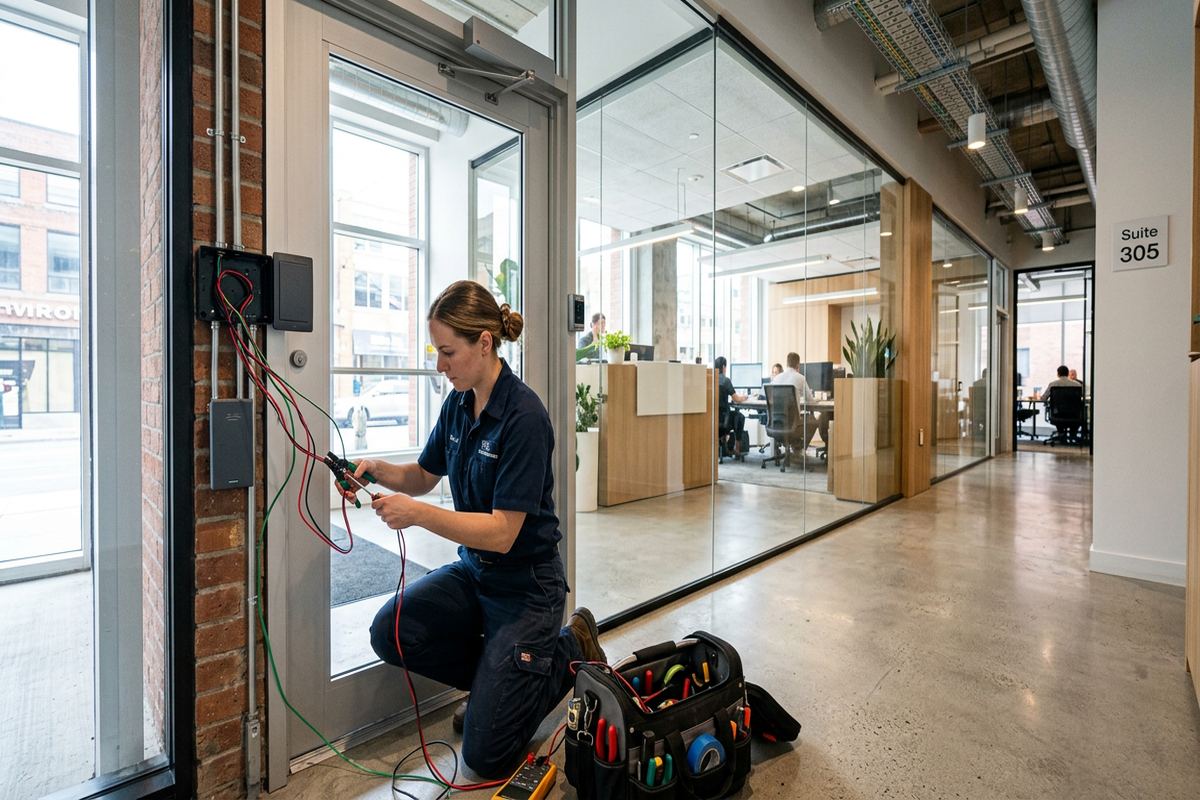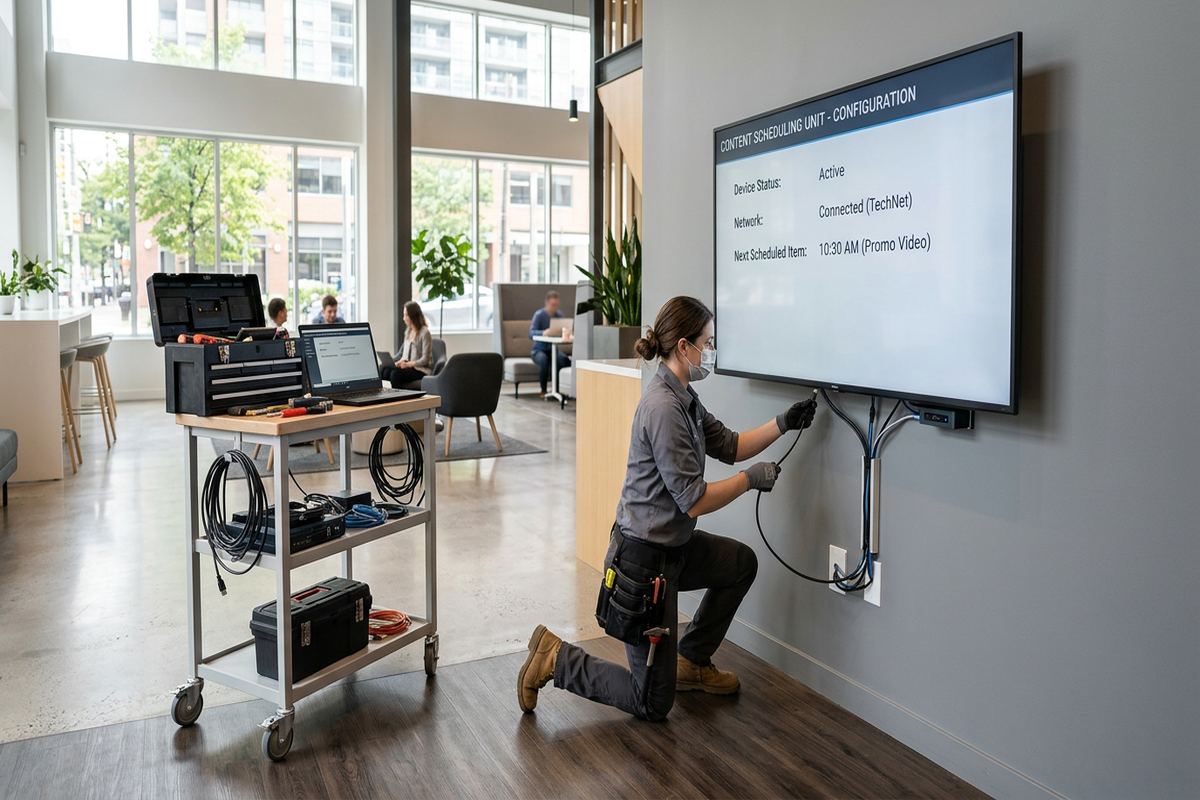
UnifiedLink installs outdoor televisions for homes, seasonal properties and businesses in Fort Erie. We assess the viewing area, structure, exposure, power and network connection before preparing a written scope. Each installation uses suitable mounting hardware, planned cable routes and weather-conscious sealing, followed by on-site configuration and a documented handover using the customer’s own credentials.
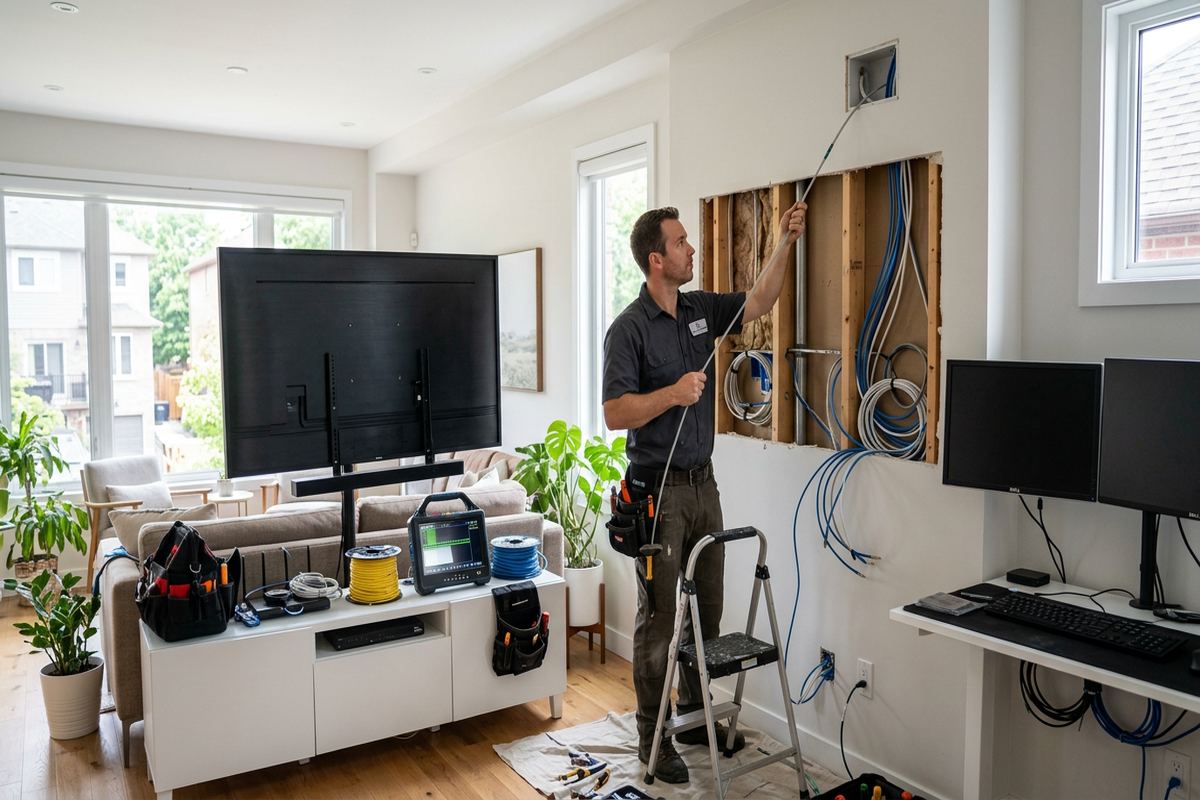
Outdoor TV Installation for Fort Erie Properties
An outdoor television needs more than an indoor screen mounted under a roof. Fort Erie properties face winter cold, summer humidity, wind-driven rain and repeated freeze-thaw cycles that affect displays, brackets, fasteners and cable entries. Lakefront and seasonal homes can experience additional moisture and wind exposure, while border-adjacent businesses may need equipment suited to long operating periods. We assess the intended location, sightlines, sun exposure and surrounding structure before recommending a display type, mount and connection method appropriate for the space.
Covered patios, decks, pool areas and commercial seating areas all create different installation requirements. A deeply covered wall may offer useful shelter, but it does not automatically make an indoor television suitable for exterior use. Moisture, airborne debris, temperature changes and condensation can still reach the equipment. UnifiedLink considers the display’s environmental rating, operating temperature range, brightness and ventilation requirements. The written scope identifies the proposed equipment, placement, cable routes, exclusions, equipment ownership and warranty so the customer can review the complete plan before work begins.
Building construction determines how the television can be supported and how cables should enter the structure. Older masonry, concrete block, brick veneer, wood framing and modern cladding each require different anchors and sealing details. We avoid treating siding or decorative finishes as structural support. Where a wall cannot safely carry the intended display, we discuss alternate positions or mounting methods. The objective is a stable installation with practical service access, controlled cable exposure and penetrations sealed to suit the wall assembly rather than covered with a generic surface patch.
- Outdoor and partial-sun display options
- Fixed, tilting or articulating mounts
- Structural mounting-surface assessment
- Planned power, network and signal paths
- Exterior penetrations sealed for the assembly
Planning the Fort Erie Viewing Area
Good placement begins with how the outdoor area is actually used. Seating position, screen height, viewing distance, glare and nearby lighting matter as much as wall space. In Crystal Beach, an open deck may receive strong afternoon light and changing lake weather, while a sheltered Ridgeway patio may have more predictable shade. We review the screen from normal seating locations and consider doors, windows, stairs and circulation paths. This helps avoid a television that is technically mounted correctly but uncomfortable to watch or obstructive during everyday use.
Sunlight can make an otherwise capable display difficult to see. Full-shade, partial-sun and high-brightness outdoor televisions are designed for different exposure levels, so orientation must be considered before equipment is selected. A protective cover may reduce dirt when the screen is not operating, but it does not change the display’s environmental rating. We also look for reflections from windows, water and light-coloured finishes. If an articulating mount is proposed, the plan accounts for how the screen’s exposure and wind loading change when it is extended from the wall.
Sound should be planned with the display rather than added as an afterthought. Built-in television speakers may be adequate in a quiet covered space, but open yards and commercial patios often need separate outdoor-rated speakers or a soundbar. Speaker position affects clarity, coverage and how much sound carries toward neighbouring properties. We can coordinate display audio with suitable cabling and control methods while keeping operation straightforward. The scope also identifies whether existing audio equipment will be reused, where components will be housed and which devices the customer will need to operate.
- Viewing-height and sightline planning
- Glare and reflection review
- Full-shade or partial-sun selection
- Outdoor audio connection options
- Service clearance around equipment
Weather-Rated Equipment and Sealing
Exterior equipment should be selected as a complete system, not as isolated parts. The television, mount, cables, connectors, enclosures and accessories must suit their degree of exposure. A weather-rated display does not protect an unsuitable streaming device or unsealed connection mounted behind it. Fort Erie winters also make material compatibility important because expansion and contraction can loosen poor connections or damage rigidly installed cable. We specify components according to location and identify any parts that need a sheltered enclosure, indoor placement or a different route to remain within their intended operating conditions.
Cable penetrations are planned to shed water rather than collect it. Entry points should be limited, positioned carefully and sealed with materials compatible with brick, mortar, siding, stucco or other exterior finishes. Drip loops and protected transition points help prevent water from following a cable toward a connector or wall opening. Where cables move from outdoors to indoors, we consider both sides of the assembly and avoid leaving an unsealed interior path. Continuous labelled cable runs reduce unnecessary junctions and make future testing or equipment changes easier to understand.
Seasonal shutdown requires its own practical plan. Some Fort Erie homeowners close lakefront or seasonal properties for part of the winter, but simply disconnecting the television may not address moisture, ventilation or accessory storage. Equipment instructions determine whether a display can remain installed, needs a cover or should be removed under certain conditions. We explain accessible disconnect points and any customer maintenance identified by the manufacturer. For seasonal businesses, controls and source equipment can be arranged so reopening does not require tracing unidentified cables or rebuilding the system each year.
- Weather-rated displays and mounting hardware
- Protected connectors and accessory enclosures
- Compatible exterior sealants
- Drip loops at exposed transitions
- Labelled cables for seasonal servicing
Fort Erie, Ontario
Outdoor TV installation in Fort Erie, scoped in writing first
Book a site assessment and get equipment, routes, exclusions, and warranty on paper before anything is installed.
Mounting on Fort Erie Buildings
Fort Erie includes buildings of different ages and construction methods, so mounting details cannot be assumed from the exterior appearance. Brick may be structural masonry, veneer over framing or a later finish applied to another wall type. Commercial strips may use concrete block, while industrial units can have steel framing, insulated panels or limited interior access. We inspect accessible conditions before confirming fasteners and bracket placement. If concealed structure cannot be verified during an initial visit, the written scope can identify investigation or opening work needed before final installation proceeds.
Frame construction offers useful routing options, but studs, sheathing, insulation and vapour-control layers still need to be respected. Mounting through vinyl or composite siding requires proper support behind the finish and careful treatment of the uneven surface. Compression, movement and water entry are concerns when hardware is tightened directly against cladding. For older homes in Bridgeburg or Stevensville, renovations may have created unexpected wall layers or abandoned wiring. We plan around the assembly found on site rather than relying only on typical construction practices for the building’s apparent age.
Masonry installations require anchors selected for the base material and expected load. Drilling location matters because brick faces, mortar joints and hollow block do not provide identical holding conditions. Freeze-thaw exposure can worsen existing cracks or deteriorated joints, so damaged masonry may need repair by an appropriate trade before equipment is mounted. Articulating brackets also place different forces on the wall than fixed mounts. We account for the display’s weight, bracket geometry and normal movement, then position cables so they are not pinched or strained as the screen moves.
- Brick, block and framed-wall mounting
- Anchors matched to base material
- Support behind exterior cladding
- Fixed, tilt and full-motion brackets
- Cable movement allowed at articulating mounts
Power, Cabling and Network Connections
An outdoor television needs a compliant power arrangement located for safe use and practical servicing. Extension cords routed through doors, windows or wall openings are not a permanent installation method. During assessment, we identify available power and whether electrical work must be coordinated with a licensed electrical contractor. The display position should allow plugs, disconnects and protective devices to remain accessible as required. Low-voltage cables are kept separate from power where necessary, supported along planned routes and protected from sharp edges, heat sources and exposed areas likely to be damaged.
Source connections may come from streaming devices, cable receivers, digital signage players or an indoor equipment location. Long HDMI routes can be unreliable if distance and cable capability are ignored, particularly at higher video resolutions. Depending on the layout, we may use a suitable direct cable, an extender system or a network-based source. Continuous labelled runs make troubleshooting clearer than several adapters hidden in inaccessible spaces. The scope states which source devices are included, where they will be located and whether customer-supplied equipment has any placement or environmental limitations.
Reliable Wi-Fi at the patio does not always mean reliable Wi-Fi behind an exterior television. Masonry, foil-faced insulation, metal siding and low-emissivity glass can reduce signal strength, while seasonal network shutdowns create additional complications. We test or review connectivity at the intended display location and can plan a wired network connection or outdoor access point when appropriate. On border-adjacent sites, device setup may also require careful channel and network planning because many nearby signals can be visible. Final configuration uses the customer’s own network and streaming credentials.
- Power-location and access review
- Continuous labelled low-voltage runs
- HDMI and network extension options
- Wired or Wi-Fi connectivity planning
- Coordination with licensed electrical work
Outdoor Displays for Fort Erie Businesses
Restaurants, hospitality spaces and border-adjacent businesses may use outdoor televisions for programming, menus, event information or customer communications. Commercial use affects display selection because operating hours, brightness, control access and content sources may differ from a residential patio. A consumer indoor television placed in a protective cabinet is not automatically suitable for continuous exterior service. We document the intended use and environmental exposure, then plan equipment locations that staff can operate without leaving remotes, streaming devices or open connections exposed to weather or unauthorized handling.
Commercial strips and industrial units can present long cable paths, concrete block walls and shared service areas. A display may be outside while the source rack, network switch or control device is well inside the building. We trace a practical route and identify fire separations, finished tenant spaces and restricted areas that affect access. Any required work by other trades or building management is listed as an exclusion or coordination item. This approach keeps the installation scope clear and reduces the chance of an unexpected route change after equipment has arrived on site.
Content control and account ownership need clear decisions before handover. Staff should not depend on an installer’s personal account, undocumented password or temporary network. UnifiedLink configures the system on site using credentials owned by the customer and records the installed device locations and connections. Where several screens or sources are involved, consistent labels help staff identify the correct input and equipment. We can also separate routine controls from settings that should remain limited to management, subject to the capabilities of the selected display and source platform.
- Commercial patio display planning
- Menu and information screen support
- Protected source-device locations
- Staff-friendly input and control setup
- Documented account and equipment ownership
Approvals, Access and Project Scope
Property permission should be resolved before holes are drilled or cables are routed. Condo corporations may control exterior walls, balconies and visible wiring even when the television serves a privately occupied unit. Tenants need landlord approval, and commercial occupants may also need consent from property management. UnifiedLink can provide a proposed device position and cable route for review, but the customer remains responsible for obtaining required authorization unless the written scope states otherwise. Approval conditions should be shared before installation so mounting or concealment requirements can be incorporated into the plan.
Site access influences both assessment and installation. Seasonal homes may be occupied only on certain dates, while businesses may need work arranged around customer traffic, deliveries or secure areas. We confirm where technicians can park, move equipment and access interior cable routes. Furniture, stored goods and fragile items should be cleared from the work zone. If lifts, scaffolding or special access equipment appear necessary, that requirement is identified during planning rather than improvised on installation day. Weather may also affect safe exterior work and the performance of sealing materials.
Every Fort Erie outdoor TV project is priced after a site assessment rather than from a generic package. The written scope covers equipment, cable routes, device placement, exclusions, equipment ownership and warranty. It also identifies assumptions about existing power, network service, wall condition and customer-supplied components. Changes discovered after concealed conditions are opened are discussed before additional work proceeds. Requests sent during business hours are answered the same day, while after-hours requests are answered the next business day. Assessment timing depends on the service requirements and travel distance.
- Condo and landlord approval planning
- Defined access and work areas
- Site assessment before pricing
- Written equipment and routing scope
- Clear exclusions and ownership details
Installation and Handover in Fort Erie
Installation follows the approved placement and route rather than leaving key decisions until equipment is on the wall. We verify the mounting area, protect nearby finishes and install the bracket using hardware suited to the confirmed structure. Cables are supported, labelled and kept continuous where planned, with exterior transitions sealed for the wall material and exposure. The screen is then mounted, levelled and checked through its normal movement range. If site conditions differ materially from the assessment, we explain the issue and agree on a revised approach before changing the scope.
On-site configuration includes connecting approved sources, selecting inputs, joining the customer’s network and checking basic picture and audio operation. Streaming subscriptions, channel packages and content licences remain the customer’s responsibility. We use the customer’s own credentials rather than retaining access through an installer-controlled account. For articulating installations, connections are checked with the mount extended and returned to its normal position. The system is also reviewed from typical seating areas so obvious glare, audio or control issues can be addressed within the capabilities of the selected equipment.
Handover gives the owner a clear record of what was installed and how it connects. UnifiedLink provides an as-built record showing device placement and cable information relevant to future service, along with applicable equipment documentation. We explain normal operation, accessible disconnects, cover use and any manufacturer maintenance requirements. For seasonal properties in Crystal Beach, Ridgeway or elsewhere in Fort Erie, the handover can identify shutdown and reopening steps supported by the installed equipment. One accountable contractor coordinates the low-voltage installation from assessment through final documentation.
- Protected and orderly installation process
- On-site picture, audio and source setup
- Customer-owned network and service accounts
- As-built device and cable record
- Operation and seasonal-care handover
Fort Erie neighbourhoods we cover
- Bridgeburg
- Crystal Beach
- Ridgeway
- Stevensville
- Douglastown
Outdoor TV installation in Fort Erie — common questions
Can I use a regular indoor TV outside?
An indoor television is generally not designed for Fort Erie’s moisture, temperature changes, condensation or wind-driven debris, even beneath a covered patio. Enclosures can help in some applications, but they do not automatically make every display suitable. We assess the exposure, ventilation and expected operating season before recommending a weather-rated outdoor display or another arrangement supported by the equipment manufacturer.
Will the installation withstand a Fort Erie winter?
The system is planned around the ratings of the display, mount, cabling and accessories, as well as the wall condition and degree of exposure. Fort Erie’s freeze-thaw cycles make anchors, penetrations and sealing especially important. Manufacturer instructions determine whether equipment can remain outside, should be covered or needs seasonal removal. We explain those requirements during handover rather than making a universal winter claim.
Can you mount a TV on brick?
Yes, when the brick or underlying masonry is in suitable condition and the correct support point can be confirmed. Fort Erie buildings may have structural masonry, brick veneer or concrete block, and each requires different fastening decisions. Existing cracks, loose brick or deteriorated mortar can affect the plan. We inspect the mounting area and may recommend repair or an alternate position before installation.
Do I need condo or landlord approval?
Usually, approval should be confirmed whenever the work affects an exterior wall, balcony, common element or visible cable route. Fort Erie condo rules and individual leases can restrict drilling or equipment placement. The customer is responsible for obtaining permission unless the written scope says otherwise. We can provide the proposed television location, mount type and cable route for review before work is scheduled.
Can the outdoor TV use my home Wi-Fi?
It can if coverage and capacity are adequate at the final position. Brick, metal cladding, foil insulation and modern coated glass can weaken a signal between the indoor router and an outdoor screen. We review connectivity during planning and may recommend a wired network run or an appropriately located access point. Setup is completed using the Fort Erie customer’s own network credentials.
How do you price an outdoor TV installation?
UnifiedLink completes a site assessment before pricing. The assessment considers the display, mount, wall construction, height, cable distance, power availability, network connection, weather exposure and access requirements. You then receive a written scope covering equipment, routes, placement, exclusions, ownership and warranty. Requests made during business hours are answered the same day; assessment timing depends on the service and travel distance.
Coverage in Fort Erie is confirmed against the address before we quote. See everything we install in Fort Erie or the province-wide outdoor tv installation page.