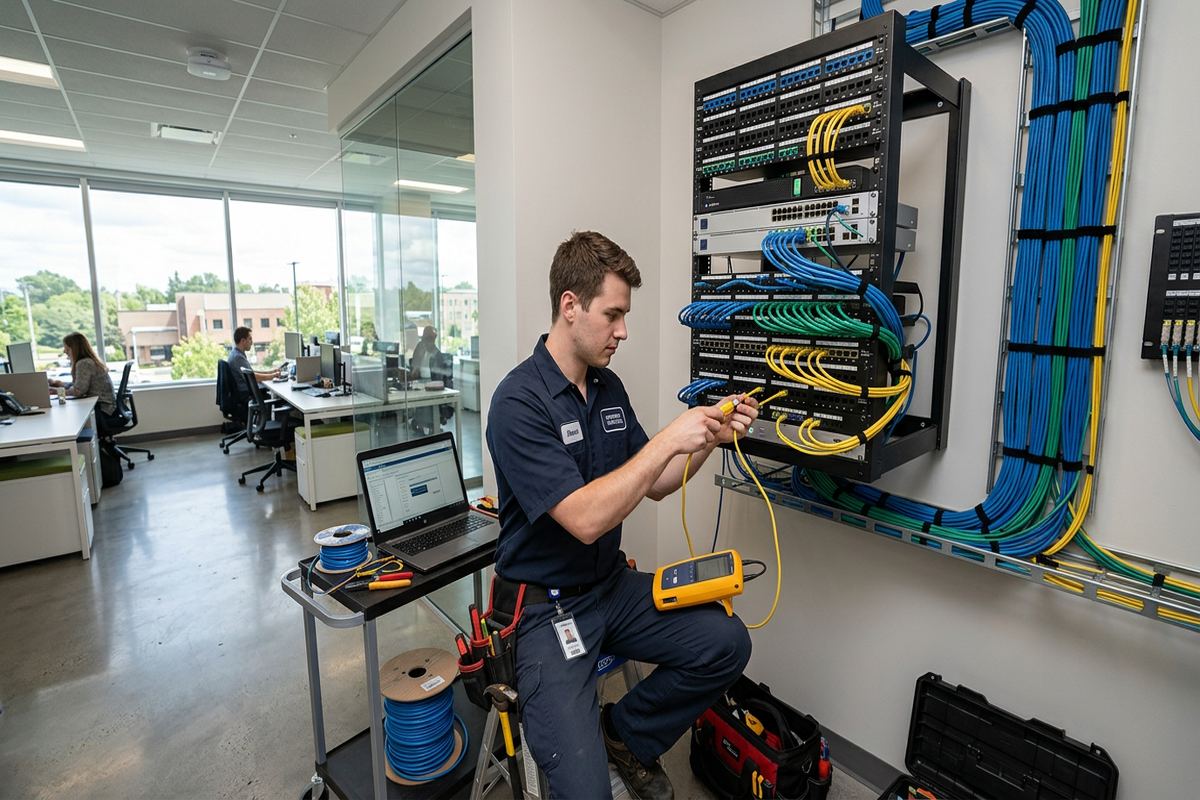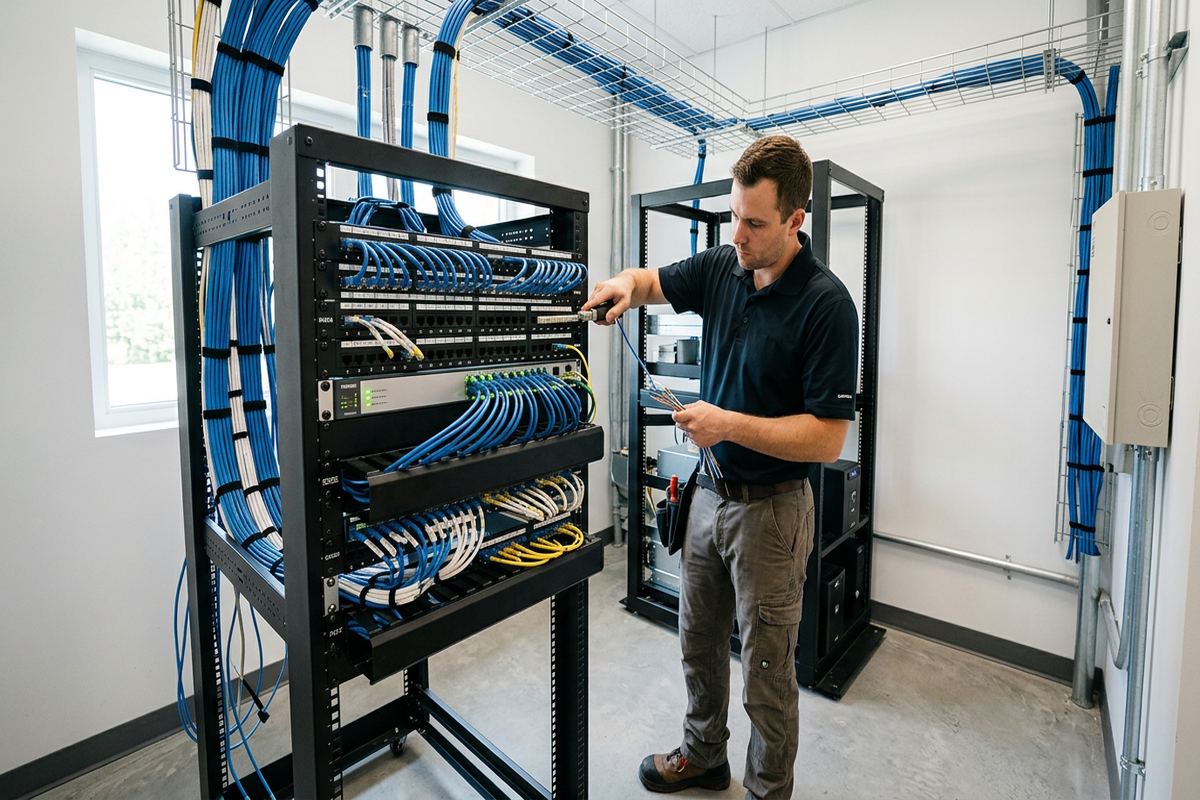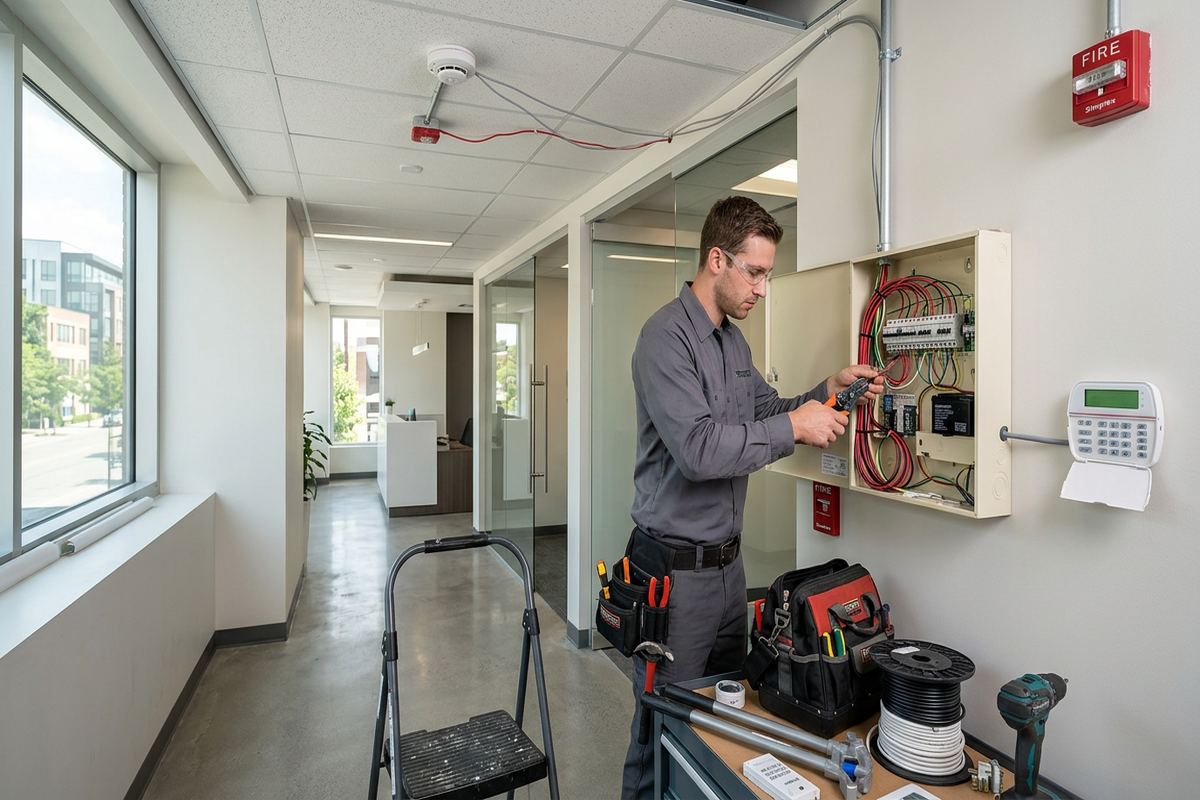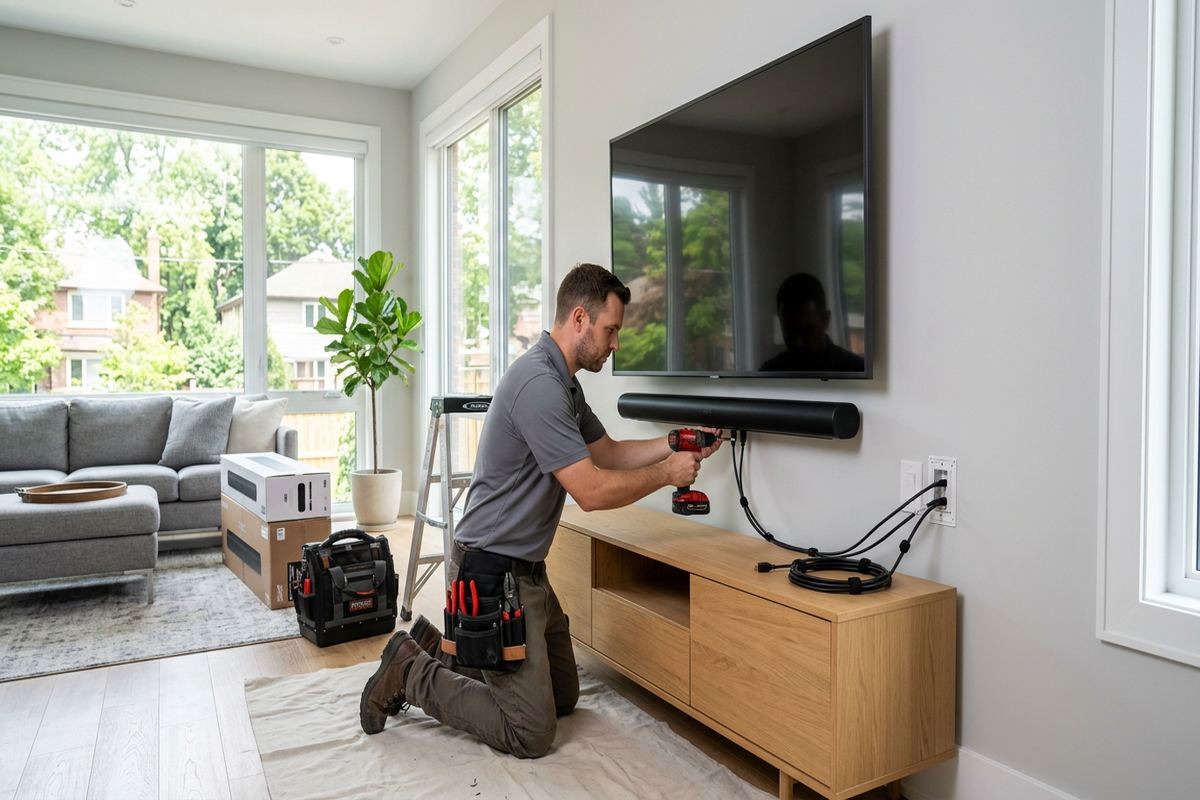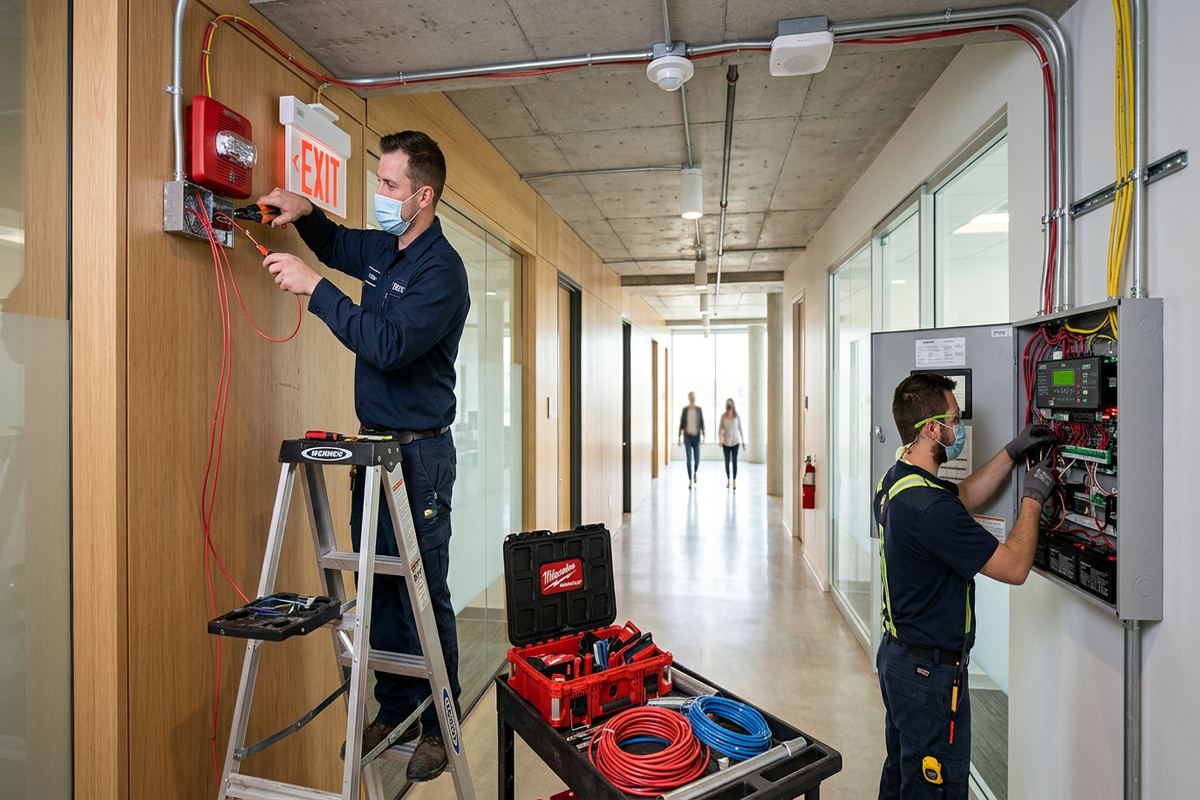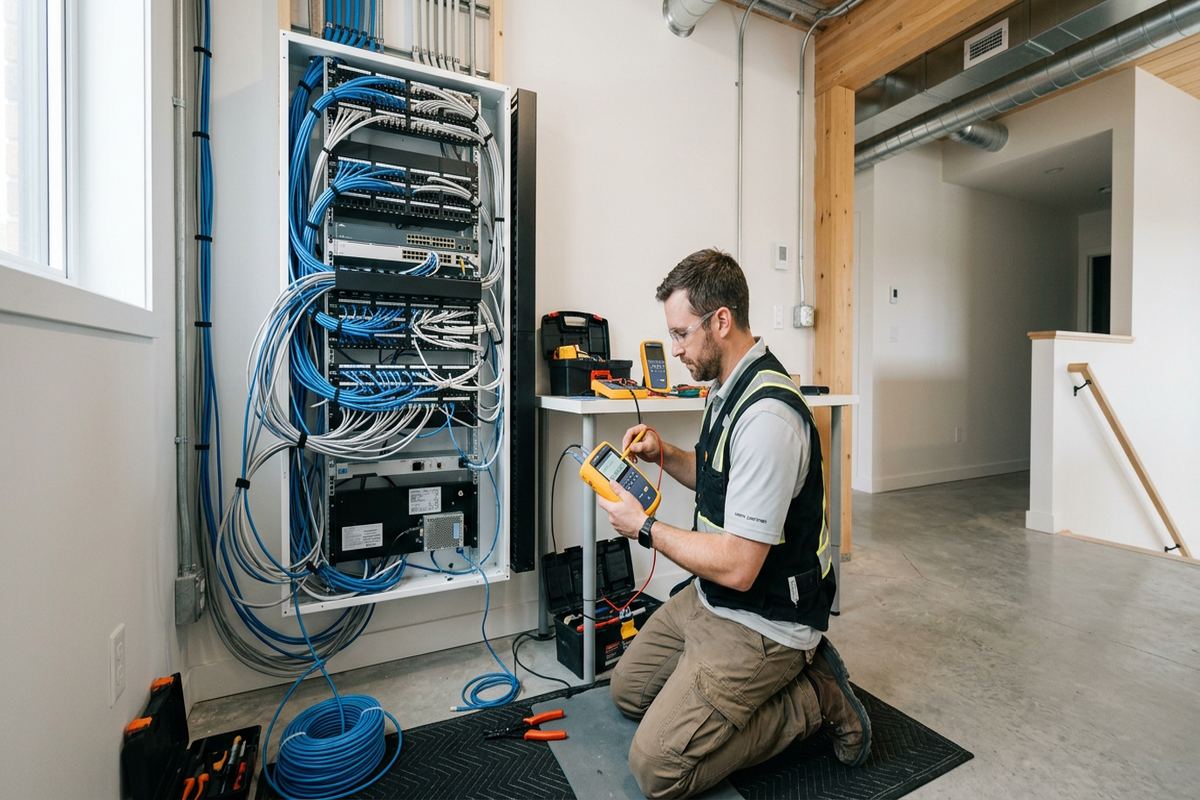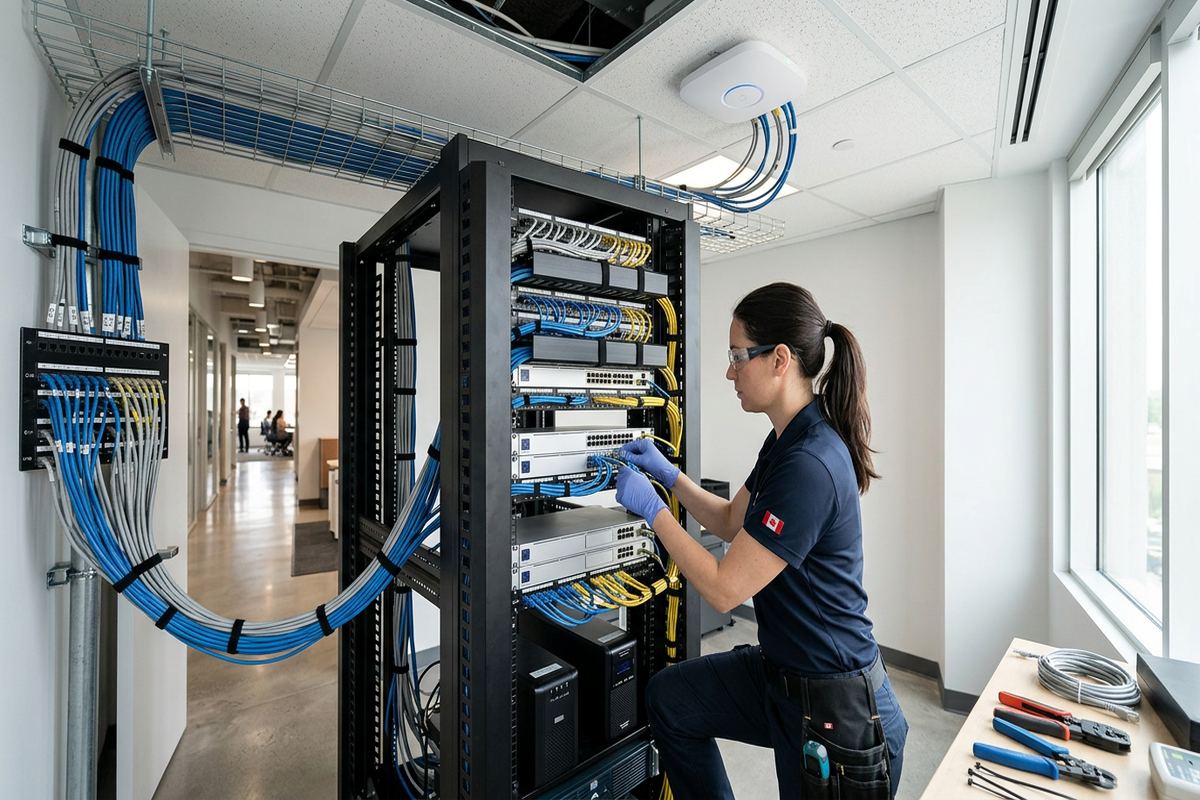
UnifiedLink plans and installs commercial networks for offices, shops, industrial units, rural properties and multi-building sites in Caledon. Work can include structured cabling, network racks, Wi-Fi access points, fibre links and outdoor connections. Every project starts with a site assessment so device locations, cable routes, construction conditions and operational requirements can be documented before pricing.
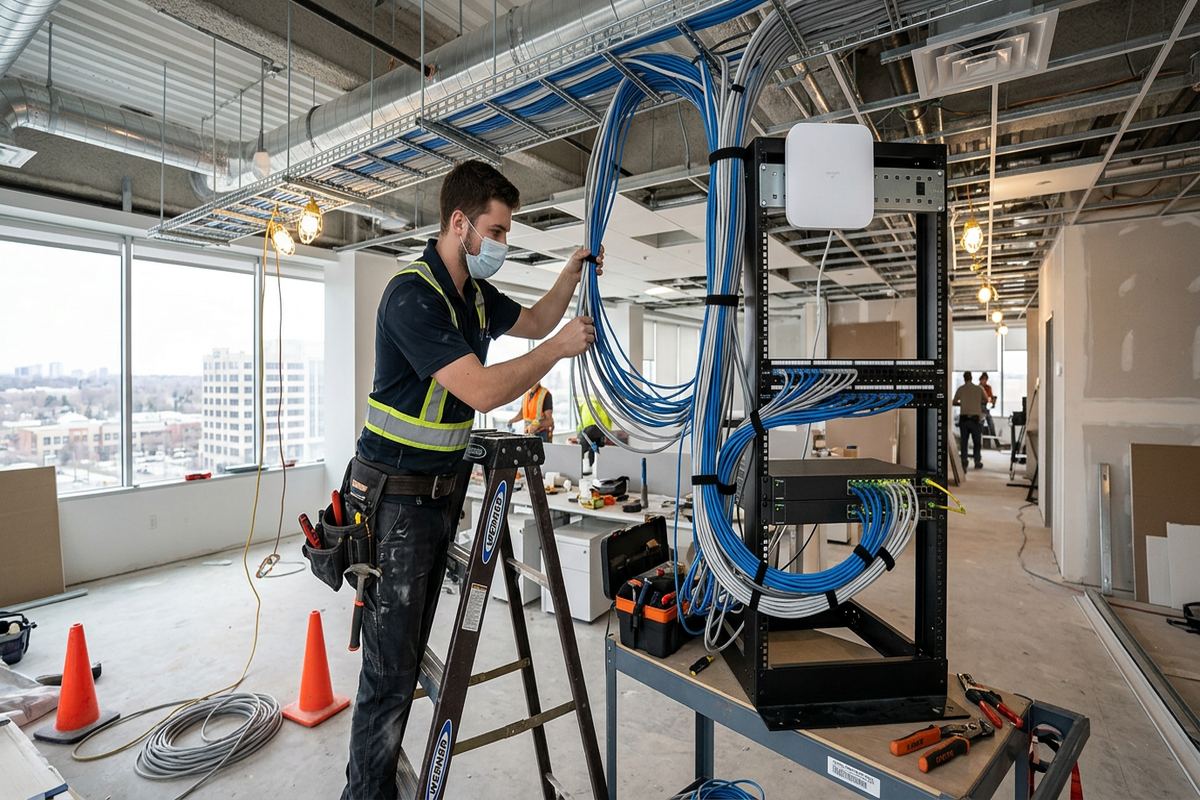
Commercial Network Installation for Caledon Properties
A commercial network should be designed around the property, connected equipment and daily operations rather than assembled from unrelated consumer devices. In Caledon, that may mean networking an office in Bolton, a retail unit in Mayfield West or several buildings on a rural acreage. UnifiedLink assesses the available internet service, floor plans, construction materials, equipment locations and expected users. The resulting design can cover wired workstations, wireless access points, printers, phones, cameras, access control panels and other network-connected systems without treating every building as though it has the same requirements.
Network installation begins with decisions about cable pathways, rack location, power, ventilation and serviceability. A central rack should remain accessible without occupying a public or dusty working area, while horizontal cable runs must stay within the limits of the chosen cabling standard. Where a route crosses finished offices, masonry walls or open industrial ceilings, installation methods can differ considerably. We document practical routes before work starts, identify penetrations and fire separations that require attention, and confirm which surfaces may be opened or drilled. This reduces avoidable changes once technicians are on site.
Caledon properties often combine newer additions with older frame, masonry or agricultural construction. Those conditions affect how cables are supported, protected and brought between spaces. An older commercial building may have limited pathways, while a newer unit may provide conduit and designated telecommunications rooms. Rural sites can add long distances, detached workshops and outdoor equipment. The design may therefore use copper, fibre, point-to-point wireless links or a combination. Selection depends on distance, electrical conditions, bandwidth requirements and whether future expansion should be accommodated without replacing the installed backbone.
- Structured copper and fibre cabling
- Network rack and patch-panel installation
- Business Wi-Fi access point placement
- Links between detached buildings
- Connections for cameras and access control
Caledon Site Assessment and Written Scope
Before pricing, UnifiedLink completes a site assessment appropriate to the requested work and travel distance. The visit is used to inspect existing cabling, internet equipment, ceiling access, wall construction, utility spaces and possible equipment locations. For an occupied Caledon business, we also discuss working hours, areas that must remain operational and any restrictions on noise or access. A rural assessment may include measuring building separation, checking outdoor line of sight and identifying where buried or aerial pathways already exist. These findings establish what can be installed without relying on assumptions about the property.
Following the assessment, the written scope describes the proposed equipment, cable routes, device placement and relevant exclusions. It also records equipment ownership and warranty information, giving the customer a practical reference when comparing the installation with internal requirements or another proposal. If internet service changes, electrical work, trenching, lift access or landlord permission fall outside the networking scope, those points can be stated rather than left unclear. For commercial tenants in Bolton or Caledon East, this documentation can also support discussions with a property manager before drilling, ceiling work or equipment mounting begins.
Approval requirements should be addressed before materials arrive. Tenants may need written landlord consent for wall penetrations, rooftop equipment or changes inside shared telecommunications rooms. Condominium commercial units can involve corporation rules, restricted work periods and approved pathways through common elements. UnifiedLink does not treat those permissions as automatic. We identify likely approval points during planning and adjust routes when required documentation sets limits. The same approach applies to heritage-sensitive finishes, occupied professional offices and buildings where several businesses share internet or riser infrastructure. Clear boundaries help keep the network work aligned with property responsibilities.
- Assessment completed before project pricing
- Cable routes recorded in writing
- Equipment ownership clearly identified
- Exclusions listed before installation
- Landlord requirements considered early
Structured Cabling Across Caledon Workplaces
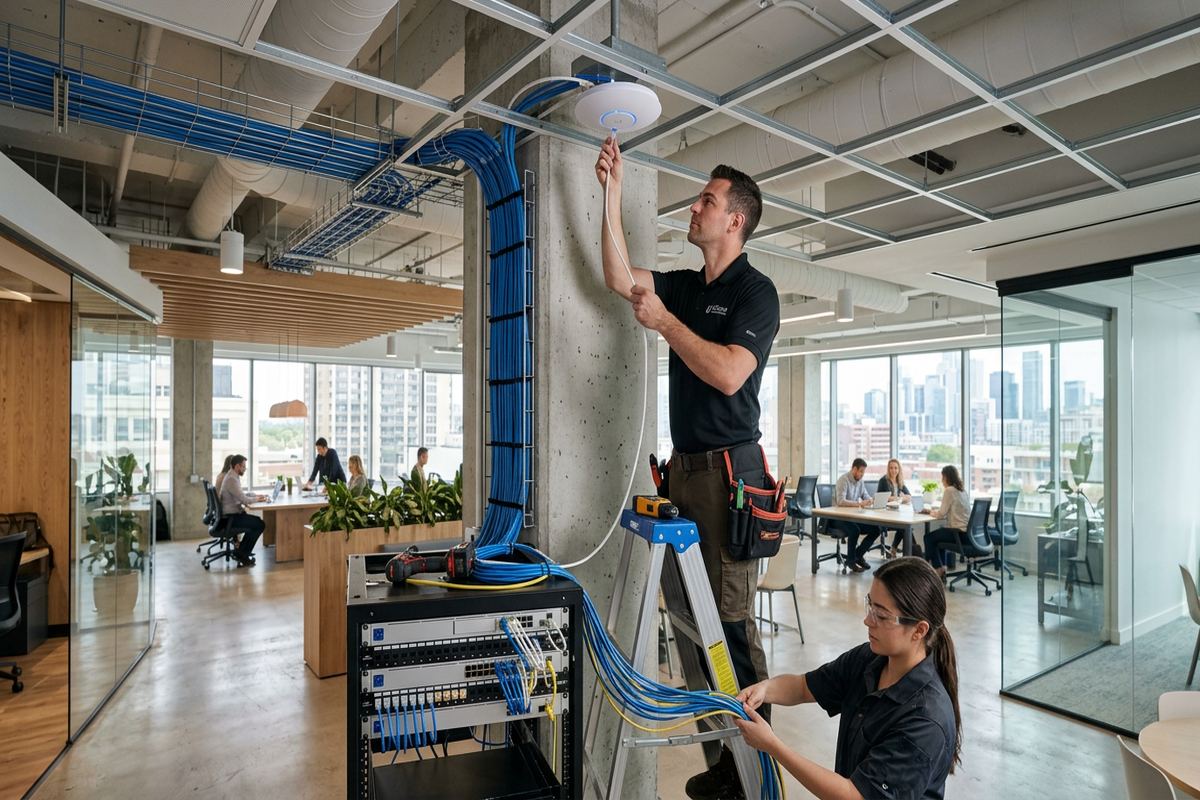
Structured cabling provides predictable connections for workstations, wireless access points, VoIP phones, printers, displays and security equipment. UnifiedLink installs continuous labelled cable runs from the patch panel to each outlet or fixed device location. Permanent links are kept free of hidden couplers that can complicate testing and later troubleshooting. Cable category and jacket type are selected for the environment rather than applied universally. Office ceilings, return-air spaces, workshops and protected outdoor pathways can have different requirements, so cable selection, support and separation from electrical wiring are reviewed as part of the route plan.
Construction type strongly affects installation. Masonry buildings may require surface raceway, carefully placed penetrations or existing conduit, while frame construction can provide concealed routes through accessible wall and ceiling cavities. Commercial strips in Bolton and Mayfield West often include demising walls, shared ceiling areas and landlord-controlled service rooms. Industrial units may have high ceilings, steel structure, active storage and machinery that influence pathway and access choices. Instead of forcing the shortest route, we consider physical protection, future access and interference sources, then document outlet and device locations so the completed cabling remains understandable.
At the rack, cables are terminated on patch panels and labelled to correspond with outlets or connected devices. Cable management is arranged so routine changes do not require disturbing permanent terminations. Rack size is based on switches, patch panels, internet equipment, power distribution and reasonable service clearance, not solely on current port count. Existing racks can sometimes be reorganized and reused if their condition, depth and mounting are suitable. Where old cabling remains, the scope can distinguish retained, abandoned and replaced runs, helping Caledon businesses avoid an undocumented mixture of active and disconnected cables.
- Continuous runs without hidden couplers
- Patch panels matched to outlet labels
- Routes separated from electrical interference
- Cable types selected by environment
- Rack layouts designed for service access
Caledon, Ontario
Commercial network installation in Caledon, scoped in writing first
Book a site assessment and get equipment, routes, exclusions, and warranty on paper before anything is installed.
Business Wi-Fi Design
Reliable business Wi-Fi depends on access point placement, wired backhaul and configuration. A single powerful device does not necessarily cover offices divided by masonry walls, shelving, mechanical rooms or insulated additions. During planning, UnifiedLink considers floor area, room use, expected device density and the materials between users and access points. The design may separate staff, guest and operational devices where the selected network equipment supports that structure. Access points are connected by permanent cabling whenever practical, avoiding dependence on wireless repeating that can reduce usable capacity and make performance less consistent.
Caledon businesses can present unusual coverage patterns. A restaurant may need separate service in dining, office and patio areas, while a rural operation may need connectivity near a gate, workshop or detached storage building. Outdoor coverage is not created simply by mounting indoor equipment outside. Hardware location, weather rating, sunlight exposure, cable entry and surge considerations must be addressed. Long driveways and outbuildings also make distance important. Depending on the site, an outdoor access point, fibre connection or point-to-point wireless bridge may be more appropriate than extending an indoor Wi-Fi network.
Configuration is completed on site so the network reflects actual equipment and service conditions. This can include wireless network names, security settings, guest access, network segmentation and managed access point adoption, depending on the approved scope. Passwords and administrator accounts are established using the customer’s own credentials rather than retained installer-only access. We also record installed access point locations and relevant configuration details in the handover information. If a customer has internal information-technology support, settings can be coordinated with its addressing, firewall and device-management requirements rather than creating a separate undocumented arrangement.
- Wired backhaul for fixed access points
- Separate staff and guest networks
- Coverage planned around building materials
- Outdoor-rated equipment where required
- Configuration using customer credentials
Outdoor Networks for Rural Caledon Sites
Rural acreages, long driveways and outbuildings make outdoor connectivity a frequent consideration in Caledon. Network service may be needed at a gate controller, camera pole, detached office, workshop or storage building located well beyond a normal indoor copper run. The first step is confirming distance, pathway availability, line of sight and electrical conditions at each endpoint. Copper can be appropriate within its technical limits, but fibre or point-to-point wireless may provide better isolation and distance capability between buildings. The choice is made from site conditions, not convenience alone.
Exterior mounting must account for Ontario winters, moisture and repeated freeze-thaw cycles. Cable entries should be positioned and sealed to reduce water migration, while exposed cabling needs suitable protection from sunlight, impact and movement. Mounting to masonry differs from fastening to frame siding, metal cladding or a pole, and each surface requires appropriate hardware and detailing. Drip loops, enclosure orientation and penetration sealing are small parts of the installation that affect long-term serviceability. Outdoor equipment should also remain reachable for inspection without placing it where vehicles, snow clearing or roof drainage can damage it.
A wireless bridge requires a stable mounting point and a clear enough path between endpoints. Trees, terrain, future construction and seasonal foliage can affect a route that appears open from ground level. For buried pathways, conduit condition, fill, pull access and ownership must be confirmed before assuming it can carry new fibre. UnifiedLink records the agreed building links and equipment locations within the written scope. Gate access and outdoor camera coverage can then share a planned network backbone where appropriate, rather than relying on separate improvised extenders along a Caledon driveway.
- Fibre links for suitable long distances
- Point-to-point wireless bridge installation
- Weather-aware cable entry sealing
- Protected connections for gates and cameras
- Routes planned around snow clearing
Network Racks, Switching and Internet Handoffs
The network rack is the service point for cabling, switching and internet equipment, so its location and organization affect every connected system. UnifiedLink reviews wall strength, floor space, ventilation, electrical receptacles, dust exposure and access before specifying a wall-mounted cabinet or floor rack. In a small office, a compact cabinet may be sufficient; an industrial unit may need more protected capacity and clearer cable management. Equipment should not be placed where stored goods block access or where heat-producing devices share an unventilated enclosure. These practical details are included in planning rather than addressed after termination.
Internet handoff arrangements vary by provider and property. The provider modem or optical terminal may be located beside the rack, in another utility area or at an unsuitable edge of the premises. Where permitted, cabling can extend the handoff to the planned network location, but provider-owned equipment and demarcation rules remain important boundaries. For multi-tenant commercial buildings in Caledon, the route may pass through a shared room or landlord-controlled area. We identify those dependencies so the local network installation is not based on access that the tenant cannot authorize or maintain.
Switch selection depends on port count, required speeds, management features and power needs for devices such as access points, phones, cameras or door controllers. Power over Ethernet budgets must be checked across connected equipment, not inferred from the number of available ports. Where segmentation is required, switches and firewalls must support the intended network design and be configured consistently. UnifiedLink can install and configure approved equipment on site, coordinate with an external IT provider, and document physical connections. The customer receives its own administrative credentials rather than depending on an undisclosed installer account.
- Rack sizing based on installed equipment
- Patch and power cable management
- Provider handoff route planning
- PoE capacity checked for devices
- Coordination with external IT support
Installation in Occupied Caledon Buildings
Network work often takes place while a business remains open. Planning therefore includes access to desks, ceilings, stock areas and communications rooms, along with any periods when switching equipment can be disconnected. In professional offices or retail locations, noisy drilling and visible pathway work may need to occur outside customer-facing periods. Industrial operations can require coordination around machinery, loading areas and elevated work. UnifiedLink records these constraints before installation and establishes which services must stay active. One accountable contractor manages the approved low-voltage scope, reducing gaps between cabling, device mounting and network configuration responsibilities.
Older Caledon buildings can conceal blocked cavities, additions and previous cabling that does not match available drawings. Newer premises may still present barriers such as fire-rated assemblies, inaccessible bulkheads or finished ceilings without service panels. When conditions differ from the assessed route, the issue should be reviewed rather than concealed behind an unapproved change. Alternative pathways can include surface raceway, existing conduit or revised outlet placement. Penetrations and sealing methods are selected for the relevant surface, whether masonry, drywall, wood framing or metal cladding, while maintaining a neat and serviceable installation.
Business continuity also depends on a controlled transition from the old network. Existing internet, phones, payment systems, printers and security devices may rely on fixed addresses or switch ports that cannot be moved casually. A cutover plan identifies which equipment transfers, what configuration information is available and who can approve changes. Some legacy devices may need support from their original vendor or the customer’s IT provider. By documenting those dependencies, Caledon businesses can separate physical network installation from application support and avoid assuming that every connected device can be reconfigured by the cabling contractor.
- Work planned around occupied areas
- Cutovers coordinated with business operations
- Approved routes for finished interiors
- Legacy device dependencies documented
- One contractor for the low-voltage scope
Testing, Documentation and Caledon Project Handover
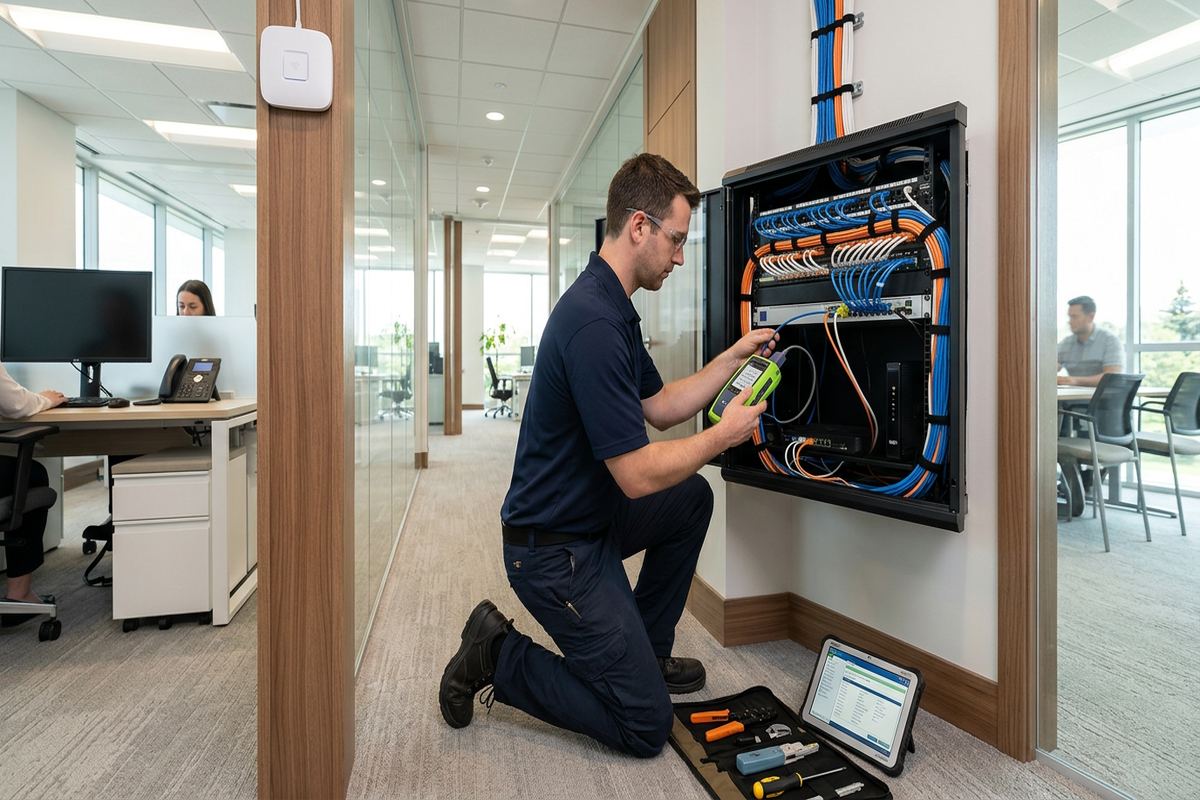
Completion involves more than confirming that a device receives a connection. Installed cable runs are checked and labelled according to the agreed scope, with outlet identifiers corresponding to the patch-panel records. Network equipment is powered, adopted and configured on site where configuration is included. Wireless access points and building links are checked from their installed positions rather than only on a workbench. Any exclusions, inaccessible areas or retained legacy components are reflected in the project information. This gives a Caledon owner or manager a clearer basis for maintenance, additions and discussions with internet or IT providers.
Handover includes the customer’s own credentials and an as-built record of the completed work. The record can identify rack components, cable endpoints, access point locations and links to detached buildings, according to project scope. Equipment ownership and warranty information are also set out in the written documentation, reducing uncertainty when service is later required. Customers should store credentials securely and control which staff or outside providers receive administrative access. UnifiedLink does not make the network dependent on private installer credentials that the property owner cannot retrieve, transfer or revoke.
Future changes are easier when the original installation is labelled and documented. An additional office, camera, gate controller or wireless access point can then be assessed against available switch ports, rack space, pathways and power capacity. In growing communities such as Bolton, Mayfield West and Caledon East, tenant changes and building additions may alter network requirements without replacing the entire backbone. Requests sent during business hours are answered the same day, while after-hours requests are answered the next business day. Site assessment timing depends on the service requested and travel distance.
- Cable and outlet labels reconciled
- On-site equipment configuration
- Customer-controlled administrator credentials
- As-built network record supplied
- Ownership and warranty details documented
Caledon neighbourhoods we cover
- Bolton
- Caledon East
- Inglewood
- Alton
- Mayfield West
- Palgrave
Commercial network installation in Caledon — common questions
Can you connect a detached building in Caledon?
Yes, subject to a site assessment. Depending on distance, available conduit, line of sight and electrical conditions, the connection may use fibre, outdoor-rated copper within its limits, or a point-to-point wireless bridge. Caledon outbuildings often require additional attention to mounting, cable protection, weather sealing and equipment power. The proposed method and exclusions are documented before pricing.
Will you install network cabling in an occupied business?
Yes. UnifiedLink plans access, drilling, ceiling work and service interruptions around the operating needs of the business. In Caledon offices, shops and industrial units, some work may need to be staged or completed during approved periods. The assessment identifies critical systems and restricted areas, while the written scope states the planned routes and responsibilities. Any shutdown affecting network equipment is coordinated before the cutover.
Do I need landlord or condo approval?
Approval may be required if the work affects common elements, shared telecommunications rooms, exterior walls, roofs or building systems. Commercial tenants in Caledon should confirm their lease and property-management requirements before installation. UnifiedLink can identify proposed penetrations, equipment locations and cable routes for the approval process, but the property owner, landlord or condominium corporation determines what authorization is required.
Can you improve Wi-Fi at a gate or outdoor area?
Often, but the correct method depends on distance, terrain, power and mounting options. Long Caledon driveways may need an outdoor access point, a point-to-point bridge or a wired building link rather than an indoor extender. The assessment also considers trees, seasonal foliage, snow clearing, freeze-thaw exposure and exterior sealing. Gate controls and cameras can be incorporated into the network plan where their technical requirements are known.
Can you reuse our existing cabling and rack?
Existing infrastructure can be reused when its condition, type, routing and terminations are suitable for the intended network. During a Caledon site assessment, UnifiedLink reviews accessible cabling, labels, patch panels, rack dimensions and equipment placement. Unknown or damaged runs may need testing, retermination or replacement. The written scope distinguishes reused components from new work and identifies legacy items that remain outside the installation.
What documentation do we receive after installation?
Handover includes customer-controlled credentials and an as-built record appropriate to the completed scope. This can show cable endpoints, rack components, access point locations and links between buildings. The written documentation also addresses equipment ownership and warranty information. For Caledon properties with outbuildings or outdoor devices, recording those remote connections is particularly useful when equipment is serviced, expanded or transferred to another IT provider.
Coverage in Caledon is confirmed against the address before we quote. See everything we install in Caledon or the province-wide commercial network installation page.