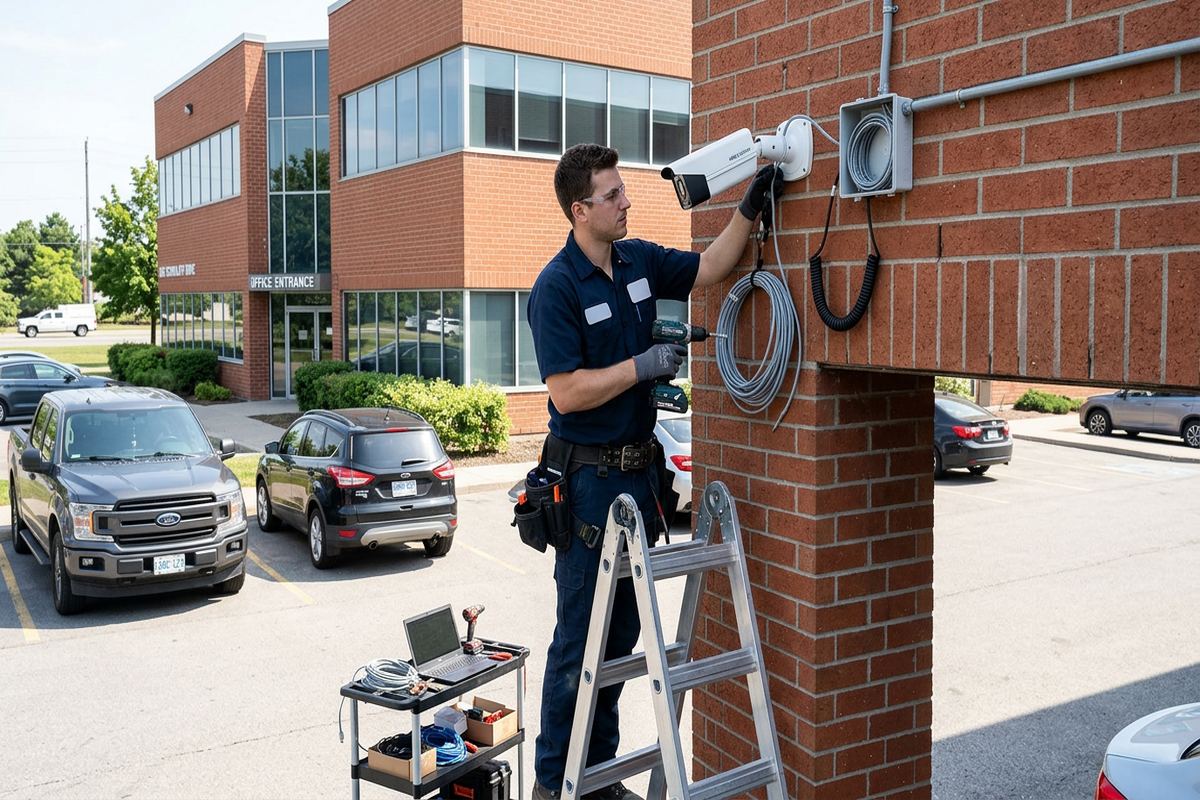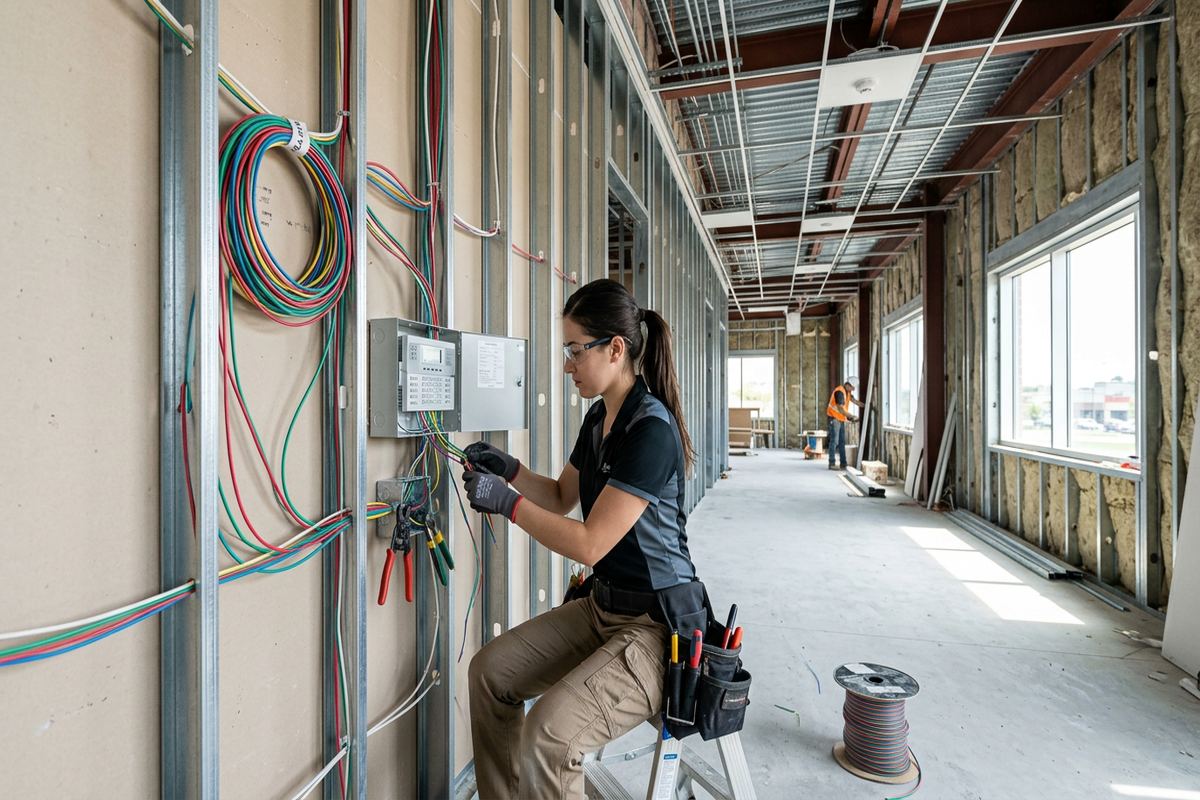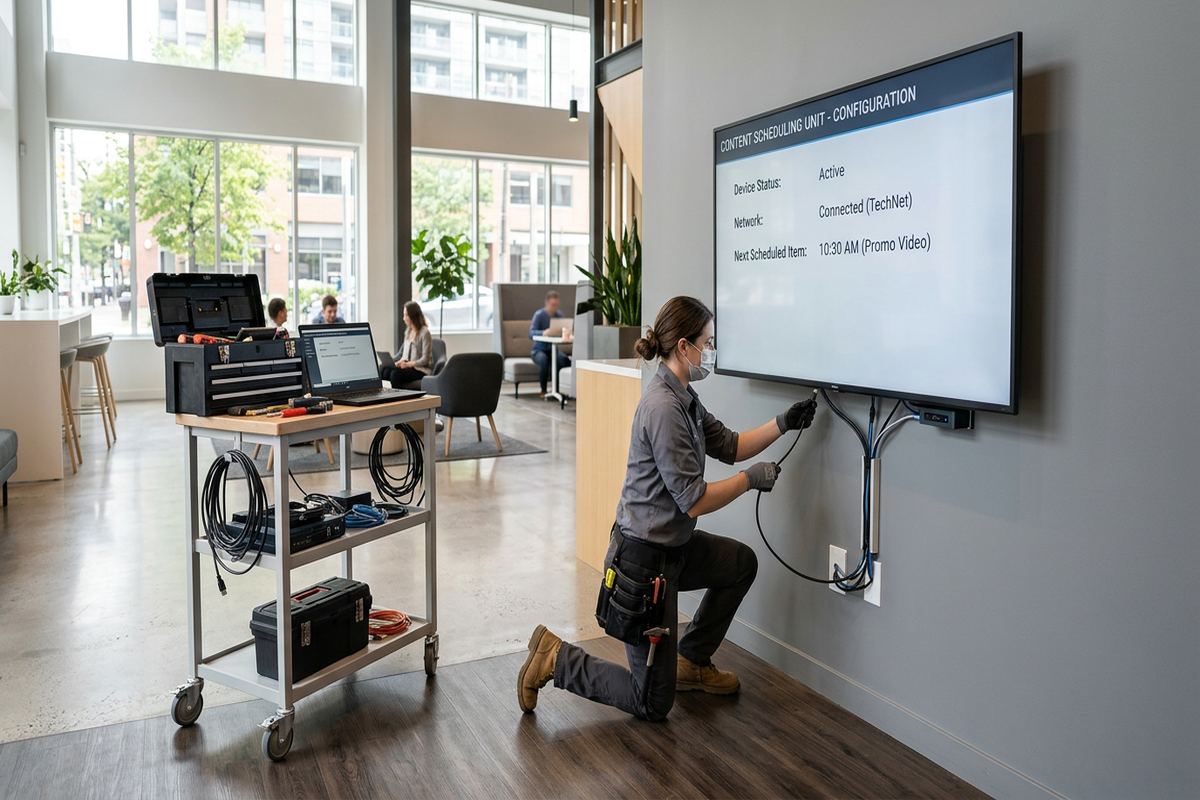
UnifiedLink provides TV wall mounting in Aurora for houses, condos, offices, shops and industrial units. We assess the wall, viewing position, bracket, power and cable route before installation. The finished system is securely mounted, configured on site and handed over with labelled connections, customer-owned credentials and a clear record of the work.
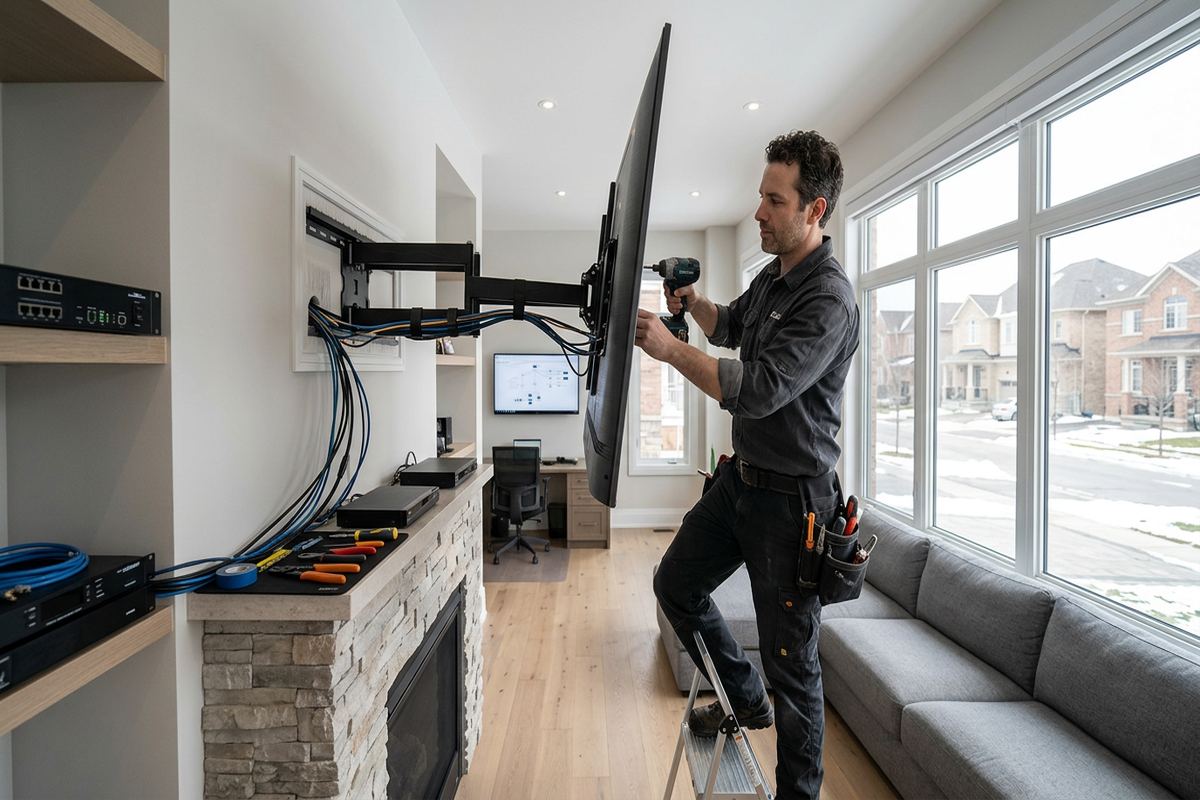
TV Wall Mounting for Aurora Properties
A proper TV installation begins with the wall, not the screen. Aurora properties range from heritage homes near Yonge Street to newer frame construction and larger estate properties east of town. Those differences affect bracket anchoring, cable access, power placement and the amount of repair work that may be needed. We assess the proposed location, identify the likely wall structure and review viewing height, glare, furniture and connected equipment. This avoids choosing a bracket or cable route based only on the television’s size and leaves a practical installation plan before holes are drilled.
In Aurora Village, older plaster, wood lath, masonry and renovated wall assemblies can sit within the same house. A stud finder alone may not explain what is behind the finished surface, especially where previous renovations added strapping, drywall or service cavities. We select anchors and fasteners according to the confirmed supporting material and the bracket manufacturer’s requirements. Where the wall cannot safely support the intended arrangement, we explain the limitation and discuss another position, reinforcement or a suitable stand rather than treating the finish layer as structural support.
Newer homes in Bayview Wellington and Rural Aurora often provide more predictable framing, but fireplaces, built-in cabinetry and open-plan layouts create their own constraints. A mount above a fireplace must be reviewed for heat, viewing angle, mantel clearance, recessed outlets and access to controls. Large rooms may also require a full-motion bracket so the screen can face different seating areas. The added leverage of an extended arm changes the fastening requirements. Our written scope records the selected position, equipment, cable routes, exclusions, equipment ownership and applicable warranty before installation begins.
- Fixed, tilting and full-motion bracket installation
- Mounting on assessed frame or masonry walls
- Viewing height and glare review
- Fireplace and built-in clearance planning
- Written scope before installation
Planning a Clean Aurora TV Installation
Screen position affects comfort, appearance and service access. We measure the television, bracket, furniture and viewing area rather than relying on a generic mounting height. The plan accounts for the screen’s centreline, seated eye level, tilt range and space needed to connect or remove cables. In Aurora Highlands family rooms, this may mean coordinating the TV with a media console and gaming equipment. In a boardroom or customer area, the priority may instead be visibility from several positions, camera alignment and a clear path for presentation cables.
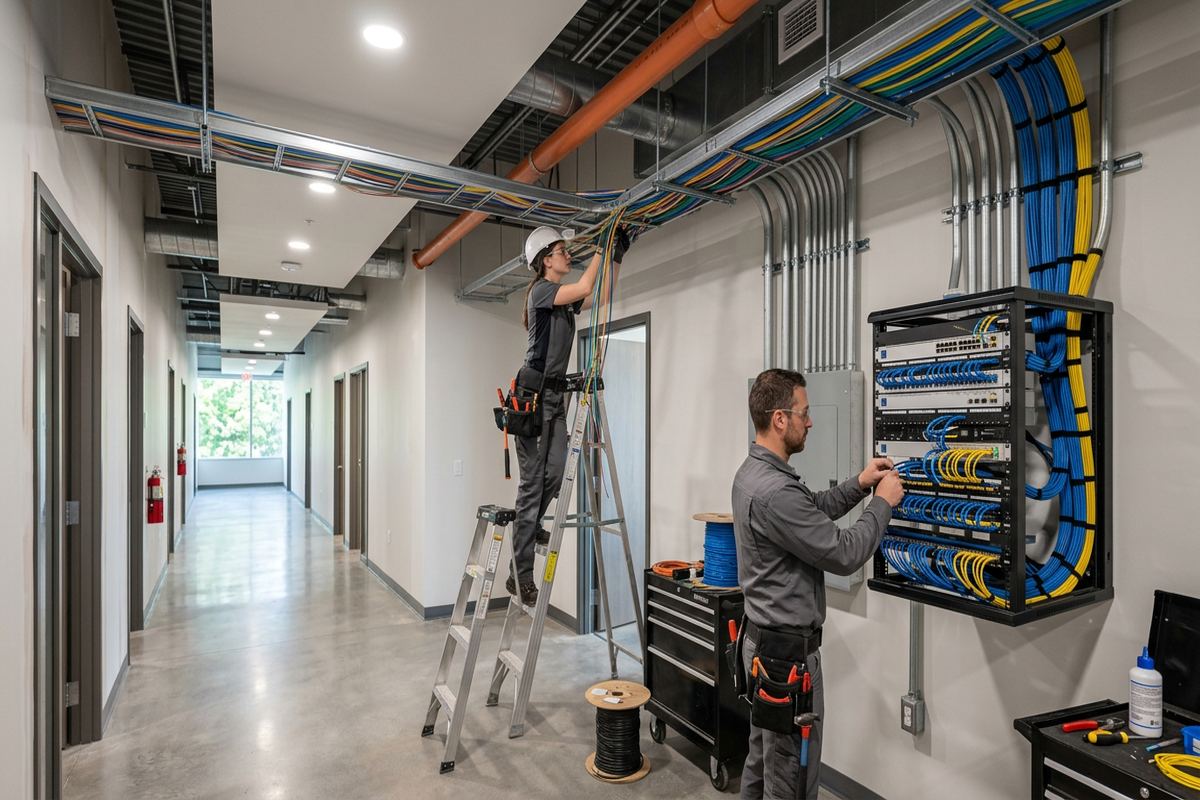
Cable concealment requires more than pushing loose leads into a wall. We review the path for HDMI, network, audio, control and low-voltage power connections, then identify barriers such as fire blocking, insulation, masonry, plumbing or ductwork. Continuous labelled cable runs are used where new cabling is included in the scope. Connections remain accessible at the television and equipment location, with suitable wall plates or brush plates where appropriate. Power work must use an approved electrical arrangement; ordinary flexible power cords are not routed inside a wall as a substitute for permanent wiring.
The site assessment also identifies every source that needs to reach the display. Common examples include streaming devices, cable boxes, game consoles, computers, soundbars, receivers and network connections. Cable type and length are selected for the required signal rather than appearance alone, particularly for long routes to equipment cabinets. We confirm which devices will remain visible, which require ventilation and how remotes or control systems will operate. The resulting scope distinguishes customer-supplied equipment from UnifiedLink-supplied components, reducing uncertainty when the installation is configured and tested on site.
- Measured screen and bracket layout
- Planned paths for signal cabling
- Accessible wall plates and connections
- Coordination with consoles and soundbars
- Customer-supplied equipment clearly identified
Wall Types Found Across Aurora
Wall construction determines how the load reaches the building structure. Frame walls generally allow the bracket to be fastened to wood or metal framing, although stud spacing may not align with the desired screen centre. Backing, an approved mounting plate or a different bracket can resolve some layouts. Heritage homes near Yonge Street may contain brittle plaster, irregular framing or masonry behind later finishes. Careful investigation reduces unnecessary surface damage, but exploratory openings or repairs may still be required where concealed conditions differ from what can be observed during the assessment.
Concrete, brick and block require anchors suited to the specific masonry and the television’s load. Mortar joints, hollow block cells and veneers are not treated as interchangeable structural materials. In commercial strips or industrial units, walls may also include demising assemblies, steel studs or concrete panels with restrictions on drilling. We review the intended anchor points and any property rules before work starts. Dust control and protection for nearby furniture or merchandise are included in the installation approach, while the written scope identifies finish repairs or specialist work that are excluded.
Condos and rented premises introduce an approval step before mounting. Owners, tenants and businesses should confirm applicable condominium, landlord or property-management rules, including drilling limits, permitted hours and requirements for common walls. Some buildings may restrict penetrations because of fire separations, acoustic assemblies, embedded services or shared infrastructure. We can document the proposed device position and cable route for review, but approval remains with the relevant owner or authority. If wall mounting is not permitted, a freestanding display mount may provide a practical alternative without unauthorised alterations.
- Wood and metal stud assessment
- Concrete, brick and block fastening
- Heritage plaster handled cautiously
- Condo and landlord requirements reviewed
- Alternative mounting positions considered
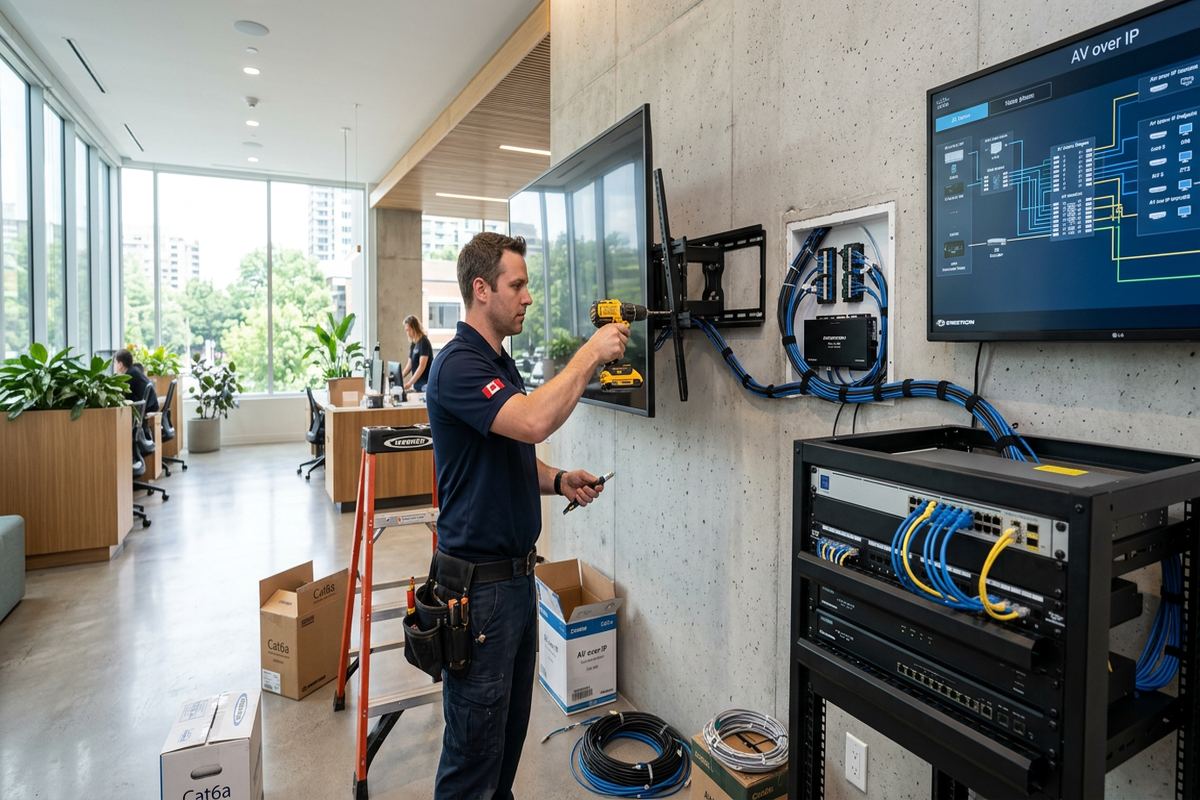
Aurora, Ontario
TV wall mounting in Aurora, scoped in writing first
Book a site assessment and get equipment, routes, exclusions, and warranty on paper before anything is installed.
Exterior TV Mounting in Aurora
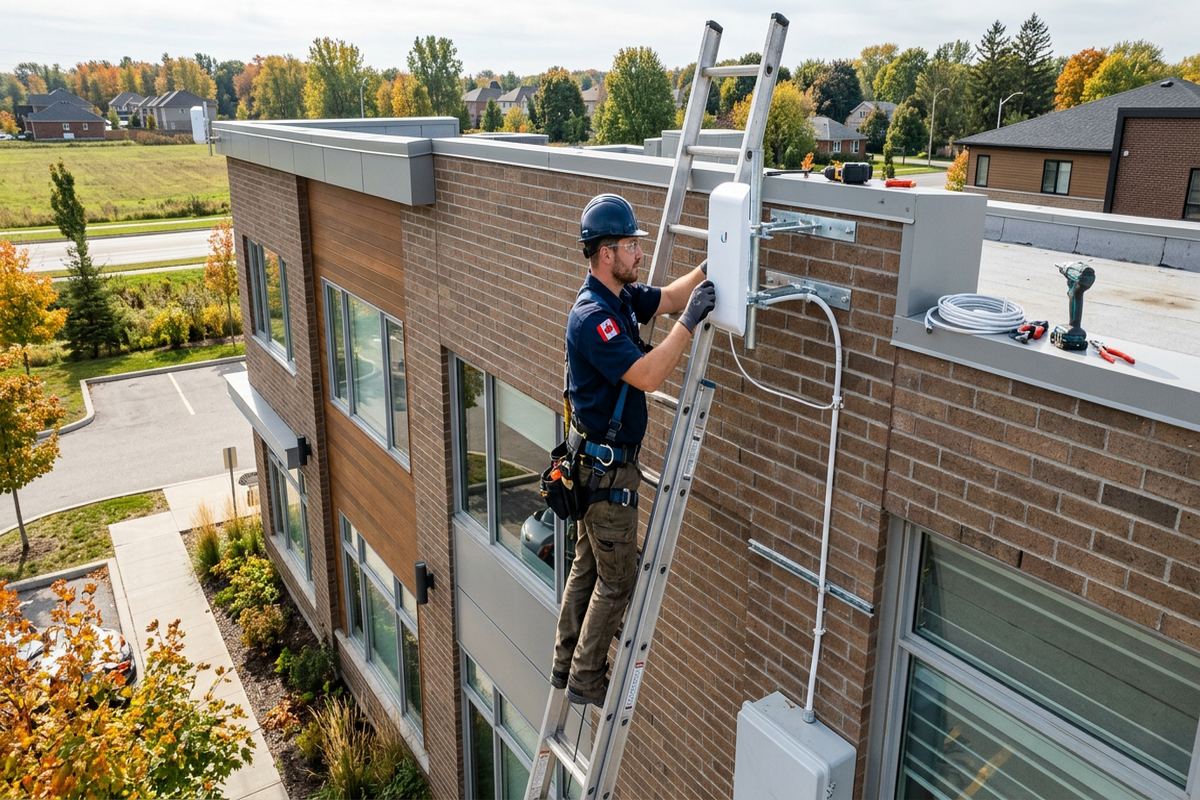
Outdoor television mounting in Aurora must account for winter, moisture and wide seasonal temperature changes. Freeze-thaw cycles can affect masonry penetrations, sealants and exposed cable routes when water is allowed to enter. We review whether the selected display, bracket and accessories are rated for the intended outdoor location. A sheltered wall under a roof is different from an exposed patio or detached structure. The assessment considers precipitation, direct sun, wind exposure, drainage and access for seasonal inspection rather than assuming an indoor screen can be protected by a simple cover.
Exterior penetrations need a planned water-management approach. Fastener holes and cable entries are positioned and sealed to suit the wall assembly, with drip paths and exterior-rated materials used where applicable. Brick veneer, solid masonry, siding and stucco each require different treatment because the visible surface may not be the primary structural support. Cable entries should avoid creating a route for water into insulation or interior finishes. The scope identifies penetrations, exposed conduit and sealing work so the owner understands what will remain visible after the outdoor display is installed.
Electrical supply, data connections and signal equipment also need protection from local conditions. Exterior-rated enclosures and components may be necessary, while receptacle placement and electrical compliance should be reviewed by the appropriate electrical trade. Wi-Fi performance outdoors can vary because masonry, metal cladding and insulated walls attenuate signals. Where reliable streaming or control is required, we can assess a wired network connection or coordinate the display with a broader Wi-Fi plan. Final testing covers the screen, sources, network connection and control method from the intended viewing area.
- Outdoor-rated equipment requirements reviewed
- Freeze-thaw exposure considered
- Exterior penetrations carefully sealed
- Visible conduit routes documented
- Outdoor network connection tested
TVs, Soundbars and Connected Equipment
A wall-mounted television often forms one part of a larger media system. Soundbars may attach to the wall, to the TV bracket or beneath the display, and each method affects spacing and service access. Separate speakers, receivers and subwoofers require their own cable and ventilation plan. We align the equipment so doors, drawers and remote sensors remain usable. Where a soundbar uses HDMI ARC or eARC, the correct television port and compatible cable are confirmed during setup. Audio output, lip synchronization and volume control are then tested with the connected sources.
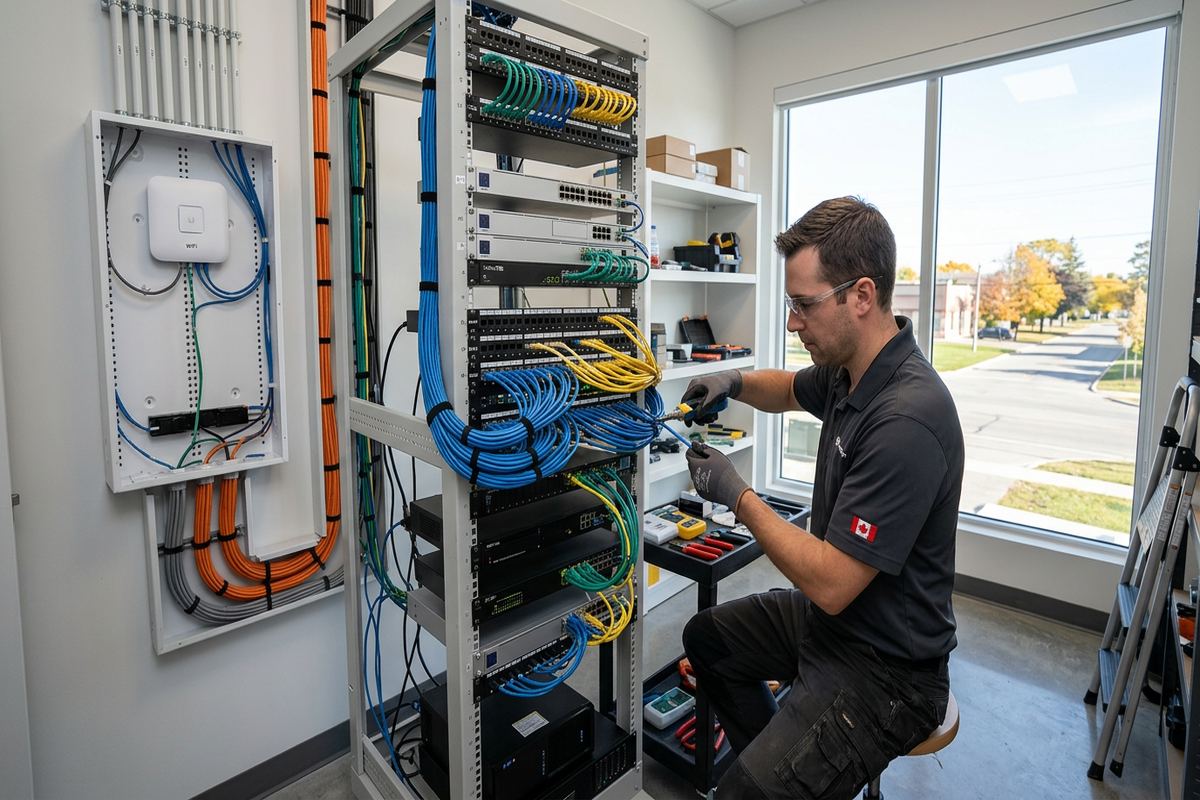
Streaming devices and small computers can sometimes be secured behind a display, but hidden placement must not block wireless signals, ventilation or access to reset controls. Larger source equipment is usually better housed in a console or equipment location with sufficient airflow. If that location is separated from the TV, cable distance and signal capability must be checked before installation. We avoid unnecessary adapters and label continuous runs at both ends. In larger Aurora estate properties, an equipment rack or central cabinet may support several displays, making documentation especially important for future changes.
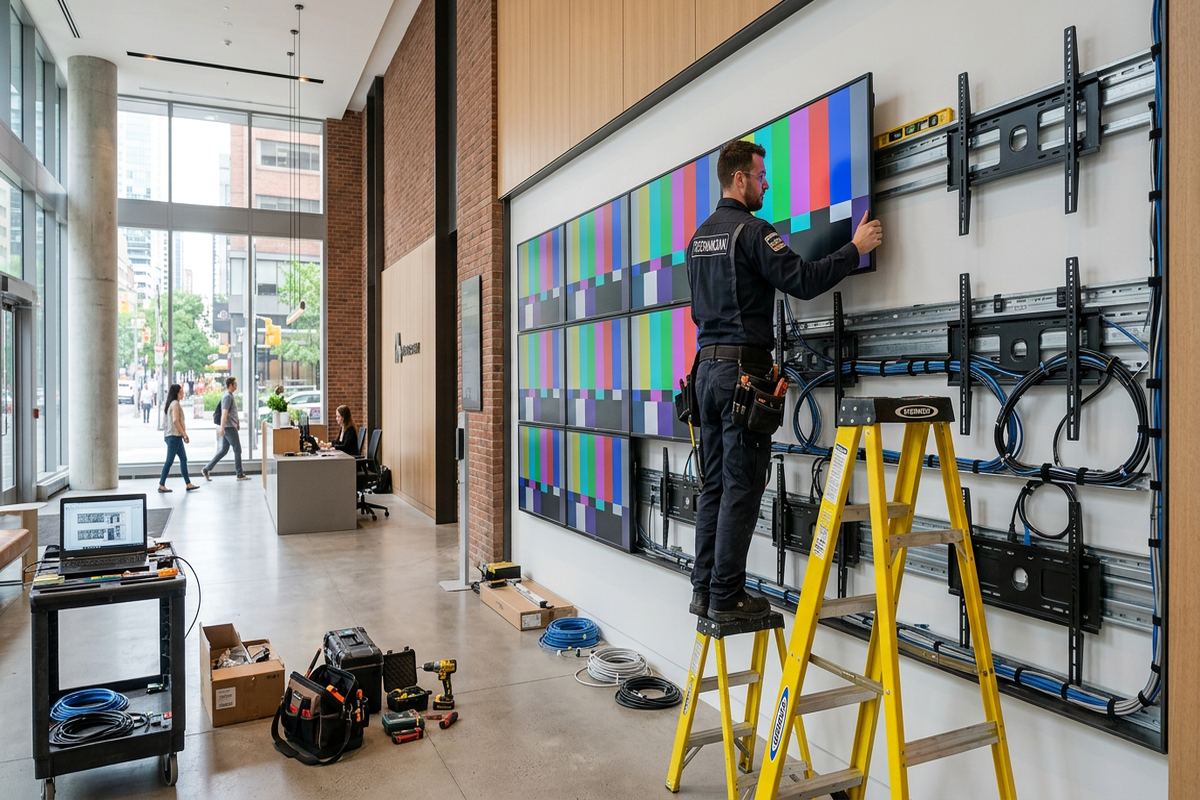
Commercial display mounting has different operational priorities from a typical living room. Aurora offices, clinics, restaurants, shops and industrial units may need screens for presentations, menus, monitoring, training or internal communications. Mount height must suit the audience and avoid conflicts with shelving, doors, machinery or customer circulation. We can coordinate multiple displays, source connections and network access under one written scope. Equipment is configured on site using the customer’s own accounts and credentials, and the handover records display locations, cable paths and the intended connection points.
- Soundbar positioning and connection
- Streaming device placement
- HDMI ARC and eARC testing
- Equipment ventilation considered
- Multi-display layouts documented
Our Aurora TV Mounting Process
Every project starts with the installation request and enough information to understand the site. Useful details include the Aurora address, property type, screen make and size, preferred wall, bracket status and connected devices. Photographs can help identify obvious constraints, but they do not replace a site assessment where structure or routing is uncertain. Requests sent during business hours are answered the same day, and after-hours requests are answered the next business day. Site assessment timing depends on the service and travel distance within Aurora and the surrounding part of York Region.
During the assessment, we review wall construction, mounting height, bracket movement, nearby power, cable routes and equipment placement. We also discuss surface finishes, fireplace conditions, outdoor exposure, access restrictions and any condo or landlord approvals. Pricing follows the assessment because bracket requirements and concealed conditions vary between properties. The written scope covers equipment, cable routes, device placement, exclusions, equipment ownership and warranty. This provides a common reference for the installer and customer, especially where several rooms, displays or trades are involved in the project.
On installation day, the work area is protected and the agreed layout is marked before drilling. The supporting structure and bracket position are checked, cabling is installed, and the television is lifted and secured according to the planned method. Connected devices are configured and tested on site. At handover, the customer retains their own credentials rather than receiving an installer-controlled account. We provide an as-built record showing relevant device and cable information. One accountable contractor manages the low-voltage scope, reducing gaps between mounting, cabling, network and display setup.
- Site assessment before pricing
- Detailed written installation scope
- Protected and measured work area
- On-site configuration and testing
- As-built record at handover
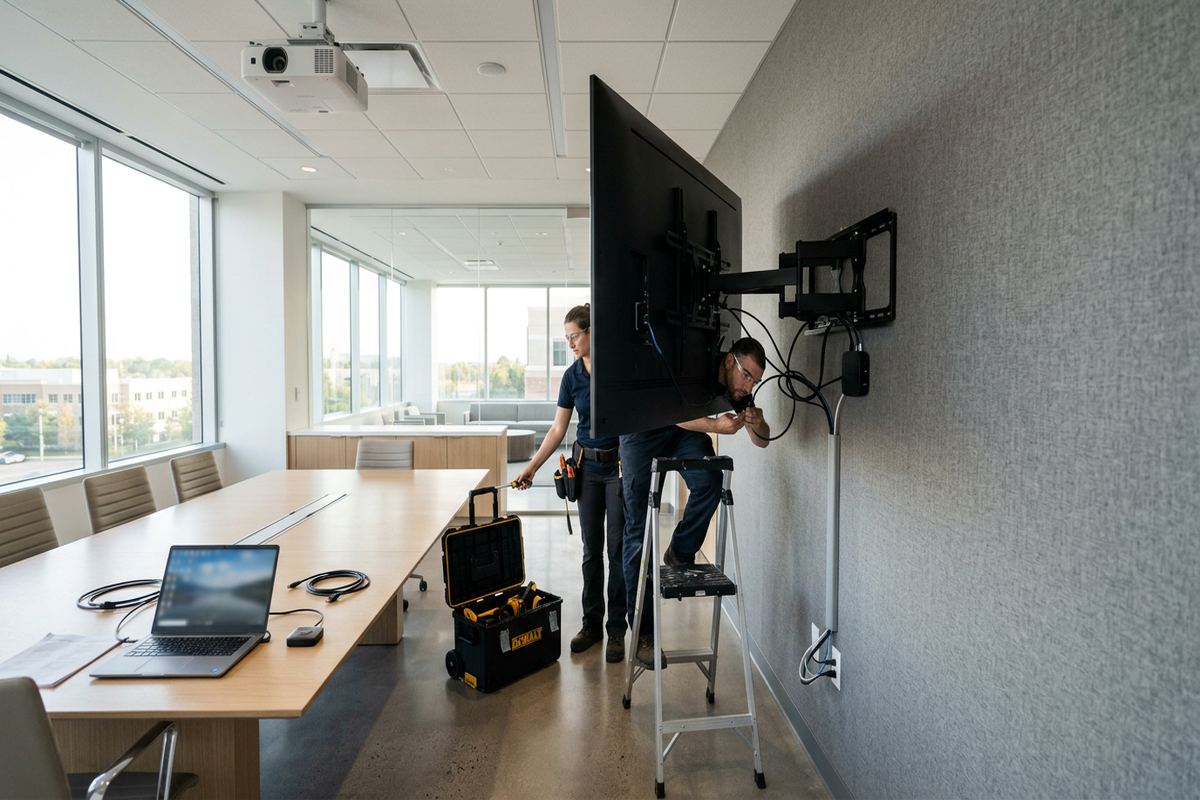
Business Display Mounting in Aurora
Business installations need to fit daily operations as well as the wall. A meeting-room display should be visible from the table, connect predictably to staff computers and avoid loose adapters hanging near the floor. Customer-facing screens need secure placement, suitable brightness and routes that do not create snagging hazards. In Aurora commercial strips, installation access may be limited by opening hours, shared parking or property-management rules. Industrial units may have high ceilings, concrete walls and long cable paths, requiring a different bracket and access plan from an office installation.
Digital signage and monitoring screens also need a defined content source. The display may use an integrated application, a dedicated media player, a computer or a network-connected controller. We confirm the physical connections, orientation, restart behaviour and access needed for maintenance. Where screens are installed above counters or work areas, the mount must permit service without disrupting fixed furniture or equipment. Credentials are established under the business owner’s control, and any network requirement is documented so staff or their technology provider can support the system after handover.
For multiple displays, consistency simplifies operation and future service. We document screen locations, model information, source devices and labelled cable endpoints rather than leaving staff to trace unmarked wiring. A standard mounting height or bracket type may be appropriate, but site conditions are checked at each position. Fire separations, steel framing, masonry and concealed building services can differ within one unit. The scope can also coordinate network cabling, Wi-Fi, audio or control work, giving the Aurora business one accountable contractor for the related low-voltage installation.
- Meeting-room screen installation
- Digital signage and menu displays
- Commercial cable route planning
- Multiple screens consistently documented
- Coordination with network and audio systems
Maintaining a Mounted TV in Aurora
A mounted television should remain accessible enough for normal service. Cables can fail, source devices change and manufacturers occasionally reposition connections between models. Tight recessed spaces may look clean but can make future replacement difficult or place damaging pressure on connectors. We allow reasonable clearance for plugs, ventilation and bracket movement, then show the customer how to reach the relevant inputs. Tilting and full-motion mounts should be moved using the screen edges as directed by the manufacturer, without pulling on connected cables or using the display as a handle.
Seasonal checks are particularly important for exterior installations in Aurora. Owners should look for deteriorated sealant, loose conduit fittings, corrosion, water staining or cable jackets affected by exposure. Snow and ice should not be allowed to load the bracket or block ventilation, and covers should be used only as intended for the equipment. Changes caused by freeze-thaw movement should be addressed before moisture reaches the wall assembly. An outdoor screen that shifts, develops intermittent connections or shows signs of water entry should be disconnected and assessed rather than repeatedly operated.
Interior installations also benefit from occasional inspection after furniture changes, renovations or equipment upgrades. A newly added console can limit airflow, while replacement HDMI cables may be unsuitable for the route or required signal. Painting and wall repairs can cover labels or trap service loops. If a larger television is planned, the existing bracket and anchors must be checked for compatibility rather than assumed to be reusable. The as-built record provides a starting point for these changes, helping identify cable paths and installed components without unnecessary investigation of finished Aurora walls.
- Accessible connections for future service
- Ventilation and cable clearance maintained
- Exterior sealing inspected seasonally
- Existing brackets checked before reuse
- As-built details support later upgrades
Aurora neighbourhoods we cover
- Aurora Village
- Bayview Wellington
- Aurora Highlands
- Hills of St. Andrew
- Rural Aurora
TV wall mounting in Aurora — common questions
Can you mount a TV on plaster walls in Aurora?
Yes, when the supporting structure can be identified and the proposed mount is suitable. Aurora heritage homes near Yonge Street may have plaster over wood lath, masonry or later renovations, so the finish alone cannot support the screen. We assess the assembly, select appropriate fastening points and explain if exploratory work, reinforcement, another bracket or a different location is needed.
Do I need condo or landlord approval?
Possibly. Aurora condo corporations, landlords and property managers may restrict drilling, common-wall penetrations, work hours or alterations to fire and acoustic assemblies. Obtain written approval before installation where your agreement or building rules require it. We can provide a proposed device location and cable route for review, but authorization must come from the owner, condominium corporation or property manager.
Can my cables be hidden inside the wall?
Often, but the route depends on framing, insulation, fire blocking, masonry and nearby building services. During the Aurora site assessment, we review paths for HDMI, network, audio and control cabling. Continuous runs are labelled at both ends. Power requires an approved electrical arrangement; a normal television power cord is not placed inside a wall as a substitute for permanent electrical wiring.
Can you install a TV above a fireplace?
A fireplace location can be considered after checking heat, mantel clearance, viewing height, wall construction and cable access. Some Aurora homes have masonry fireplaces, while others use framed enclosures around gas or electric units. We do not assume every fireplace wall is suitable. If temperature, structure or viewing angle creates a problem, we will discuss another wall, a different bracket or layout changes.
Do you mount TVs outdoors in Aurora?
Yes, where the equipment and location are appropriate. Outdoor work must account for Aurora winters, freeze-thaw cycles, moisture, direct sun and wind exposure. We review exterior-rated displays, brackets, enclosures, cable routes and sealing around penetrations. Electrical requirements may need coordination with the appropriate electrical trade. The completed installation is tested for picture, source control and network performance from the viewing area.
What happens after the TV is mounted?
We connect the equipment included in the written scope, configure it on site and test the display, sources, audio, network connection and bracket movement as applicable. Aurora customers receive control of their own accounts and credentials. Handover also includes an as-built record with relevant cable and device details, making later equipment changes or troubleshooting more straightforward.
Coverage in Aurora is confirmed against the address before we quote. See everything we install in Aurora or the province-wide tv wall mounting page.