UnifiedLink installs home security camera systems across Aurora and surrounding York Region communities. Each project starts with a site assessment covering camera views, lighting, cable routes, recording and remote access. We account for the construction of the property, exterior exposure and how you want to monitor, store and manage footage.
Planning Home Security Cameras in Aurora
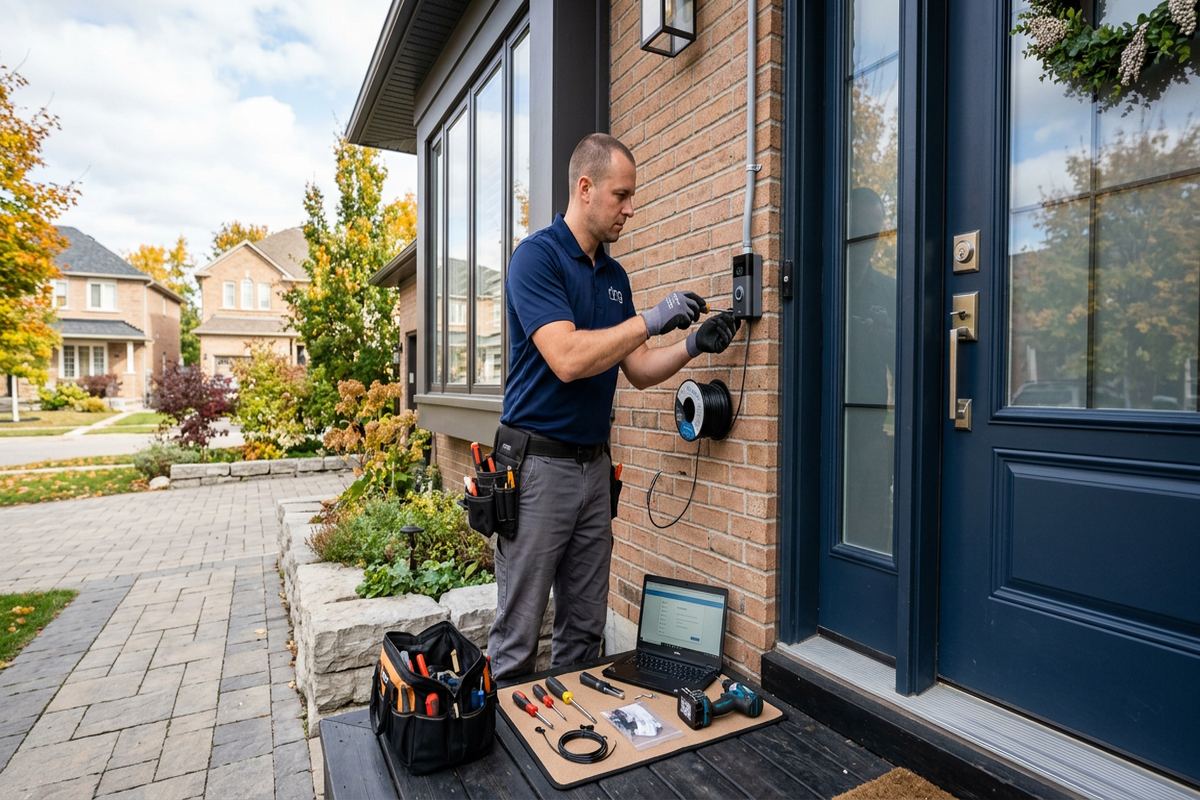
A useful camera system begins with the areas you need to observe, not a predetermined equipment package. During an Aurora site assessment, we review entrances, driveways, walkways, side yards, garages and other accessible points. Camera height, viewing angle and lens selection are considered together so that a wide overview does not replace the detail needed at a doorway or vehicle approach. We also identify backlighting, deep shadows, exterior fixtures and vegetation that may affect the image. Pricing follows the assessment because cable access, mounting surfaces and recording requirements vary between properties.
Aurora’s housing stock requires different installation approaches from one street to another. Heritage homes near Yonge Street may have finished plaster, limited wall cavities, additions from different periods or exterior materials that should not be disturbed unnecessarily. Larger estate properties east of town can involve longer cable distances, detached structures and broad approaches that cannot be covered effectively by one camera. We plan practical routes and divide large areas into useful views. The written scope identifies equipment, device placement, proposed cable routes, exclusions, equipment ownership and warranty details before installation proceeds.
The assessment also establishes how footage will be recorded and viewed. Some households want local recording with remote access, while others need simple live viewing at specific displays or mobile devices. We review retention expectations, available network capacity, recorder placement and power requirements without assuming that every camera needs the same settings. Privacy boundaries are discussed before final placement, particularly where homes are close together. UnifiedLink remains one accountable contractor for mounting, cabling, configuration and handover, reducing gaps between the camera supplier, network installer and person responsible for final system operation.
- Entrances, driveways and side access reviewed
- Lighting and night images considered
- Cable routes documented before work begins
- Recording needs included in the scope
- Privacy boundaries discussed during placement
Camera Placement for Aurora Homes
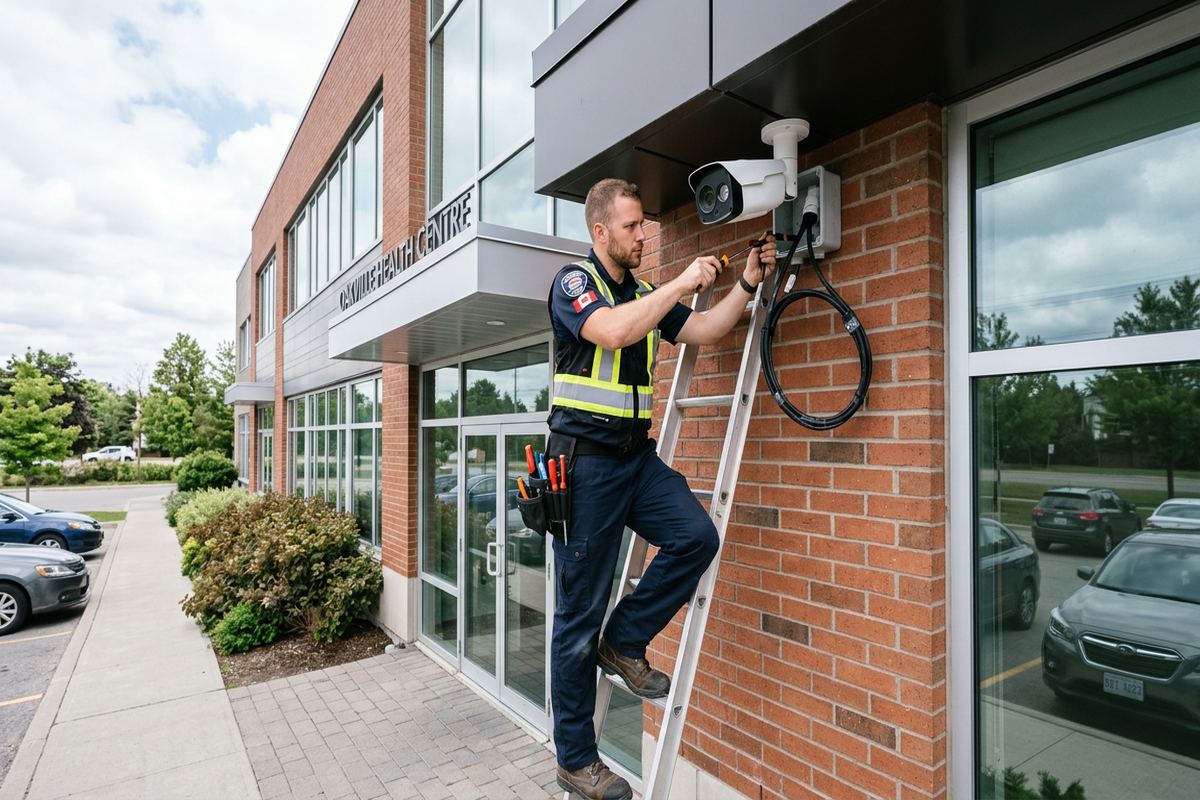
Effective placement balances identification, context and physical protection. A camera mounted too high may show the top of a person’s head, while one mounted too low can be easily reached or blocked. We select positions that support the intended task, whether that is seeing who approached the front door, reviewing activity across a driveway or monitoring access beside a house. In Aurora Village, shorter setbacks and nearby sidewalks can create busy backgrounds, so framing matters. The goal is to capture useful activity on the property without collecting unnecessary views of neighbouring windows or private spaces.
Different locations need different fields of view. A front entrance benefits from detail around face height and package placement, whereas a driveway may require a wider scene with carefully controlled exposure from headlights. Rear doors, basement entries and gates often need separate coverage because corners, fences and roof lines create blind areas. In Aurora Highlands and Bayview Wellington, attached garages and varied front elevations can limit a single camera’s line of sight. We test proposed angles from the actual mounting position rather than relying only on floor plans, photographs or a camera’s advertised viewing angle.
Indoor cameras are planned with the same attention to purpose and privacy. Common choices include an entrance hall, mudroom, garage interior or a defined route through the home, but bedrooms and other sensitive spaces generally require different consideration. We discuss who can view footage, whether audio should be enabled and how notifications will be managed. Excessive motion alerts often lead users to ignore important events, so detection zones should match doors, paths or defined areas. Final placement is confirmed before drilling, and the as-built record identifies installed locations for later maintenance or system expansion.
- Doorway detail and overview views separated
- Blind corners identified before installation
- Detection zones matched to useful areas
- Indoor privacy considered during planning
- Final locations recorded at handover
Exterior Mounting for Aurora Winters
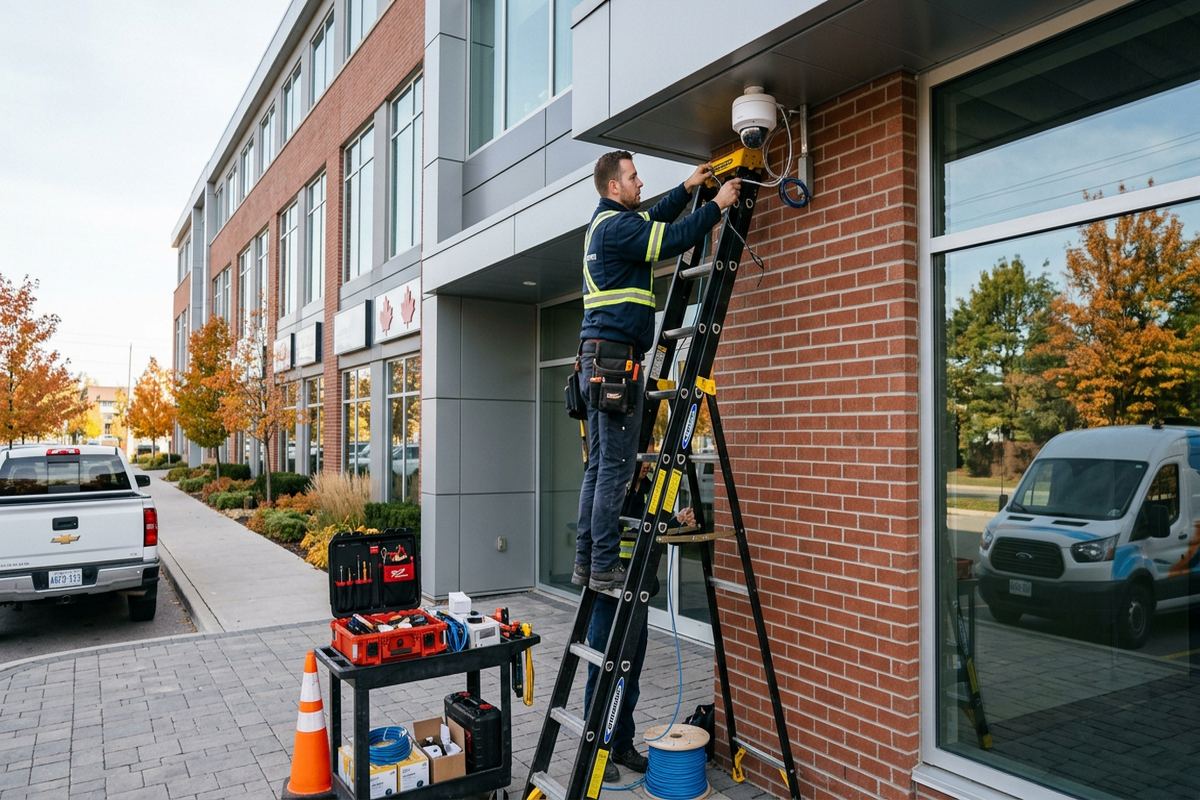
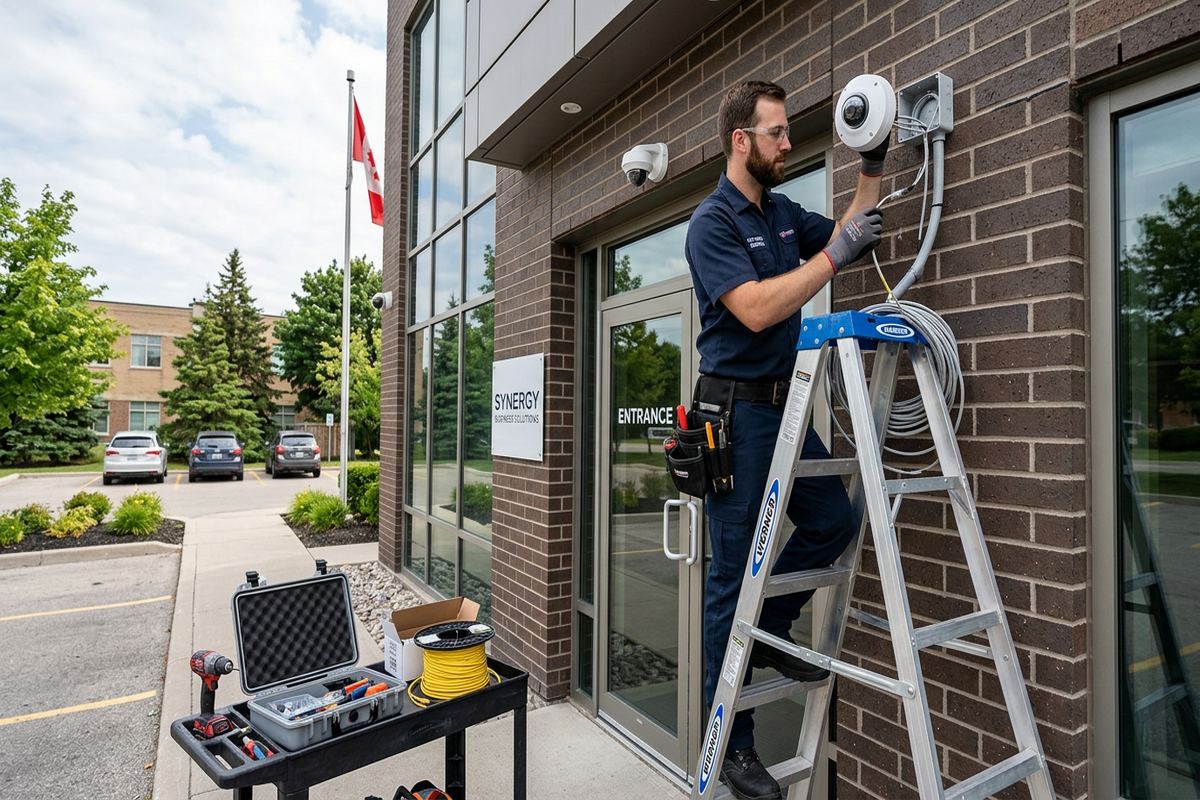
Exterior equipment in Aurora must be mounted for winter exposure, repeated freeze-thaw cycles and seasonal moisture. A weather-rated camera alone does not make the complete installation weather-resistant. The mounting base, cable entry, connector location and surface penetration all need suitable treatment. We avoid leaving exposed connections where water can collect or where ice may pull on a cable. Drip paths and entry points are planned so moisture is directed away from the building envelope. Where practical, connections remain inside a protected junction or interior space rather than being bundled behind an unsealed camera bracket.
Mounting methods depend on the exterior surface. Brick and other masonry require appropriate drilling locations, anchors and sealing, while frame construction may provide access to soffits, siding cavities or structural backing. Heritage homes near Yonge Street can include older masonry, decorative trim and previous alterations that warrant a careful route rather than the shortest visible path. We assess the condition and avoid treating every wall as interchangeable. Penetrations are kept purposeful, and exterior cable is supported to prevent movement. The scope notes visible routing where concealed access is unavailable, allowing the owner to approve the appearance beforehand.
Cold weather can expose weak installation details that were not obvious in summer. Water entering an unsealed opening may expand when frozen, and loosely supported exterior cable can move with wind, ice or temperature changes. Camera housings also need a clear view after snow accumulates on roofs, ledges and nearby landscaping. We consider mounting height, overhangs and the possibility of infrared light reflecting from soffits, walls or snow-covered surfaces. Seasonal lighting changes are addressed through positioning and configuration, although the exact night image should be verified after installation under the property’s normal exterior lighting conditions.
- Exterior penetrations sealed appropriately
- Connections protected from standing water
- Mounts selected for masonry or framing
- Cable supported against weather movement
- Snow and infrared reflection considered
Aurora, Ontario
Home security camera installation in Aurora, scoped in writing first
Book a site assessment and get equipment, routes, exclusions, and warranty on paper before anything is installed.
Cabling and Networks in Aurora Properties
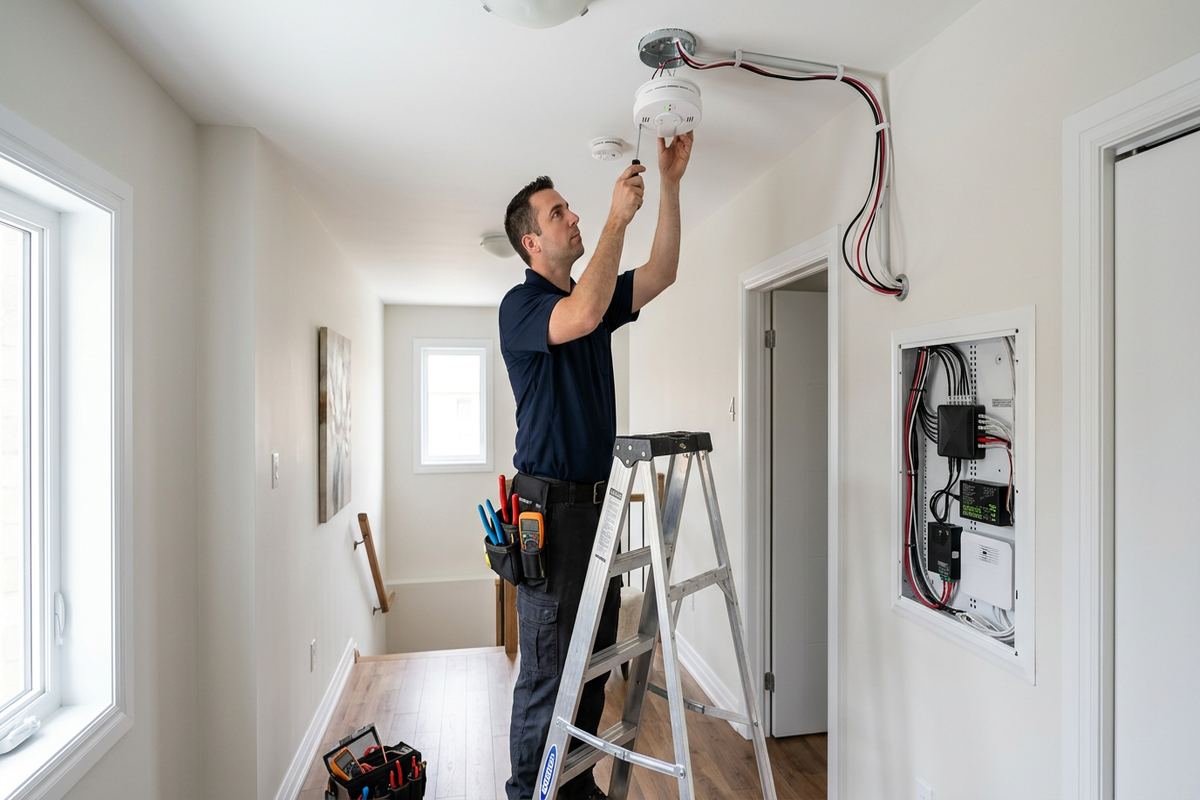
Wired cameras generally provide predictable power and data when the cable system is planned correctly. UnifiedLink installs continuous labelled cable runs between cameras and the designated network or recording location, avoiding hidden joins that complicate troubleshooting. Routes may pass through basements, attics, garages, utility spaces or approved exterior pathways depending on construction and finishes. In older Aurora homes, access can change between the original building and later additions. We inspect these transitions before committing to a route. Any expected surface-mounted sections, access limitations or repair exclusions are identified in the written scope rather than discovered after work starts.
Larger properties in Rural Aurora and estate areas east of town may require more than a basic residential network arrangement. Long approaches, detached garages, gates and outbuildings introduce distance, pathway and power considerations. We evaluate whether a direct cable route is practical and whether additional network equipment or a protected link is needed. Equipment is placed in accessible, suitable locations rather than hidden where heat, moisture or future service access will become a problem. Cabling for cameras is kept organized and labelled, with terminations tested before the system is configured. The design also leaves clear responsibility for installed equipment and pathways.
Existing Wi-Fi can support mobile viewing, but it should not automatically be treated as the camera transport network. Signal strength changes through masonry, insulated walls, finished basements and detached structures, and a strong signal icon does not confirm stable capacity for continuous video. Where wireless cameras are being considered, we review power, coverage, congestion and what happens during a network interruption. For wired systems, the network switch, recorder and internet connection still need appropriate planning. Remote access depends on the customer’s internet service, while local recording can be designed to continue independently when supported by the selected equipment and configuration.
- Continuous cable runs without hidden joins
- Every installed run clearly labelled
- Routes adapted to additions and finishes
- Detached structures assessed separately
- Terminations tested before configuration
Recording, Alerts and Secure Access
Recording design should reflect what the owner expects to retrieve after an incident. Camera resolution, frame rate, scene activity, compression settings, storage capacity and the number of cameras all affect retention. Rather than promising a fixed period without those inputs, we configure the system around agreed priorities and explain the factors that can shorten or extend available history. Critical views may warrant different settings from general overview cameras. The recorder location is selected with ventilation, network access, power and physical accessibility in mind. Owners are shown how to search, play back and export footage during the handover.
Remote viewing is configured on site using the customer’s own credentials. We do not make personal accounts the permanent administrative owner of a client’s camera system. Access can be arranged for household members or designated users according to the capabilities of the selected platform, and unnecessary shared passwords should be avoided. We review basic account security, notification permissions and device access during setup. If an owner changes phones, internet equipment or email access later, retaining the administrative credentials and as-built information makes recovery easier. Equipment ownership and any account dependencies are stated in the written project scope.
Motion alerts are most useful when they correspond to activity that matters. Trees, road traffic, shadows, snow, insects and headlights can produce unwanted events if detection is left at broad default settings. Aurora properties near active streets may require tighter zones than homes with long private approaches. We configure available person, vehicle or general motion functions according to the chosen equipment, but no analytic should be treated as infallible. Owners receive an explanation of sensitivity, schedules and notification choices. Settings can then be adjusted based on normal seasonal activity without changing the physical installation or replacing correctly positioned cameras.
- Retention settings based on actual requirements
- Playback and export demonstrated on site
- Customer controls the primary credentials
- Alert zones configured for relevant activity
- Recorder placement accounts for ventilation
Approvals, Privacy and Shared Properties
A camera should be directed at the area the owner is entitled and intending to monitor. Close lot lines, shared driveways and nearby windows make careful framing important in several Aurora neighbourhoods. We discuss privacy masking or narrower views where supported by the equipment, but property owners remain responsible for determining their legal and policy obligations. Audio recording deserves separate consideration because it can capture conversations beyond the immediate camera location. The installation scope can document intended views and device locations, giving the owner a clear reference if landscaping, fences or neighbouring conditions change later.
Condominium properties may require approval before equipment is attached to an exterior wall, balcony, soffit or other common element. Even when a camera serves one unit, the mounting surface and visible cabling may fall under condominium rules. Landlords and tenants should also confirm written permission for drilling, permanent wiring and exterior placement before work is scheduled. UnifiedLink can provide proposed locations and route information for the approval process, but does not replace the property owner, condominium corporation or landlord as the decision-maker. Work proceeds only within the approved scope and accessible areas of the property.
Mixed residential and business settings require a clear division between personal monitoring and operational security. Commercial strips near residential areas may need views of entrances, rear service access or parking areas without unnecessarily recording neighbouring property. Industrial units can have higher ceilings, open warehouse areas, loading access and network rooms that differ from a house. Although this page focuses on home security camera installation, Aurora owners with a shop, office or unit can request a site-specific assessment. The same principles apply: defined coverage, appropriate pathways, controlled access to footage and a written record of installed devices.
- Views planned around property boundaries
- Audio use considered separately
- Condo approvals confirmed before mounting
- Landlord permission obtained for permanent work
- Commercial areas assessed on their own needs
Installation and Handover in Aurora
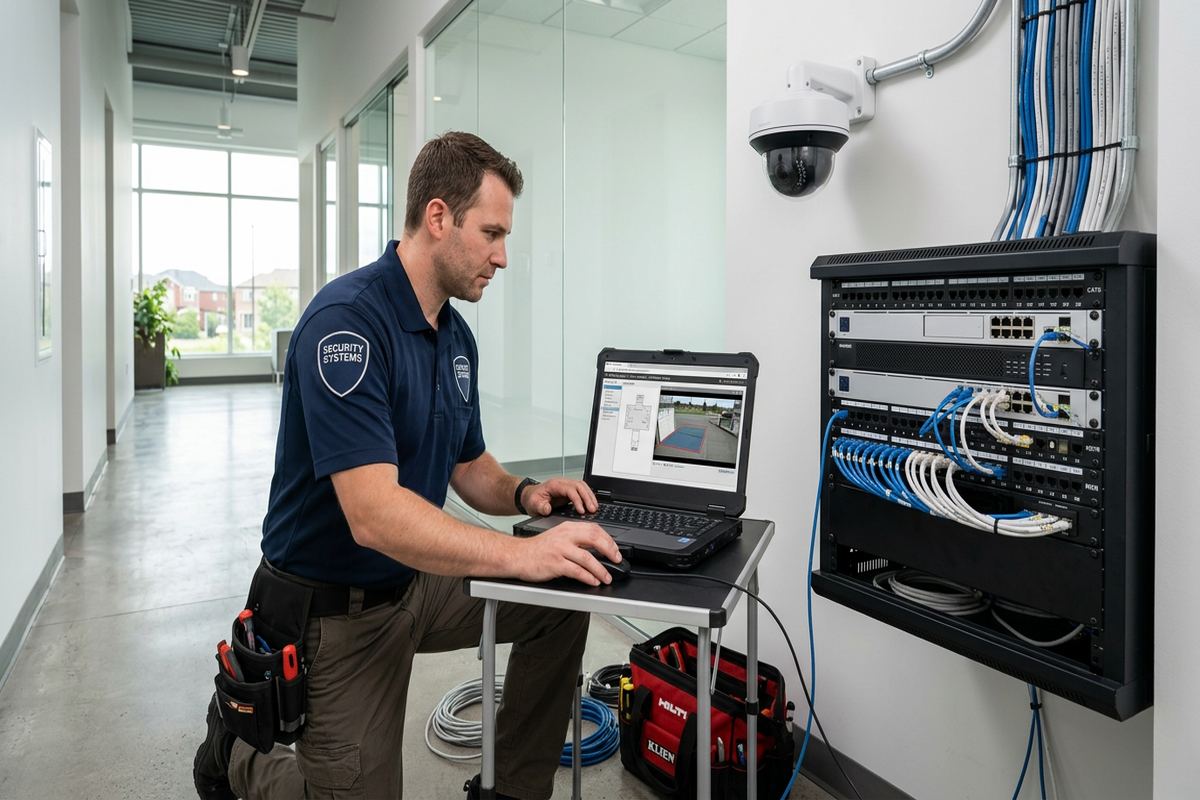
Installation follows the approved written scope, including device locations and cable routes. Before drilling, the technician checks the intended position against visible services, structural conditions and the required field of view. Cameras are mounted, cable runs are installed and labelled, and equipment is connected at the recording or network location. Where conditions differ materially from the assessment, the change is discussed rather than concealed behind an improvised route. This is particularly important in finished Aurora homes where an inaccessible cavity, old addition or unexpected masonry section can affect appearance, labour and the exclusions associated with patching or decorative restoration.
Configuration takes place on site so image framing can be checked against the real scene. We set available resolution, recording schedules, time settings, detection areas and user access according to the agreed design. Daytime framing is confirmed immediately, while owners may need to review night performance under their usual exterior lighting and seasonal conditions. Cameras are focused or adjusted where the model allows, and obvious sources of glare or infrared reflection are addressed. The recorder, network connection and viewing devices are tested together. This process verifies the complete operating path instead of treating a powered camera as a finished installation.
At handover, the customer receives control through their own credentials along with an as-built record of camera locations and relevant cabling. We demonstrate live viewing, playback, exporting and common alert controls on the selected platform. The handover also identifies equipment ownership, warranty information and any dependencies such as internet service, customer-provided network hardware or third-party applications. Passwords should be stored securely by the owner. Having one accountable contractor for assessment, cabling, mounting and configuration provides a clear contact when a question involves more than one part of the system, without implying that every future issue is equipment-related.
- Scope checked before drilling begins
- Camera framing verified from installed positions
- Recording and remote access tested together
- Customer credentials used for administration
- As-built installation record supplied
Maintaining Aurora Security Camera Systems
Camera systems benefit from periodic visual checks, especially after an Aurora winter or exterior building work. Dirt, salt residue, cobwebs and water spots can reduce image quality without causing an obvious device fault. Branch growth, new fencing, parked vehicles or changed lighting may also block a previously useful view. Owners can review live and recorded images during daylight and darkness, check that the displayed time is correct and confirm that expected events are being stored. Cleaning should follow equipment guidance and be completed safely; cameras mounted beyond safe reach may require an appropriate service visit.
Network or account changes are common reasons a working system becomes difficult to access. Replacing an internet router, changing a wireless network, updating a phone or losing an email account can affect remote viewing even when local recording continues. Keeping the administrative credentials, equipment details and as-built record reduces uncertainty during troubleshooting. If a camera is offline, the cause may involve power, cabling, a network port, the recorder or the device itself. A labelled installation lets each part be checked in a logical order rather than resetting the entire system and potentially losing configuration information.
Expansion should start by reviewing the original design and current recorder or network capacity. Adding a gate, shed, finished basement entrance or detached garage may require more than attaching another camera. Available recording channels, power budget, storage, cable distance and pathway access all matter. In Hills of St. Andrew, Rural Aurora and other properties with broad lots or multiple structures, future routes are worth discussing during the first assessment. Requests sent during business hours are answered the same day, while after-hours requests are answered the next business day. Site assessment timing depends on the service and travel distance.
- Exterior views checked after winter
- Lenses kept clear of residue
- Credentials and records stored securely
- Capacity reviewed before adding cameras
- Service requests answered under stated availability
Aurora neighbourhoods we cover
- Aurora Village
- Bayview Wellington
- Aurora Highlands
- Hills of St. Andrew
- Rural Aurora
Home security camera installation in Aurora — common questions
How many cameras does my Aurora home need?
The number depends on the entrances, lot layout, blind areas and detail required, not simply the size of the house. An Aurora site assessment typically considers front and rear doors, the driveway, side access and detached structures. Separate cameras may be appropriate when one broad view cannot provide useful detail. We confirm proposed positions and the recording design before pricing.
Can you install cameras on an older Aurora home?
Yes, subject to a site assessment. Heritage homes near Yonge Street may have older masonry, plaster finishes, limited cavities or additions with different construction. We plan routes and mounting methods around those conditions, identify any visible cabling, and state repair or restoration exclusions in writing. The objective is a secure installation without assuming modern frame construction is available throughout the property.
Will exterior cameras withstand Aurora winters?
We select exterior equipment and install the complete mounting arrangement with Aurora weather in mind. That includes suitable mounts, protected connections, supported cable and sealed penetrations. Freeze-thaw cycles, snow accumulation and infrared reflection from soffits or nearby surfaces are considered during placement. Weather resistance still depends on correct installation and maintenance, so owners should inspect views and exterior components after severe weather or building work.
Do I need condo or landlord approval?
Possibly. Aurora condominium rules may require approval before a camera or cable is attached to an exterior wall, balcony, soffit or another common element. Tenants should obtain written landlord permission for drilling, permanent wiring and exterior devices. We can document proposed positions and routes for review, but the property owner, landlord or condominium corporation determines what work is permitted.
Can I view my Aurora cameras on my phone?
Remote viewing can be configured when the selected equipment, network and internet service support it. Setup is completed using your own credentials, and you retain administrative control. We demonstrate live viewing, playback and available notification settings during handover. Remote access relies on internet and third-party platform availability, while local recording behaviour depends on the specific recorder, power and network design used at your Aurora property.
When will UnifiedLink respond to my request?
Requests sent during business hours are answered the same day. After-hours requests are answered the next business day. The timing of an Aurora site assessment depends on the service and travel distance. An assessment is completed before pricing so the written scope can address equipment, placement, cable routes, exclusions, ownership and warranty instead of relying on assumptions about the property.
Coverage in Aurora is confirmed against the address before we quote. See everything we install in Aurora or the province-wide home security camera installation page.