UnifiedLink installs structured cabling for homes, offices, commercial spaces and industrial units across Aurora and York Region. We plan cable routes, select suitable media, terminate and label each run, configure connected equipment on site, and provide an as-built record. Every project begins with an assessment of the property, network requirements and practical installation constraints.
Structured Cabling for Aurora Properties
Structured cabling provides a permanent physical foundation for internet access, Wi-Fi access points, computers, phones, cameras, access control and other connected equipment. In Aurora, the right installation approach depends heavily on the property. Heritage homes near Yonge Street may offer limited wall access, while larger estate properties east of town can require longer routes and carefully positioned distribution points. UnifiedLink assesses the building before pricing, then develops a written scope based on the devices, expected network use, available pathways and areas where finished surfaces must be protected.
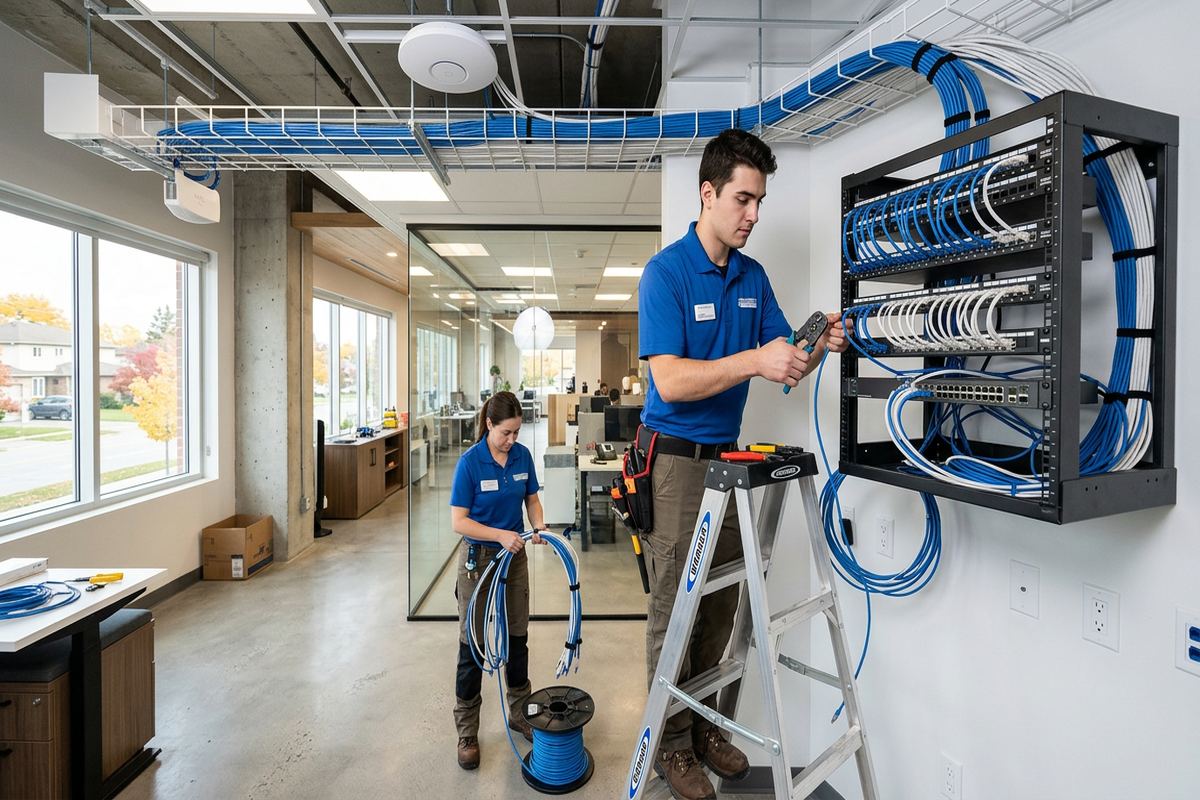
A properly planned system uses continuous cable runs from a central cabinet or rack to each outlet or device location. Avoiding hidden couplers and unnecessary junctions reduces potential fault points and makes future troubleshooting more direct. Each cable is identified at both ends, terminated with components suited to its category and organized so that another technician can understand the installation later. For Aurora homeowners and businesses, this creates a network that can be maintained, changed or expanded without guessing which cable serves a room, workstation, access point or building system.
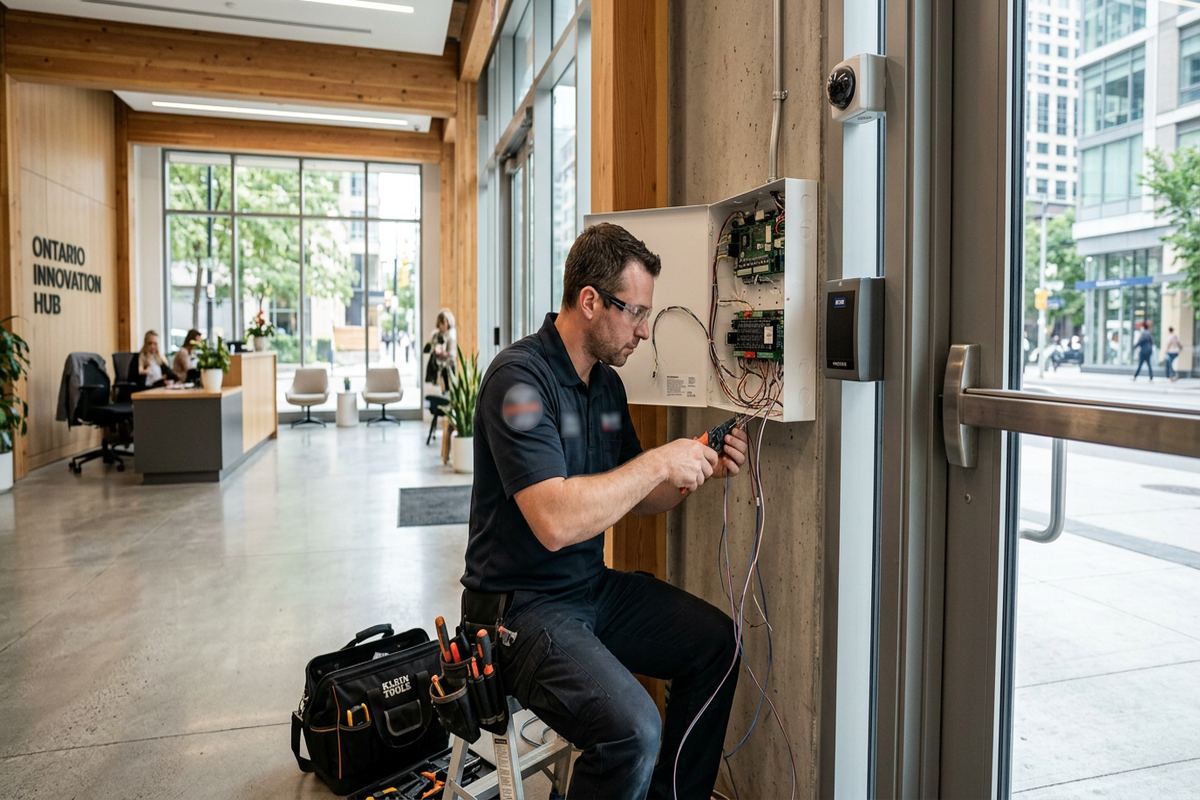
Structured cabling is not limited to conventional office data outlets. The same planned pathways can support ceiling-mounted Wi-Fi access points, VoIP phones, security cameras, video displays, alarm communication equipment and access control devices. Power over Ethernet may carry both power and data to compatible equipment, reducing the need for separate electrical outlets at some device positions. Cable type, distance, bandwidth requirements and equipment compatibility still need to be checked. UnifiedLink documents these decisions in the scope so the customer understands what is included, excluded and intended for future use.
- Data outlets for work areas and equipment
- Cabling for Wi-Fi access points
- Network links for cameras and access control
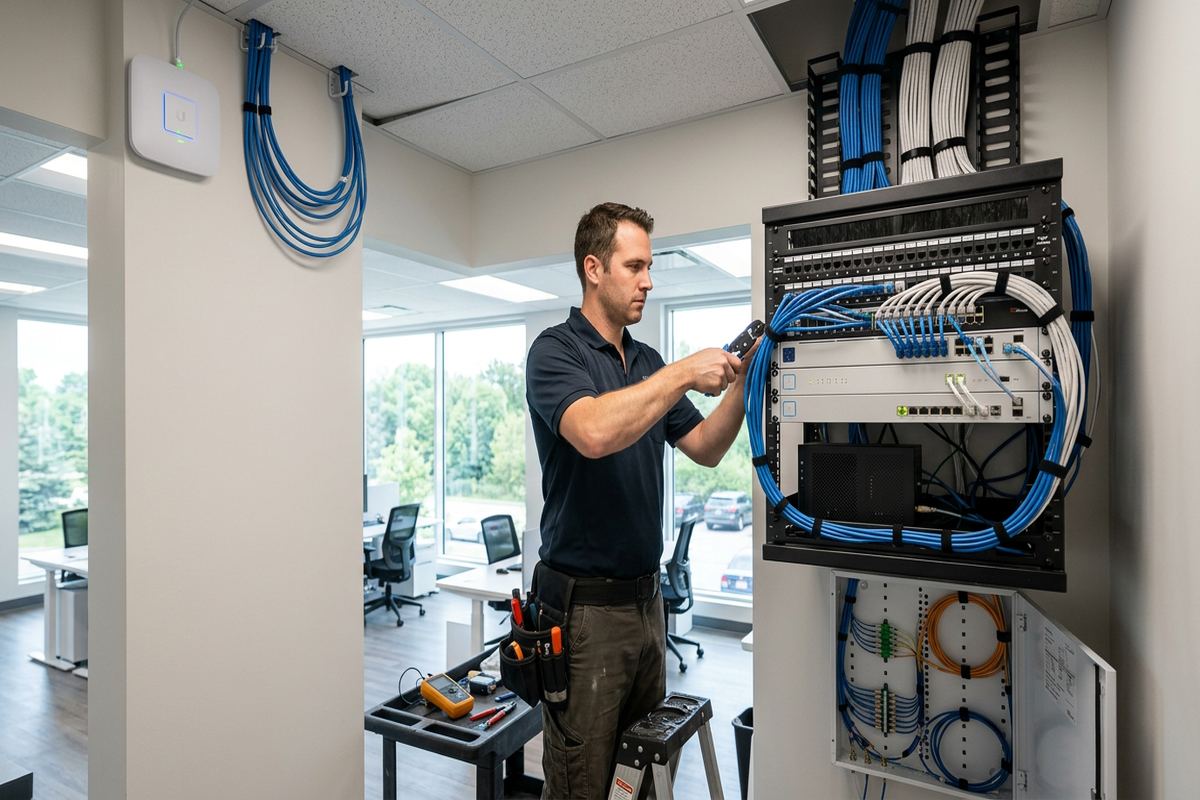
- Rack, cabinet and patch-panel organization
- Labels matched to the as-built record
Planning Aurora Cable Routes
Before cable is pulled, the route has to account for wall construction, finished ceilings, insulation, electrical services, plumbing and heating equipment. Aurora Village properties can include older layouts where framing is irregular or access between floors is restricted. Newer homes in Bayview Wellington may provide more predictable framing, but finished basements and tightly packed mechanical areas still affect pathway choices. The assessment identifies practical entry points, vertical routes and central equipment locations, along with any openings that require repair by another trade. Pricing follows that assessment rather than relying on assumptions about concealed conditions.
Masonry and frame construction call for different methods. Frame walls can sometimes be reached through attics, unfinished basements or carefully selected openings, while masonry walls may require surface raceway, existing conduits or drilled penetrations. The preferred route balances appearance, serviceability and protection from damage. Where surface-mounted containment is appropriate, its position and finish are discussed before work begins. Where concealed routing is possible, the scope states the expected access method and exclusions. This helps prevent a tidy outlet location from hiding an impractical or disruptive cable path elsewhere in the Aurora property.
Device placement is planned around actual network use rather than simple room counts. A home office may need several wired connections, while a large property may benefit from dedicated access-point runs instead of relying on wireless repeaters. Commercial spaces require consideration of desks, point-of-sale equipment, printers, phones, displays and future tenant changes. UnifiedLink maps these endpoints back to a suitable cabinet or rack, checks expected cable distances and reserves orderly patching space. The resulting plan gives Aurora customers a clear relationship between each proposed outlet, the cable route and the central network location.
- Assessment completed before project pricing
- Routes reviewed for access and appearance
- Device positions tied to actual use
- Concealed conditions noted as scope limitations
- Expansion needs considered during layout
Heritage Homes and Estate Properties
Heritage homes near Yonge Street often require restrained installation methods because original trim, plaster, masonry and finished woodwork can make direct routes undesirable. Existing chases, basement joist spaces, attic access and discreet surface raceways may offer alternatives, but each property must be inspected individually. Plaster walls can behave differently from modern drywall, and concealed obstructions may limit an otherwise obvious path. UnifiedLink discusses visible components and access points before installation. The goal is not to promise that every cable can disappear, but to select routes that respect the building while remaining accessible for service.
Larger estate properties east of town present a different set of network concerns. Long interior distances, detached structures, extensive grounds and multiple mechanical areas can affect cable selection and central equipment placement. Copper data cable has defined distance limits, so a single network cabinet may not serve every location effectively. Depending on the layout, the design may use additional distribution points or fibre links between areas. Outdoor or underground segments also require suitable pathways and materials. These decisions are made during planning so that distant rooms, access points and networked systems are not connected through an unsuitable improvised route.
Homes in Aurora Highlands and the Hills of St. Andrew frequently combine finished living areas with renovations completed at different times. Cabling added during separate projects may be unlabelled, spliced or routed without a consistent centre. An assessment can identify reusable pathways and determine which existing cables should be tested, retained or replaced. New work is kept organized through continuous labelled runs and documented terminations. When walls are already open for renovation, coordinating cable placement before insulation and drywall can reduce visible containment later, provided the routes remain separated appropriately from electrical wiring and protected from future fasteners.
- Careful routing around original finishes
- Options for plaster and masonry walls
- Distance planning for larger properties
- Fibre considered for suitable long links
- Renovation-stage cabling coordination
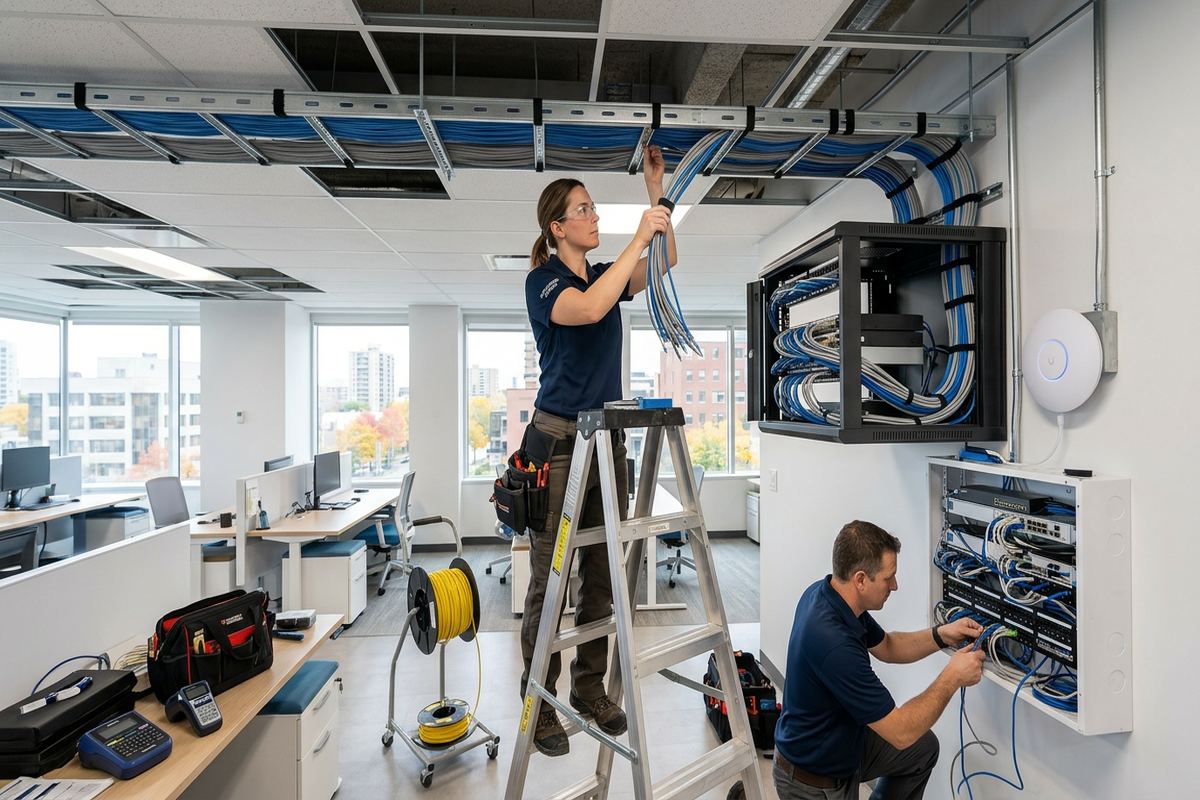
Aurora, Ontario
Structured cabling installation in Aurora, scoped in writing first
Book a site assessment and get equipment, routes, exclusions, and warranty on paper before anything is installed.
Cable Types and Network Performance in Aurora
Cable selection should follow the intended application, run length, environment and connected equipment. Category-rated copper cabling is commonly used for data outlets, access points, phones and Power over Ethernet devices. Fibre may suit backbone connections, electrically isolated building links or distances beyond practical copper limits. The connector, patch panel, patch cords and active network equipment must also support the intended performance. Installing a higher category cable alone does not automatically improve internet speed. UnifiedLink reviews the complete channel and explains where equipment, service-provider limits or device capabilities may remain the controlling factor in an Aurora network.
Power over Ethernet requires more than confirming that a device has a network socket. The switch or injector must provide a compatible power standard and adequate capacity, while the cable and termination must be appropriate for the load and installation conditions. Bundled cables can retain heat, and pathway fill affects both installation and future additions. For cameras, access points, phones and access control hardware, the design records where power originates and how the device connects. This makes equipment replacement easier and reduces confusion about adapters or injectors hidden above ceilings, behind furniture or inside communications cabinets.
Testing verifies the installed link rather than the customer’s internet plan. Each completed copper run is checked for correct conductor mapping and termination, and project requirements determine whether additional performance testing is appropriate. Fibre links require suitable termination, cleanliness and testing methods for the selected system. Results are associated with cable identifiers where included in the scope. If an existing run fails, the cause may involve damage, excessive length, poor termination or an inaccessible splice. Aurora customers receive a clear distinction between new tested cabling, reused existing infrastructure and active equipment configuration.
- Copper and fibre selected by application
- Components matched across each channel
- Power over Ethernet requirements reviewed
- Every new run identified at both ends
- Testing requirements defined in writing
Exterior Cabling Through Aurora Winters
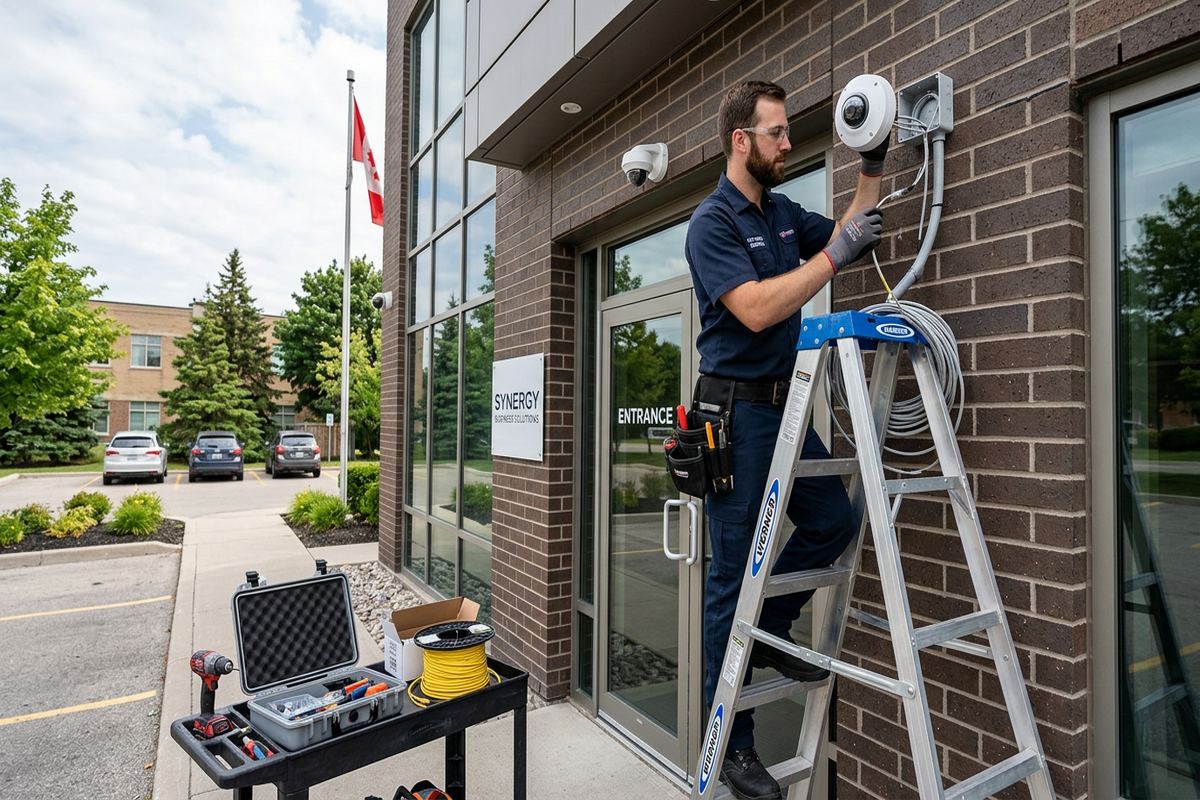
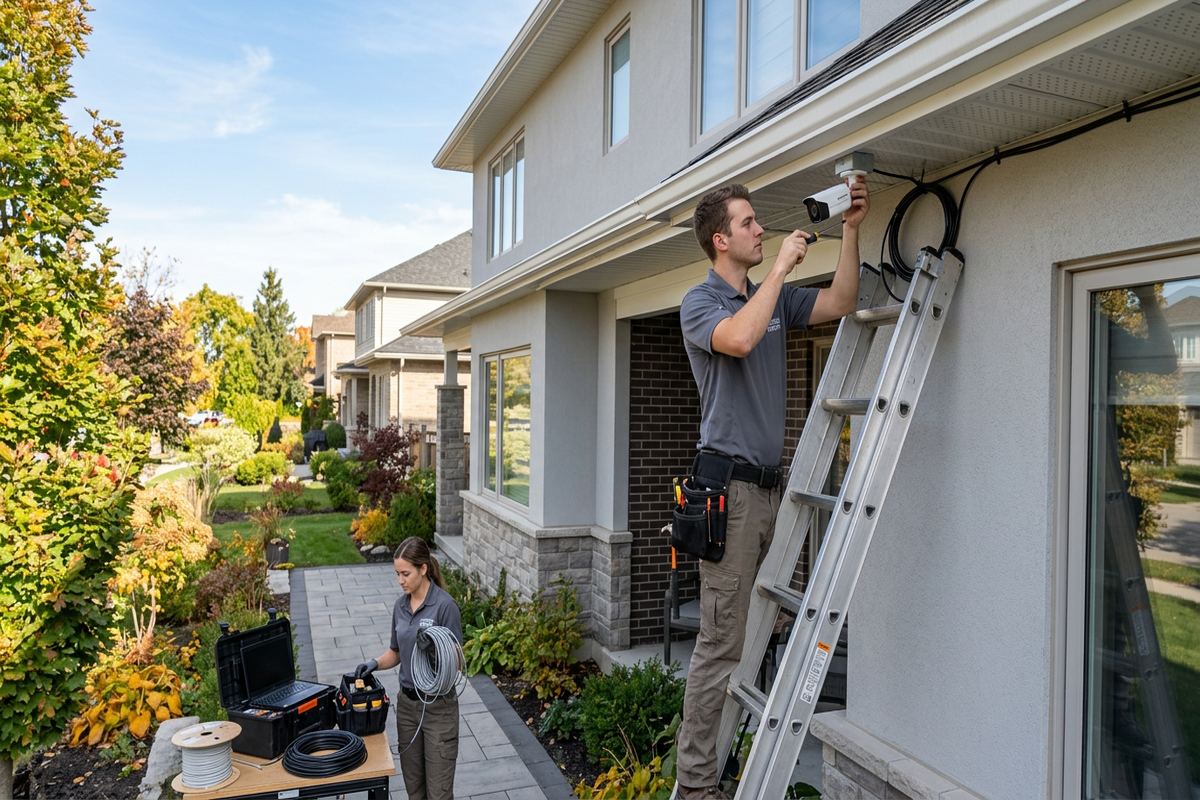
Exterior cable routes in Aurora must account for cold winters, summer heat, moisture and repeated freeze-thaw cycles. Indoor-rated cable should not be exposed outdoors simply because the route is short. Suitable exterior materials, protected pathways and appropriate transition points are selected according to the location. Penetrations are positioned to reduce water entry risk and sealed using methods compatible with the surrounding surface. A cable entering through brick, siding or another exterior finish also needs physical support and a route that does not direct water toward the opening or place strain on the termination.
Brick and masonry penetrations require attention to material condition, drilling position and the path on both sides of the wall. Frame construction may present different concerns, including cladding, sheathing, insulation and vapour-control layers. Exterior mounting details are reviewed before devices or junction points are installed. Where a route reaches a detached garage or outbuilding, electrical potential differences and lightning exposure may make fibre preferable to copper. Underground work depends on the existing conduit, route depth and site conditions, so concealed exterior pathways cannot be assumed usable until they have been assessed at the Aurora property.
Outdoor enclosures and devices should remain serviceable after snow, ice and landscaping changes. Mounting too close to grade can expose equipment to accumulated snow, splashback or physical damage, while exposed cable loops can shift under ice load. The plan considers drip paths, bend radius, support spacing and the accessibility of connectors. Direct-burial products do not remove the need for route planning or protection at entry and exit points. UnifiedLink records exterior links in the as-built documentation, allowing future maintenance work to identify where cables leave the building and how they return to the network cabinet.
- Outdoor-rated materials where exposure requires them
- Penetrations sealed for local weather
- Routes protected from snow and ice
- Masonry and frame details assessed separately
- Exterior links documented at handover
Business and Multi-Unit Cabling in Aurora
Offices, commercial strips and industrial units in Aurora need cabling that reflects daily operations and the realities of occupied premises. Work may have to be sequenced around staff, customers, deliveries or production areas. Above-ceiling pathways can contain electrical, mechanical and fire-protection systems that limit available routes. UnifiedLink identifies workstation outlets, access points, phones, cameras, displays and equipment connections, then organizes them around a defined communications location. The written scope states device placement, cable routes and exclusions, helping the owner or tenant coordinate furniture, electrical work, internet service and other contractors before installation begins.
Industrial units may combine offices, warehouse areas, high ceilings and equipment that creates electrical noise or physical hazards. Cable pathways must avoid heat sources, moving equipment and areas where stored materials could damage exposed runs. Longer drops may need support systems or existing approved pathways rather than loose cable across structural elements. Fibre can be useful between electrically noisy areas or separate buildings, depending on the application. Network equipment also needs a clean, accessible location with suitable power and environmental conditions. These practical details matter as much as the outlet count when planning reliable structured cabling.
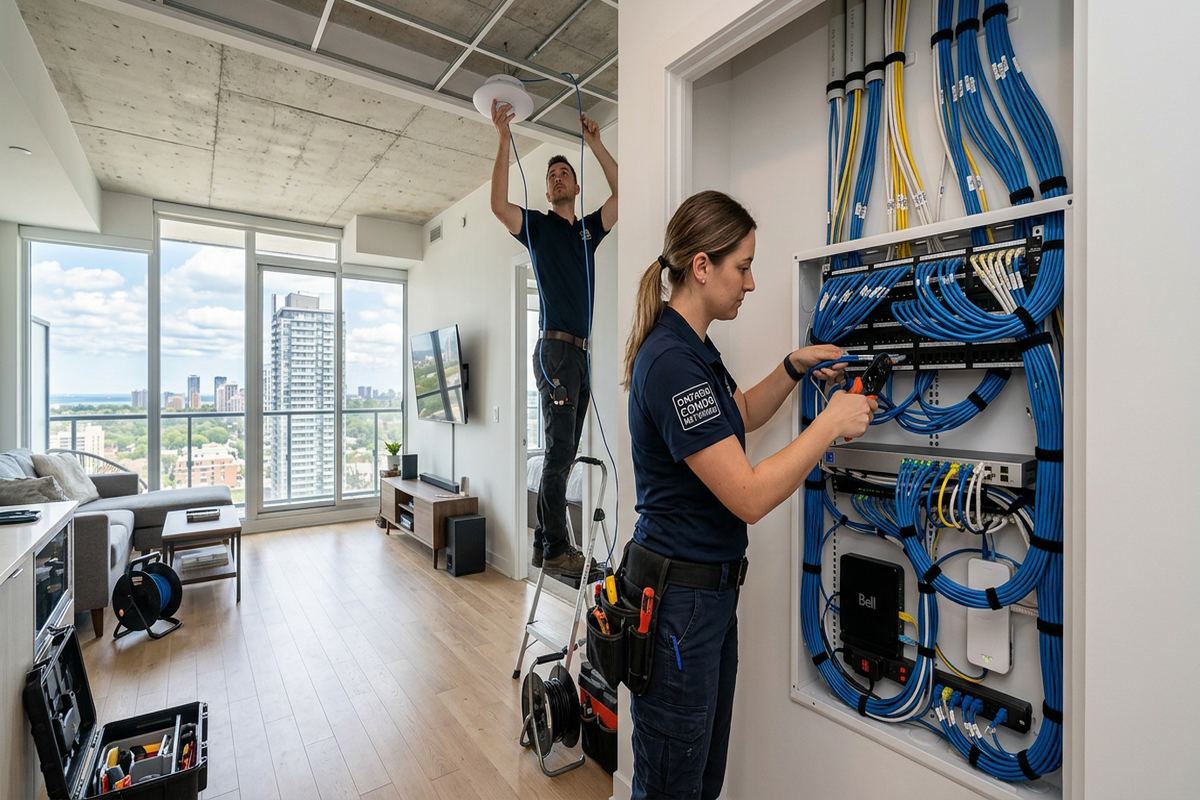
Condominium corporations, commercial landlords and property managers may require approval before drilling common elements, entering shared communications rooms or placing visible raceway. Tenants should confirm what work their lease permits and who owns existing cabling. UnifiedLink can define the proposed route and equipment in writing, but the customer remains responsible for obtaining required property approvals unless the scope says otherwise. In multi-unit Aurora buildings, demarcation points and provider-owned equipment must be distinguished from customer-owned infrastructure. Clear ownership records help avoid removing a landlord’s cable or assuming that a service-provider connection can be relocated freely.
- Work planned for occupied premises
- Warehouse routes protected from site hazards
- Communications rooms organized and labelled
- Landlord or condo approvals identified
- Equipment ownership recorded in the scope
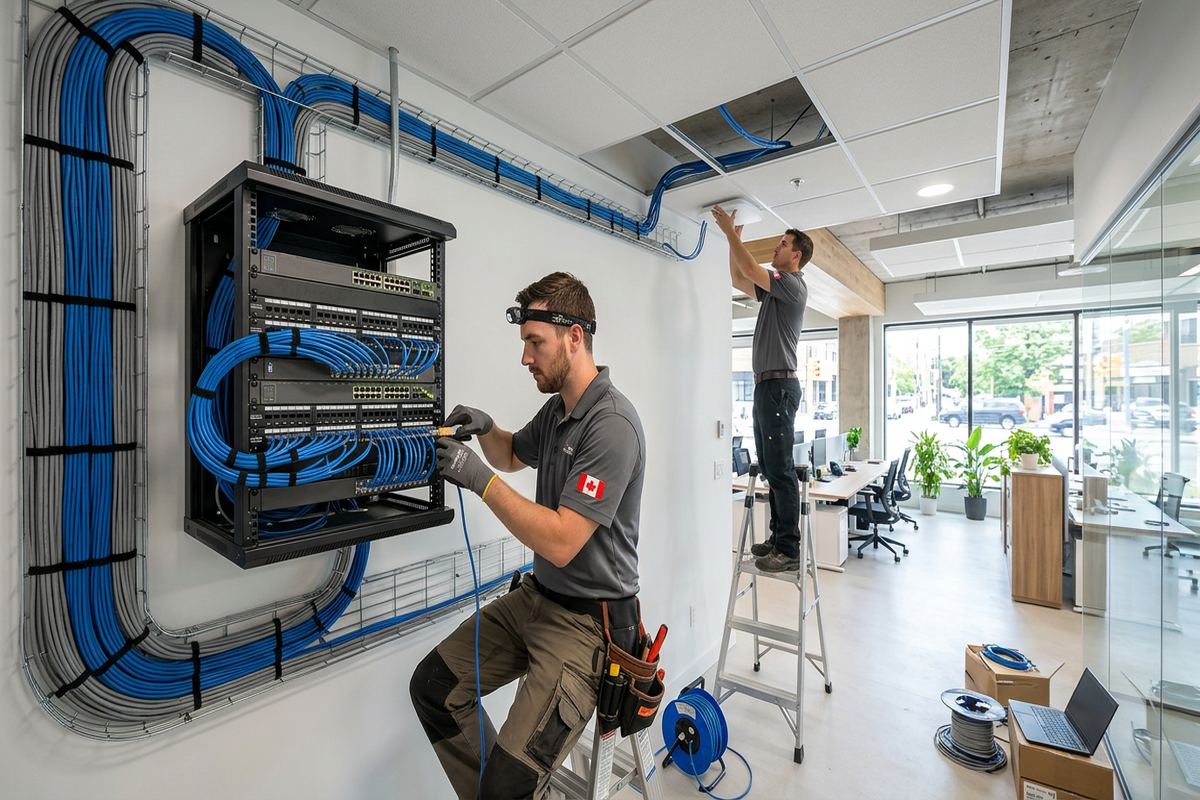
Cabinet Organization and System Handover
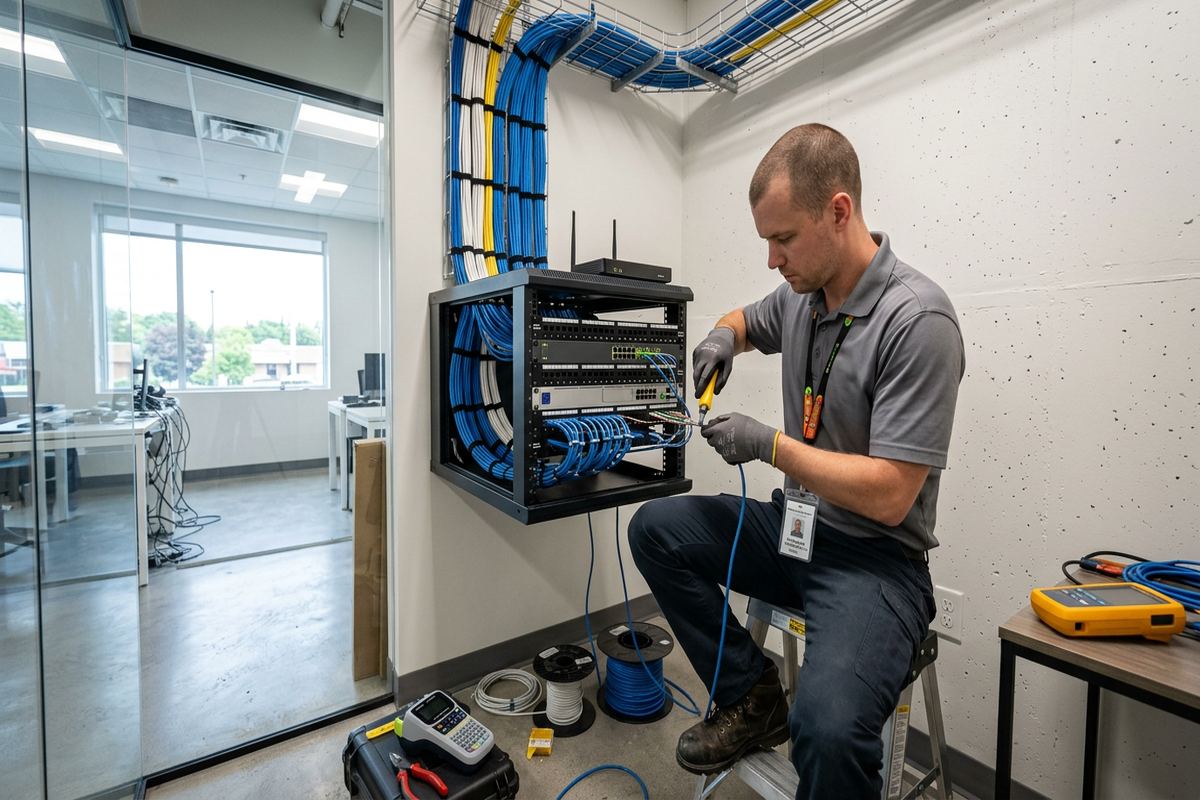
A structured cabling system is only as understandable as its central termination point. Loose cables and handwritten tags can make a small change unnecessarily difficult, especially when several services share one utility area. UnifiedLink groups and labels incoming runs, terminates them on appropriate panels or modules, and arranges patching so cable identities remain visible. Cabinet or rack size is selected around the proposed components, usable depth, ventilation and room for service access. Active equipment placement also considers power, heat and cable bend limits rather than fitting every component into the smallest available enclosure.
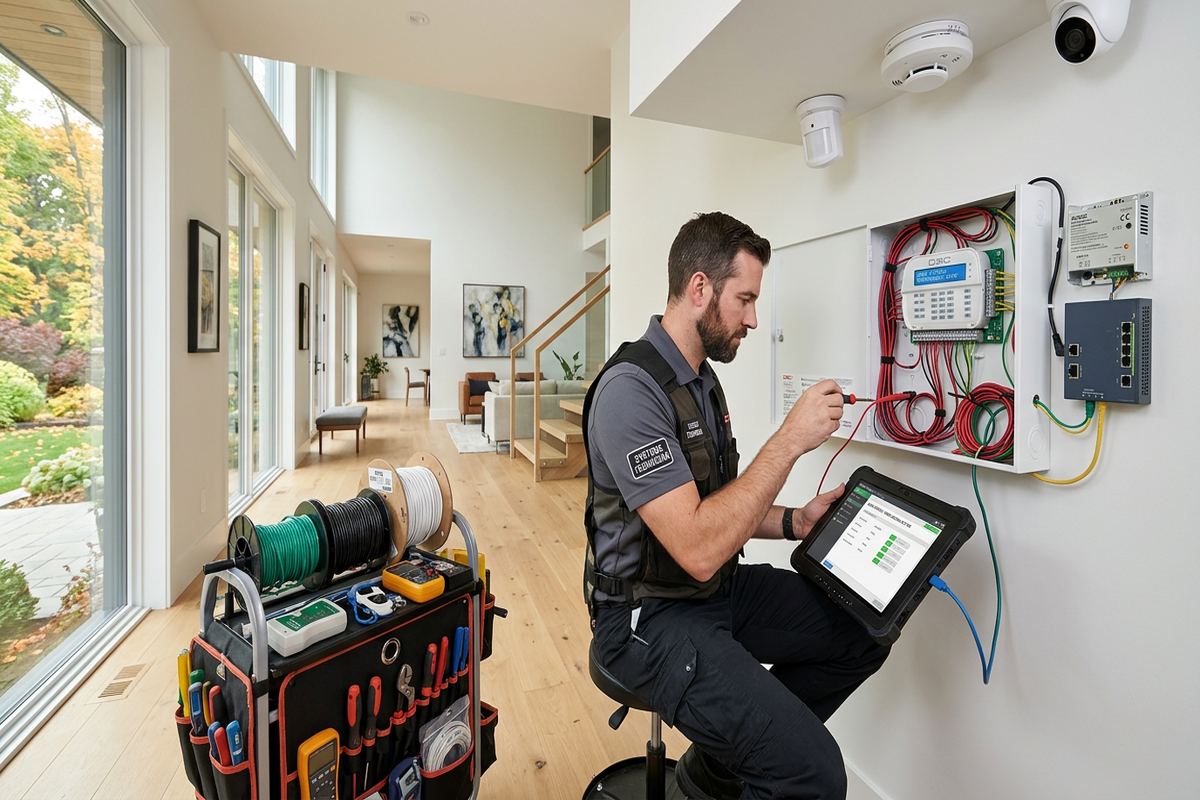
On-site configuration connects the physical cabling to the intended network equipment. Depending on the written scope, this may include patching outlets, connecting access points, setting basic device parameters or confirming that network links are active. Internet service activation and provider-side faults remain separate from cabling work unless specifically included. Customer credentials are used for customer-owned systems rather than leaving the installation dependent on an installer’s private account. At handover, the Aurora customer receives control through their own credentials, along with an explanation of key connections and any operating limitations identified during commissioning.
The as-built record links installed cable identifiers to outlet or device positions and their termination points. It may also note backbone links, exterior routes and retained existing cables where relevant to the project. This record is useful when a desk moves, an access point is replaced or another contractor needs to understand the network. The handover also identifies equipment ownership and applicable warranty information as set out in the written scope. Documentation cannot reveal every concealed building condition, but it provides a practical reference for the completed work and reduces dependence on memory after the installation team leaves.
- Central terminations kept orderly
- Patch-panel labels matched to outlets
- Configuration uses customer-owned credentials
- Equipment ownership stated clearly
- As-built record supplied at handover
Arranging Structured Cabling in Aurora
The process starts with a discussion of the property, current network problems and planned devices. Useful details include floor plans, renovation status, internet equipment location, outlet counts and any landlord or condominium requirements. A site assessment follows before pricing because cable access, construction and route length cannot be confirmed from an address alone. Assessment timing depends on the service and travel distance. Requests sent during business hours are answered the same day, while after-hours requests are answered the next business day. That response confirms the next step rather than promising an immediate visit or installation date.
After the assessment, UnifiedLink prepares a written scope covering equipment, cable routes, device placement, exclusions, equipment ownership and warranty. Customers can review where visible raceway may be needed, which existing cables will remain, and whether another trade must provide openings, electrical power, conduit or surface repairs. Changes should be settled before work begins because moving a device can change the route and cable quantity. For Aurora renovations, coordination with framing, electrical, insulation, drywall and millwork schedules can be especially important. One accountable contractor manages the low-voltage scope and communicates the agreed installation details.
Installation proceeds using continuous labelled cable runs, followed by termination, testing and the on-site configuration included in the scope. Any concealed condition that materially changes the planned route is discussed rather than covered with an undocumented workaround. At completion, the customer receives their credentials, the as-built record and the relevant ownership and warranty information. This process supports both a small set of home-office outlets and a broader commercial network. The objective is a serviceable cabling system whose routes, endpoints and responsibilities are understood by the Aurora property owner or authorized business representative.
- Discuss property and network requirements
- Complete assessment before pricing
- Review and approve the written scope
- Install, terminate, label and test
- Configure equipment and provide documentation
Aurora neighbourhoods we cover
- Aurora Village
- Bayview Wellington
- Aurora Highlands
- Hills of St. Andrew
- Rural Aurora
Structured cabling installation in Aurora — common questions
Do you need to visit my Aurora property before quoting?
Yes. UnifiedLink completes a site assessment before pricing structured cabling work. The visit confirms construction type, cable access, route length, central equipment location and device positions. Heritage construction, finished basements, masonry and large estate layouts can materially affect the scope. Assessment timing depends on the service and travel distance, so the initial response will outline the next practical step.
Can you run network cable in an older Aurora home?
Older homes can often be cabled, but the route depends on access and the finishes that must be preserved. In Aurora Village and near Yonge Street, plaster, masonry, original trim and irregular framing may limit concealed pathways. Existing chases, attic or basement access, and discreet surface raceway are possible options. The proposed method and any likely visible components are reviewed during the assessment.
Should I install copper cable or fibre?
The choice depends on distance, bandwidth, electrical conditions and the equipment being connected. Copper is commonly used for outlets, access points, phones and Power over Ethernet devices. Fibre may be appropriate for longer backbones, detached buildings or links requiring electrical isolation. For larger Aurora properties, UnifiedLink checks distances and distribution locations before specifying either medium. The complete channel, not only the cable, must support the intended performance.
Can you reuse the cabling already in my building?
Existing cabling may be reused when its type, condition, route and terminations are suitable for the intended service. Unlabelled or inaccessible cables may require tracing and testing before that decision can be made. In renovated Aurora homes and commercial units, older runs sometimes include hidden joints or inconsistent termination methods. The written scope identifies which existing infrastructure will be retained and which new continuous runs will be installed.
Do I need landlord or condo approval?
Approval may be required if the work affects common elements, shared communications rooms, exterior walls or other areas controlled by a condominium corporation or landlord. Aurora tenants and unit owners should confirm applicable rules before installation. UnifiedLink can provide a written description of proposed routes and equipment to support that process, but customers are responsible for securing approvals unless the project scope specifically assigns that task elsewhere.
What do I receive when installation is complete?
At handover, UnifiedLink provides the customer with their own credentials for configured customer-owned systems, an as-built record, and the equipment ownership and warranty information defined in the written scope. New cable runs are labelled so outlets and device locations can be matched to the cabinet or rack. Aurora customers also receive an explanation of key connections, retained existing cabling and any documented limitations affecting future changes.
Coverage in Aurora is confirmed against the address before we quote. See everything we install in Aurora or the province-wide structured cabling installation page.