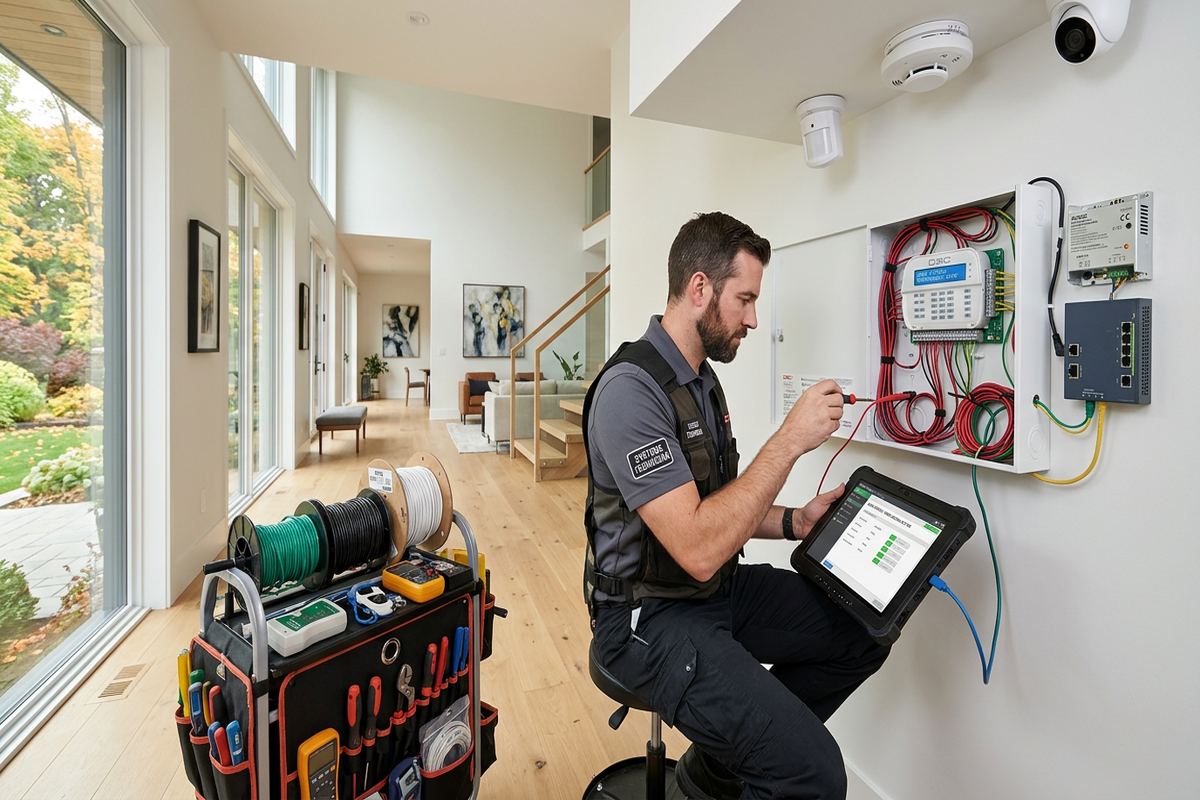
UnifiedLink installs office access control systems in Aurora for staff doors, reception entries, restricted rooms and shared commercial spaces. We assess the property before pricing, then provide a written scope covering equipment, door hardware, cable routes, device placement and exclusions. Installation includes configuration, testing, customer-owned credentials and an as-built record.
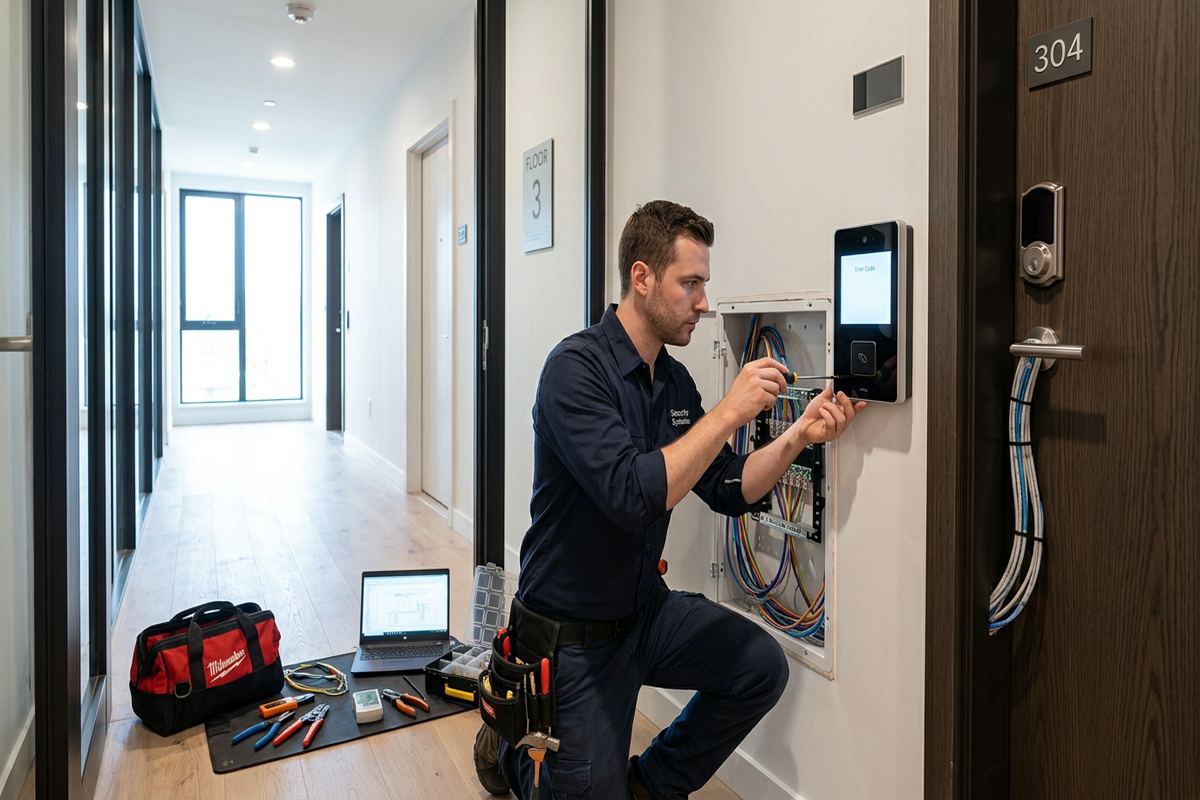
Office Access Control Planning in Aurora
Every access control project begins with the doors, not a product list. An Aurora office may need controlled staff entry, a reception release button, scheduled unlocking, or restricted access to records and equipment. We review how employees, visitors, cleaners and delivery personnel move through the property. The assessment also identifies emergency egress requirements, existing locks, door condition and available network or electrical infrastructure. This produces a practical design based on actual operating needs rather than adding readers to doors that cannot support reliable electronic locking.
Aurora workplaces range from converted properties near Yonge Street to newer offices, commercial strips and industrial units. Their construction affects installation choices. Older frame buildings may offer accessible wall cavities but require careful handling around finished trim. Masonry walls can require surface pathways, appropriate anchors and different drilling methods. In larger estate-style properties east of town that have been adapted for professional use, long cable routes and detached structures may affect controller placement. Each route is reviewed before the equipment and labour requirements are documented.
The written scope defines the doors included, reader and credential types, locking hardware, request-to-exit devices, door contacts and controller locations. It also records proposed cable routes, visible surface raceway, network responsibilities, exclusions, equipment ownership and warranty details. If a landlord, condominium corporation or property manager must approve work, that approval is identified before drilling begins. This helps office operators compare the proposed system with lease obligations and avoids assumptions about who owns installed equipment when a tenancy changes or the office moves.
- Door-by-door operational review
- Existing hardware and egress assessment
- Documented cable routes and device locations
- Landlord or condominium approval requirements
- Written equipment ownership and warranty terms
Selecting Readers, Credentials and Door Hardware
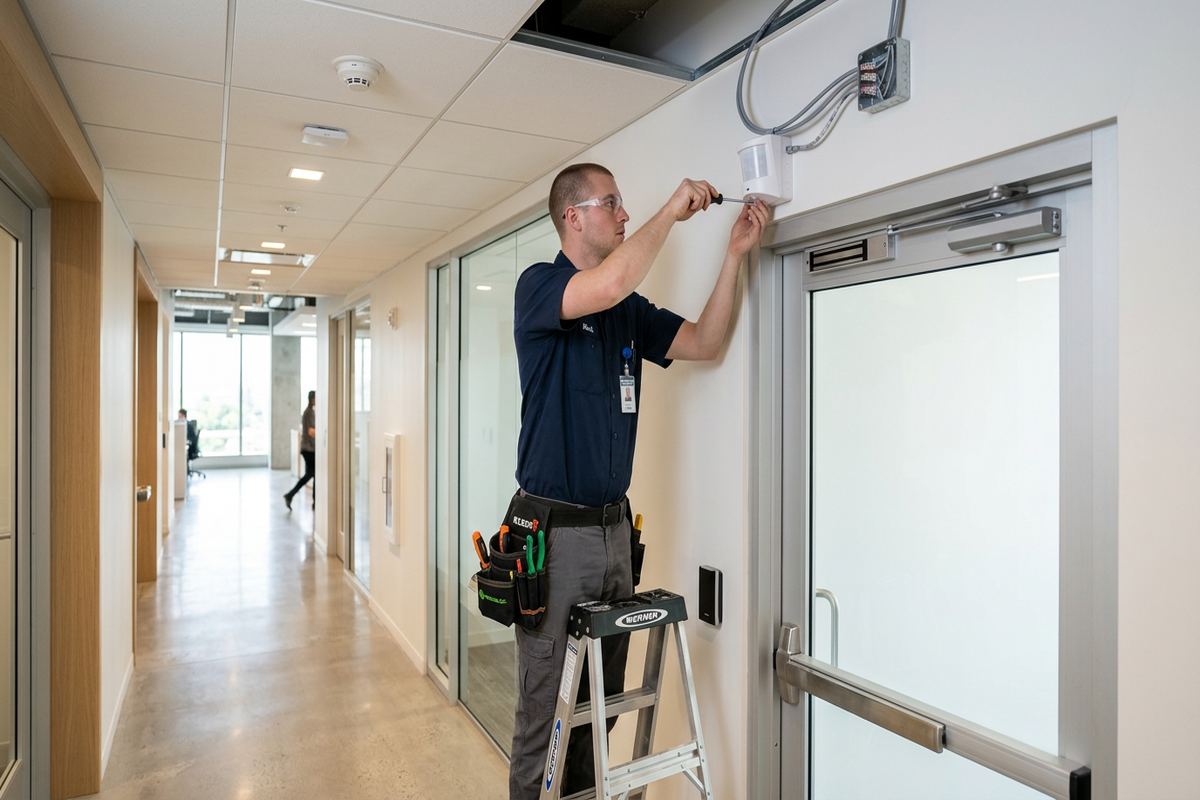
A reader is only one part of a controlled opening. The complete assembly may include an electric strike, electromagnetic lock, electrified panic hardware, door contact, request-to-exit sensor, power supply and mechanical key override. Existing door alignment and closer performance matter because electronic hardware cannot correct a door that drags, rebounds or fails to latch. We examine each opening and identify where locksmith work, fire-alarm integration or other specialist coordination may be required. The proposed hardware is then matched to the door material, traffic level, security objective and required method of egress.
Credential choices should fit how the Aurora office is managed. Cards and fobs are straightforward to issue and revoke, while mobile credentials may suit organizations that already manage staff smartphones. Keypads can support selected doors, but shared codes provide less individual accountability than assigned credentials. A mixed approach may be appropriate for permanent staff, temporary workers and service providers. We discuss enrolment, replacement, expiry and offboarding procedures so administrators understand the daily work involved. The system should make personnel changes manageable without requiring physical keys to be collected from every departing user.
Door schedules are particularly useful when several openings have different purposes. A main entrance might unlock during reception hours, while a records room remains credential-only and a shipping door follows another schedule. In offices with shared suites, permissions can be separated by tenant, department or role where the selected platform supports that arrangement. We also consider internet interruptions and local controller behaviour so expected door operation is clear. Configuration decisions, including schedules and access groups, are reviewed on site rather than left as undocumented factory defaults.
- Cards, fobs, mobile credentials or keypads
- Electric strikes and compatible locking hardware
- Door contacts and request-to-exit devices
- Role-based permissions and door schedules
- Mechanical override planning where required
Aurora Building Conditions and Cable Routing
Building age and construction can change the installation method considerably. Around Aurora Village and near Yonge Street, offices may occupy older buildings with narrow framing cavities, layered renovations, decorative woodwork or masonry sections. We look for routes that limit disruption while keeping access control wiring protected and serviceable. Where concealed cabling is not practical, neatly installed raceway may provide the more predictable result. Penetrations are planned around structure and finishes, and no cable route is assumed until accessible areas, ceiling spaces and likely obstructions have been examined during the site assessment.
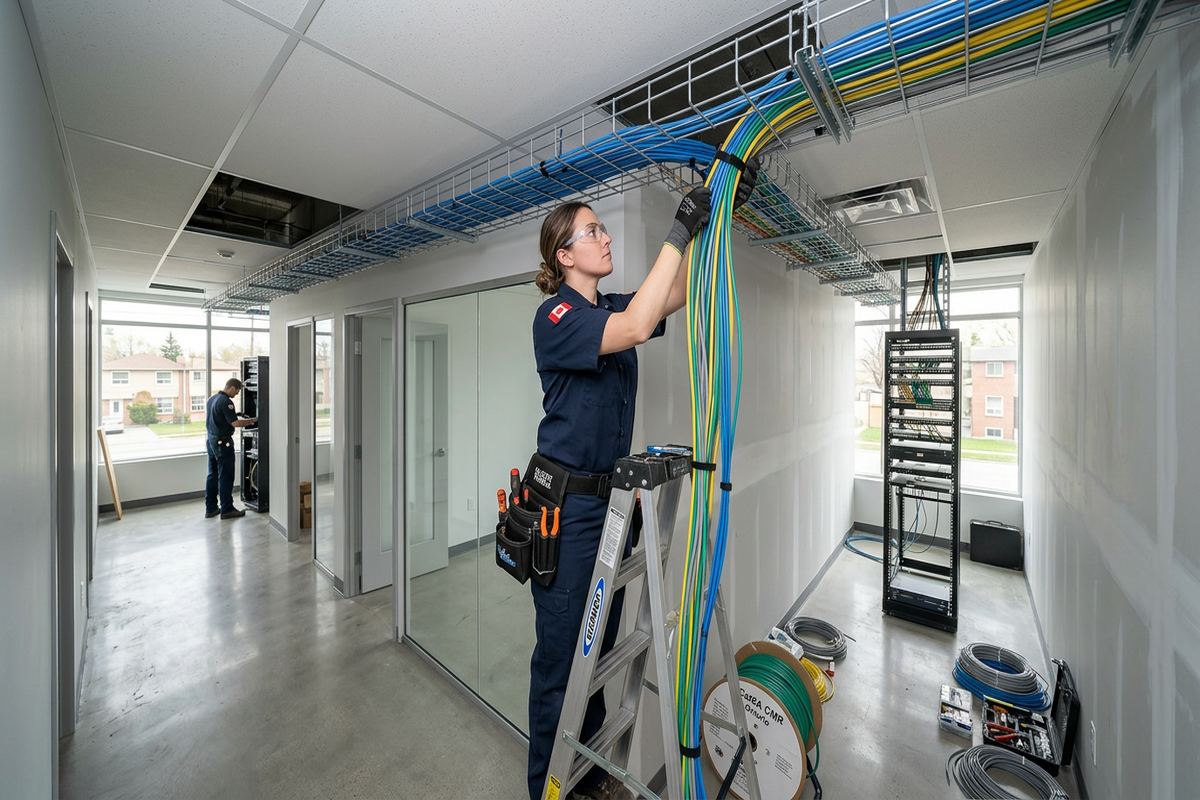
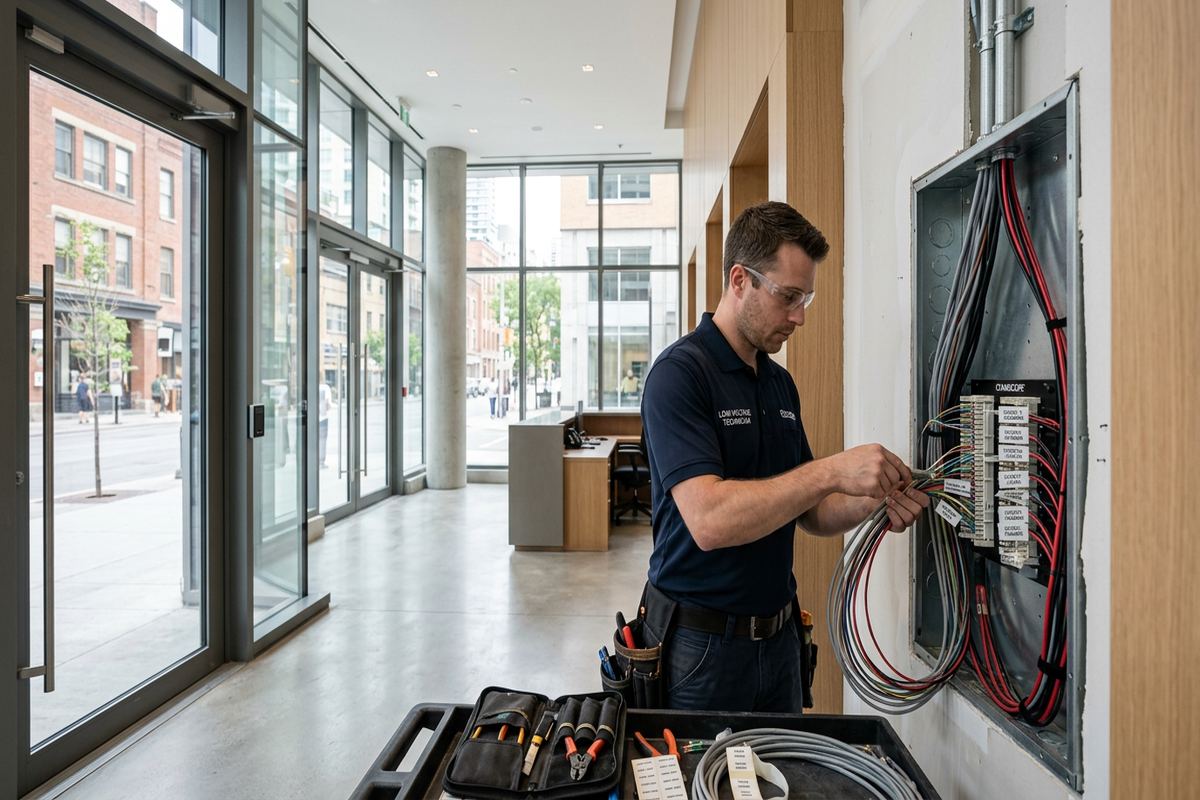
Newer offices in Bayview Wellington may provide suspended ceilings and structured telecom rooms, but those features do not eliminate planning. Fire separations, occupied neighbouring suites and congested pathways can restrict routes. Industrial units may have high ceilings, concrete block walls, warehouse doors or long distances between the office and staff entrance. Continuous labelled cable runs are installed between designated endpoints, avoiding hidden intermediate joins. Cable type and pathway are selected for the environment, and controller locations remain accessible for future service without placing critical equipment where any passerby can reach it.
Properties in Aurora Highlands, Hills of St. Andrew and Rural Aurora can include professional offices within larger or converted buildings. These sites may have several exterior doors, finished basements, detached work areas or longer approaches from parking. Estate-style construction east of town can also introduce stone, brick and substantial finished interiors. The access design must respect those conditions without relying on wireless links where a stable wired connection is more appropriate. We document routes through masonry and frame sections separately because fastening, penetration sealing and repair expectations differ between those materials.
- Routes suited to masonry or frame walls
- Continuous labelled access control cabling
- Protected, serviceable controller locations
- Raceway where concealed routes are impractical
- Planning for high ceilings and long distances
Aurora, Ontario
Office access control installation in Aurora, scoped in writing first
Book a site assessment and get equipment, routes, exclusions, and warranty on paper before anything is installed.
Exterior Office Entry Systems for Aurora Winters
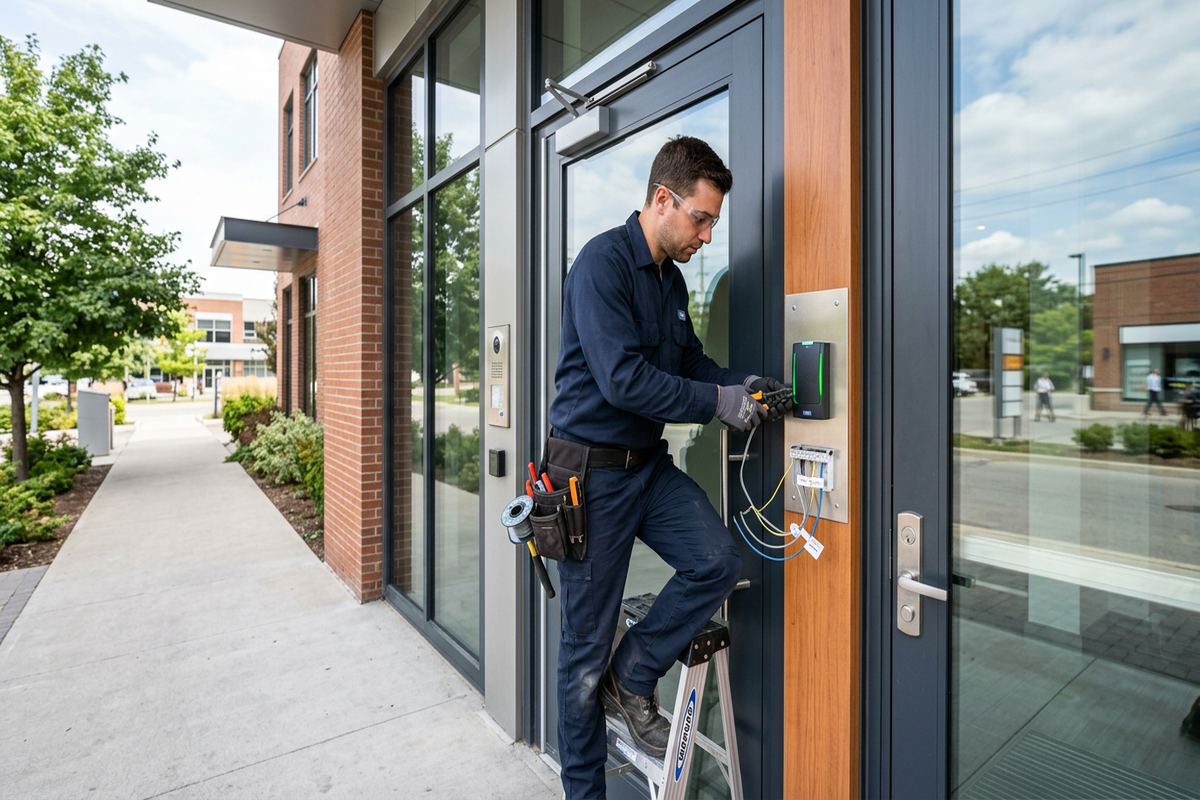
Exterior readers and door hardware in Aurora face cold temperatures, snow, moisture and repeated freeze-thaw cycles. Equipment must be selected for its intended location rather than placing an indoor reader outside under a small overhang. Mounting surfaces, cable entries and wall penetrations require appropriate sealing to reduce water movement into the building assembly. Drip paths and reader position are considered where snow accumulation or roof runoff may occur. The objective is not simply weather resistance on the product label, but an installation that protects connections and allows later servicing without damaging the surrounding finish.
Cold weather can expose marginal door conditions. A door that closes acceptably in mild weather may bind, latch inconsistently or admit moisture after seasonal movement. Before commissioning, we test controlled openings repeatedly and note mechanical issues that could undermine access control performance. Exterior electric strikes and other devices need compatible hardware, sound alignment and suitable power. Where wind pressure affects a door, closer adjustment or door repair may be needed. Access control should report door status accurately, but it cannot compensate indefinitely for a warped leaf, deteriorated frame or failing closer.
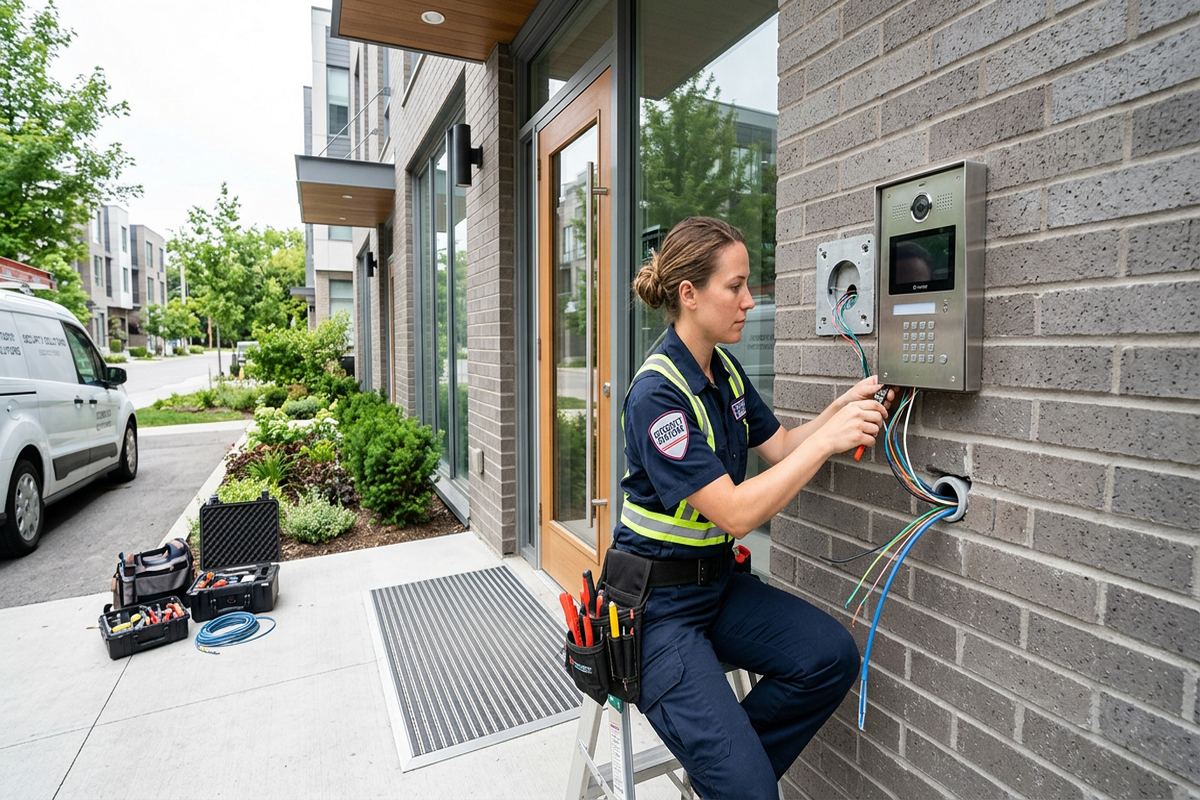
Masonry mounting requires particular attention during winter-facing work. Fasteners must suit brick, block, concrete or stone, and penetrations should not create easy water paths. On frame construction, the mounting detail must protect the wall assembly and avoid compressing or splitting exterior finishes. In both cases, exposed cable is minimized and protected where it cannot be concealed. We identify sealing responsibilities in the scope, including any areas requiring another trade. This is relevant for Aurora commercial strips where rear staff entrances may receive less shelter and more direct exposure than front doors.
- Outdoor-rated readers for exposed entrances
- Sealed cable and wall penetrations
- Hardware checked through repeated door cycles
- Mounting methods matched to exterior materials
- Rear entrance exposure included in planning
Installation, Integration and On-Site Configuration
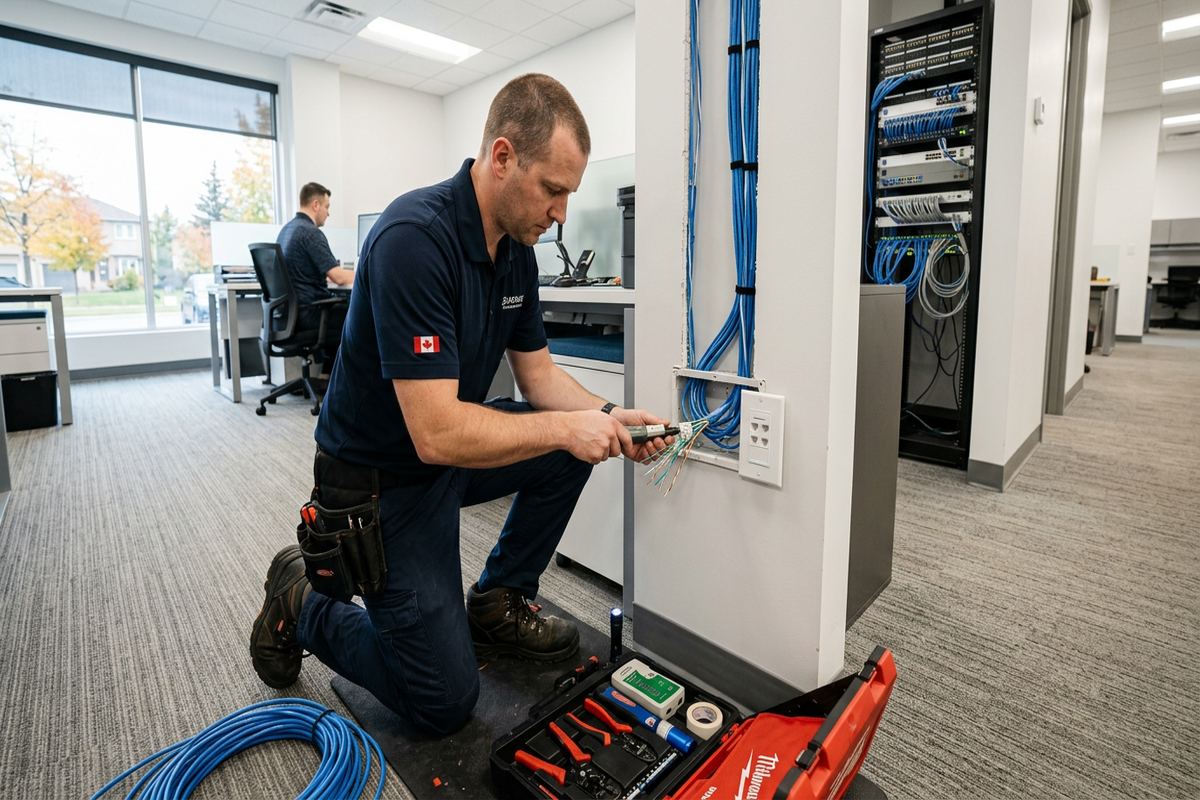
Once the scope is approved, installation follows the documented door and cable plan. Readers, contacts, request-to-exit devices, locking hardware interfaces and controllers are mounted at their assigned locations. Cables are installed as continuous labelled runs and terminated so individual doors can be identified during testing or future service. Work around occupied offices is coordinated to limit interference with normal movement, though temporary door access may be necessary. Any site condition that changes the agreed route or hardware approach is raised before proceeding rather than covered by an undocumented field substitution.
Access control often needs to interact with other building systems. Possible connections include an intrusion alarm, intercom, reception release station, elevator controls or fire-alarm functions, depending on the property and system design. Integration is not assumed, because each interface has technical, code and responsibility boundaries. We identify required inputs, outputs and coordination with other contractors in the written scope. Where the office is leased, building management may control base-building systems and approve connections. This is common in multi-tenant Aurora properties where an individual suite does not control every shared entrance.
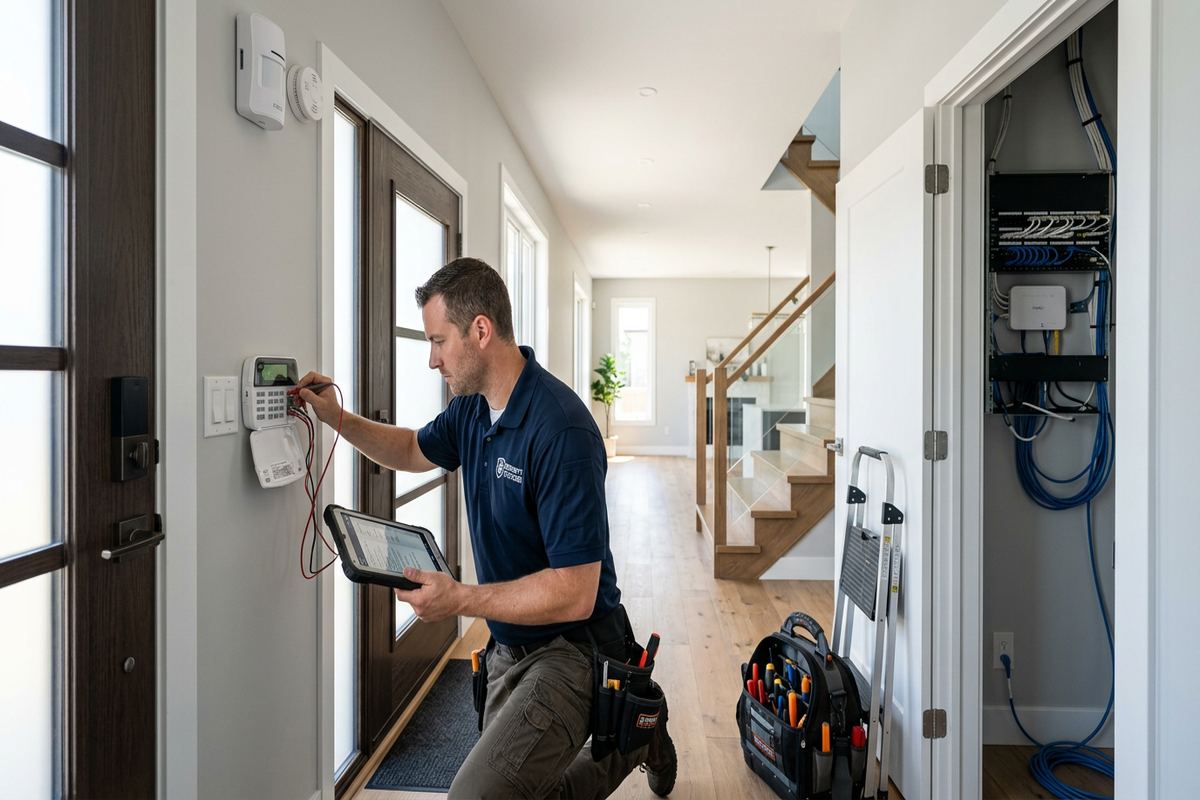
Configuration takes place on site using the office’s actual schedule and permissions. Administrators can define access groups for employees, managers, cleaners or temporary personnel, with separate rules where appropriate. Door-held and door-forced events are tested if supported, along with credential acceptance, request-to-exit operation and scheduled states. Network settings and remote features are reviewed within the agreed scope. The customer receives administrator access under credentials they own, rather than depending on an installer-held account. This supports internal control when staffing, IT providers or building arrangements change later.
- Installation to the approved door schedule
- Continuous labels from controller to opening
- Defined interfaces with other building systems
- On-site access group and schedule setup
- Customer-owned administrator credentials
Access Management for Aurora Offices
Good access management continues after the hardware is installed. Office administrators need a repeatable process for issuing credentials, changing permissions and removing former personnel. We configure a practical starting structure and explain how daily changes are made. Naming conventions should let staff identify users and doors without decoding informal abbreviations. If several departments occupy an Aurora office, access groups can reduce repetitive updates by assigning permissions according to role. Individual exceptions should be used carefully, because an excessive number can make later reviews harder and increase the chance of outdated access remaining active.
Visitor and contractor entry requires a different approach from permanent staff access. Reception release may be suitable during attended hours, while temporary credentials can limit access to selected doors and periods. Cleaners, maintenance workers and delivery personnel may need recurring schedules without access to private offices or storage areas. The chosen system should support the required distinctions before those workflows are promised. For businesses in shared commercial properties, common-area access may remain under landlord control, so the office system can only manage doors within the tenant’s authority unless integration is approved.
Event records can help an authorized administrator review credential use and investigate door activity, but their value depends on accurate user management and system settings. Retention, privacy and internal access to records should follow the organization’s own policies and legal obligations. UnifiedLink does not decide those policies for the customer. We explain the available settings and document the configured arrangement. In Aurora offices handling employee, client or tenant information, administrative accounts should be limited to personnel with a legitimate operational need, and account credentials should not be casually shared across a team.
- Defined onboarding and offboarding steps
- Access groups based on staff roles
- Temporary schedules for contractors
- Visitor release options for reception
- Documented event and administrator settings
Testing and Handover in Aurora
Commissioning verifies each controlled opening as a complete system. We test valid and invalid credentials, door schedules, locking and unlocking, request-to-exit operation and door contact reporting where included. Exterior doors are checked for consistent latching, and any mechanical deficiency is recorded. Power interruption behaviour is reviewed according to the selected equipment and opening requirements. If an integration is part of the scope, its agreed signals are tested with the responsible parties. Results are addressed before handover or clearly identified when correction depends on door repair, network work or another contractor.
Handover gives the Aurora customer control of the installed system. Administrator credentials belong to the customer, and authorized personnel receive guidance on adding users, revoking credentials, changing schedules and viewing relevant events. The as-built record identifies installed devices, controller locations and labelled cable endpoints, along with material changes from the original plan. Equipment ownership and warranty information are included as defined in the written scope. This documentation reduces reliance on memory and gives future IT staff, property managers or service contractors a clearer starting point when office requirements change.
A final review also confirms exclusions and ongoing responsibilities. The customer may be responsible for internet service, network security, credential administration, replacement of lost cards or maintenance of mechanical doors. A landlord may remain responsible for common entrances or base-building equipment. These boundaries are discussed so a fault is directed to the appropriate party. UnifiedLink remains one accountable contractor for the access control work in its scope, including cabling, device installation, configuration and documented handover, rather than leaving the office to coordinate separate installers for each included component.
- Credential and schedule testing at every door
- Door contact and egress function verification
- Customer training using the installed system
- As-built device and cable record
- Clear exclusions and ongoing responsibilities
Getting an Office Access Control Quote in Aurora
Pricing follows a site assessment because door hardware, construction and cable access cannot be established reliably from a door count alone. We review the office location, number of openings, existing locks, desired credentials, operating schedules and any integration requirements. Travel distance and the type of service affect assessment timing. Requests sent during business hours are answered the same day, while after-hours requests are answered the next business day. That initial response can establish the next information needed, but it is not a promise that every site visit can occur on the same schedule.
Before the assessment, an Aurora office can prepare floor plans, lease rules, door photographs and a list of staff or visitor workflows. It helps to identify which doors are owned or controlled by the business and which belong to the landlord or condominium corporation. Existing access credentials, network requirements and known door problems should also be noted. In commercial strips or industrial units, rear entrances, warehouse connections and shared vestibules deserve specific attention. Accurate background information makes the site discussion more useful, although final equipment and routes still depend on physical inspection.
Following assessment, the written scope provides the basis for approval and installation. It covers equipment, proposed cable routes, device placement, exclusions, equipment ownership and warranty, along with relevant coordination needs. Alternatives may be documented when a concealed route, exterior mounting position or existing door condition creates uncertainty. The purpose is to establish what will be installed and what remains outside the project before work starts. For offices across Aurora Village, Bayview Wellington, Aurora Highlands and surrounding York Region communities, the same process applies even though each building requires a different technical approach.
- Site assessment completed before pricing
- Door, pathway and approval requirements reviewed
- Written scope before installation begins
- Business-hour requests answered the same day
- After-hours requests answered next business day
Aurora neighbourhoods we cover
- Aurora Village
- Bayview Wellington
- Aurora Highlands
- Hills of St. Andrew
- Rural Aurora
Office access control installation in Aurora — common questions
Can access control be added to an older Aurora office?
Yes, although older properties near Yonge Street may require more route planning than newer offices. We assess wall construction, trim, available ceiling spaces, door condition and existing hardware before proposing equipment. Masonry sections may need surface raceway or specialized fastening, while frame construction can sometimes allow concealed cabling. The written scope identifies proposed routes, visible components and any door repairs or specialist work outside the access control installation.
Do I need landlord or condominium approval?
Approval may be required when an Aurora office is leased, part of a condominium, or connected to shared building systems. Readers, electric locking hardware, cable penetrations and changes to common entrances can fall under property rules. We identify likely approval points during assessment, but the customer remains responsible for obtaining authorization unless otherwise agreed. Work should not begin on landlord-controlled doors or base-building systems without clear permission and defined ownership.
Will the system work during an internet outage?
That depends on the selected platform, controller design and configured features. Many systems can continue making local door decisions when internet service is unavailable, while remote management or cloud reporting may be interrupted. During planning for an Aurora office, we explain expected offline behaviour, power requirements and which functions rely on external connectivity. The chosen arrangement is then configured and tested within the approved scope rather than assuming every feature remains available.
Can you control exterior staff doors through winter?
Yes, provided the equipment, door and installation method suit the location. Aurora freeze-thaw cycles, moisture and snow require outdoor-rated readers, appropriate mounting and sealed penetrations. The door must also close and latch consistently in cold conditions. We test operation during commissioning and document mechanical concerns. Access control can monitor and release a door, but a warped door, weak closer or misaligned strike may require repair by the appropriate trade.
Can employees use phones instead of cards or fobs?
Mobile credentials may be available depending on the access control platform and the office’s operating requirements. They can reduce physical credential handling, but device compatibility, user enrolment, licensing, connectivity and employee policies should be considered. Some Aurora businesses prefer cards or fobs for contractors and mobile credentials for permanent staff. We compare practical credential options during assessment and configure the approved method using customer-owned administrative access.
What documentation do we receive after installation?
The Aurora office receives customer-owned administrator credentials and an as-built record identifying installed devices, controller locations and labelled cable endpoints. Handover also covers basic user management, credential removal, schedules and relevant event functions. Equipment ownership, warranty details and exclusions are recorded in the written scope. Any unresolved item involving door repair, networking, landlord equipment or another contractor is identified so responsibility remains clear after commissioning.
Coverage in Aurora is confirmed against the address before we quote. See everything we install in Aurora or the province-wide office access control installation page.