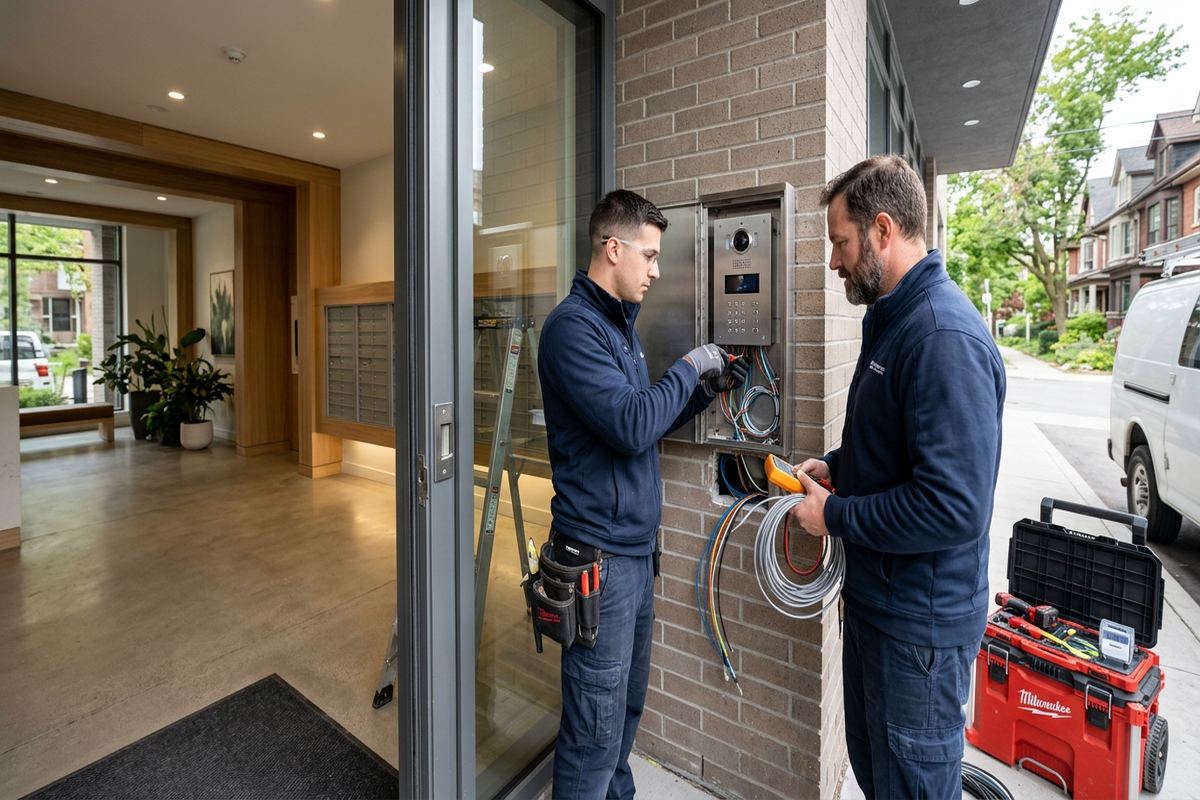
UnifiedLink installs commercial alarm systems for offices, shops, industrial units and managed properties in Aurora. Each project starts with a site assessment and develops into a written scope covering equipment, cable routes, device locations, exclusions, ownership and warranty. Installation includes labelled wiring, on-site configuration and a documented handover using the customer’s own credentials.
Commercial Alarm Planning for Aurora Properties
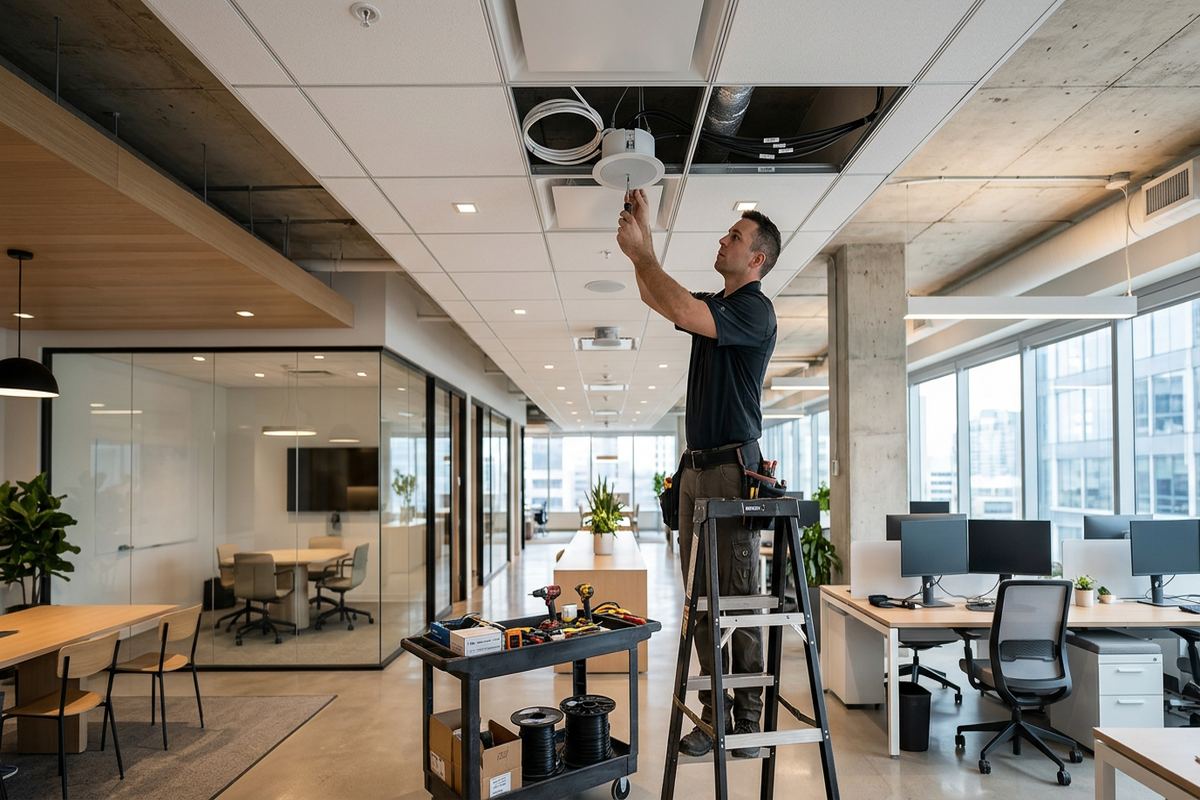
A commercial alarm installation should begin with the property, not a preselected equipment package. In Aurora, that may mean assessing a storefront near Yonge Street, an office in a converted building, a Bayview Wellington commercial unit or a larger facility east of town. We review entrances, glazing, loading areas, internal circulation, ceiling access and existing communications infrastructure. The assessment identifies where intrusion is likely to be attempted, which areas need separate protection and how staff normally open, occupy and close the premises. Pricing follows the assessment rather than relying on assumptions about floor area or door count.
Aurora’s varied building stock affects both device selection and installation methods. Older masonry buildings may offer limited concealed pathways and require careful drilling, surface raceway or use of existing service routes. Newer frame construction often provides more accessible ceiling and wall cavities, although fire separations, finished tenant spaces and shared mechanical areas still restrict routing. Larger estate properties east of town can include detached garages, gates, workshops or home-based commercial areas with long distances between protected points. These details determine whether wired, wireless or hybrid alarm architecture is practical and how communications should be arranged.
The written scope turns the assessment into a clear installation plan. It covers the proposed control equipment, door contacts, motion detectors, glass-break devices, keypads, audible devices, communication paths and any relevant integrations. Cable routes and device locations are documented before work starts, together with exclusions, equipment ownership and warranty information. Where several tenants, a landlord or a property manager are involved, responsibilities should be settled before drilling or cable placement begins. This prevents uncertainty about common areas, base-building systems, after-hours access and which party will hold administrative credentials after the alarm is commissioned.
- Review doors, windows and loading points
- Identify wired, wireless or hybrid options
- Confirm landlord and property manager requirements
- Document equipment ownership and exclusions
- Plan user access before installation
Alarm Devices and Detection Coverage in Aurora
Detection coverage is built in layers so that one device is not expected to handle every risk. Perimeter contacts identify the opening of selected doors, windows, overhead doors or hatches. Interior motion detectors cover suitable rooms and travel paths after the perimeter has been crossed. Glass-break detection may support areas with accessible glazing, while vibration or specialized contacts can address particular doors, cabinets or building components. Device placement accounts for normal staff movement, cleaning schedules, delivery activity, HVAC airflow and the location of equipment that changes temperature. The objective is useful detection without creating avoidable alarms during ordinary operations.
Commercial premises in Aurora frequently combine public, staff-only and service areas. A shop may need the sales floor armed while an approved employee enters a stockroom. An office may contain a shared reception area, private records rooms and a server space requiring different authority. Industrial units can include front offices, warehouse aisles, overhead shipping doors and fenced exterior storage. Partitioning the alarm into defined areas allows authorized users to arm or disarm only the spaces they require. The design also considers exit delays, entry routes, keypad visibility and how an opening or closing employee can verify system status.
Environmental conditions influence detector choice. Motion sensors should not face unit heaters, moving banners, direct sunlight or areas where insects and dust can interfere with operation. Contacts on metal doors and overhead assemblies need suitable gaps, brackets and cable protection. Exterior-rated devices require mounting surfaces, enclosures and seals appropriate to Aurora winters, moisture and repeated freeze-thaw cycles. Exterior detection also needs careful boundary planning because public sidewalks, neighbouring units, wildlife, snow movement and vegetation can create unwanted activity. Indoor protection is often the reliable foundation, with outdoor devices added where the site conditions and operating procedure support them.
- Door, window and overhead-door contacts
- Motion coverage matched to room conditions
- Separate areas for staff and tenants
- Glass protection where glazing creates exposure
- Exterior hardware selected for local weather
Wired, Wireless and Hybrid Alarm Options
The right connection method depends on the building rather than a general preference for wired or wireless equipment. Continuous wired runs suit accessible commercial spaces where cable can be protected and maintained. Wireless devices can reduce disruption in finished interiors, heritage-sensitive spaces or locations where concealed routing is impractical. A hybrid system uses both approaches, keeping important devices on cable while serving difficult areas wirelessly. During the assessment, we inspect ceiling access, wall construction, electrical interference, device distances and opportunities to reuse pathways. Existing alarm cable is not assumed to be serviceable until its route, condition and labelling have been checked.
Heritage homes near Yonge Street sometimes contain professional offices, clinics or other approved commercial uses. Their masonry, plaster, wood trim and previous renovations can make cable routing less predictable than it appears from the finished rooms. Drilling and fastening should avoid unnecessary damage, and exterior penetrations must be limited, sealed and positioned to shed water. In Aurora Village, approvals may also affect changes visible from the street or work within leased premises. Wireless equipment can be useful in these settings, but battery access, radio range, building materials and future maintenance still need to be considered before it is specified.
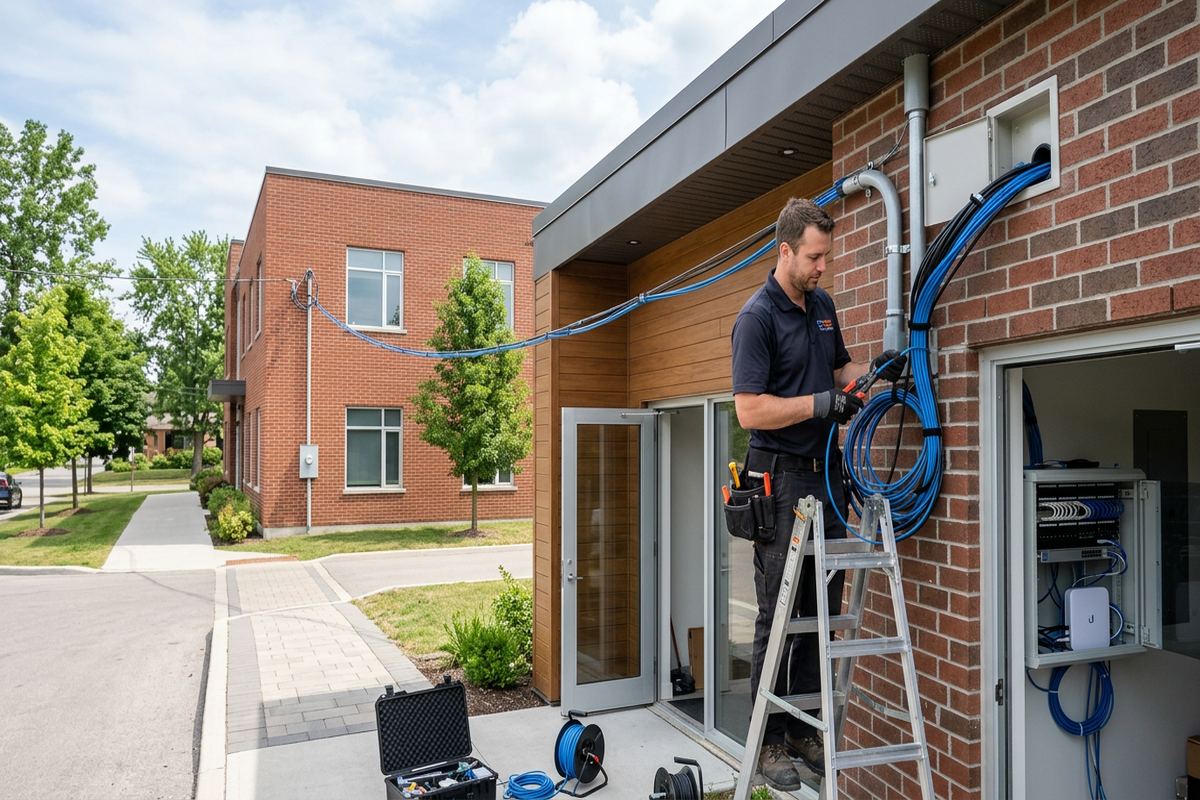
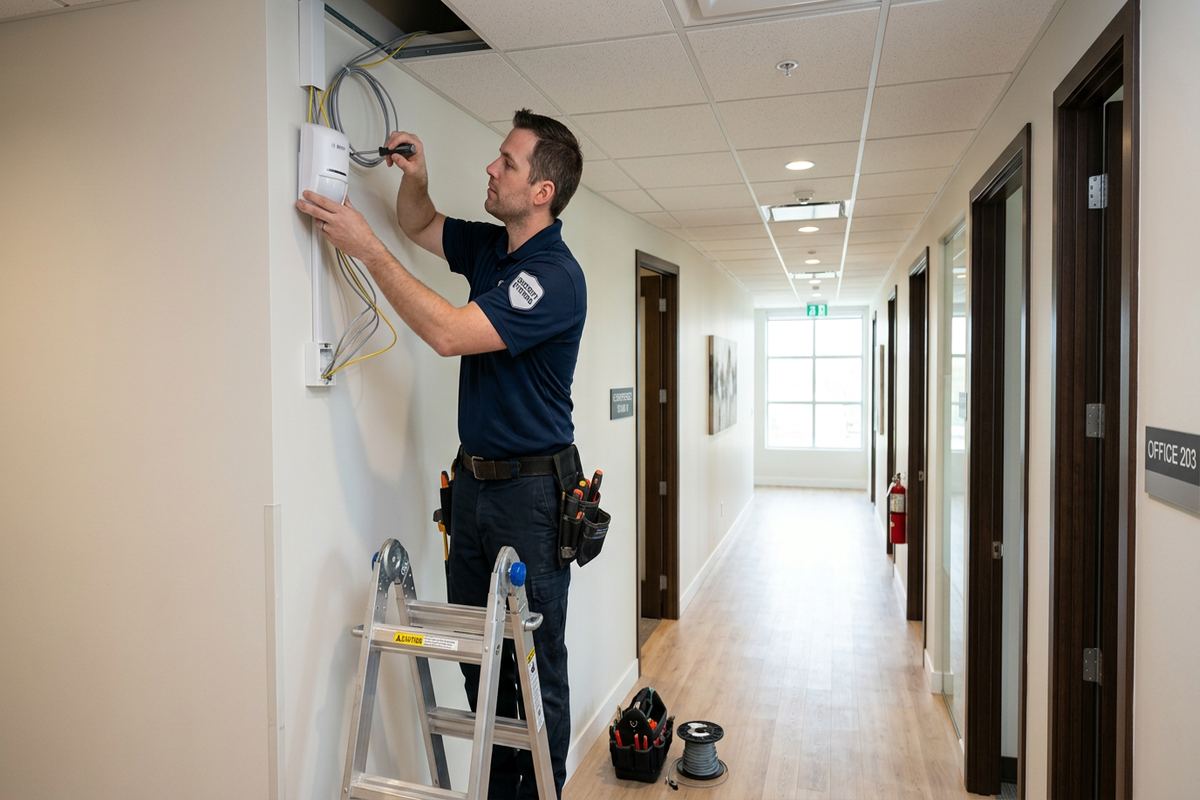
Newer commercial units may appear straightforward but can present different constraints. Metal framing, foil-backed insulation, concrete demising walls and warehouse racking can affect wireless communication. Shared ceilings may include fire-rated separations that cannot be crossed casually, while an industrial unit may require protected cable routes above production or storage areas. When cable is installed, UnifiedLink uses continuous labelled runs rather than hidden, undocumented joins. Each route is terminated, identified and checked as part of commissioning. The resulting as-built record gives the owner a practical reference for maintenance, renovations, tenant changes and future additions to the alarm system.
- Continuous labelled cable runs
- Wireless range checked on site
- Hybrid layouts for difficult pathways
- Penetrations sealed against moisture
- Existing cable tested before reuse
Aurora, Ontario
Commercial alarm system installation in Aurora, scoped in writing first
Book a site assessment and get equipment, routes, exclusions, and warranty on paper before anything is installed.
Commercial Alarm Installation Across Aurora
Once the scope is approved, installation is coordinated around access, business operations and other trades. Device locations are confirmed before holes are made, especially where counters, shelving, equipment or future partitions could obstruct detection. Cable is routed through approved pathways and supported appropriately rather than laid loosely across ceilings or services. Keypads are mounted where authorized users can reach them without exposing sensitive controls to public areas. Control equipment is placed in a serviceable location with suitable power and communications. Work areas are kept organized, and changes caused by concealed conditions are discussed instead of being improvised without documentation.
Installation methods vary by construction. Masonry walls may require surface raceway, carefully selected anchors or routing through an accessible ceiling to reduce disruption. Frame walls can permit concealed cabling, although insulation and blocking may prevent a direct path. In Rural Aurora and on larger estate properties east of town, detached structures or gated entries can require trenching coordination, protected exterior cable or a separate communication method. Any exterior opening is properly sealed, with cable entries arranged to resist water. Freeze-thaw movement, snow accumulation and exposure to road salt are considered when selecting mounting points and fastening hardware.
Leased storefronts, condominium commercial units and multi-tenant buildings require another layer of coordination. The tenant may control its suite but not the electrical room, shared corridor, exterior wall or roof. Before work begins, the customer should obtain any required landlord, condominium corporation or property management approval. Building rules may govern contractor access, drilling hours, elevator use, fire stopping and visible devices. UnifiedLink can provide a defined scope for review, but the property’s approval process remains part of project planning. Confirming these details early helps keep alarm work separate from base-building fire alarm, access control and life-safety responsibilities.
- Device locations confirmed before drilling
- Cable supported through approved pathways
- Masonry and frame methods considered
- Exterior openings sealed after installation
- Building access rules included in planning
Configuration, User Roles and Notifications
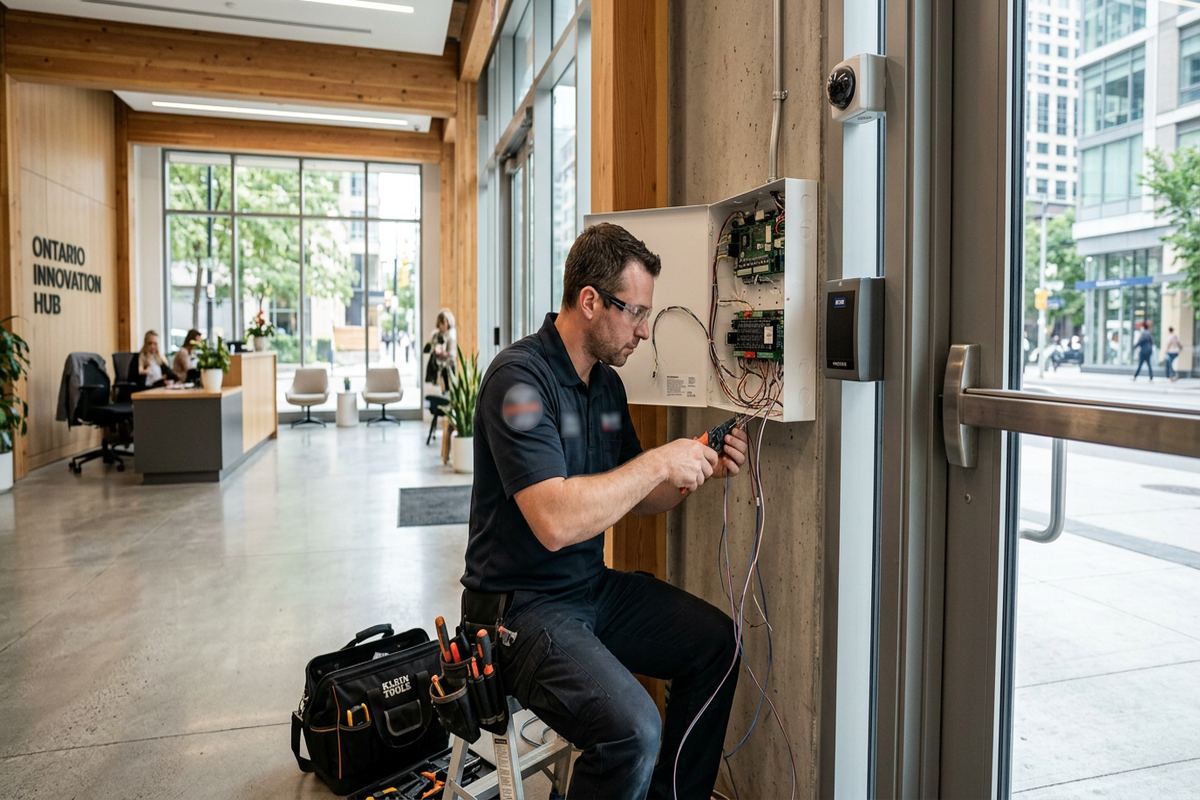
Physical installation is only part of a working commercial alarm system. On-site configuration establishes areas, device names, entry and exit delays, user permissions and notification behaviour. Names should identify real locations such as “rear shipping door” or “second-floor records room” rather than generic zone numbers. Clear naming helps staff understand an event and supports later service. User roles are assigned according to responsibility, so an opening employee does not necessarily receive the same administrative authority as an owner or property manager. Temporary users, cleaners and contractors can be handled separately where the selected platform supports that function.
Notification planning starts with deciding who is responsible for each type of event. Intrusion alarms, trouble conditions, low batteries, communication failures and arming exceptions may need different contacts or procedures. If professional monitoring is selected, account setup, call lists, verification instructions and permit responsibilities must be confirmed with the monitoring provider. UnifiedLink does not treat mobile notifications as a substitute for an agreed response plan. Aurora businesses should document who checks an alert, who can attend the site and when police or another responder should be contacted. Staff also need to know how to report accidental activations promptly.
Alarm communications may use internet, cellular service or more than one path, depending on the selected equipment and site conditions. The assessment considers where network equipment is located, whether the customer controls it and what happens when power or internet service is interrupted. Shared tenant Wi-Fi is generally not an ideal basis for administrative access without clear ownership and coordination. Configuration is completed on site, where signal strength and actual device operation can be checked. The customer receives control through their own credentials at handover, rather than depending on an installer’s personal account for routine administration.
- Plain-language names for every alarm point
- User permissions matched to staff roles
- Alert contacts and procedures documented
- Communication paths checked on site
- Customer credentials used for administration
Testing and Handover for Aurora Businesses
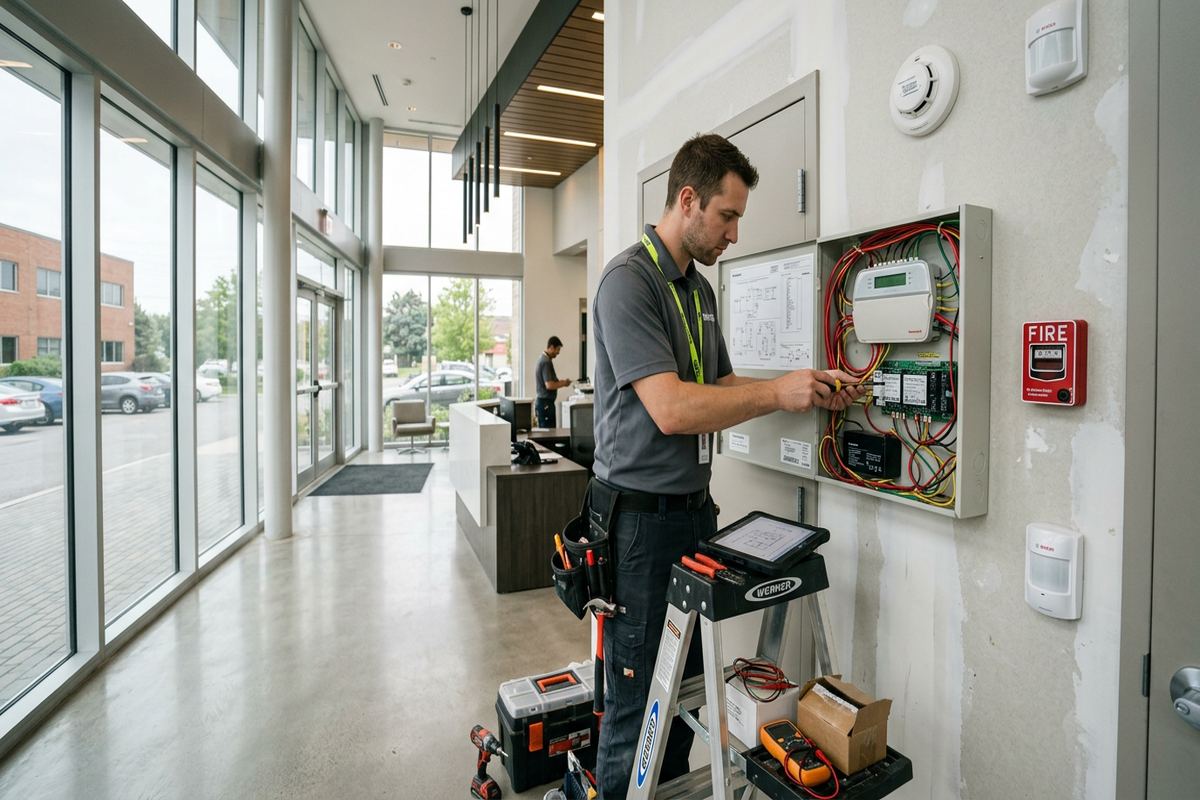
Commissioning verifies the installed system against the written scope. Each contact is opened, each applicable detector is activated and each audible or visual indication is checked. Alarm areas, delays and user permissions are reviewed under realistic opening and closing conditions. Communication paths and notifications are tested where the associated service is active and available. A device appearing in software is not enough; its physical location, label and response must correspond. For an Aurora warehouse, that includes overhead and personnel doors. For an office or shop, it includes public entrances, staff routes and protected internal rooms.
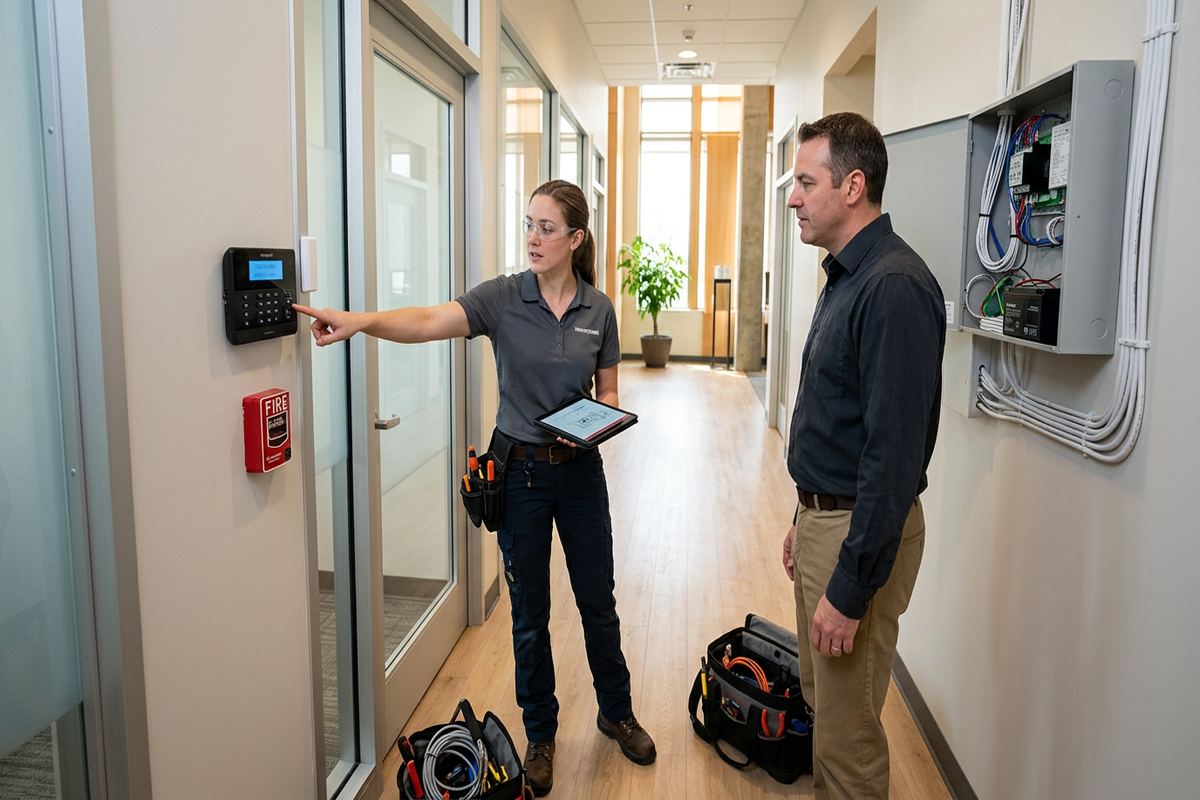
Handover focuses on the people who will use the alarm every day. Authorized representatives are shown how to arm and disarm defined areas, read event information, manage approved users and respond to common trouble conditions. They should understand which doors form the normal entry route, how long delays last and what actions may produce an alarm. If several tenants or departments use the property, training can address their separate permissions without distributing full administrative control. The final setup uses the customer’s own credentials, and account ownership is confirmed so future staff changes do not depend on an individual installer.
An as-built record is provided to capture what was actually installed, not merely what was proposed before walls and ceilings were opened. It records device locations, labelled cable runs and relevant system details, along with documented changes from the original scope. Equipment ownership and warranty information are included in the handover documentation. This record is useful when an Aurora property is renovated, a tenant changes, shelving is moved or another contractor needs to understand existing infrastructure. UnifiedLink remains one accountable contractor for the defined alarm installation, reducing gaps between planning, cabling, configuration, testing and final documentation.
- Every alarm point physically tested
- Opening and closing procedures reviewed
- Customer administrators trained on site
- As-built system record supplied
- Ownership and warranty details documented
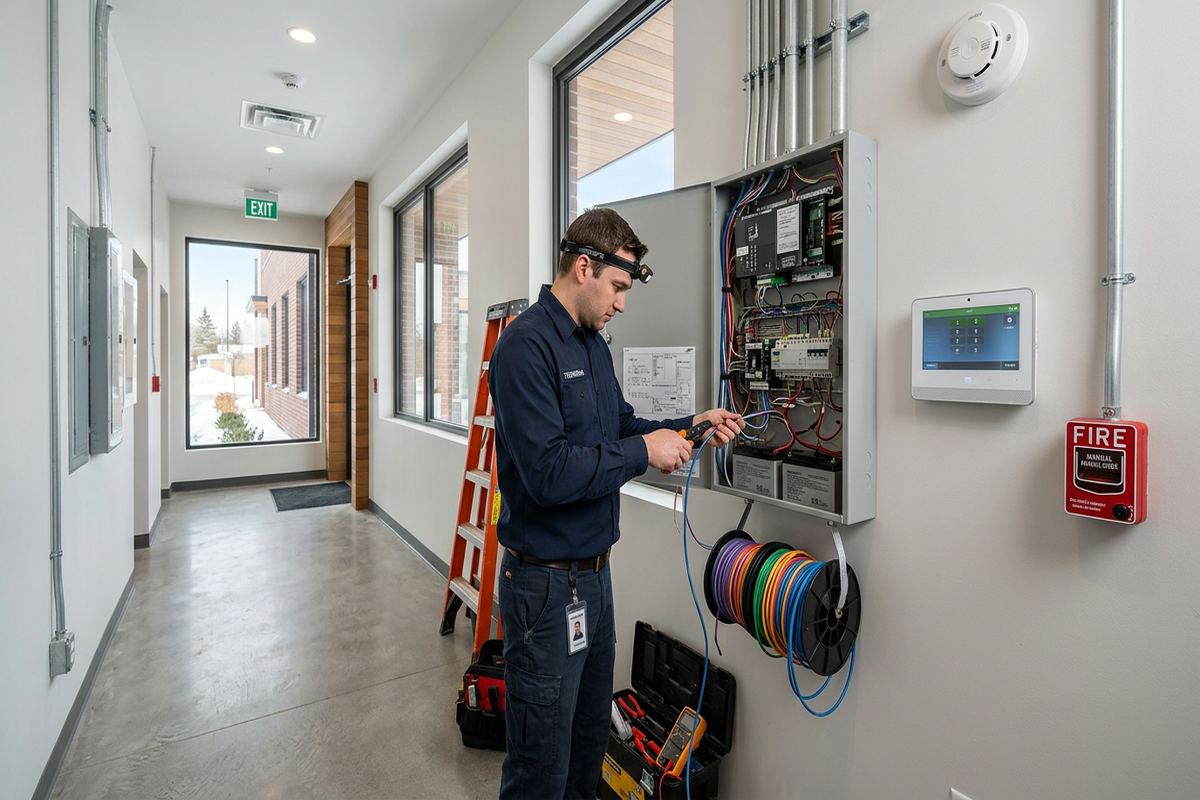
Alarm Upgrades for Existing Aurora Systems
An older alarm does not always require complete replacement, but its condition must be established before components are retained. The assessment reviews the control panel, power supply, backup battery, keypads, detectors, contacts, sirens, communications and accessible cable. Device compatibility matters because newer controls may not support every legacy component, and old wireless sensors may use unavailable or unsuitable protocols. Labels are checked against actual locations rather than accepted at face value. Where records are missing, testing helps determine what can remain, what should be replaced and which abandoned parts should be removed or clearly identified.
Renovations often expose alarm problems that were hidden during normal use. A former door may still appear as an active zone, a detector may face new shelving, or cable may have been cut and joined during tenant improvements. In Aurora Highlands and Hills of St. Andrew, commercial activity within mixed building types can also involve additions completed at different times. Upgrading provides an opportunity to correct names, separate areas, improve cable protection and move devices to suit the current layout. The scope distinguishes retained equipment from new equipment so the customer understands ownership, warranty and limitations.
Takeovers also require attention to accounts and credentials. A panel may be physically present while its programming, communicator or cloud account remains tied to a previous tenant, owner or provider. Access cannot be assumed, and equipment should not be reset until the consequences are understood. UnifiedLink documents available information, verifies compatible components and proposes a path based on the customer’s operational needs. When replacement is appropriate, removal and migration are planned to limit unprotected periods. Final testing and handover then follow the same process used for a new Aurora commercial alarm installation.
- Legacy devices tested for compatibility
- Old zone labels verified physically
- Account ownership confirmed before takeover
- Renovation damage identified and documented
- Retained and replaced equipment separated
Maintaining Commercial Alarms in Aurora
Alarm systems should be reviewed as the property and business change. New partitions, tall storage, displays, machinery and tenant improvements can block motion coverage or alter normal travel paths. Staff turnover can leave unnecessary user codes active, while a changed opening routine may make existing delays unsuitable. Periodic review should include device operation, user permissions, contact lists, communication status and accessible cable condition. The as-built record provides a starting point, but it should be updated when equipment is moved or added. Maintenance frequency depends on the equipment, environment, operating demands and any requirements set by the monitoring provider or insurer.
Aurora weather places particular demands on exterior components. Repeated freeze-thaw cycles can loosen marginal fasteners, open failed seals and allow water to follow a poorly arranged cable into an enclosure. Snowbanks may block low devices, while ice, salt and seasonal vegetation can affect gates and outdoor detection areas. Exterior hardware should be inspected for movement, corrosion, damaged conduit and cracked sealant. Battery performance can also change in unconditioned spaces. These checks are especially relevant at detached buildings, loading areas and larger Rural Aurora properties where devices may be exposed for long periods between staff visits.
Service planning is easier when fault information is specific. Customers should note the displayed device name, time, operating condition and any recent work near the affected area. Repeatedly bypassing a troublesome point can leave an important entrance unprotected and obscure the underlying cause. Requests sent to UnifiedLink during business hours are answered the same day; after-hours requests are answered the next business day. Site assessment timing depends on the requested service and travel distance. For planned expansions, an updated assessment and written scope ensure new alarm devices are integrated with the existing Aurora system rather than added without reliable documentation.
- Review users after staffing changes
- Retest coverage after layout changes
- Inspect exterior seals and fasteners
- Record exact device names when faults occur
- Update as-built records after expansion
Aurora neighbourhoods we cover
- Aurora Village
- Bayview Wellington
- Aurora Highlands
- Hills of St. Andrew
- Rural Aurora
Commercial alarm system installation in Aurora — common questions
Do you assess the Aurora property before quoting?
Yes. UnifiedLink completes a site assessment before pricing. The visit examines entrances, glazing, internal areas, construction, cable pathways, communications and normal staff routines. Assessment timing depends on the service and travel distance. Afterward, the written scope identifies equipment, cable routes, device placement, exclusions, equipment ownership and warranty so the proposed commercial alarm work can be reviewed clearly.
Can you install alarms in older masonry buildings?
Yes, subject to site conditions and any required approvals. Older Aurora buildings, including properties near Yonge Street, may have masonry, plaster and limited concealed pathways. Installation may use accessible ceiling routes or surface raceway where appropriate. Penetrations are planned carefully and exterior entries are sealed. Heritage, landlord or condominium requirements should be confirmed before visible changes or drilling begins.
Should my Aurora business use wired or wireless sensors?
The choice depends on construction, access and operating needs. Wired devices suit many accessible commercial spaces and use continuous labelled cable runs. Wireless devices may reduce disruption in finished or heritage-sensitive areas, but radio range, batteries and building materials must be assessed. A hybrid alarm often suits Aurora properties that combine open ceilings, masonry sections, detached areas or recently renovated rooms.
Can different employees have different alarm permissions?
Yes, when supported by the selected alarm platform. Users can be assigned permissions for particular areas or functions, helping separate owners, managers, opening staff, cleaners and temporary contractors. During configuration, UnifiedLink establishes clear area names and reviews entry and exit procedures. The Aurora customer receives administrative access through its own credentials, allowing authorized personnel to manage future staffing changes.
Do I need landlord or condo approval?
Possibly. Aurora tenants and commercial condominium owners may need approval for drilling, shared ceiling access, exterior devices, communication equipment or work in common areas. Property rules can also govern access hours, fire stopping and visible raceway. UnifiedLink provides a defined scope that can support the review, while the customer remains responsible for obtaining the required landlord, condominium corporation or property management authorization.
What documentation is provided after installation?
At handover, UnifiedLink provides an as-built record reflecting installed device locations, labelled cable runs and documented changes to the original scope. Equipment ownership and warranty information are also recorded. The system is configured on site and handed over using the customer’s own credentials. Aurora owners and managers can use this documentation for maintenance, renovations, tenant changes or future alarm expansion.
Coverage in Aurora is confirmed against the address before we quote. See everything we install in Aurora or the province-wide commercial alarm system installation page.