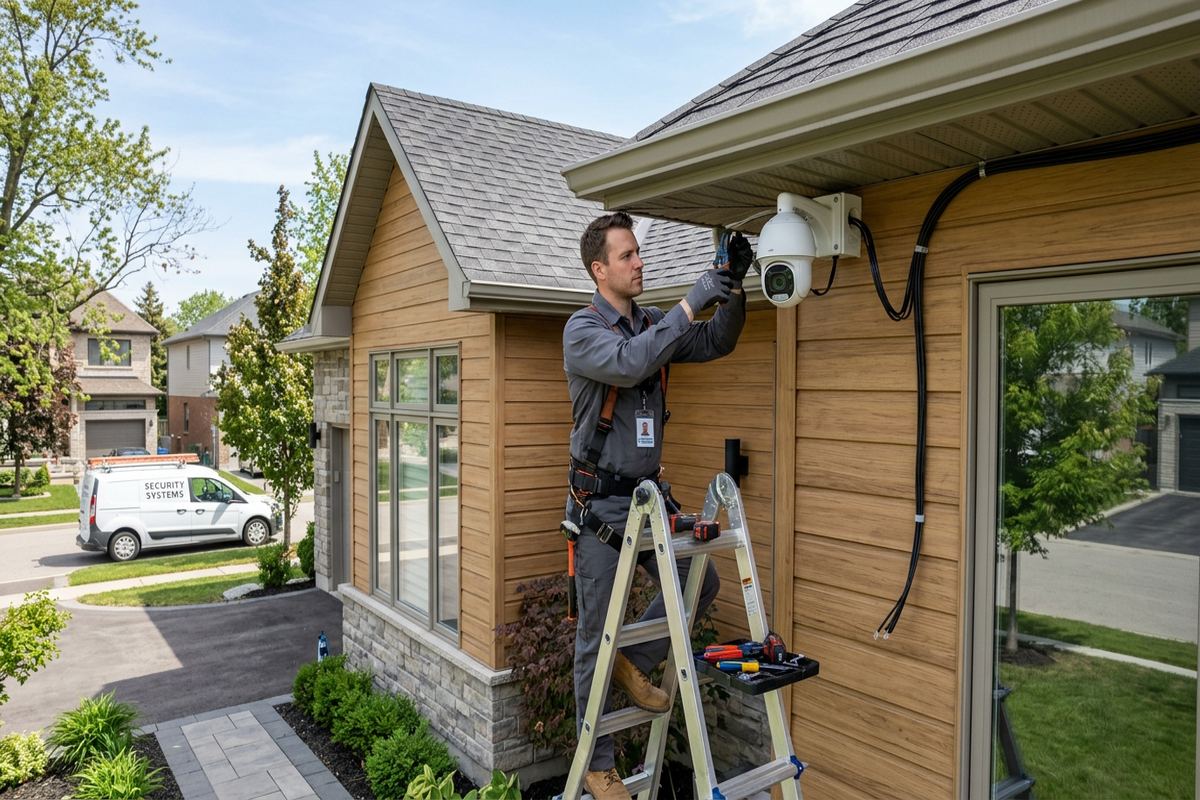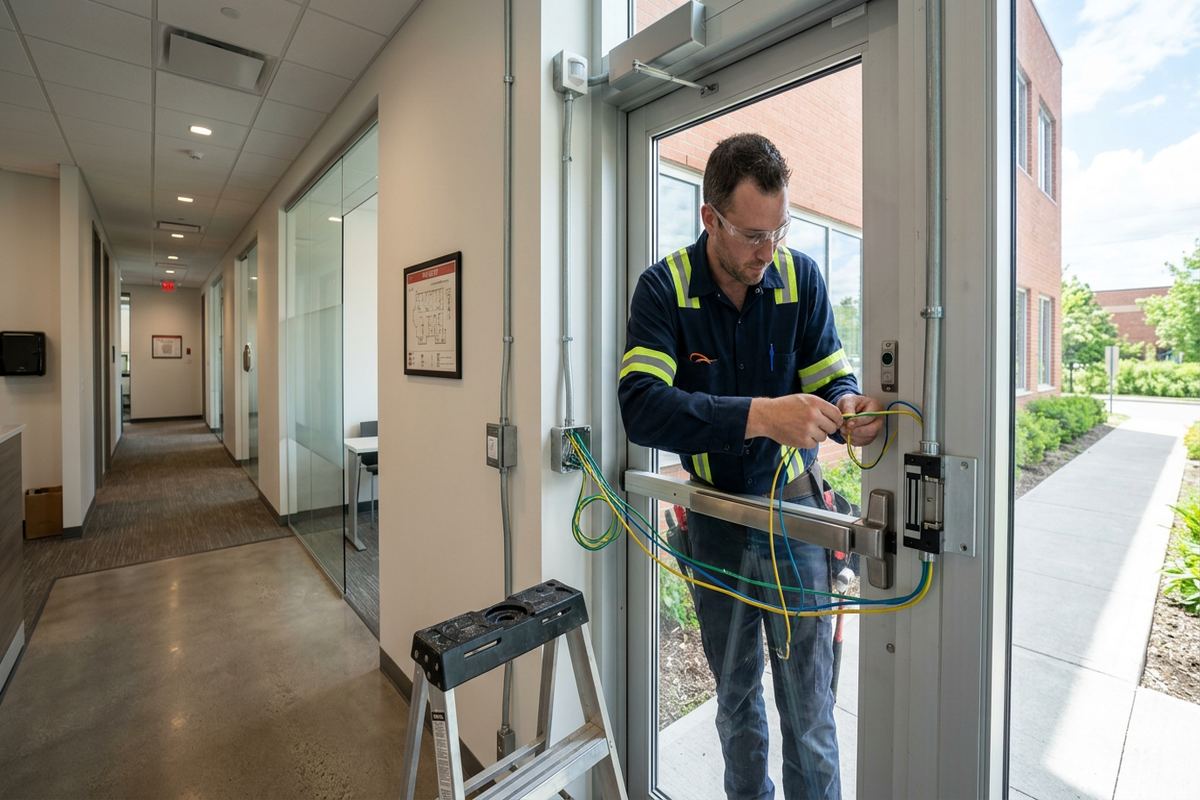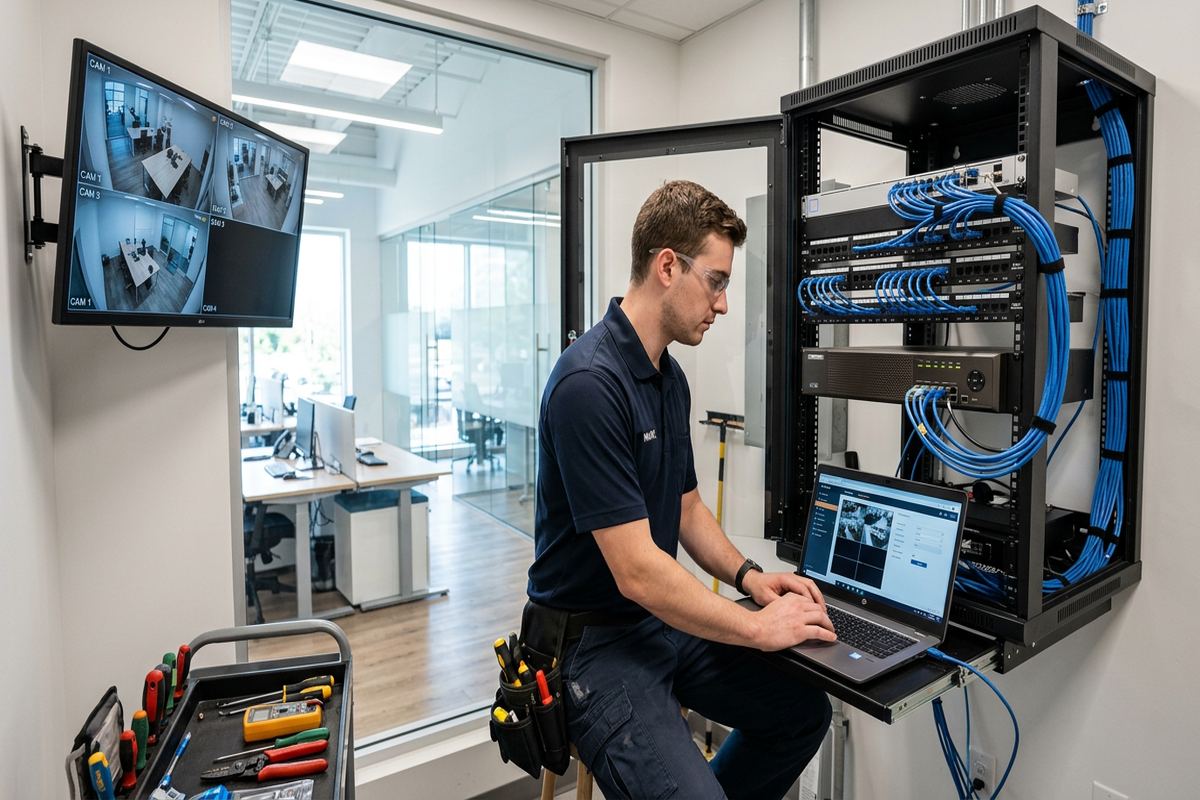
UnifiedLink installs outdoor security cameras for homes, commercial properties and industrial facilities across Belleville and the Bay of Quinte. Each project begins with a site assessment covering useful views, lighting, cable routes, mounting surfaces and network access. The result is a documented system configured on site and handed over using credentials controlled by the customer.
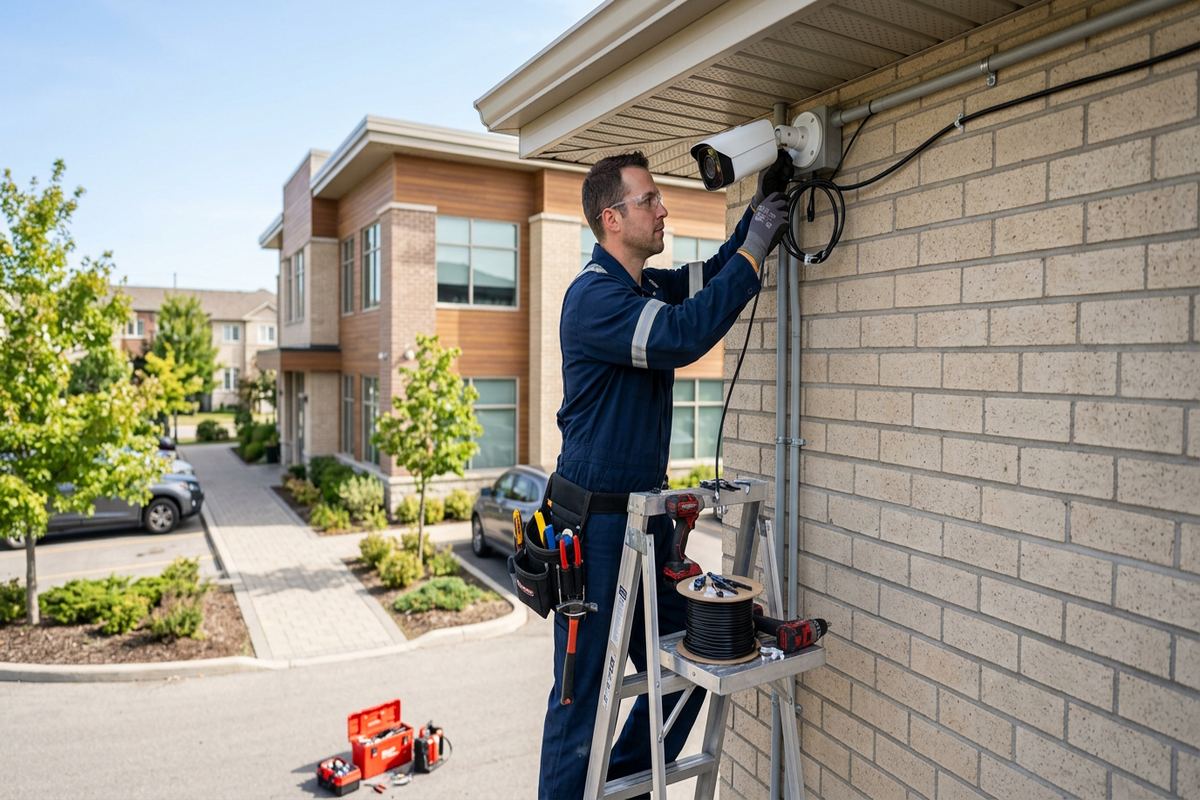
Planning Outdoor Cameras for Belleville Properties
Effective outdoor camera installation starts with the view that must be captured, not with a camera model. During a Belleville site assessment, UnifiedLink reviews doors, gates, driveways, loading areas, detached structures and pedestrian approaches. The objective is to identify where recorded video could establish who entered, what happened and when it occurred. Camera height, viewing angle, available light and likely obstructions are considered together. Trees, signs, parked vehicles and seasonal snowbanks can all change a seemingly clear view, so placement is tested against realistic site conditions before the installation scope is prepared.
Belleville properties do not share one standard layout. Older downtown buildings may have masonry walls, narrow service lanes and limited pathways between an exterior camera and the network equipment. Waterfront homes may need views arranged around large yards, docks or exposed elevations without directing cameras unnecessarily toward neighbouring land. Food-processing plants require a different plan again, often separating perimeter monitoring, shipping activity and controlled production areas. UnifiedLink develops the design around the property’s construction, operating requirements and privacy boundaries rather than applying the same device count and placement pattern everywhere.
Following the assessment, the customer receives a written scope describing the equipment, cable routes, device placement and exclusions. It also states equipment ownership and warranty details, helping homeowners, landlords and facility managers understand exactly what will be installed. If an area cannot be covered reliably because of distance, lighting, structure or network limitations, that constraint is identified before work begins. This process gives Belleville customers a practical basis for reviewing the system, obtaining any required approvals and comparing the proposed views with the incidents or operational questions they need the cameras to address.
- Entrance, driveway and perimeter view planning
- Camera height and field-of-view review
- Lighting and obstruction assessment
- Documented cable routes and mounting locations
- Clear exclusions, ownership and warranty terms
Camera Placement Around Belleville Homes
Residential coverage usually begins at the routes people actually use: the front walk, side gate, driveway, garage and rear entrance. A wide image of the entire frontage may provide context, but it may not show enough facial or vehicle detail at the point that matters. In East Hill and Downtown Belleville, mature landscaping, porches and closely spaced houses can narrow useful angles. The plan may combine an overview with a more focused entrance view, while avoiding windows, rooflines and decorative features that could reflect infrared light into the lens after dark.
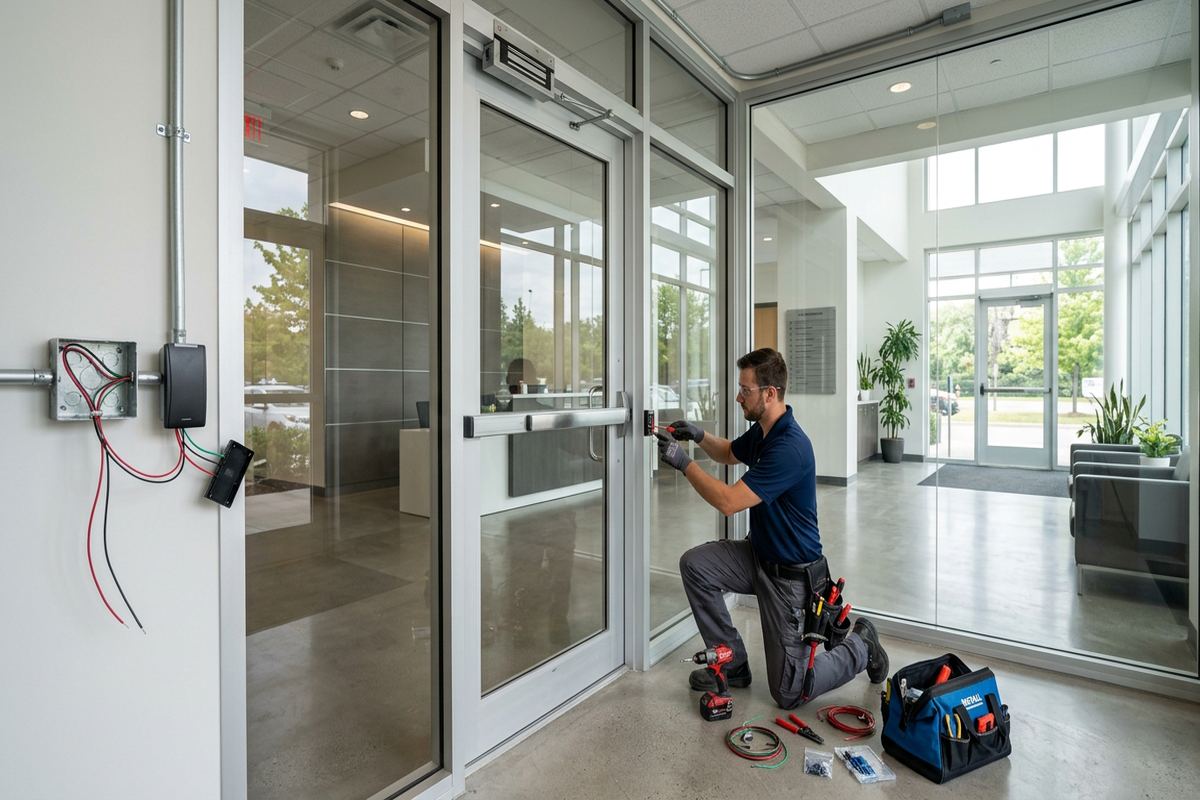
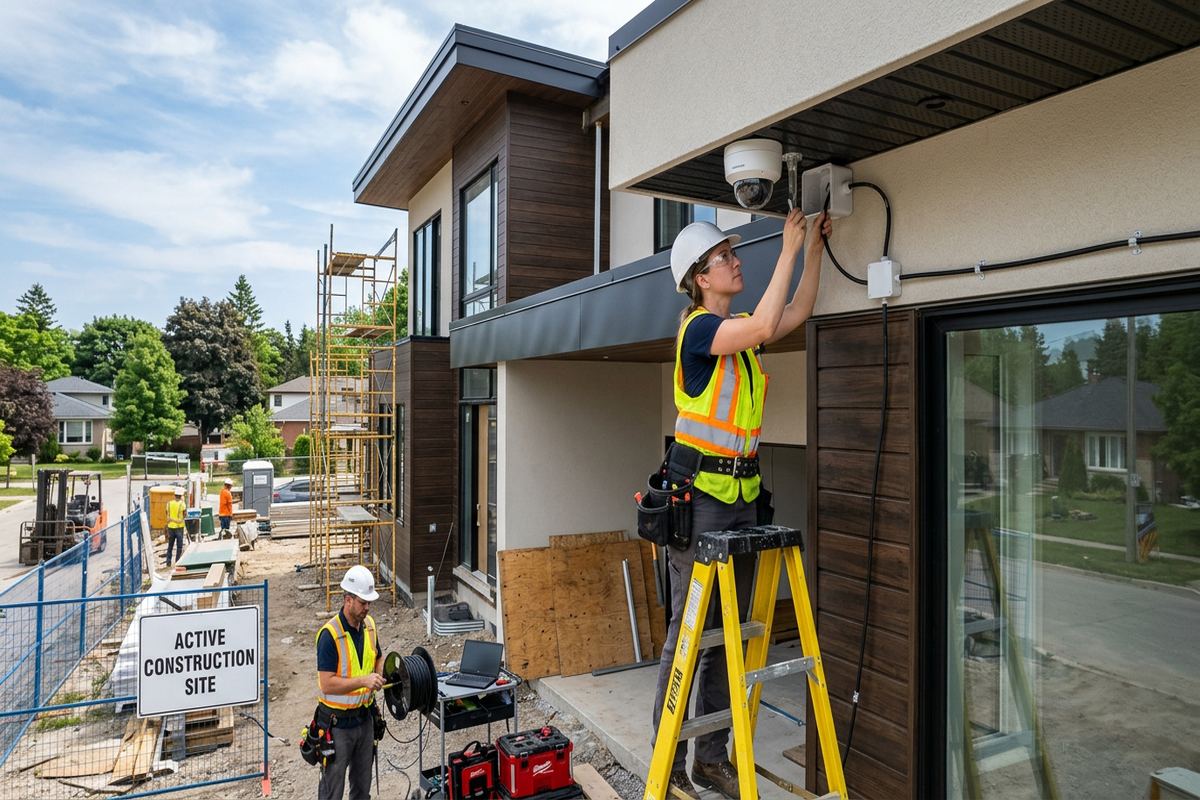
Frame construction, brick veneer and solid masonry require different mounting and cable-routing methods. Before drilling, the installer considers wall composition, interior access, soffit layout and the location of electrical or plumbing services. Exterior penetrations are kept deliberate and sealed against moisture rather than hidden behind excessive caulking. Where a camera is mounted under a soffit, the backing must support the device securely instead of relying on thin material alone. For older Belleville homes, routing decisions also account for finished basements, plaster interiors, additions and previous renovations that may interrupt an otherwise direct pathway.
Privacy and property control are part of placement. Cameras should cover the customer’s entrances, vehicles and usable exterior areas without making a neighbour’s windows or private yard the main subject. Renters need landlord approval before mounting equipment or creating cable penetrations, while condominium owners may need permission for any work involving common walls, exterior cladding or shared corridors. UnifiedLink can document proposed locations for review, but the property owner or condominium corporation determines what is permitted. Audio recording features also require careful consideration because sound can extend beyond the intended camera view.
- Front, rear and side entrance coverage
- Driveway and detached garage views
- Mounting suited to brick, masonry or framing
- Privacy-conscious viewing angles
- Documentation for landlord or condo review
Belleville Weather, Mounting and Exterior Sealing
Outdoor hardware in the Bay of Quinte must remain secure through cold weather, wind, rain and repeated freeze-thaw cycles. Water that enters a poorly sealed penetration can expand when frozen and damage the surrounding material over time. UnifiedLink selects mounting positions that reduce direct exposure where practical, while keeping the intended view clear. Exterior-rated components, suitable fasteners and properly formed drip arrangements are used as the installation requires. Sealing is applied around the penetration and mounting interface without blocking drainage paths or creating pockets where water can remain against masonry, siding or trim.
Temperature changes can also affect image quality and physical alignment. A mount that flexes in wind may produce vibration, while an exposed dome can collect droplets, frost or glare that obscure important detail. Cameras are positioned to limit reflections from soffits, pale walls, windows and accumulated snow, especially when infrared illumination is active. In open areas of Thurlow or along waterfront properties, exposure may differ substantially from a sheltered urban lot. The assessment therefore considers prevailing exposure, mounting rigidity, service access and whether lighting should be adjusted or added to support consistent recording.
Cable entry points require as much attention as the camera itself. Exterior cable should not hang loosely, create a water path into the building or remain accessible where it can be pulled or cut easily. Where cable enters a junction box or wall, fittings and seals must suit the surface and cable type. Continuous labelled runs reduce unnecessary outdoor connections and make future troubleshooting clearer. Belleville winter conditions may also affect safe access for installation and service, particularly on steep roofs, icy ground or elevated walls, so timing and mounting alternatives are reviewed when access conditions are unsuitable.
- Weather-conscious mounting positions
- Sealed wall and junction-box entries
- Rigid supports to limit vibration
- Glare and snow-reflection review
- Exterior-rated fittings and protected cable
Belleville, Ontario
Outdoor camera installation in Belleville, scoped in writing first
Book a site assessment and get equipment, routes, exclusions, and warranty on paper before anything is installed.
Night Images and Identification Detail
A camera that produces a bright night image does not automatically provide useful identification. Strong backlighting, vehicle headlights, reflective signs and deep shadows can hide faces or licence plates even when the scene appears visible. UnifiedLink reviews the expected direction and speed of movement, distance from the camera and available ambient light. The field of view is then narrowed or widened according to the task. An entrance camera may prioritize a face at the doorway, while a separate driveway camera provides context around vehicles, deliveries and movement between the street and the building.
Integrated infrared can help in darkness, but nearby surfaces may reflect that light and reduce detail elsewhere in the frame. Brick corners, white soffits, downspouts, spider webs and snow can all cause unwanted glare. At Belleville commercial strips, illuminated signs and changing storefront light may create another challenge. Camera positioning, exposure settings and supplemental lighting are considered together rather than corrected solely through software. On-site night testing is useful where identification after dark is important, because daytime alignment alone cannot reveal every reflection, shadow or headlight problem that will affect the recorded image.
Vehicle recording needs a defined objective. A broad overview can document direction, colour and general activity, but reading a plate reliably may require a tighter view, suitable angle, controlled distance and specific exposure settings. One camera is rarely ideal for both a broad property overview and detailed plate capture across every lighting condition. In West Park Village or on larger rural approaches near Belleville, driveway length and curved access routes can further complicate the view. The written scope distinguishes expected identification views from general observation so that performance expectations remain clear.
- Doorway-focused identification views
- Night glare and reflection checks
- Headlight and backlight planning
- Separate overview and detail objectives
- On-site image and exposure adjustment
Cabling and Network Design in Belleville
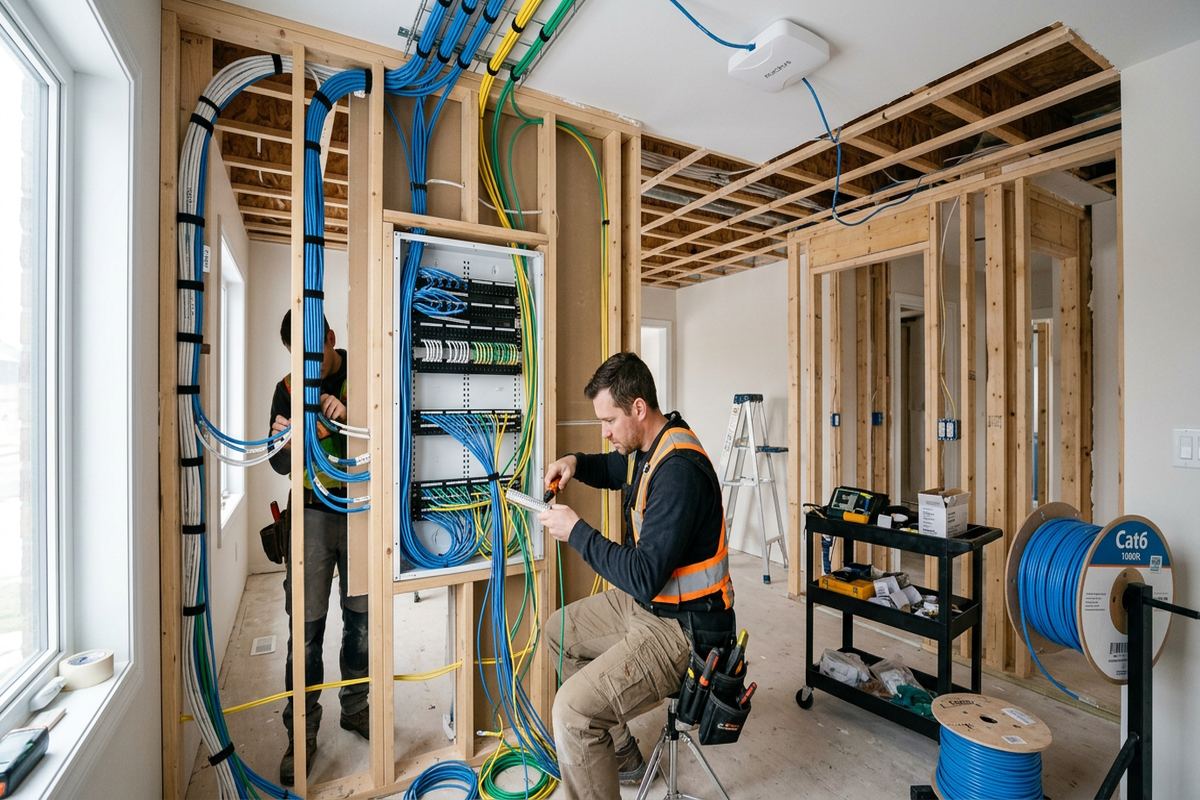
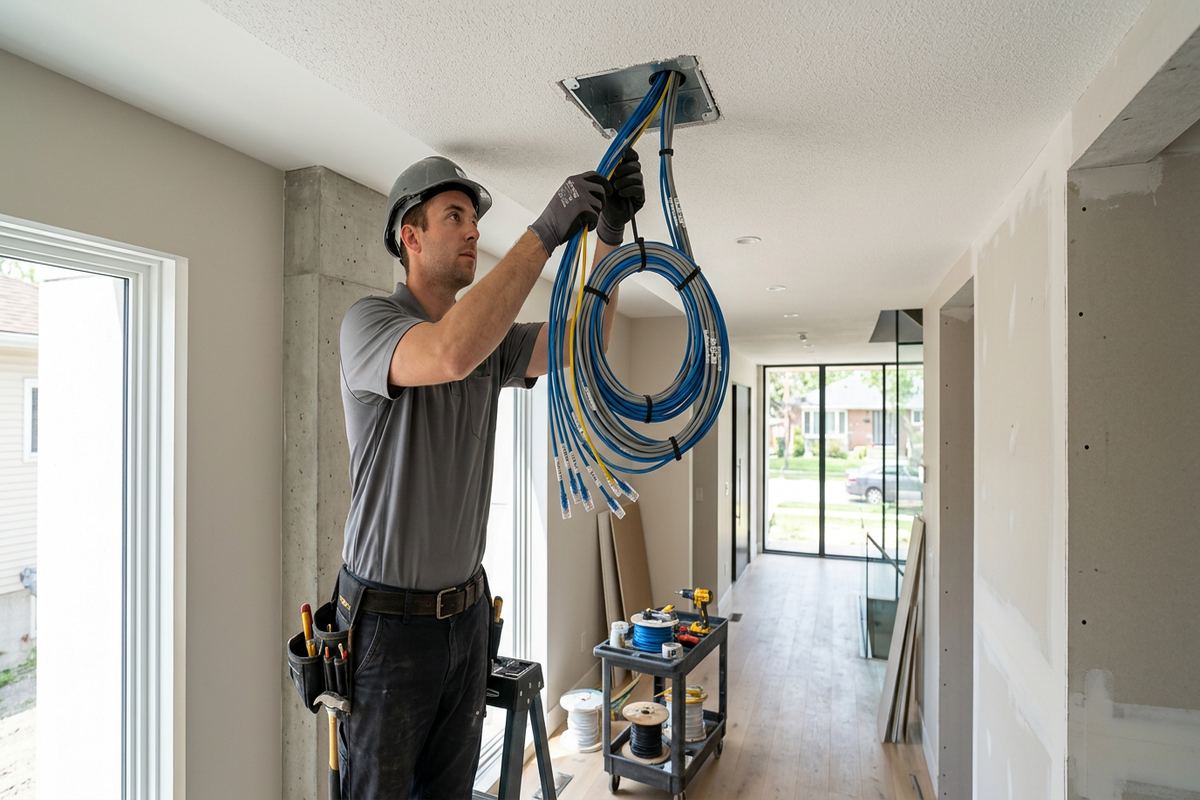
Wired cameras are commonly selected where stable video, centralized recording and dependable power are priorities. UnifiedLink installs continuous labelled cable runs from each planned camera location to the appropriate network or recording point. Routes are selected around structure, distance, environmental exposure and future service access. In a Belleville house, this may involve attic, basement or utility-room pathways. In a commercial unit, cable may travel through accessible ceilings or approved pathways. Any route that crosses fire separations, exposed work areas or shared building space requires additional planning and may affect the scope.
Older downtown properties can present concealed obstacles such as thick masonry, multiple renovations and limited riser space. By contrast, newer frame buildings may offer easier pathways but still require attention to insulation, vapour barriers and finished surfaces. Industrial units and food-processing plants may need protected pathways, separation from operational equipment and coordination with sanitation or shutdown requirements. Cable is supported and labelled rather than laid loosely across ceilings or attached to unrelated services. Where conduit, lifts, core drilling or specialized access is necessary, those requirements are identified during the assessment instead of appearing unexpectedly during installation.
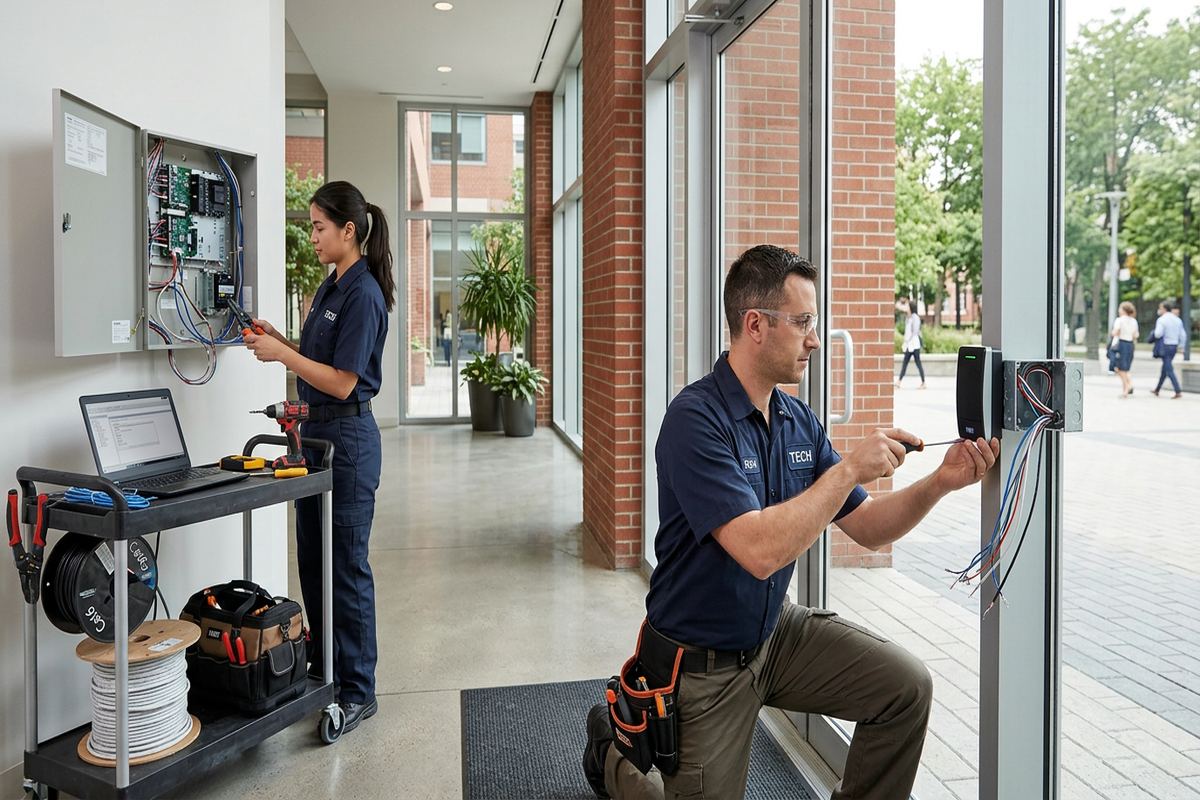
Network capacity and security influence how well an outdoor camera system operates. The assessment reviews available switch ports, power requirements, recorder placement, internet dependency and remote-access expectations. Local recording can continue without relying on continuous internet access when the selected architecture supports it, although remote viewing still depends on connectivity. Cameras and recorders are configured on site using customer-controlled credentials rather than shared installer passwords. For Belleville properties with detached garages, distant gates or separate buildings, the design may require fibre, a wireless bridge or another planned connection instead of an unsupported long copper run.
- Continuous labelled network cabling
- Protected routes through service areas
- Power and switch capacity review
- Recorder and network location planning
- Customer-controlled system credentials
Outdoor Cameras for Belleville Businesses
Commercial camera planning should reflect how the site operates, not only where the exterior walls allow easy mounting. Retail and office properties may need views of customer entrances, rear service doors, parking areas and delivery points. Industrial sites may prioritize gates, loading bays, outdoor storage and vehicle circulation. In Point Anne, Bayside or Belleville’s commercial corridors, neighbouring uses and public approaches can affect the appropriate angle. The assessment connects each proposed camera to a specific purpose, helping avoid redundant views while identifying high-activity areas that require both context and closer detail.
Food-processing plants introduce practical constraints beyond ordinary commercial installation. Exterior cameras may monitor staff entrances, trailers, loading activity or perimeter access, but cable routes and service work must fit the facility’s hygiene, safety and production requirements. Installation may require coordination around active shipping windows or restricted areas. Cameras should not interfere with doors, dock equipment, lighting, signage or washdown practices. UnifiedLink records these constraints in the scope and identifies work that depends on customer-provided access, escorts, shutdowns or approvals. The same planning approach applies to warehouses and industrial units with controlled work zones.
Businesses occupying leased or condominium-style units should confirm permission before exterior mounting, conduit work or cabling through shared areas. A landlord may also have standards for visible cable, penetrations, equipment colour or restoration. UnifiedLink can provide device locations and route information for approval, but authorization remains the customer’s responsibility unless separately arranged. Where multiple tenants share parking or access routes, views should be limited to the business’s legitimate security and operational needs. Clear permissions reduce the chance that equipment must be relocated after installation and help protect the exterior envelope of the Belleville property.
- Entrances, docks and loading-area coverage
- Parking and vehicle-circulation views
- Plans for active industrial environments
- Coordination with landlord requirements
- Defined purposes for every camera
Recording, Remote Viewing and Handover
Recording design begins with how footage will be used. A homeowner may want event review and remote alerts, while a business may need continuous recording across selected cameras and straightforward export for an incident. Retention depends on camera count, resolution, frame rate, recording mode and available storage; it should be calculated from the chosen equipment rather than promised in general terms. UnifiedLink configures the recorder and cameras on site, checks timestamps and verifies that intended views are being captured. Notification settings can then be adjusted to reduce alerts caused by routine movement.
Remote viewing requires a secure account structure and a reliable connection. During handover, the customer receives access using their own credentials rather than remaining dependent on an installer-owned account. Users can be assigned access according to their responsibilities where the selected platform supports that function. For a Belleville business, this may separate administrator control from routine live viewing. Multi-factor authentication and current application updates should be enabled when available. UnifiedLink explains the basic process for viewing live video, finding recordings and exporting relevant clips without presenting remote access as a substitute for proper network security.
The completed handover includes an as-built record showing installed devices and relevant cable or system information. Labels correspond with camera names so that a future service visit does not require tracing every line from the beginning. The customer is also shown equipment locations, normal operating indicators and any maintenance considerations identified in the scope. Ownership and warranty terms remain documented in writing. One accountable contractor handles the planned camera, cabling and configuration work, which reduces gaps between separate installers and gives Belleville customers a clear point of reference for the completed installation.
- Configured recording and event settings
- Customer-owned administrator credentials
- Live view and footage export guidance
- Labelled cameras matched to records
- As-built documentation at handover
Maintaining Outdoor Camera Coverage in Belleville
Outdoor camera performance should be reviewed as the property changes. Trees grow into views, new signs reflect infrared light, stored materials block loading areas and renovations alter access routes. Seasonal conditions in Belleville can expose issues that were not visible during another part of the year, including snowbanks, blowing snow, spring moisture and heavy summer foliage. A periodic visual check should confirm that each camera remains firmly mounted, correctly aimed and free of dirt, insects or condensation. Recorded playback should also be tested rather than assuming that a working live image proves footage is available.
Cleaning must preserve seals and lens coatings. Abrasive tools, pressure washing and strong chemicals can damage a camera window or force water into a fitting. Accessible lenses can be cleaned carefully using suitable materials after checking the manufacturer’s instructions. Elevated or difficult locations should be handled with appropriate access equipment rather than reached from an unsafe ladder position. Following severe weather or exterior construction, customers should inspect visible cable, junction boxes and mounts for movement or damage. Any loose hardware, cracked seal or recurring moisture should be assessed before freeze-thaw conditions make the problem worse.
Changes to internet service, routers, phones or staff access can affect remote viewing even when local recording remains operational. Credentials should be updated when authorized users change, and exported evidence should be handled according to the customer’s privacy and retention policies. If another contractor modifies soffits, siding, roofing or masonry around a camera, the mounting and sealing should be reviewed afterward. Belleville service requests sent during business hours are answered the same day, while after-hours requests are answered the next business day. Site assessment timing depends on the service required and travel distance.
- Seasonal view and obstruction checks
- Safe lens and housing cleaning
- Mount and seal inspection
- Recording and playback verification
- User access and credential updates
Belleville neighbourhoods we cover
- Downtown Belleville
- East Hill
- West Park Village
- Thurlow
- Bayside
- Point Anne
Outdoor camera installation in Belleville — common questions
How many outdoor cameras does my Belleville property need?
The number depends on the views you need rather than property size alone. A site assessment considers entrances, driveways, side access, detached buildings, loading areas and likely travel paths. Some locations need both an overview and a focused identification view. UnifiedLink documents the proposed camera positions and purpose of each device before pricing, allowing you to review coverage and exclusions.
Can cameras be installed on an older brick home?
Yes, but older Belleville masonry requires careful assessment. The installer needs to determine whether the surface is solid masonry, brick veneer or another assembly, then select suitable fasteners and a controlled cable entry. Penetrations are sealed for exterior exposure, and routes account for plaster, finished rooms and previous renovations. Mounting is not placed into weak mortar or decorative material without considering long-term support.
Will outdoor cameras work through Belleville winters?
Outdoor-rated equipment can operate in local winter conditions when it is selected, mounted and sealed correctly. Planning must account for freeze-thaw cycles, wind, moisture, snow reflection and safe cable entry. Placement also affects whether frost, droplets or accumulated snow obscure the image. UnifiedLink reviews exposure during the assessment and identifies maintenance or access considerations for the chosen locations.
Do I need landlord or condo approval?
You may need written approval if the work affects exterior cladding, common areas, shared ceilings or building-owned wiring pathways. Belleville tenants should consult their lease and landlord before installation. Condominium owners should check corporation rules and obtain any required authorization. UnifiedLink can provide proposed mounting points and cable routes for review, but approval must come from the property owner or corporation.
Can I view my Belleville cameras remotely?
Remote viewing is available when the selected camera platform and internet connection support it. UnifiedLink configures the system on site and hands it over using credentials controlled by you. The setup can include live viewing, recorded playback and alerts as supported by the equipment. Remote performance depends on internet and network conditions, while local recording may continue independently when the system architecture supports that function.
What happens before you provide pricing?
UnifiedLink completes a site assessment before pricing. The timing depends on the service and travel distance. You then receive a written scope covering equipment, cable routes, camera placement, exclusions, equipment ownership and warranty. Requests sent during business hours are answered the same day; after-hours requests are answered the next business day. This process keeps the proposed Belleville installation and its responsibilities clear.
Coverage in Belleville is confirmed against the address before we quote. See everything we install in Belleville or the province-wide outdoor camera installation page.