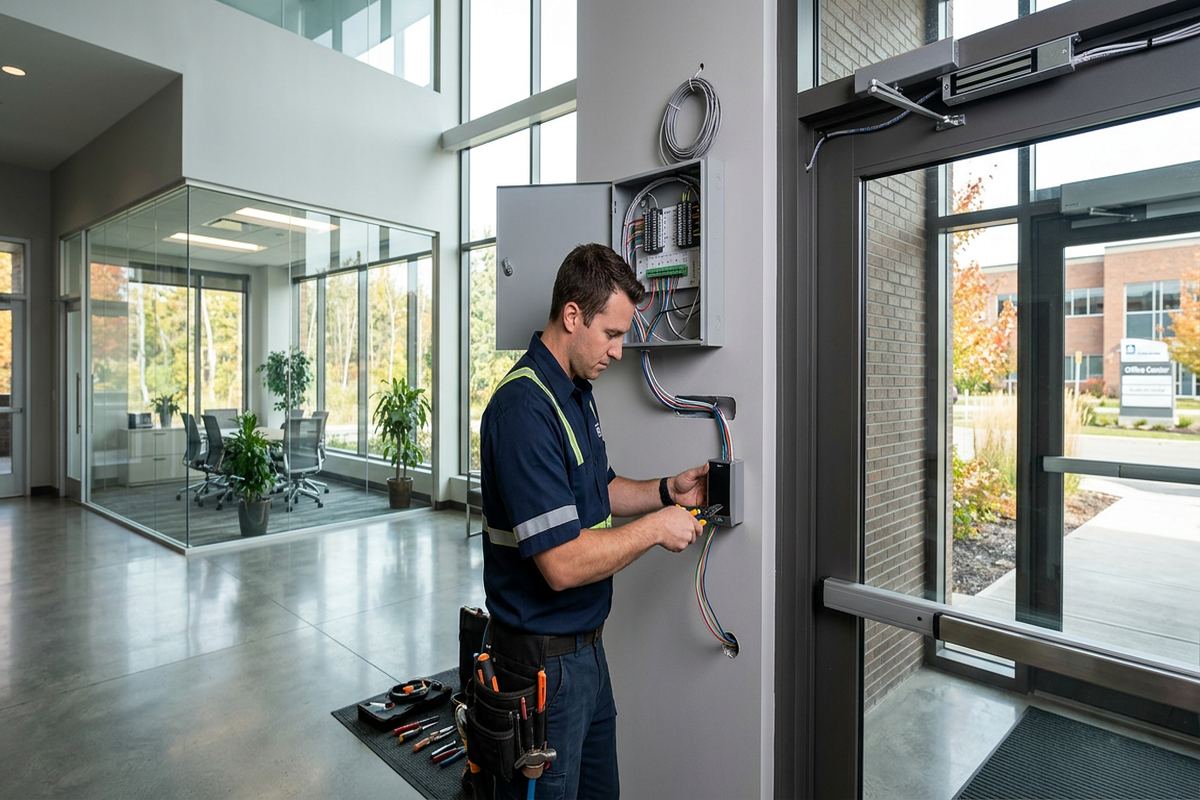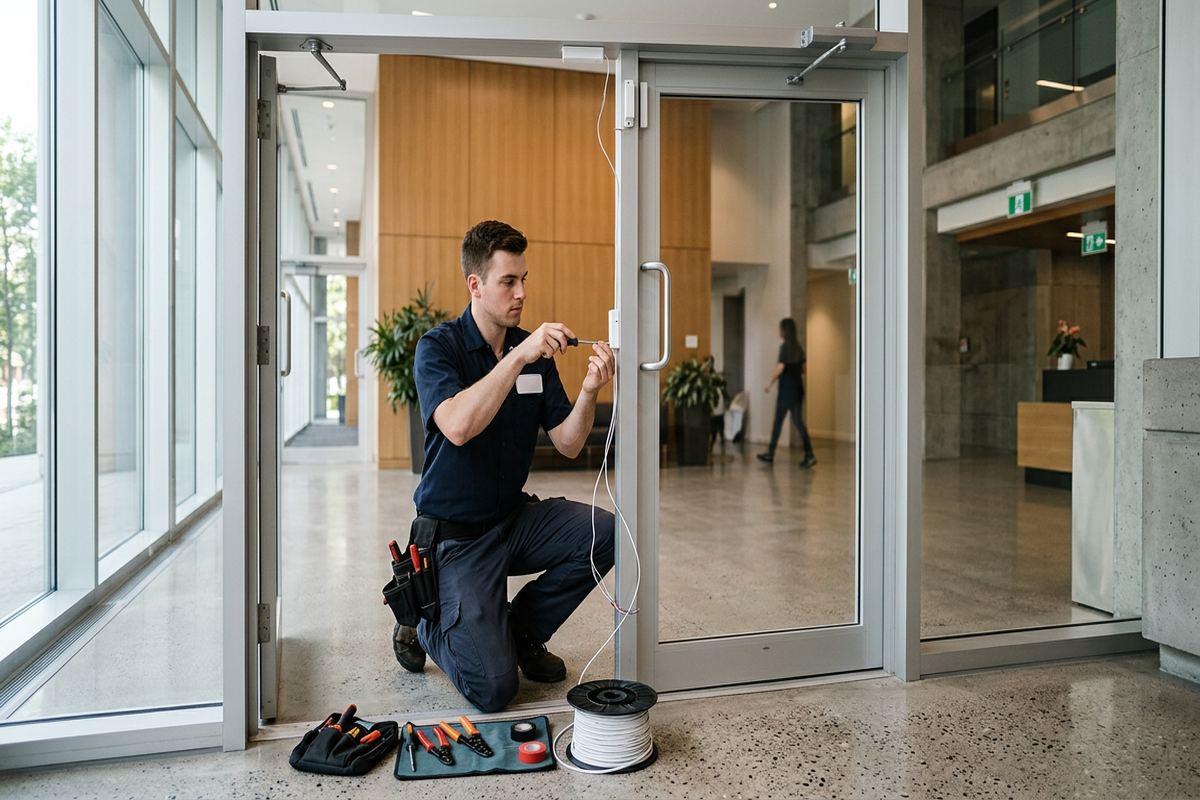
UnifiedLink installs commercial access control systems for Belleville offices, shops, industrial units, processing facilities and multi-unit properties. We assess each opening, plan cable routes and configure permissions around how the building operates. The completed system is handed over using the customer’s own credentials, with labelled cabling and an as-built record for future service.
Commercial Access Control Planning in Belleville
An access control project starts with the doors, occupants and operating procedures rather than a particular reader or software package. During a Belleville site assessment, we review public entrances, staff doors, loading areas, internal restricted rooms and emergency egress requirements. We also discuss who needs access, when permissions should apply and how credentials will be issued or cancelled. This work identifies whether the property needs standalone control, a networked system, scheduled unlocking, audit records, remote administration or integration with other low-voltage systems. Pricing follows the assessment because door construction, cable access and required hardware materially affect the scope.
Belleville properties do not support a single standard design. Older downtown buildings may have thick masonry, altered door openings, limited ceiling access and existing hardware from several renovations. Commercial strips can combine public storefronts with rear service doors, while industrial units may require controlled staff entrances and separate loading access. Food-processing plants need a plan that respects operational zones, cleaning practices and restricted production areas. Waterfront homes used for professional or managed purposes present different exposure and approval considerations. Each opening is examined individually so that the controller, lock, reader, power supply and cable route suit the actual construction.
Before installation, UnifiedLink provides a written scope covering equipment, device placement, proposed cable routes, exclusions, equipment ownership and warranty. The scope distinguishes access control work from locksmith, electrical, fire alarm, door replacement, network or construction work when those trades are required. It also records assumptions about available pathways, network connections and power. This gives a Belleville property owner, manager or tenant a practical basis for reviewing the work and obtaining landlord or condo approval. Changes discovered after concealed areas are opened can then be documented instead of being handled through unclear verbal additions.
- Opening-by-opening site review
- Credential and schedule planning
- Cable pathway assessment
- Written equipment and installation scope
- Clear trade and project exclusions
Choosing the Right System for a Belleville Property
System selection depends on how many openings are controlled, how often users change and who will administer permissions. A small office may need a straightforward controller with card or mobile credentials, while a multi-tenant building may require separate groups, schedules and reporting. Facilities with several departments can use role-based access so that staff receive only the permissions needed for their work. We review whether management will occur from one workstation, through an approved cloud platform or across an existing network. The recommendation also considers future door additions, because controller capacity and enclosure space can determine whether expansion is simple or disruptive.
Credentials should match both security needs and daily use. Cards and fobs are familiar and easy to assign, but the selected credential technology should resist casual duplication and remain available for future issuance. Mobile credentials may reduce physical credential handling, although they depend on compatible devices, software and administration policies. PINs can be useful in specific applications but should not become shared codes that remove individual accountability. For Belleville businesses with seasonal staff, contractors or changing shifts, expiry dates and access schedules can limit permissions without requiring someone to attend the site whenever a temporary user starts or finishes.
The management platform must be understandable to the people responsible for the building. We configure doors, users, groups, schedules and basic event monitoring on site, then hand over administrator access using the customer’s own credentials. The customer should not depend on an installer-owned account to add staff or review routine events. Where remote administration is requested, network ownership, internet dependence, subscription terms and cybersecurity responsibilities are identified in the scope. We also explain which functions continue during an internet or network interruption, since local door operation, remote commands and reporting may behave differently depending on the selected architecture.
- Card, fob, PIN or mobile options
- Role-based door permissions
- Temporary and scheduled access
- Local or remote administration
- Expansion capacity considered early
Door Hardware and Locking Methods
Reliable access control depends on compatible mechanical and electronic hardware. The reader only identifies a credential; the lock, door position switch, request-to-exit device, closer and controller determine what happens at the opening. We inspect the door material, frame, latch, hinges, alignment and existing preparation before specifying electrified hardware. A misaligned door can place continuous pressure on a strike or fail to latch even when the electronics operate correctly. Older doors in Downtown Belleville may require locksmith or carpentry corrections before control equipment is installed. Those dependencies are identified so the finished opening remains usable and secure.
Electric strikes, electrified locksets and magnetic locks serve different conditions. A strike can work well where the existing latch and frame preparation are suitable, while an electrified lockset may provide controlled operation within the lock body. Magnetic locks require careful treatment of release controls, emergency egress and applicable approvals. The right choice cannot be based only on installation convenience. Door use, life-safety operation, accessibility, fire-rated assemblies and the desired locked or unlocked state during a power issue all matter. When specialized door work is outside the access control scope, it is coordinated or clearly assigned to the appropriate trade.
Exit operation must remain intuitive and compliant with the requirements applying to the property. Depending on the opening, the system may use mechanical free egress, request-to-exit sensing, push-to-exit controls or interfaces with other building systems. We document the intended sequence for normal access, scheduled unlocking, forced-door events and power loss. Backup power can support controllers and selected locking hardware, but runtime depends on system load, battery condition and configuration. For each Belleville installation, the written scope states what equipment receives backup power and what the door is intended to do when power or communications are unavailable.
- Door and frame compatibility review
- Electric strike and lockset planning
- Door position monitoring
- Request-to-exit device selection
- Power-loss behaviour documented
Belleville, Ontario
Commercial access control installation in Belleville, scoped in writing first
Book a site assessment and get equipment, routes, exclusions, and warranty on paper before anything is installed.
Cabling and Controller Installation in Belleville
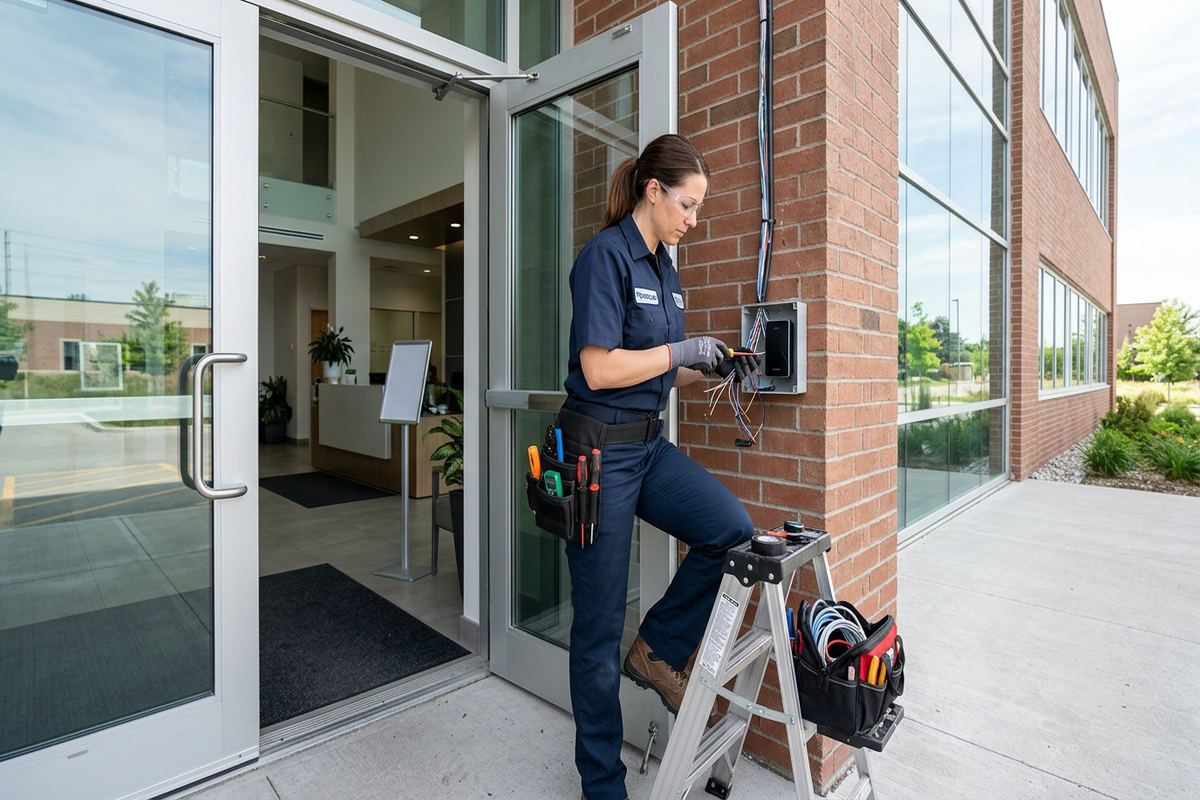
Access control cabling carries reader data, lock power, door status and exit signals, so pathway design affects both reliability and serviceability. UnifiedLink installs continuous labelled cable runs between field devices and the designated controller or enclosure whenever the approved design permits. Routes are planned around finished ceilings, masonry walls, structural elements and areas where cable could be damaged. In older Belleville buildings, concealed pathways may be blocked by previous alterations or inaccessible wall cavities. Surface raceway, conduit by the appropriate trade or an alternate controller location may be needed. These choices are reviewed before work proceeds wherever conditions can reasonably be confirmed.
Masonry and frame construction require different mounting and routing methods. Brick, block and concrete can demand suitable anchors, careful drilling and visible raceway when no concealed pathway exists. Frame walls often allow concealed cable, but insulation, fire stops and renovated finishes can restrict access. In East Hill and Downtown Belleville, preserving interior finishes may be a central concern, particularly where openings have decorative trim or older plaster. The scope identifies expected penetrations and visible pathways rather than assuming every cable can disappear. Any required fire stopping or restoration responsibility is also assigned clearly before installation begins.
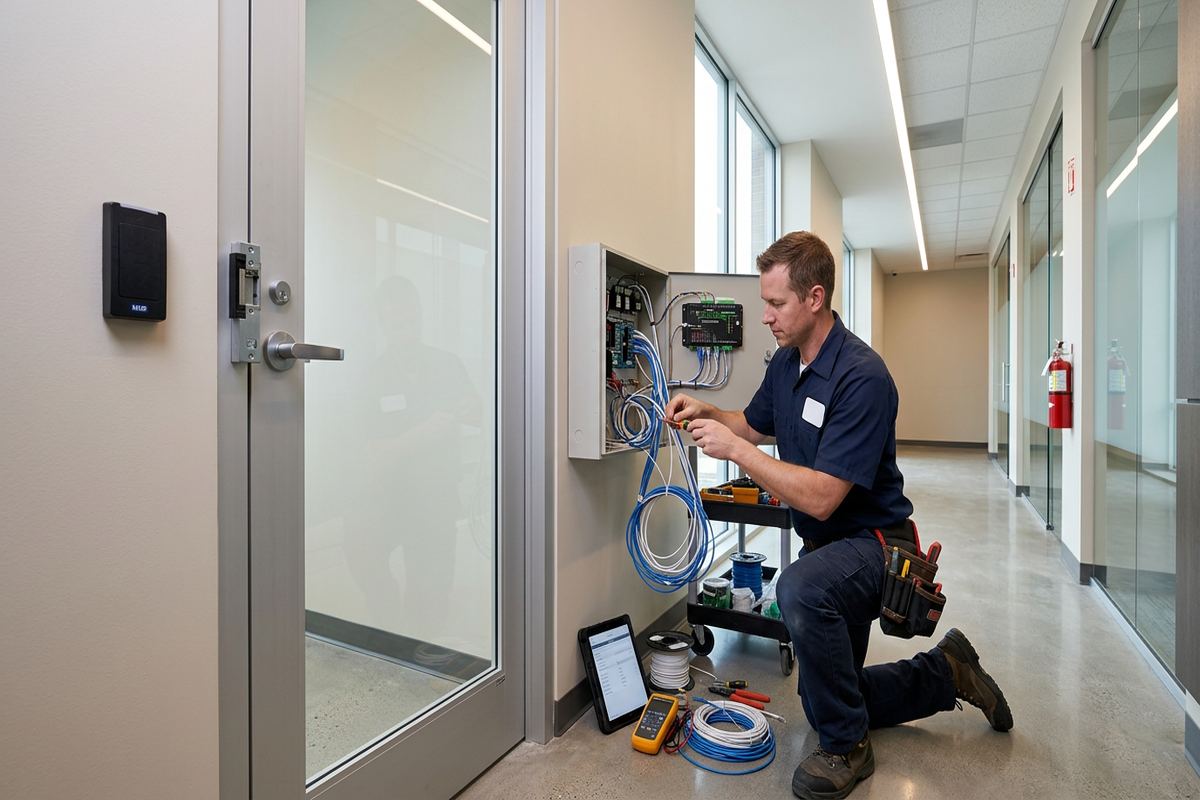
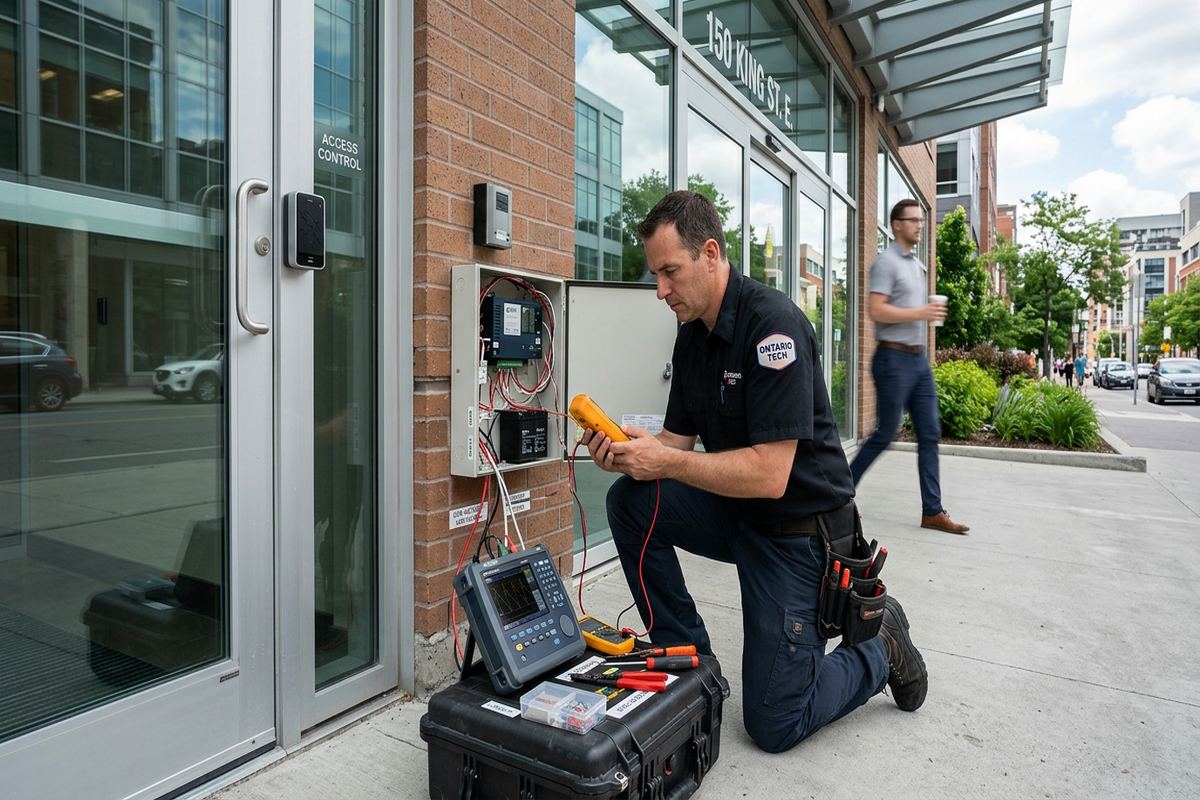
Controllers and power supplies need an accessible, protected location with appropriate electrical and network provisions. They should not be placed where routine activity, moisture, heat or unauthorized handling creates avoidable risk. Cable ends are labelled consistently at devices and enclosures, and terminations are arranged so future testing does not require tracing unidentified conductors. Where the system uses the customer’s network, we confirm the required connection details with the responsible IT contact. Access control cabling remains distinct from line-voltage work, and any new branch circuit or electrical modification must be completed by the appropriately qualified electrical contractor.
- Continuous labelled cable runs
- Masonry and frame routing options
- Protected controller locations
- Organized enclosure terminations
- Network requirements coordinated
Belleville Weather and Exterior Openings
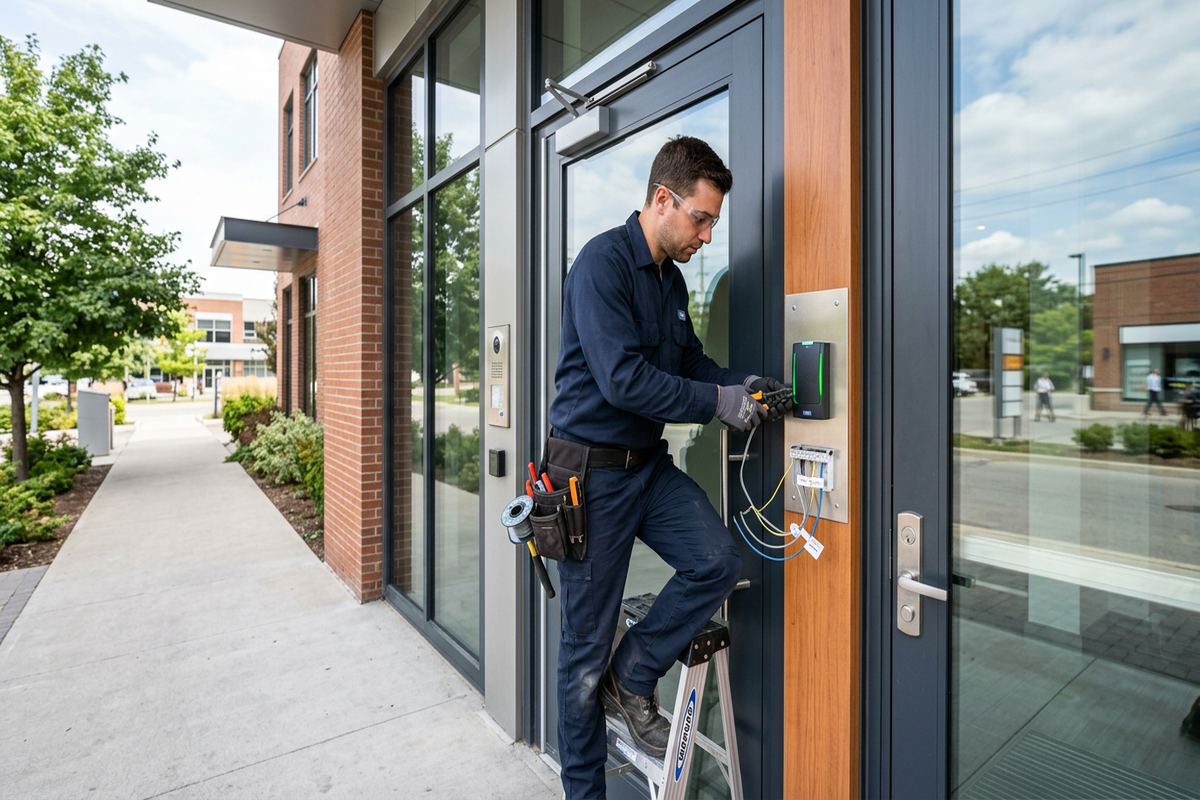
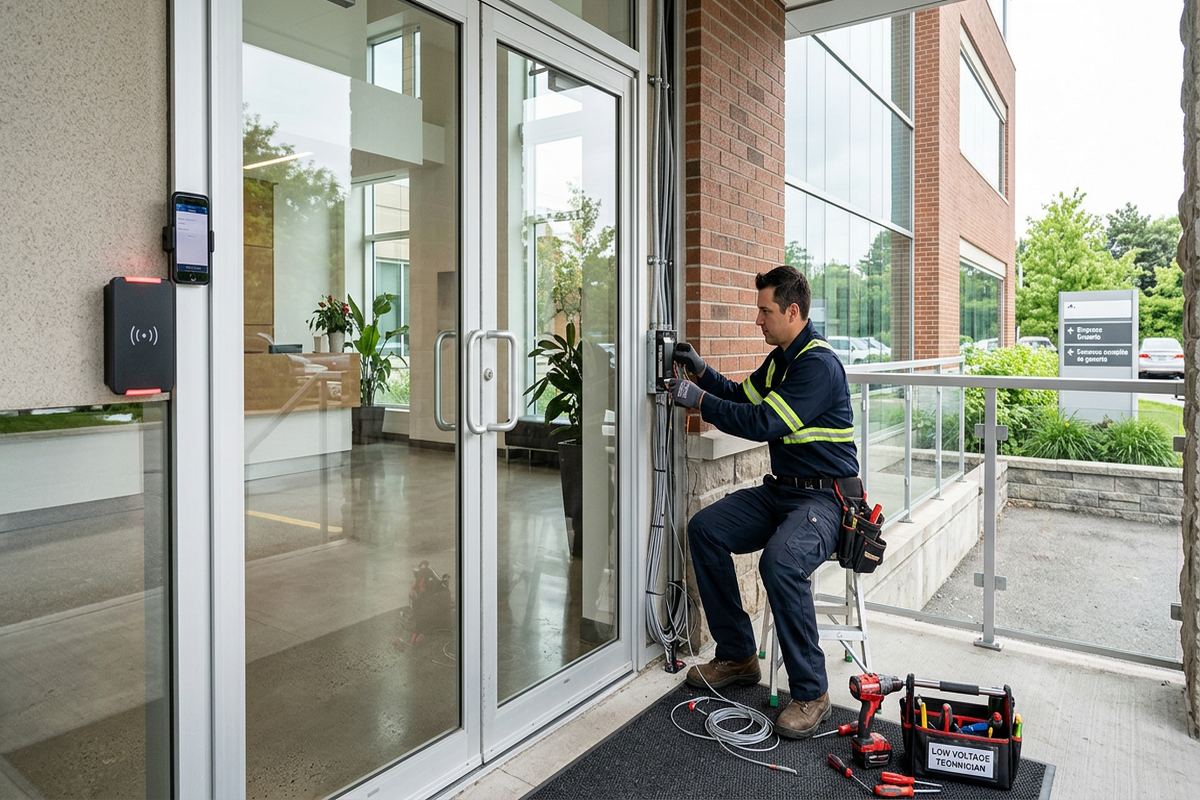
Exterior access control equipment in Belleville must be selected and installed for winter exposure. Freeze-thaw cycles can move masonry, affect door alignment and open gaps around poorly sealed penetrations. Snow, wind-driven moisture and road salt carried by users can also affect lower hardware and exposed metal. We review reader ratings, mounting surfaces, cable entry points and enclosure locations before specifying exterior devices. A weather-rated reader alone does not correct an unsuitable mounting detail or deteriorated door. The complete opening, including the frame, closer, threshold and latch alignment, must support dependable operation as conditions change through the year.
Penetrations through exterior walls or frames need deliberate sealing. Cable entries are positioned to reduce water paths, fitted with appropriate bushings or glands and sealed using materials compatible with the substrate and device. On masonry, surface irregularities may require a mounting plate or properly prepared base so the reader sits securely. On frame construction, fasteners must engage suitable support without crushing cladding or leaving an exposed opening. Drip paths and cable loops are considered where equipment is surface mounted. Existing deterioration discovered around a Belleville opening may require building-envelope repair before electronic devices can be mounted responsibly.
Cold weather can expose mechanical problems that appear to be electronic faults. A credential may be accepted correctly while a stiff latch, swollen door, weak closer or ice accumulation prevents the opening from releasing or securing. Door position monitoring helps show whether a door actually closed, but it cannot repair alignment. We explain this distinction during handover so building staff know when to call for access control service and when a locksmith, door technician or property maintenance provider is needed. For frequently used staff and loading entrances, routine inspection of closing, latching, seals and exposed hardware is particularly important during winter.
- Weather-rated exterior readers
- Sealed cable penetrations
- Freeze-thaw mounting considerations
- Exterior door alignment review
- Winter maintenance responsibilities explained
Permissions for Offices, Retail and Industrial Sites
A useful permission structure follows job roles rather than copying keys into electronic form. Office staff may need weekday entry and selected internal rooms, managers may require extended schedules, and cleaners or contractors may receive narrow time windows. Retail properties can separate storefront, stockroom and rear service access. Industrial units may distinguish production, warehouse, administration and shipping areas. In food-processing plants around Belleville, controlled zones should reflect the facility’s operating and sanitation procedures without obstructing required movement or emergency egress. We build initial groups with the designated administrator and test representative credentials before general issuance.
Event records can help managers investigate a reported forced door, confirm whether a credential was presented or identify a door left open. They do not prove who physically used a credential, and they should not be treated as a substitute for supervision, video or sound operating procedures. Retention, access and privacy decisions belong to the organization operating the system. We configure practical event labels and door names so reports are understandable, then show authorized staff how to find routine information. Any desired integration with security cameras or alarms is assessed separately because compatibility, licensing and event behaviour vary by platform.
Multi-tenant and leased properties require clear authority before equipment is attached to common doors or base-building systems. A business in West Park Village, Bayside or another managed property may need written landlord approval for drilling, cabling, exterior readers, lock changes and controller placement. Condominium boards may also control alterations to common elements or exterior appearance. The property owner should confirm permissions before installation is scheduled. The scope can provide device locations and cable routes for that review, but UnifiedLink does not replace legal, lease or condominium approval. Responsibility for credentials and user removal should also be assigned between occupants and management.
- Role-based access groups
- Staff and contractor schedules
- Readable door and event names
- Landlord or condo approval support
- Separate integration assessment
Installation, Testing and Handover in Belleville
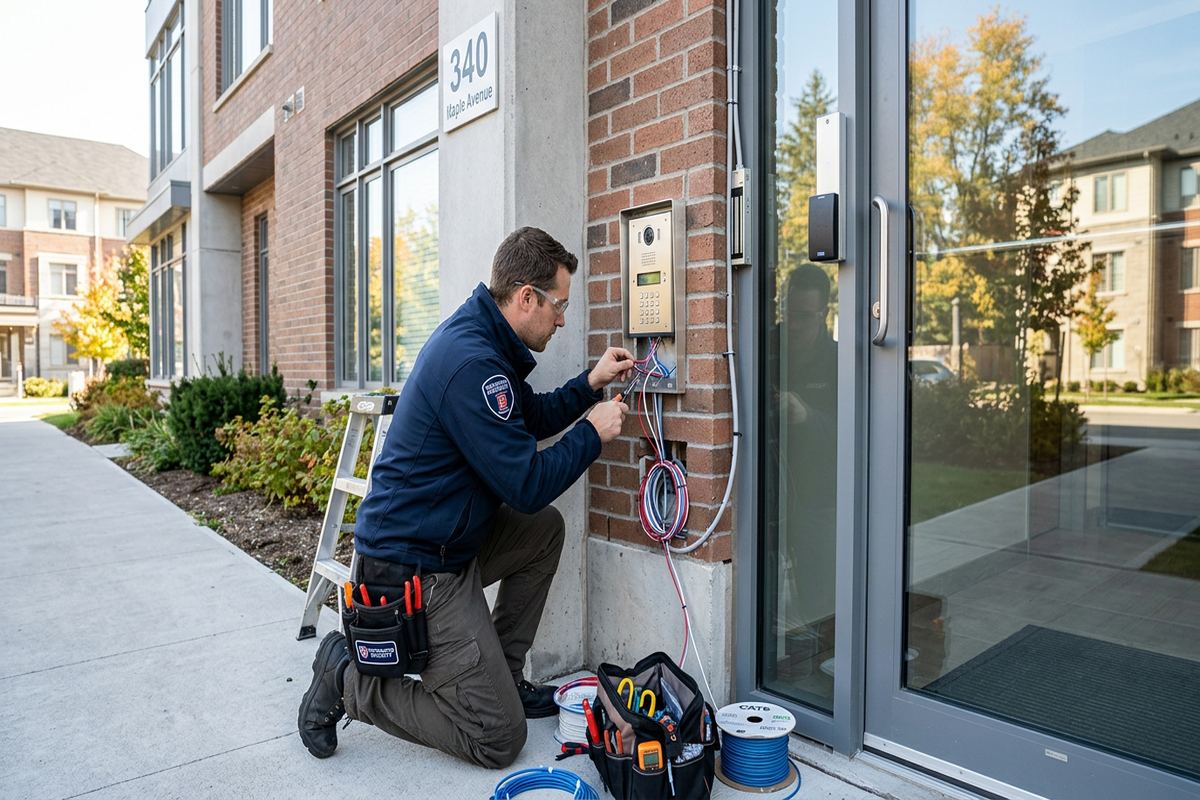
Installation is sequenced to limit disruption while allowing every opening to be tested as a complete system. After approved pathways are prepared, cables are installed, labelled and terminated at readers, door devices and control enclosures. Hardware work is coordinated with normal access so occupants are not left without a usable entrance unexpectedly. On active Belleville commercial sites, loading schedules, public hours and restricted production periods may determine the order of work. If concealed conditions differ materially from the assessment, we document the issue and explain the resulting options before changing the agreed route, equipment or division of responsibility.
Commissioning checks more than whether a reader beeps. We test valid and invalid credentials, scheduled access, lock release, door status, request-to-exit operation and relevant alerts. Each controlled opening is checked for normal entry and egress, and available power-loss behaviour is verified against the design. Networked administration and remote functions are tested where included. A door that does not close or latch consistently is recorded for correction rather than masked through software. For a Belleville facility with several access groups, representative users are tested at the appropriate doors to confirm that permissions match the approved access matrix.
Handover provides the information needed to operate and maintain the installation. UnifiedLink configures the system on site and supplies administrator access through the customer’s own credentials. We review adding and removing users, changing schedules, checking basic events and responding to common door conditions. The customer receives an as-built record identifying controlled openings, controller locations and relevant cable or device information, along with the agreed equipment and warranty documentation. Equipment ownership is stated in the written scope, including any platform components subject to licensing or service terms. One accountable contractor remains responsible for the defined low-voltage installation scope.
- Installation planned around site operations
- Complete opening function tests
- Representative credential testing
- Customer-owned administrator account
- As-built record at handover
Assessment and Ongoing Changes
A request begins with basic information about the Belleville property, the number and type of openings, current door hardware, desired credentials and any existing access control equipment. Photos and floor plans can help with early discussion, but they do not replace an on-site assessment when construction, pathways and door condition affect the design. Requests sent during business hours are answered the same day, while after-hours requests are answered the next business day. Site assessment timing depends on the service and travel distance, including work in Thurlow, Point Anne and other parts of the Bay of Quinte region.
Before pricing, the assessment confirms visible conditions and the intended operating sequence. Helpful preparation includes identifying the decision-maker, network contact, landlord or condominium approval process and any restricted work periods. Existing keys, user lists and old credentials should be reviewed so the new system does not reproduce obsolete permissions. For occupied sites, management should decide how staff will receive credentials and where enrolment will occur. If other trades are involved, their responsibilities and timing should be established early. This reduces the chance that access control equipment arrives before doors, electrical service, network connections or approved pathways are ready.
Access needs change as tenants, staffing and building use evolve. Adding doors may require controller capacity, new cable routes, licensing and power calculations rather than only another reader. A relocated department may need updated groups and schedules, while a changed exterior door may require new locking hardware and sealing details. Keep the as-built record, administrator credentials and equipment information available for future work. When requesting changes, provide the affected door names and desired behaviour rather than only a device model. That allows the update to be assessed in the context of the complete Belleville access control system.
- Site assessment before pricing
- Same-day business-hours request response
- Bay of Quinte travel considered
- Approval and trade coordination
- Future changes assessed as a system
Belleville neighbourhoods we cover
- Downtown Belleville
- East Hill
- West Park Village
- Thurlow
- Bayside
- Point Anne
Commercial access control installation in Belleville — common questions
How is a Belleville access control installation priced?
Pricing follows a site assessment because each opening can require different locks, readers, power supplies, cabling and construction work. Older masonry buildings in Belleville often present different pathways than newer frame or industrial properties. UnifiedLink provides a written scope covering equipment, cable routes, device placement, exclusions, equipment ownership and warranty before the work is approved.
Can access control be added to an older downtown building?
Usually, but the door, frame and available cable pathways must be inspected first. Downtown Belleville properties may have masonry walls, older plaster, altered openings or hardware from previous renovations. Surface raceway, specialized door work or another controller location may be appropriate. The proposed penetrations, visible pathways and responsibilities for repair are documented in the scope.
Will exterior readers work through Belleville winters?
Exterior equipment can be selected for the expected exposure, but reliable operation also depends on mounting, sealing and door condition. Belleville freeze-thaw cycles can affect masonry and alignment, while moisture and salt can affect exposed hardware. We review weather ratings, cable entries and the complete opening. Mechanical maintenance remains important when cold, ice or a stiff latch prevents proper closing.
Do I need landlord or condo approval?
Approval may be required if the work affects leased premises, common doors, exterior appearance, base-building systems or common elements. Belleville tenants and condominium owners should confirm authority before scheduling installation. UnifiedLink can provide the proposed device locations and cable routes for review, but the property owner, landlord or condominium corporation determines what approvals and supporting documents are required.
Can the system use cards and mobile credentials?
A system may support cards, fobs, mobile credentials, PINs or a combination, depending on the selected platform and readers. We review user turnover, phone compatibility, administration needs and ongoing platform terms before recommending an approach. Belleville businesses with temporary staff or contractors may also benefit from credential expiry dates and schedules that limit access to approved periods.
What do we receive after installation?
UnifiedLink completes on-site configuration and hands over administrator access using your organization’s own credentials. Staff are shown how to manage users, schedules and routine events. You also receive an as-built record identifying controlled openings and controller locations, plus the agreed equipment and warranty information. Any licensing, subscriptions, exclusions and equipment ownership are stated in the written project scope.
Coverage in Belleville is confirmed against the address before we quote. See everything we install in Belleville or the province-wide commercial access control installation page.