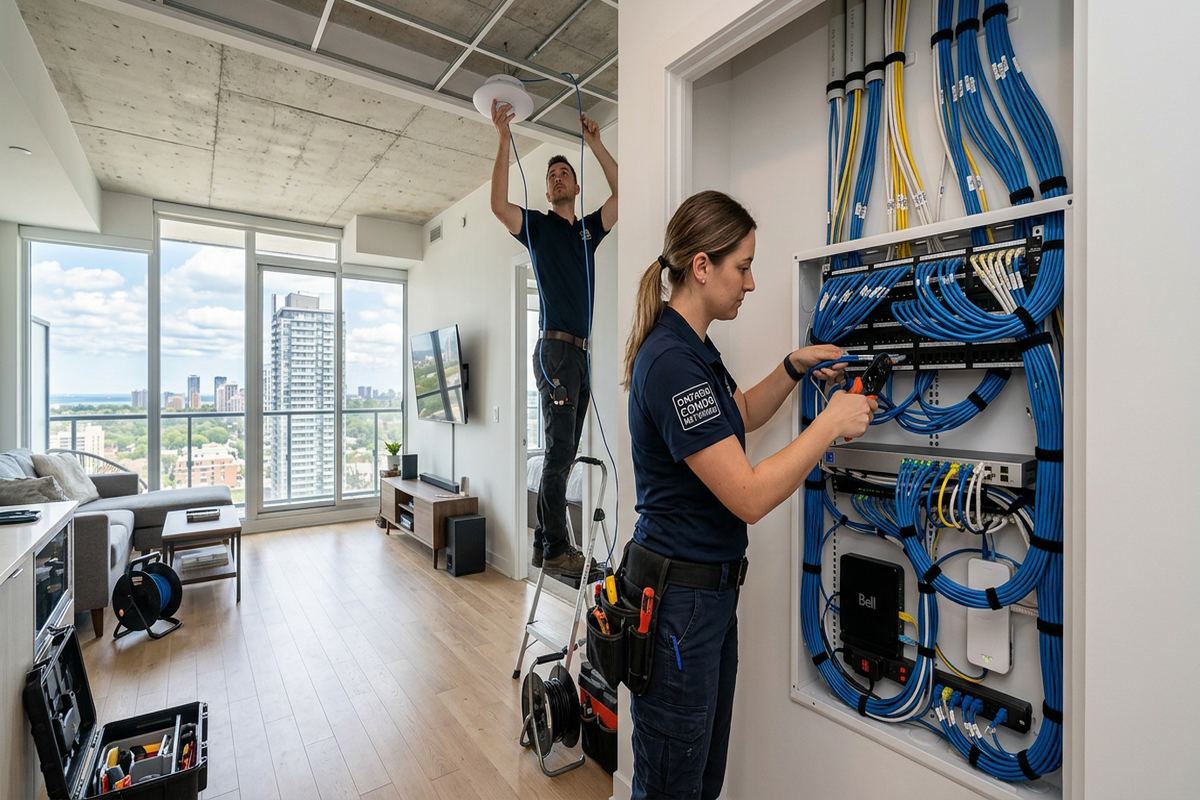
UnifiedLink installs office access control systems in Belleville and across the Bay of Quinte. We plan door hardware, credentials, controllers, power, cabling and software around the building and its daily operations. Every project begins with a site assessment, followed by a written scope that identifies device locations, cable routes, exclusions, equipment ownership and warranty details.
Office Access Control Planning in Belleville
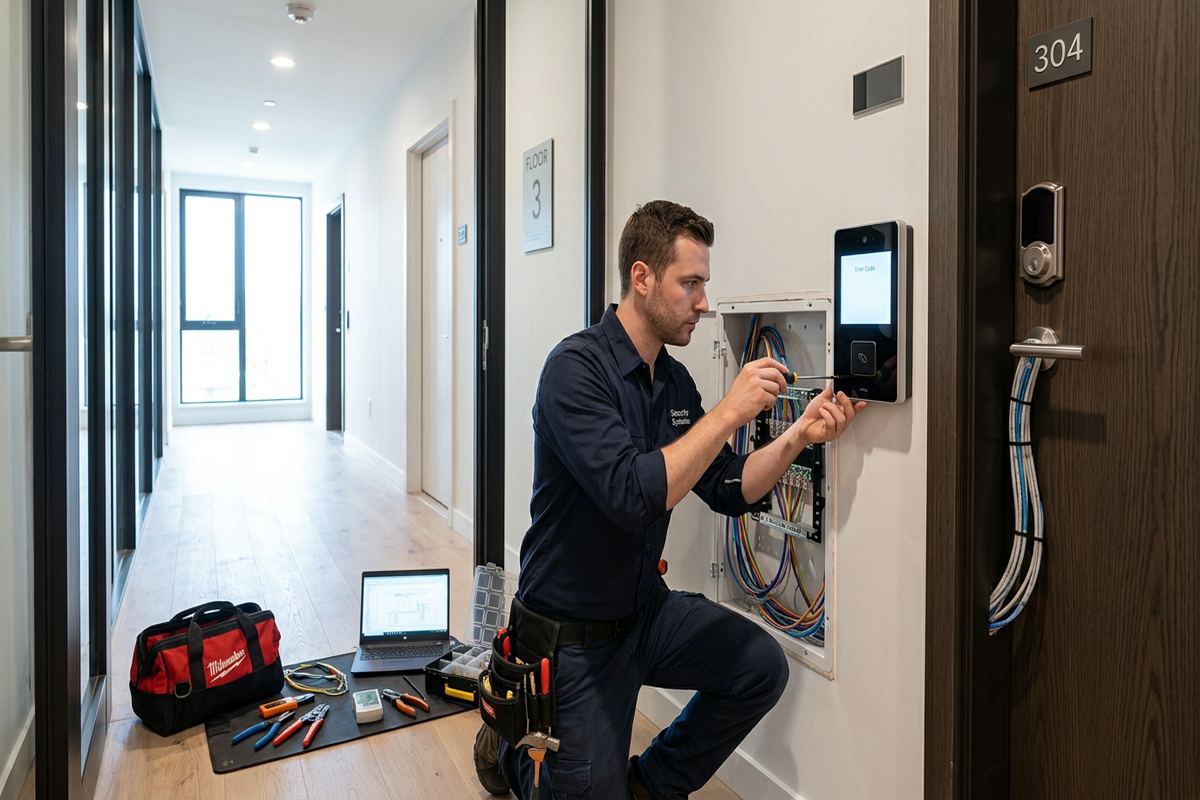
Access control starts with understanding who uses each door, when they need entry and what should happen outside regular office hours. During a Belleville site assessment, we review entrances, staff doors, shared corridors, restricted rooms and emergency exits. We also identify existing locks, door closers, frames, power sources and network locations. This prevents a credential system from being designed separately from the physical door. The resulting plan connects operational requirements with suitable readers, locking hardware, request-to-exit devices, controllers and management options for each opening in the office.
Belleville offices occupy varied properties, so a standard door package is rarely appropriate. An older Downtown Belleville building may have solid masonry, narrow service spaces, layered renovations or heritage-sensitive finishes. Offices in commercial strips or industrial units may use hollow-metal doors, exposed ceilings and longer cable routes. Before selecting equipment, we check construction, door condition and practical installation access. The assessment also considers whether the property is owned, leased or part of a condominium, because landlord or condo approvals may affect drilling, cabling, exterior devices and modifications to common entrances.
The written scope sets clear expectations before installation begins. It covers equipment, reader and controller locations, proposed cable routes, device placement, exclusions, equipment ownership and warranty information. Where existing hardware can remain, that is identified; where a door needs correction or additional trade work, that is documented as well. Offices can then review the plan with property managers, landlords, insurers or internal stakeholders. Pricing follows the site assessment rather than assumptions, because the number of doors alone does not show frame condition, cable difficulty, software requirements or integration work.
- Door-by-door operational review
- Existing lock and frame assessment
- Landlord and condo approval considerations
- Written equipment and cable scope
- Site assessment before pricing
Choosing Door Hardware for Belleville Offices
Reliable access control depends on matching the locking method to the door, frame and required function. Electric strikes, electrified locksets and magnetic locks operate differently and are not interchangeable solutions. We review latch alignment, handing, closer performance, frame material, fire labels and the way occupants leave the space. A controlled door must still support safe egress and its required life-safety function. If a door drags, fails to latch or has a damaged frame, automation will not correct the underlying mechanical issue, so corrective work must be identified before commissioning.
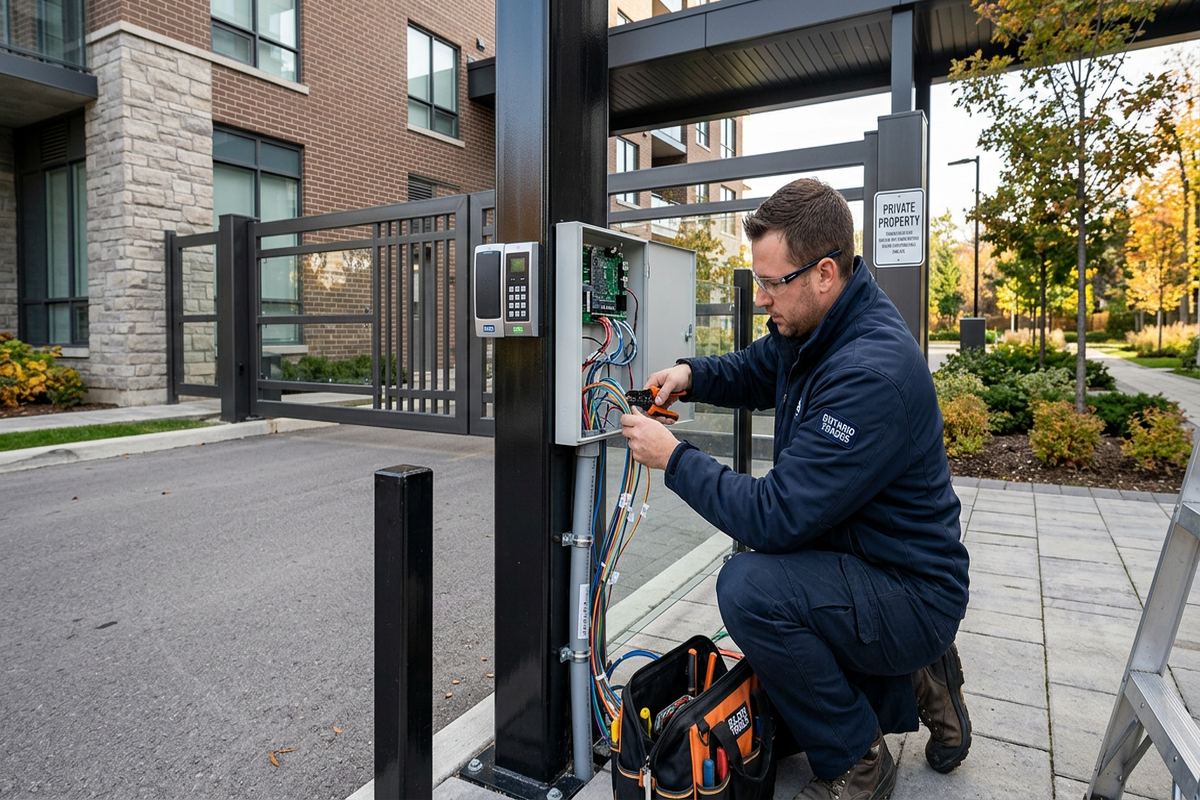
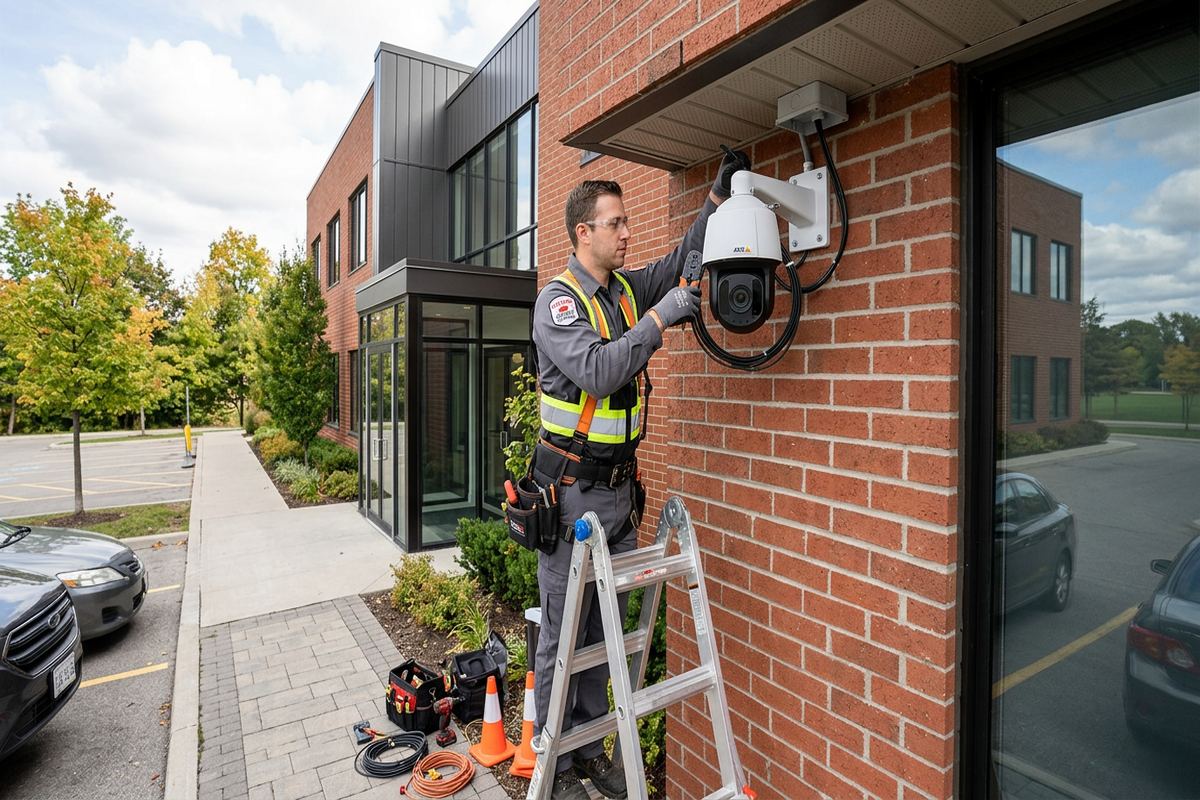
Exterior openings in Belleville need particular attention because winter temperatures and freeze-thaw cycles affect alignment, seals and exposed components. Water entering around a reader, conduit penetration or cable opening can damage materials and create intermittent faults. Device selection and mounting methods therefore account for exposure, overhangs, snow accumulation and surface condition. Exterior penetrations are placed carefully and sealed using methods suitable for the substrate. Readers and junction points also need secure support; attaching equipment to loose masonry, deteriorated mortar or thin cladding without an appropriate mounting plan creates avoidable maintenance problems.
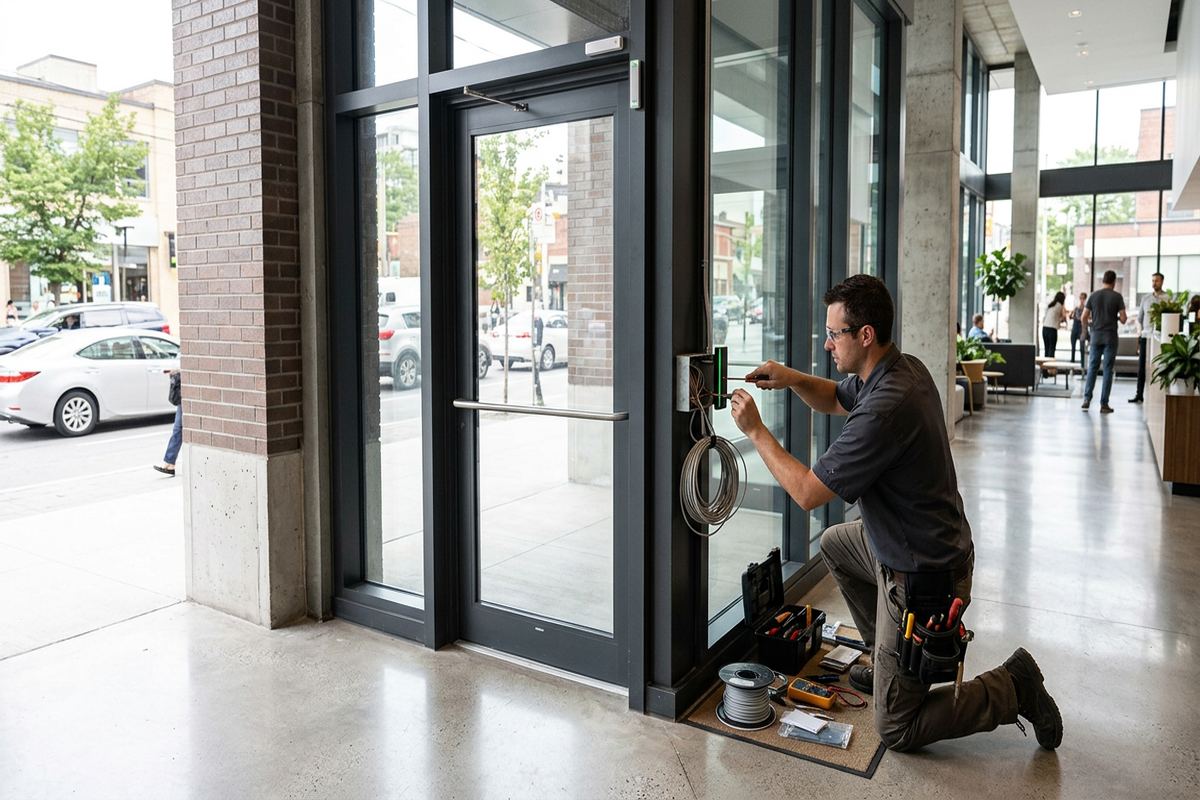
Interior office doors have different priorities from perimeter entrances. Staff-only rooms may need simple credential control, while records rooms, server spaces and management areas may require tighter permissions and activity records. Glass storefront assemblies can restrict wiring paths and hardware choices. Aluminum frames, wood doors and hollow-metal openings each call for different preparation. We also consider accessibility operators, reception release buttons and existing panic hardware where present. The objective is a complete opening that locks consistently, releases correctly and provides useful status information rather than a reader attached to an unsuitable door.
- Electric strike and lockset selection
- Door closer and latch checks
- Weather-conscious exterior mounting
- Compatible request-to-exit devices
- Support for reception release controls
Credentials and Permissions for Belleville Workplaces
A practical credential plan reflects roles rather than treating every employee alike. Office administrators may need broad access, while contractors, cleaners and temporary staff may require limited doors or scheduled entry. We configure groups and schedules on site, then test representative credentials at each controlled opening. This makes future changes easier because permissions can be adjusted centrally instead of editing every user individually. Lost cards or fobs can be disabled without rekeying the entire office, provided that mechanical override keys and uncontrolled secondary entrances are also managed under the organization’s security procedures.
Different credential formats support different workplace needs. Cards and fobs are straightforward to issue, collect and replace, while mobile credentials may suit organizations that already manage employee phones and compatible applications. Keypads can support specific workflows but require careful code management to avoid widespread sharing. The selected platform should match the office’s administrative capacity, not just its feature list. We discuss who will add users, remove former staff, review events and respond to access issues. Ownership of subscriptions, licences and administrator accounts is also documented so ongoing control remains with the customer.
For multi-tenant properties in Belleville, permissions must distinguish the office suite from common building areas. A landlord may control the main entrance while each tenant manages its internal doors, creating separate responsibilities and sometimes separate systems. Integration is only planned after confirming compatibility, approval and account ownership. In buildings around Downtown Belleville or converted properties in East Hill, existing pathways may pass through shared spaces where access requires coordination. The written scope identifies these boundaries, including any work excluded because it belongs to the landlord, condominium corporation or another service provider.
- Role-based door permissions
- Time and day schedules
- Lost credential deactivation
- Customer-owned administrator accounts
- Tenant and common-area boundaries
Belleville, Ontario
Office access control installation in Belleville, scoped in writing first
Book a site assessment and get equipment, routes, exclusions, and warranty on paper before anything is installed.
Cabling and Controllers in Belleville Buildings
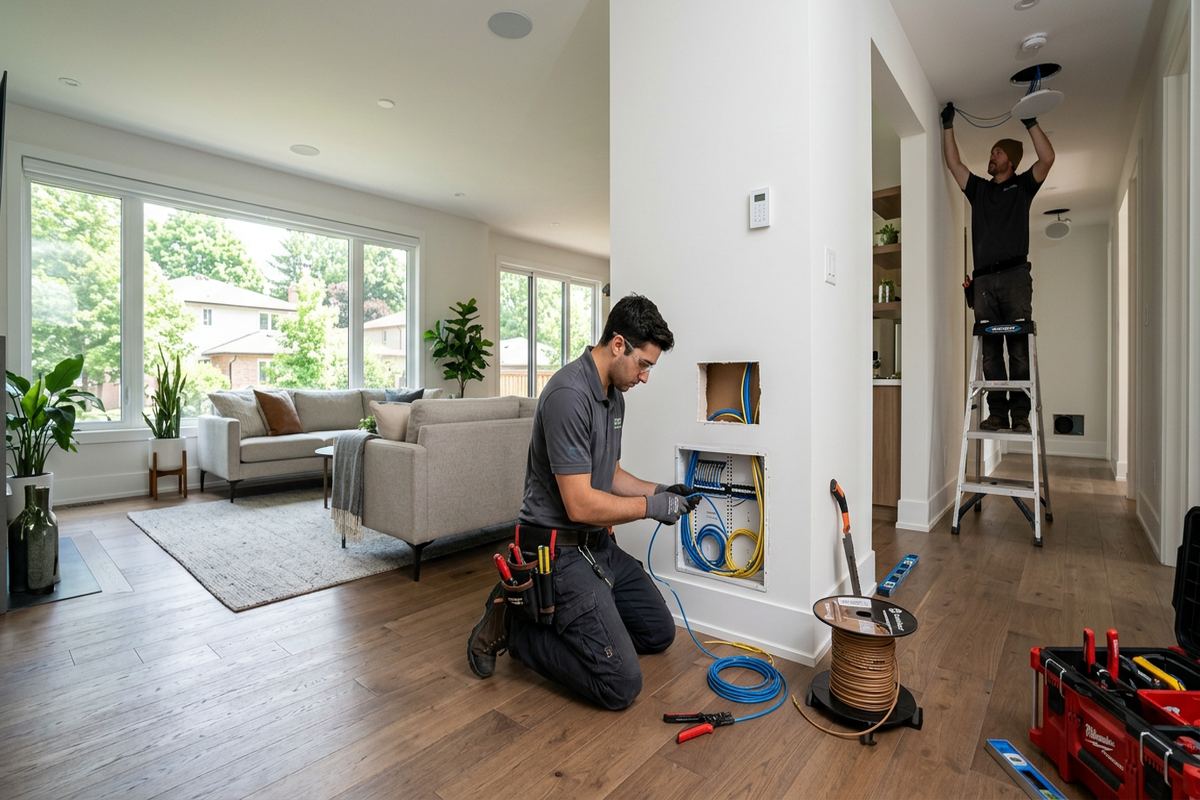
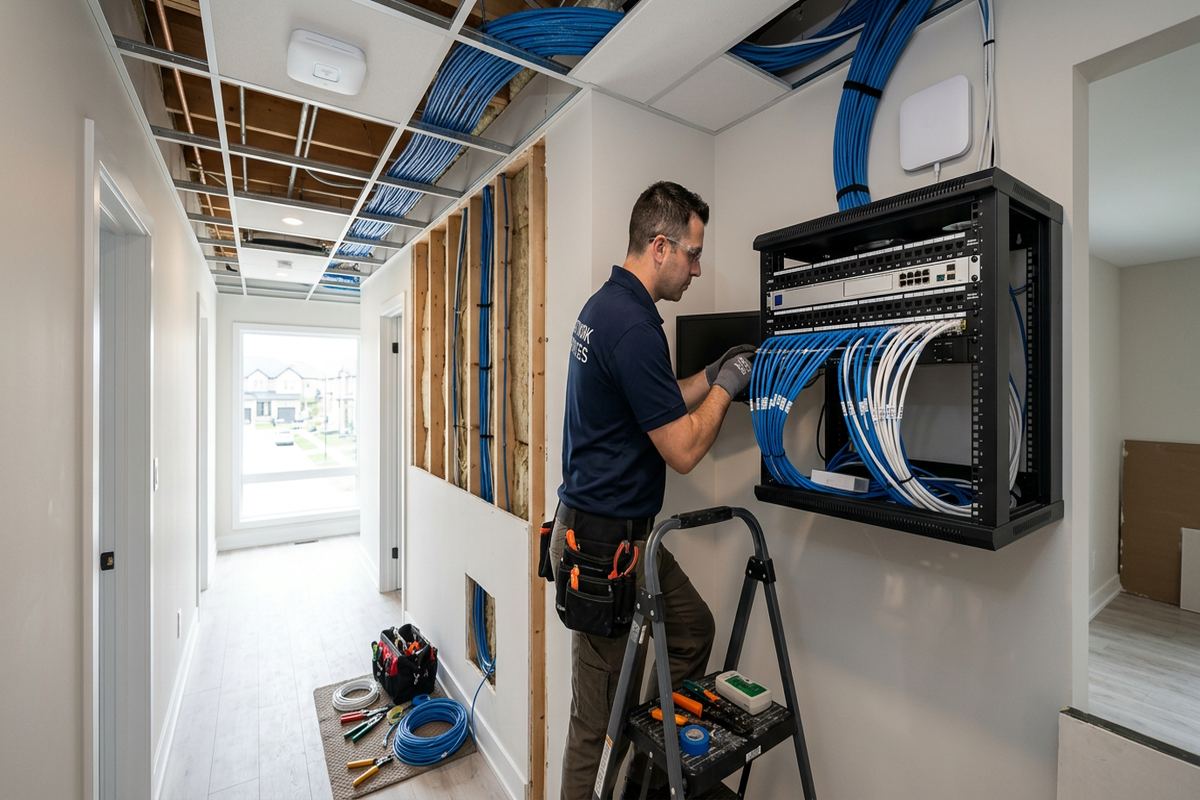
Access control cabling connects readers, locks, door contacts, request-to-exit devices, power supplies and controllers, making pathway planning central to system reliability. UnifiedLink installs continuous labelled cable runs between specified endpoints rather than relying on undocumented splices. Routes are chosen after examining ceiling access, wall construction, electrical rooms and suitable controller locations. In an occupied Belleville office, installation planning also considers dust, noise, furniture and working hours. Labels at both ends and an as-built record help future service work identify each opening without tracing unknown cables through finished areas.
Construction type changes the installation approach. Older masonry walls in Downtown Belleville can make concealed routes impractical, while frame construction may provide cavities if they are accessible and free of obstructions. Surface raceway or conduit may be appropriate where it can be installed neatly and approved by the property owner. In West Park Village offices or commercial units with suspended ceilings, pathways may be more direct, but fire separations and shared ceiling spaces still require attention. Cable routes are never assumed from photographs; they are confirmed during the assessment and refined as conditions become visible.
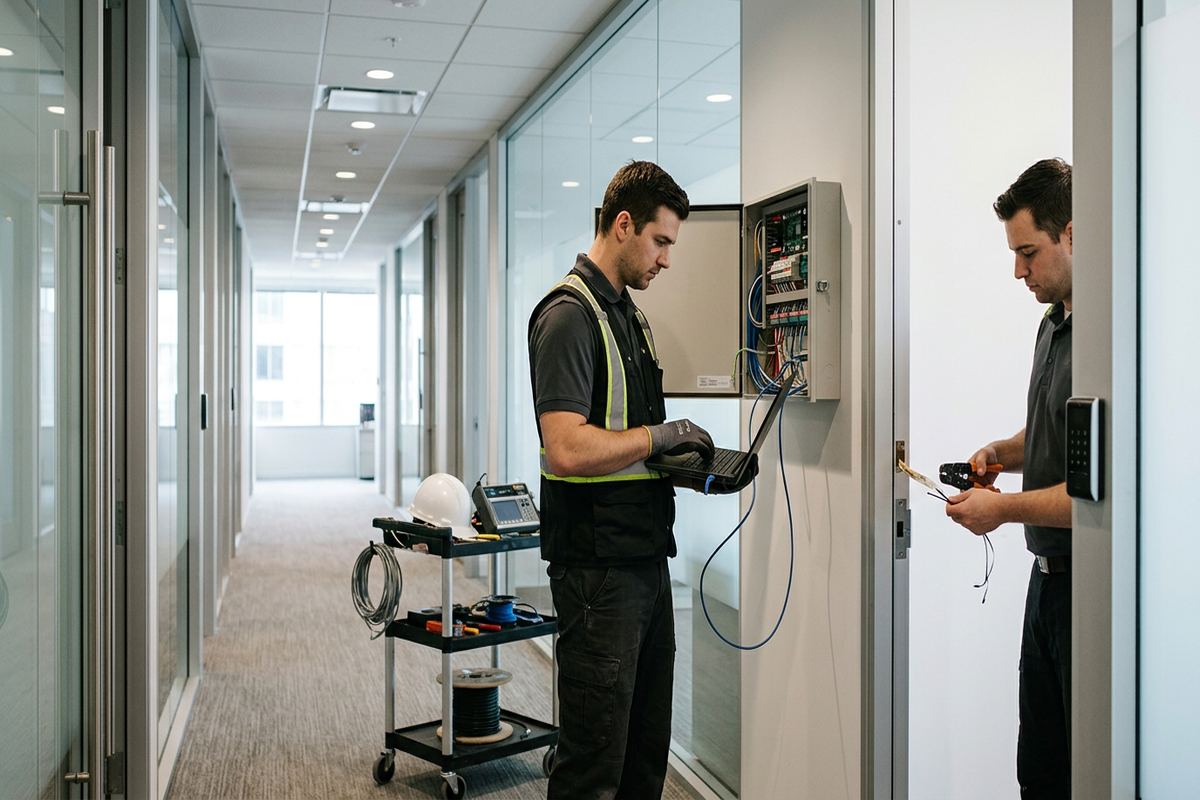
Controllers and power supplies need secure, serviceable locations with suitable power and environmental conditions. Placing them above inaccessible ceilings or in publicly reachable areas makes maintenance and protection more difficult. We identify network requirements with the customer’s IT contact, including available connections, addressing responsibilities and any remote-management restrictions. Access control wiring is kept organized and labelled at the enclosure, with door circuits corresponding to the documentation. Battery-backed equipment may be included where specified, but expected operation during a power interruption depends on lock type, system design and the condition of supporting components.
- Continuous labelled cable runs
- Masonry and frame route planning
- Organized controller enclosures
- Coordination with customer IT
- As-built cable and device records
Access Control for Varied Belleville Properties
The Bay of Quinte includes property types that require distinctly different plans. Older downtown buildings may have limited pathways and renovated door openings, while waterfront homes used as professional offices can face greater exterior exposure and residential construction constraints. Food-processing plants bring controlled production areas, staff movement and cleaning considerations that differ from a conventional office. UnifiedLink assesses the actual property and use before proposing equipment. The same reader may perform well in one setting and fail operationally in another because mounting, washdown exposure, traffic volume or door hardware conditions are different.
Offices in Thurlow or Bayside may occupy detached buildings, mixed-use properties or units with longer distances between entrances and network equipment. Those distances affect controller placement, power planning and cable pathways. Point Anne properties can also require careful review of exterior routing and available service spaces rather than assumptions based on urban office layouts. For waterfront or exposed sites, mounting surfaces and sealing receive close attention. Freeze-thaw movement, wind-driven moisture and seasonal temperature changes can reveal weak penetrations, so exterior work needs a substrate-appropriate method and a clearly documented route.
Commercial strips and industrial units often combine public reception doors, staff entrances, shipping areas and internal offices. Each opening has a different risk and workflow. A delivery door may need monitoring without providing routine credential access, while a staff entrance may require schedules and prompt deactivation for departing workers. Industrial settings can also involve dust, vibration or contact with carts and equipment. Device placement should reduce accidental impact while remaining usable. Where access control intersects with production or food-processing operations, installation scheduling and device suitability must be coordinated with the facility’s own requirements.
- Plans for older downtown buildings
- Weather-aware waterfront installations
- Commercial and industrial door zoning
- Food-processing workflow consideration
- Routes suited to local construction
System Integration and Office Workflows
Access control can operate independently or exchange information with selected security and building systems, but integration should serve a defined purpose. A door event might help staff locate related video, and an intrusion system may use access activity within an approved arming workflow. Compatibility, licensing, network permissions and account ownership must be confirmed before integration is included. We do not assume that products from different manufacturers will communicate correctly. The written scope states which connections are included, what customer or third-party support is required and which functions will remain separate after installation.
Reception procedures deserve specific planning because software cannot resolve an unclear visitor process. Staff may need a release button, an intercom workflow or a credential prepared for recurring visitors. The door should remain observable, and temporary access should expire according to office policy. In a shared Belleville building, releasing the main entrance may be the landlord’s responsibility while the tenant controls only its suite. We map these responsibilities before programming. This avoids granting broad access simply because the physical path to one office crosses a common vestibule, corridor or elevator area.
Remote management may be useful for authorized administrators, but it introduces account, connectivity and security decisions. The customer should know where data is managed, who holds administrator rights and whether ongoing licences or cloud services apply. UnifiedLink configures the selected system on site and hands it over using the customer’s own credentials. We avoid retaining ownership of the primary account. If remote access is not appropriate, local management may be selected instead. Either approach requires documented recovery details and an internal process for promptly removing access when employment or contractor status changes.
- Defined video or alarm integration
- Reception release workflow planning
- Visitor and temporary access settings
- Customer-controlled administrator credentials
- Documented third-party responsibilities
Installation and Handover in Belleville
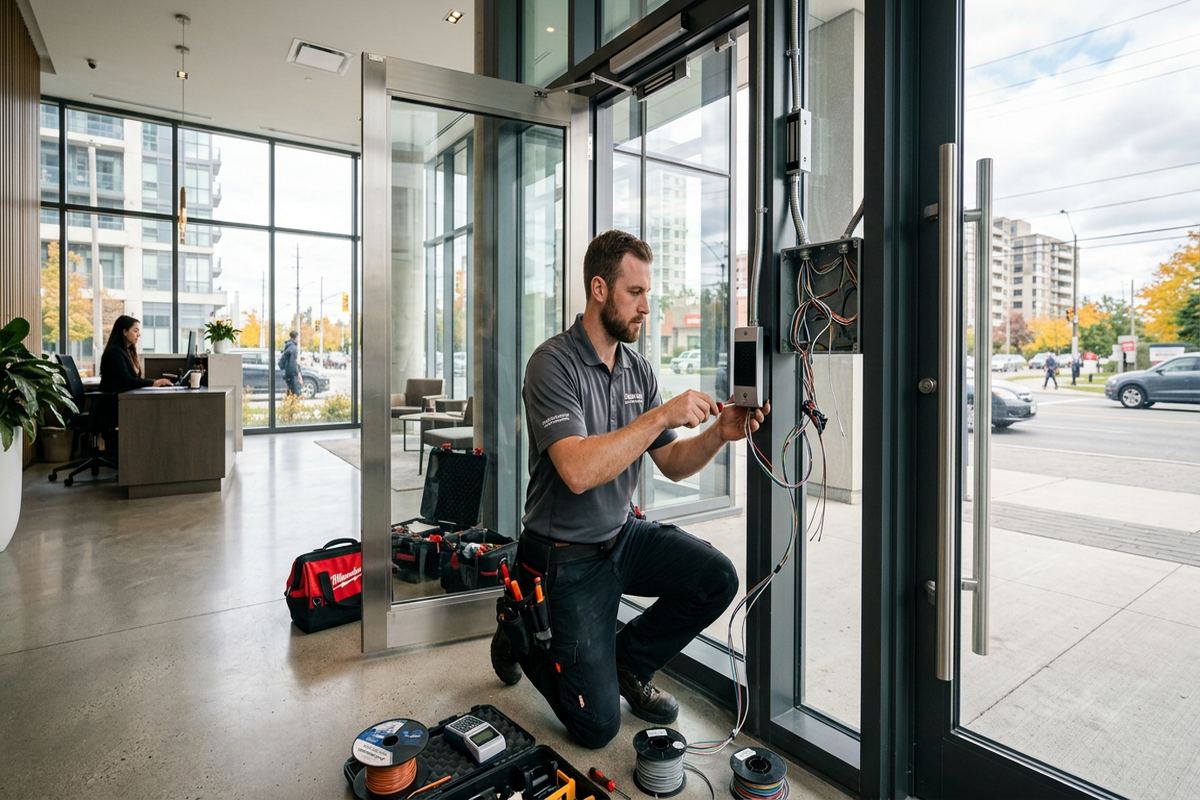
Once the scope is approved, installation is organized around access to doors, ceilings, network areas and electrical locations. Occupied offices may require phased work so staff can continue using alternate entrances while individual openings are prepared and tested. Existing keys and emergency procedures remain important during the transition. We coordinate the low-voltage work as one accountable contractor, while clearly identifying tasks that require a locksmith, electrician, door technician, IT provider or property representative. Any concealed condition that changes the agreed route or hardware plan is reviewed rather than covered without documentation.
Commissioning covers more than confirming that a reader beeps. Each door is tested for credential acceptance and rejection, locking, release, door-position reporting, request-to-exit operation and applicable schedules. We check that names and door labels in the software correspond to their physical locations. Exterior devices receive a visual review of mounting and sealing, particularly where Belleville winters may expose weaknesses. Where integrations are included, agreed functions are tested with the relevant provider. Results that depend on customer policies, network availability or third-party equipment are identified during handover rather than presented as installer-controlled guarantees.
Handover provides the customer with control of the installed system. Authorized staff receive their own administrator credentials and an explanation of routine tasks such as adding users, disabling credentials and reviewing door events. The as-built record identifies installed device and controller locations and reflects the completed cable routes. Equipment ownership, exclusions and warranty information follow the written scope. We also review basic escalation steps for a door problem, including checking mechanical obstruction, power and system status. Good documentation allows future changes to begin from known information instead of reconstructing the original installation.
- Phased work for occupied offices
- Door-by-door commissioning
- On-site system configuration
- Customer-owned login credentials
- As-built record at handover
Maintaining Belleville Office Access Control
After installation, office administrators should maintain an accurate user list and remove credentials as soon as they are no longer needed. Shared credentials reduce accountability and should be limited to situations with a documented operational reason. Schedules also need review when business hours, cleaning arrangements or tenant responsibilities change. A periodic check of event logs can reveal doors held open, repeated rejected credentials or activity outside expected times. These records support investigation, but they are most useful when door names, time settings and user information remain current and are managed under a clear internal policy.
Physical doors require ongoing attention because access control cannot compensate indefinitely for movement or wear. Belleville freeze-thaw cycles may shift exterior openings, harden seals or affect latching. Staff should report doors that drag, slam, fail to close or need force to latch. Loose readers, damaged conduit and cracked sealant around exterior penetrations should also be addressed before moisture reaches cabling or electronics. In masonry buildings, movement around anchors deserves inspection; in frame construction, trim and cladding can conceal developing gaps. Mechanical correction and electronic troubleshooting should be treated as related parts of the opening.
Future expansion is easier when the original system has spare planning capacity and accurate records, although unused controller inputs or power capacity should never be assumed. Adding another Belleville office door may require a new cable route, lock interface, licence, power supply or controller. We reassess the opening and update the scope before modifying the system. Requests sent during business hours are answered the same day, while after-hours requests are answered the next business day. Site assessment timing depends on the requested service and travel distance within the Bay of Quinte area.
- Prompt credential removal procedures
- Regular schedule and user reviews
- Exterior door condition checks
- Updated records after changes
- Assessment before system expansion
Belleville neighbourhoods we cover
- Downtown Belleville
- East Hill
- West Park Village
- Thurlow
- Bayside
- Point Anne
Office access control installation in Belleville — common questions
What does a Belleville office access control assessment include?
The assessment covers each proposed door, existing locks and frames, egress operation, cable pathways, controller locations, power, network needs and administrative workflows. In Belleville, we also consider masonry or frame construction, exterior exposure and freeze-thaw conditions. A written scope is prepared before pricing and identifies equipment, routes, placements, exclusions, ownership and warranty information.
Can access control be installed in an older Downtown Belleville building?
Yes, but older buildings often require a more detailed pathway and mounting plan. Solid masonry, previous renovations, narrow ceiling spaces and sensitive finishes may limit concealed cabling. Surface raceway or another approved route may be appropriate. Landlord or property approvals should be confirmed before drilling, modifying doors or installing exterior equipment, and any separate door repairs are identified in the scope.
Will we need to replace our existing office doors?
Not necessarily. Many existing doors can support access control when the door, frame, latch, closer and exit hardware are in suitable condition. The assessment determines whether an electric strike, electrified lockset or another method fits the opening. A door that drags, will not latch or has a damaged frame may need mechanical correction before electronic hardware can operate reliably.
Can staff use phones instead of cards or fobs?
Mobile credentials may be available when the selected platform, phones and administrative requirements are compatible. Belleville organizations should consider how devices are issued, what happens when a phone is replaced, and whether staff are expected to use personal devices. Cards or fobs may remain simpler for contractors, temporary workers or shared operational roles. Credential options are reviewed during system planning.
How do you protect exterior readers from Belleville winters?
Exterior installation planning considers the mounting surface, weather exposure, overhangs, snow, temperature changes and freeze-thaw movement. Penetrations are positioned carefully and sealed using methods appropriate for masonry, cladding or frame construction. Hardware must also suit the location. The door itself should close and latch consistently, because weather-related movement can create problems that electronic equipment alone cannot correct.
Who controls the system after installation?
The customer receives administrator access using its own credentials. Handover includes on-site configuration, routine user-management guidance and an as-built record showing installed devices, controller locations and completed cable routes. Equipment ownership, licences, exclusions and warranty information are documented in the written scope. Where a Belleville landlord or third party controls shared entrances, those responsibilities are identified separately.
Coverage in Belleville is confirmed against the address before we quote. See everything we install in Belleville or the province-wide office access control installation page.