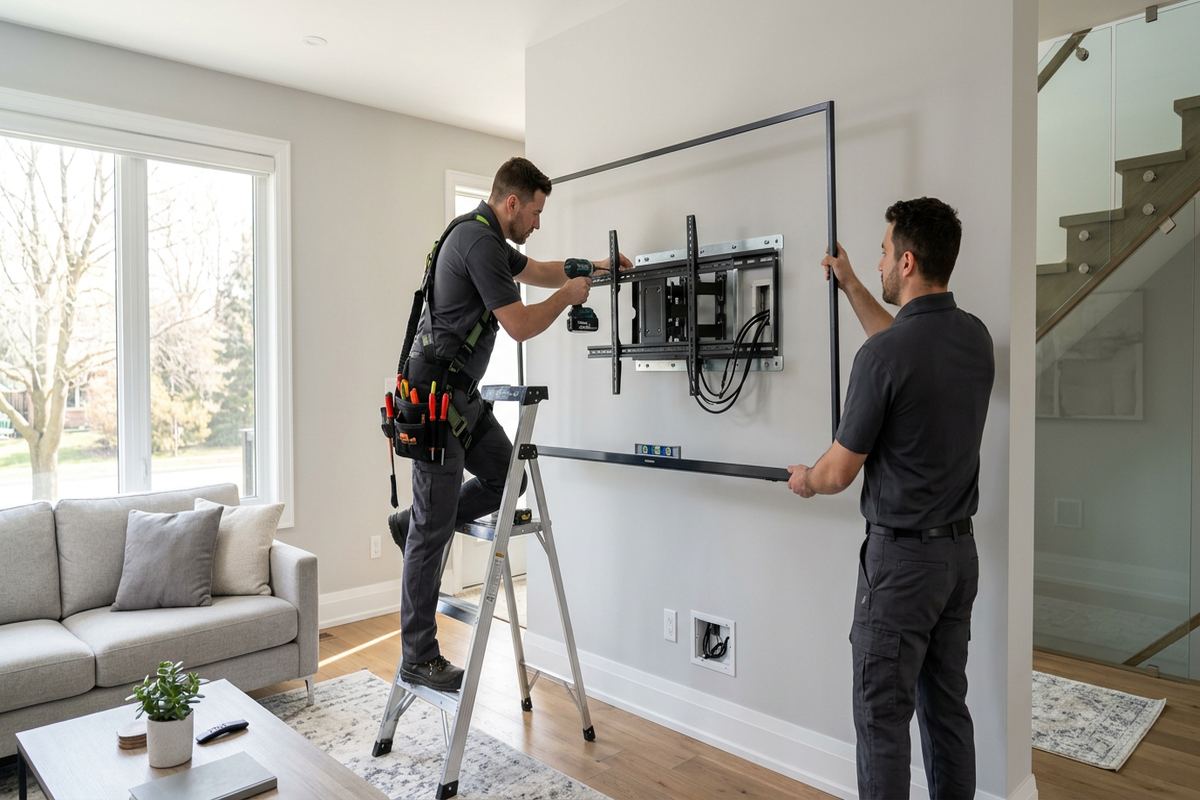
UnifiedLink installs outdoor TVs for homes, chalets, short-term rentals, resort properties and commercial spaces in Collingwood. We plan mounting, power coordination, signal connections, Wi-Fi coverage and weather protection as one system. Each project begins with a site assessment, followed by a written scope showing device placement, cable routes, exclusions, equipment ownership and warranty details.
Outdoor TV Installation for Collingwood Properties
An outdoor television needs more planning than simply attaching an indoor display to an exterior wall. In Collingwood, the installation must account for winter temperatures, wind, driven precipitation, changing sun angles and repeated freeze-thaw cycles. UnifiedLink assesses the proposed viewing area, wall construction, mounting height, electrical availability, glare and network coverage before recommending a layout. The objective is a stable, serviceable installation with suitable equipment, protected connections and cable routes that do not create avoidable openings through the building envelope or leave wiring exposed to physical damage.
Property type changes the installation method. A wood-frame chalet may allow cable access through an interior wall or unfinished utility space, while brick, stone veneer or concrete requires different anchors and drilling practices. Older homes around Downtown Collingwood can include renovations, additions and concealed construction details that must be checked rather than assumed. Resort properties and newer developments may have prescribed exterior finishes or shared elements. The assessment identifies practical routes for power, HDMI, network and audio connections while keeping future access in mind for service, replacement or seasonal inspection.
Outdoor viewing areas also have different operating requirements. A private patio may need straightforward streaming and local volume control, while a short-term rental may require a simple interface, secure account handling and remote troubleshooting capability. Commercial patios may need scheduled operation, protected controls or distribution from an existing video source. UnifiedLink defines these requirements before pricing, then provides a written scope covering equipment, cable routes, device placement, exclusions, equipment ownership and warranty. That process keeps the display, mount, connectivity and handover requirements clear before installation work starts.
- Site assessment before equipment selection or pricing
- Mounting method matched to the wall assembly
- Viewing angle, glare and seating position reviewed
- Cable routes documented before installation begins
- Residential, rental and commercial applications supported
Choosing a Weather-Suitable Display in Collingwood
Display selection starts with the environment rather than screen size alone. A covered porch can still experience cold air, condensation, reflected glare and wind-driven moisture, even when direct rain rarely reaches the screen. Fully exposed decks require a more protective equipment approach than enclosed or deeply covered spaces. Brightness should match the expected daylight conditions, and the operating temperature range should reflect year-round use plans. UnifiedLink records exposure, orientation, shelter and viewing distance so the proposed outdoor-rated display and mounting arrangement suit the actual Collingwood location instead of relying on an indoor-room assumption.
Using a standard indoor television outdoors can introduce limitations that are not solved by adding a generic cover. Ventilation, internal moisture, temperature range, screen brightness and warranty terms may all differ from equipment intended for exterior use. Covers can be useful when compatible with the installation, but they must not block ventilation or trap moisture around connections. The scope identifies whether the display is intended for seasonal or year-round operation and who supplies it. Equipment ownership and applicable warranty details are also recorded, reducing uncertainty if a component later requires manufacturer support or replacement.
Screen size must work with both the mounting surface and the seating layout. A large display can create excessive leverage on an unsuitable wall, conflict with doors or lighting, or become uncomfortable at a short viewing distance. Smaller screens may be difficult to see across a pool deck or broad resort patio. Sun position matters as well, particularly where late-day light crosses an uncovered area. We review sightlines from expected seats, possible reflections, bracket movement and nearby obstructions before final placement, rather than selecting a location solely because power or an existing cable is nearby.
- Outdoor-rated display options reviewed for exposure
- Operating temperature range considered during selection
- Screen size checked against wall and seating
- Glare and seasonal sun angles assessed
- Ownership and warranty details included in scope
Exterior Mounting and Sealing for Collingwood Winters
Freeze-thaw conditions make exterior penetrations an important part of any Collingwood installation. Water that reaches an unsealed opening can move behind finishes, then expand as temperatures fall. Cable entries therefore need appropriate placement, sleeves or bushings where required, exterior-grade sealing and a route that discourages water from following the cable indoors. Drip loops may be used where exposed wiring approaches a device or entry point. The precise method depends on the wall assembly, because siding, brick, stone veneer, concrete and exterior insulation systems cannot be treated as interchangeable mounting surfaces.
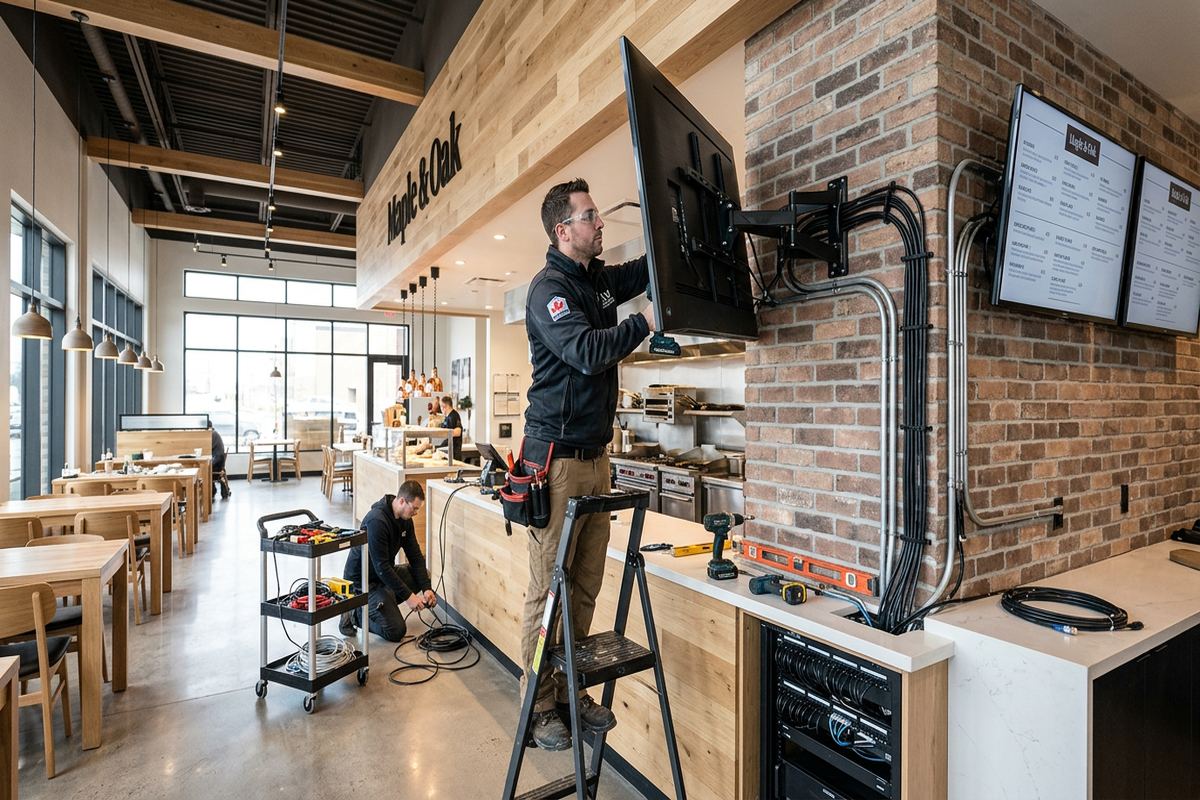
Mounting hardware must transfer the display load into suitable structure. On frame construction, that usually means locating framing or installing appropriate backing rather than relying on siding or sheathing alone. Masonry installations require anchors selected for the actual substrate, not simply the visible finish. Stone veneer and brick veneer need careful evaluation because they may not be intended to carry the same loads as structural masonry. UnifiedLink checks the accessible construction, mount movement, display weight and expected leverage before confirming placement. Concealed conditions that require another trade are identified as exclusions or coordination items.
A fixed bracket has fewer moving parts and keeps the display close to the wall, while a tilting or articulating mount can improve sightlines and access. Movement also increases leverage and may expose cables to repeated bending, so the choice must fit the structure and operating routine. Corrosion exposure, fastener compatibility and access for tightening or inspection are considered during planning. After mounting, cable openings and exterior connections are finished for the conditions present. The as-built record notes device placement and cable routing so future service does not depend on guesswork.
- Anchoring matched to frame or masonry construction
- Exterior cable entries sealed for local conditions
- Drip loops used where the route requires them
- Mount movement checked for cable strain
- As-built mounting and cable details provided
Collingwood, Ontario
Outdoor TV installation in Collingwood, scoped in writing first
Book a site assessment and get equipment, routes, exclusions, and warranty on paper before anything is installed.
Power, Cabling and Connections
Outdoor television work often depends on electrical provisions, but low-voltage and line-voltage responsibilities must remain clear. UnifiedLink reviews the location of existing receptacles and coordinates requirements when suitable outdoor power is not already available. Extension cords through doors, loose power bars and exposed indoor-rated connections are not substitutes for a planned installation. The written scope states what UnifiedLink will install and what requires a licensed electrical contractor or another party. This separation helps prevent last-minute placement changes and ensures the display, receptacle, surge protection approach and cable entry points can be coordinated before surfaces are closed.
Signal needs vary by source. Streaming applications may only require a reliable network connection, while cable or satellite receivers, local media players, cameras, presentation devices or distributed video systems can require HDMI, coaxial or other pathways. Long HDMI routes need careful product selection and should not be assumed to perform like short patch cables. UnifiedLink plans continuous labelled cable runs where feasible, avoids unnecessary hidden junctions and provides accessible termination points. If an equipment enclosure is used, its ventilation, weather exposure, power and service access become part of the design rather than an afterthought.
Cable appearance matters, but concealment must not compromise the building envelope or future service. Routes may pass through basements, crawl spaces, utility rooms, garages, attics or interior walls depending on access and construction. Exterior conduit can be appropriate where concealed routing is impractical, particularly on finished masonry or commercial units. Every proposed path is reviewed for water entry, abrasion, heat, sharp bends and conflicts with doors or movable mounts. Labelled terminations and an as-built record help identify each connection later, especially when receivers, network switches or source equipment are located away from the viewing area.
- Electrical requirements identified before mounting
- Continuous labelled low-voltage cable runs
- HDMI, coaxial and network paths planned
- Exterior conduit used where appropriate
- Responsibilities and exclusions stated in writing
Reliable Wi-Fi for Collingwood Chalets and Rentals
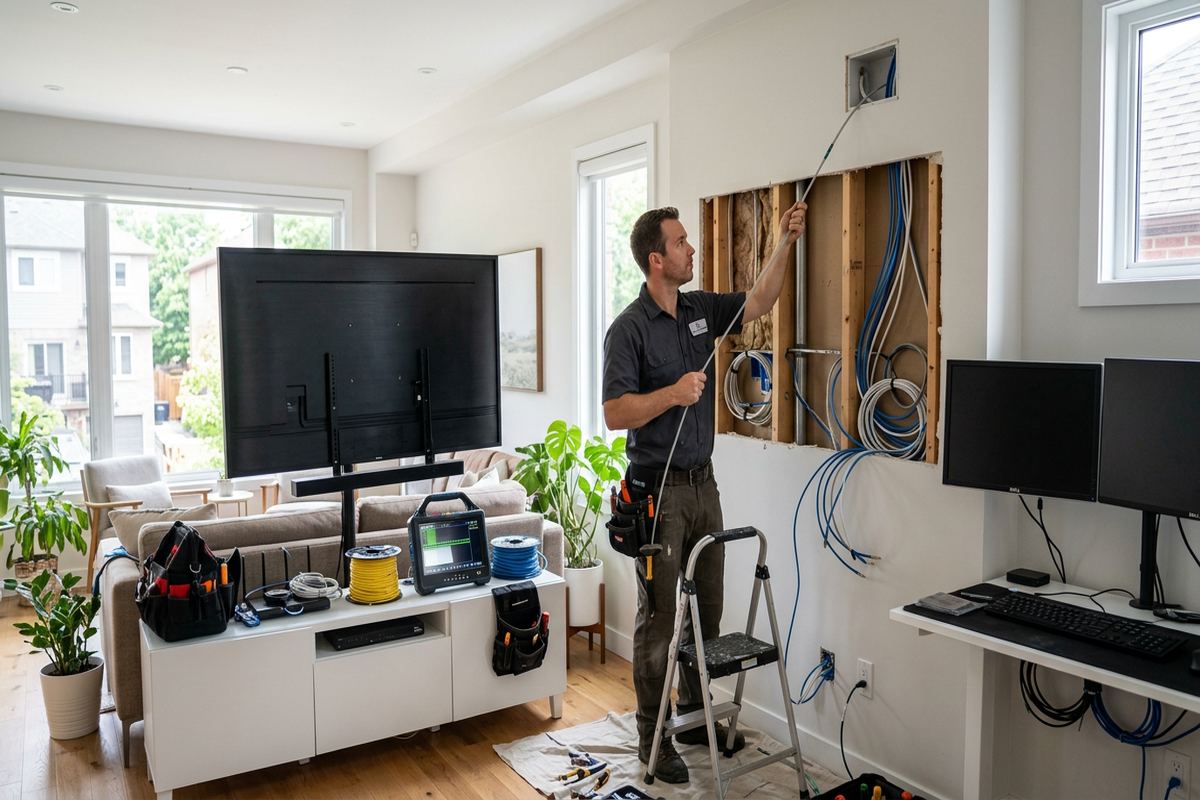
Reliable streaming depends on coverage at the television, not merely a strong signal near the internet modem. Chalets, short-term rentals and resort properties around Collingwood often place networking equipment inside mechanical rooms, lower levels or utility closets, while the outdoor viewing area sits beyond masonry, insulated walls or metal-clad assemblies. UnifiedLink checks the intended display location and reviews whether existing Wi-Fi is suitable for streaming and control. Where coverage is weak or inconsistent, the scope can include a wired network connection, an additional access point or changes to access-point placement.
The Blue Mountain area can present layouts with multiple floors, additions, decks and detached outdoor spaces. A single indoor access point may not cover each area evenly, particularly through stone, concrete or foil-backed insulation. Lighthouse Point and other condo or resort settings can add shared-building constraints and dense neighbouring networks. We consider cable access, equipment placement and property rules before proposing changes. Outdoor access points require appropriate mounting, cabling and weather suitability, while indoor access points should be positioned where the building materials do not unnecessarily block the route to the patio or terrace.
Rental operation adds account and support considerations. Guests should not need access to an owner’s primary password, personal streaming profile or network administration credentials. A separate guest network, clearly labelled controls and a simple source arrangement can reduce avoidable support calls. Remote access may assist an owner or property manager, but it must be set up using the customer’s own accounts and an agreed security approach. During handover, UnifiedLink configures supported equipment on site, records relevant device information and returns control using customer-owned credentials rather than retaining undisclosed administrative access.
- Wi-Fi checked at the outdoor viewing position
- Wired connections considered for stable streaming
- Access-point placement accounts for building materials
- Guest and owner access can remain separate
- Customer-owned credentials used during handover
Audio and Control Options in Collingwood
Outdoor audio must be designed for the listening area without creating unnecessary volume beyond it. Television speakers may be difficult to hear when wind, traffic, conversation or nearby mechanical equipment is present. A weather-suitable soundbar or distributed speaker system can improve clarity, but placement and control need to be coordinated with the screen. UnifiedLink reviews speaker direction, mounting surfaces, cable routes and amplifier location. In Downtown Collingwood, attached buildings, compact lots and mixed residential-commercial surroundings can make controlled coverage more appropriate than simply increasing output from a single speaker.
Control should remain understandable for everyone expected to use the system. A homeowner may prefer integration with an existing remote or mobile application, while a rental manager may need a limited, repeatable set of instructions for guests. Commercial patios may require staff access without exposing network or administrative settings. We document the selected source, normal startup sequence, volume control and any application dependencies during handover. Where several remotes or source devices are unavoidable, labels and concise operating notes can help distinguish everyday controls from service settings and reduce accidental changes to the installation.
Audio equipment located indoors needs a suitable path to outdoor speakers and a defined place for amplifiers, streamers or source components. Outdoor equipment requires protection consistent with its rating and exposure, including cable terminations that do not sit in pooled water. Wireless audio may still depend on reliable network coverage and nearby power, so it does not remove every infrastructure requirement. We test configured sources and controls on site under the available conditions. The final as-built information identifies equipment locations and cable destinations, making later adjustments or component replacement easier for the owner or another service provider.
- Speaker coverage planned for the seating area
- Weather-suitable audio equipment options reviewed
- Controls simplified for owners, guests or staff
- Equipment and cable destinations documented
- Configured sources tested during on-site handover
Approvals for Condos, Rentals and Businesses
Permission should be confirmed before drilling into a shared, leased or managed exterior. Condo corporations may regulate balcony use, visible equipment, penetrations, wiring routes and alterations to common elements. Landlords may have separate requirements for mounting or restoration, and short-term rental operators may need property-manager approval. UnifiedLink can provide a defined proposed location and cable route for the customer’s approval process, but the customer remains responsible for obtaining required permissions unless the written scope states otherwise. Work is scheduled after applicable constraints are understood, reducing the risk of an installation that must be moved.
Resort properties near Blue Mountain and units at Lighthouse Point may have architectural standards that affect bracket visibility, exterior conduit, screen position or equipment storage. Even an exclusive-use terrace can include common-element walls or railings. Freestanding structures may sometimes avoid a wall penetration, but they still require a stable base, power planning, cable protection and approval. The assessment records the accessible surfaces and proposed route, while the written scope identifies assumptions and exclusions. If opening a wall, modifying a railing or arranging electrical work falls outside the low-voltage scope, that responsibility is stated before installation.
Commercial strips and industrial units in Collingwood introduce different operating conditions. A hospitality patio may require the screen to be visible from several seating zones, while a showroom, service counter or staff area may use a display for information rather than entertainment. Exterior walls may be concrete block, precast panels, steel framing or insulated metal panels, each requiring an appropriate mounting and penetration method. Business owners also need to consider content rights, operating hours and staff controls. UnifiedLink focuses its scope on the physical display system, connectivity, configuration and documented handover.
- Condo and landlord approvals confirmed by customer
- Common-element restrictions reviewed before drilling
- Commercial mounting surfaces assessed individually
- Visible conduit and bracket placement documented
- Out-of-scope trade work identified in advance
Collingwood Site Assessment, Installation and Handover
Every project begins with a site assessment before pricing. The visit or assessment process reviews the viewing area, display exposure, wall construction, likely structural attachment, seating distance, glare, electrical availability, source equipment and network performance. Access through finished spaces, crawl spaces, attics or utility areas is also considered. Site assessment timing depends on the service and travel distance. Requests sent during business hours are answered the same day, while after-hours requests are answered the next business day. A reply confirms the next planning step rather than promising an installation date before the site requirements are known.
Following assessment, UnifiedLink prepares a written scope that defines equipment, cable routes, device placement, exclusions, equipment ownership and warranty. This is where responsibilities for display supply, mount selection, electrical coordination, permits or approvals and restoration are made clear. Changes discovered after concealed areas become accessible are discussed rather than handled through undocumented substitutions. On the installation date, the team follows the agreed route, installs continuous labelled cable runs, configures included equipment on site and checks normal operation. One accountable contractor coordinates the low-voltage display, network, audio and control components within the stated scope.
Handover is intended to leave the Collingwood property owner, manager or business in control. Supported devices are configured using the customer’s own credentials, and normal source selection, streaming, audio and control functions are reviewed. The customer receives an as-built record showing installed device information and cable routing appropriate to the project. For chalets and short-term rentals, operating notes can distinguish guest functions from owner or administrator settings. Any known limitations, third-party dependencies or seasonal considerations are identified, providing a practical reference for future troubleshooting, maintenance, network changes or eventual display replacement.
- Assessment completed before final pricing
- Written scope defines equipment and responsibilities
- One contractor coordinates low-voltage system work
- On-site configuration uses customer credentials
- As-built record supplied at handover
Collingwood neighbourhoods we cover
- Downtown Collingwood
- Blue Mountain area
- Georgian Meadows
- Creekside
- Lighthouse Point
Outdoor TV installation in Collingwood — common questions
Can an indoor TV be installed outside under a covered patio?
A roof reduces direct precipitation, but it does not eliminate cold, condensation, wind-driven moisture, glare or temperature limitations. For Collingwood conditions, UnifiedLink reviews the exposure and intended operating season before recommending equipment. An indoor television may also have warranty and brightness limitations outdoors. The written scope identifies the proposed display type, mounting approach and any limitations the owner accepts.
Will the installation withstand a Collingwood winter?
The design considers the display’s specified operating range, wall construction, corrosion exposure, cable protection, sealing and freeze-thaw conditions. Whether the television can remain installed or operate through winter depends on the selected equipment and exposure. We do not assume every screen or cover is suitable. Seasonal shutdown, inspection or removal requirements are documented when they apply to the proposed installation.
Do I need an electrician for outdoor TV power?
If a suitable outdoor receptacle is already present, it is reviewed as part of the site assessment. New or altered line-voltage wiring may require a licensed electrical contractor. UnifiedLink defines the low-voltage work and identifies electrical coordination in the written scope. Power cords, extension leads and indoor-rated power bars are not used as substitutes for correctly planned outdoor electrical service.
Can you improve Wi-Fi on my chalet deck?
Yes, Wi-Fi coverage can be assessed at the actual outdoor viewing location. Collingwood chalets and Blue Mountain area properties may have multiple levels, masonry, additions or insulated assemblies that weaken indoor signals. Depending on access and performance needs, the scope may include a wired television connection, relocated access point or additional weather-suitable access point. Any new cable route is documented.
Do I need condo or landlord approval?
Approval may be required when the wall, balcony, railing or cable route is leased, managed or part of a condo’s common elements. This is relevant at Collingwood resort and waterfront properties, including Lighthouse Point. UnifiedLink can document the proposed mounting position and route, but the customer is responsible for securing permission unless the written scope expressly assigns that task elsewhere.
Can you set up the TV for a short-term rental?
Yes. The system can be planned with simple source selection, guest Wi-Fi separation, labelled controls and operating notes. For Collingwood short-term rentals, remote access can also be considered where the selected equipment supports it. Configuration is completed with the owner’s own credentials, and UnifiedLink does not retain undisclosed administrator access. Account subscriptions and guest content policies remain the owner’s responsibility.
Coverage in Collingwood is confirmed against the address before we quote. See everything we install in Collingwood or the province-wide outdoor tv installation page.